

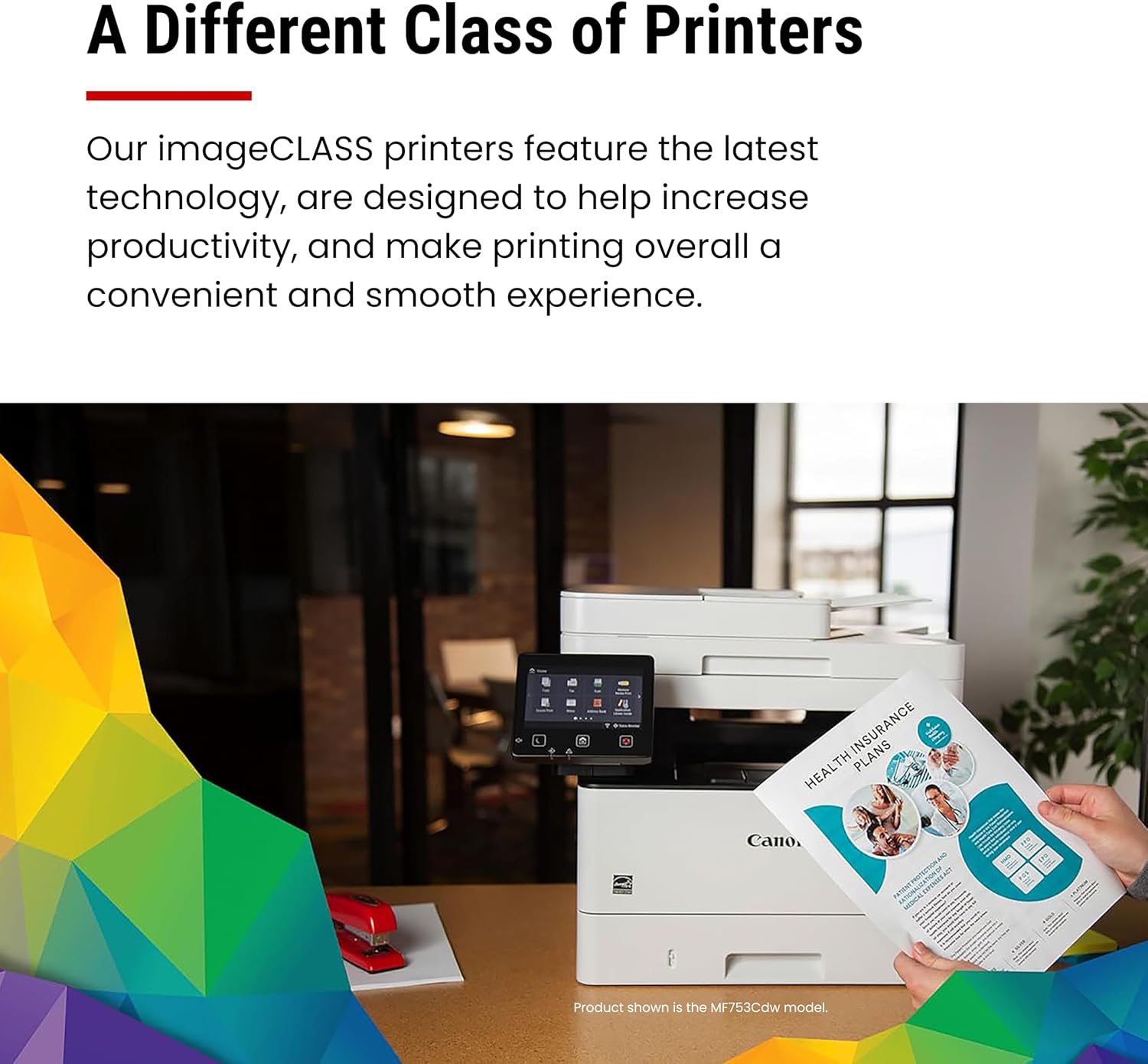
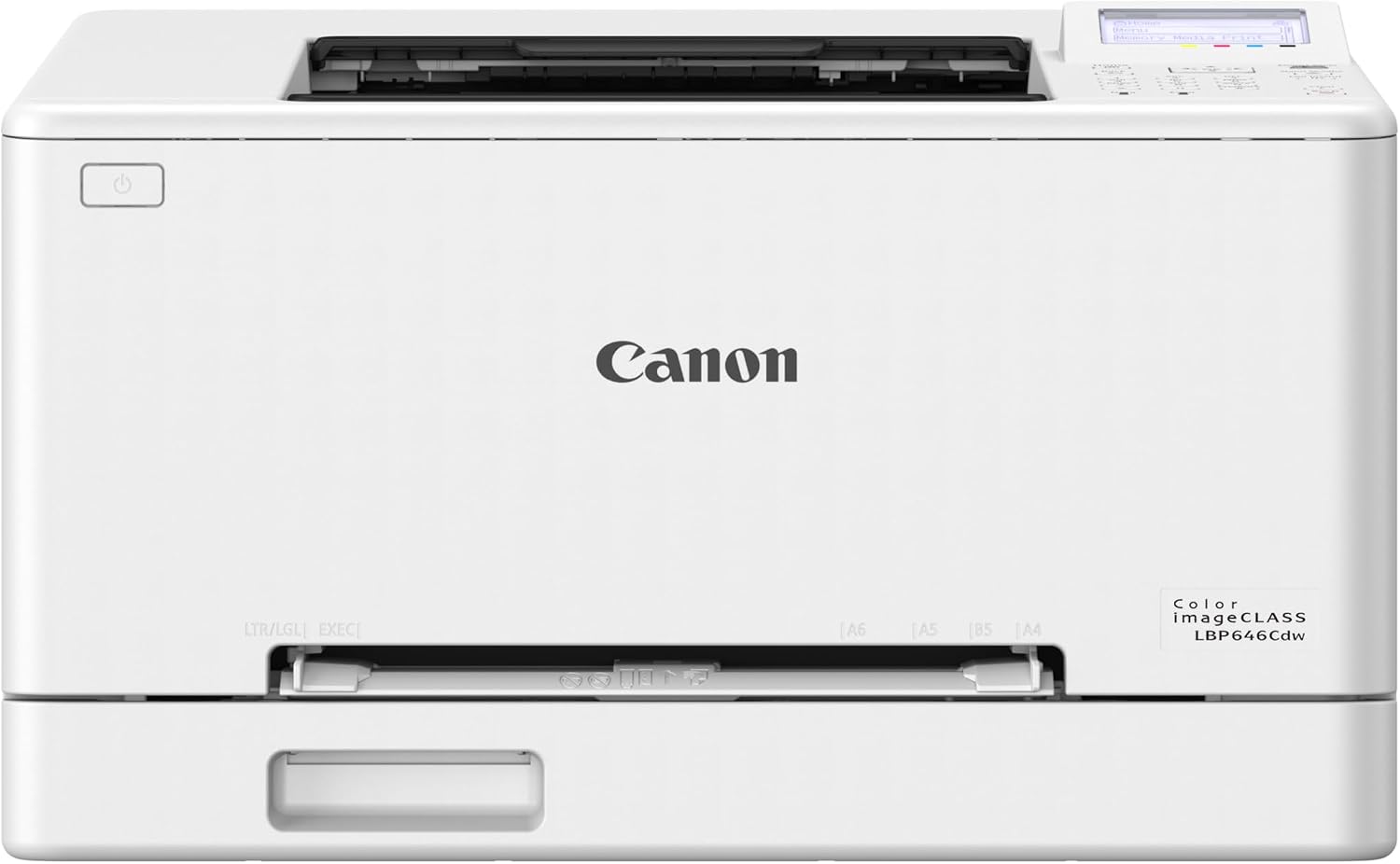
Canon color laser printer LBP646Cdw
Product description
Highlights
When a home office or small workspace needs color documents without a bulky all-in-one setup, the Canon Color imageCLASS LBP646Cdw keeps the job focused on printing.
It prints in color and monochrome at up to 26 pages per minute, with a first print time of approximately 10.3 seconds. That pace can help when you need a stack of documents ready without a long wait.
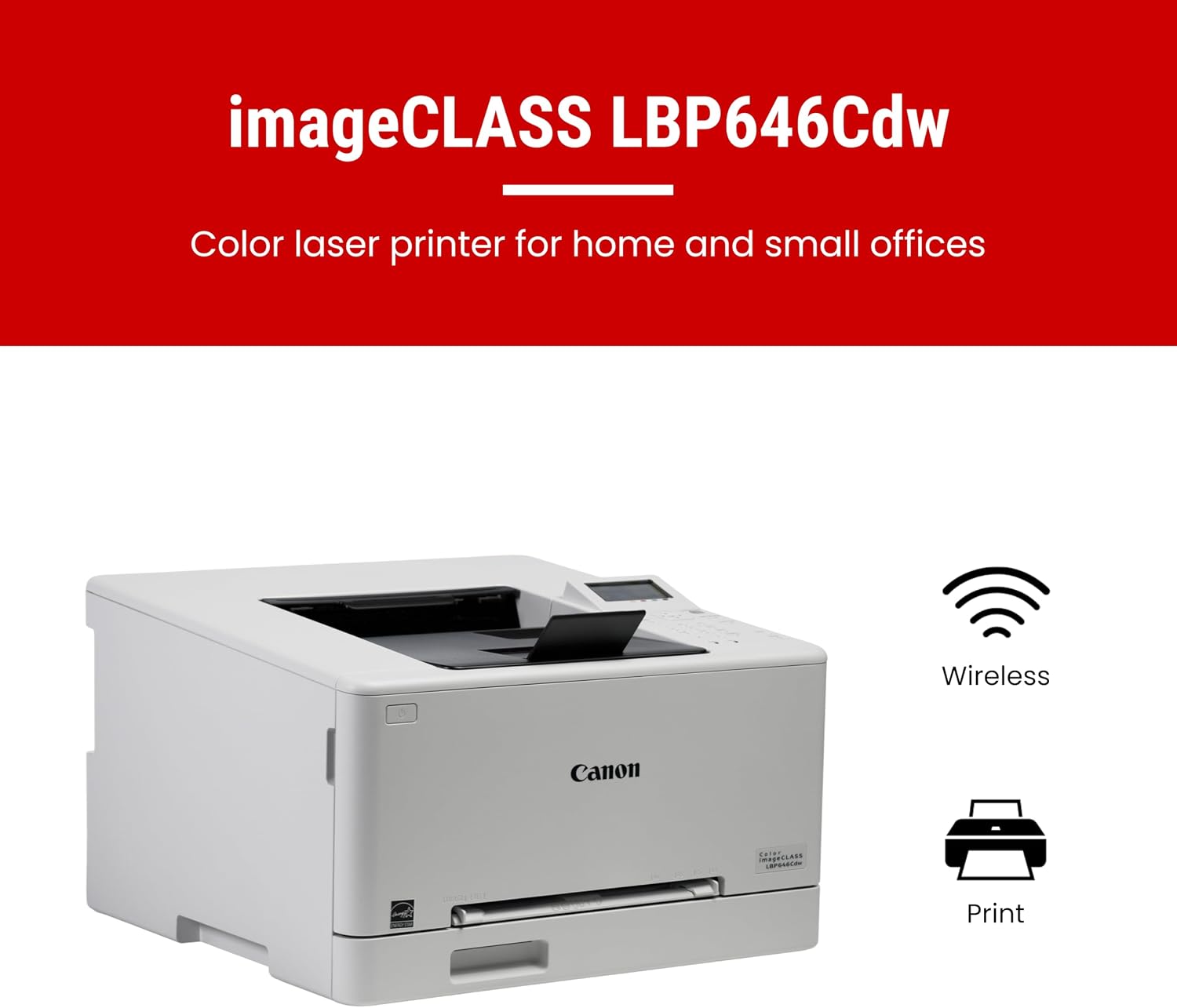
Wireless printing, duplexing, and mobile printing add flexibility. The trade-off is clear: this is a printer only, not a machine for scanning or copying.
Best use cases
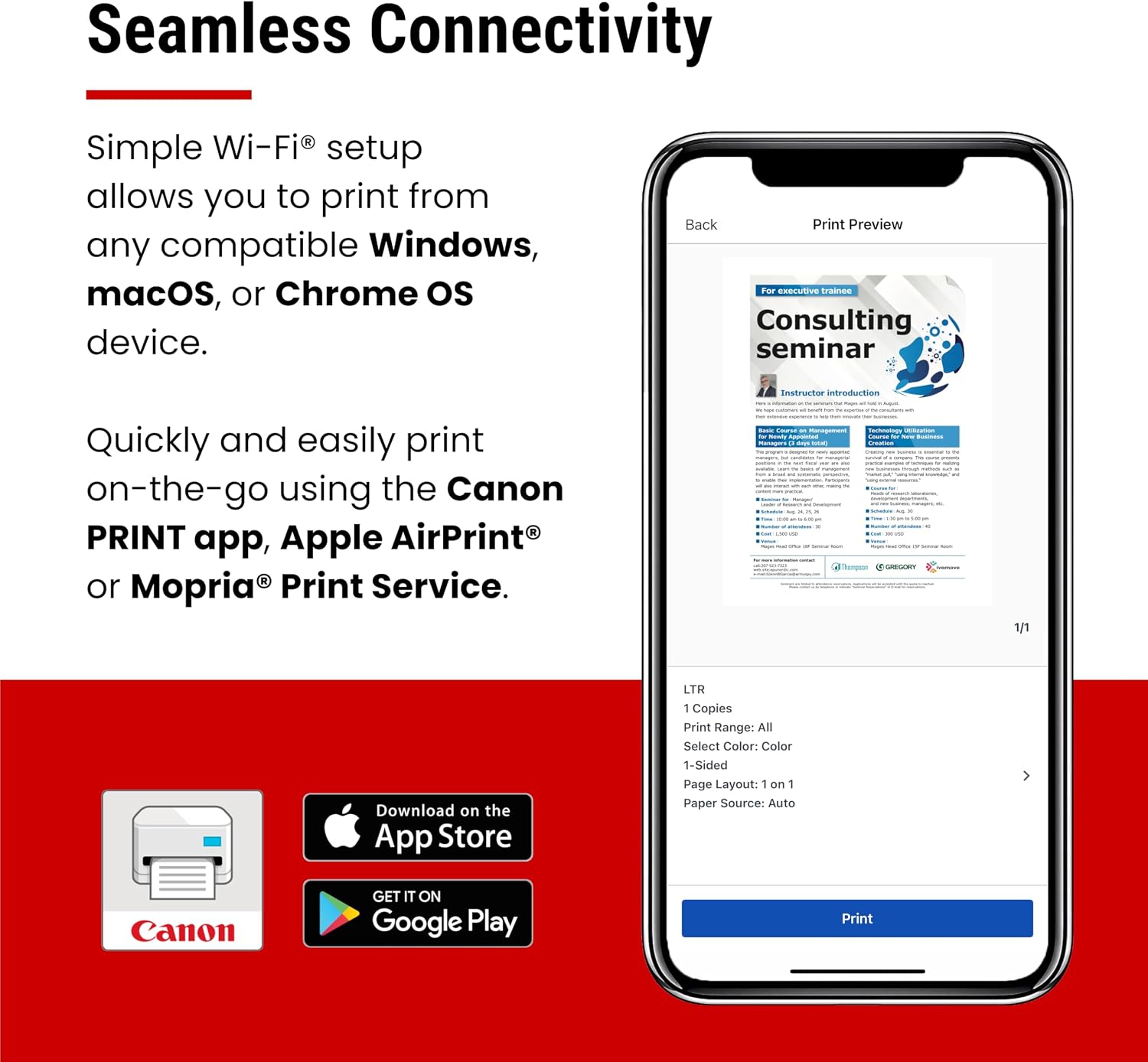
This model makes the most sense for regular document printing: reports, forms, and other color pages that benefit from a faster laser workflow. For example, you could send a color handout from a compatible phone using the Canon PRINT app, Apple AirPrint, or Mopria Print Service, then print a batch without connecting a computer by cable.
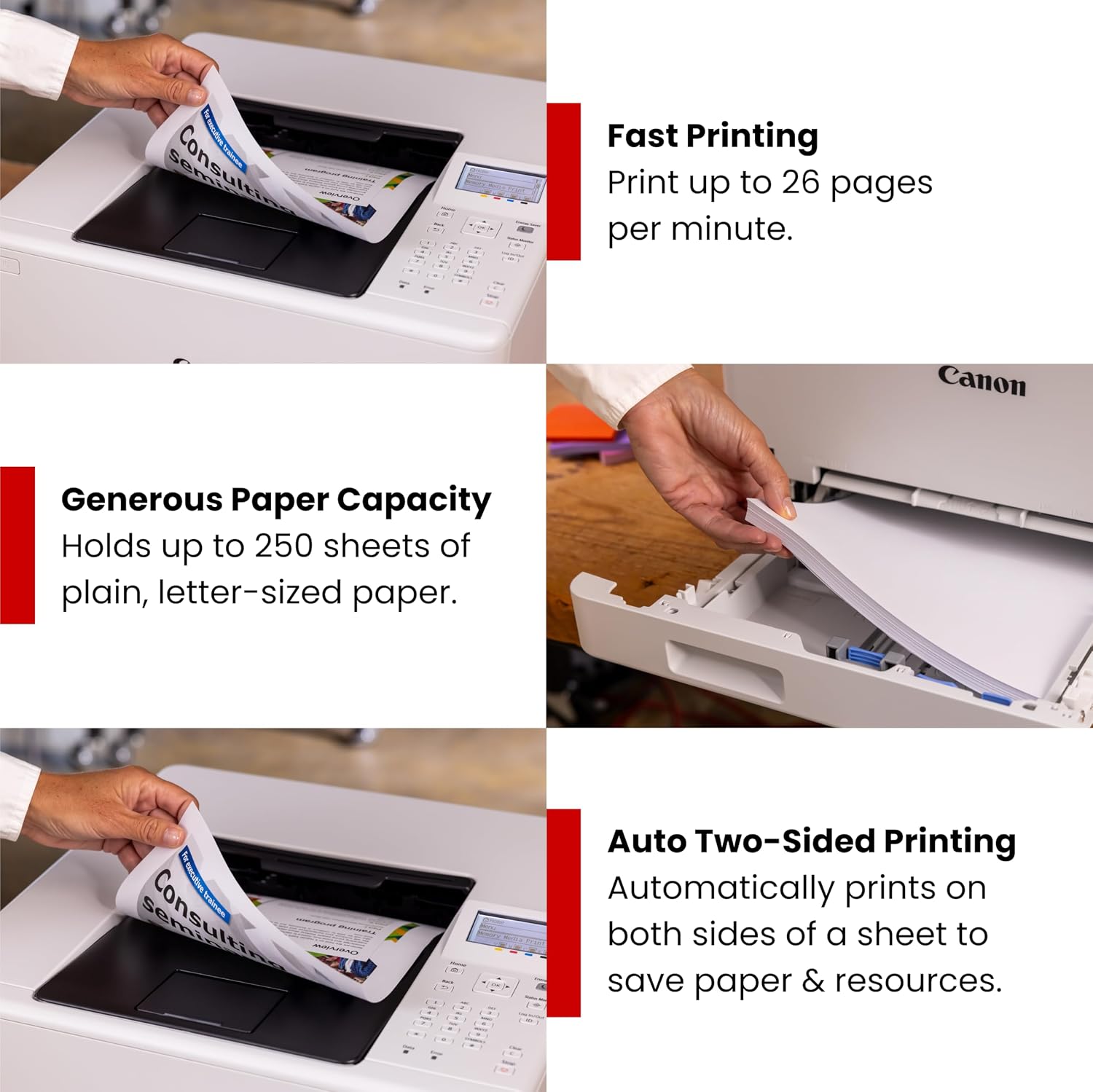
Its 250-sheet standard cassette is suited to keeping everyday paper loaded, while the 1-sheet multipurpose tray gives you a separate way to feed a sheet when needed. The combination is more practical for ongoing document work than a basic printer with only a small paper supply, though the single-sheet tray is not designed for loading a stack of alternate paper.
It makes sense if you want a wireless color printer with duplex printing and don’t need document capture or office-in-one functions. If your routine includes scanning signed pages or making copies, an all-in-one printer is the more suitable approach.
Tips for day-to-day use
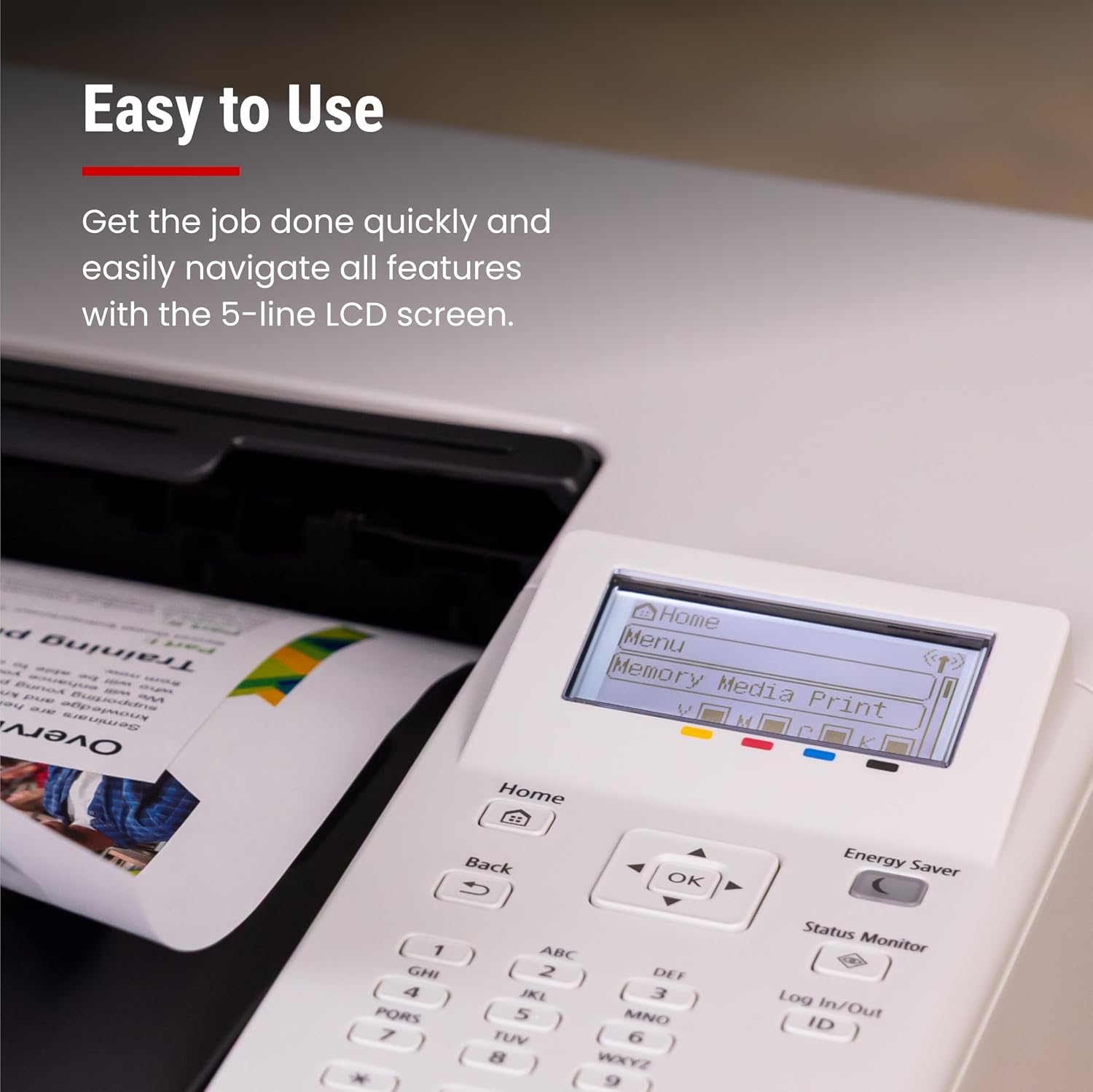
Set up the wireless connection using the printer’s setup process, then choose a supported mobile printing option if you want to send jobs from a phone or tablet. The 5-line LCD screen provides an on-device way to navigate features, which can be useful when you’re printing without a computer in front of you.
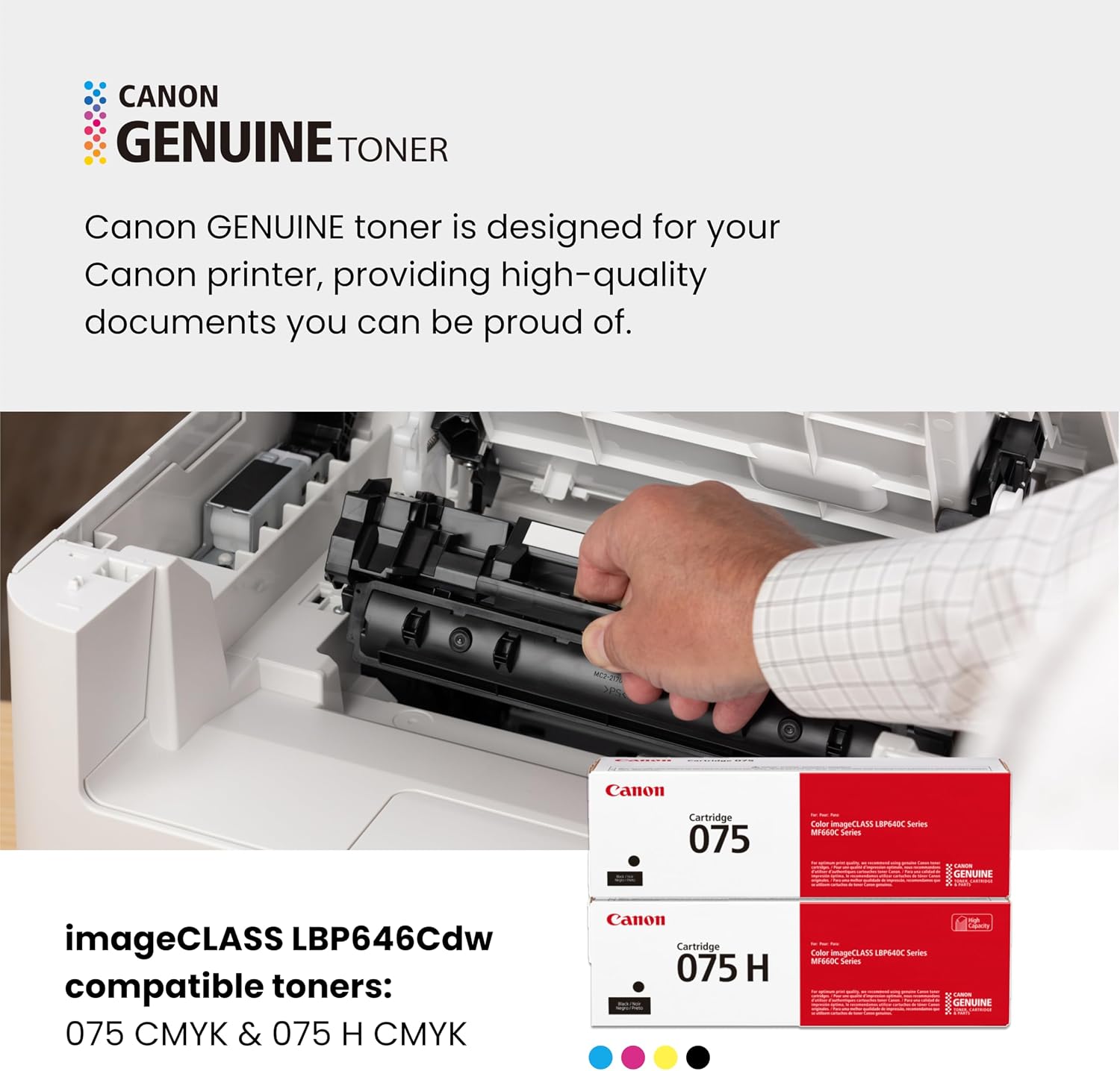
Duplex printing can handle jobs that need printing on both sides, helping reduce paper use for longer documents. Keep in mind that the multipurpose tray holds just one sheet, so it’s better for occasional separate-sheet jobs than repeated feeding. The printer uses Canon Genuine Toner 075 or 075 high-capacity toner, the supplied details don’t specify toner costs or page yields, so those are worth factoring into your ownership decision.
Before you decide
Can it scan, copy, or fax? No. The LBP646Cdw is a single-function printer, so those tasks require separate equipment.
Can you print from a mobile device? Yes, from compatible devices using the Canon PRINT app, Apple AirPrint, or Mopria Print Service. Compatibility depends on the device and service you use.
Does it support automatic two-sided printing? Duplex printing is listed as a feature. The provided information does not describe the exact settings or paper types supported, so check those details if your jobs have specific requirements.
Buying verdict
On the spec sheet, this Canon has a focused mix of wireless access, color laser printing, duplexing, and a 250-sheet cassette. That’s a useful fit for a workspace that prints documents often and wants mobile access without paying for features it won’t use. Not the best choice if scanning, copying, or faxing needs to happen on the same machine. Choose it when print speed and a dedicated color-printing workflow matter more than all-in-one versatility.