

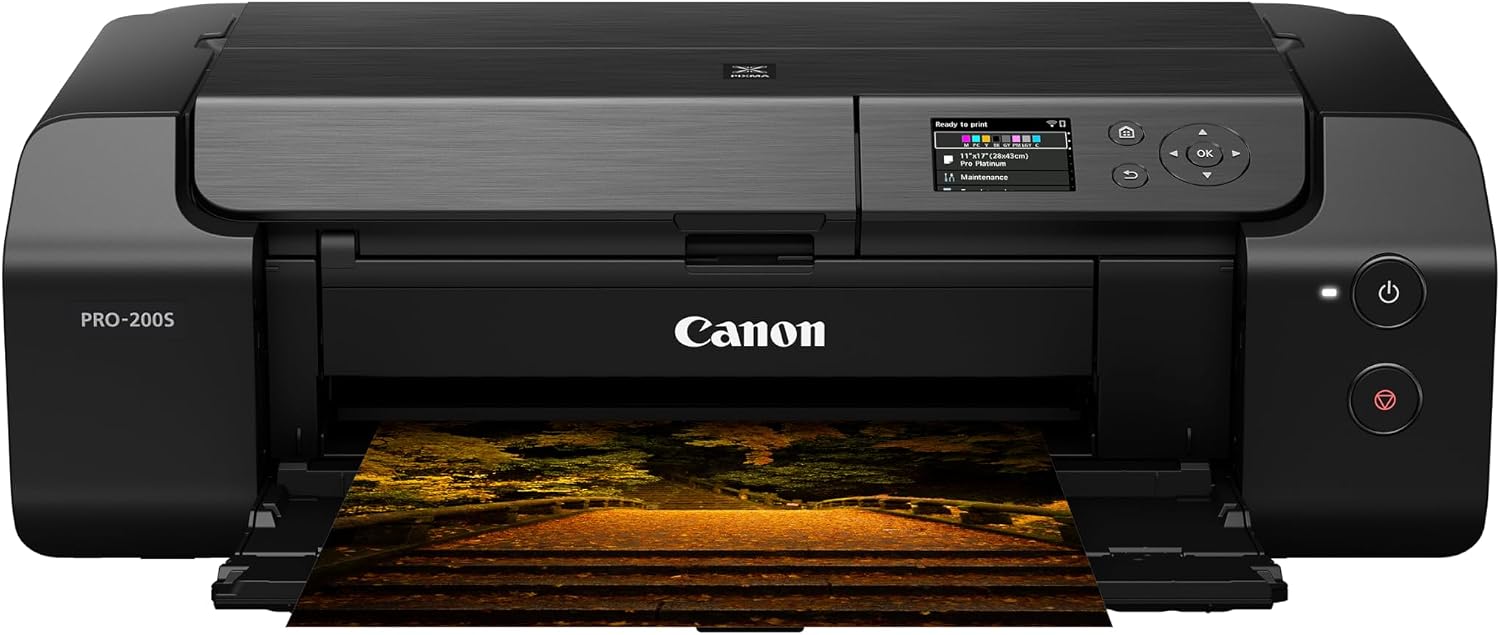
Canon inkjet photo printer PRO-200S
Product description
What matters most
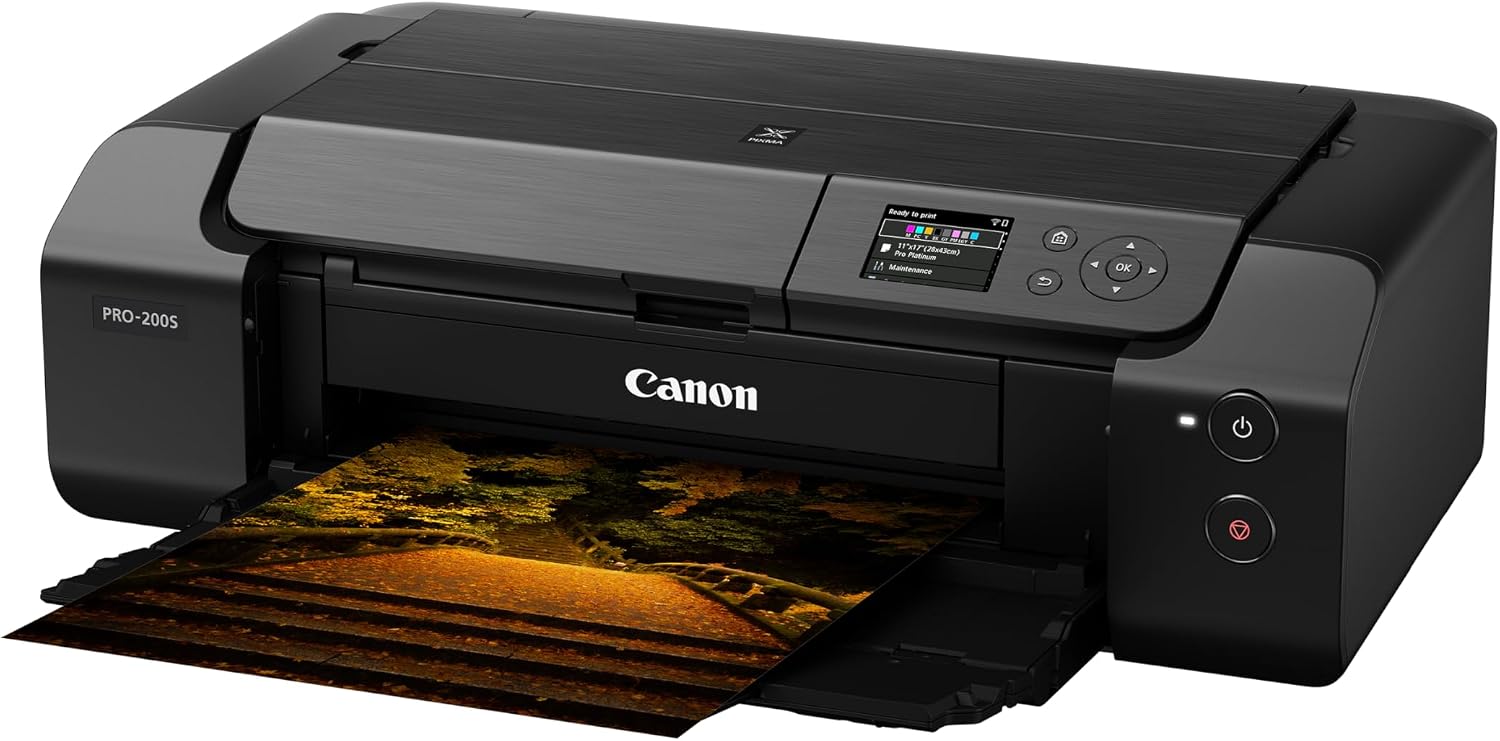
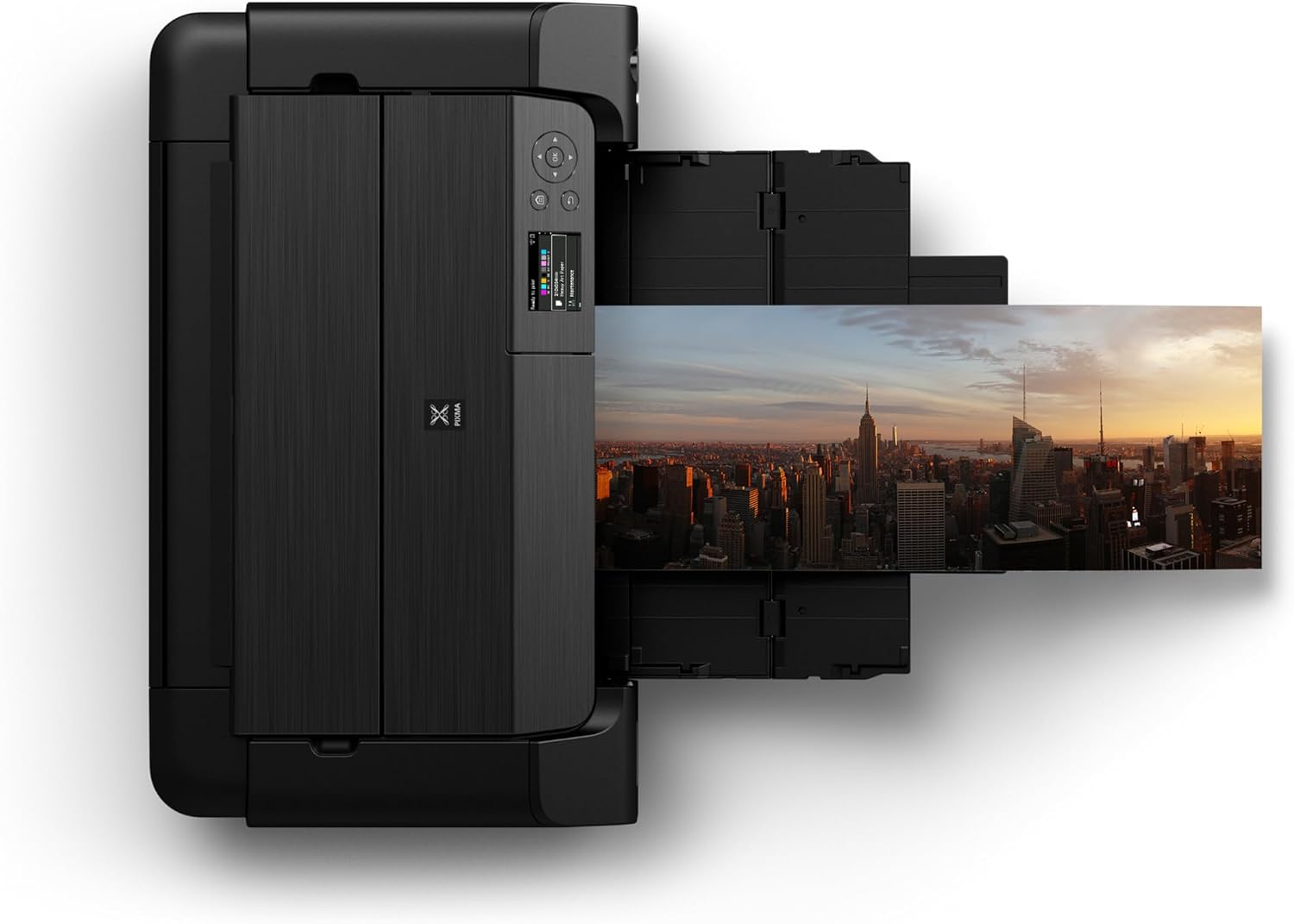
For a home studio, a small creative workspace, or a photo project that deserves more than a standard office print, the Canon PIXMA PRO-200S is built around color photo output. Its eight-color dye-based ink system is intended to produce vibrant prints, and borderless printing supports sizes from 3.5 x 3.5 inches up to 13 x 19 inches. That range gives you room to make a square image for a small frame or a larger print without a border.
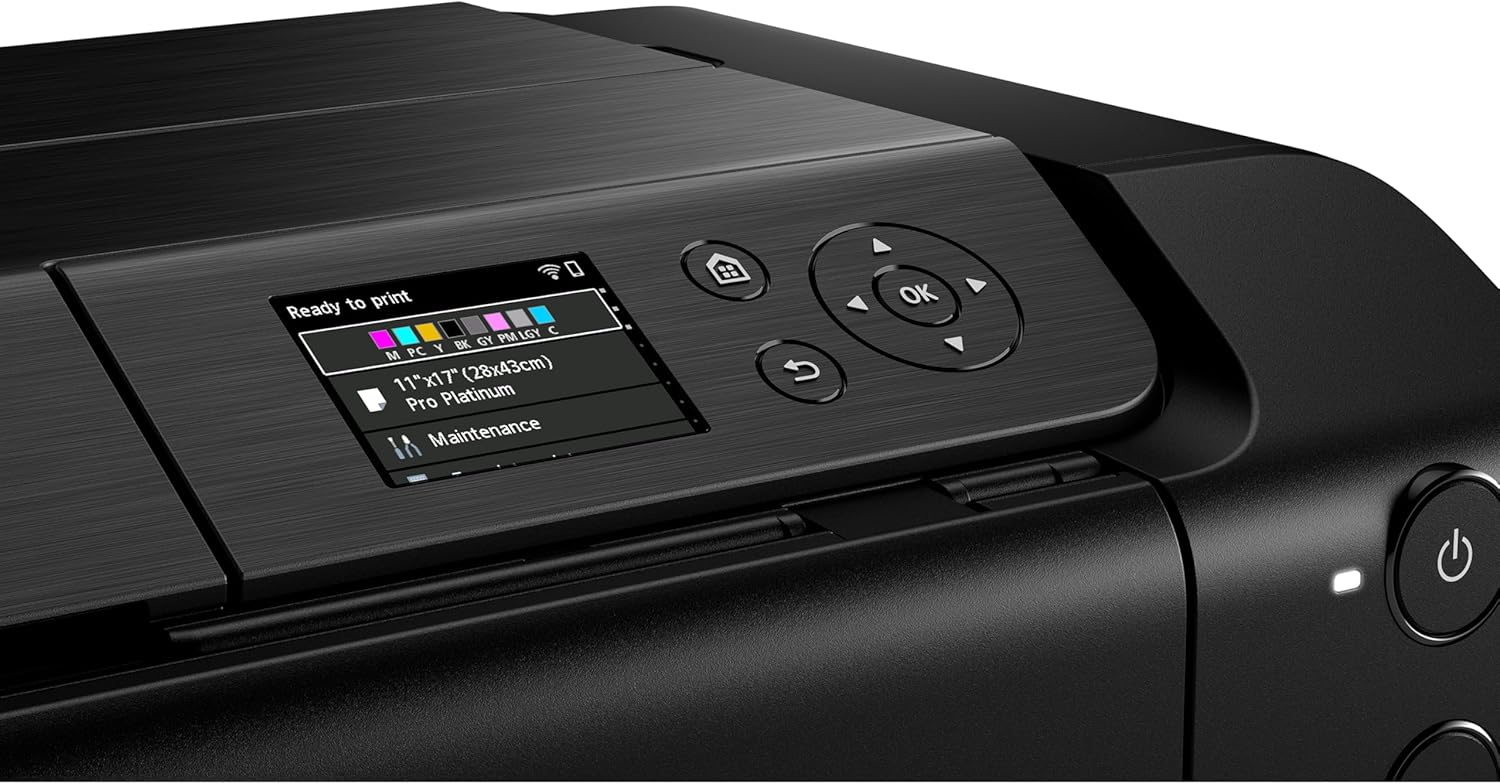
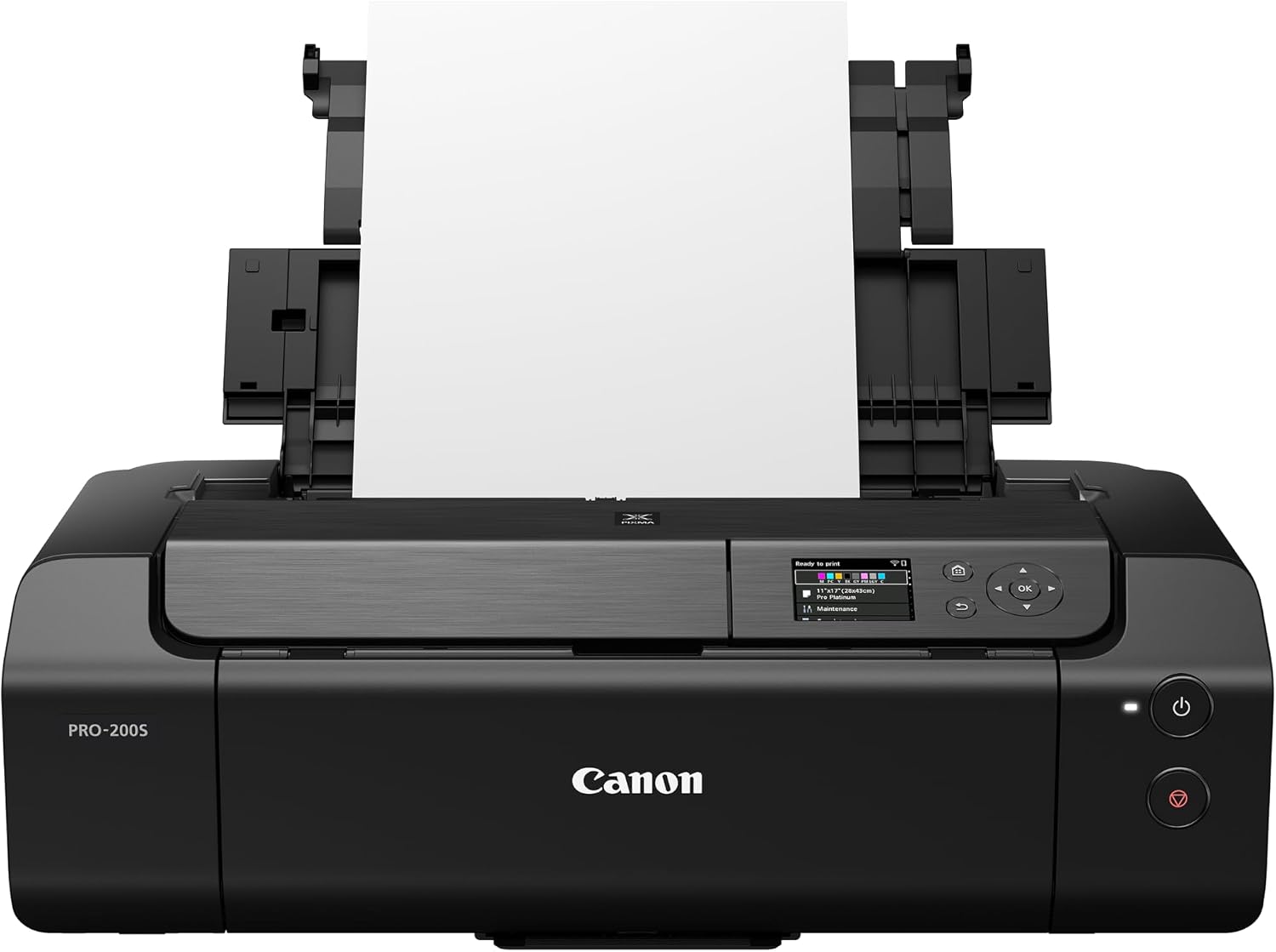
It also has a 3-inch color LCD for checking ink levels, printer status, and settings. Keep in mind that the listed speed figures apply to bordered prints: an A3+ print is listed at 90 seconds, while an 8 x 10-inch print is listed at 53 seconds. Those figures help set expectations, but they don’t describe borderless print times.
How to use it
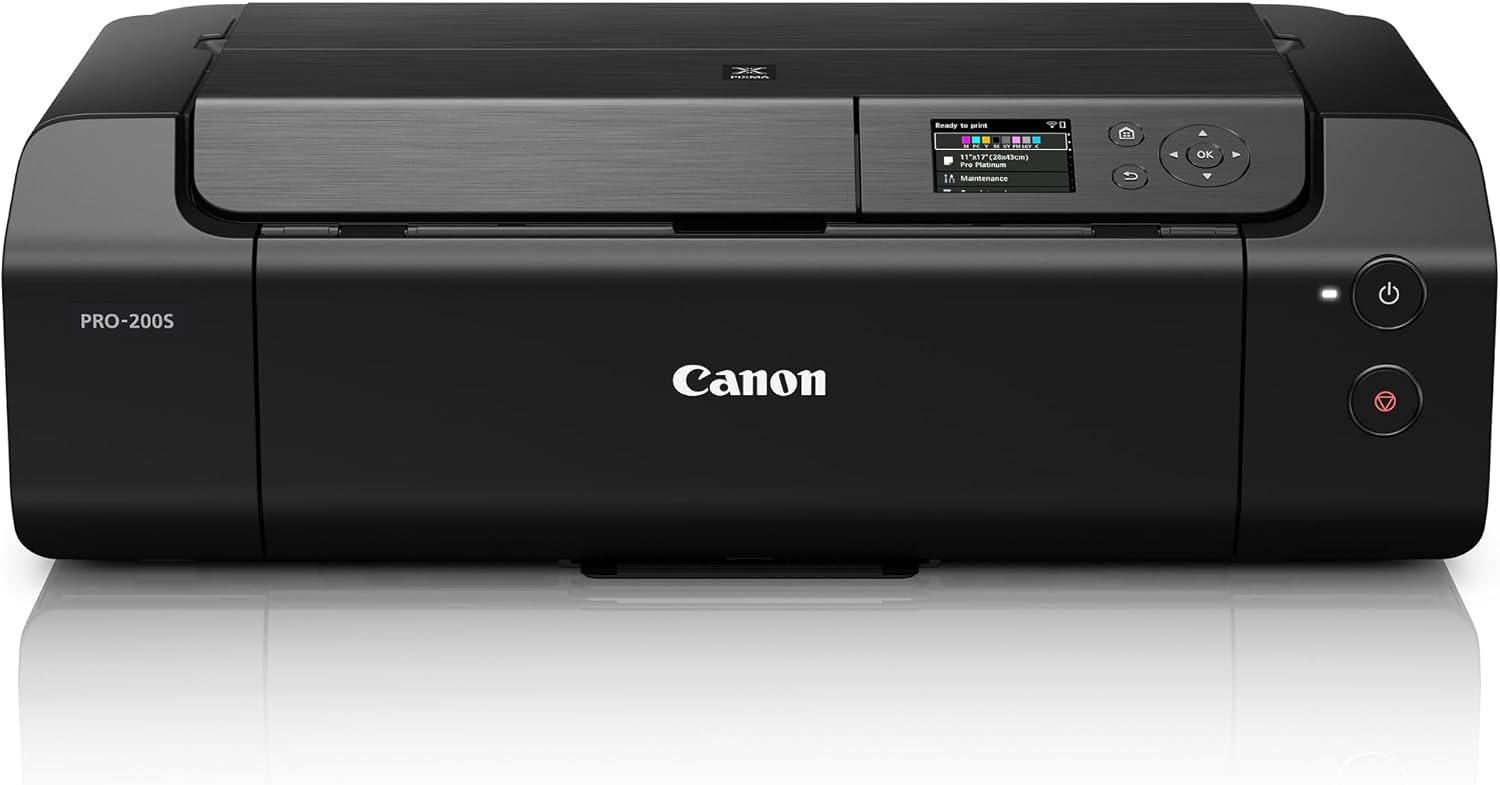
The main draw is choosing a print size and format that suit the image, then using the LCD to check the printer’s status and ink levels. For example, you could prepare a square photo for a small display, select a borderless format, and check the settings on the screen before printing. The product name identifies it as wireless, but the supplied details don’t explain setup steps or supported connection methods.
This is a more photo-focused approach than buying a basic printer mainly for everyday documents. Its eight-color dye system and broad borderless size range are the relevant features if finished prints matter to you. The information provided doesn’t specify paper capacity, running costs, or print durability, so those are worth weighing if you expect frequent or long-term production.
Practical tips
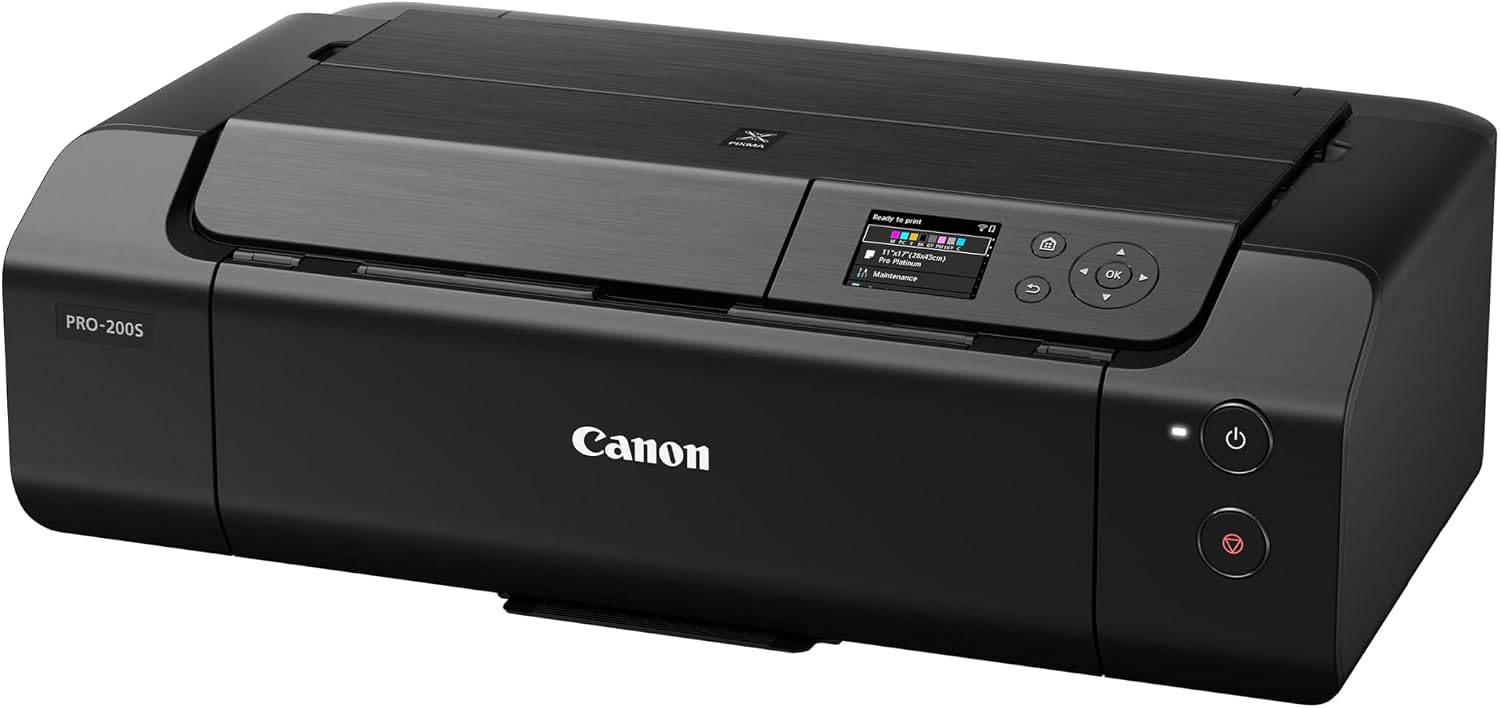
Match the print size to the image before you start: the listed borderless range runs from a 3.5-inch square to 13 x 19 inches, while the speed examples are for bordered output. If a particular print time matters for a project, use the stated figures as examples rather than assuming every size or format will finish at the same pace.
A solid pick if you want a photo printer with a wide range of borderless print sizes and an on-device color screen. Not the best choice if your main need is a straightforward printer for routine documents, or if you need confirmed details about ink costs and paper handling before buying.
Practical doubts
What borderless print sizes are listed? The stated range is from 3.5 x 3.5 inches up to 13 x 19 inches.
How fast does it print? The listed times are 90 seconds for a bordered A3+ print and 53 seconds for a bordered 8 x 10-inch print. The details don’t give times for other sizes.
What can I check on the LCD? The 3-inch color display shows ink levels, printer status, and other settings.
When it makes sense
Choose the PRO-200S when photo output is the priority and you’ll make use of its borderless size range, from small square prints to larger 13 x 19-inch work. It makes less sense if you only need occasional basic printing or your decision depends on details the product information doesn’t provide, such as ongoing ink costs. The practical tradeoff is clear: this model is aimed at flexible photo printing, not a general-purpose buying decision based on document needs alone.