

Canon All-in-One Printer TR8620a
Product description
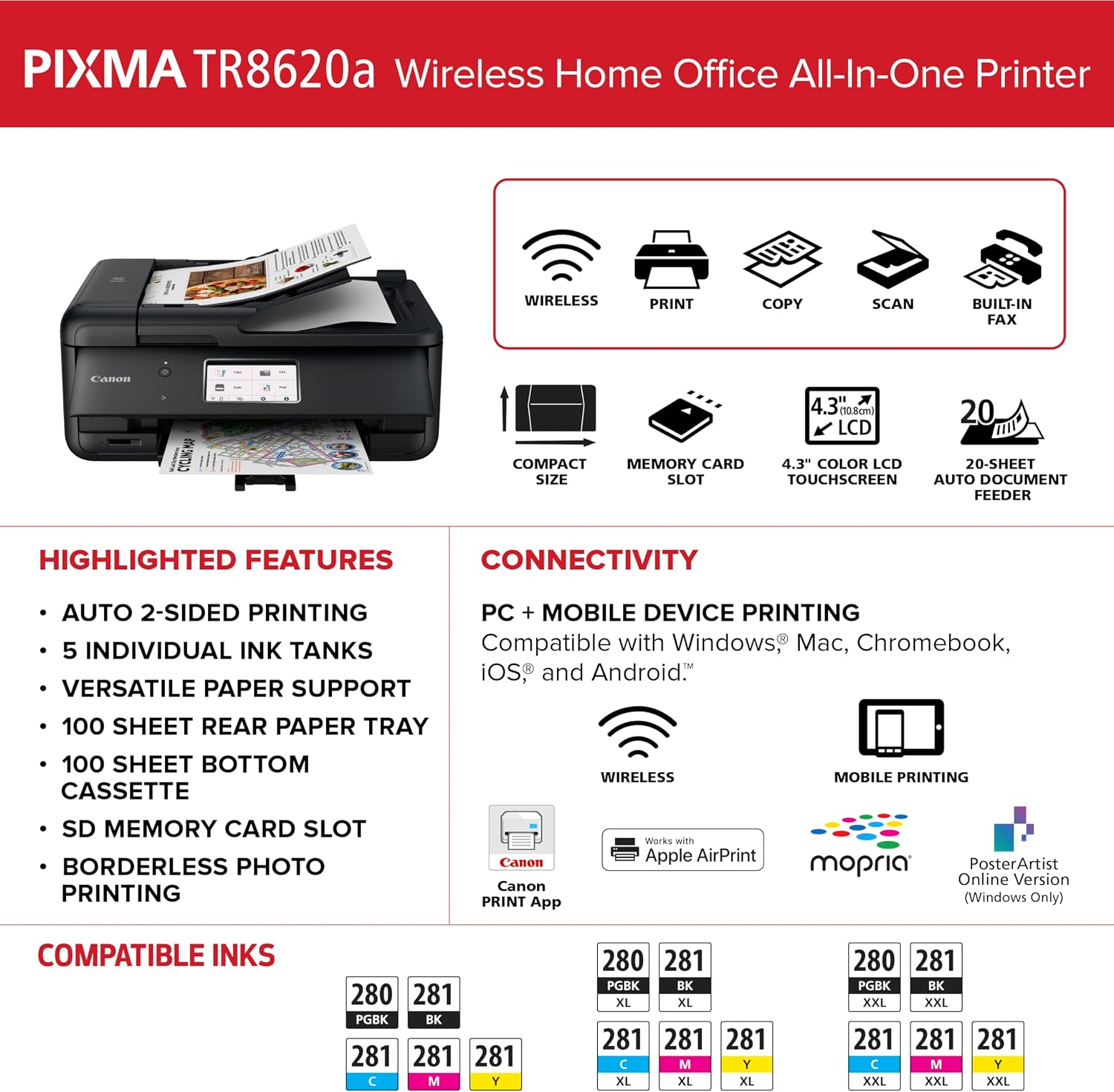
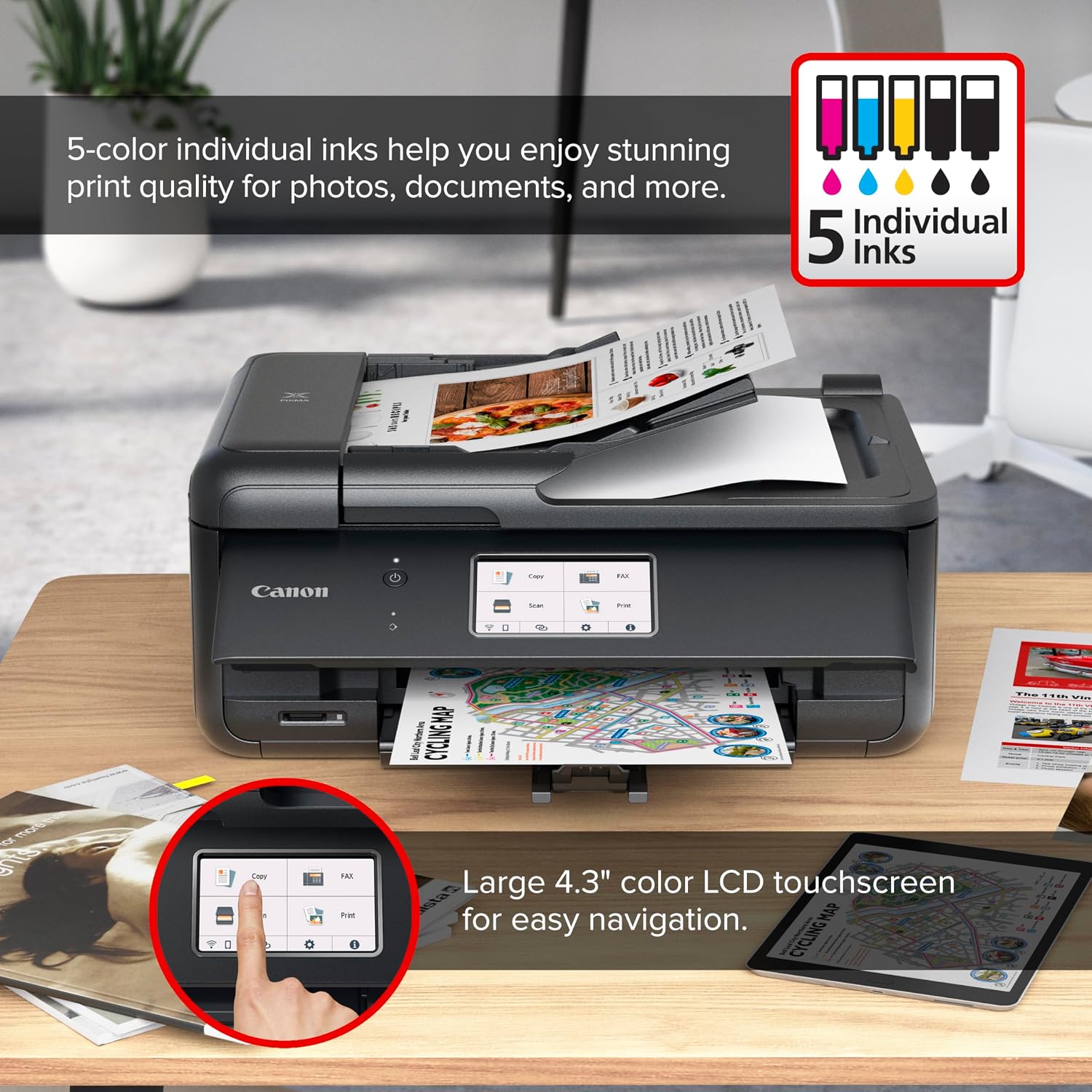
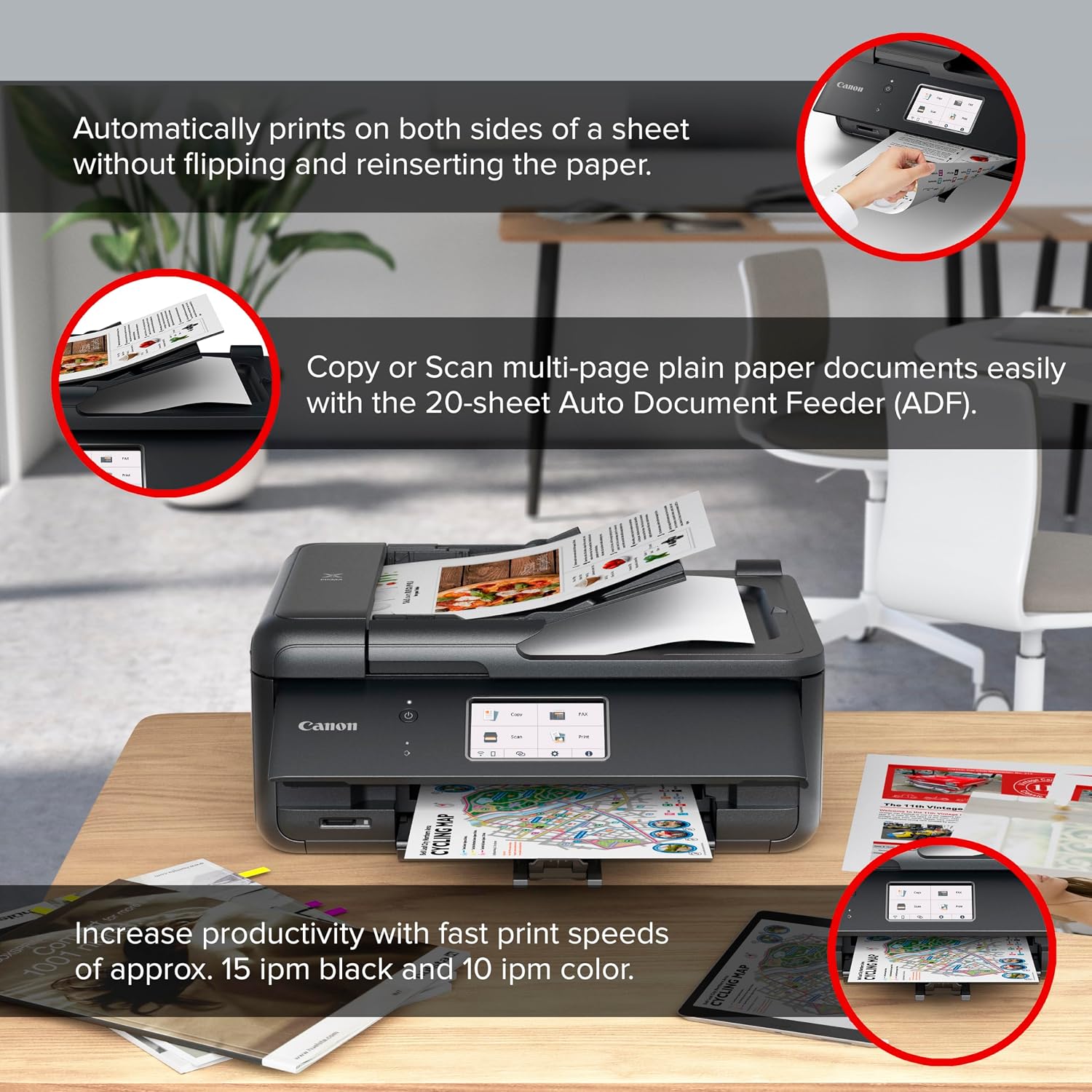
A home office can turn into a paper shuffle when printing, copying, scanning, and faxing all require separate devices. The Canon PIXMA TR8620a brings those four jobs together in a wireless all-in-one, with an automatic document feeder for handling multi-page tasks. It also supports automatic two-sided printing, which can reduce the need to flip pages by hand. For a mixed workload of documents and photos, the appeal is having several everyday functions in one printer rather than building a setup around separate machines.
Getting the most from it
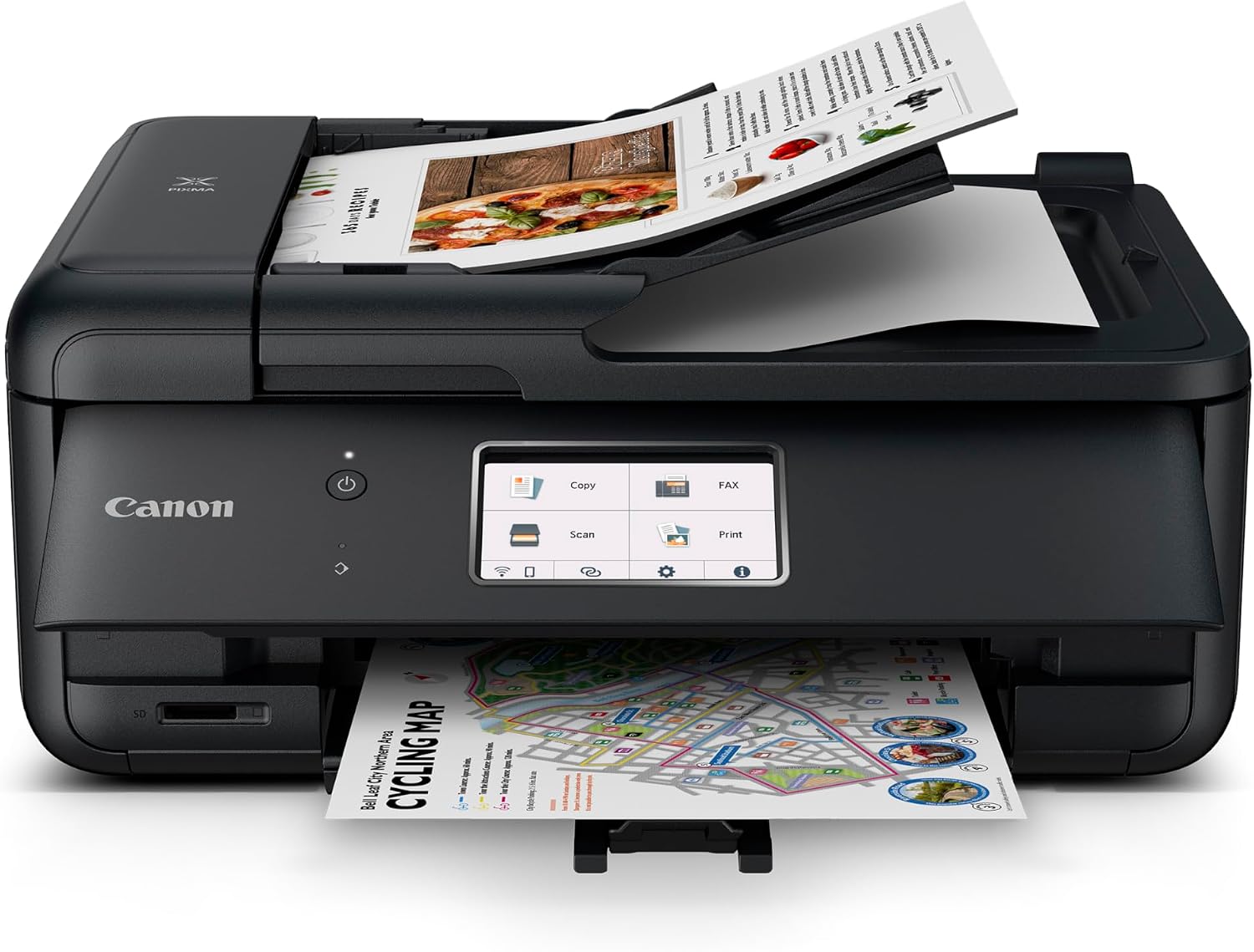
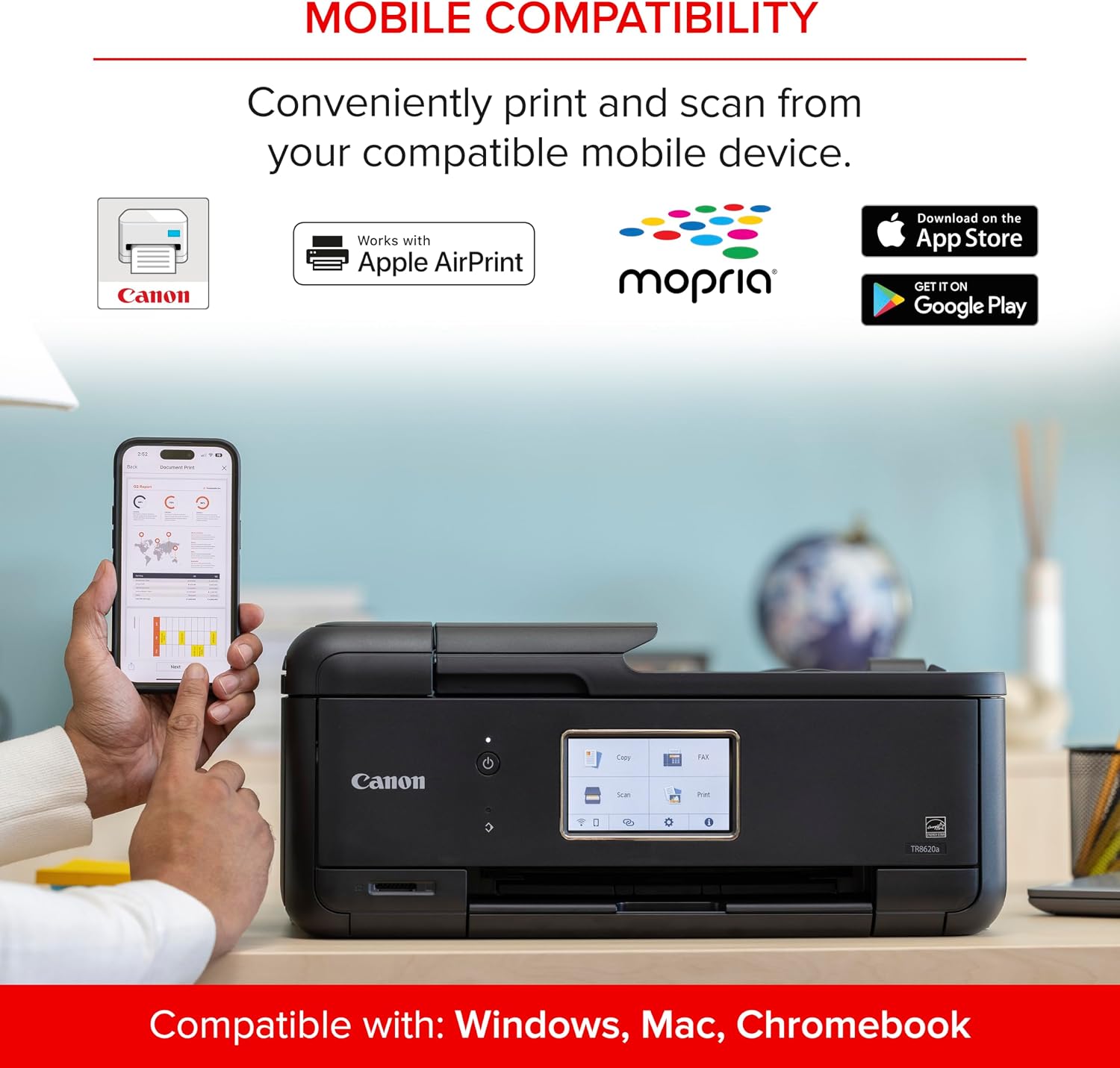
Use the TR8620a when your routine moves between different kinds of work: print a document, copy a page, scan paperwork, or send a fax from the same device. The automatic document feeder is useful when several pages need to be copied or scanned, for example, you can load a small stack of forms instead of placing each page on the scanner one at a time. Wireless connectivity and listed AirPrint and Android support give you options for printing from compatible devices, while automatic two-sided printing helps with longer documents.
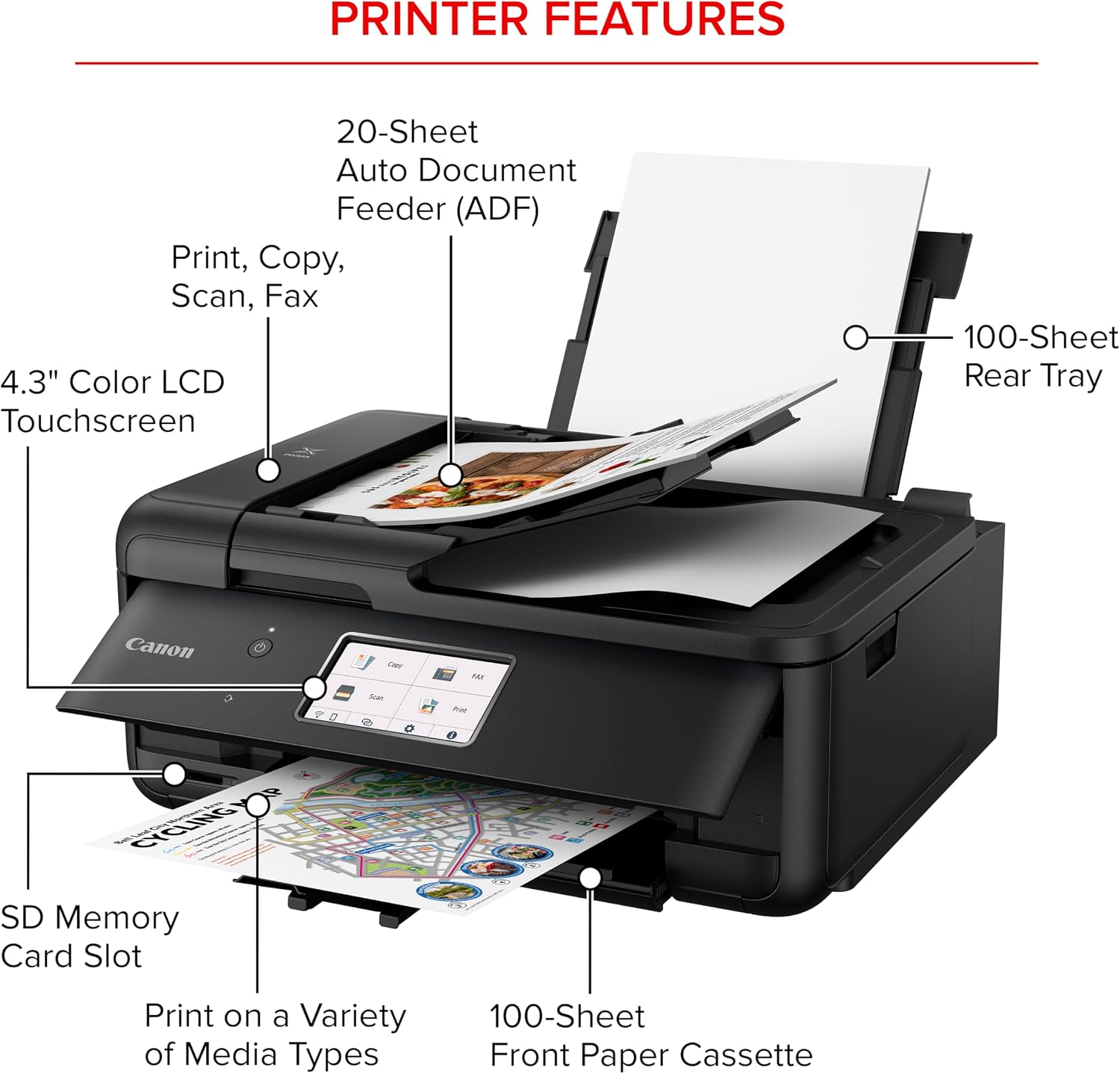
The printer has a 200-sheet capacity split between a 100-sheet cassette and a 100-sheet rear feed. That setup gives you two places to load paper, though the total capacity still means a busy stretch of printing may call for a refill. Print speeds are listed as 15 ipm for black and 10 ipm for color. Those figures help set expectations for routine jobs, but they don’t make this a high-volume office machine: the listed duty cycle is 1,000 pages.
Why it’s worth it
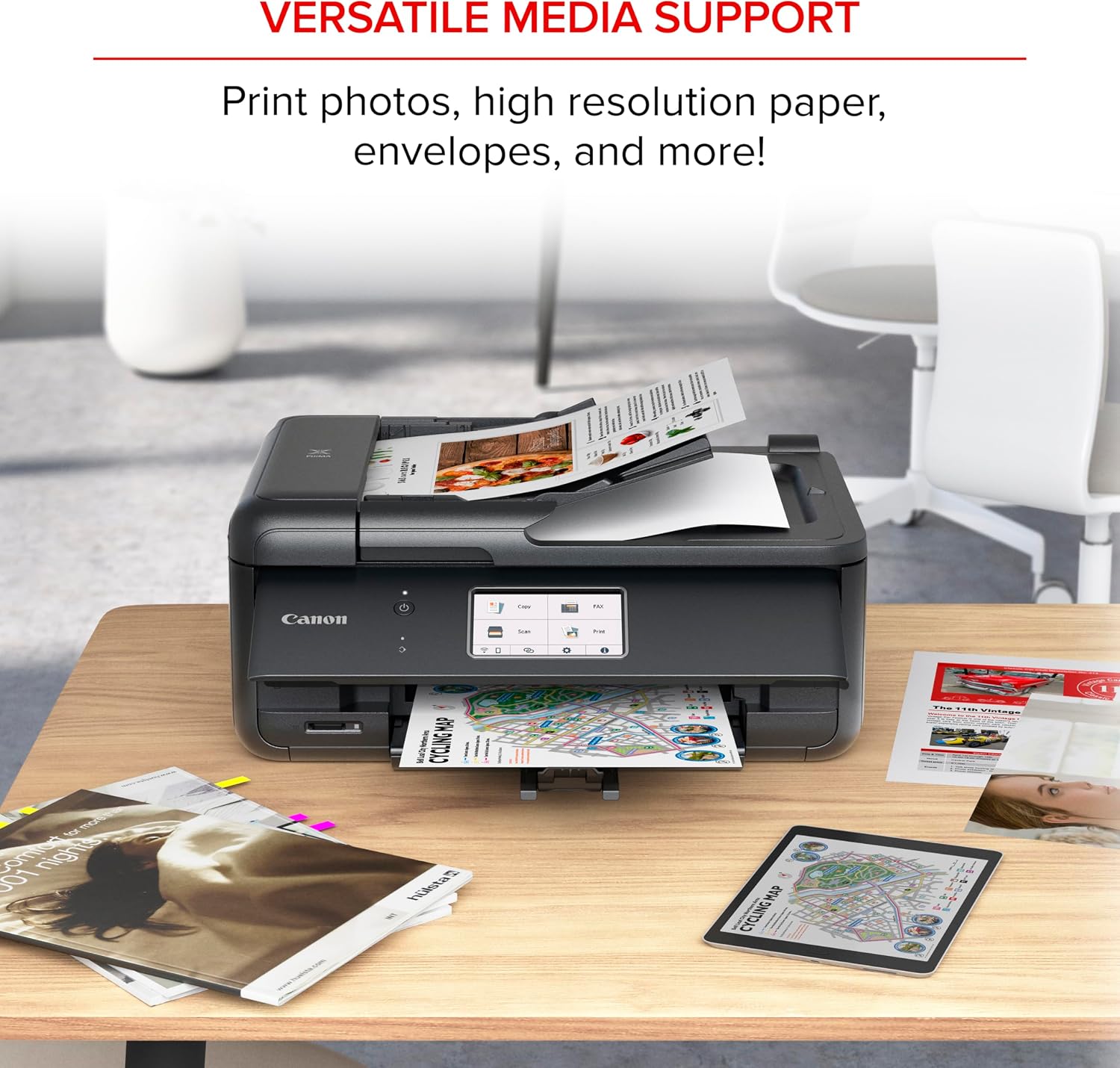
The main benefit is convenience, not a claim of specialist performance. A single device can cover home-office documents, copying, scanning, faxing, and photo printing, so it may make more sense than buying separate equipment for occasional use. You’ll appreciate it if you want an all-in-one printer with an ADF and wireless printing, rather than a basic printer focused only on output. If you prioritize handling several kinds of household and work tasks, this feature set is useful, if you prefer a simple device for occasional single-page printing, the extra functions may go unused.
Alexa support adds an ink-management option: the printer can send low-ink notifications, and Alexa can place a smart reorder through amazon if you enroll. Smart Reorders require enrollment, but the product description says there’s no subscription needed. That can make supply reminders less hands-on, although automatic ordering depends on opting into the feature rather than happening by default.
At a glance
- Functions: print, copy, scan, and fax
- Paper capacity: 200 sheets total, with a 100-sheet cassette and 100-sheet rear feed
- Printing: automatic two-sided printing, listed speeds of 15 ipm black and 10 ipm color
- Other listed features: automatic document feeder, wireless connectivity, AirPrint, Android, and Alexa support
- Duty cycle: 1,000 pages
Is it worth it?
The Canon PIXMA TR8620a is worth considering if you want one wireless machine to cover a range of home-office tasks and value an automatic document feeder, duplex printing, and a two-location paper setup. Its mix of photo and document use is more versatile than a printer built around basic printing alone. Better avoided if your priority is a dedicated high-volume setup or you only need a straightforward printer, the listed 200-sheet capacity and 1,000-page duty cycle point to a more general home-office role. On the spec sheet, its case is strongest when you’ll actually use several of its functions, not just one.