

Brook Wingman XB 3 Converter: Wireless Controller Adapter for Xbox & PC with Remap & Turbo
Product description
What you get and what it does
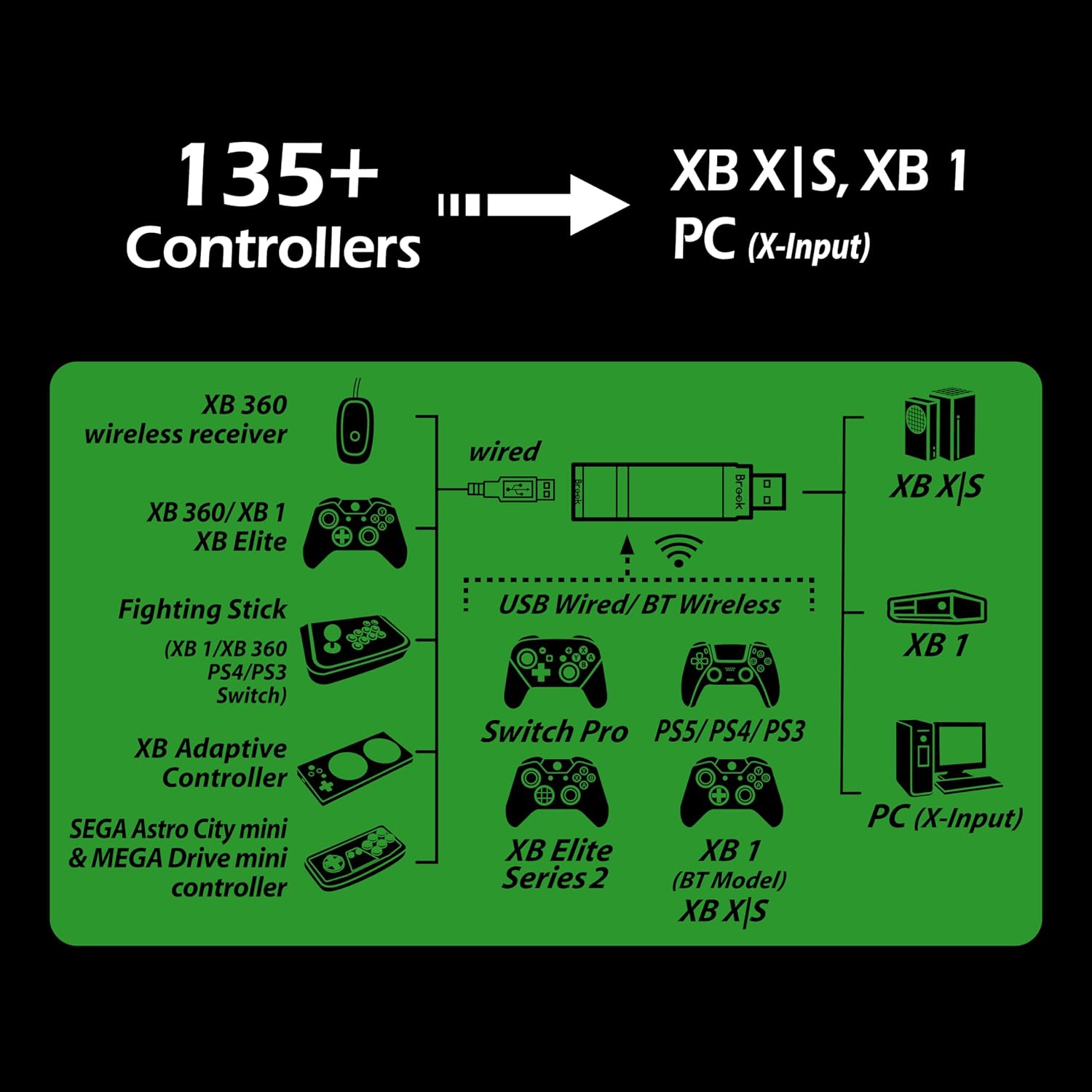
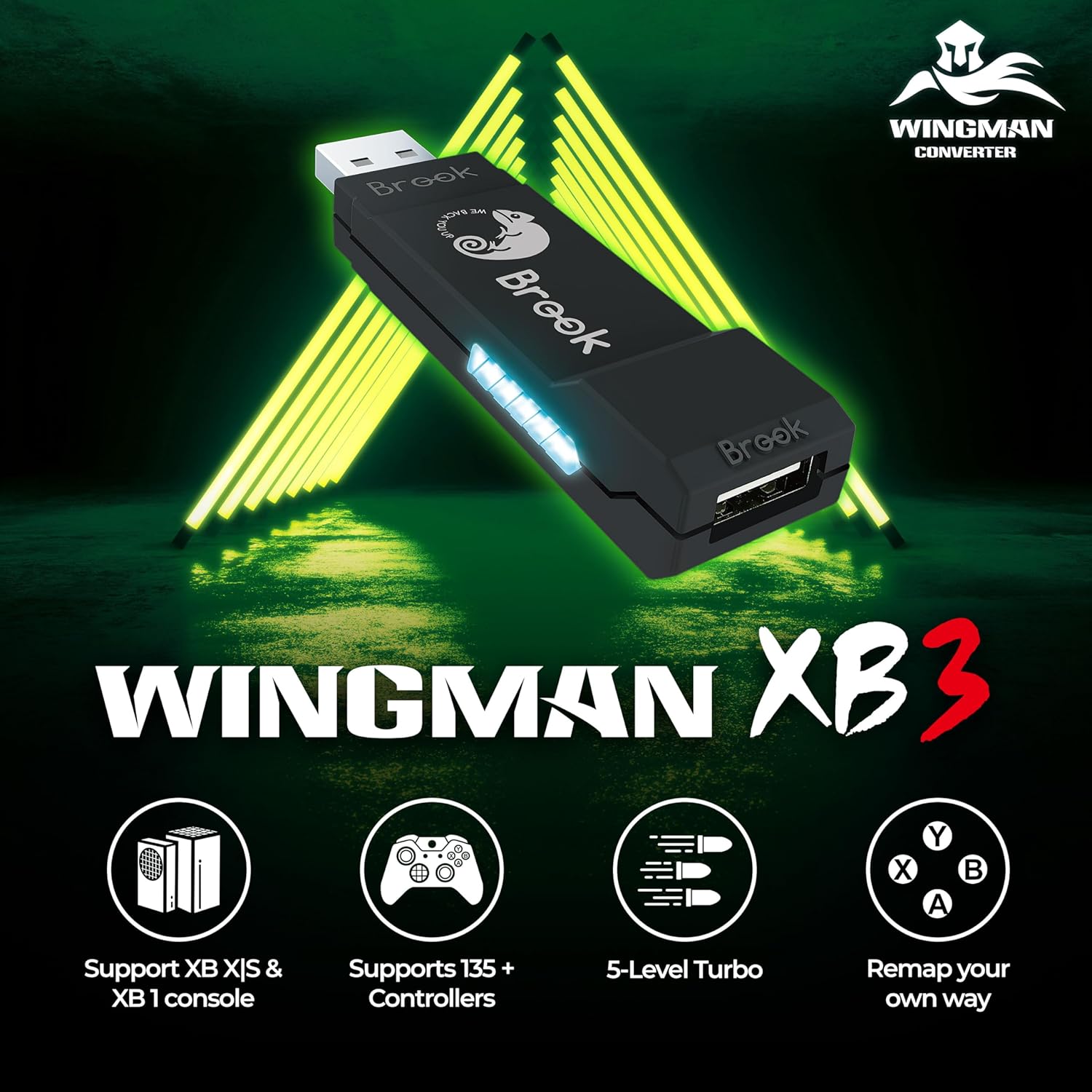
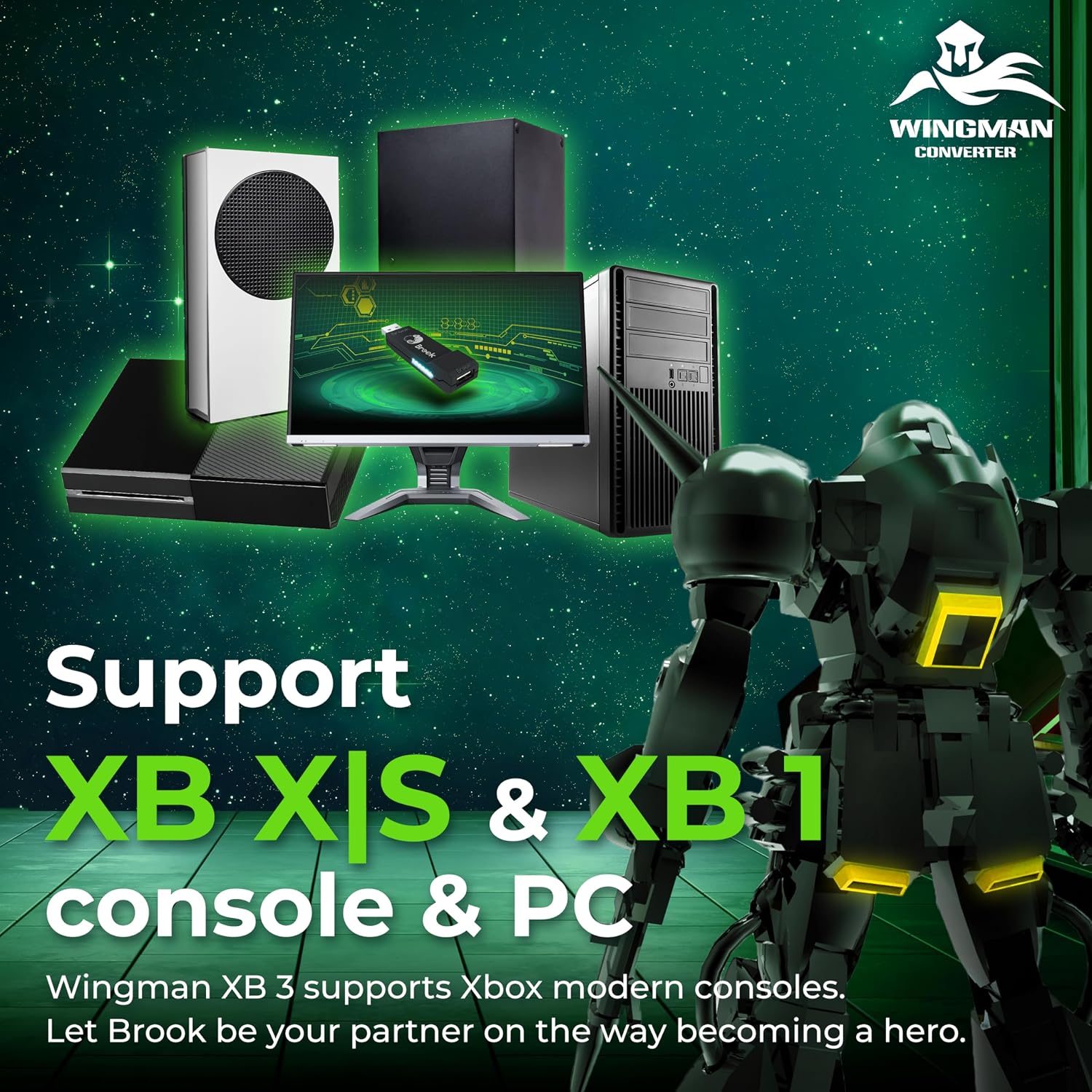
Brook Wingman XB 3 Converter is a wireless controller adapter designed to extend cross‑platform play. The core idea is simple: let you use supported controllers wirelessly across Xbox Series X/S, Xbox One, and PC, with added customization features like button remapping and turbo. It’s positioned as a practical bridge for players who want to mix controllers and platforms without swapping hardware.
How it helps your setup
If you juggle multiple consoles or prefer a specific controller layout, the XB 3 aims to reduce the clutter of adapters and cables. The ability to remap buttons and assign turbo levels is the main hook, potentially speeding up certain inputs or tailoring controls to your preferences. The device also supports wired USB connections for some configurations, which can be handy if you’re in a stable gaming environment or want lower latency.
Strengths to note

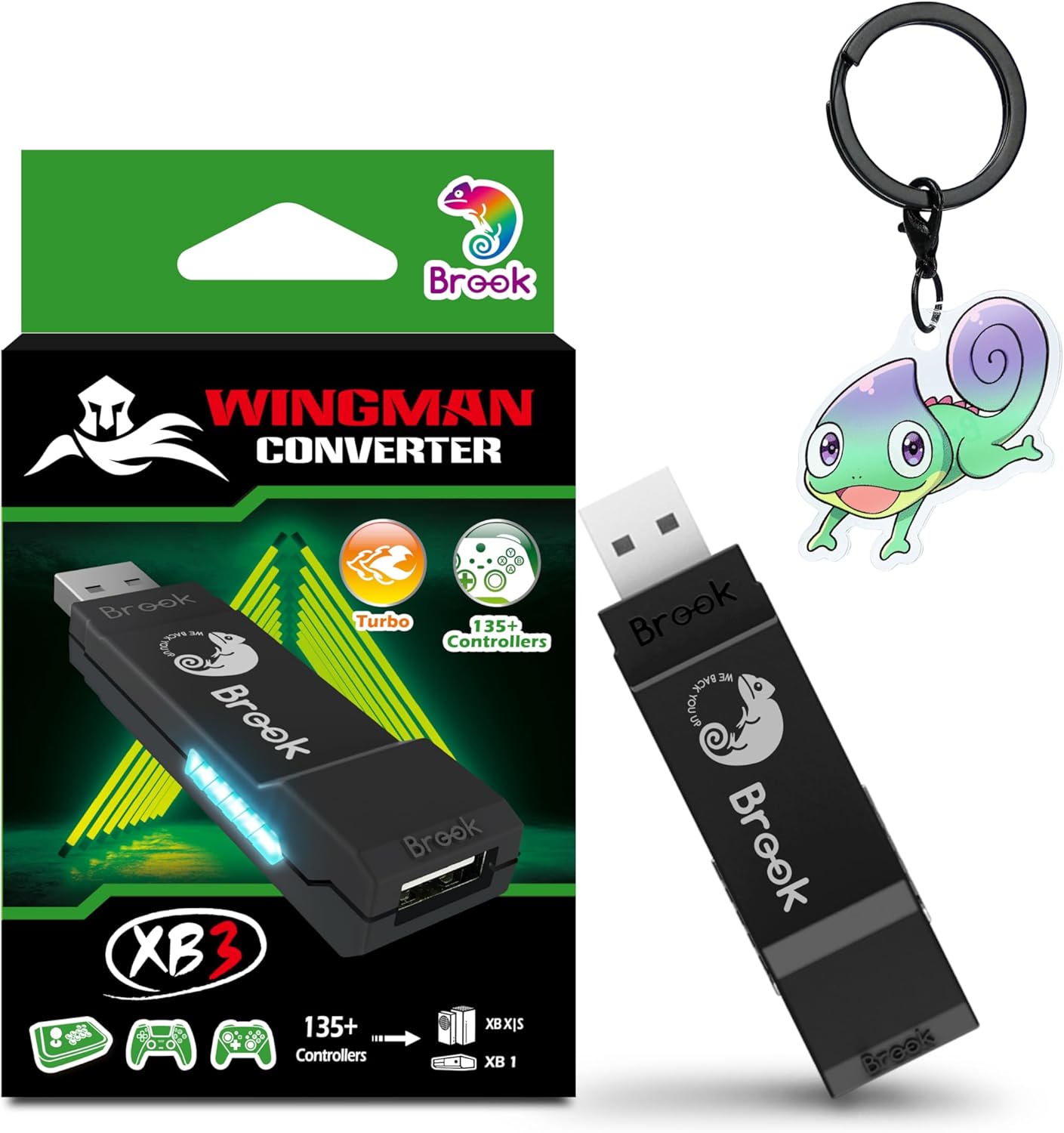
On paper, the Wingman XB 3 folds multiple capabilities into one unit: cross‑platform wireless compatibility across Series X/S, One, and PC, plus remap and turbo options. This combination can streamline your setup if you frequently switch between titles and devices. The official exclusive edition framing adds a sense of software and hardware polish, and the box contents are straightforward: converter, user guide, and a Brook keychain.
Where it may fall short
The description and provided data don’t dive into latency specifics, pair‑up performance, or exact compatibility depth beyond supported controllers. If you rely on ultra‑low latency for competitive play, you’ll want to scrutinize actual in‑use reports. Also, the claim of broad compatibility sometimes requires checking the full controller list on Brook’s site, so you may encounter limitations depending on the exact model and firmware.
Who this is for
This converter is likely a good fit for gamers who want to reuse a preferred controller across Xbox consoles and PC, or who want to experiment with remapping and turbo features to tailor their experience. It’s most appealing if you value flexibility over pure first‑hand latency benchmarks and you’re comfortable updating firmware when needed.
Who it isn’t ideal for
If you prioritize guaranteed minimal latency, or you only play on a single platform with a fixed controller setup, this adapter may not deliver a decisive edge. Also, if you rely on a controller not listed in the supported categories, you’ll want to verify compatibility before buying.
When to consider buying
Consider this when your goal is cross‑platform wireless play with a configurable button layout and turbo options, especially if you already own compatible controllers and want a single solution across Xbox Series X/S, Xbox One, and PC.
What to check before purchasing

- Verify that your primary controller is supported in wireless mode, and confirm the exact USB wired compatibility if you plan to use wired connections.
- Review the latest compatibility list on Brook’s site to confirm support for your specific controller models.
- Be mindful that firmware updates may affect performance or features like remap and turbo, so plan for occasional updates.
Practical usage example
Imagine you’re jumping between a fast‑paced shooter on Xbox Series X/S and a strategy title on PC. With Wingman XB 3, you can map a favorite thumbstick curve and assign a quick turbo burst to a critical ability—without swapping adapters or cables between sessions.
FAQ
- Does it work with Elite Series 2 or PS controllers in wireless mode? Yes, the base description mentions support for Elite Series 2 and other major controllers wirelessly, though full compatibility should be checked on Brook’s site for your exact model.
- Can I use it with both USB wired and wireless setups? The description references wireless support across platforms and mentions wired USB for some configurations, so you may have both options depending on your device.
- Is there a risk of latency or input lag? The material doesn’t provide latency figures, consider real‑world testing or reviews focused on input responsiveness if that matters to you.
Final verdict
Worth considering if you want a single cross‑platform wireless adapter with button remapping and turbo features, and you’re comfortable verifying compatibility for your controllers. It isn’t necessarily the best choice for players demanding ultra‑low latency, but it offers practical flexibility for multi‑device setups.