

GameCube Controller Adapter for Nintendo Switch, Wii U, PC (Turbo & Vibration) — 180cm USB Cable
Product description
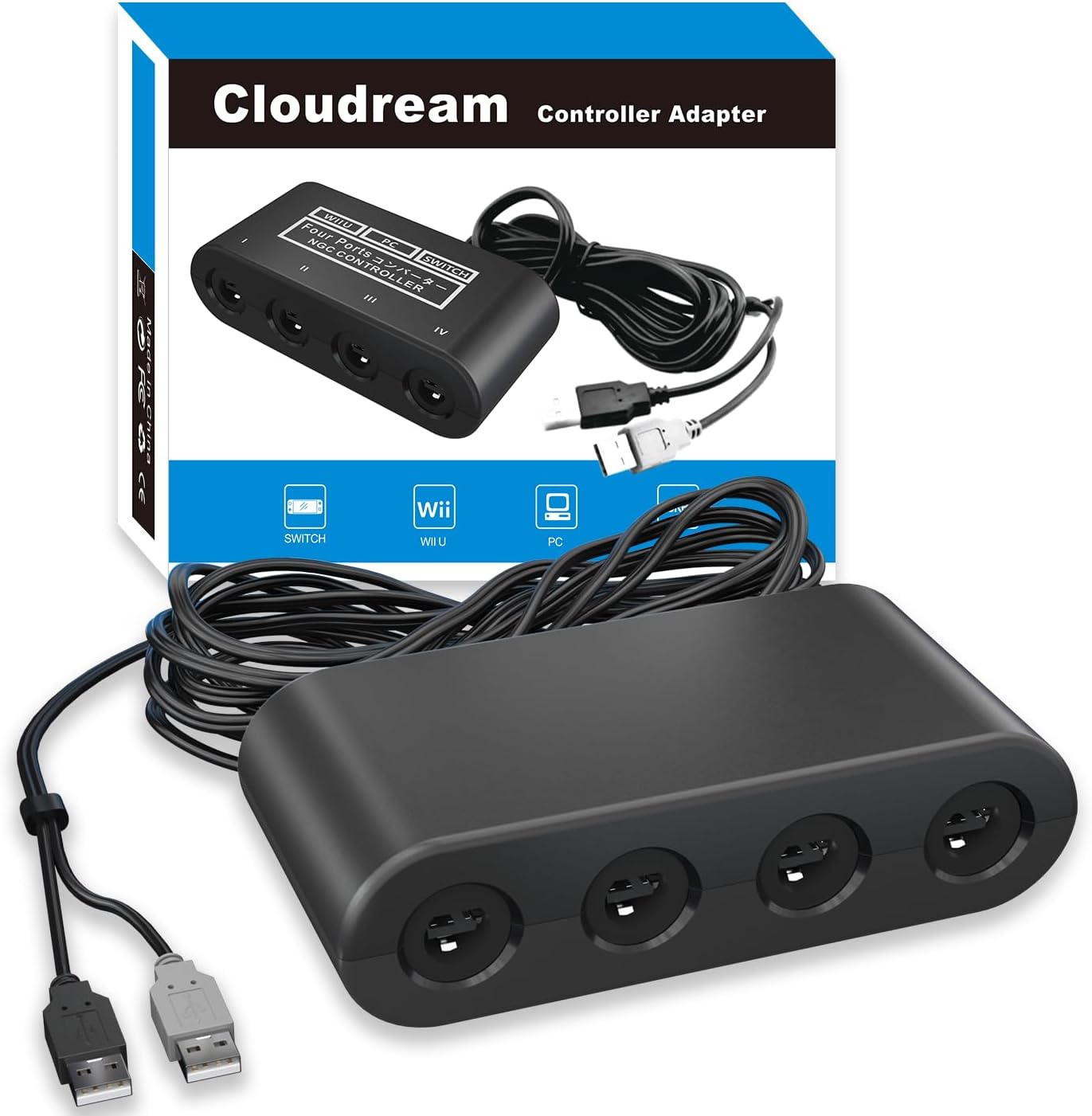
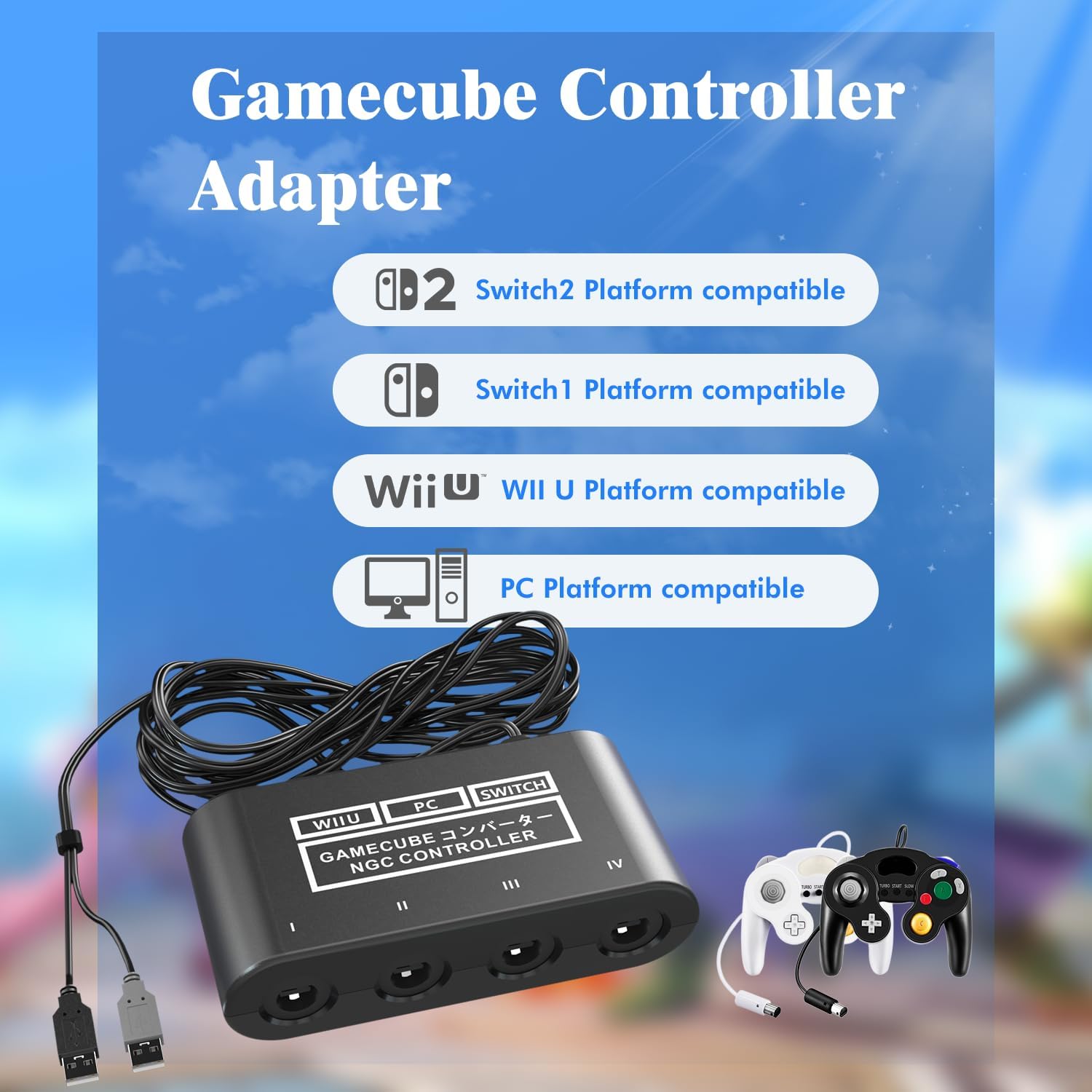
If you own a GameCube-style controller and you want to use it on multiple systems, this GameCube Adapter is built around that idea. It’s a 3-in-1 adapter that connects via USB A (with an included 180cm wired cable) and is designed for Nintendo Switch, Wii U, and PC, plus it references support for Switch 2.
On paper, the appeal is simple: less messing around, more time playing. You plug it in, switch modes using the adapter button, and focus on games—especially if you’re trying to run couch sessions for Super Smash Bros. That said, there are some real caveats worth knowing before you buy, like how Smash support is described.
Key takeaways
This adapter is meant to bring GameCube controller inputs to Nintendo Switch / Wii U / PC with a simple plug-and-play approach. It includes 4 controller input ports, and the package is positioned as a way to set up local multiplayer—up to 4 controllers at once, and potentially up to 8 players if you use two adapters for Wii U or Switch.
It also adds two features called out in the description: turbo and vibration support, plus a long USB cable that’s intended to reduce “distance limited” setups.
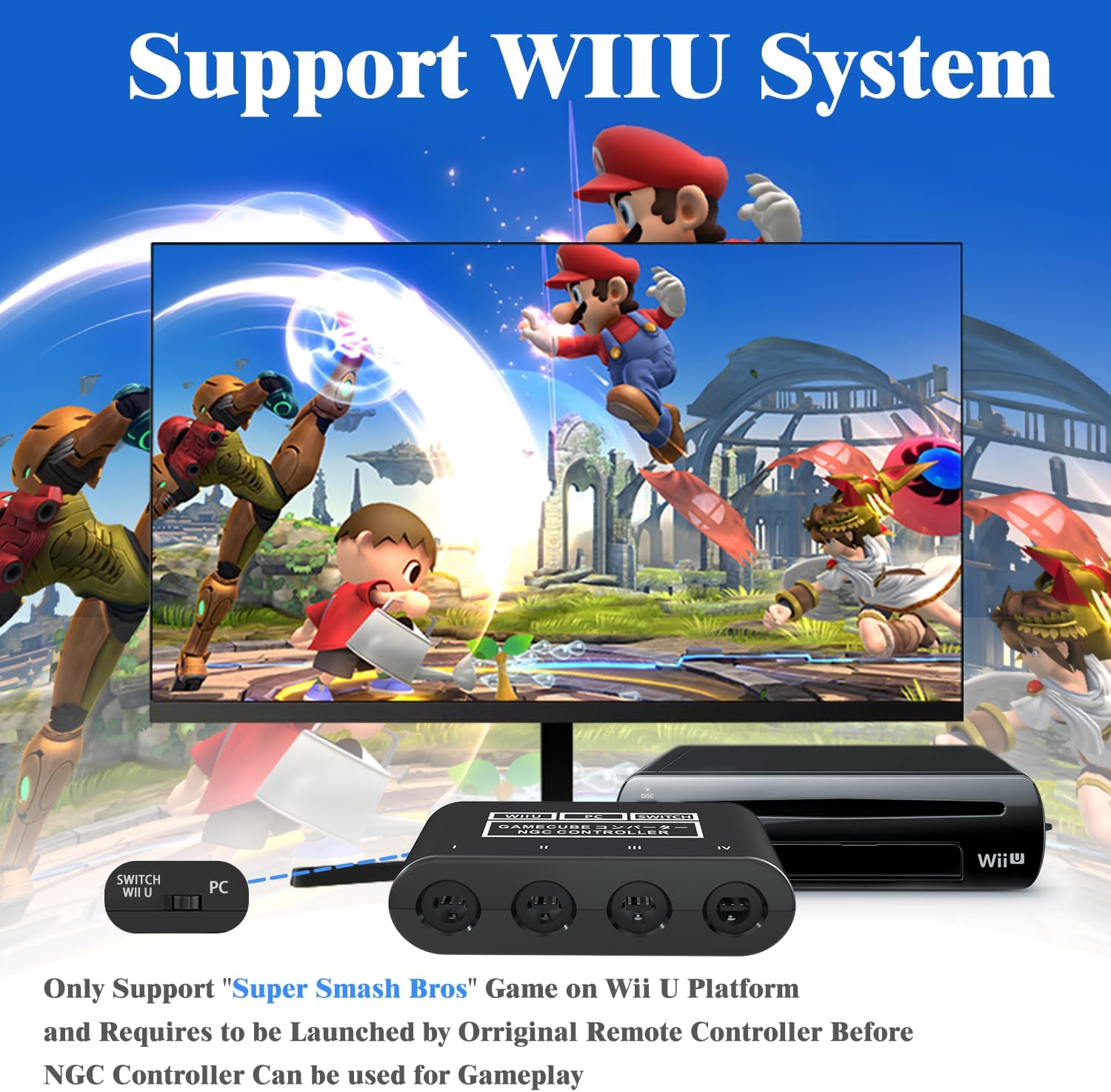
The biggest practical limitation is Smash compatibility: the note says you need to enter SSB on Wii U using the Wii U remote control and it only supports SSB on Wii U (based on the provided info). If your main goal is Smash on Switch or PC, you’ll want to double-check expectations.
What stands out in everyday use
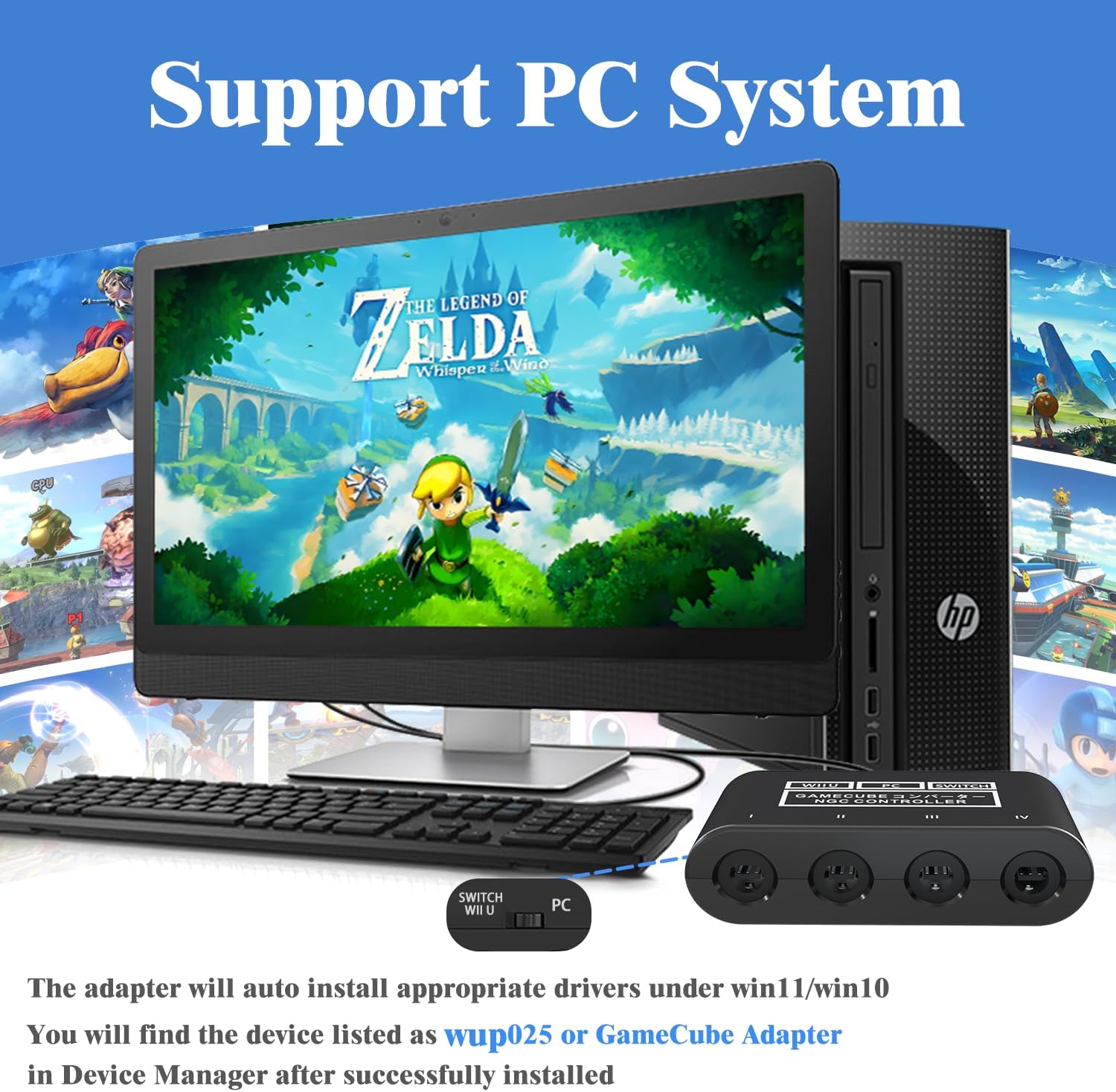
The most noticeable “day to day” difference is setup friction. The description emphasizes plug and play with no driver installation needed on Wii U / Switch. In real terms, that usually matters when you’re moving between systems or setting up for friends.
You’ll also appreciate the adapter’s mode switching. The product description says you can change the adapter button on:
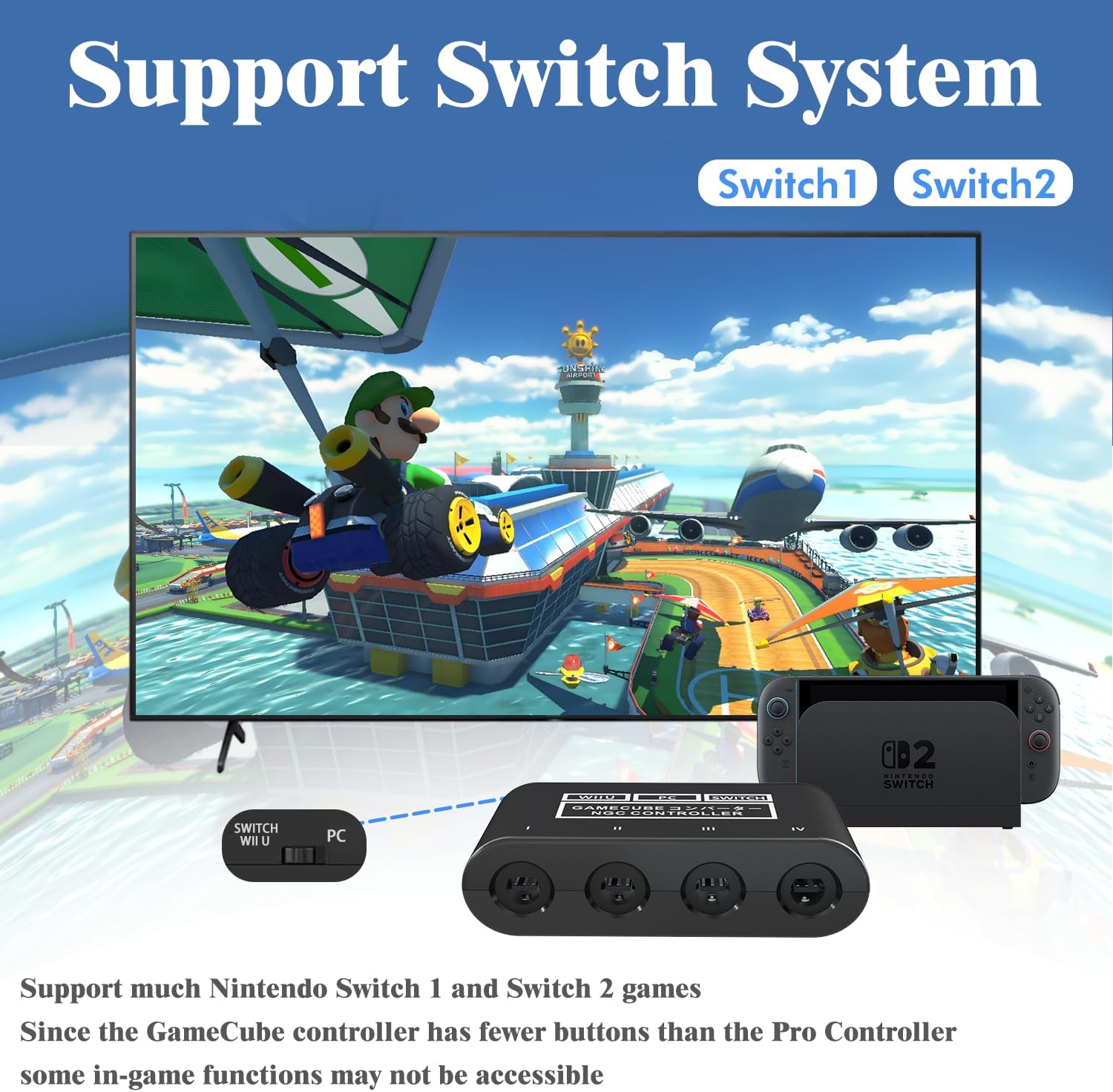
- Wii U to play in Wii U mode
- Switch to play in Switch mode
- PC to play in PC mode
There’s a micro-experience angle here: for example, you can keep your GameCube controllers plugged into the adapter, and when you switch between Wii U and Switch, you’d just change the adapter button and boot your game. No hunting for drivers is the promise.
Key compatibility notes (where people get tripped up)
This is marketed as compatible with Nintendo Switch, Wii U, PC, and “Switch 2,” but the details are not fully spelled out. The safest way to treat this is as an adapter you buy for a specific plan: using GameCube controllers on those platforms where it’s intended to work.
For Super Smash Bros, the description includes a fairly important note: you need to enter the SSB game by Wii U remote control, and it only supports SSB on Wii U according to the information provided.
So, it may be a great fit if your Smash sessions are primarily on Wii U. If you’re buying specifically for Smash on Switch (or on PC), this could end up being less straightforward than expected.
Tech specs
- Type: GameCube controller adapter (3-in-1 for Nintendo Switch / Wii U / PC, also mentions Switch 2)
- Controller inputs: 4 GameCube controller input ports
- Multiplayer scaling: up to 8 players with two adapters (for Wii U or Switch as described)
- Cable: 180cm wired USB A cable
- Drivers: plug and play, no driver install required on Wii U / Switch (as stated)
- Features: turbo support and vibration support (as stated)
- Modes: adapter button switches between Wii U / Switch / PC mode (as described)
Turbo & vibration: what you can expect
Turbo is described as replicating the same button push repeatedly at an extremely fast rate. That’s useful for games where rapid inputs matter, but it’s also the kind of feature that can feel awkward if you’re playing something that needs precise timing.
Vibration support is also mentioned, but the description doesn’t clarify how it behaves across all supported systems or controllers. So while it’s a plus on the feature list, keep expectations grounded unless you already know how vibration works in your setup.
It’s not perfect on clarity, either: the adapter is clearly feature-focused, but the exact behavior details aren’t fully laid out in the info provided.
Should you buy it?
A solid pick if you want an easy way to use GameCube controllers across Nintendo Switch and Wii U (and also PC), and you care about quick setup without driver installs on Wii U / Switch. The 4 input ports are a big deal for local sessions, and the long USB cable helps if your console placement isn’t right next to your couch.
It might not be the best match if your #1 goal is Super Smash Bros on Switch or PC, because the provided note frames Smash support as Wii U only. Also, if you need very specific compatibility guarantees beyond what’s stated, you may want to look for a setup with clearer platform-by-platform behavior.
Worth considering if you’re planning multi-controller play: you can start with one adapter (up to 4 controllers), and if you’re aiming for bigger groups on Wii U / Switch, the description suggests using two adapters for up to 8 players.
Mini FAQ
Is this adapter really plug and play?
The description says it’s plug and play with no driver installation needed on Wii U / Switch. It doesn’t provide driver details for PC beyond mentioning a PC mode.
Does it support multiple controllers at the same time?
Yes, it includes 4 GameCube controller input ports. The info also says you can reach up to 8 players at the same time with two adapters for Wii U or Switch.
What about Super Smash Bros compatibility?
The note says you need to enter the SSB game by Wii U remote control and that it only supports SSB on Wii U (based on the provided information).
What does turbo do?
Turbo replicates the same button pushed by the user over and over at an extremely fast rate, according to the description.
Does it include vibration support?
Yes, vibration features are mentioned in the description, but detailed behavior isn’t provided.
Final verdict
This GameCube adapter looks designed for people who want a straightforward GameCube-controller setup across Switch, Wii U, and PC, with turbo and vibration features thrown in. Just be cautious with expectations for Super Smash Bros: the provided note makes Wii U the focal point. If Wii U is where you’ll play most, it can be a practical way to get more controllers working with less hassle.