

Auarte Xbox Controller Keyboard Chatpad (Black) for Series X/S, One, Elite One/2
Product description
What this is and what it solves
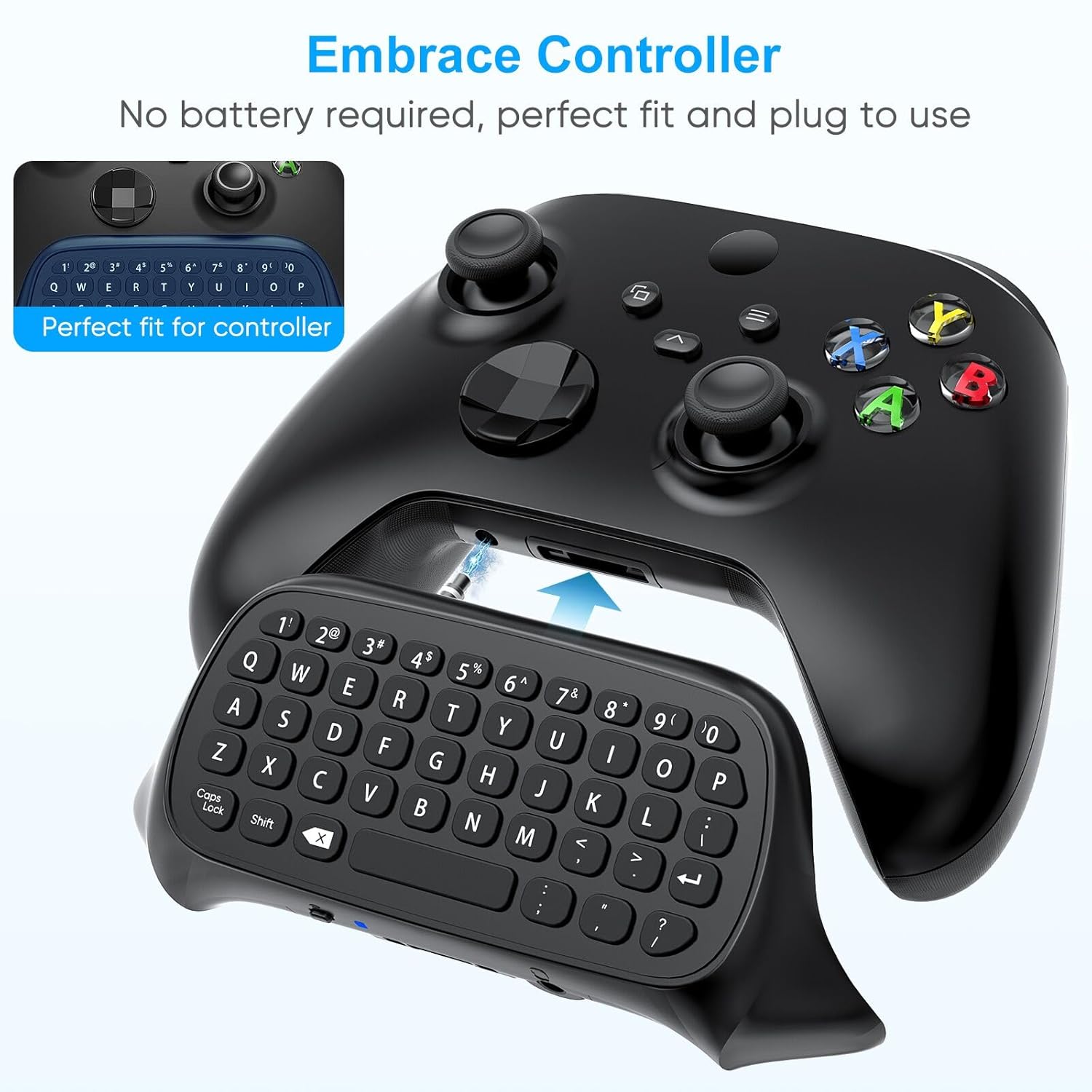
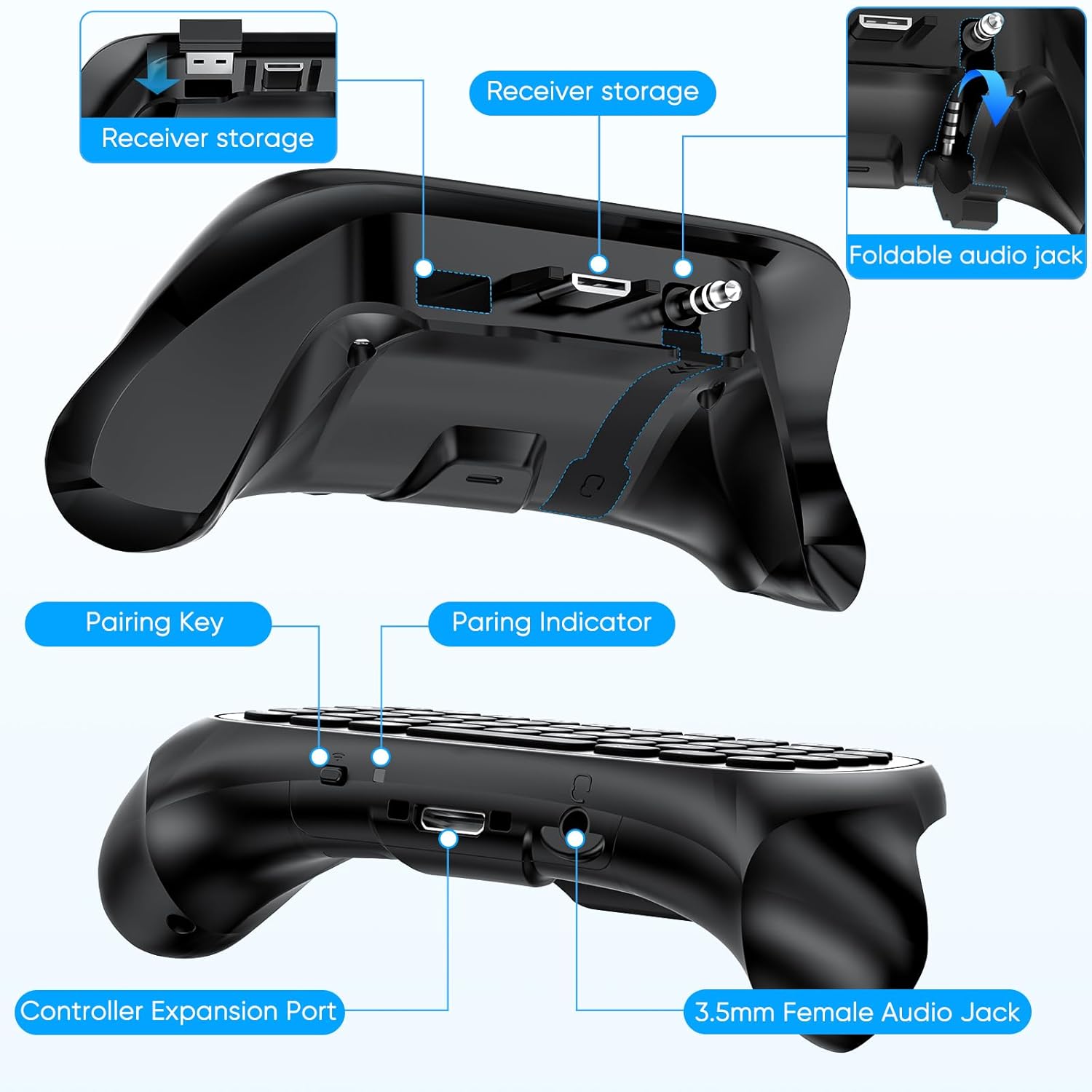
This is a compact wireless mini keyboard designed to attach to compatible Xbox controllers, turning typing and quick messaging into a smoother in-game experience. It leverages the built-in 3.5mm audio jack and speaker features of the supported controllers, so you can chat with teammates without leaving the game screen.
How it works in practice
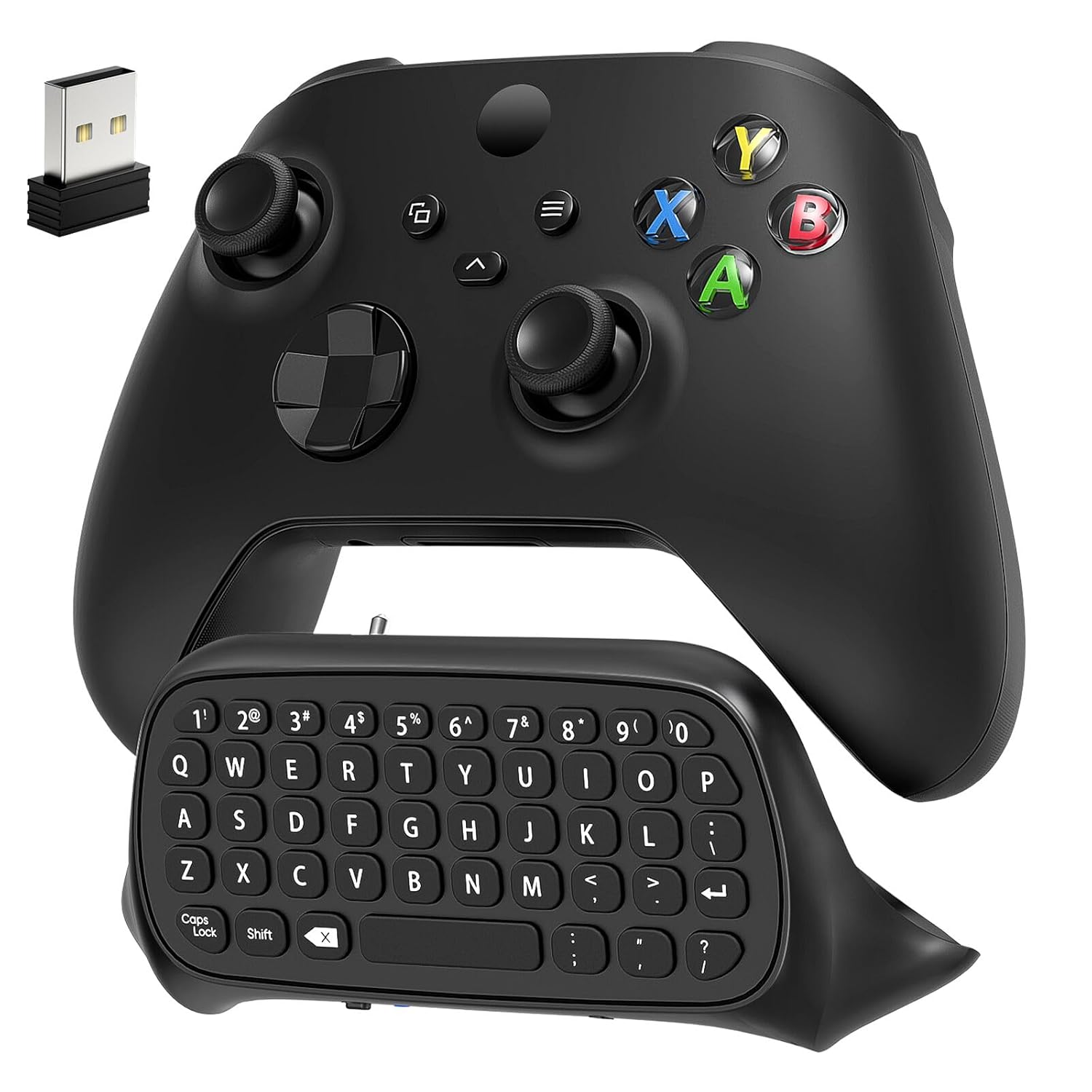
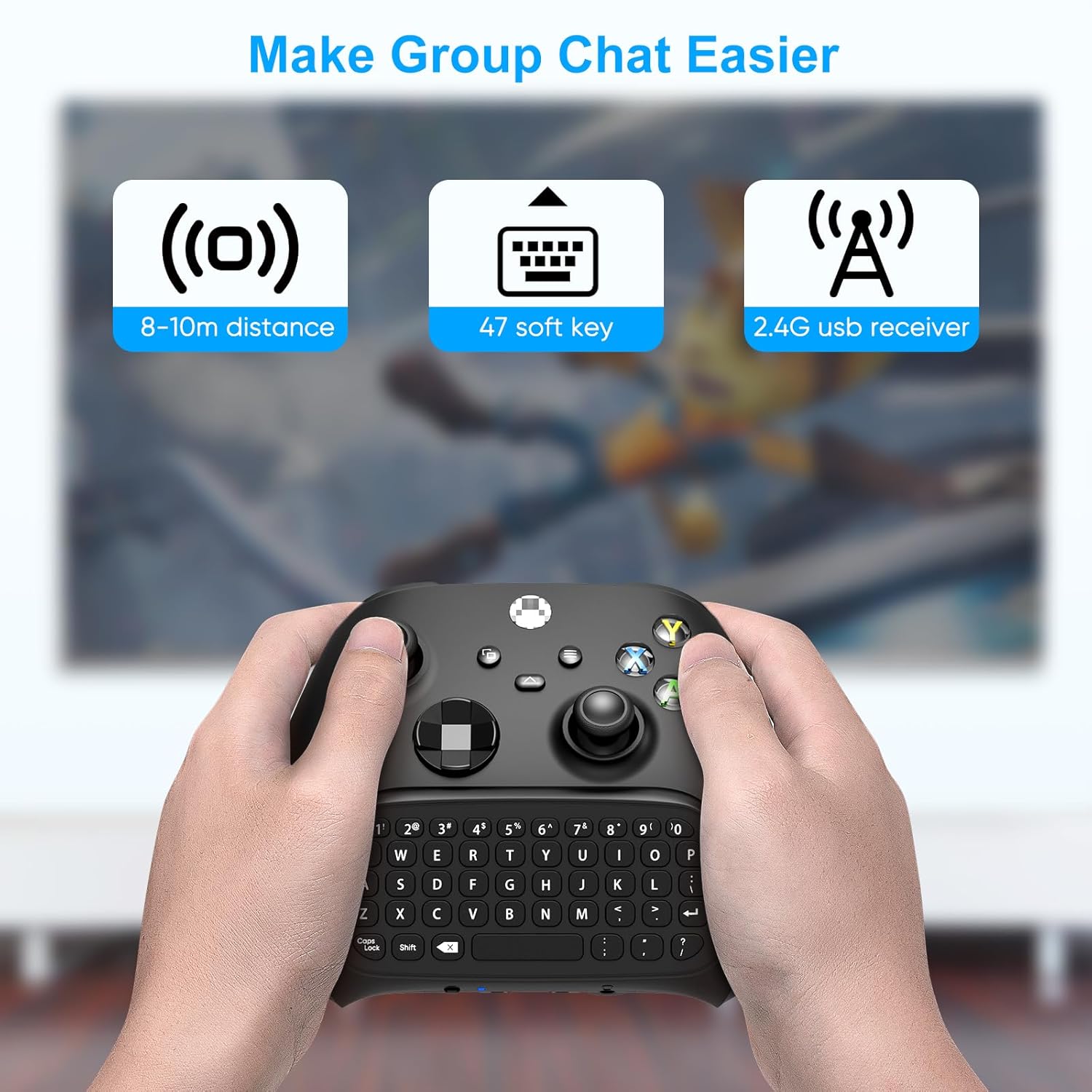
It snaps onto the controller with a simple alignment, drawing power directly from the controller—no extra batteries or charging cables needed. When you’re done, you can stash it in the same slot, keeping your setup neat. The board offers a full QWERTY layout with 47 keys, including number keys and basic navigation/assistance keys, which makes typing codes, inviting friends, or sending quick messages faster than using a standard controller alone.
Benefits at a glance
On paper, this keyboard aims to reduce in-game typing friction and speed up party chat and in-game messaging. The wired-free approach via Bluetooth means you’re not dragging extra dongles or cables. If you value seamless chat while gaming, this can feel like a real time-saver, especially in team-based games requiring rapid coordination.
What stands out
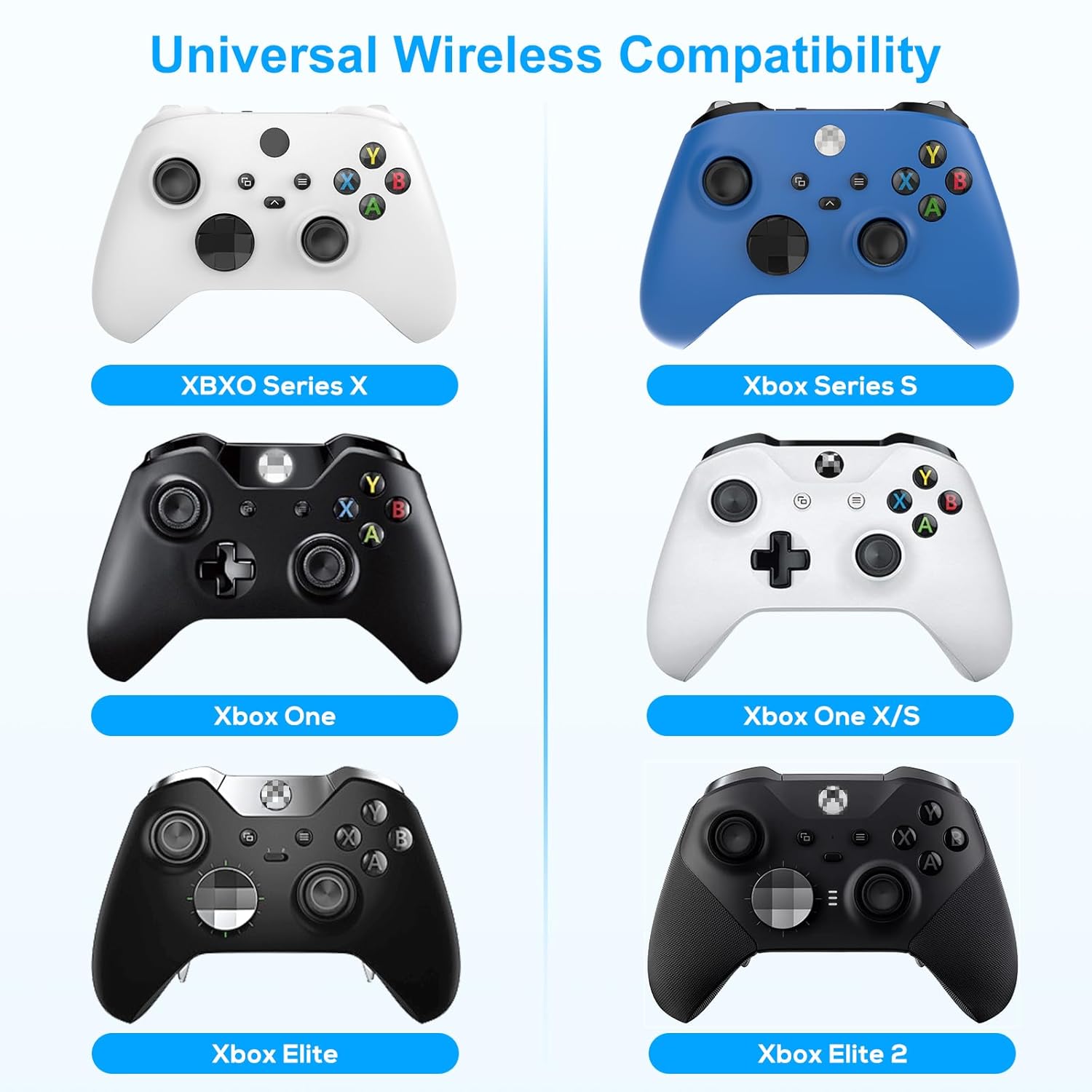
- Universal compatibility with Xbox Series X/S, Xbox One family, and Elite controllers, plus a built-in 3.5mm audio interface
- Wireless chat board with a full QWERTY layout and dedicated message-capable keys
- No charging required, it draws power from the controller itself
What to consider before buying
- The product is not a standalone device, you’ll need a compatible Xbox controller (not included)
- Power comes from the controller, so you’ll want to monitor battery life as you use the keypad
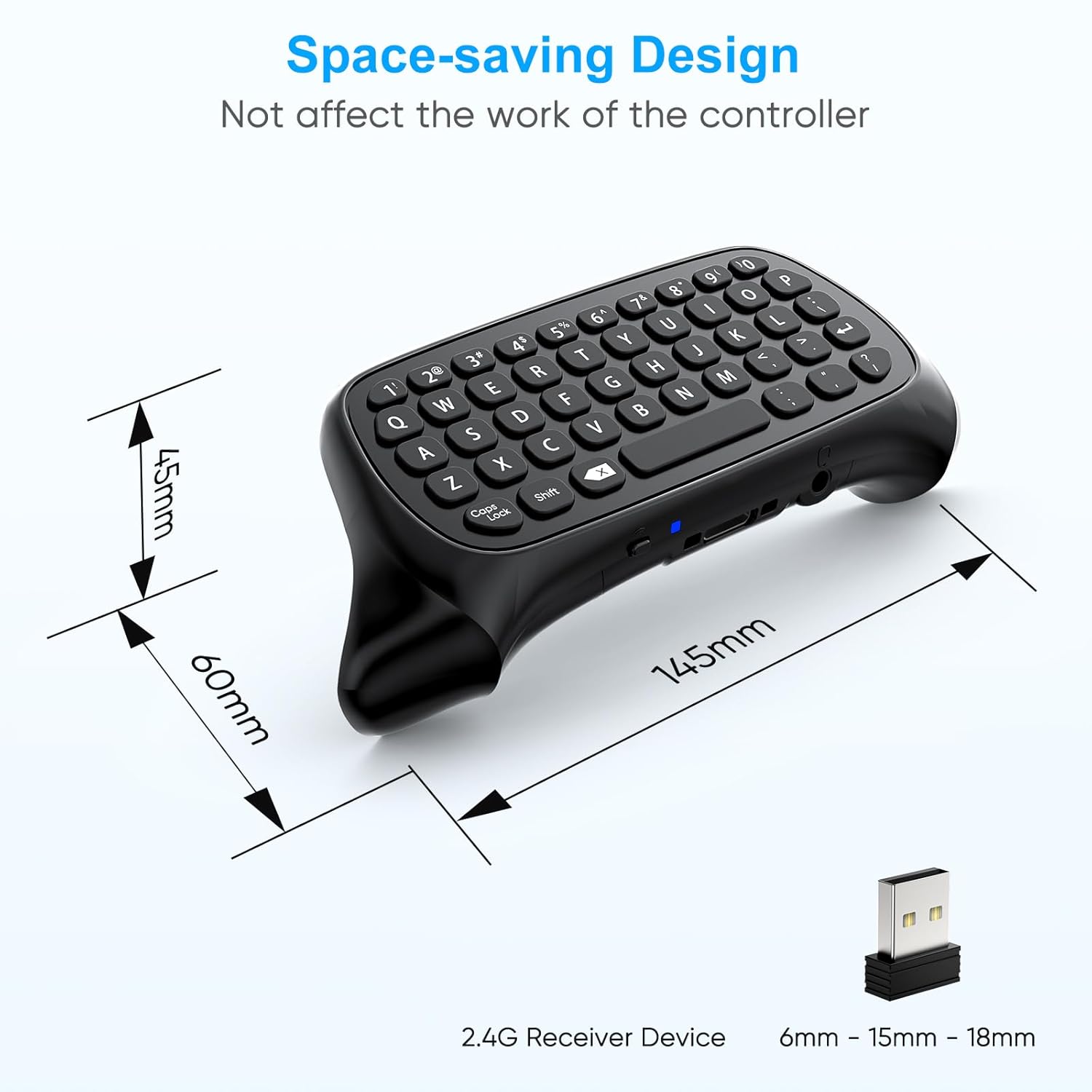
- If your gaming setup prioritizes ultra-lightweight accessories, this keypad adds a small footprint, but it’s designed to be unobtrusive rather than ultra-minimal
Who this is for
If you frequently type messages, enter codes, or coordinate with teammates during multiplayer sessions, this keypad can streamline those tasks without interrupting gameplay. It’s especially practical for players who use chat extensively and want a quick way to communicate while keeping their hands on the controller.
Who it isn’t for
Those who don’t rely on on-controller typing or who play solo heavily may not notice a meaningful benefit. Also, if you’re using a non-supported controller or a setup that requires wired peripherals, this wireless approach may not fit.
When it makes sense to buy
Consider this accessory when you want to shave minutes off typing and want a single, attachable input method that travels with your controller. It’s a practical upgrade for users who value quick messages and codes during gaming sessions.
When to skip it
If you rarely type in-game or if you prefer a completely separate keyboard setup for chat, this solution might feel unnecessary. Also, if you expect a battery-free experience with independent charging, remember this device relies on the controller’s power.
Practical usage note
Imagine you’re organizing a raid: you can ping your team with a quick message or input a team code without leaving the game flow. A practical moment is mid-session group chat where speed matters.
Quick checks before purchasing
- Confirm controller compatibility with your current Xbox model and any Elite variants
- Ensure you’re comfortable with a keypad that draws power from the controller
- Consider your typical play style: do you rely on text chat often or mostly voice chat?
FAQ (based on available data)
- Does it require batteries? No, it draws power from the controller.
- Is it easy to remove? Yes, it snaps off without reprovisioning cables.
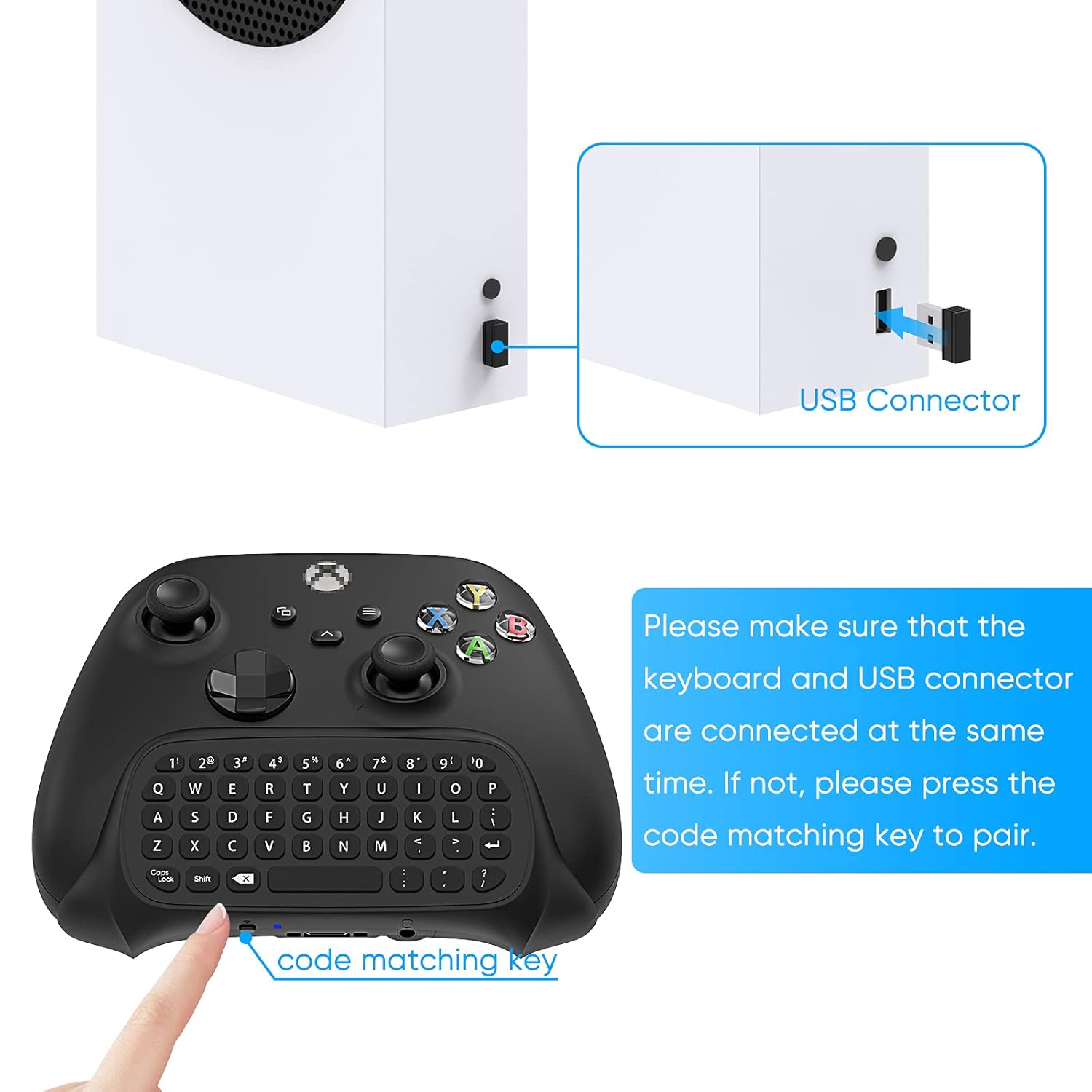
- Does it include a USB receiver? It’s described as having a USB receiver, verify whether your setup supports wireless compatibility as described.
Final decision
Is it worth it? If you value faster in-game messaging and already own a compatible Xbox controller, this keyboard chatpad is worth considering as a practical upgrade that stays with your controller and avoids extra cables.