

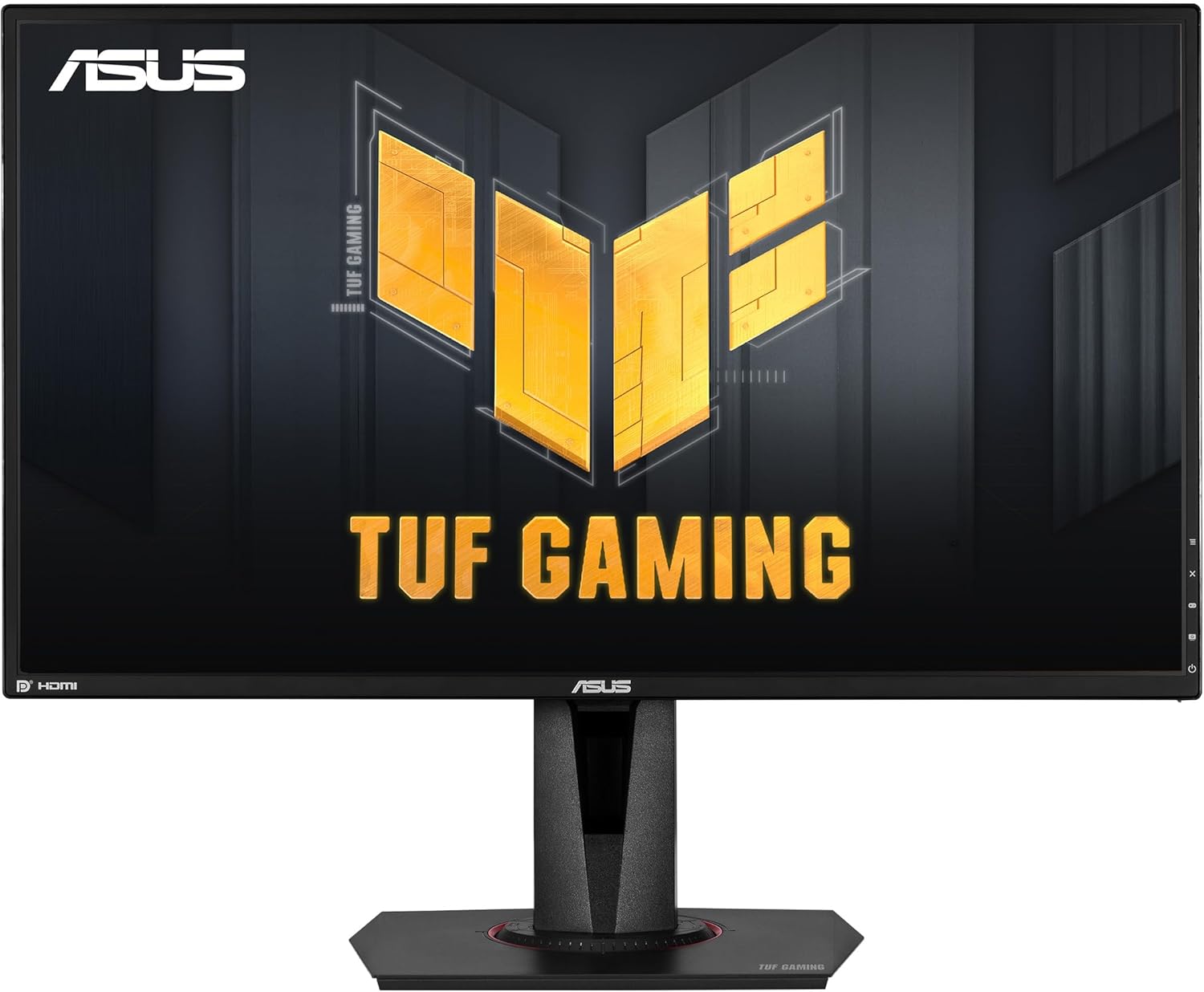
ASUS TUF Gaming VG27AQ: 27" 2K HDR IPS Monitor for Smooth, Immersive Play
Product description
What matters most
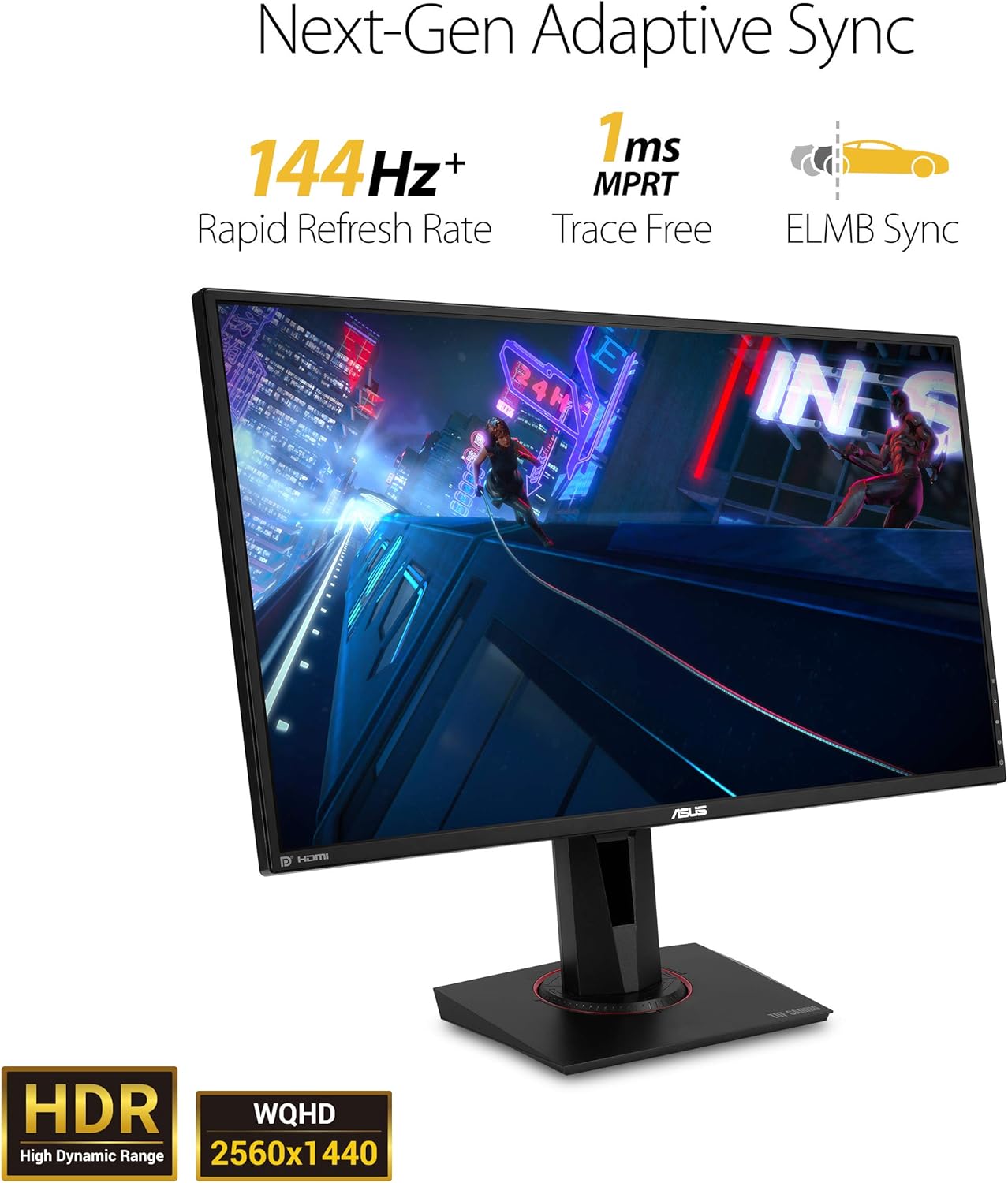
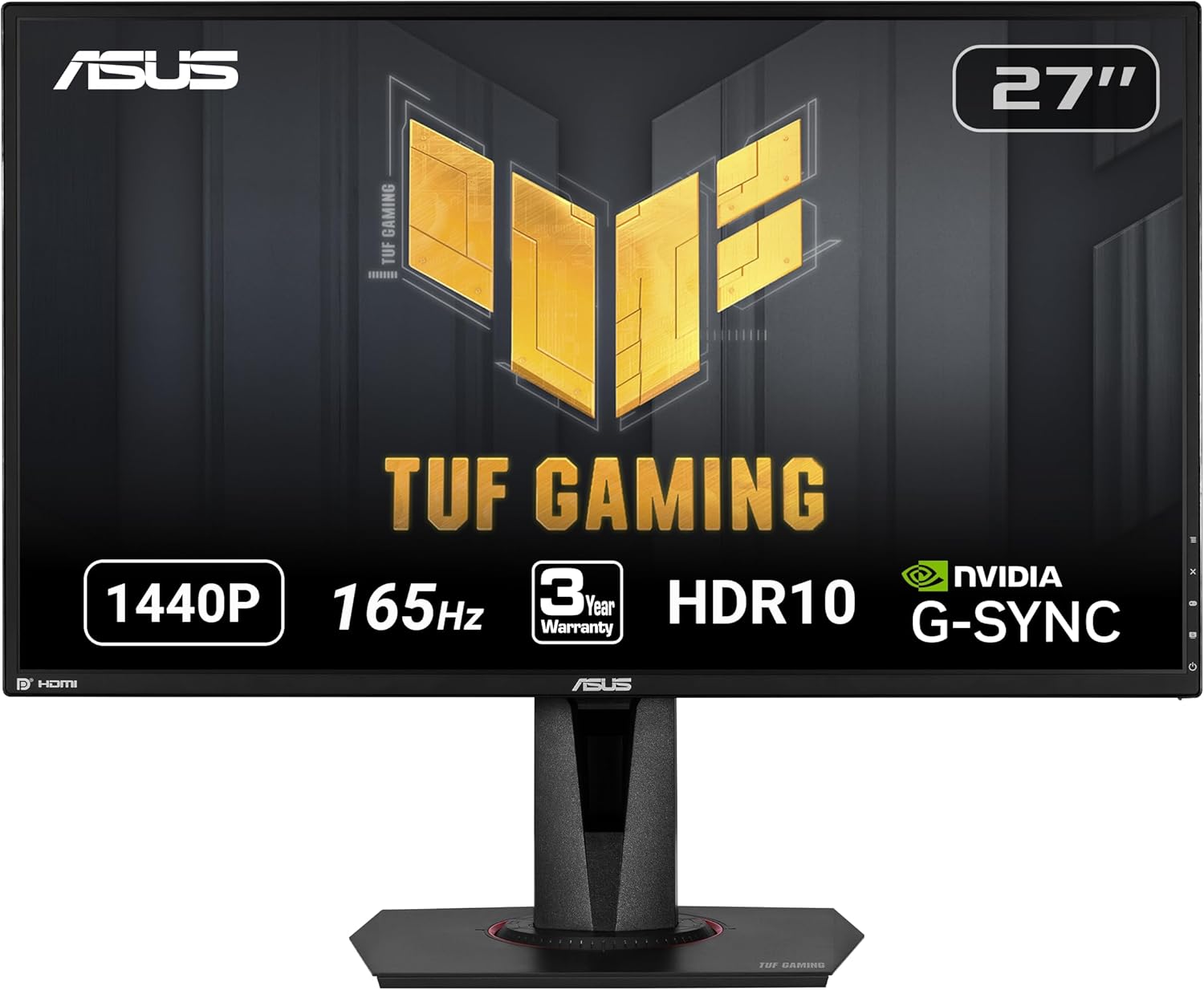
The ASUS TUF Gaming VG27AQ is a 27-inch WQHD (2560x1440) IPS monitor built for gaming and long sessions. It combines a fast refresh experience with adaptive sync and eye-care features to reduce fatigue, making it a balanced choice for both competitive play and extended multimedia use. On the surface, the standout is the 165Hz overclocked potential with 1ms MPRT response, plus G-SYNC compatibility that aims to deliver tear-free, fluid motion. It’s not a pure high-end display, but it’s aimed at gamers who want a strong all-around option without stepping into premium pricing.
What you get (and what it means in practice)
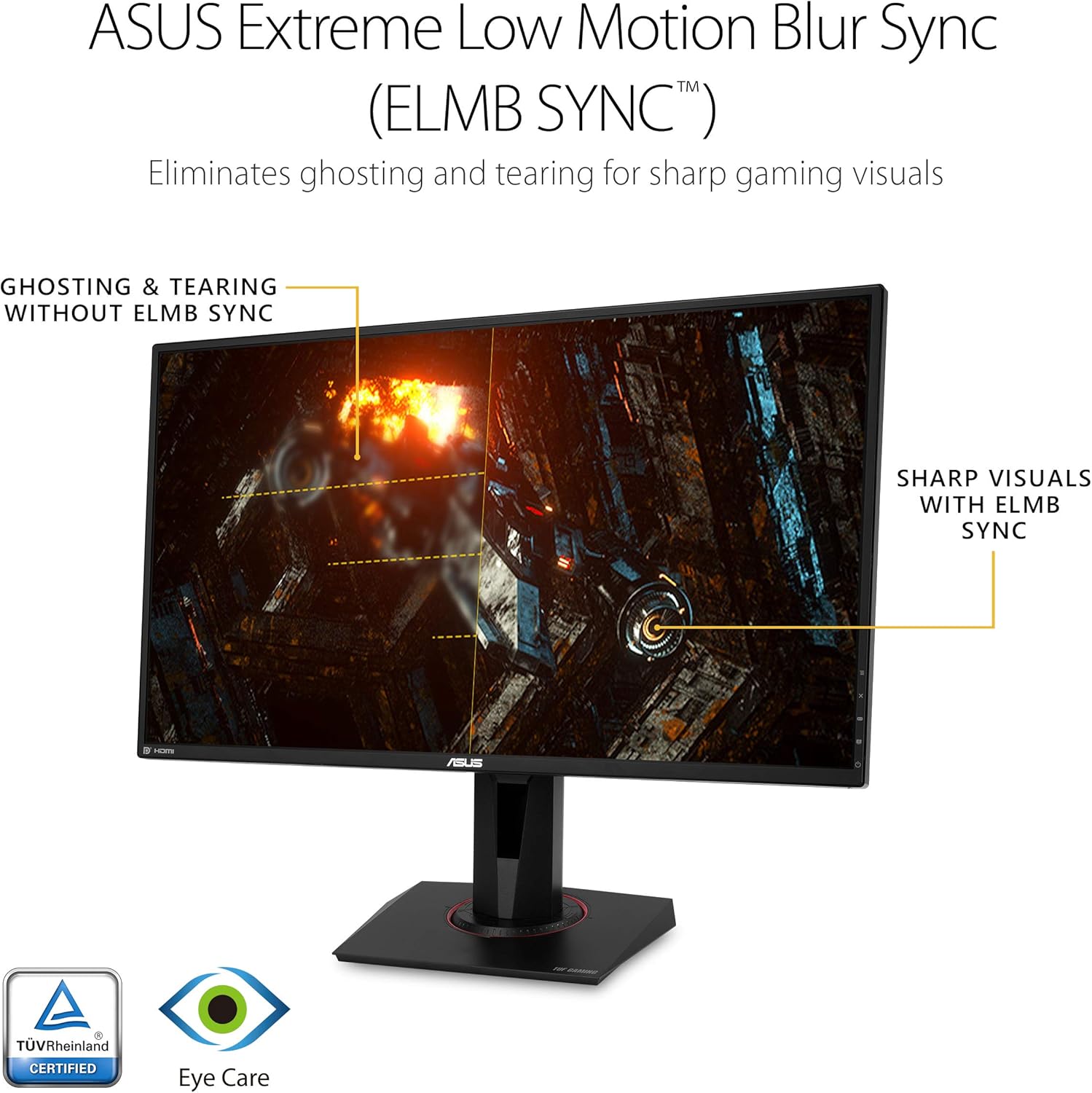
This model streams a WQHD panel with 2560x1440 resolution and IPS technology, which typically offers solid color accuracy and wide viewing angles. The 1ms MPRT figure suggests snappier motion, especially if you overclock to 155Hz, though real-world results can vary by panel and game. G-SYNC compatibility helps reduce screen tearing without requiring a dedicated NVIDIA module, while ELMB Sync aims to further minimize motion blur—important for tracking fast objects in shooters. Shadow Boost attempts to recover detail in darker scenes without washing out brighter areas, useful in dimly lit maps or horror titles where you don’t want to miss subtle cues.
Tech specs in plain language
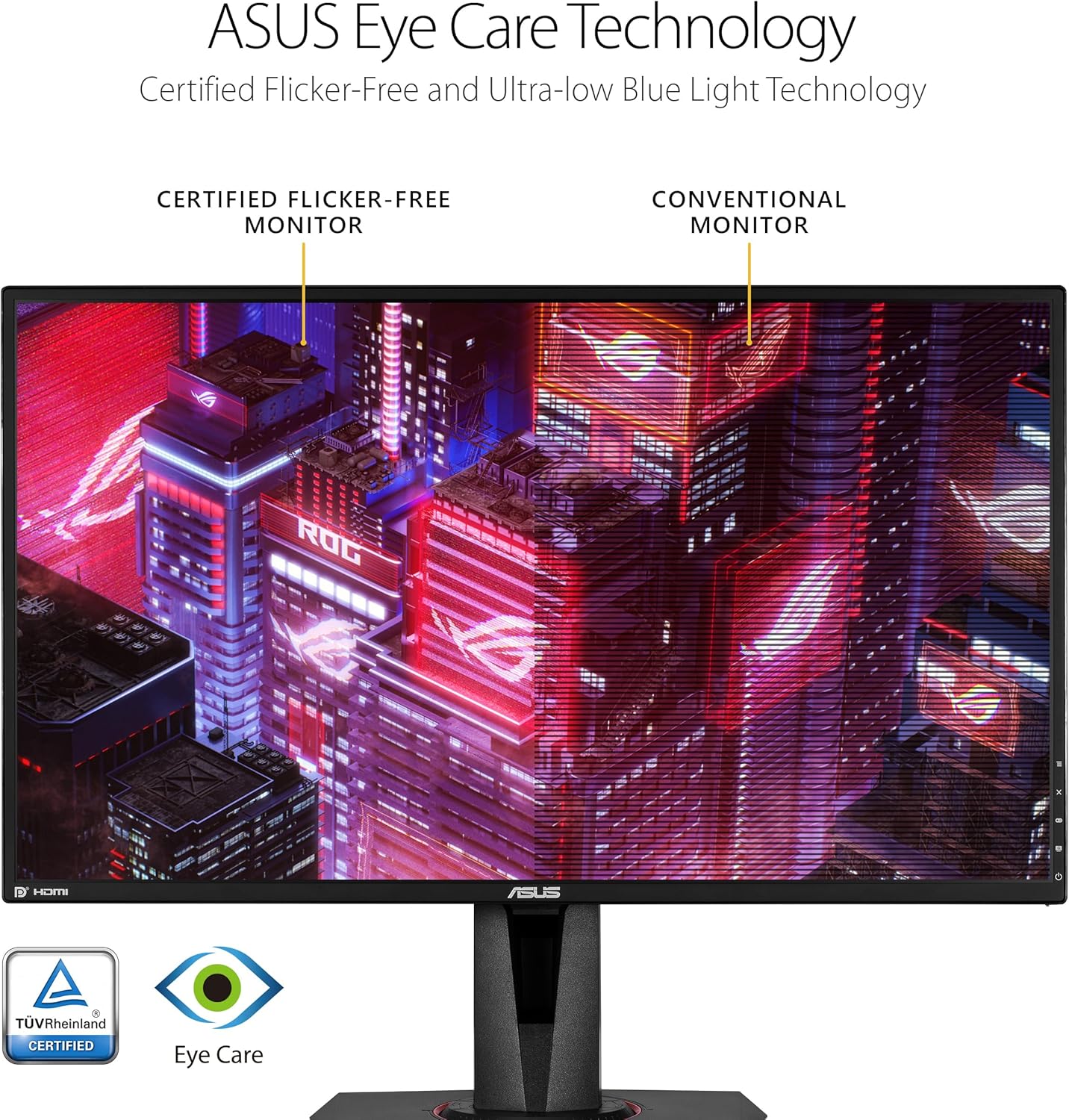
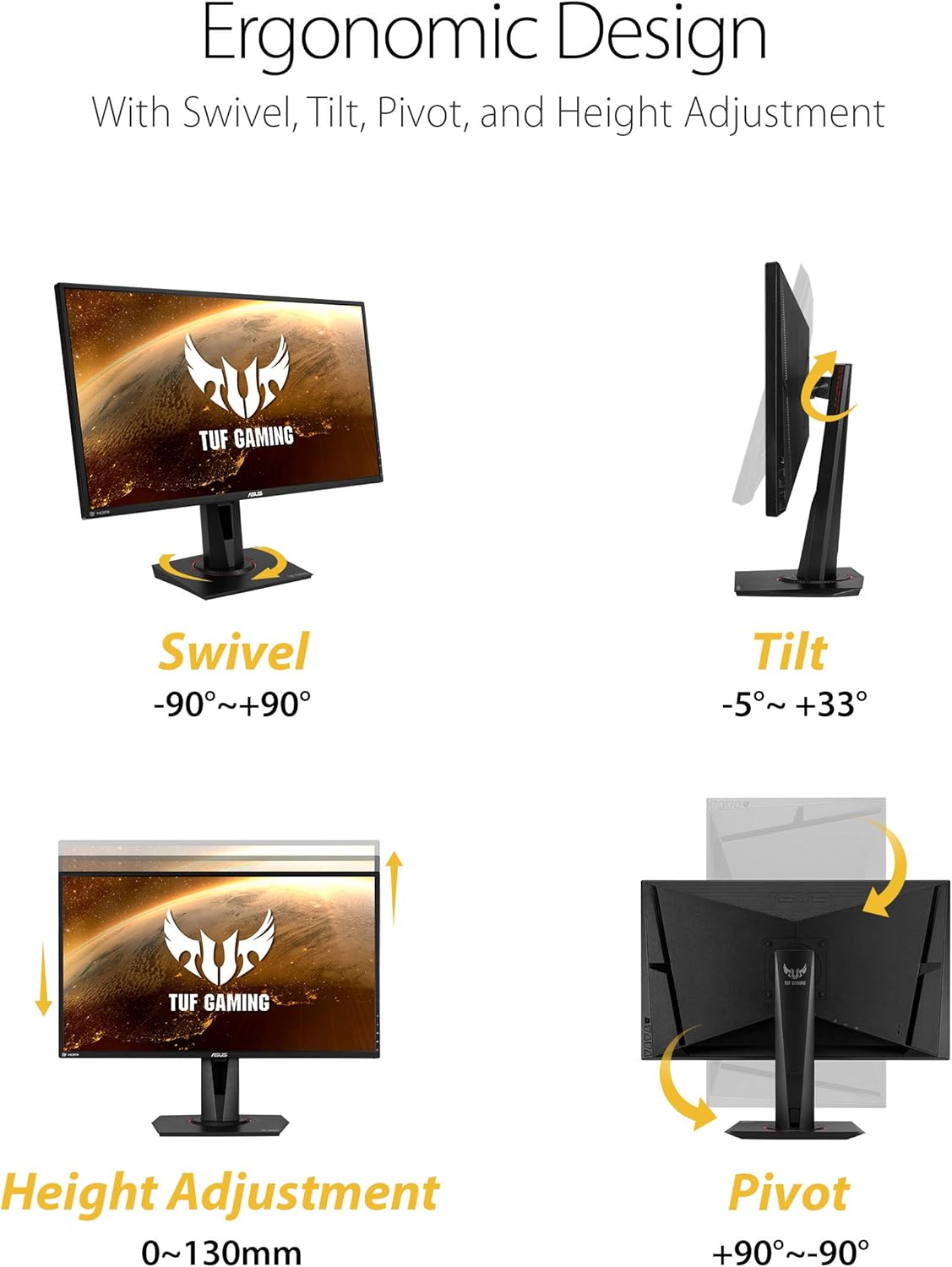
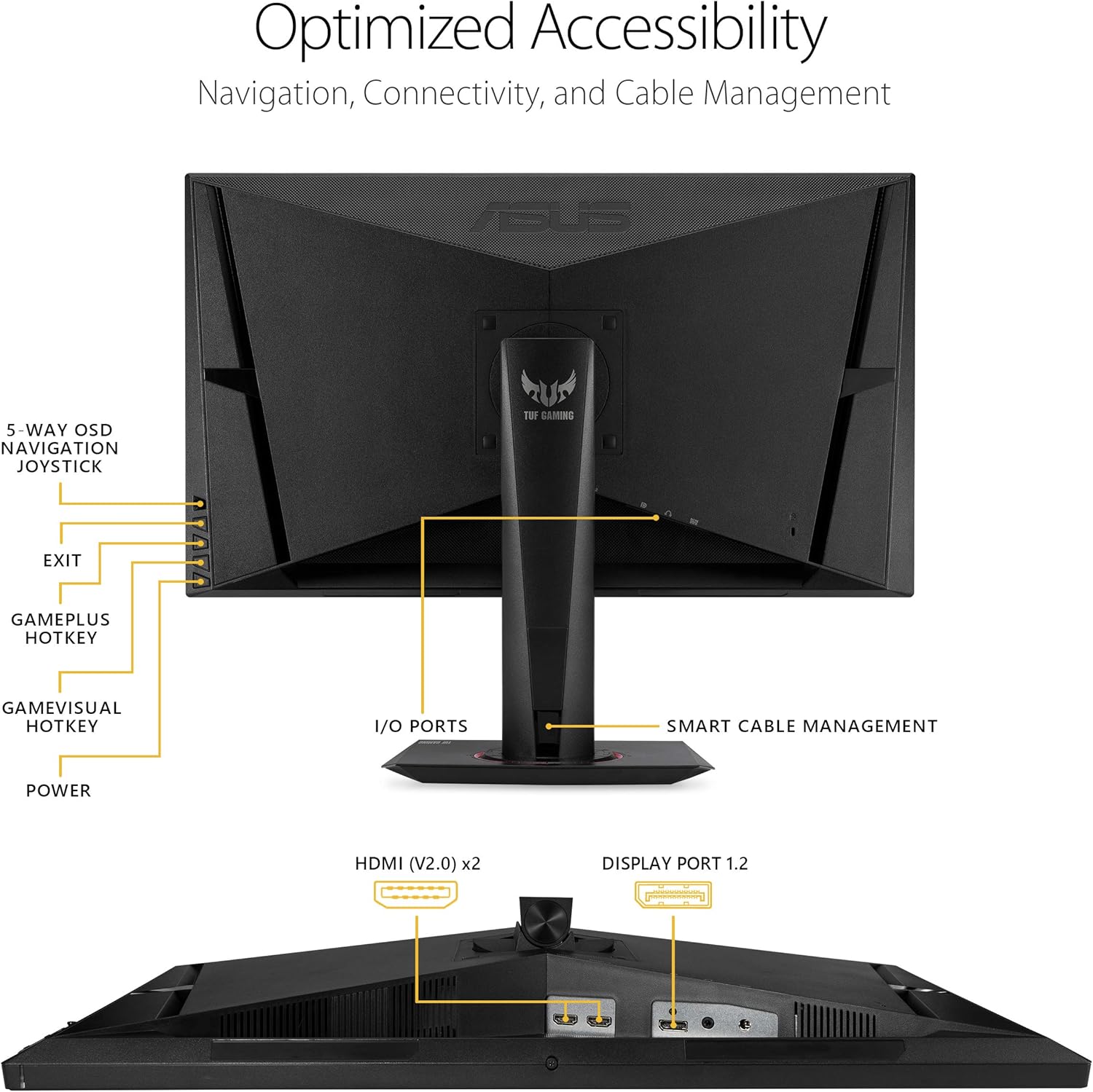
The VG27AQ supports DisplayPort 1.2 and HDMI 2.0, giving you flexible cable options for PC or console setups. It includes an ergonomic stand with full height, tilt, swivel, and pivot adjustments, which matters for a comfortable, posture-friendly setup. The monitor also offers VESA mounting for wall or arm configurations. An integrated feature set—eye care technology from ASUS, plus adaptive contrast and motion clarity enhancements—aims to reduce strain during long sessions. Note that some features like ELMB Sync work best in specific modes and scenes, so you may not experience equal benefits in all titles.
What stands out
- 27-inch size with a sharp 2560x1440 resolution keeps UI and game details clear without the GPU heft of 4K.
- 165Hz OC (up to 155Hz listed) paired with G-SYNC compatibility helps with tear-free gaming and smoother motion.
- IPS panel for wide viewing angles and consistent color across the screen.
- ELMB Sync and Shadow Boost offer additional motion clarity and dark area detail in compatible scenarios.
- Ergonomic stand and VESA compatibility improve daily usability and room integration.
What might be less compelling
- Real-world overclock headroom varies, some users may not reach or sustain 155Hz reliably in all games.
- ELMB Sync performance depends on specific game timings and may conflict with certain variable refresh features in some setups.
- It isn’t a dedicated gaming flagship with bleeding-edge HDR brightness or a premium ultra-narrow bezel design, it sits more in the mid-to-upper tier for value-oriented gamers.
Who this is for
- Gamers who want a balance between high refresh, solid color, and a reasonable price point.
- Users who value an adjustable stand and easy mounting options for desk rigs or arm setups.
- Those who prefer a single, versatile monitor for both gaming and general productivity, with some creative work via broad connectivity.
Who it isn’t ideal for
- If you demand top-tier HDR brightness and the widest possible color accuracy out of the box, this may feel modest next to premium HDR-focused displays.
- If your priority is pure 4K or aggressively fast esports with the absolute highest peak brightness, you might look elsewhere.
When it makes sense to buy
- You want a capable 27" WQHD panel with a fast refresh and adaptive sync without stepping into premium price tiers.
- You’d benefit from a flexible, ergonomic monitor that fits into a multi-monitor or desk setup thanks to VESA mounting and an adjustable stand.
- You value a bundled add-on like Adobe Creative Cloud access that comes with the purchase, adding potential value beyond gaming.
Before you buy: what to check
- Ensure your GPU can push games efficiently at 2560x1440 with target frame rates near 144–165fps for the smoothest experience.
- Consider whether ELMB Sync will be compatible with your games and whether you prefer it on for motion clarity or off to keep other sync features aligned.
- Verify desk space and mounting solution compatibility with the stand and VESA pattern.
Quick comparison angle (implicit)
For users weighing a single monitor for both gaming and light content creation, this model sits between budget TN/VA options and premium HDR-focused IPS panels. If you prioritize color accuracy for photo/video work or need top HDR brightness, you may opt for higher-end alternatives. If you want solid, all-around gaming performance with flexible connectivity and an ergonomic setup, this VG27AQ offers a compelling mix.
Final verdict
Is it worth it? It’s a solid, mid-to-upper range choice for gamers wanting a balanced feature set without sprinting into the highest-price tier. It works best if you value smooth motion, adaptive sync, and a comfortable, adjustable design, while managing expectations on HDR brightness and peak spec numbers. If you prioritize a pure high-end HDR experience or the absolute fastest response in every scenario, you may find it reasonable to compare with other options in the same price band.
Practical usage example
Imagine you’re playing a fast-paced shooter at 2K with teammates online. You enable G-SYNC and push toward 144Hz or higher, motion remains fluid and tear-free, while Shadow Boost helps reveal enemies lurking in dark corners without washing out bright flashes from muzzle fire. If you’re juggling an editing task, the IPS panel provides broader color rendering and wider viewing angles when collaborating with a friend across the desk.
FAQ
- How many inputs does it have? It includes DisplayPort 1.2 and HDMI 2.0 for versatile connectivity.
- Does it truly reach 165Hz? The panel supports 165Hz with overclocking, but real-world stability can vary by GPU and game.
- Is it good for long sessions? Yes, ASUS Eye Care technology helps minimize eye fatigue during extended use, and the ergonomic stand supports comfortable positioning.