

ASUS ROG Strix Impact III Wireless 57g Gaming Mouse
Reviews
Price
Product description
This lightweight wireless gaming mouse balances a compact 57 g shell with a high-resolution sensor to keep aim steady during long sessions. If you need precise tracking and flexible connectivity, this lightweight wireless gaming mouse offers low-latency RF and Bluetooth options along with replaceable switches for longevity.
Key Points
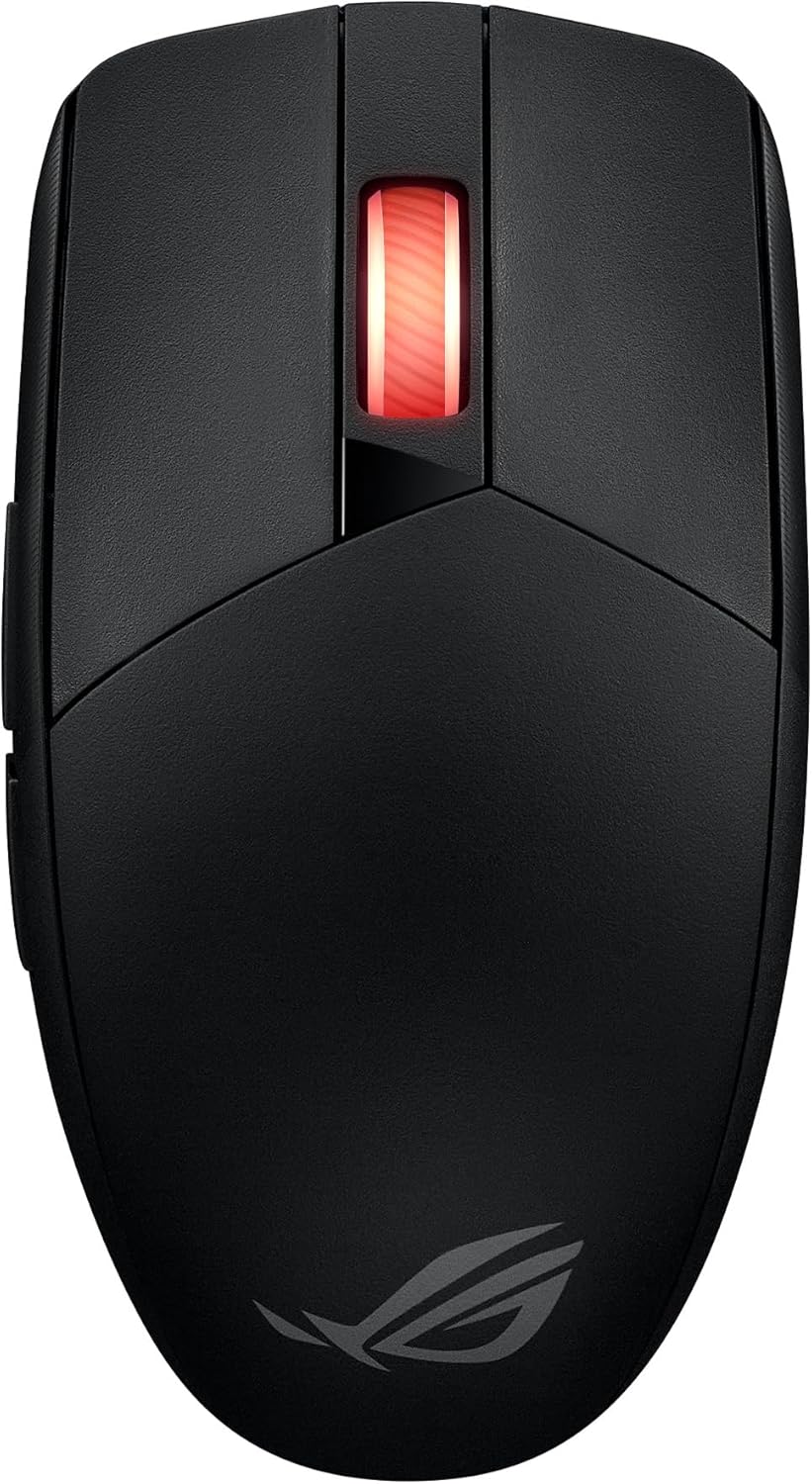
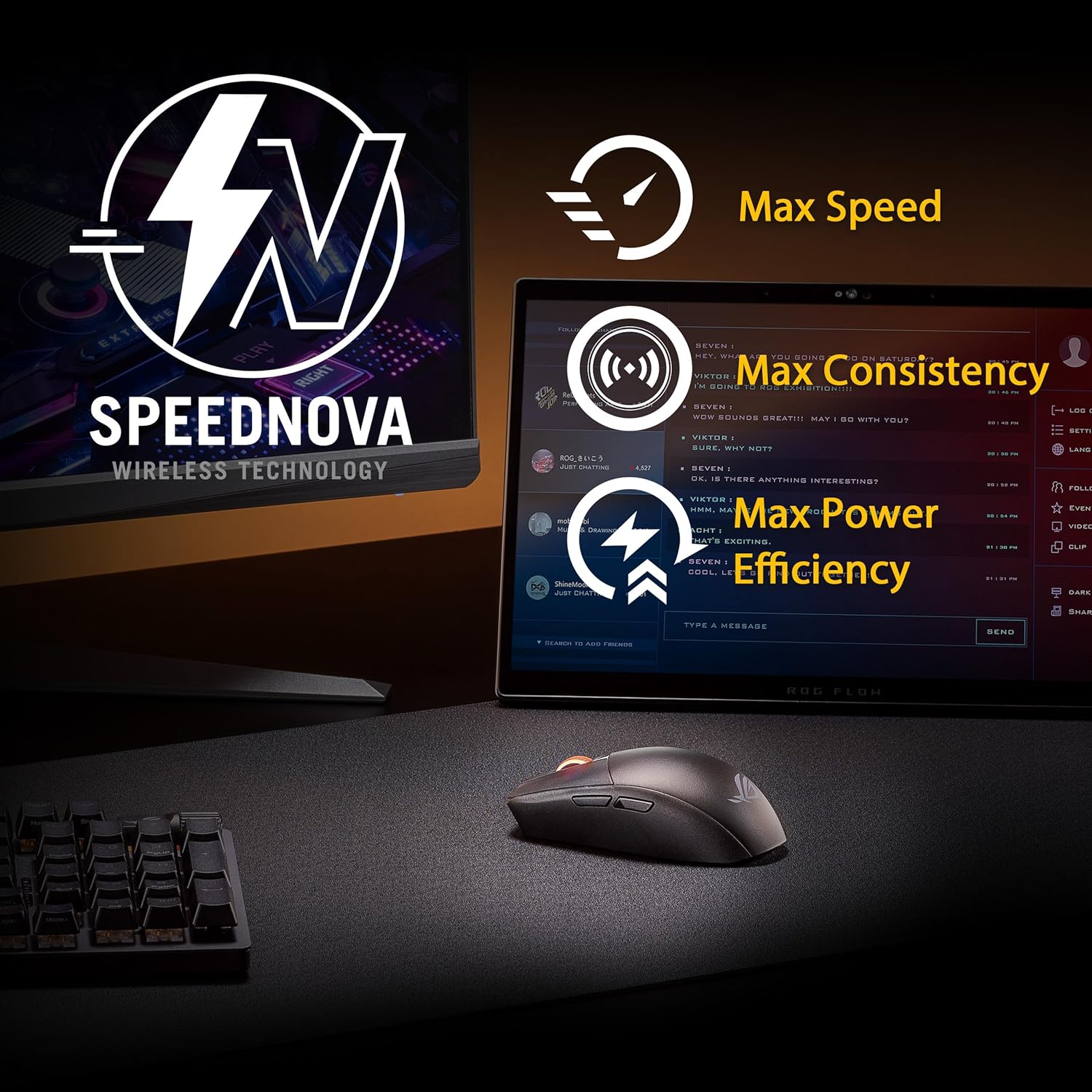
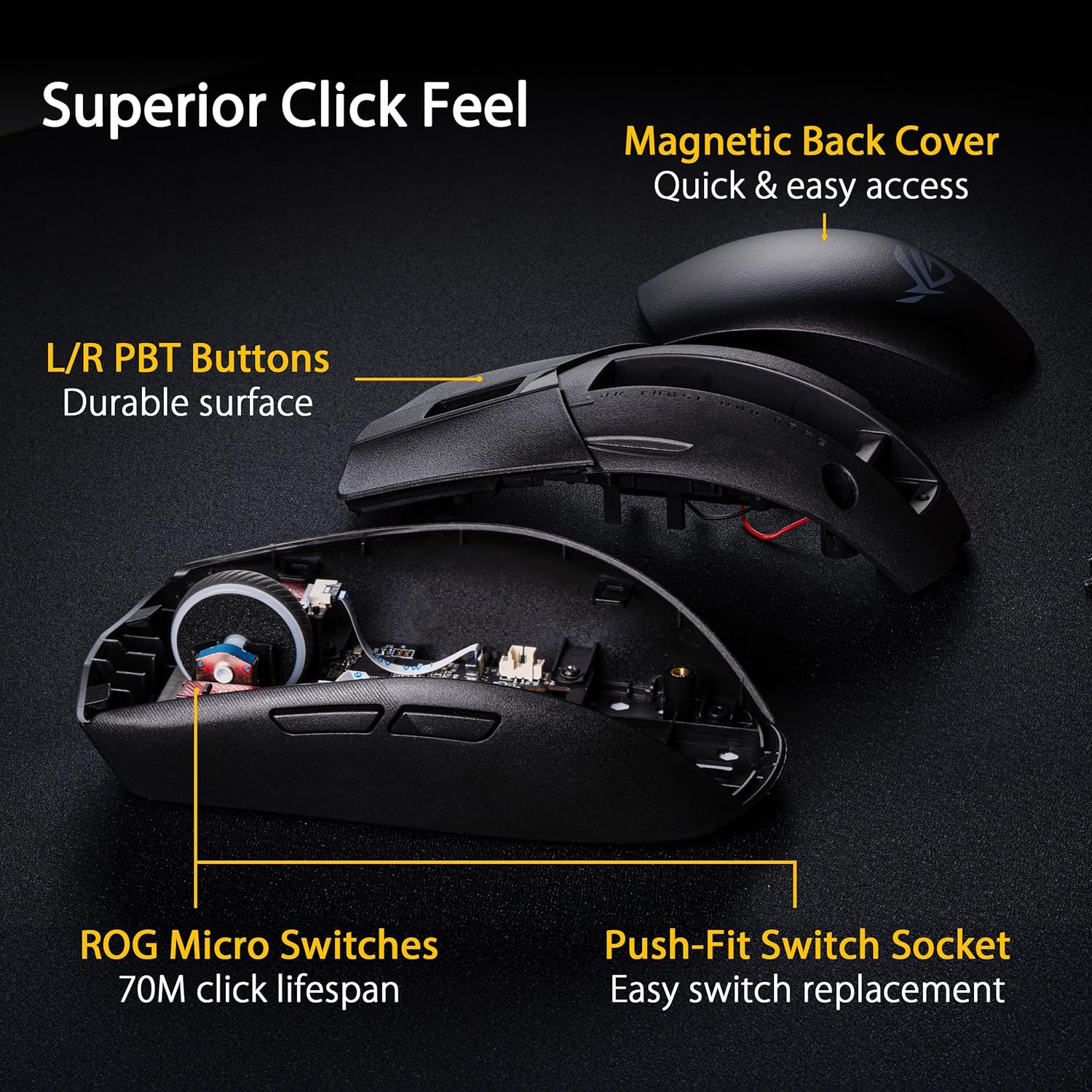
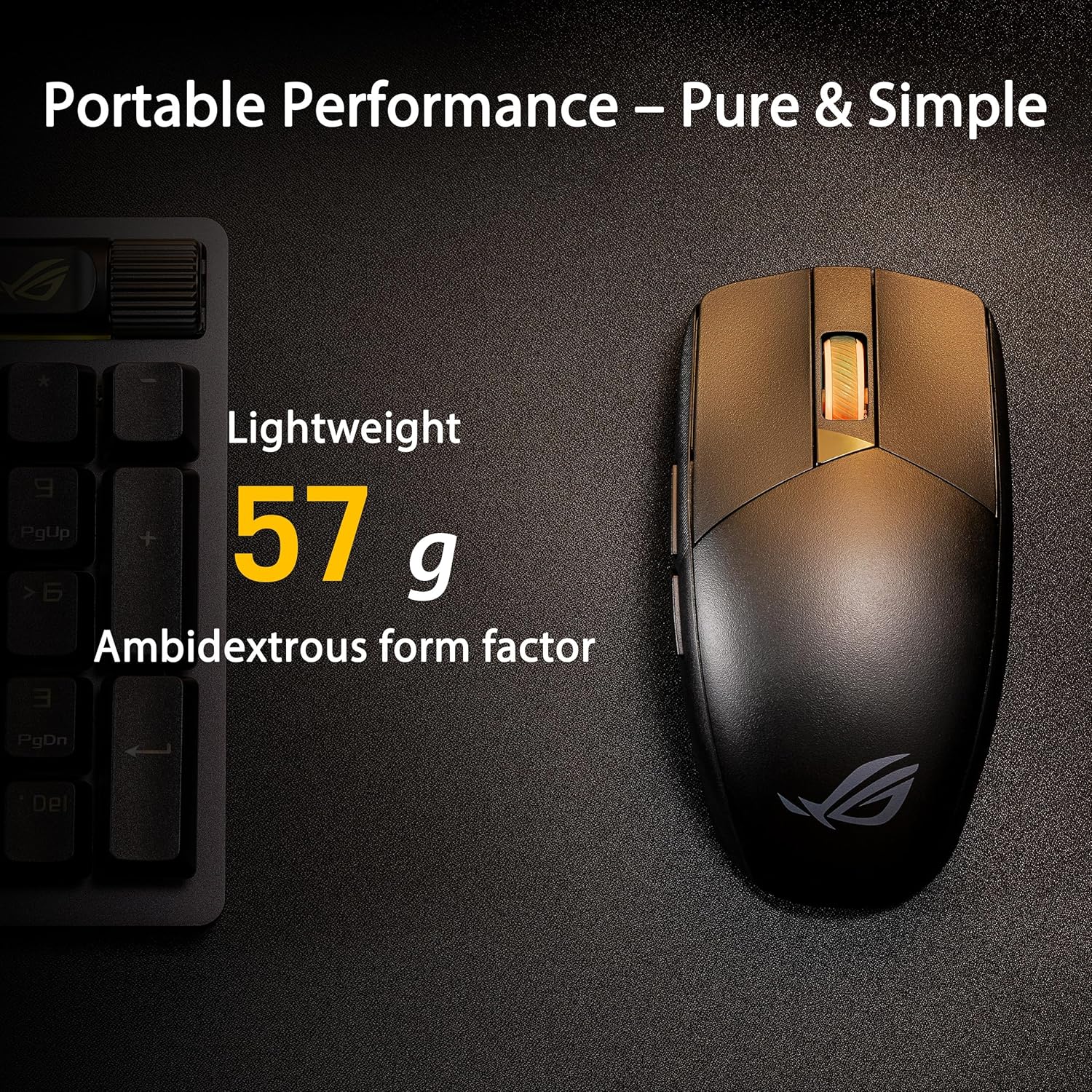
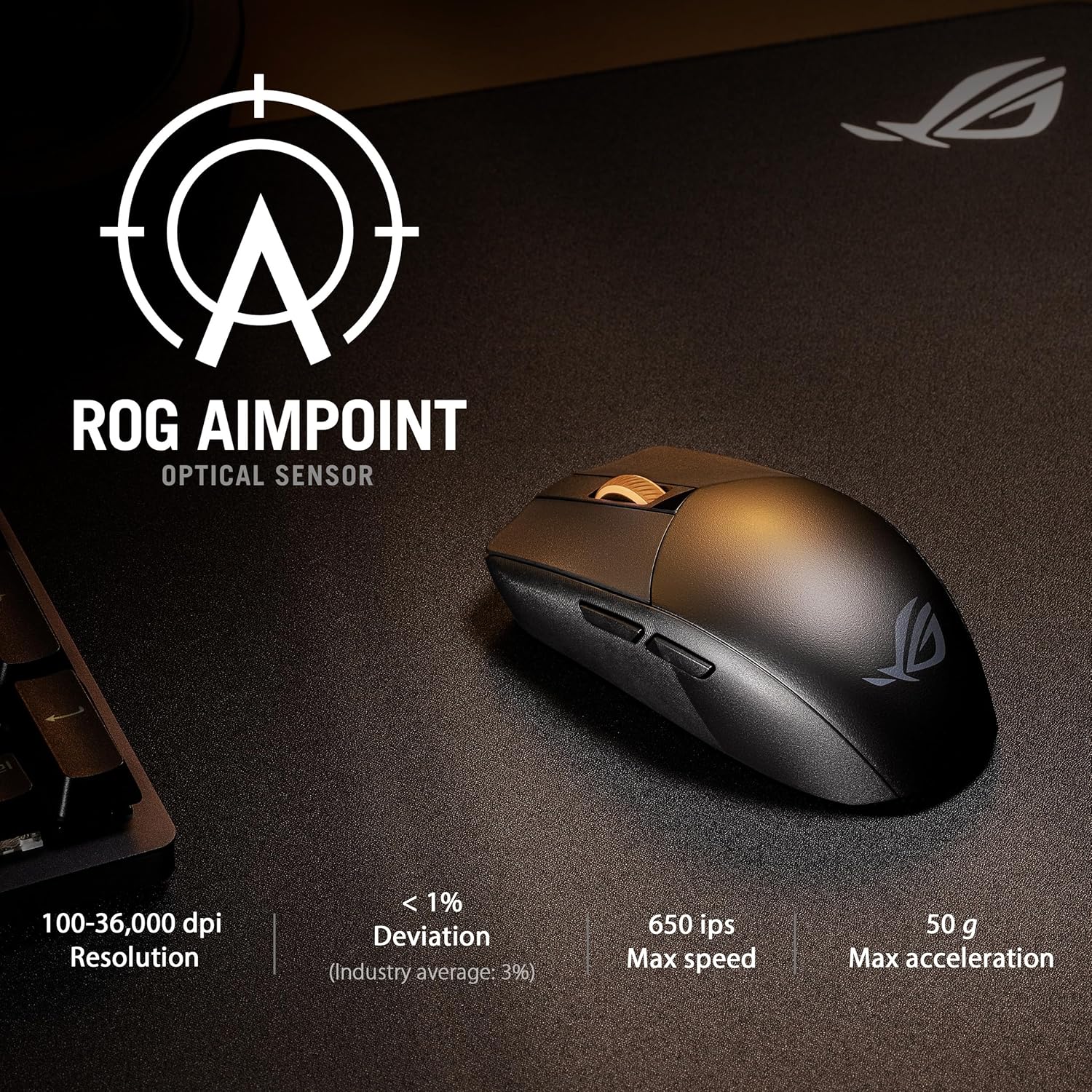
The design is ambidextrous and noticeably light at just 57 g without battery and receiver, which reduces fatigue during extended play and quick flicks. Connectivity includes both Bluetooth pairing for up to three devices and a fast 2.4 GHz RF mode using ROG SpeedNova technology for lower latency and more stable wireless performance. The sensor is the ROG AimPoint optical engine with up to 36,000 DPI and manufacturer-stated deviation below 1% for tighter tracking on mousepads. The mouse supports user-replaceable mechanical switches that can extend lifespan and allow adjustments to click feel. Note that battery life figures vary by source, so consider that runtime may differ depending on configuration and usage.
Benefits
Comfort and control come together in this compact shell that still leaves room for confident grip adjustments. The low weight helps reduce arm strain while keeping movement smooth in fast-paced play, and the high-DPI sensor makes small micro-adjustments and long-distance swipes accurate. For users who switch between work and gaming, the Bluetooth multi-device pairing simplifies moving between laptop and console. The replaceable switches are a practical plus for longevity and custom click force, and the micro switches are rated for long life, giving consistent feedback over time. ⚙️ A built-in wireless control lets you change common settings on the fly without opening software, which can be handy in tournament setups or guest machines. 🔋
Technical Specifications
- Name: ASUS ROG Strix Impact III Wireless Gaming Mouse
- Weight: 57 g (without battery and receiver)
- Sensor: ROG AimPoint optical, up to 36,000 DPI
- Connectivity: Bluetooth (pair up to 3 devices) and 2.4 GHz RF with ROG SpeedNova
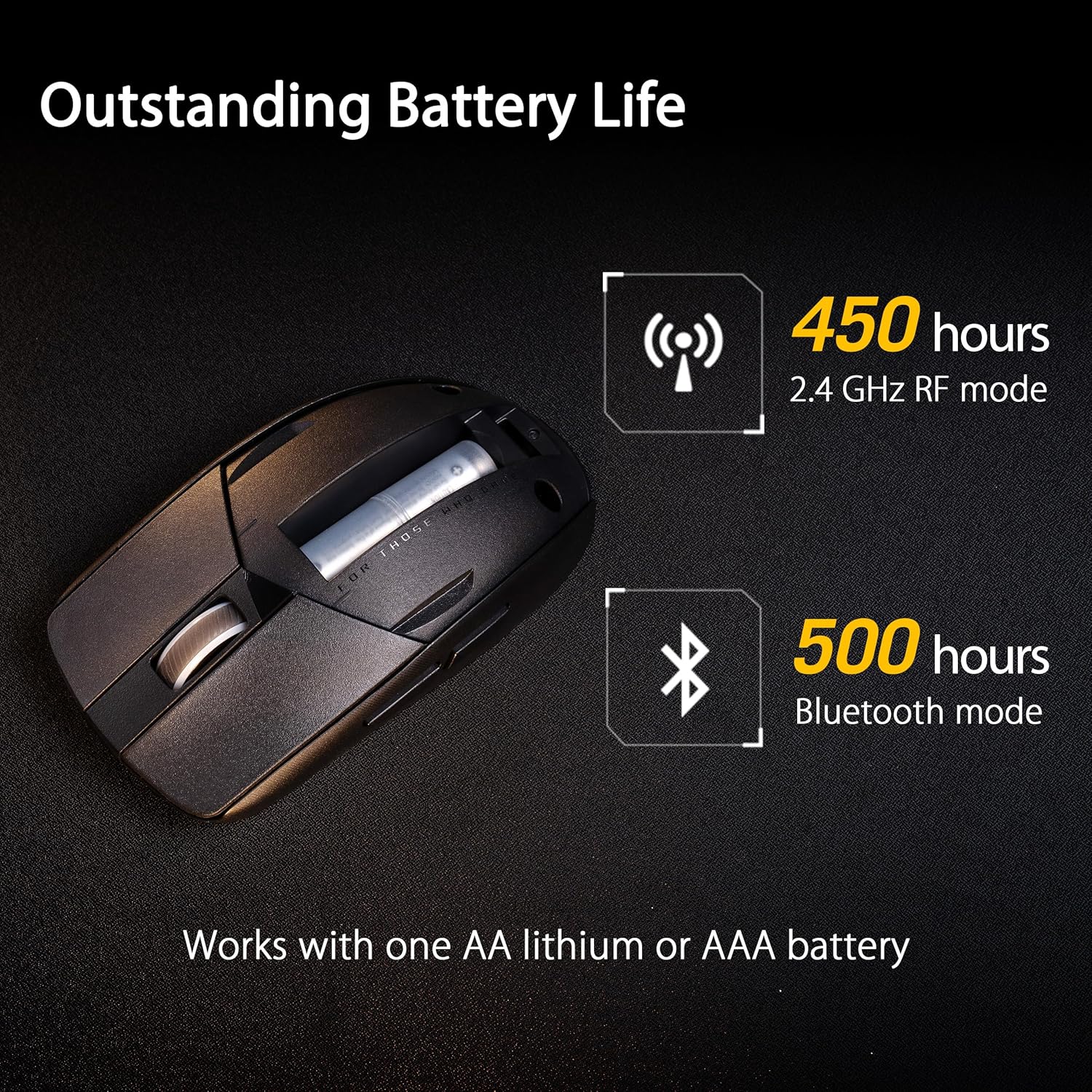
- Battery life: up to 618 hours (product listing) and up to 450 hours in ROG SpeedNova mode according to the manufacturer description
- Switch durability: ROG micro switches rated for 70 million clicks
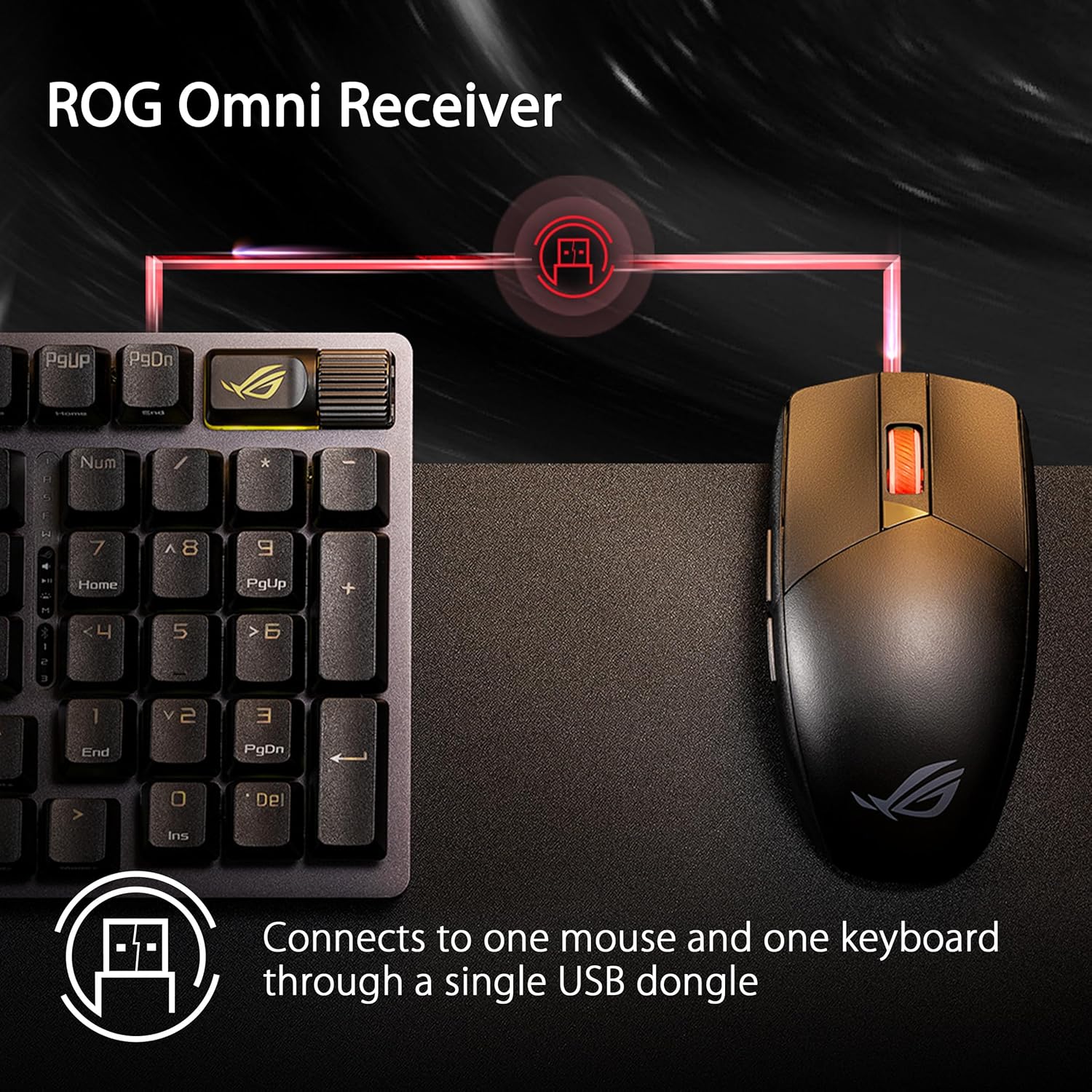
- Additional: Ambidextrous compact form factor, replaceable switch sockets, ROG Omni receiver compatibility
Usage Recommendations
For competitive gaming sessions favor the 2.4 GHz RF mode to minimize input lag and maximize responsiveness. Use Bluetooth when you need to toggle between devices or conserve receiver ports. If you plan long play sessions, test different battery types and configurations because manufacturer figures can vary depending on whether AA or AAA batteries are used and the active wireless mode. Consider swapping in compatible mechanical switches if you prefer a firmer or lighter click feel, and keep a spare set of switches if you expect heavy use.