

ZIKNYDO USB4 2.0 to Thunderbolt 5 Cable (80Gbps) 1m with PD 3.1 up to 240W
Product description
What this cable is for
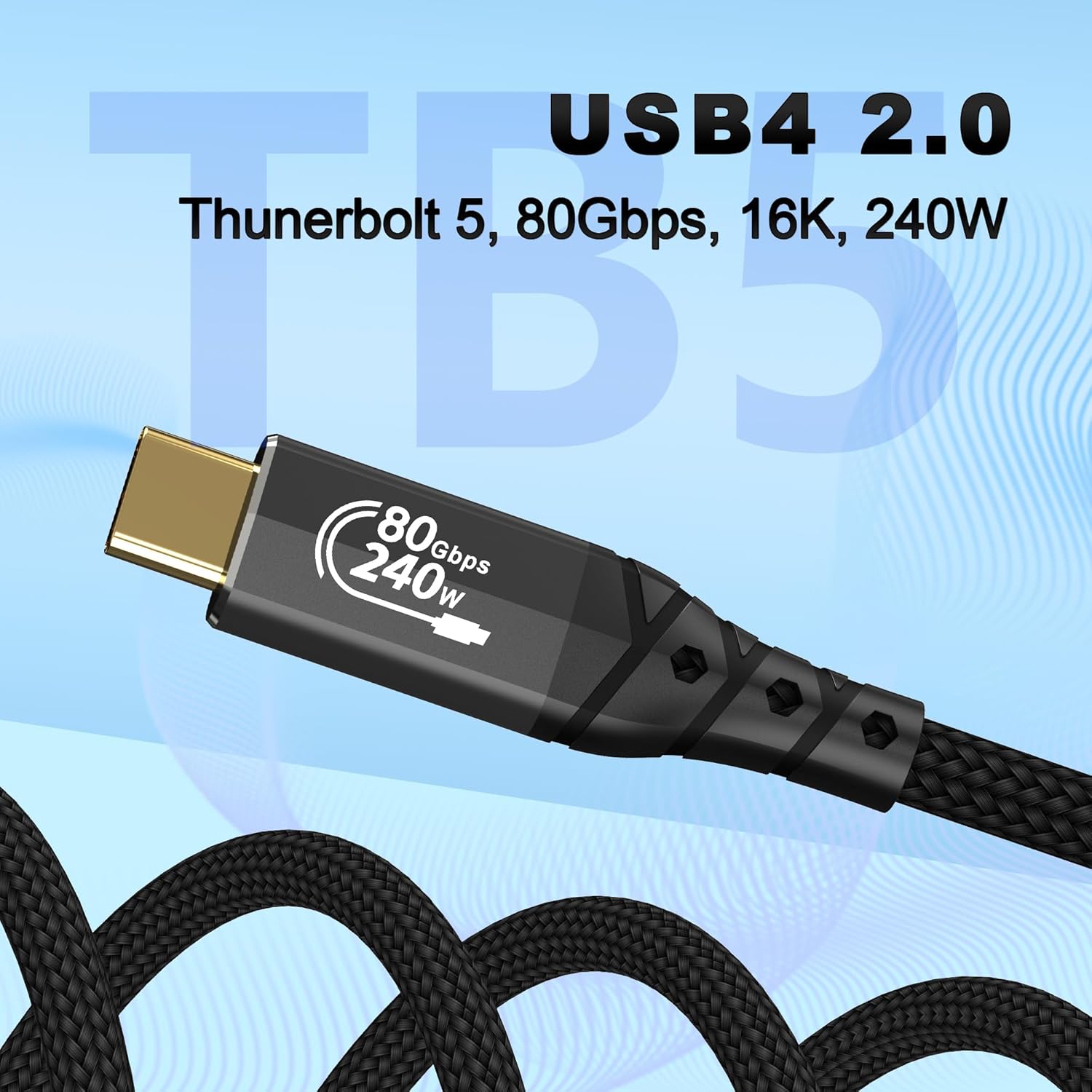
If you’re trying to get the most out of a Thunderbolt 5 (or Thunderbolt 4/USB4) setup, a decent cable matters more than people think. This ZIKNYDO cable is positioned as a high-speed USB4 2.0 lead that’s described as fully compatible with Thunderbolt 5, and also backward compatible with earlier Thunderbolt and USB generations.
On paper, it targets people who want one cable that can handle fast file transfers, serious display setups, and high-power charging—without having to juggle a drawer full of “sort-of-compatible” options. It’s also pitched for workflows involving SSDs, docks and eGPU use, so it’s not just a charging lead.
Key takeaways
You’re mainly buying for three things: speed, multi-monitor video support, and power delivery.
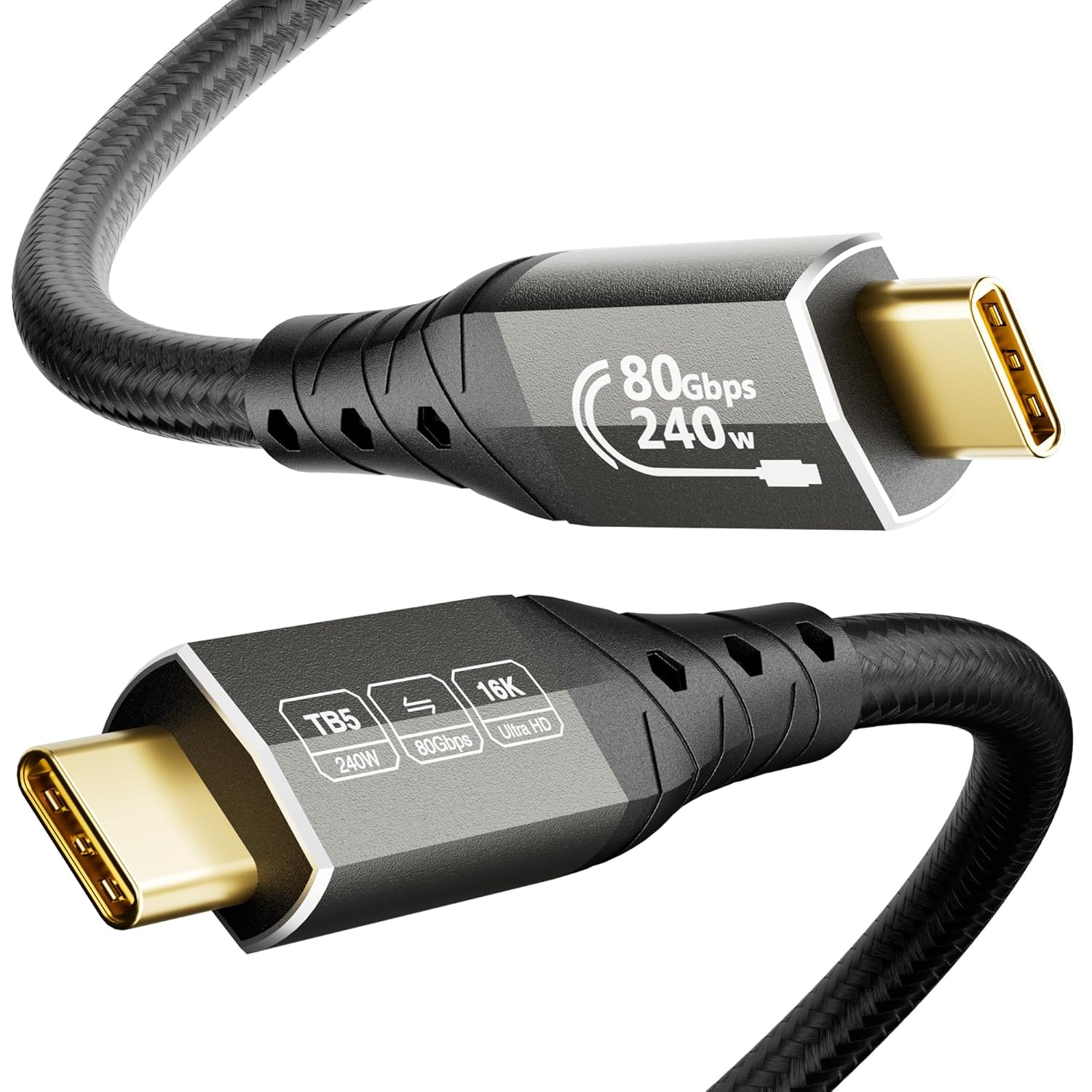
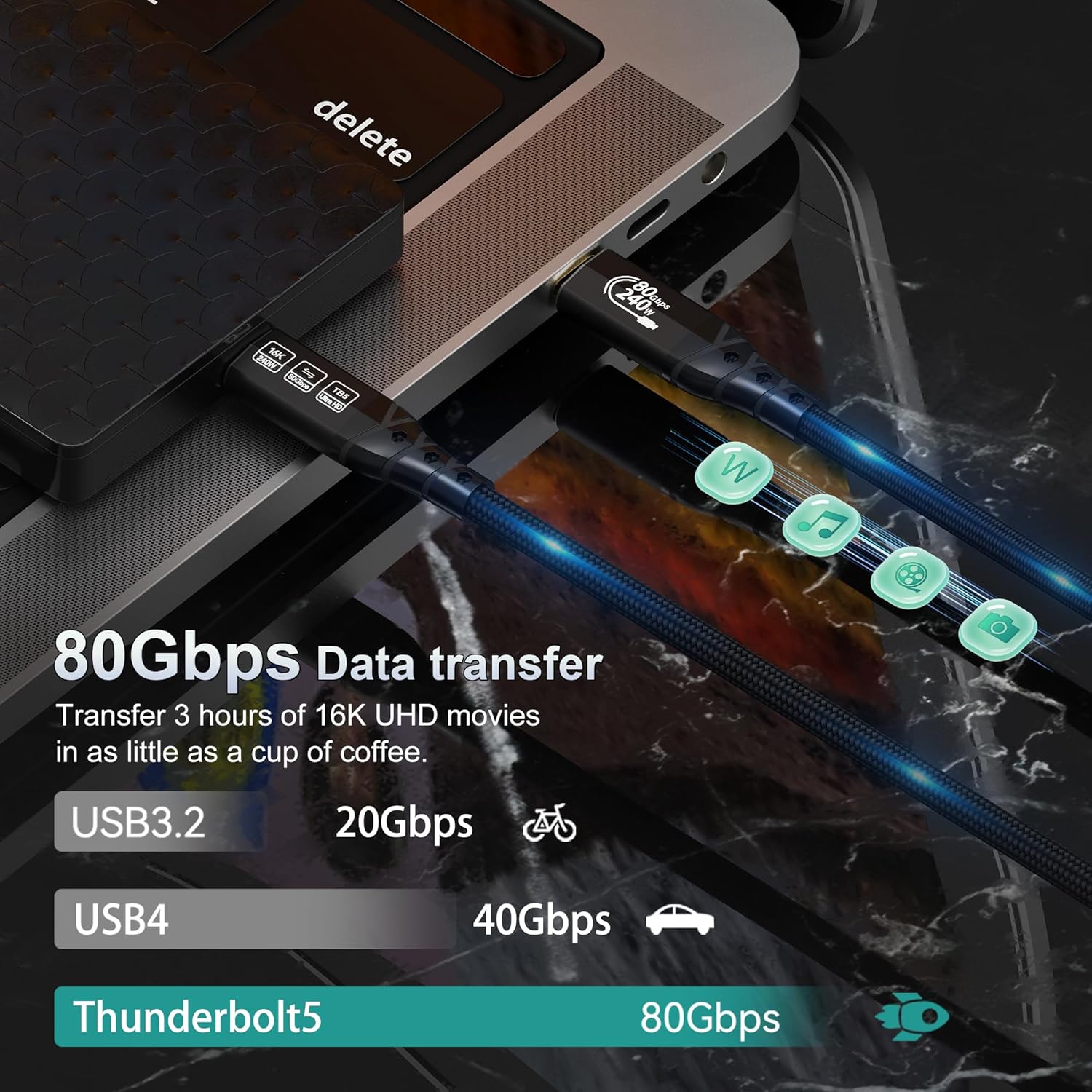
- The headline spec is 80Gbps bi-directional data transfer, with the brand claiming it’s twice the speed of Thunderbolt 4.
- For video, it’s described as supporting DP2.1 and daisy-chaining, with multiple display configurations up to very high resolutions/refresh rates (details below).
- For power, it supports PD 3.1 up to 240W charging, plus 15W reverse power, which is relevant if you want fewer cables feeding a laptop dock or power-hungry device.
That said, it’s still a cable: if your connected device (laptop, dock, monitor, eGPU) can’t use those features, you won’t magically unlock them. Compatibility is claimed, but real-world capability depends on the whole chain.
What you’ll notice day to day
In everyday use, the difference tends to show up in three moments.
First is data transfer. If you frequently move large projects—think 5GB video files, backups, or moving libraries between an SSD and your computer—the stated 80Gbps rate is aimed at keeping waiting time down. Whether you see the full figure depends on your SSD, enclosure, and host port, but the intent is clearly “fast workflow, not just charging”.
Second is display set-ups. The cable is presented as supporting multi-monitor daisy-chaining, which is handy if you don’t want to run separate connections for every screen.
Third is power simplicity. With PD 3.1 charging up to 240W, the idea is that a single, capable cable can reduce cable clutter around a high-performance laptop setup—especially where docks and power bricks usually dominate your desk.
Where it shines (and the limits)
This is a strong candidate if you’re building around Thunderbolt-class ports and want one cable that’s meant to carry a lot at once: data, display signals, and high-power charging.
It may not be a great match if you only need basic USB-C charging or occasional file transfers. For that, you could save money elsewhere because you’re unlikely to benefit from DP2.1 multi-monitor support, eGPU video bandwidth, or the top-end charging profile.
Also worth noting: the resolution and refresh rate figures depend heavily on the monitors you own and the way your system negotiates features. The cable supports the standards and ranges “on paper”, but you might not hit the ceiling unless the rest of the chain is also built for it.
Tech specs
- Type: USB4 2.0 cable described as fully compatible with Thunderbolt 5 and backward compatible with Thunderbolt and USB
- Data transfer rate: 80Gbps bi-directional
- Video support (as described): DP2.1 and multi-monitor daisy-chaining
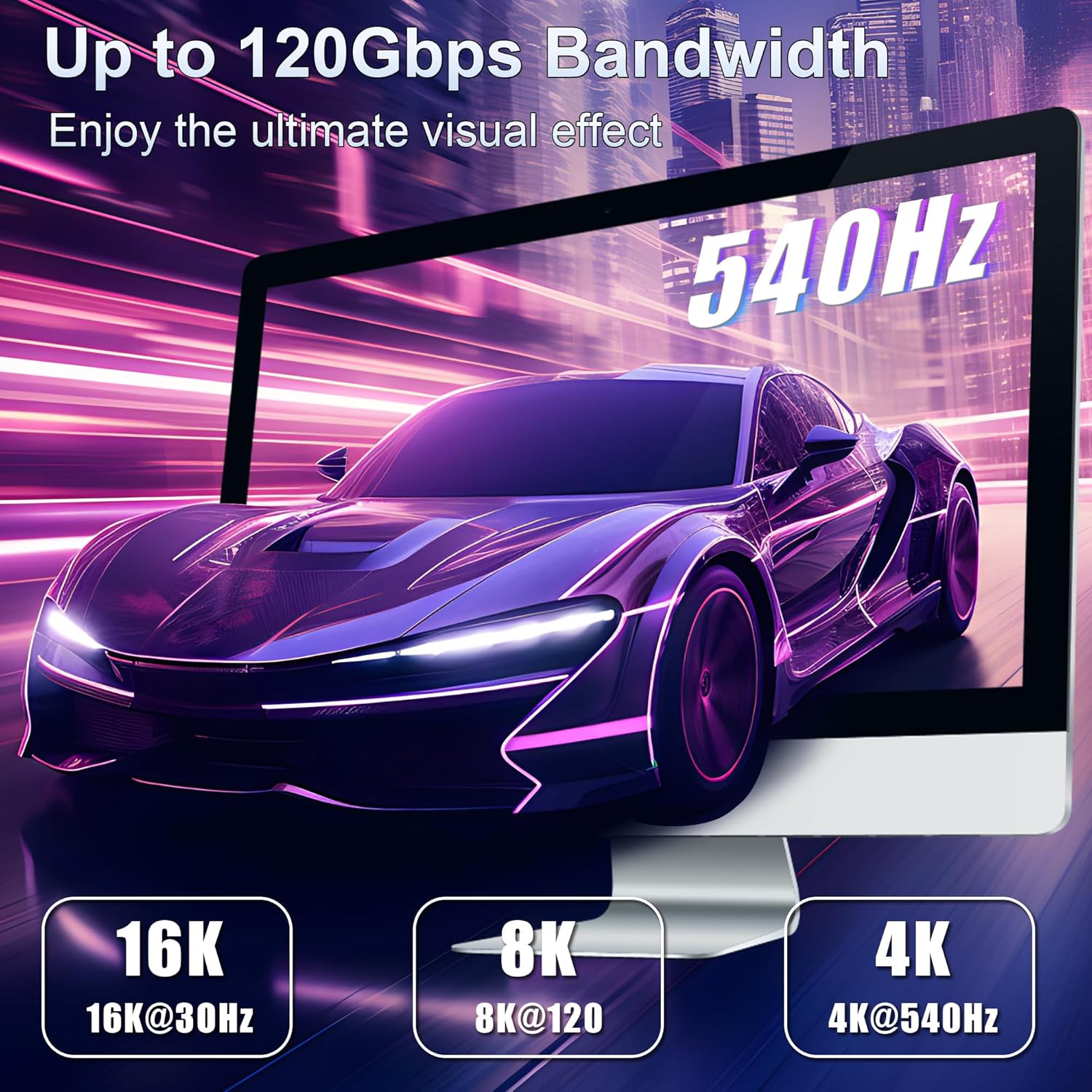
- Multi-monitor examples (as stated): one monitor up to 16K resolution, up to three 4K 144Hz monitors, or two 6K or 8K monitors, refresh rates up to 540Hz for gaming use cases
- eGPU video bandwidth: 120Gbps
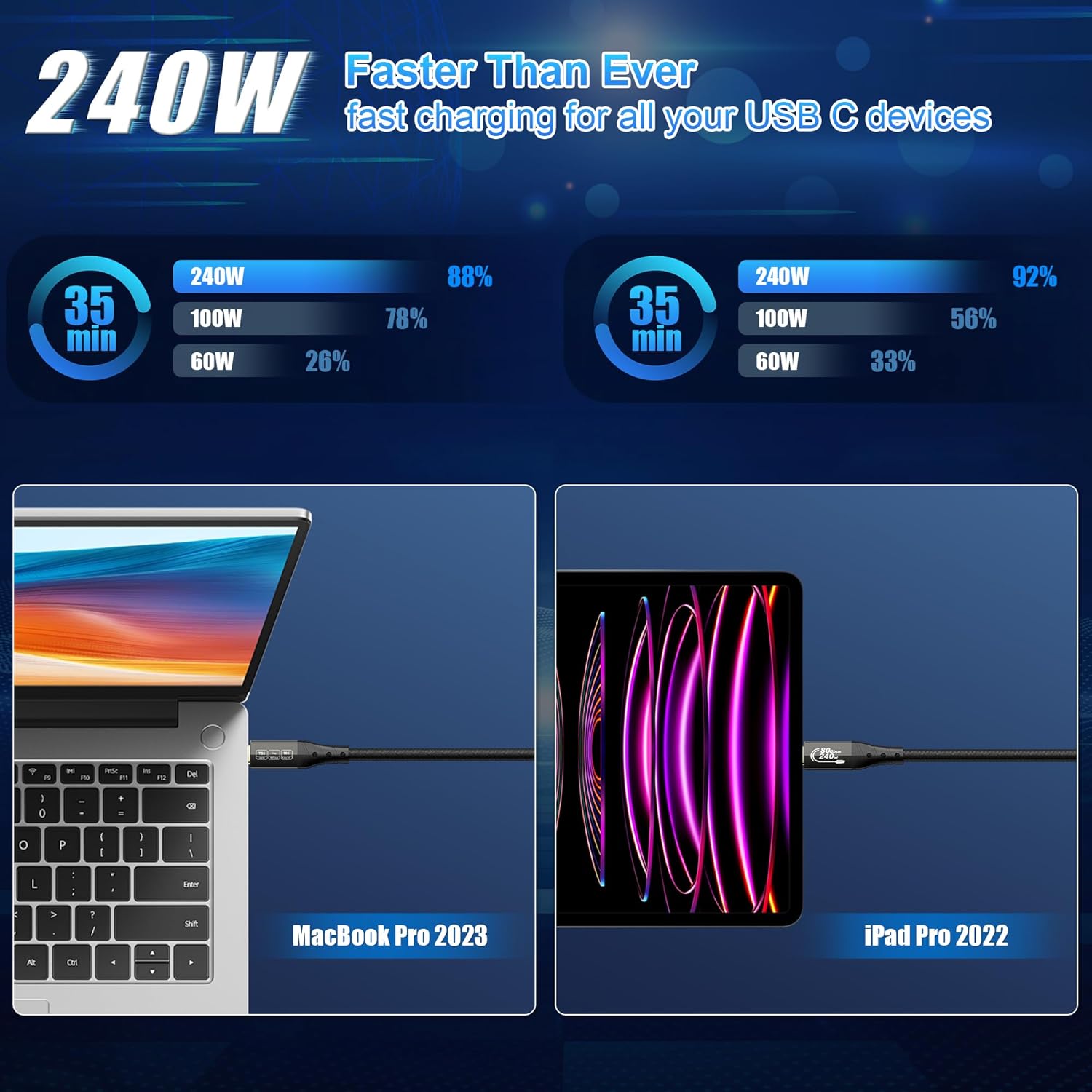
- Charging: PD 3.1 up to 240W
- Reverse power: 15W
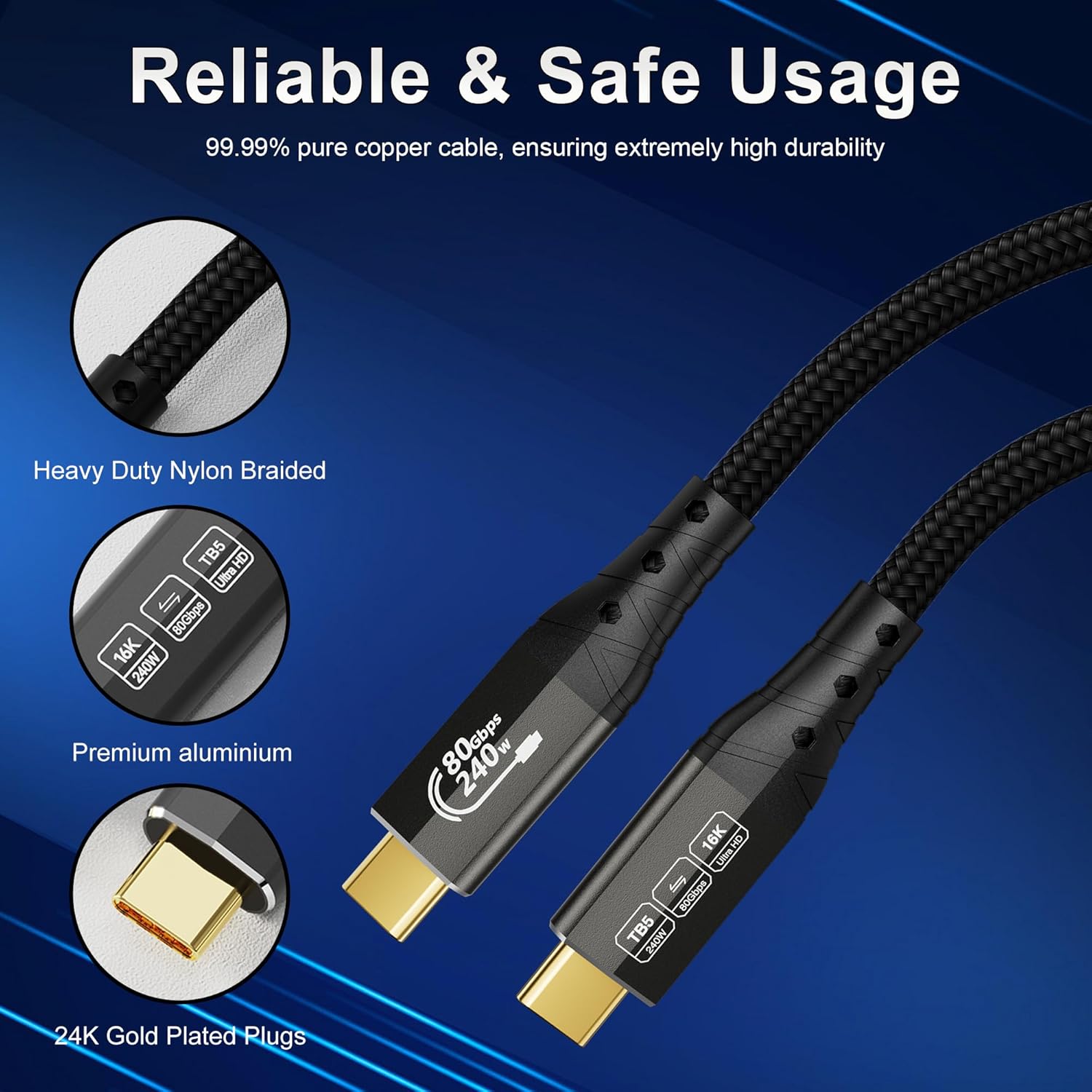
- Cable build: tensile steel wire core, aluminium housing for heat dissipation
- Connector: 24K gold-plated plug
- Strain/tangle resistance: 48-strand braid technology
- Length/fit: 1m (3.3ft) cable length
Who it’s for (and who should avoid it)
It suits you if you:
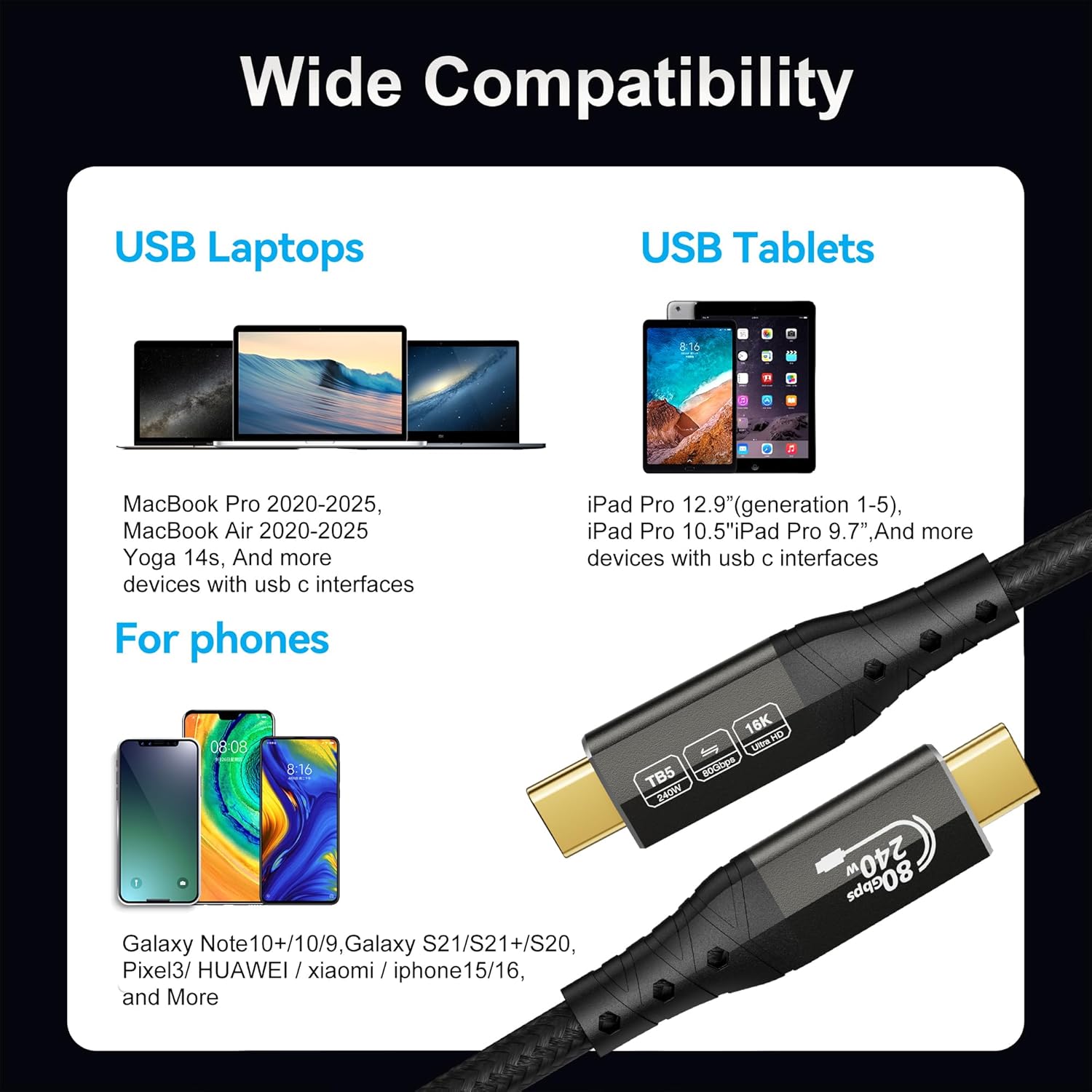
- have a Thunderbolt 5 / Thunderbolt 4 / USB4 capable Mac or workstation and want a single cable for fast transfers plus display support
- use an SSD enclosure, a docking station, or you connect multiple peripherals where bandwidth and power delivery both matter
- are considering an eGPU set-up and want the cable to be designed for higher video bandwidth
- care about physical durability, since the cable is described as being reinforced for strength and reduced tangling
You may want to skip it if you’re:
- only charging a phone/tablet or doing low-bandwidth tasks
- not using multi-monitor/daisy-chain features or eGPU workflows
- buying without checking that your devices, dock, and display chain actually support the same standards you’re paying to carry
Mini FAQ
Is this cable only for Thunderbolt 5 devices?
It’s marketed as fully compatible with Thunderbolt 5 and also compatible with previous Thunderbolt and USB versions. That means it’s intended to work across Thunderbolt-class setups, but your device must still support the features you want (like multi-monitor video).
Will it charge high-performance laptops?
The cable supports PD 3.1 charging up to 240W (plus 15W reverse power). If your laptop and charger/dock chain are set up for that level, it should help you run fewer cables.
Does it support daisy-chained monitors?
The product description says it supports DP2.1 and multi-monitor daisy-chaining, including several multi-display configurations. As always, actual results depend on your monitor models and how your system negotiates video capabilities.
Can it be used with an eGPU?
The description says it supports an eGPU solution with 120Gbps video bandwidth, which is aimed at graphics-intensive applications.
Final verdict
It makes sense if your setup is genuinely using Thunderbolt 5 / Thunderbolt 4 / USB4 features and you want one cable that covers speed, multi-monitor support, and up to PD 3.1 240W charging in a durable, reinforced design.
It’s not the best choice if you just need basic USB-C charging or occasional transfers—there’s a good chance you won’t benefit from the top-end display and bandwidth claims, and you could end up paying for capabilities you won’t use.