

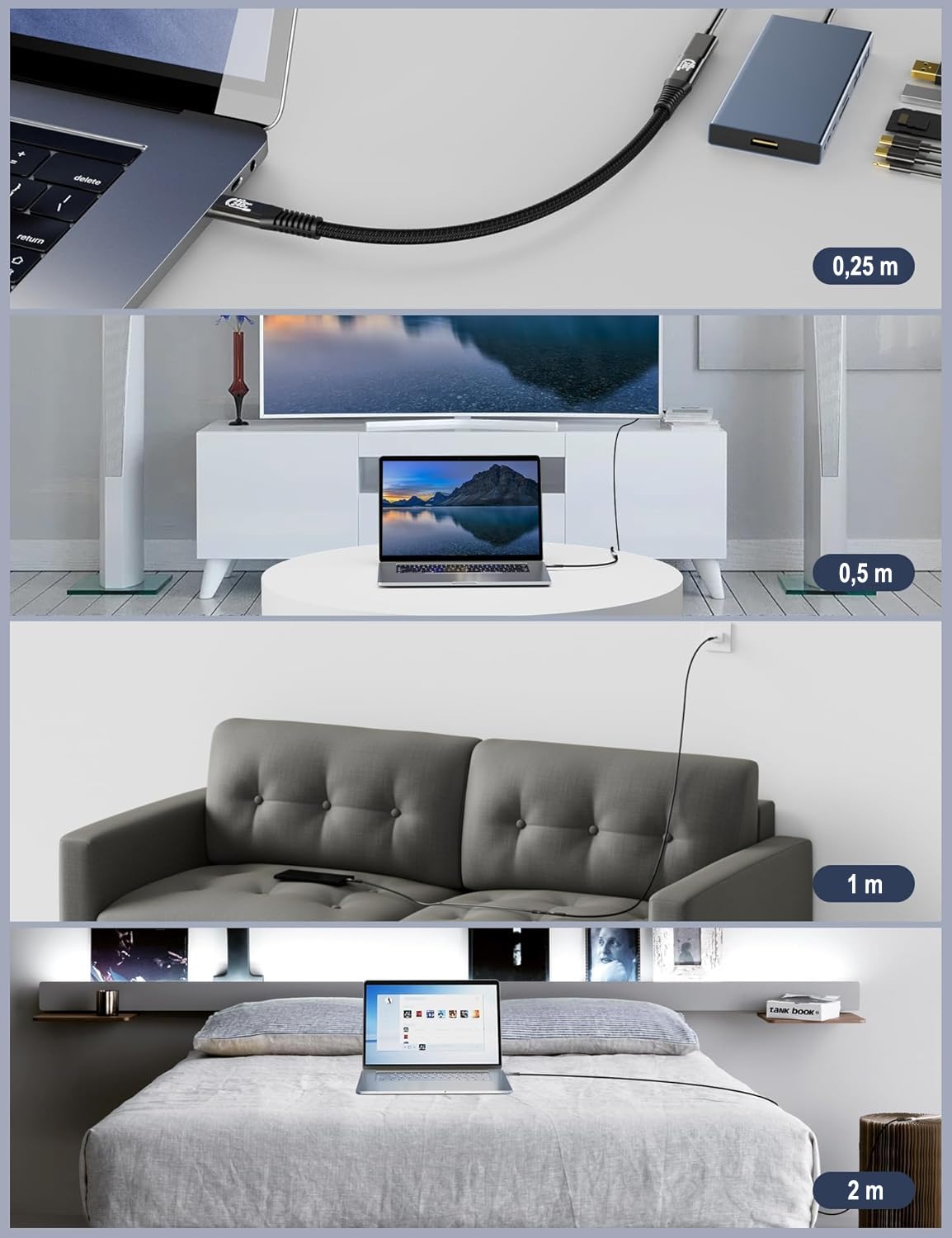
CAKOBLE Thunderbolt 4 Extension Cable (25cm) — 40Gbps, up to 8K@60Hz, USB-C male to female
Product description
The essentials
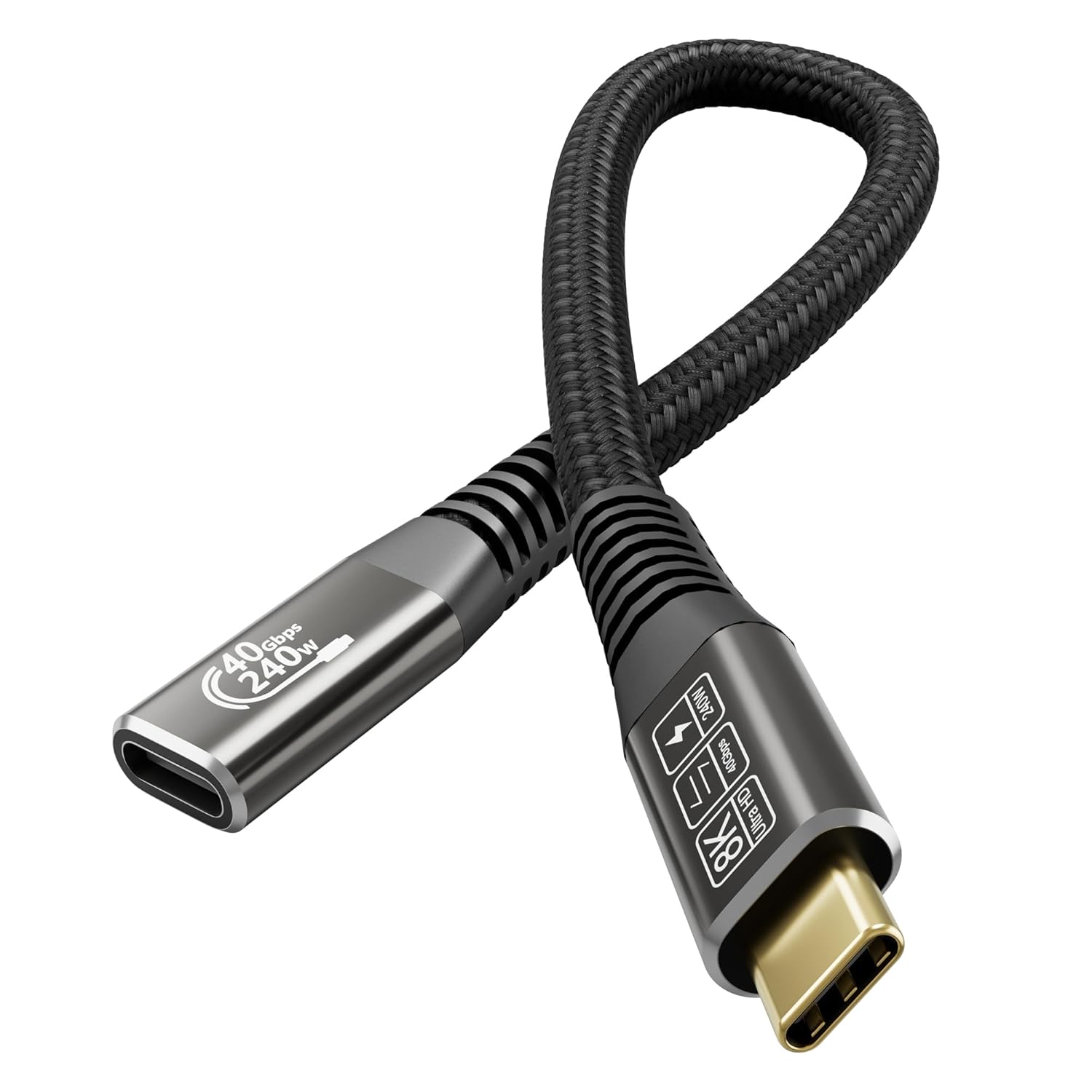
A short Thunderbolt 4 extension cable is one of those upgrades you don’t think about until your setup almost fits. The CAKOBLE Thunderbolt 4 Extension Cable (25cm) is designed for exactly that moment: extending a Thunderbolt/USB-C connection while aiming to keep high-speed data and display performance within spec.
On paper, it targets people who need more reach without switching to a cheaper “USB-C extension” that may bottleneck video or data. It also positions itself as more than just a passive lead, with support for high-power USB PD up to 240W via PD 3.1 EPR, plus a stated video capability up to 8K@60Hz (or dual 4K@60Hz).
That said, there’s a catch that often gets overlooked with extension cables: the final experience depends on what the host device and the display/dock can actually do, so it’s worth checking compatibility before you commit.
Key features that matter in daily use
The headline benefits here are the usual three for Thunderbolt-style workflows: speed, power delivery, and display output.
High-speed data (up to 40Gbps) is the big one. The cable is presented as fully compliant with USB4 specifications and built for Thunderbolt 4-class performance, enabling data transfer rates up to 40Gbps. It’s positioned for moving large files quickly rather than just “it charges”.
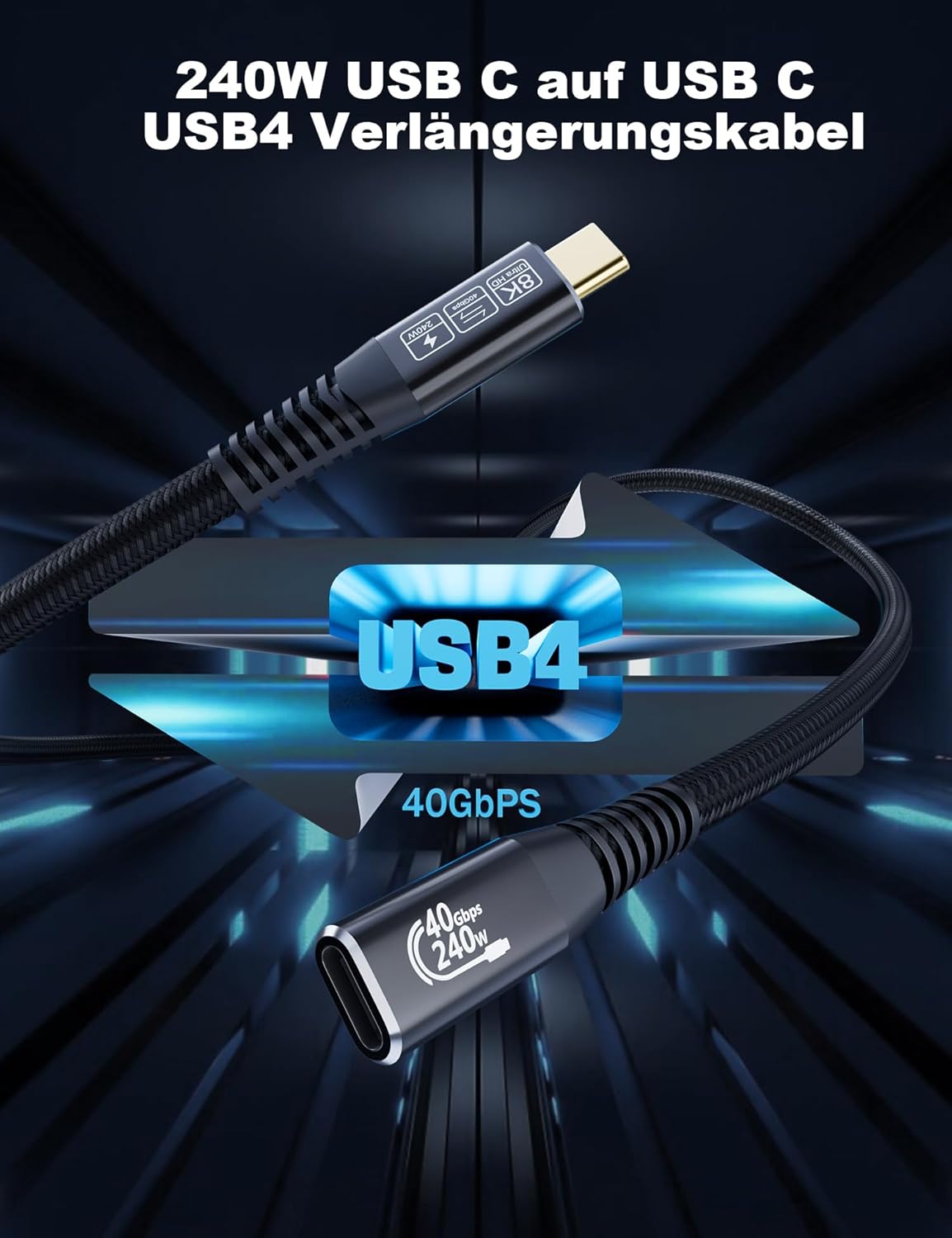
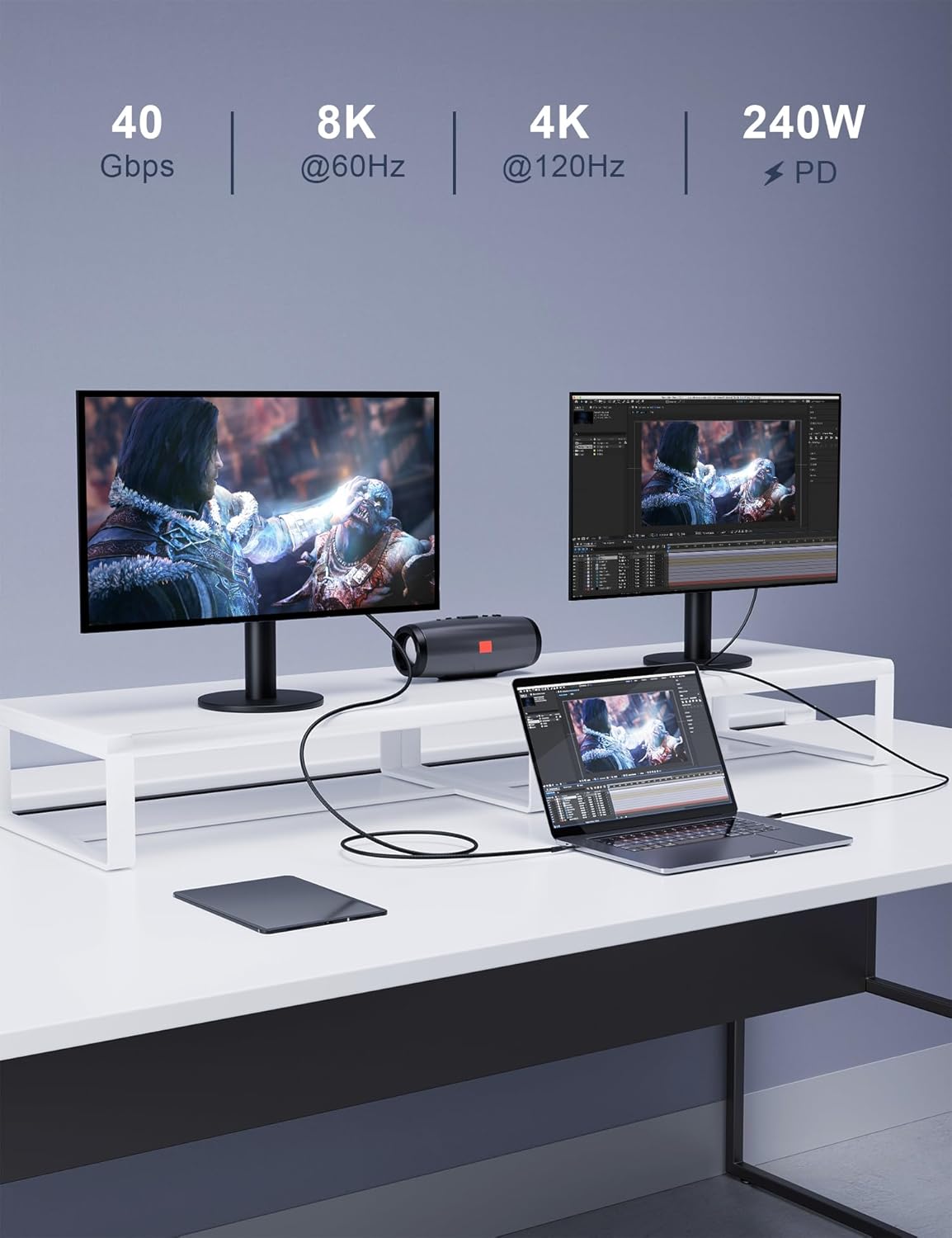
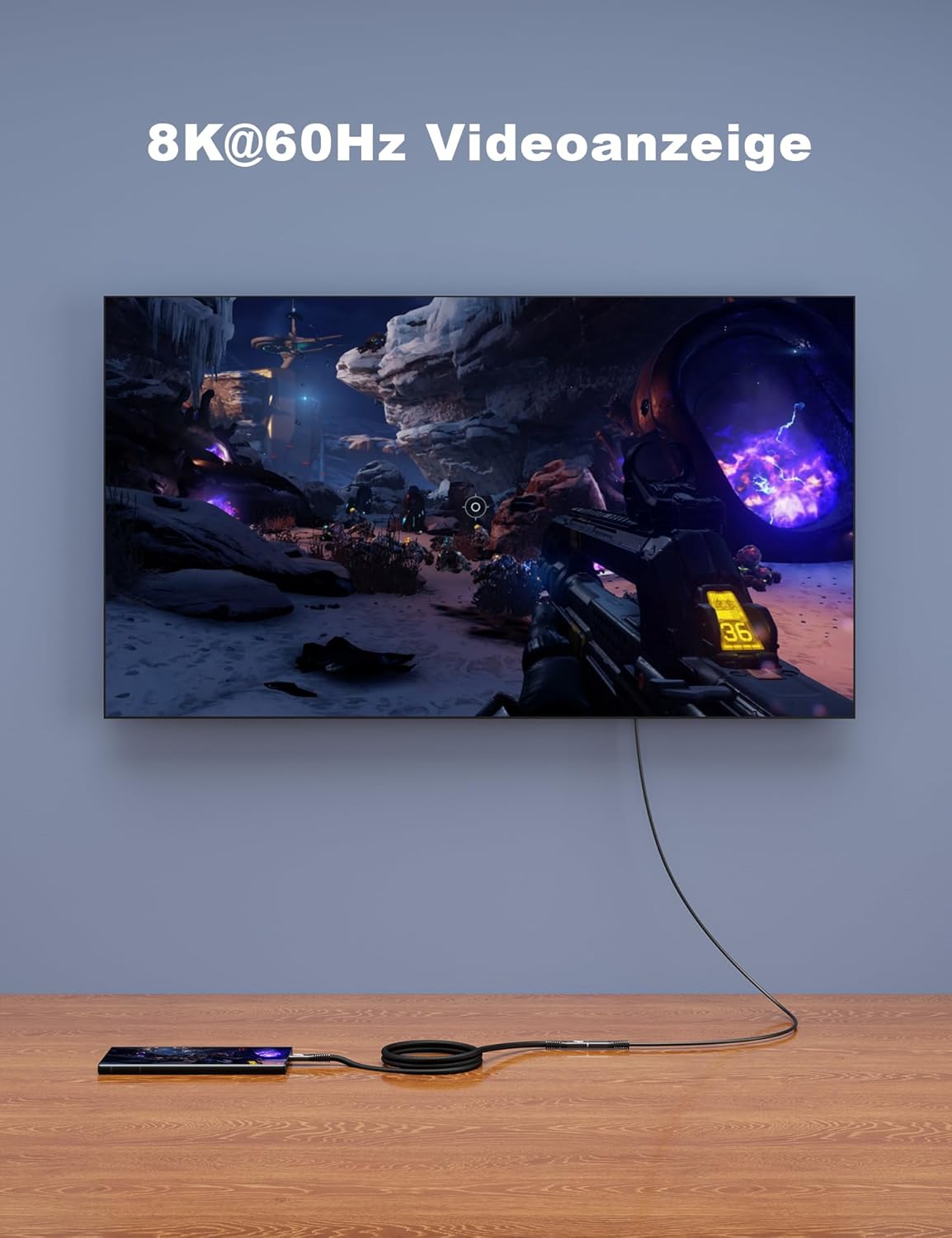
Video output up to 8K@60Hz (or one 8K@60Hz / two 4K@60Hz displays) makes it a plausible candidate for docking and monitor setups where you want crisp detail. A practical example: if you’re working from a laptop at a desk with a single high-resolution monitor, an extension like this can help tidy cable routing while keeping the monitor link in the same high-bandwidth category.
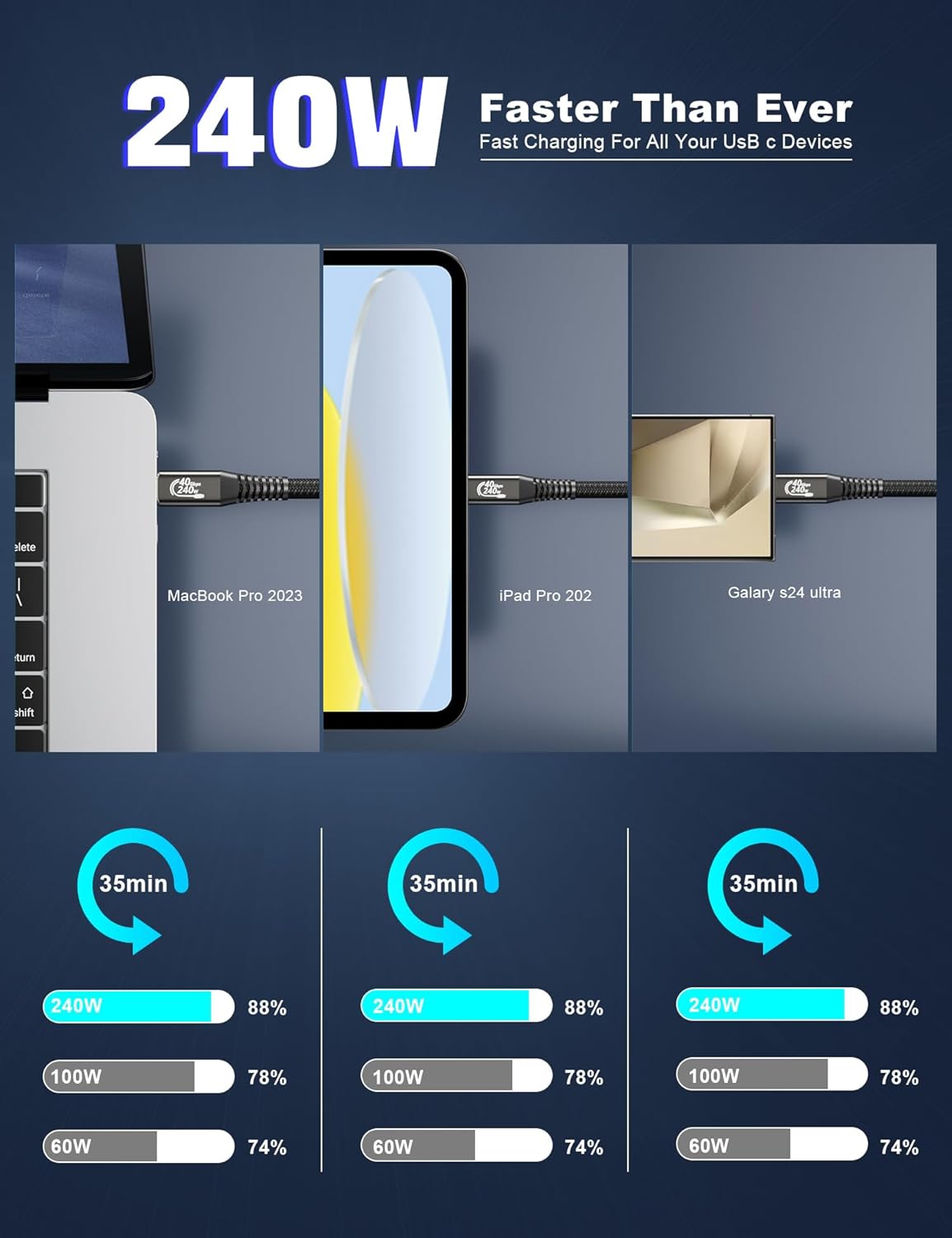
Power delivery up to 240W (PD 3.1, EPR) is also a real differentiator. The cable mentions PD 3.1 EPR which expands the maximum wattage beyond standard PD 3.0 levels, listing compatibility with a range of power levels (including 180W/140W/100W and lower). If your laptop uses high-wattage charging and your dock requires a stable connection, this is designed to support that “one cable” style experience.
What you’ll notice day to day
Where this extension cable tends to make sense is when your current cable reach is the limiting factor, but you still want the same class of performance.
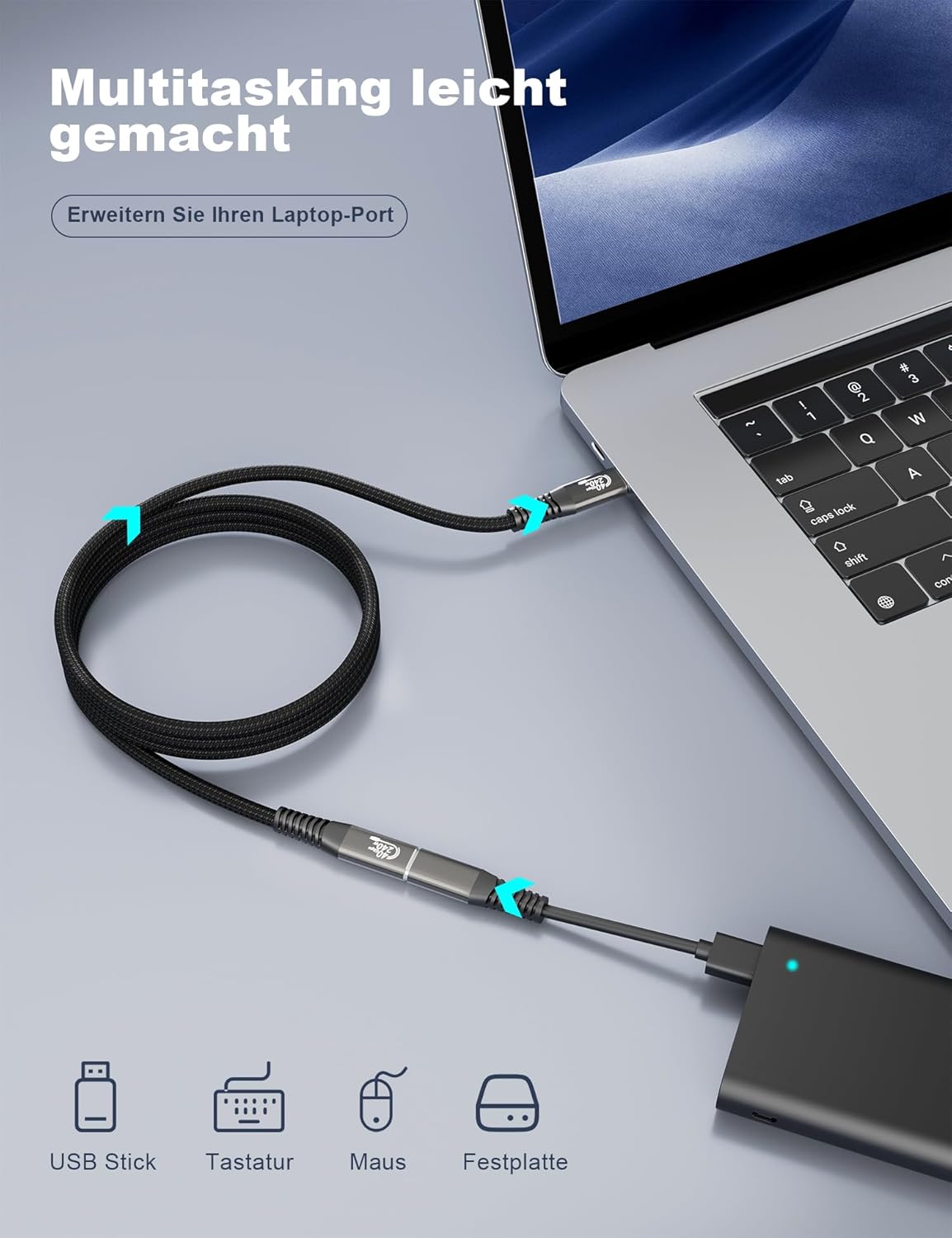
- Less wear on connectors: the description specifically frames the extension as a way to reduce repeated plugging/unplugging wear on the device’s female port, especially if you frequently connect peripherals.
- More stable high-speed handling (on paper): it includes a built-in smart chip intended to protect high-speed data transmission and reduce data loss.
- Physical build choices: the plug is nickel-plated, the housing is aluminium, and the cable uses nylon braiding. It’s also described as durable and not easy to tangle—small details, but they matter when a cable gets moved around daily.
Tech specs
- Type: Thunderbolt 4 extension cable (USB-C male to female)
- Length: 25cm
- Data transfer: up to 40Gbps (final speed depends on host and device support)
- Video support: up to 8K@60Hz or dual 4K@60Hz (as stated by the manufacturer)
- Charging/power: USB PD 3.1 with EPR, up to 240W (48V 5A)
- Compliance: compatible with Thunderbolt 4 and backward compatible with Thunderbolt 3, and USB 3.2/3.1/3.0/2.0
- Construction: nickel-plated plug, aluminium housing, nylon braided cable
Where it shines (and where it may not)
It’s a strong match if you already have a Thunderbolt 4/USB4-capable laptop or setup and your problem is purely distance and connector protection. The stated 40Gbps and 8K support make it suitable for docking stations, monitor links, external storage, and similar “bandwidth matters” use cases.
It may not suit you if: - you’re expecting guaranteed performance with every device combination (the note about final speed and what your host/display supports is important) - you only need a basic extra length for charging or low-bandwidth use, because an extension like this is more specialised than a simple USB-C lead - your priority is maximum versatility across random USB-C accessories that aren’t designed for Thunderbolt-style signalling
Worth considering if you’re trying to keep a high-end connection chain together rather than mixing and matching with cables that may downgrade the link.
Compatibility & requirements
The cable is described as compatible for Thunderbolt 4, backward compatible with Thunderbolt 3, and suitable for USB-C devices such as iPhone, MacBook, and other USB-C equipment listed in the product description. It also mentions use with docking stations, external SSDs, hard drives, eGPU, VR devices, hubs, chargers, and HDTVs.
However, because extension cables sit in the middle of the signal path, it’s wise to confirm that your laptop/dock/monitor combination actually supports the modes you want (especially for 8K@60Hz and dual display claims).
Is it worth it?
If you’re running a Thunderbolt 4 workflow and just need a bit more reach—while also wanting to preserve high-speed data, video output, and high-wattage charging—this CAKOBLE 25cm extension cable looks like a sensible, purpose-built choice. The PD 3.1 EPR support up to 240W and the stated 40Gbps/8K capability are the reasons it stands apart from generic USB-C extenders.
Buy it if you have a compatible Thunderbolt 4/USB4 setup and you want cleaner cable routing or to reduce repeated connector wear. Skip it if your devices don’t support the relevant Thunderbolt/video/power modes, or if your use is simple charging and low-bandwidth connections—then you may not be getting the value you think you are.
Mini FAQ
Does the cable guarantee 40Gbps and 8K? No—it's stated as up to 40Gbps and up to 8K@60Hz, but the final actual performance depends on host and device support.
Can it power-charge my laptop? It’s presented as supporting USB PD 3.1 with EPR up to 240W, with compatibility across a range of power levels, so it should suit high-wattage charging setups where supported.
Is it only for Thunderbolt 4 devices? The description says it supports Thunderbolt 4 and is backward compatible with Thunderbolt 3 and USB 3.2/3.1/3.0/2.0.
Is 25cm long enough for a desk setup? For many desks it’s useful for closing the gap between the laptop and a dock/monitor, but if you need a lot more reach, 25cm can feel tight.
Will it help if I frequently connect and disconnect devices? On the manufacturer’s framing, yes—using an extension can reduce wear on the laptop’s connector by avoiding repeated plugging/unplugging.