

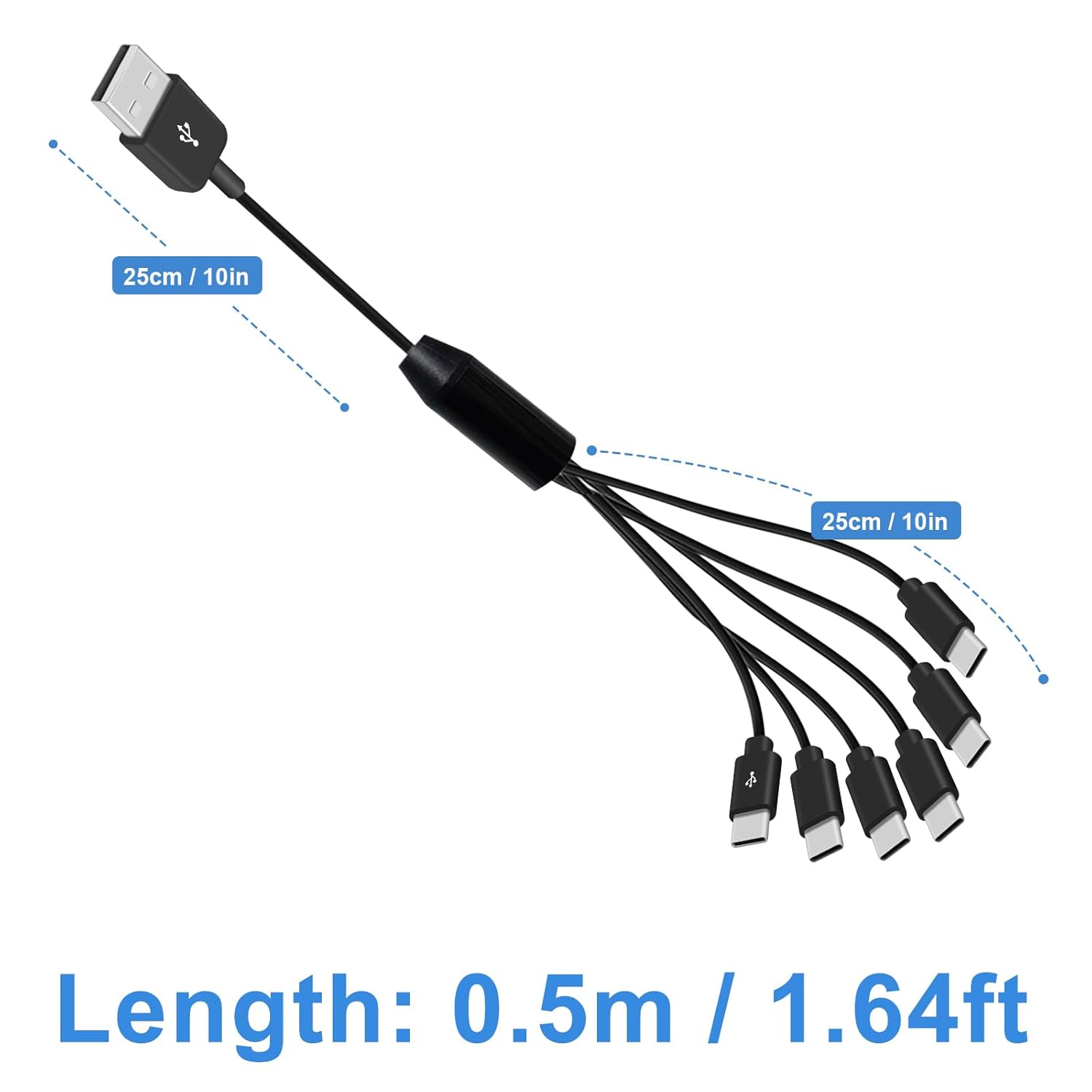
Maxhood 6-in-1 USB-C Splitter Cable (USB 2.0 Type A to 6 Type-C) with 3A Fast Charge, 1.5ft
Product description
Key takeaways
If you often find yourself short on charging points, a multi-port USB-C splitter can be a practical fix. The Maxhood 6-in-1 USB-C Splitter Cable is built around a simple idea: one USB Type-A power source feeding six USB-C outputs, so you can top up multiple Android and USB-C devices from a single cable.
That said, it’s not a “six-way phone charging hub with full data syncing”. The design includes one marked USB-C port that can handle charging and data at the same time, while the other five ports are positioned for charging only. It’s a good match for everyday power needs, but if you need simultaneous data transfer across multiple devices, you’ll want to look elsewhere.
What it is and what it’s for
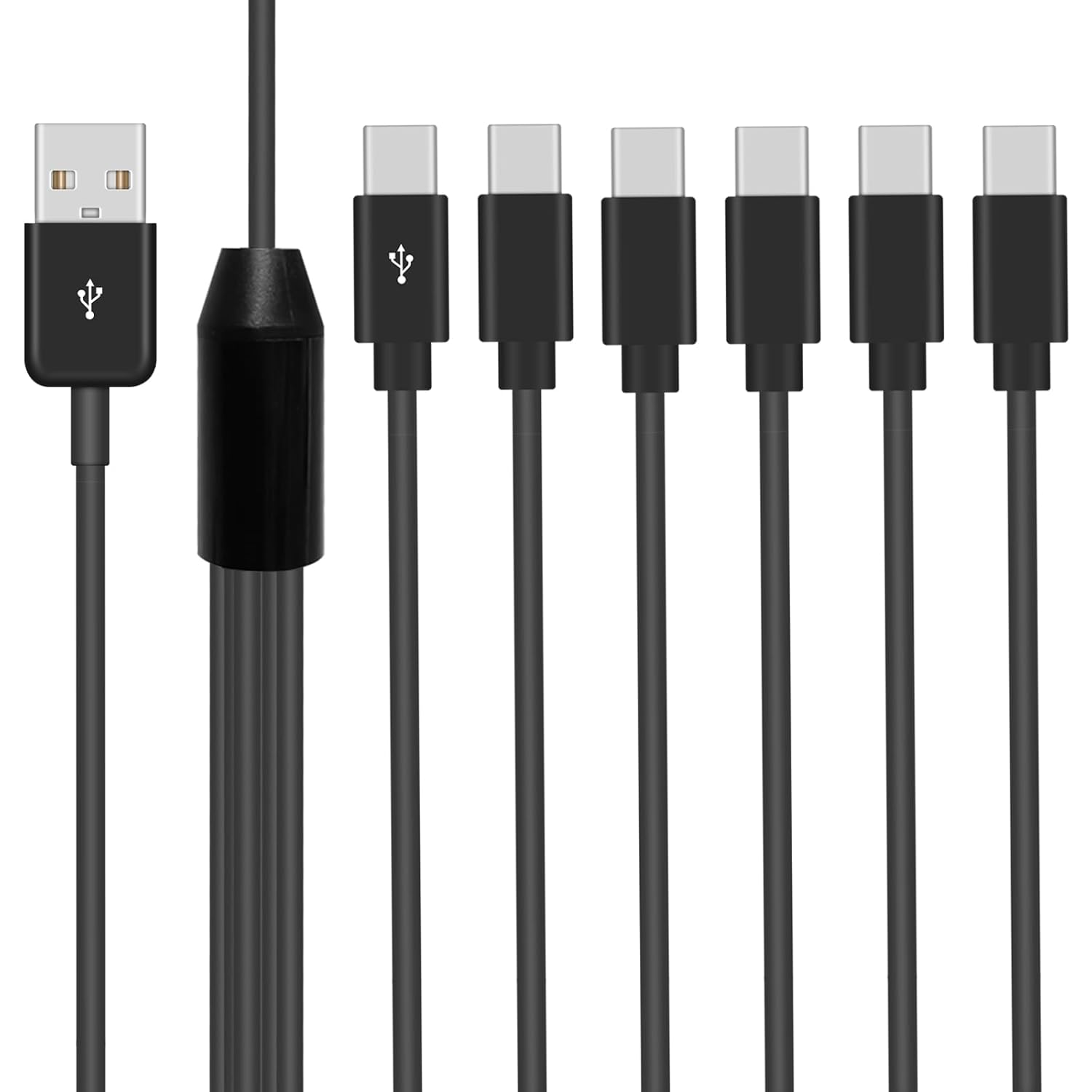
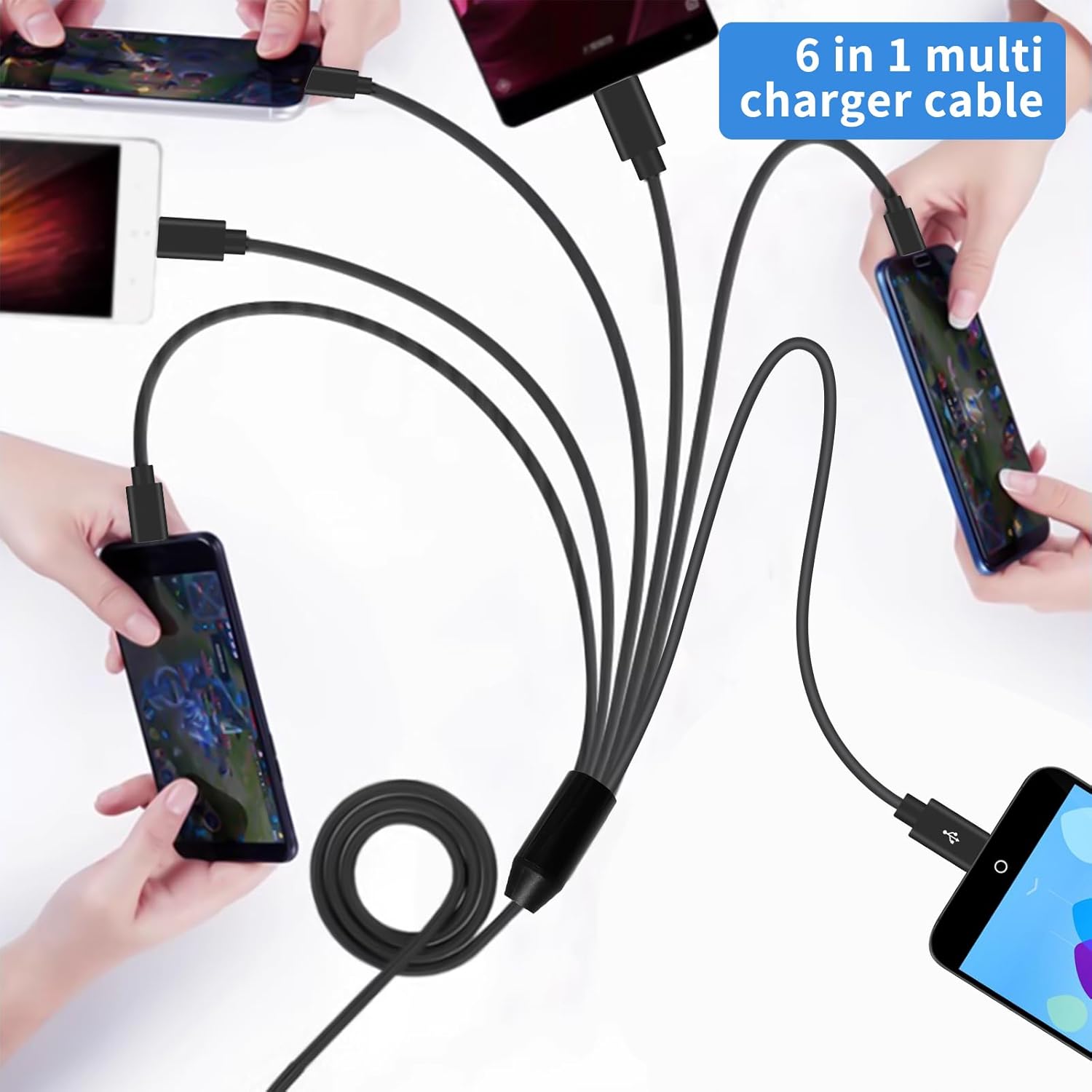
This is a USB splitter cable that takes a USB 2.0 Type-A input and gives you six USB-C male outputs. On paper, it’s aimed at situations like a bedside setup, a desk where you’ve got more than one device to charge, or even the back seat of a car where passengers want to keep their phones alive. One cable, multiple endpoints—simple.
A common micro-scenario: you get home, plug the Type-A end into a multi-port charger or a power source, and you can run six USB-C leads straight into your routine—phone, tablet, and perhaps a pair of compatible earbuds—without hunting for extra sockets.
Key takeaways (where it stands out)
The most notable part of the Maxhood split setup is the “one port does more” approach. The marked USB-C port supports charging and data simultaneously, while the remaining five ports focus on charging.
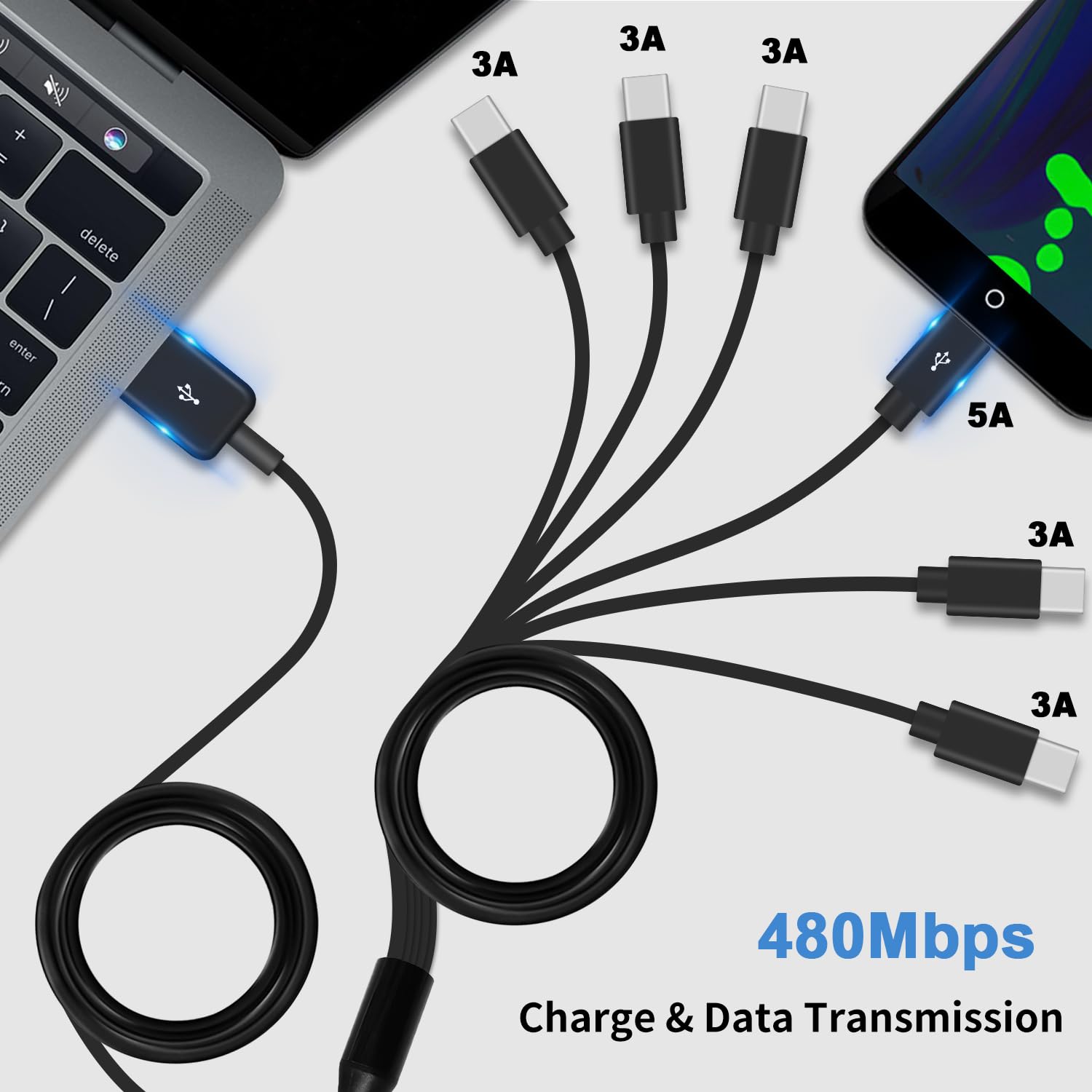
It also targets fast-charging within limits: the marked port can support QC 3.0 charging, and the rest of the ports are listed with up to 3A output for charging. It even quotes a data transmission capability of up to 480Mbps, which is useful if you’re charging and syncing on that marked connection.
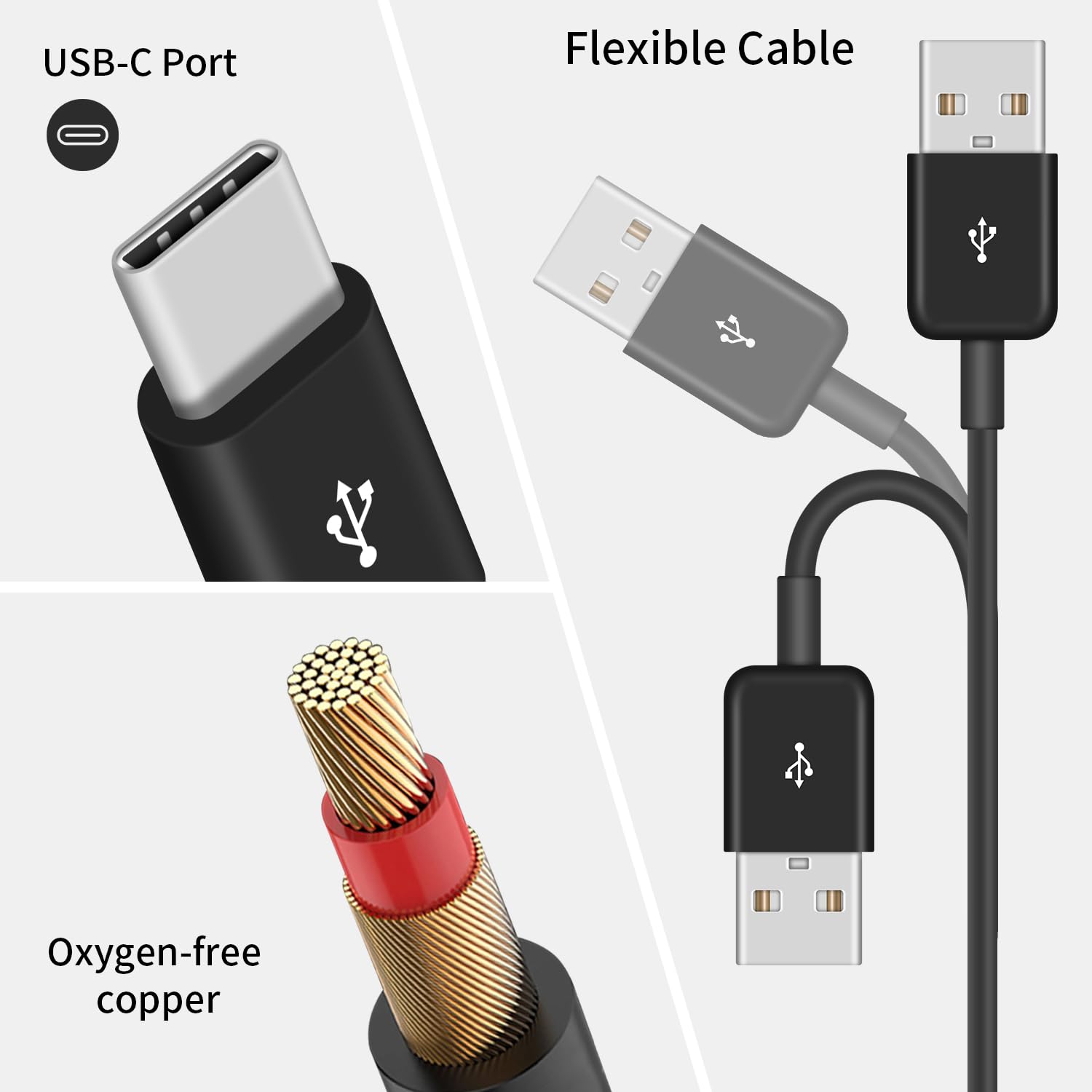
Finally, the build includes an aluminium alloy plug design, described as anti-oxidation and corrosion-resistant. That doesn’t guarantee life expectancy, but it’s a sensible direction for something that gets plugged in and unplugged.
The essentials: charging and data, plus a key limitation
Before you buy, it’s worth being clear about the behaviour you’ll actually get. The cable is described with this limitation: only one marked USB-C port charges and supports data simultaneously. The other five ports charge, but won’t synchronise data.
So depending on what you’re trying to do, you may find it either very convenient or slightly annoying. If your goal is “charge everything at once”, it should fit nicely. If your goal is “plug in multiple devices and sync them together”, this cable may feel like it’s not quite what you expected.
Also, the listing mentions support for 5A super fast charge on the marked port, but the other five ports only support charging (up to 3A). Whether your devices can actually take advantage of those charging levels will depend on the device and the charger/power source you pair it with—nothing in the provided info suggests it overrides device limits.
What to check before buying
A splitter cable is where planning pays off. Here’s what you should double-check based on the info given:
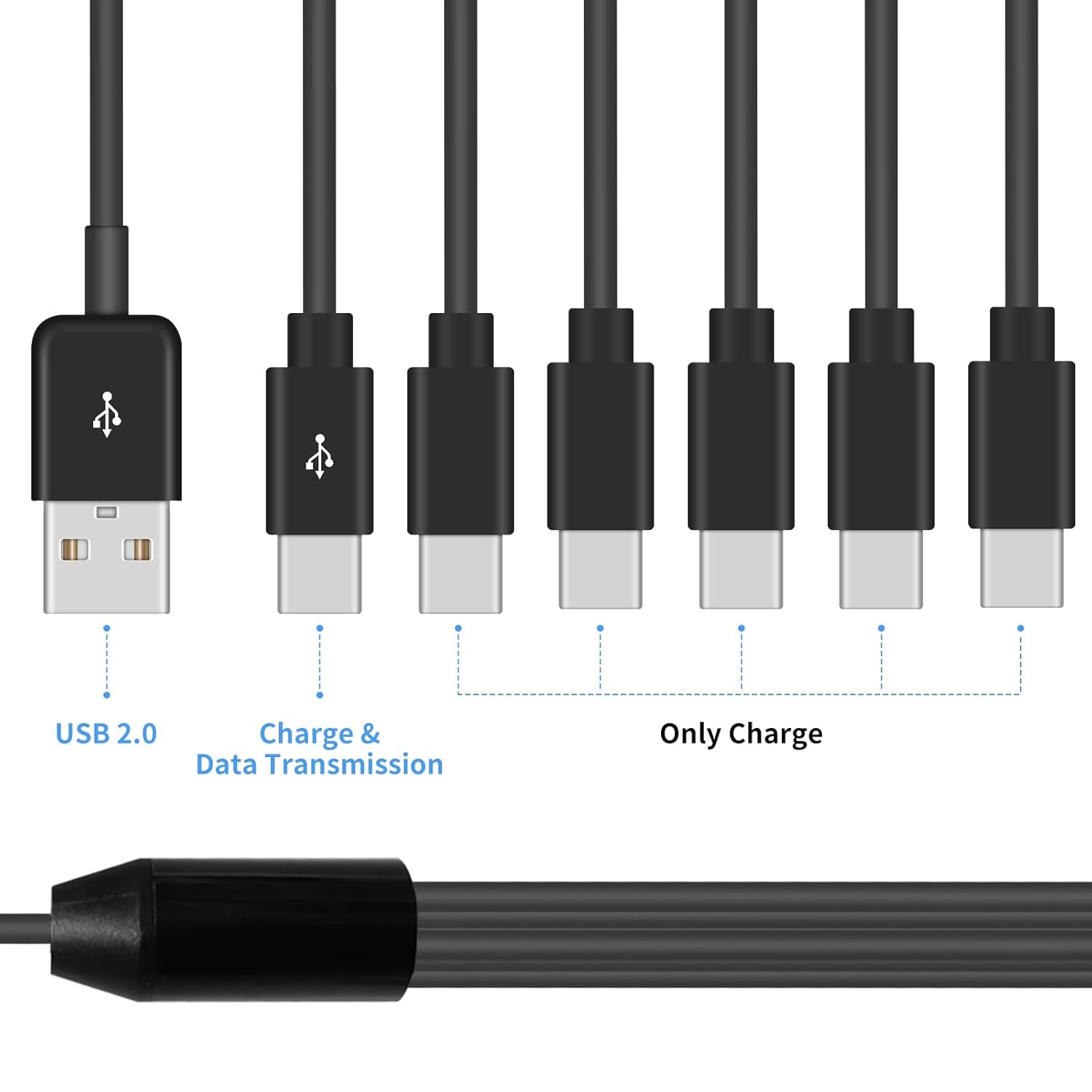
- Your data needs: if you need data transfer, make sure the device you want to sync uses the marked USB-C port.
- Charging expectations: the five non-marked outputs are charging-only, even though they support up to 3A.
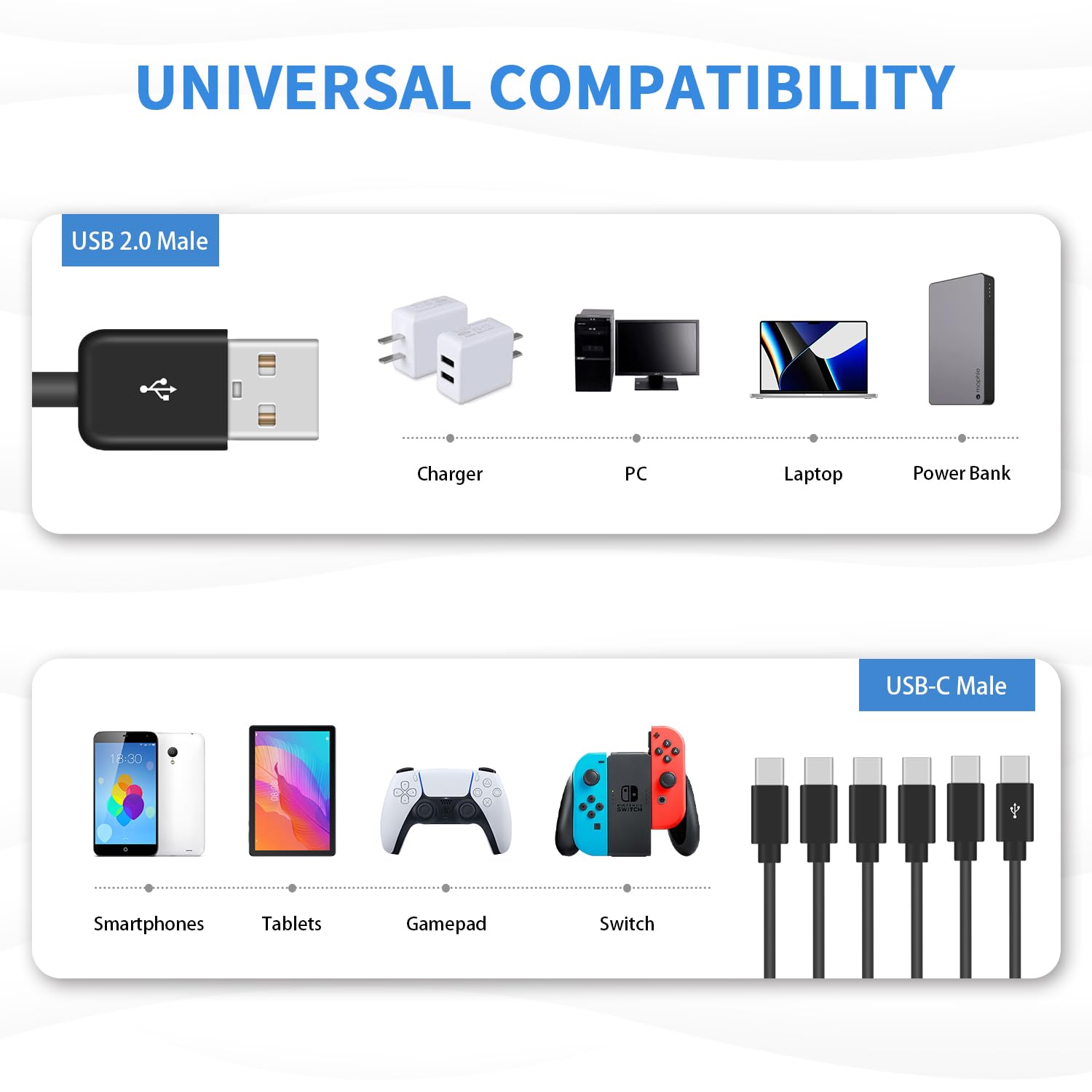
- Device connection type: the cable is presented as suitable for many USB-C devices across the market (Android and USB-C peripherals), but the fit still relies on your devices accepting USB-C charging.
- Cable length: it’s listed at 1.5ft/50cm, so if you need reach across a room, you may end up with the cable under strain or placed awkwardly.
Who it suits, and who should skip it
It makes sense if you’ve got a small “charge cluster” on a desk or bedside and you mainly want power, not multi-device data syncing. It’s also a sensible buy if you’re trying to reduce the number of chargers/cables you need for Android phones, Samsung Galaxy models, tablets, and other USB-C devices mentioned in the listing.
It may not be a great match if you regularly connect multiple devices for simultaneous data transfer, or if your setup needs longer spacing than 1.5ft (50cm). In those cases, a different charging approach—using multiple dedicated cables or a hub-style solution designed for broader data support—could be more aligned with your day-to-day.
Is it worth it?
Buy it if you want a compact 6-in-1 USB-C charging setup and you’re happy that only one marked USB-C port handles data alongside charging.
Skip it if you expect all six ports to synchronise data at the same time, or if your charging layout needs more cable length than 1.5ft.
Overall, it reads as a practical, value-oriented splitter for charging convenience, rather than a full “multi-device docking” solution.
Mini FAQ
Q: Does this cable support data transfer?
Yes, but only via the marked USB-C port (charging and data simultaneously). The other five ports are described as charging only.
Q: Is fast charging supported on all six outputs?
The listing specifies fast charging support for the marked port (including QC 3.0) and up to 3A charging for the other five ports, with the other ports not supporting data synchronisation.
Q: How fast is the data transmission?
The listing quotes transmission speed up to 480Mbps, but that figure is relevant to the port that supports data.
Q: What devices is it for?
The description says it’s suitable for the majority of USB-C interface smart phones and many USB-C devices, with examples including Android devices and certain Samsung Galaxy models, as well as USB-C peripherals mentioned in the listing.