

20Gbps USB-C 3.2 Gen 2 Extension Cable (USBC 3.2 Male to Female) with 240W PD
Product description
The essentials
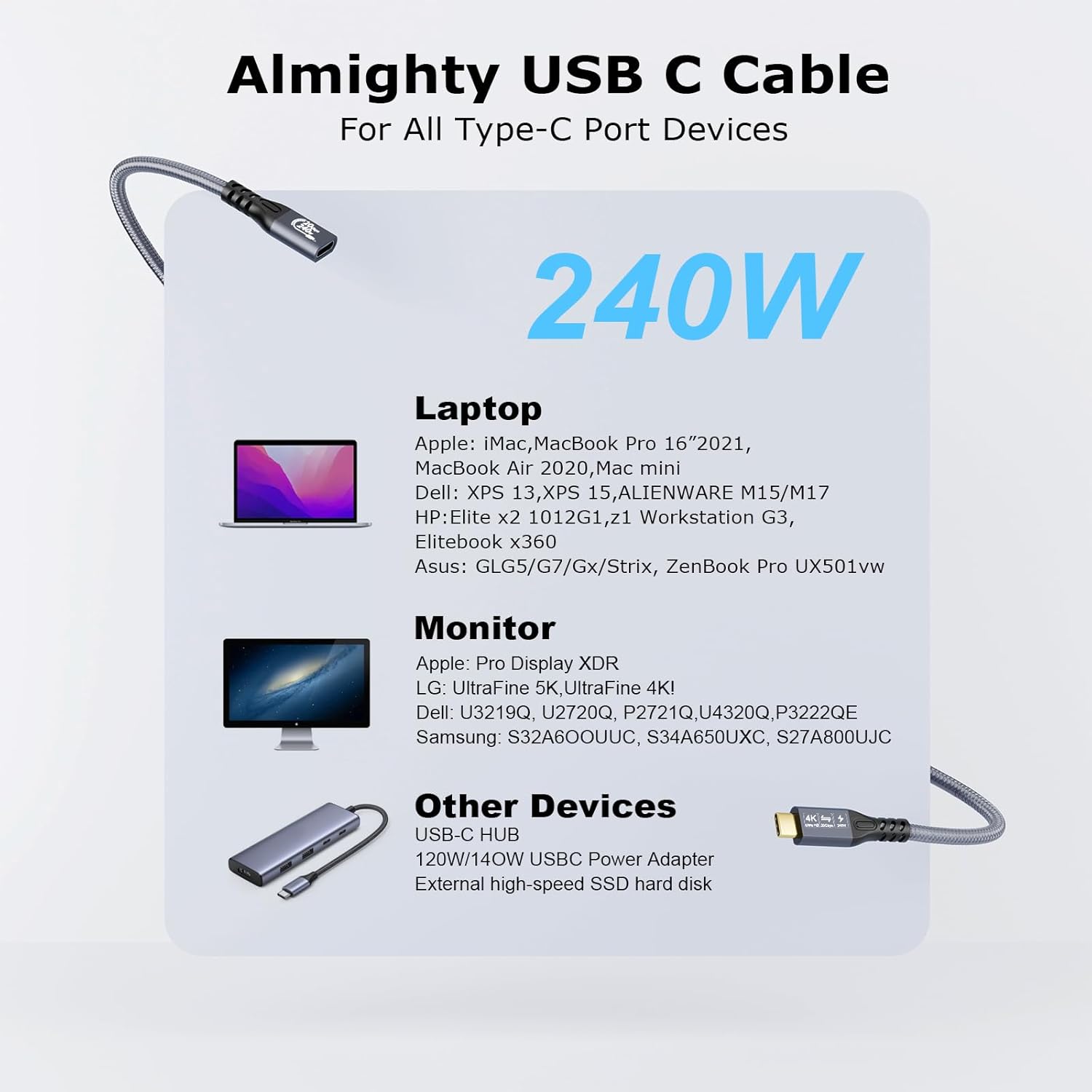
A USB-C extension cable sounds simple, but the details matter—especially if you’re trying to carry both video and fast data through the same run. This 20Gbps USB-C 3.2 Gen 2 extension cable (USB-C male to USB-C female) is designed to extend a laptop/USB-C connection to a USB-C display or similar USB-C device, while also supporting charging via USB Power Delivery.
On paper, the draw here is the combination of high-speed data (up to 20Gbps), support for 4K output up to 60Hz, and a claimed power delivery ceiling up to 240W with PD 3.1 and QC4.0 fast charging. It’s the kind of cable you’d look at when you’ve already got a capable USB-C/Thunderbolt setup and just need a longer reach without switching to a more basic extension.
That said, there’s a catch: the headline speeds only arrive if both ends match the required capabilities. If your laptop or display is weaker on the port side, you may not see the full performance.
What you get from this cable (and what to check first)
This cable is meant for setups where USB-C can do more than charging. The base description highlights:
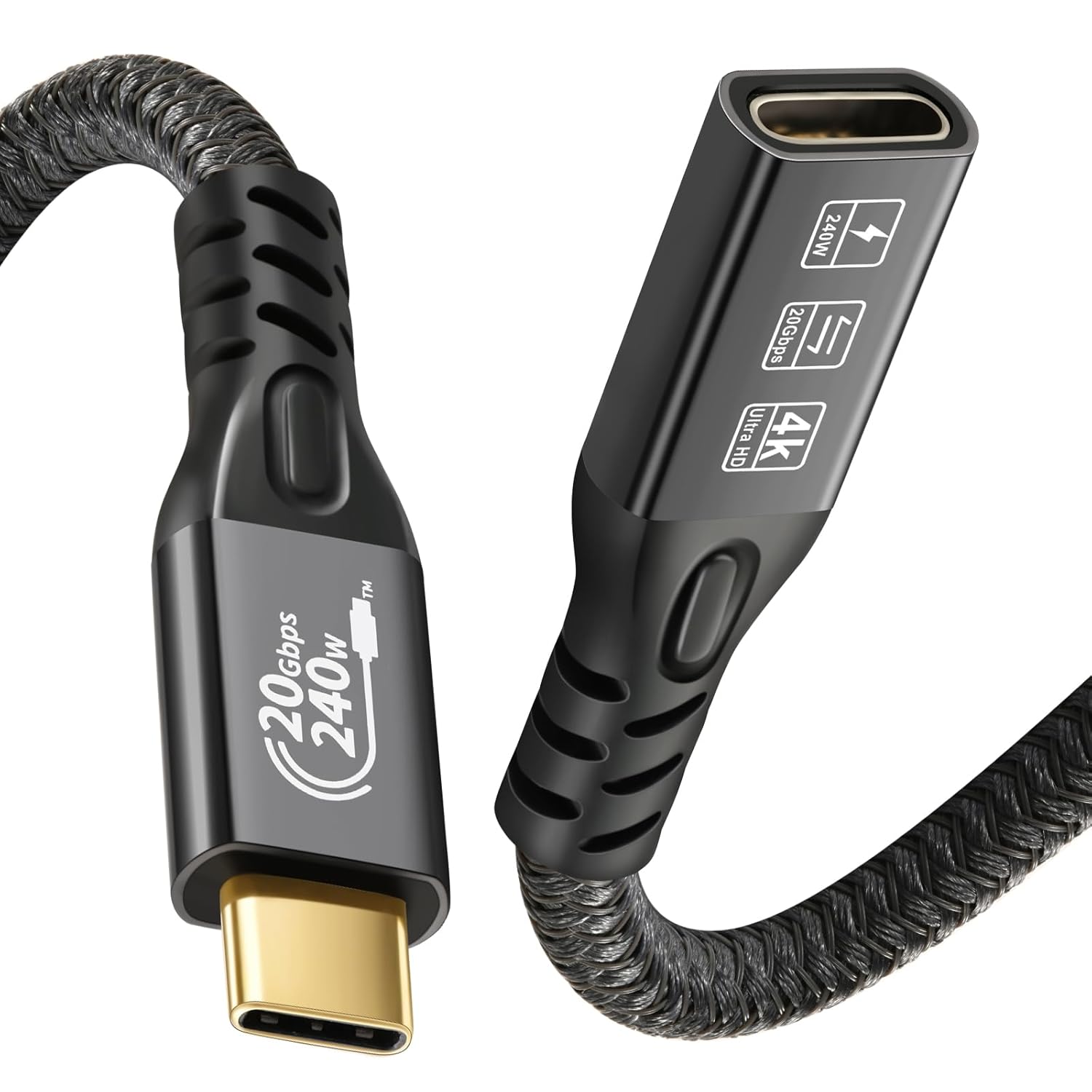
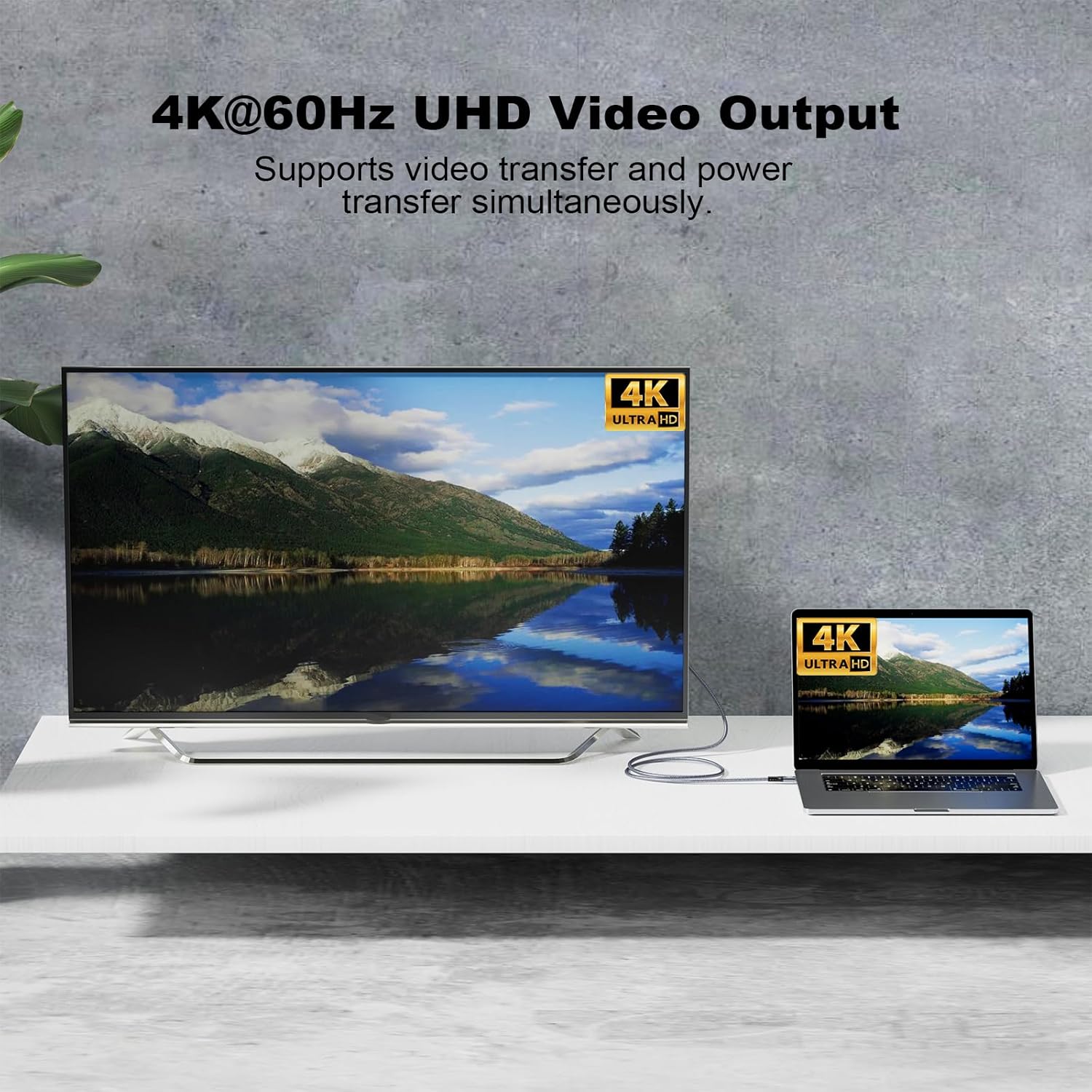
- Video/Audio output via USB-C DP Alternate Mode (up to 4K@60Hz)
- High-speed data sync via USB 3.2 Gen 2 / USB4 / Thunderbolt 3/4 (up to 20Gbps)
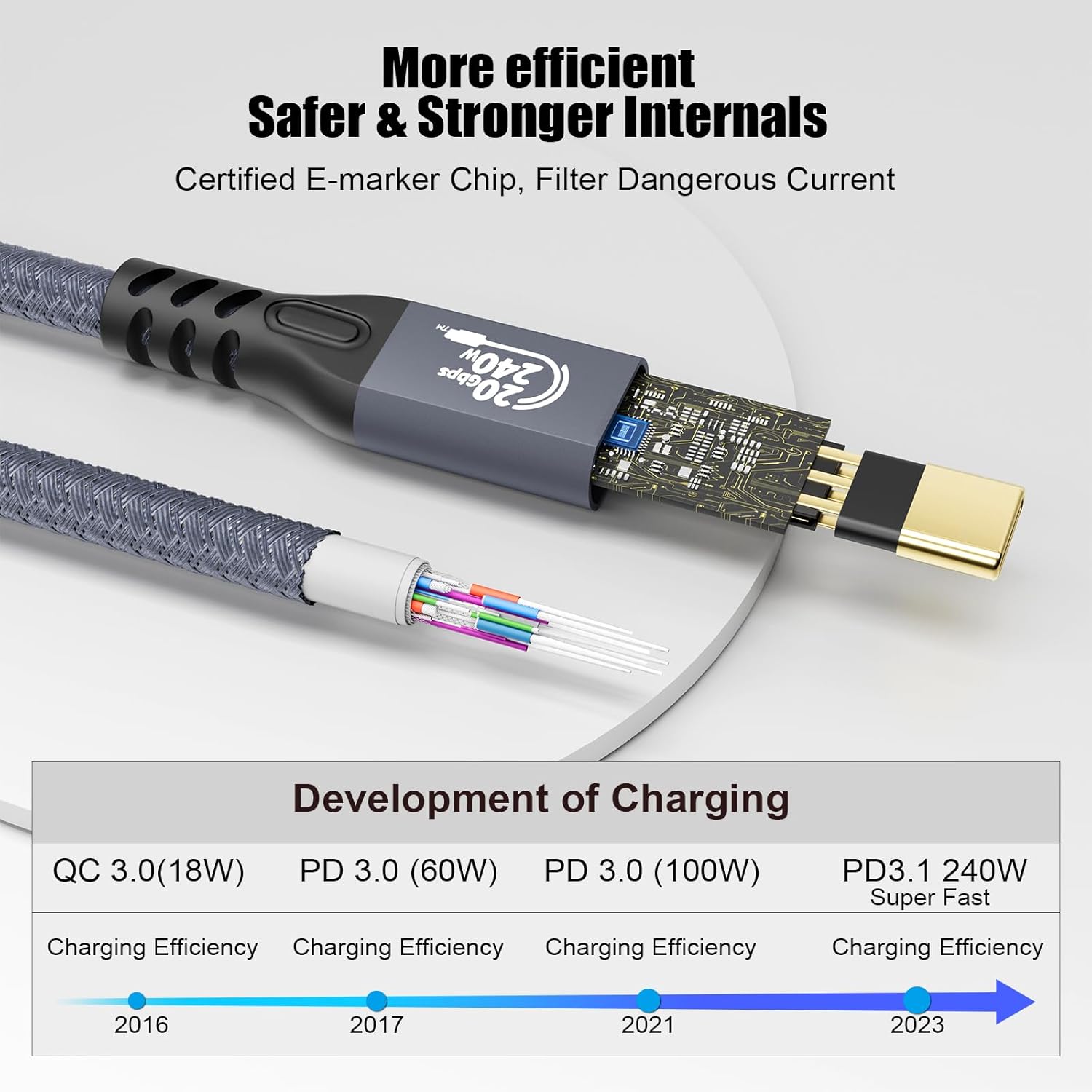
- USB-C power delivery support using PD 3.1 / QC4.0 adapters (claimed up to 240W)
A practical way to think about it: if your laptop’s USB-C port is already capable of video and high-speed data, an extension like this can keep that functionality by extending the same connection. If your laptop or monitor doesn’t support those “video-in/out” style features over USB-C, then the extension can still work physically—but it won’t magically unlock video.
It’s also worth noting the packaging detail mentioned in the description: a matching male-to-male USB-C cable is not included, and you may need that for laptop/display connections depending on your exact setup.
Where it shines in everyday use
If you’re using a portable or external USB-C monitor, remote work setup, or e-learning setup, the value is pretty straightforward: it helps you place your laptop where it’s comfortable while still feeding video and data to the display.
Imagine sitting slightly away from your desk—using the extension to run from your laptop to a USB-C monitor placed further back. With supported devices, you can end up with one extended link for video and general data sync, rather than relying on separate cables.
The same “one link” thinking can be relevant when connecting to external SSD enclosures or eGPU-style use cases—again, assuming the device on both ends can actually negotiate the higher USB/Thunderbolt modes.
Key takeaways (performance limits you should be aware of)
This cable has a lot of “up to” claims, and that’s normal for cables at this level—but it does affect expectations. Keep these limits in mind before buying:
- 20Gbps is conditional. The description is explicit that you’ll only get the 20Gbps speed when both ends are plugged into USB 3.2 Gen 2, USB4, Thunderbolt 3, or Thunderbolt 4 devices. If one side is older, you may get less.
- 4K@60Hz needs the right ports. The cable supports up to 4K@60Hz, but only “as long as” your source device and output display are USB-C/Thunderbolt 3/4 ports that support video in and out.
- Charging depends on your adapter. It supports PD 3.1/QC4.0 and references adapters up to the stated 240W. The description also advises using the original adapter that matches your device for faster power supply—so don’t expect the cable to fix an underpowered charger.
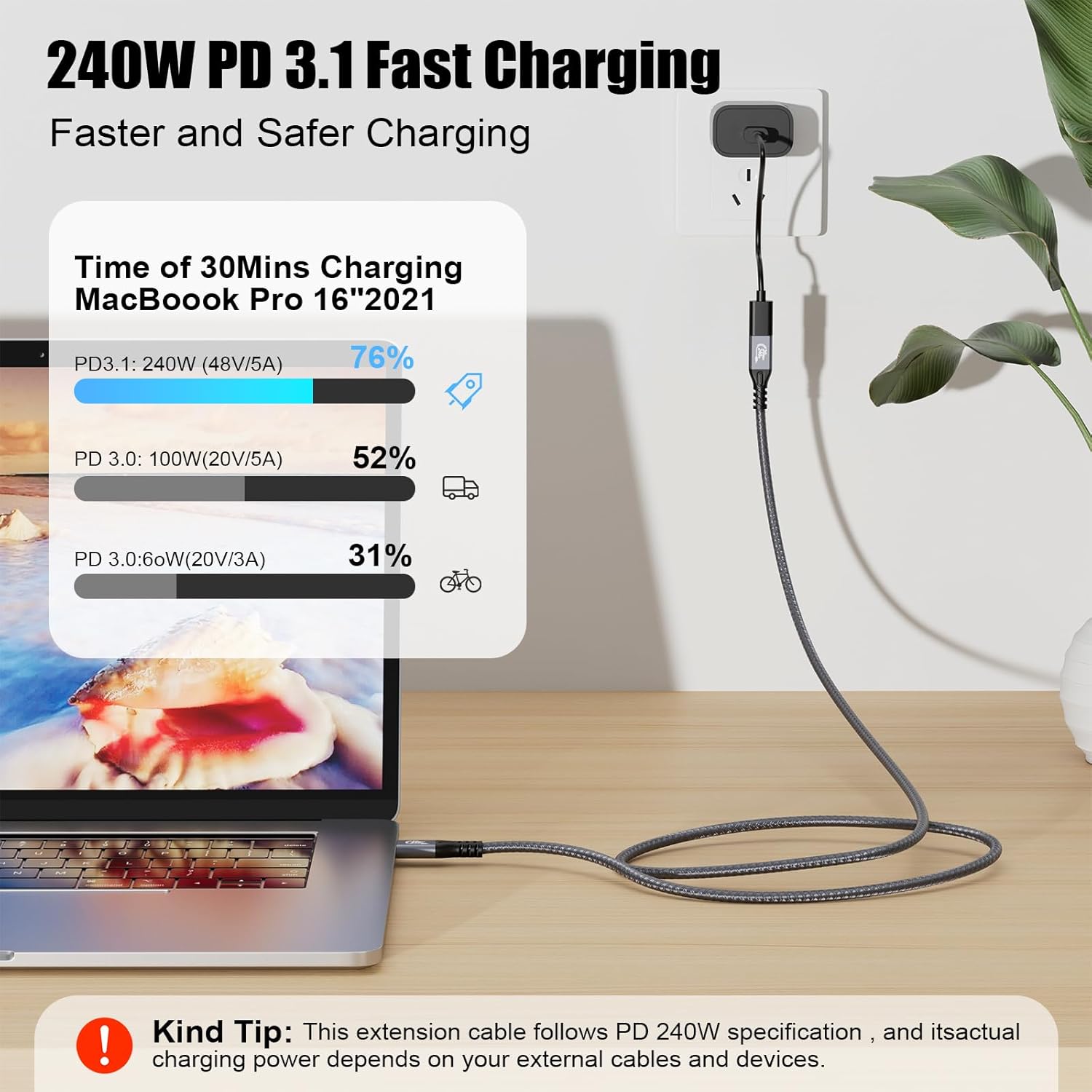
This is very much a cable for people who already have compatible hardware. If your devices are more basic, you might be paying for headroom you can’t use.
Tech specs
- Type: USB-C (USB 3.2 Gen 2) male to female extension cable
- Data transfer: up to 20Gbps (requires both ends to support the stated high-speed modes)
- Video support: up to 4K@60Hz (requires source and display to support video in/out over USB-C/Thunderbolt 3/4)
- Charging / power delivery: up to 240W via PD 3.1 and QC4.0 (with compatible USB-C power delivery adapters)
- Video/connection note: DP Alternate Mode for video supported
- Backward compatibility: USB 3.1 / 3.0 / 2.0 for data, PD 3.0/2.0 and QC3.0/2.0 and Samsung adaptive fast charging mentioned
- Length: 0.5m
Is it worth it?
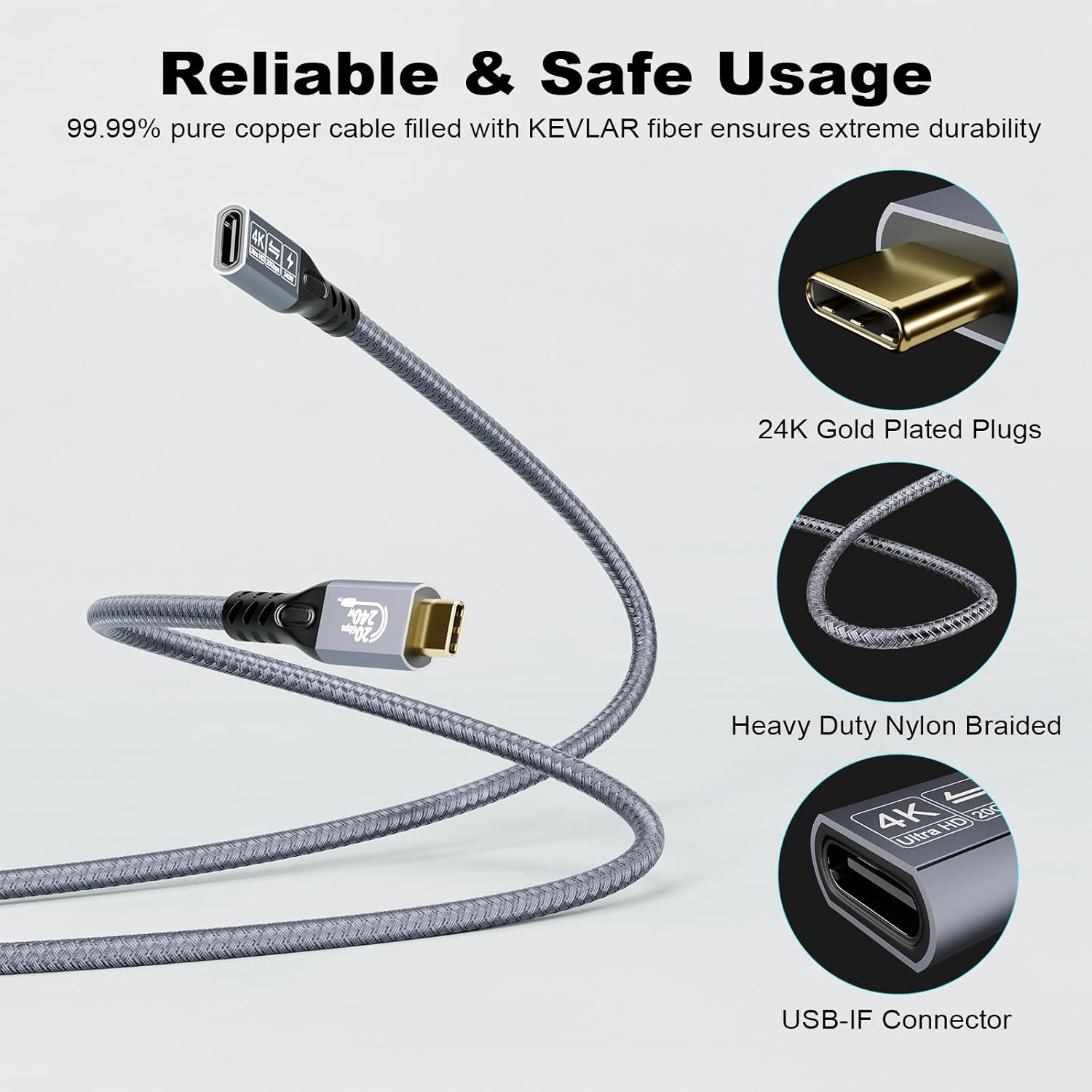
It makes sense if you already have a laptop and monitor (or other USB-C device) that support USB-C video and fast data over USB 3.2 Gen 2 / USB4 / Thunderbolt, and you specifically want to extend that connection with a cable that can carry high-end capabilities. For many desk setups, it’s a clean, low-fuss way to gain reach without rethinking the whole setup.
You may want to skip it if your devices don’t support video-in/out over USB-C, or if you’re mostly interested in simple charging or basic USB data. In those cases, the extra performance claims won’t translate into real-world improvements.
If you prioritise reliable compatibility, double-check that both ends of your connection are genuinely in the supported category mentioned above, and that your charger/adapters match your device’s expectations.
Mini FAQ
What devices does this cable work with for 20Gbps?
The description says you’ll only get the full 20Gbps speed when both ends are connected to USB 3.2 Gen 2, USB4, Thunderbolt 3, or Thunderbolt 4 devices.
Does it support charging as well as video?
Yes, it’s described as supporting USB-C power delivery with PD 3.1 and QC4.0, and up to 240W with compatible adapters. The charger you use still matters.
Can I expect 4K at 60Hz?
It can support up to 4K@60Hz, but only if your input device and output display are USB-C/Thunderbolt 3/4 and support video in and out.
What length is it?
It’s listed as 0.5m.
Should I use my original charger?
The description specifically recommends using the original adapter that matches your device for faster power supply.