

CHENLENIC USB4 / Thunderbolt 5 Cable (80Gbps, 240W) – USB-C to USB-C for Hub, Dock, SSD & Laptop Monitors
Product description
If you’re trying to run high-speed data and proper charging through a single USB‑C cable, this CHENLENIC USB4 / Thunderbolt 5 cable is built around that idea. On paper it’s the sort of cable you choose when your setup includes a hub, a dock, fast SSDs and a monitor, rather than when you just need a basic charge-and-go lead.
That said, “supports” and “delivers” aren’t always the same thing. Actual performance depends quite a lot on what devices on both ends can do together, so it’s worth checking your dock/monitor/laptop specs before assuming you’ll get the full headline numbers every time.
The essentials
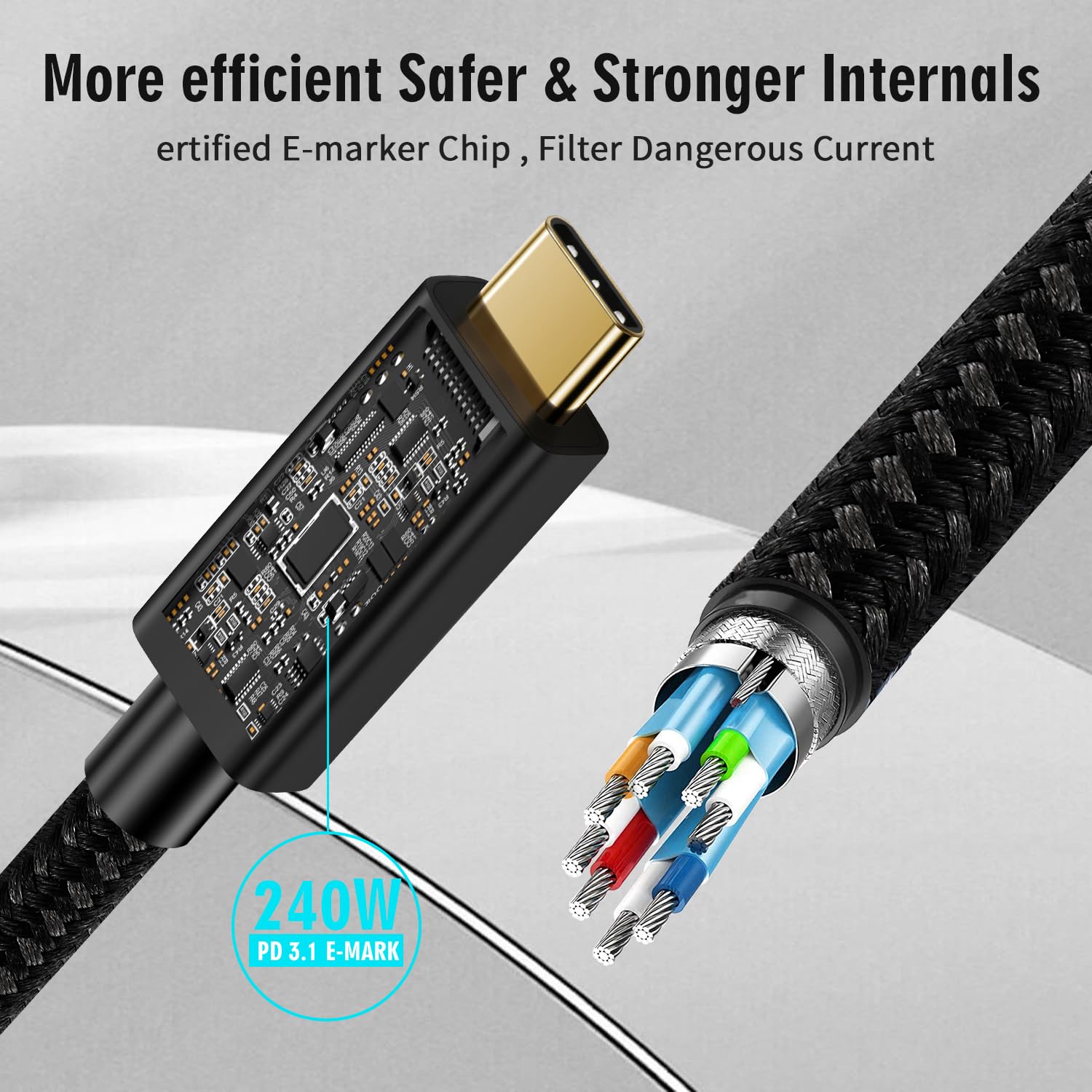
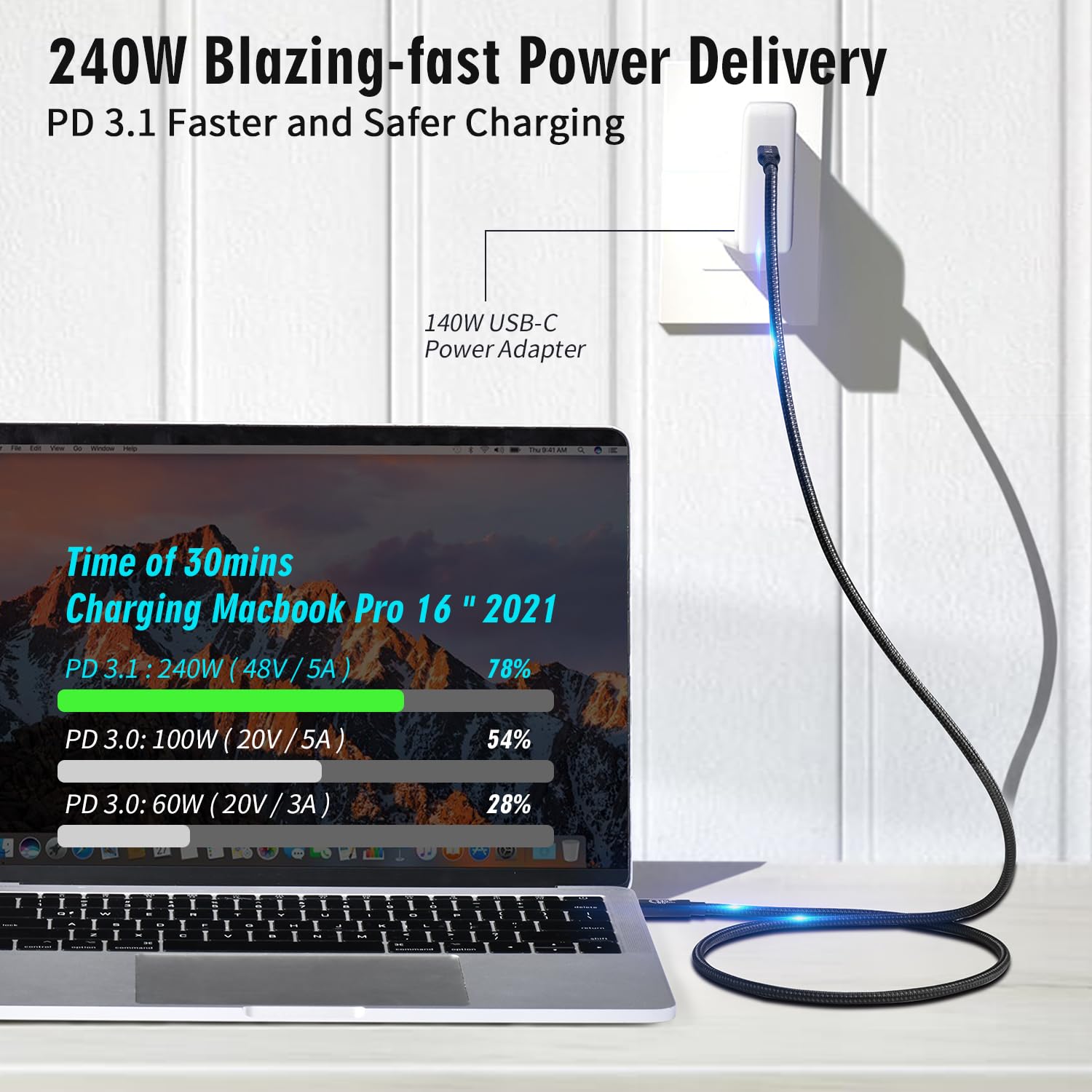
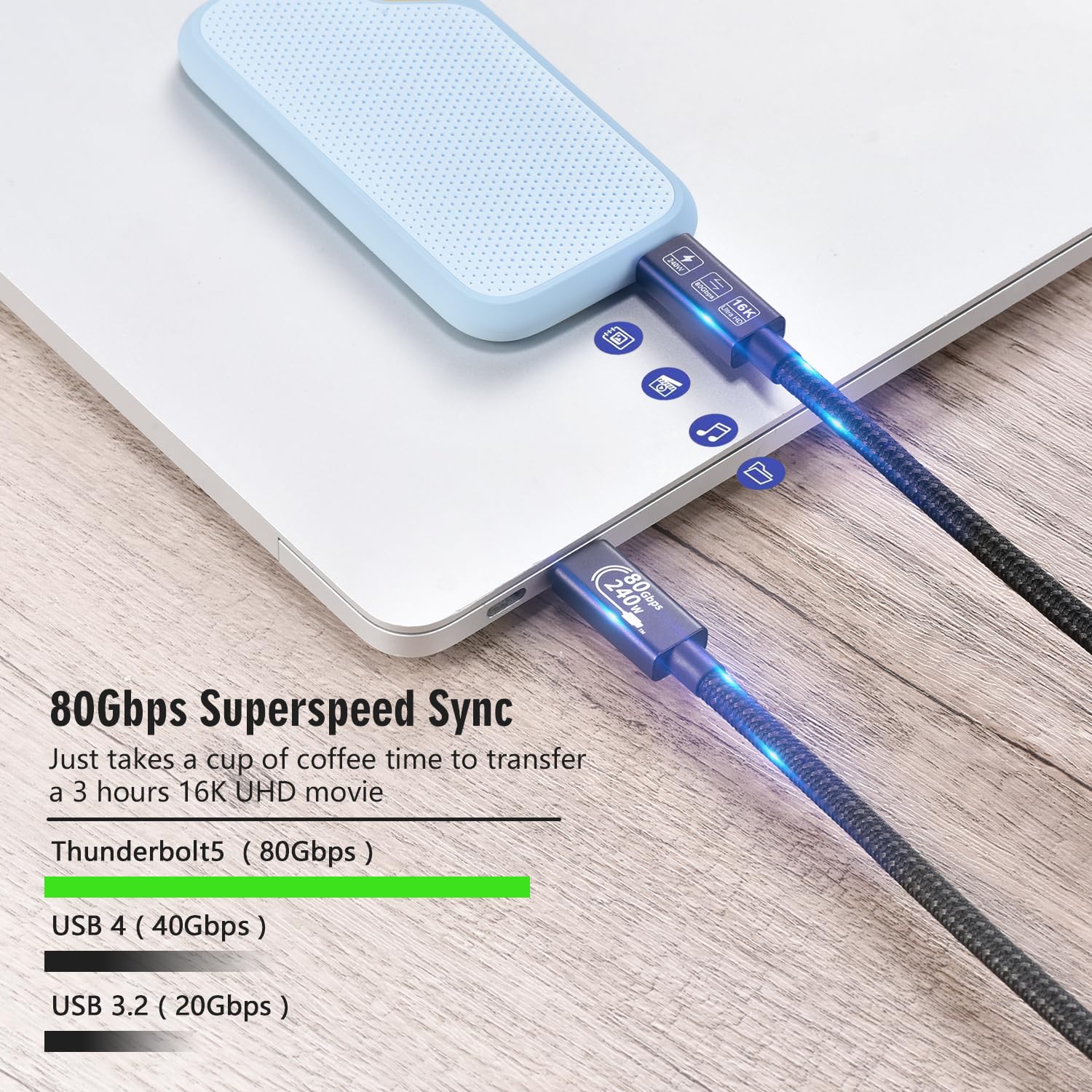
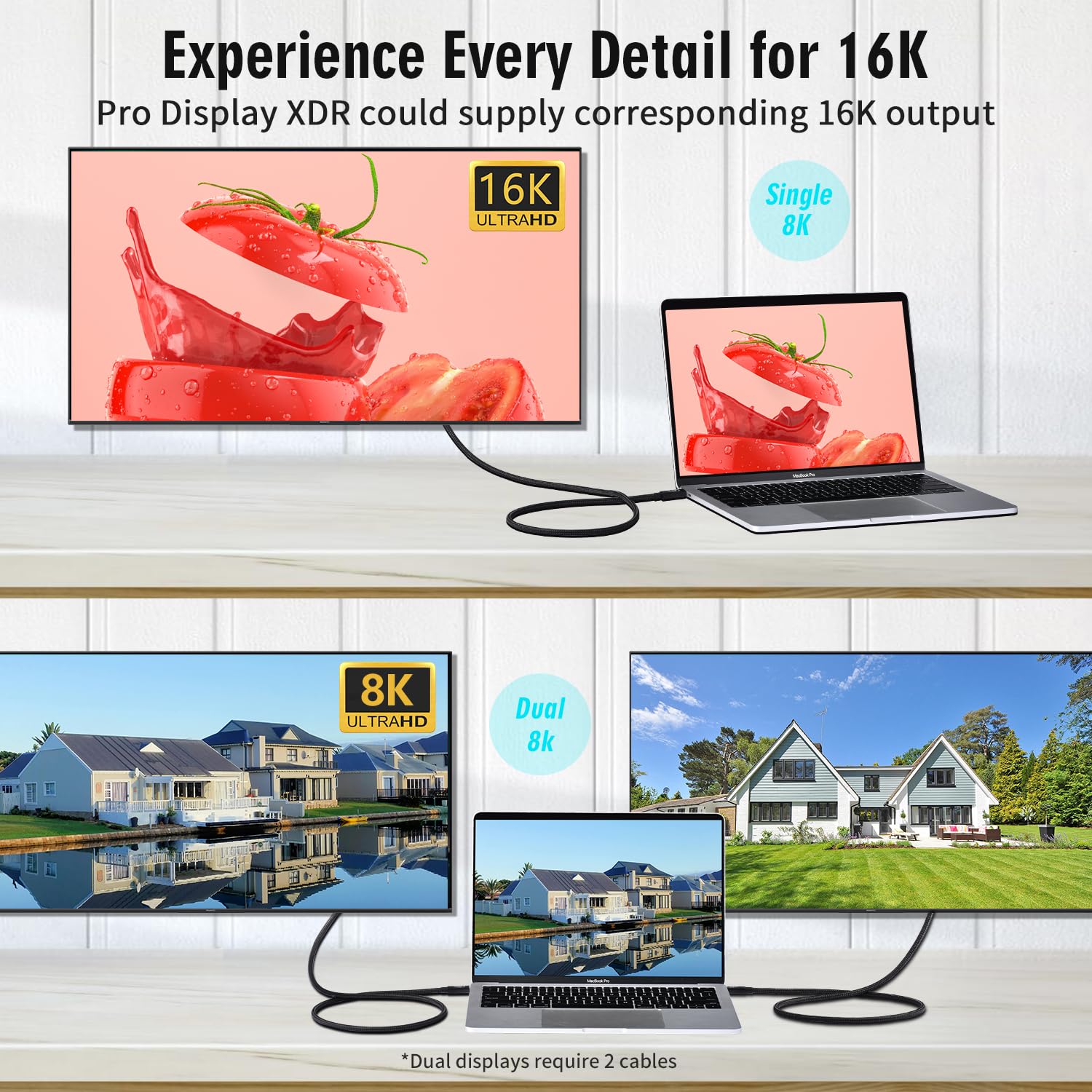
This is a USB‑C to USB‑C cable marketed as a USB4 gen4 lead with Thunderbolt 5 compatibility, with a claimed data rate up to 80Gbps and power delivery up to 240W (48V/5A) via USB PD3.1. It’s also described as supporting high-resolution monitor outputs (single 16K@60Hz or dual 8K@60Hz, and also dual 4K@60Hz mentioned).
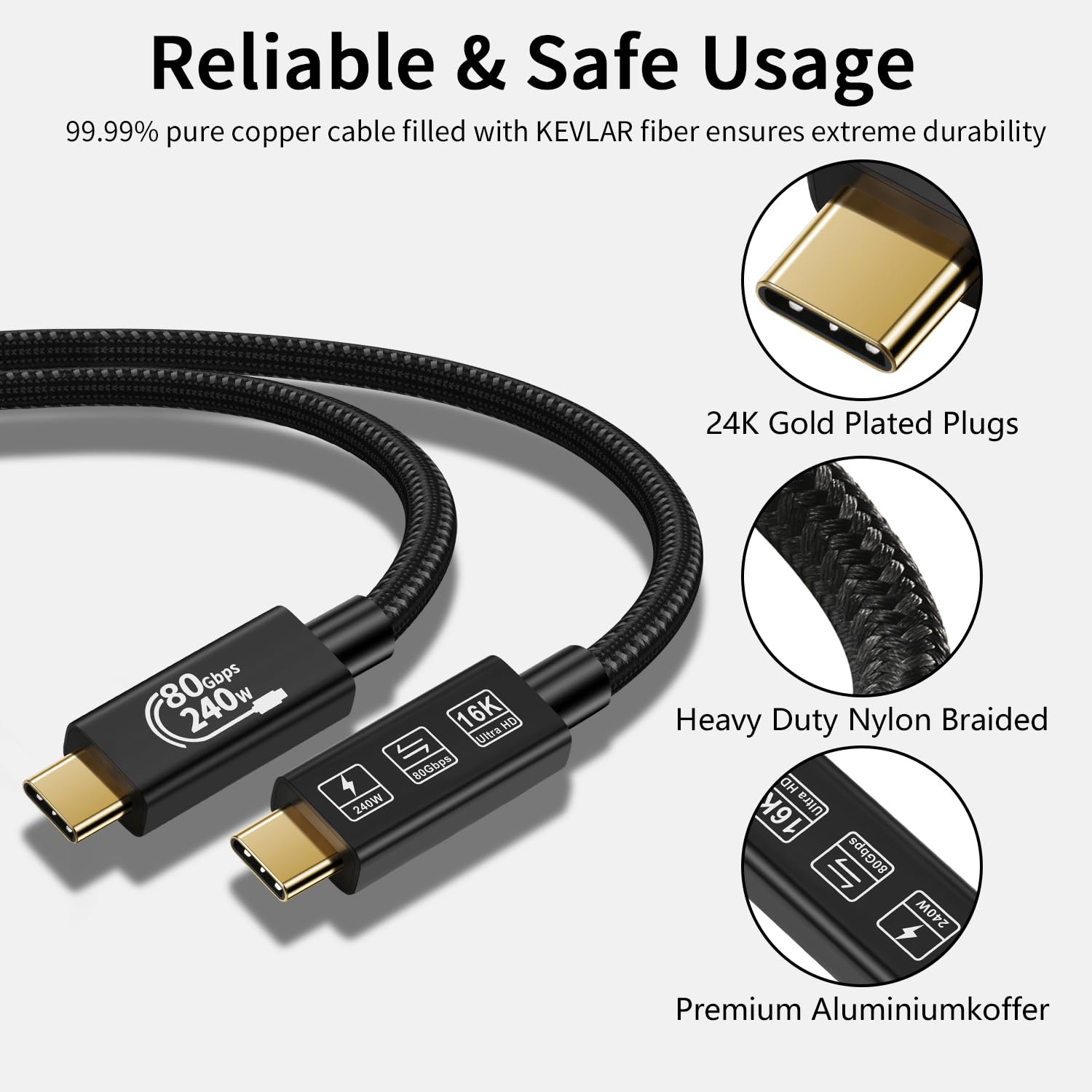
There’s also a physical build angle: the connector is described as 24K gold-plated, with an aluminium alloy housing and moulded strain relief intended to handle frequent plugging in and bending stress.
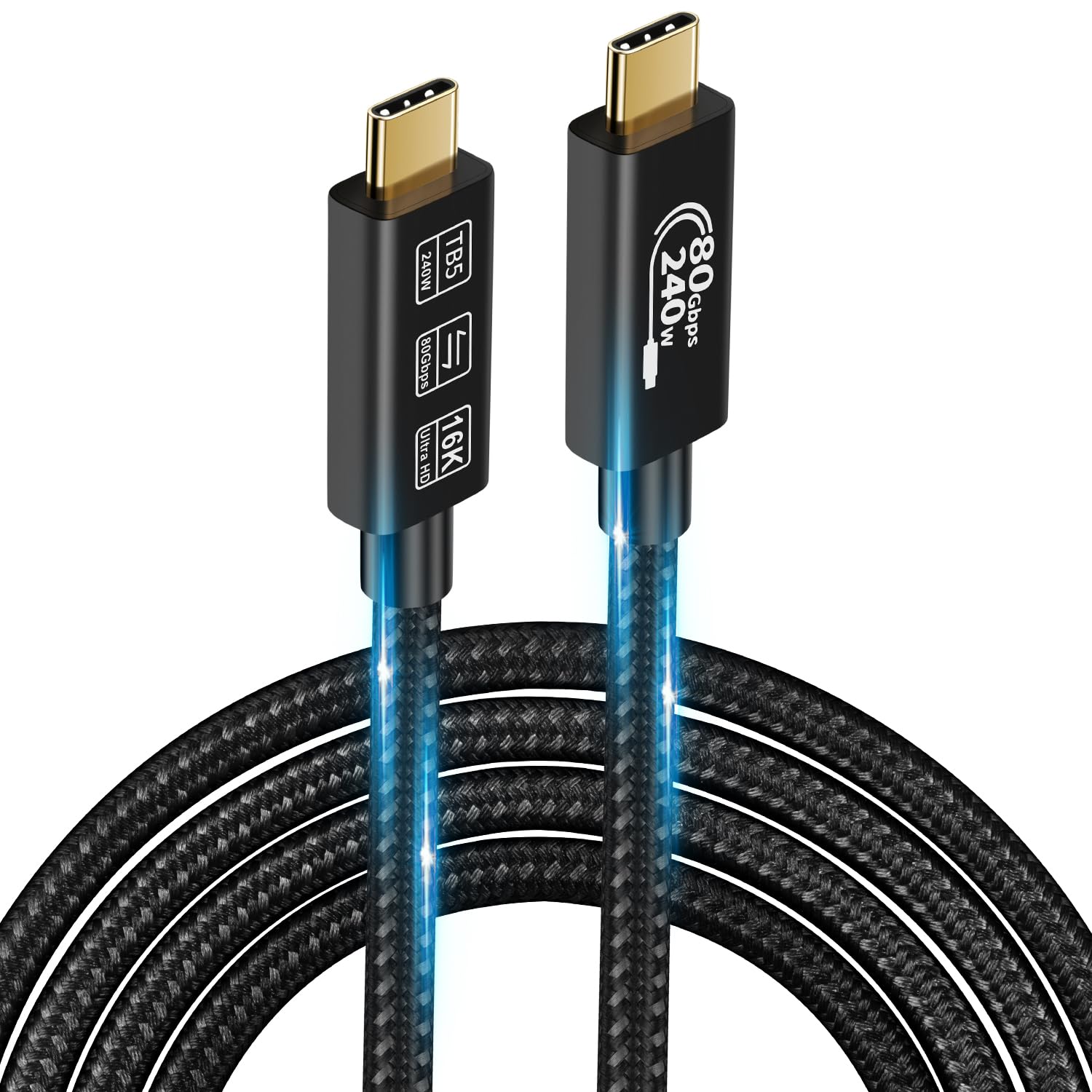
If your desk setup is the “one cable to rule them all” type—dock plus monitor plus external storage—this cable is designed to reduce the number of leads you need.
Where it really fits
It makes sense if your goal is a cleaner workstation and fewer cable swaps, while still keeping options open for demanding tasks like large file transfers and high-res external displays.
For example, imagine plugging a compatible hub/dock into your laptop using this USB‑C cable, then connecting an external SSD for backups while also driving a monitor. In a best-case scenario, the cable handles power and data together rather than splitting responsibilities across different cables.
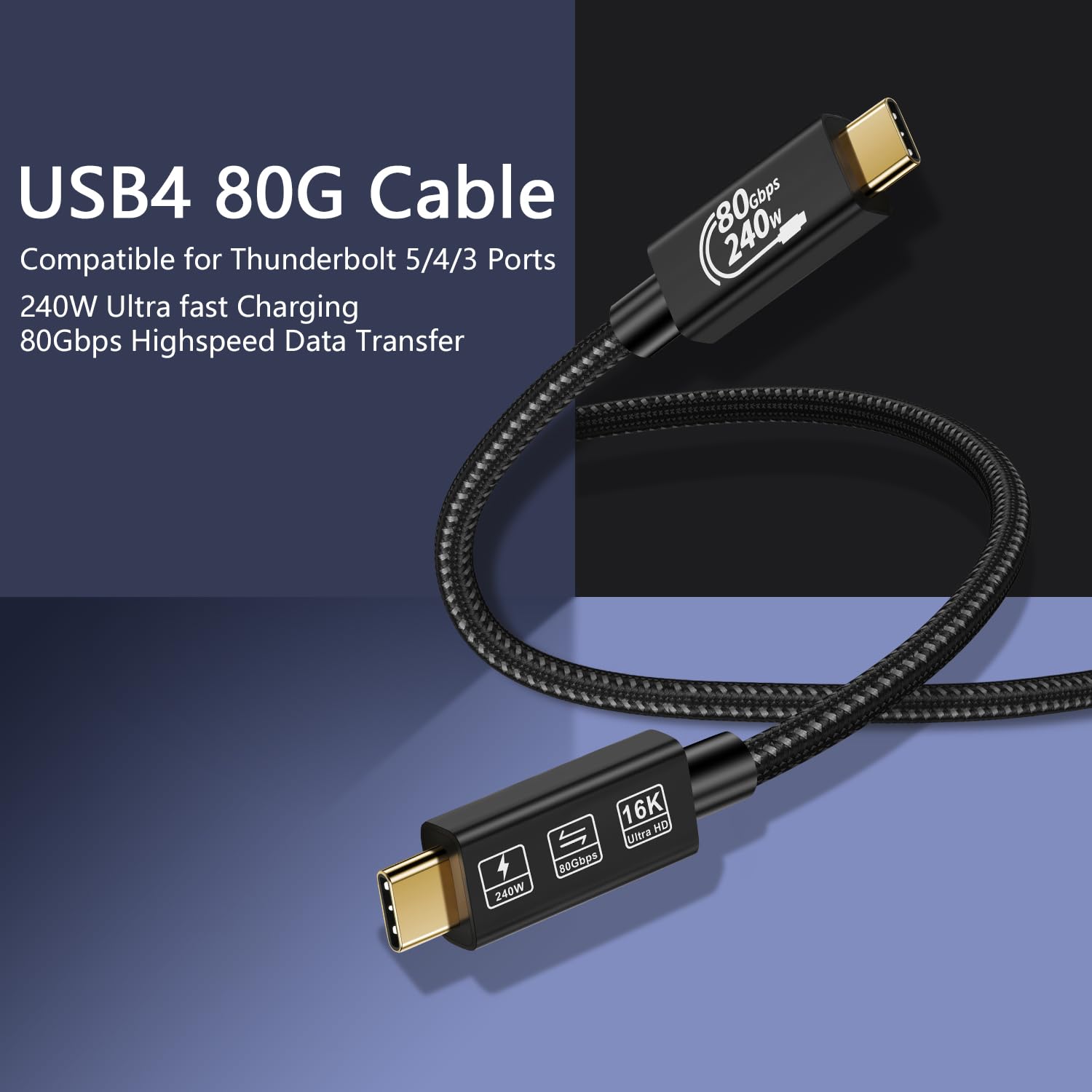
It’s also the kind of cable you may want if you’re using newer MacBook models listed in the description (including MacBook Pro and M1/M2/M3), or other Type‑C devices that support the relevant standards. The cable is described as backward compatible with USB 3.2/3.1/3.0/2.0 devices, which can be useful if not every device in your chain is “top spec”.
What to know about the headline numbers
The manufacturer claims up to 240W fast charging and up to 80Gbps Thunderbolt 5 transfer capability. For monitor support, it’s described as handling 16K@60Hz or dual 8K@60Hz, and also enabling two 4K@60Hz displays.
Two practical caveats to keep in mind: - The actual transfer speed depends on the device and the connection support, so you may not see “up to 80Gbps” in day-to-day use. - High-resolution, high-refresh display output is only as good as what your laptop, dock, and monitor can negotiate over that link.
In other words, if you’ve got compatible equipment, this cable is built for it, if you don’t, you might end up with a more modest performance level.
Build and everyday durability
The connector design is clearly part of the pitch here. A 24K gold-plated connector, aluminium alloy housing and moulded strain relief are mentioned, aimed at reliable performance and a longer bend lifespan.
That’s the kind of thing that matters if you’re constantly reaching for the cable—moving between a desk and a workstation, or plugging/unplugging for travel. No cable is indestructible, but this one is at least trying to be the “regular use” type rather than a fragile, thin lead.
Buying verdict
It’s worth considering if you want one USB‑C cable that can cover charging up to 240W and still support high-speed data and advanced display modes, particularly for a hub/dock + monitor + SSD style setup.
You may want to skip it if your current gear doesn’t support the relevant USB4/Thunderbolt 5, USB PD3.1 charging, or the display modes you’re targeting—because in that case you’d be paying for capabilities you can’t fully use. Also, if you only need occasional charging at the basics, a simpler cable could do the job just as well (and with less fuss).
Pros
- Supports up to 240W fast charging (USB PD3.1 claimed)
- Designed for high-speed transfers up to 80Gbps (Thunderbolt 5 compatibility claimed)
- Mentions support for demanding monitor resolutions/refresh rates
- 24K gold-plated connector and moulded strain relief are intended for durability
Final verdict
Buying this CHENLENIC USB4 / Thunderbolt 5 cable makes sense if your setup is already in that “high-spec USB‑C” world—dock/hub, external SSD storage, and one or more external displays—and you want a single cable to handle power and performance.
It’s not the best choice if your devices don’t support the standards and negotiation required for the top-end data rate, charging, or monitor modes. In that situation, it can feel like over-spec on paper without much real benefit.
Mini FAQ
Does the cable charge via USB Power Delivery?
Yes. The description states USB PD3.1 support with a claimed up to 240W (48V/5A) capability.
Will I get the full 80Gbps transfer speed?
Not guaranteed. The note included says actual transmission speed depends on the device and connection support.
Can it drive a high-resolution monitor?
It’s described as supporting a single 16K@60Hz or dual 8K@60Hz monitor, and also two 4K@60Hz displays, but your laptop/dock/monitor must support the relevant modes.
Is it compatible with older USB-C devices?
It’s described as backward compatible with USB 3.2/3.1/3.0/2.0 devices.
How long is the cable?
The listing name includes “-1M”, which suggests a 1 metre cable length, but the provided details don’t expand further.