

CABLAPTOP Thunderbolt 5 Cable (0.5m) up to 120Gbps data, 240W USB‑C charging for MacBook, dock, eGPU and monitors
Reviews
Price
Product description
The essentials
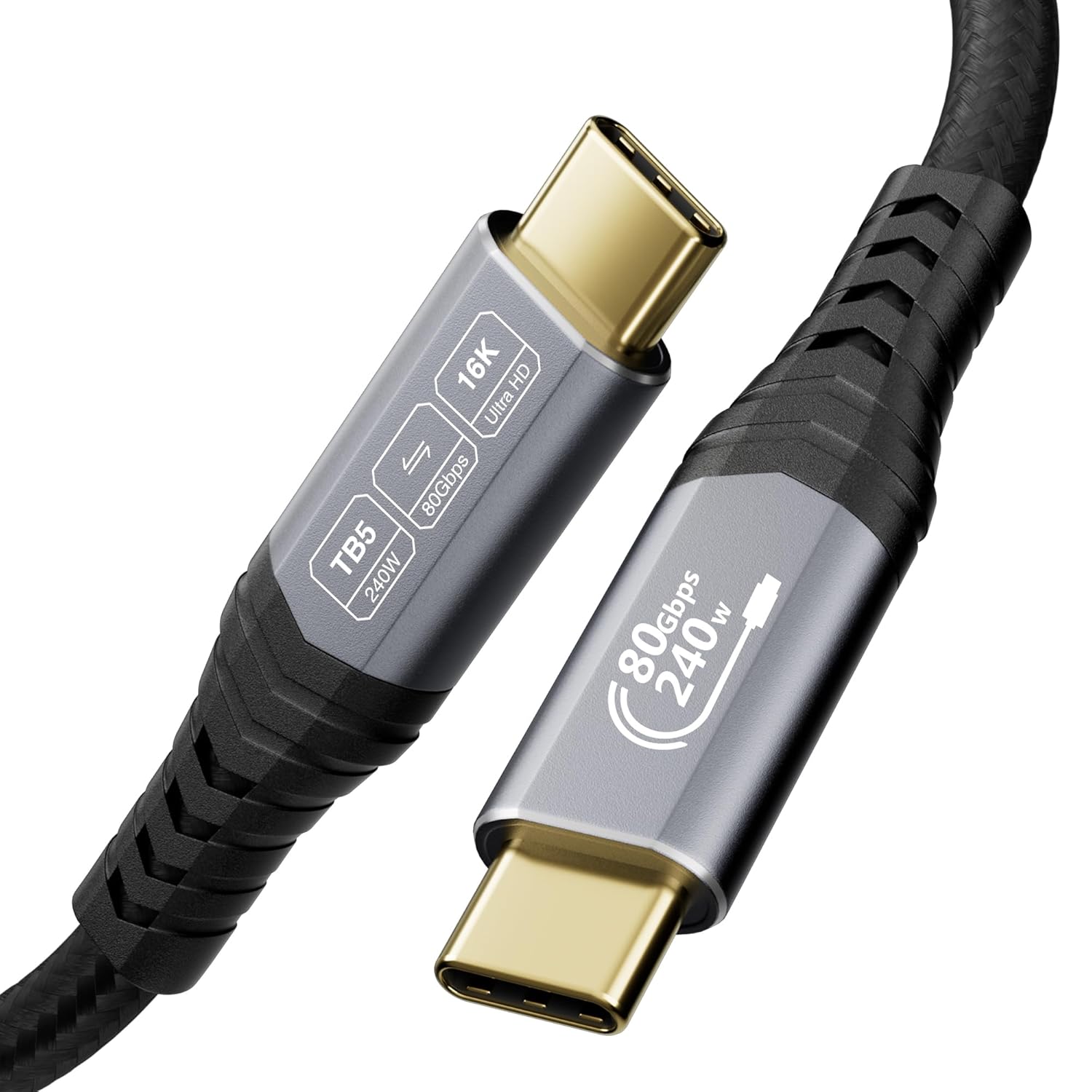
A short Thunderbolt 5 cable can be surprisingly important once you’re trying to run a clean setup: a laptop on the desk, a dock for everything, and a monitor (or multiple) without compromises. This CABLAPTOP Thunderbolt 5 cable is aimed at that exact situation, with support for very high-speed bidirectional data and USB‑C charging up to PD 3.1 240W, plus video capabilities up to high resolutions (as described by the manufacturer).
It’s not the kind of cable you buy every day, so it helps to look at it for what it is: a premium-spec, 0.5m link designed for desks and close-to-monitor cable runs. If you only need basic charging and occasional file transfers, you might not get your money’s worth here.
Key features in plain English
On paper, the headline is speed. The cable is described as supporting Thunderbolt 5 with up to 80Gbps bidirectional transfer and up to 120Gbps for one-way transfer. Practically, that’s the sort of bandwidth you’d choose when you’re moving large files, working with high-resolution media, or want the dock/SSD side of the setup to feel responsive.
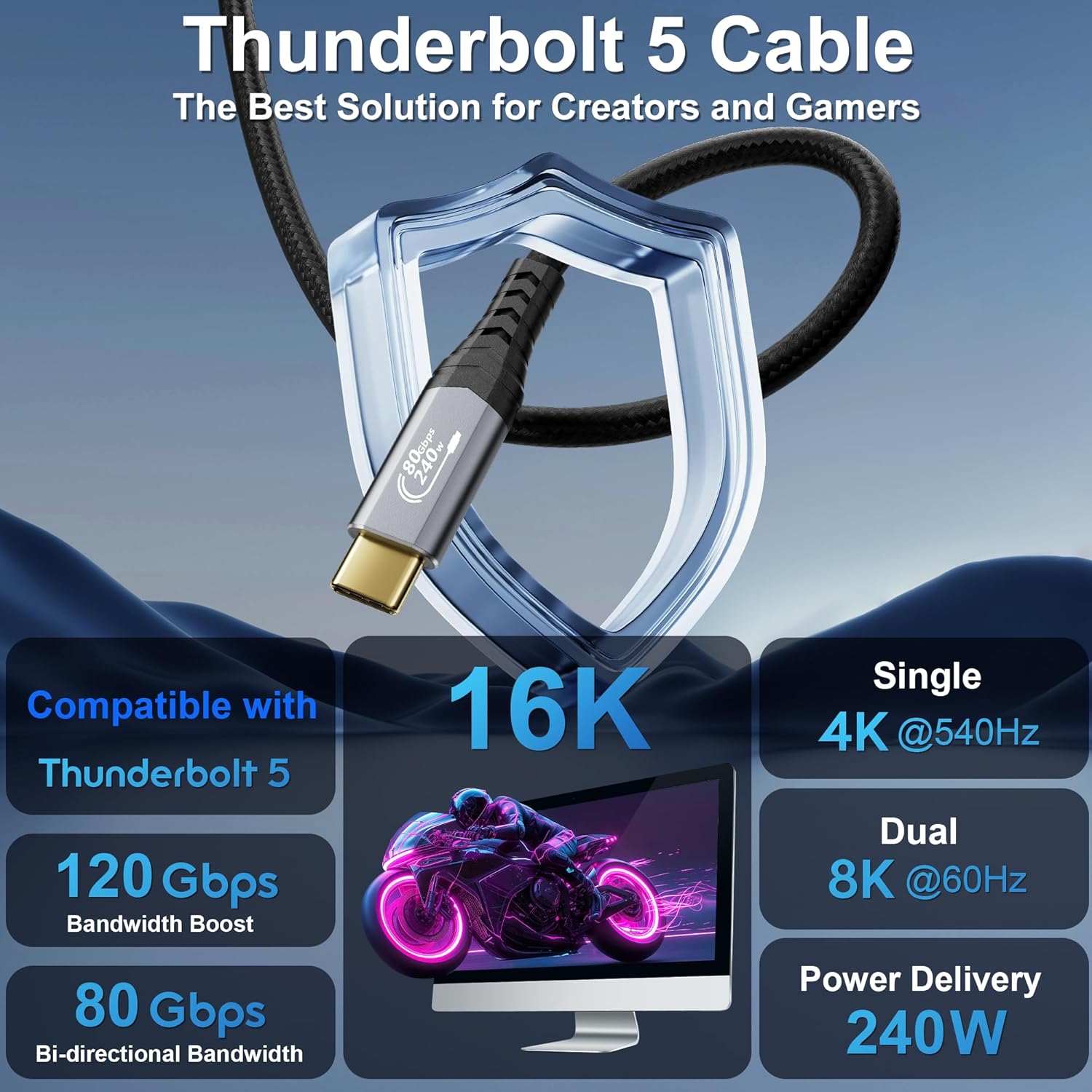
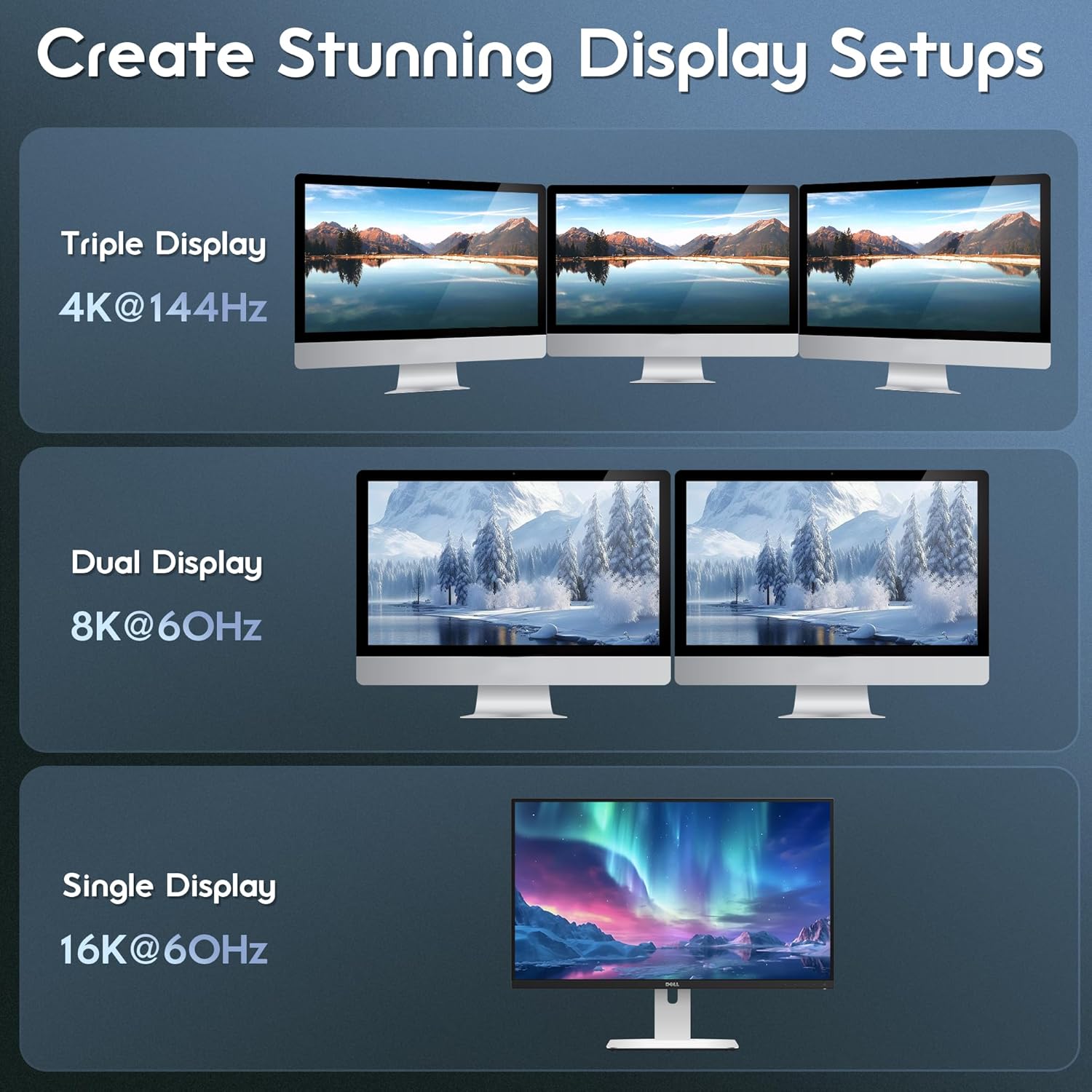
Video is also a big part of the pitch: it’s stated to support up to 16K and various multi-display setups (including multiple 8K/6K options), with refresh rate figures mentioned for certain high-end configurations. If your goal is driving sharp screens from a single port via Thunderbolt/USB4-style connections, this cable is built for that job.
What really matters for buyers
Charging that goes beyond “just enough”
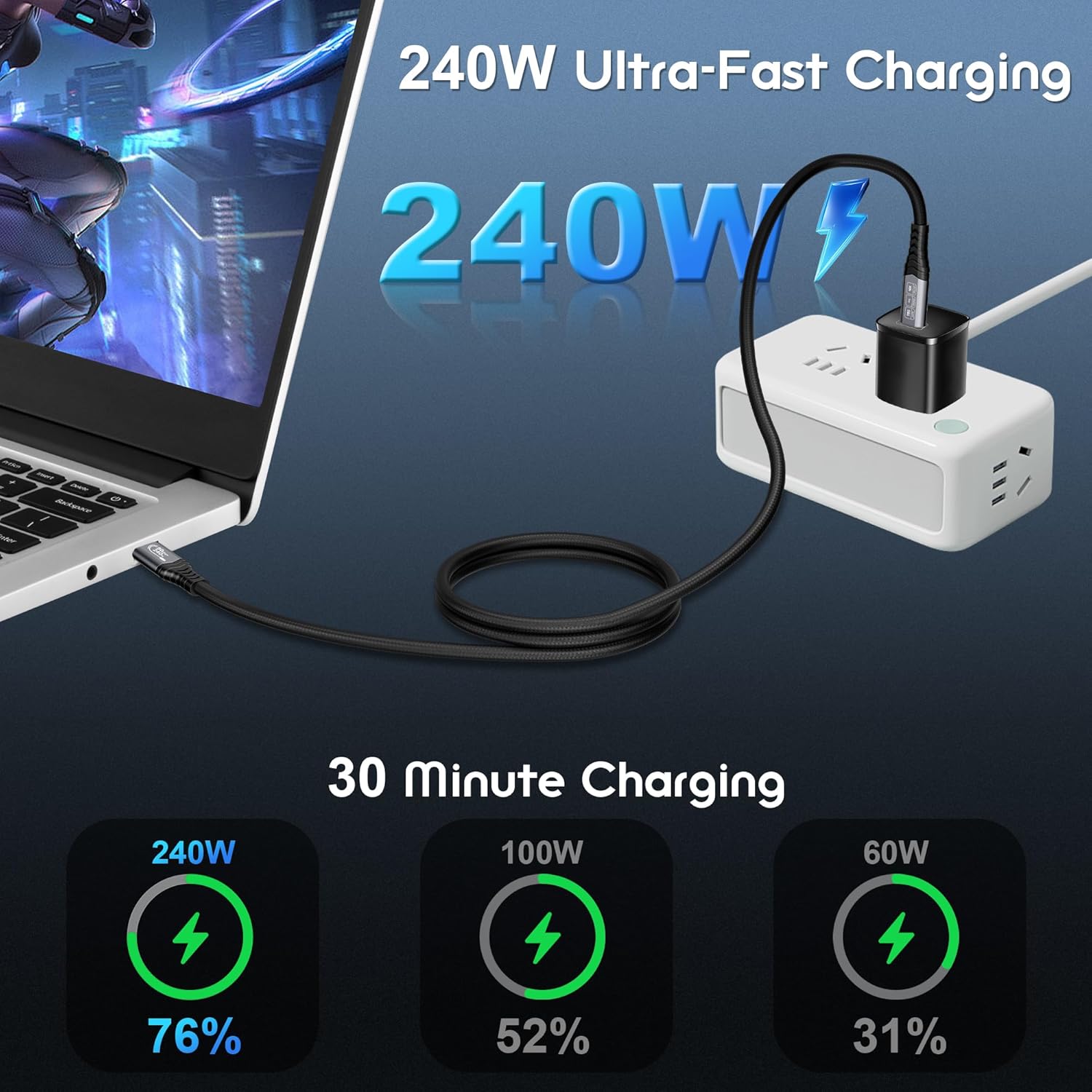
This cable is listed as supporting PD 3.1 at up to 240W (48V 5A). That’s useful if your MacBook or other USB‑C device can accept high-wattage charging through the same Thunderbolt/USB‑C connection you’re using for data and video. It simplifies cabling: fewer bricks, less clutter, and less fiddling.
That said, keep expectations grounded: your charging outcome still depends on your device and dock capabilities. The cable supports up to 240W, but your laptop/charger chain has to be able to use that ceiling.
Durability and day-to-day handling
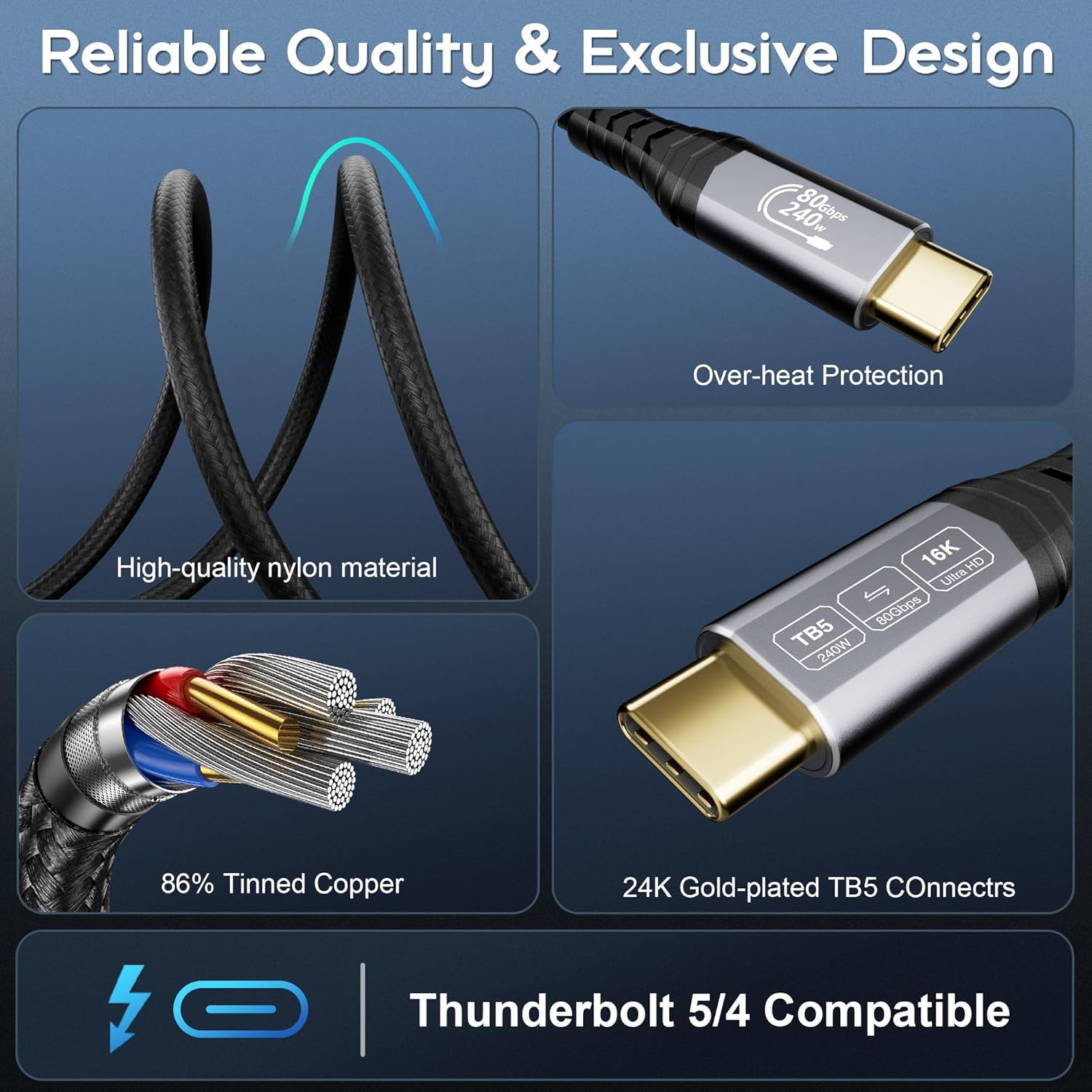
The build is described as using silver-plated conductors, corrosion-resistant gold-plated connectors, and an aluminium alloy housing, wrapped in a high-density braided nylon outer. It’s also described as designed to resist electromagnetic interference and help with heat dissipation, plus it’s intended to reduce tangling. For desk users, that combo tends to translate to fewer “worry moments” when the cable is frequently moved, adjusted, or routed behind a monitor.
Stability and protection
An integrated E‑Marker chip is mentioned for adjusting power/data/video signalling dynamically, along with dual protection mechanisms against overheat and over-voltage. Again, you’ll only notice this indirectly, but it’s the kind of safety thinking that matters when you’re running power and high-speed data in the same link.
Where it shines (and the limits)
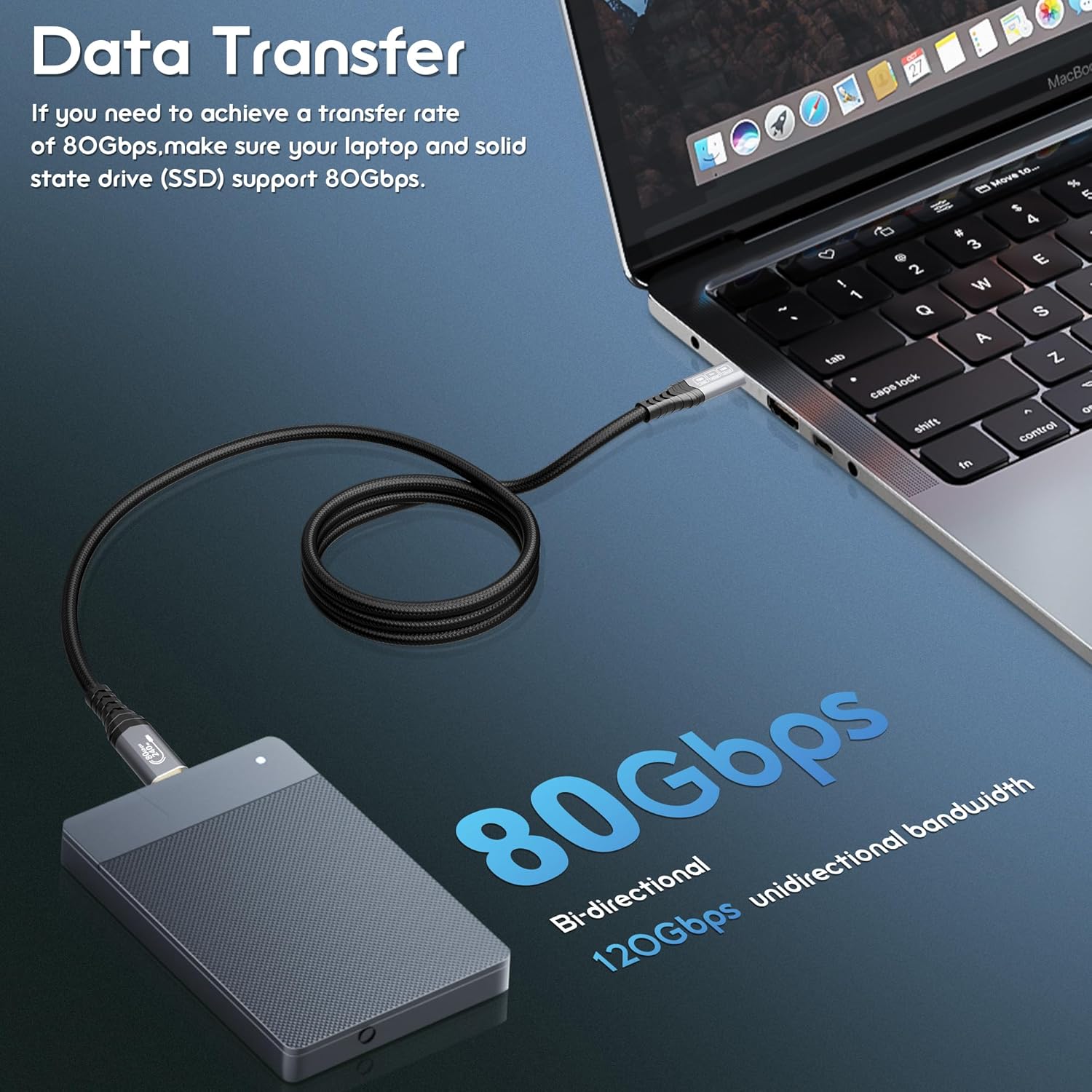
This cable is a strong fit if you’re building a Thunderbolt 5 / USB4-style workstation and you want one cable to handle data, video, and high-wattage charging—particularly with docks, high-resolution monitors, and setups involving SSDs or eGPU-style devices.
It might not be the best choice if: - you only need basic charging or slow accessories (the spec is overkill for that), - your desk layout needs a longer run than 0.5m, - or your devices don’t support the same Thunderbolt/USB4 generation paths (compatibility is listed, but performance depends on both ends).
Notably, while the manufacturer lists very ambitious display scenarios, getting those exact outcomes depends heavily on the laptop, dock, and monitor combination. So it’s worth checking that your end devices can actually make use of the capabilities being advertised.
Tech summary
Tech specs
- Type: Thunderbolt 5 cable (USB‑C)
- Data speeds (stated): up to 80Gbps bidirectional, up to 120Gbps one-way
- Video support (stated): up to 16K, supports multi-display configurations including 8K/6K and 4K options, specific refresh rates listed for certain scenarios
- Power delivery: PD 3.1 up to 240W (48V 5A stated)
- Compatibility (stated): Thunderbolt 4, Thunderbolt 3, USB4, USB 3.2
- Length: 0.5m
- Construction (stated): silver-plated conductors, gold-plated corrosion-resistant connectors, aluminium alloy housing, high-density braided nylon outer
- Protection/stability (stated): E‑Marker smart chip, dual protection against overheating and over-voltage
Getting the most from it
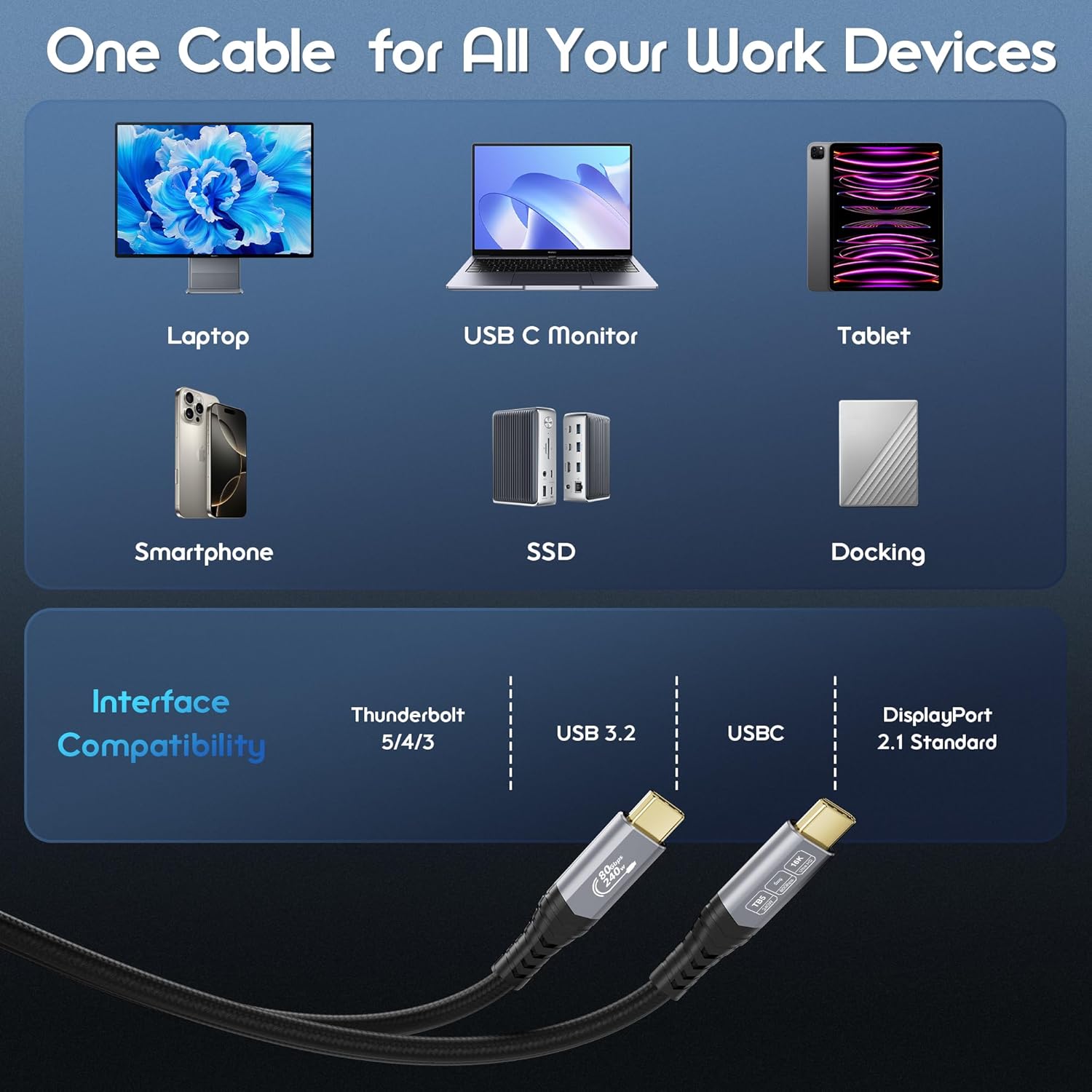
If your setup is laptop → dock → monitor/SSD, this is the sort of cable you’d use when the dock is positioned close by and you want minimal cable clutter. For a micro-example: imagine plugging your MacBook into a Thunderbolt dock under your monitor. A 0.5m cable keeps the connection tight, and (assuming the dock supports it) you can route both high-speed data and charging through that single link rather than adding separate USB‑C charging cables.
Buying verdict
Is it worth it?
Worth buying if you’re paying attention to the “one-cable” workflow—Thunderbolt/USB4 docking, high-resolution display output, fast data transfer, and high-wattage USB‑C power from the same connection. For desk setups where 0.5m is the right length, it’s the kind of cable that can make your system feel more coherent.
You may want to skip it if you’re after a longer cable run, or if your devices only need basic USB‑C charging and standard data speeds. Also, because the most impressive video and charging behaviour depends on the whole chain, it’s sensible to double-check that your laptop/dock/monitor combination can actually use Thunderbolt 5 features.
Mini FAQ
What is the main purpose of this Thunderbolt 5 cable?
It’s designed to carry very high-speed data and support high-resolution video, while also supporting USB‑C Power Delivery up to the stated 240W through PD 3.1.
Is 0.5m too short?
It can be, depending on your desk and monitor placement. If you need any meaningful cable slack or distance, you’ll likely prefer a longer option.
Will it definitely charge a laptop at 240W?
The cable supports PD 3.1 up to 240W, but the actual charging rate depends on what your laptop and connected equipment can negotiate.
Does it work with Thunderbolt 4 and USB4?
The manufacturer states compatibility with Thunderbolt 4, Thunderbolt 3, USB4 and USB 3.2, but real-world performance is still influenced by the devices at both ends.
Is it overkill for everyday file transfers?
If your use is mostly basic charging and occasional documents, it’s likely more spec than you need. It’s more compelling when you’re using high-bandwidth docks, fast storage workflows, or high-resolution display outputs.