

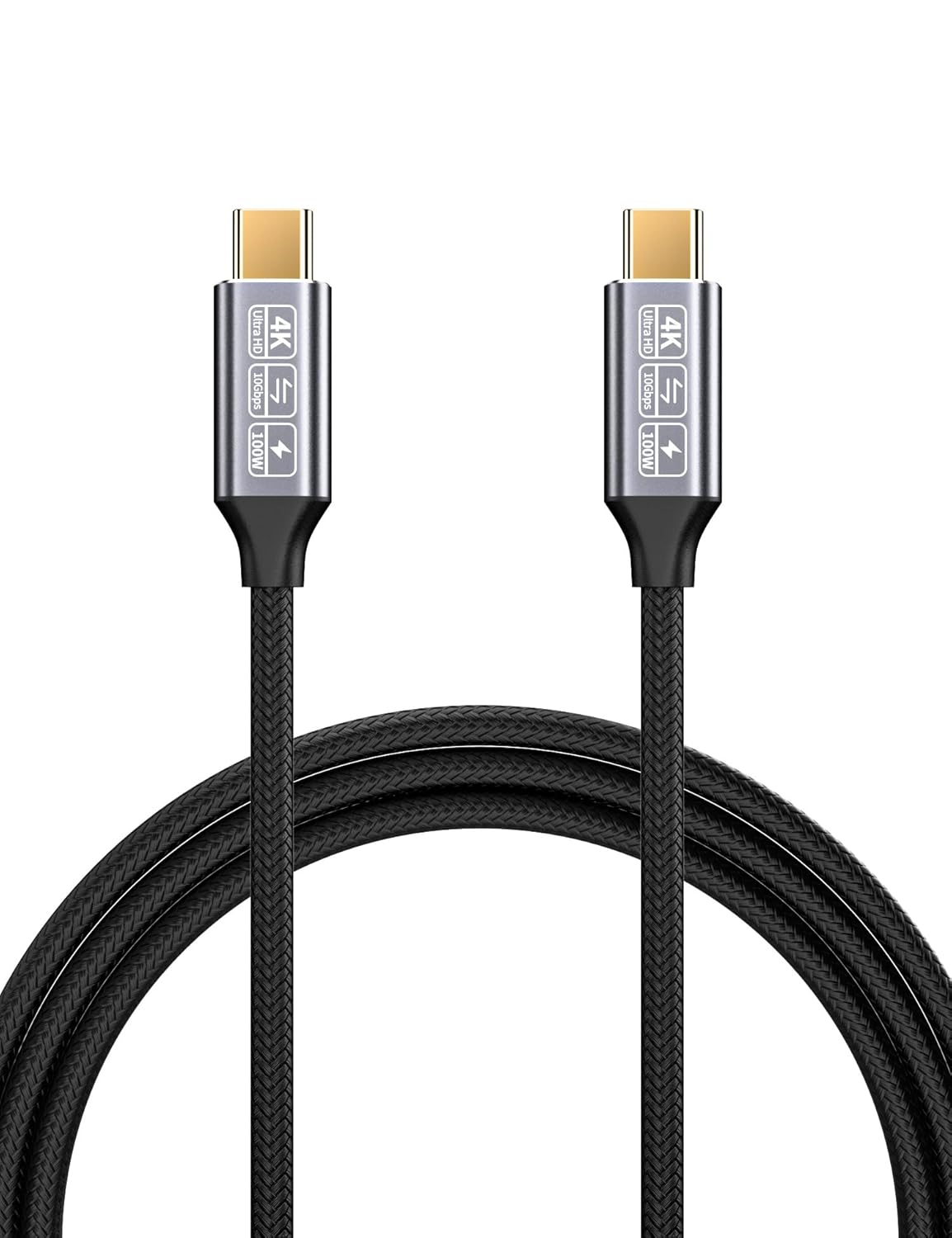
CAKOBLE USB-C to USB-C 3.1 Gen2 Cable (10Gbps, 100W PD, 4K@60Hz) – 2m USB-C charging and data lead
Product description
The essentials
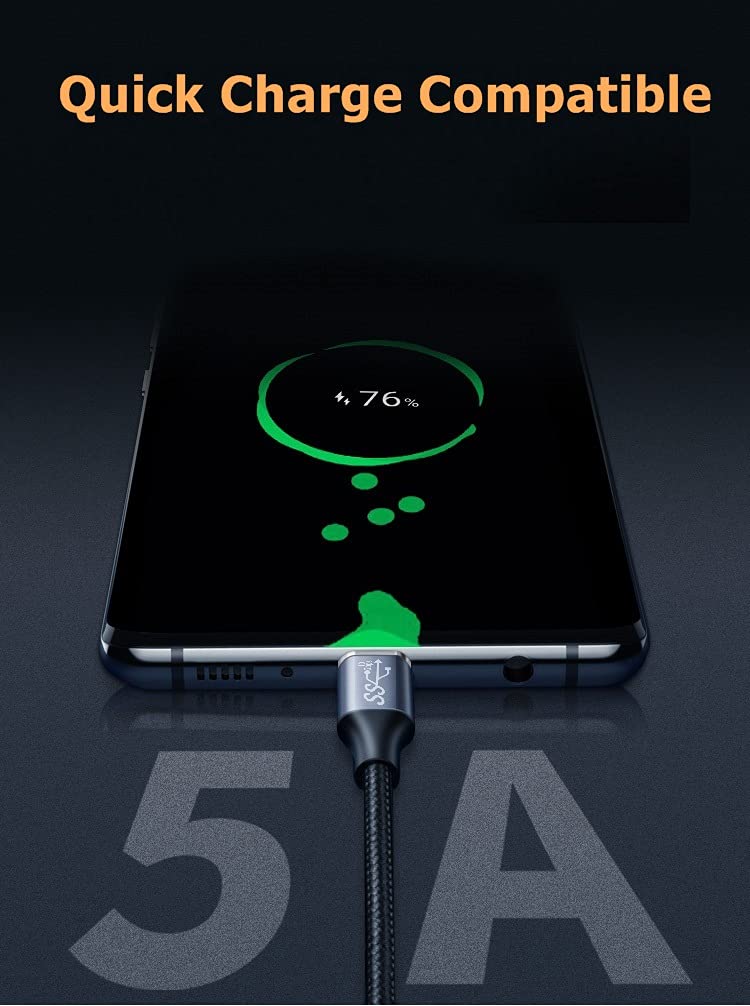
If you want one USB‑C lead that can cover charging and file transfer without falling back to slower cables, this CAKOBLE USB‑C to USB‑C cable is built around two headline ideas: fast data (up to 10Gbps, described as SuperSpeed) and higher-power USB‑C PD charging (up to 100W / 5A using an E‑marker chip). It also claims 4K video output with DisplayPort Alternate Mode (DP Alt Mode), with support for Thunderbolt 3-style usage.
On paper, it’s the kind of cable you buy when you don’t want to think too hard: plug in for power, move large files, and if your device supports it, output video to a USB‑C monitor. That said, cable specs alone don’t guarantee performance on every setup—especially video and maximum charging—so it’s worth checking your device capabilities before you expect the “up to” numbers.
Where it shines (and why people buy it)
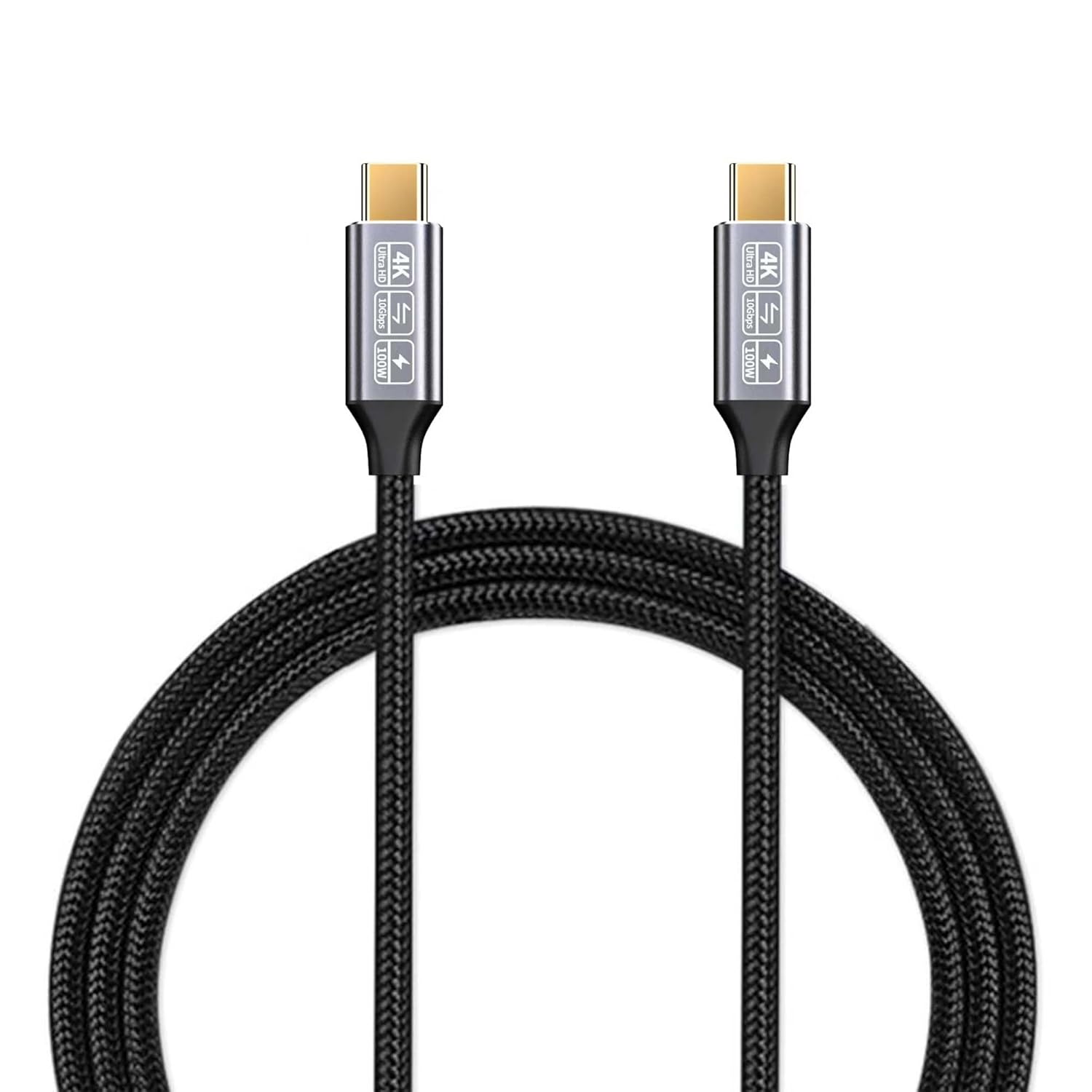
The biggest reason to consider this lead is the combination of higher-speed transfer plus higher charging. Many everyday USB‑C cables will do one job but feel limited for the other. Here, CAKOBLE positions it for scenarios like syncing a laptop with an external SSD or moving big folders quickly, while still being capable of delivering up to 100W over USB‑C PD.
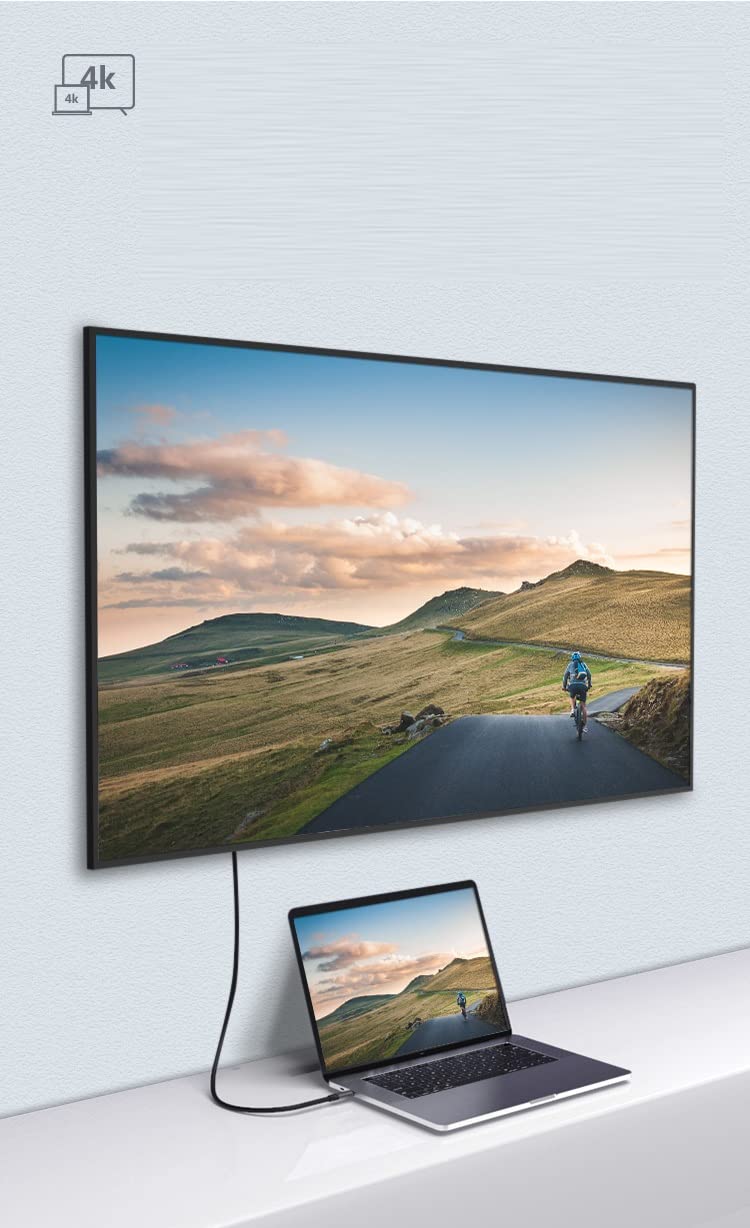
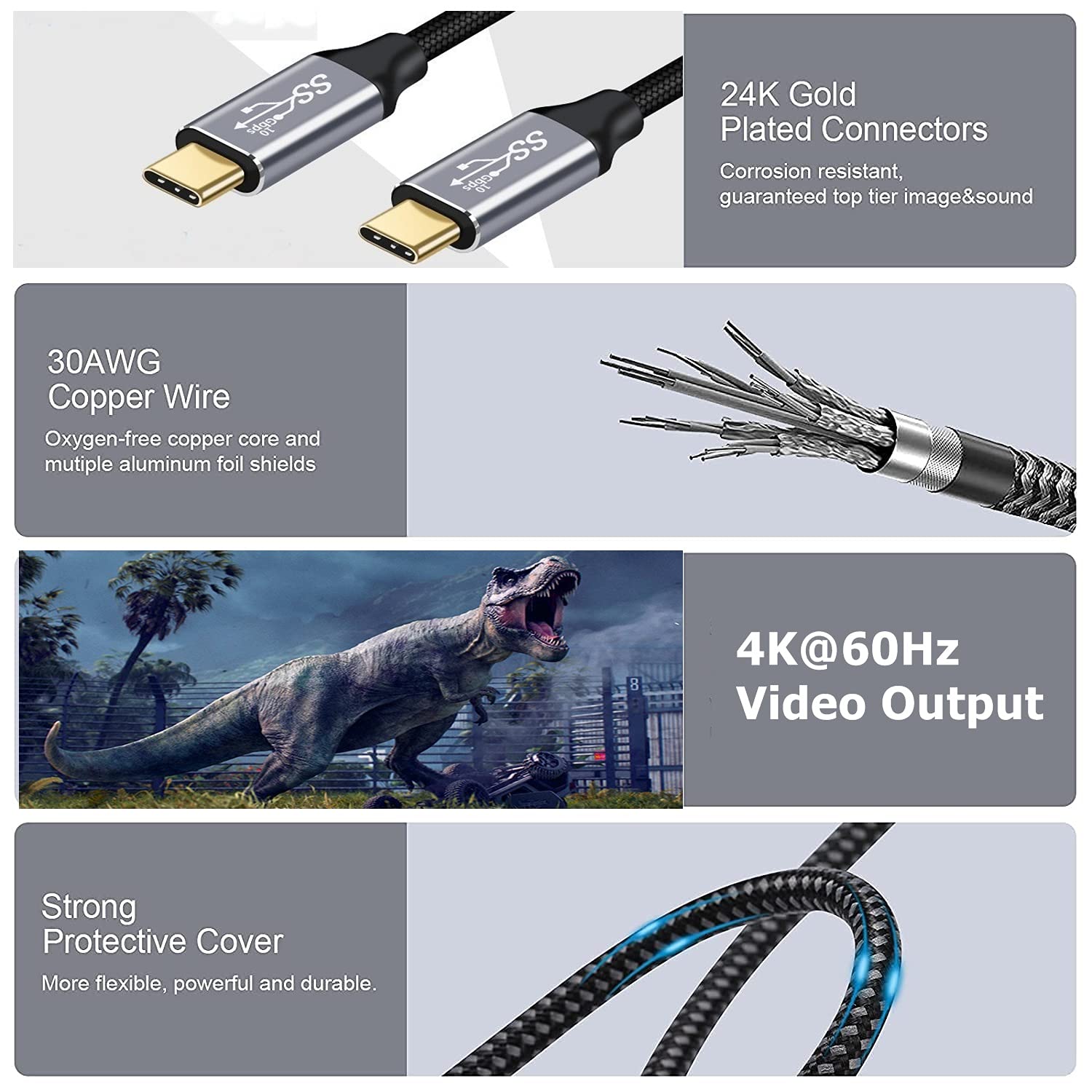
For video, the cable is described as supporting 4K@60Hz with DP Alt Mode and audio/video signal for connecting a compatible USB‑C display. In practical terms, that’s the difference between “it charges and maybe works for data” and “it can be the single cable between your laptop and a desk monitor”, provided your laptop and monitor support the same modes.
What you’ll notice day to day
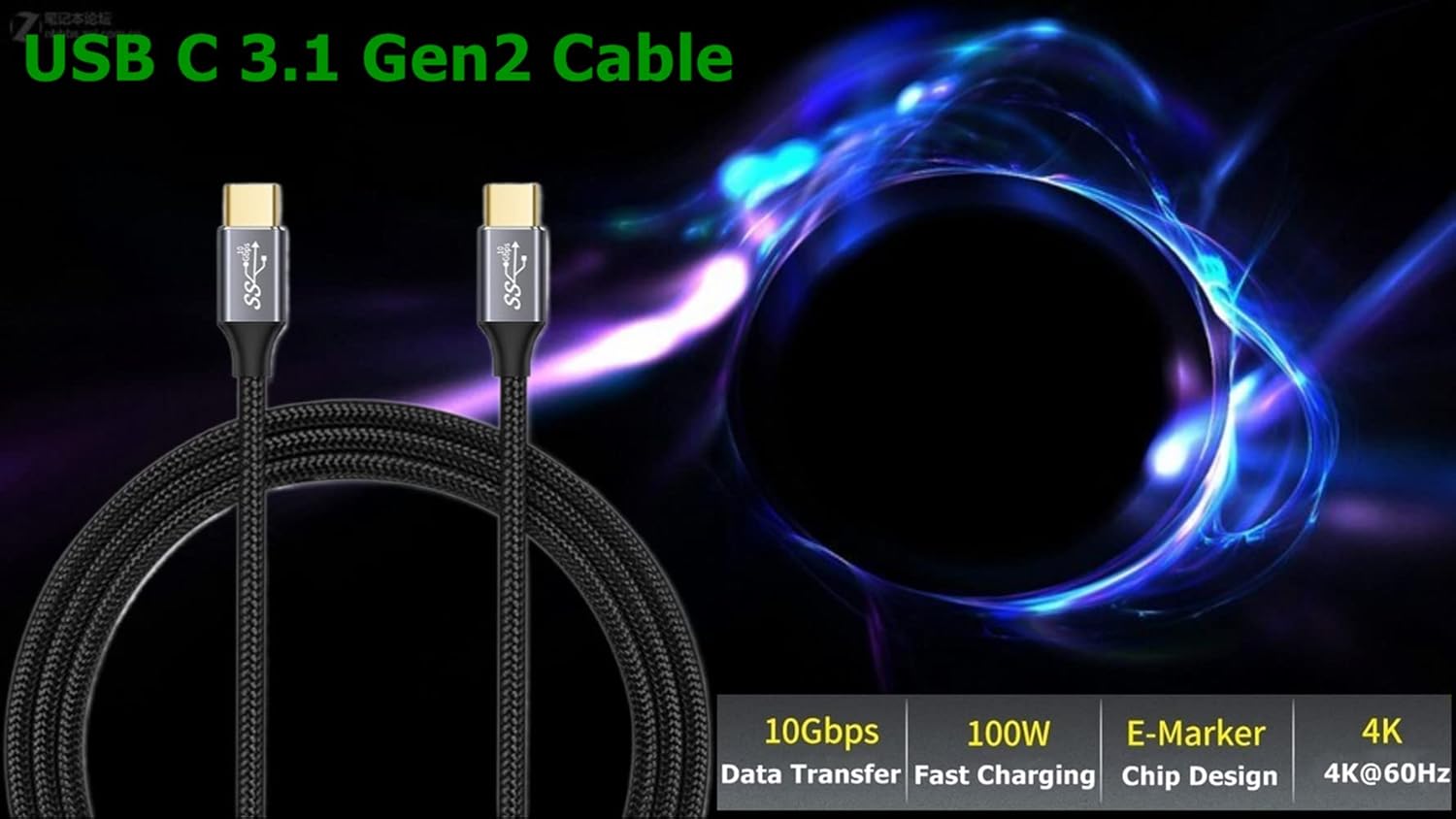
The transfer-speed claim (10Gbps) is the sort of thing you’ll feel mostly when you’re moving large files—video clips, project folders, or SSD backups. If you regularly handle big media files, a 10Gbps-rated cable can be the difference between waiting around and getting on with your day.
For charging, the inclusion of an E‑marker chip is a sensible detail for power delivery: it’s there to help the cable safely deliver up to the stated 100W (5A). In other words, it’s not just a “cheap charging lead” that might work inconsistently with higher-power USB‑C chargers.
One more day-to-day point: the cable length is stated as 6.6ft (2m), which is often convenient for desk layouts—enough reach to route from a laptop to a monitor or charger without the cable feeling cramped.
Tech specs
- Type: USB‑C to USB‑C cable (USB‑C PD fast charging)
- Data transfer: USB 3.1 Gen2 / SuperSpeed up to 10Gbps (as described)
- Charging power: up to 100W (20V / 5A, as described)
- Video output: 4K@60Hz supported via DisplayPort Alternate Mode (DP Alt Mode, as described)
- Video/port note: described as compatible with Thunderbolt 3 ports
- Length: 6.6ft (2m, as stated)
- Cable design: 30AWG copper wire with oxygen-free copper core and multiple aluminium foil shields (as described)
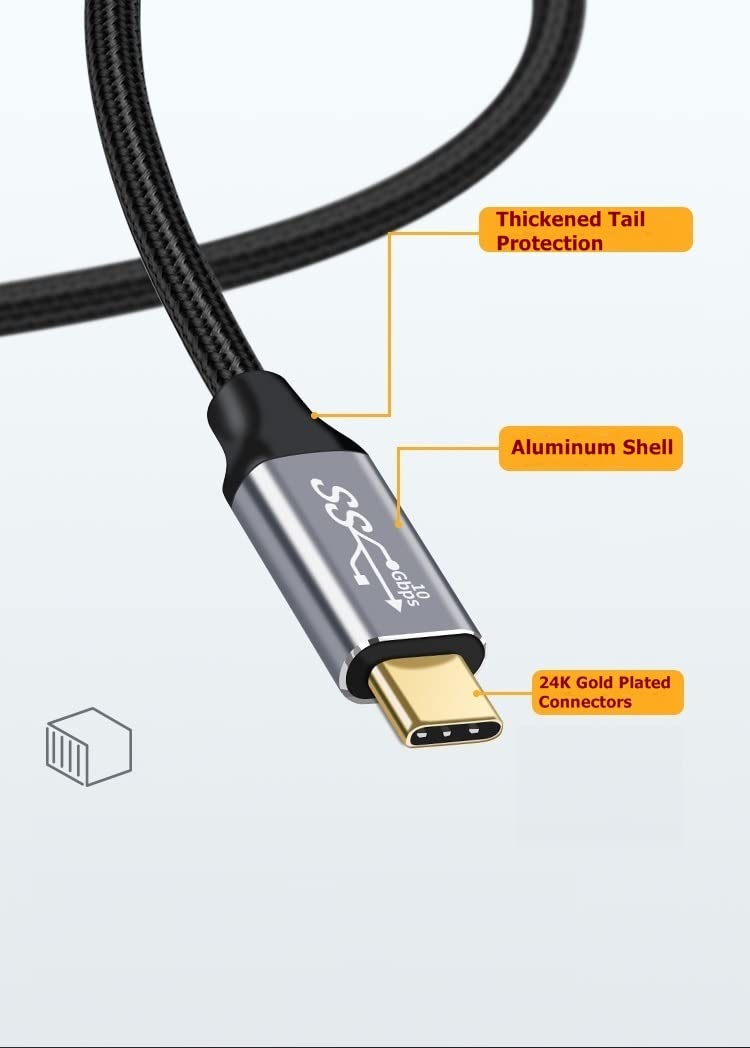
- Connectors: 24k gold plated connectors (as described)
- Compatibility (devices listed in the base description): USB‑C devices including Thunderbolt 3 / USB‑C models such as MacBook Pro, MacBook Air, iPad Pro, and Samsung Galaxy S21 series (as listed)
Is it a good match for your setup?
It’s a good fit if you want a single USB‑C to USB‑C cable for charging plus quick file transfers, and you also use (or might use) a USB‑C monitor for video output—especially where DP Alt Mode / Thunderbolt 3-style support is in play.
It makes sense if your device list includes USB‑C PD charging up to higher wattage and you actually benefit from moving big files. The stated up to 10Gbps and up to 100W figures are exactly the kind of “proper cable” features people look for when they’ve had enough of slow syncing or weak charging leads.
It might not be a great match if your main need is simply basic charging from a low-wattage charger, or if your laptop/monitor doesn’t support DP Alt Mode or Thunderbolt 3-style video over USB‑C—because in that case the video claim won’t magically apply.
What to double-check before you buy
First, confirm your devices support the modes you care about. For data, you’ll get the most out of the 10Gbps claim only when both ends support that speed class. For charging, the “up to 100W” wording depends on your charger and the device accepting that power level.
Second, for video output, the base description says it supports 4K@60Hz via DP Alt Mode and mentions Thunderbolt 3 compatibility. That’s promising, but it’s not a guarantee—video output over USB‑C depends on both the host (your laptop/tablet) and the display’s support.
Finally, check your practical needs: at 2m, it suits most desk distances, but if your setup is tighter, you may prefer a shorter lead to avoid excess cable on the floor.
Mini FAQ
Does this cable charge USB‑C devices at higher power? It’s described as using an E‑marker chip for safe delivery up to 100W (20V / 5A) for USB‑C PD fast charging.
Will it transfer files fast like an SSD lead? The cable is described as supporting up to 10Gbps (USB 3.1 Gen2 / SuperSpeed), which is aimed at quicker syncing and transfers, particularly with larger files.
Can it output video to a USB‑C monitor? The base description states support for 4K@60Hz video output via DP Alt Mode, intended for compatible USB‑C displays.
Is it suitable for Thunderbolt 3 ports? It’s described as compatible with Thunderbolt 3 ports, but actual output still depends on your device and display support.
Final verdict
Buying verdict: It’s worth considering if you’re after a more capable USB‑C to USB‑C lead that can realistically do charging plus faster data, and you’re also interested in desk-style video output via DP Alt Mode. You get a sensible build description too—shielding and gold-plated connectors are the sort of “boring but useful” details that matter for durability.
Better avoided if your use is purely basic charging or your devices don’t support the relevant USB‑C video modes—because then you’ll pay for features you can’t actually use. If you prioritise one cable for a mixed workflow (laptop charging + SSD-style transfers + occasional monitor output), this CAKOBLE lead fits that brief more than most straightforward USB‑C cables.