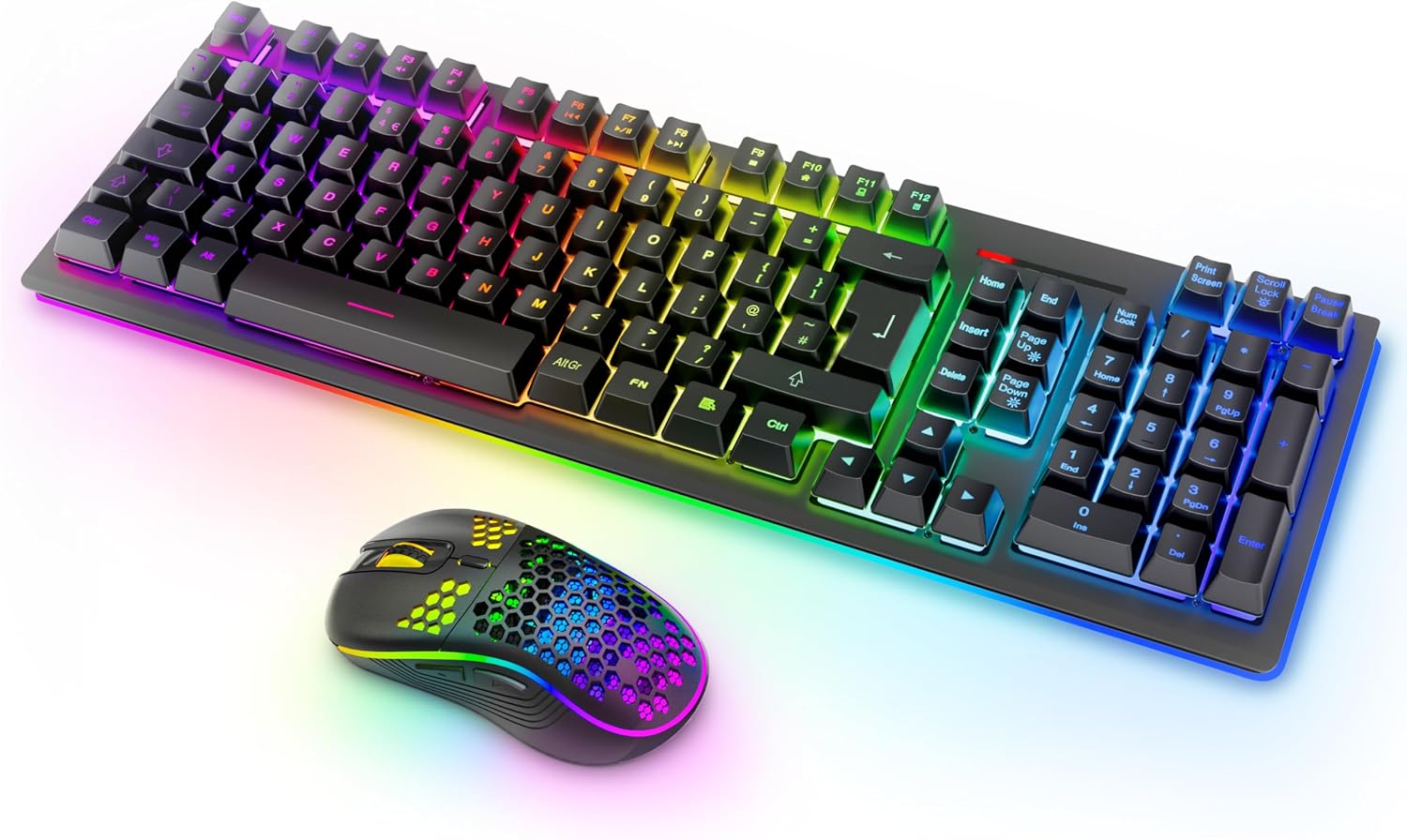
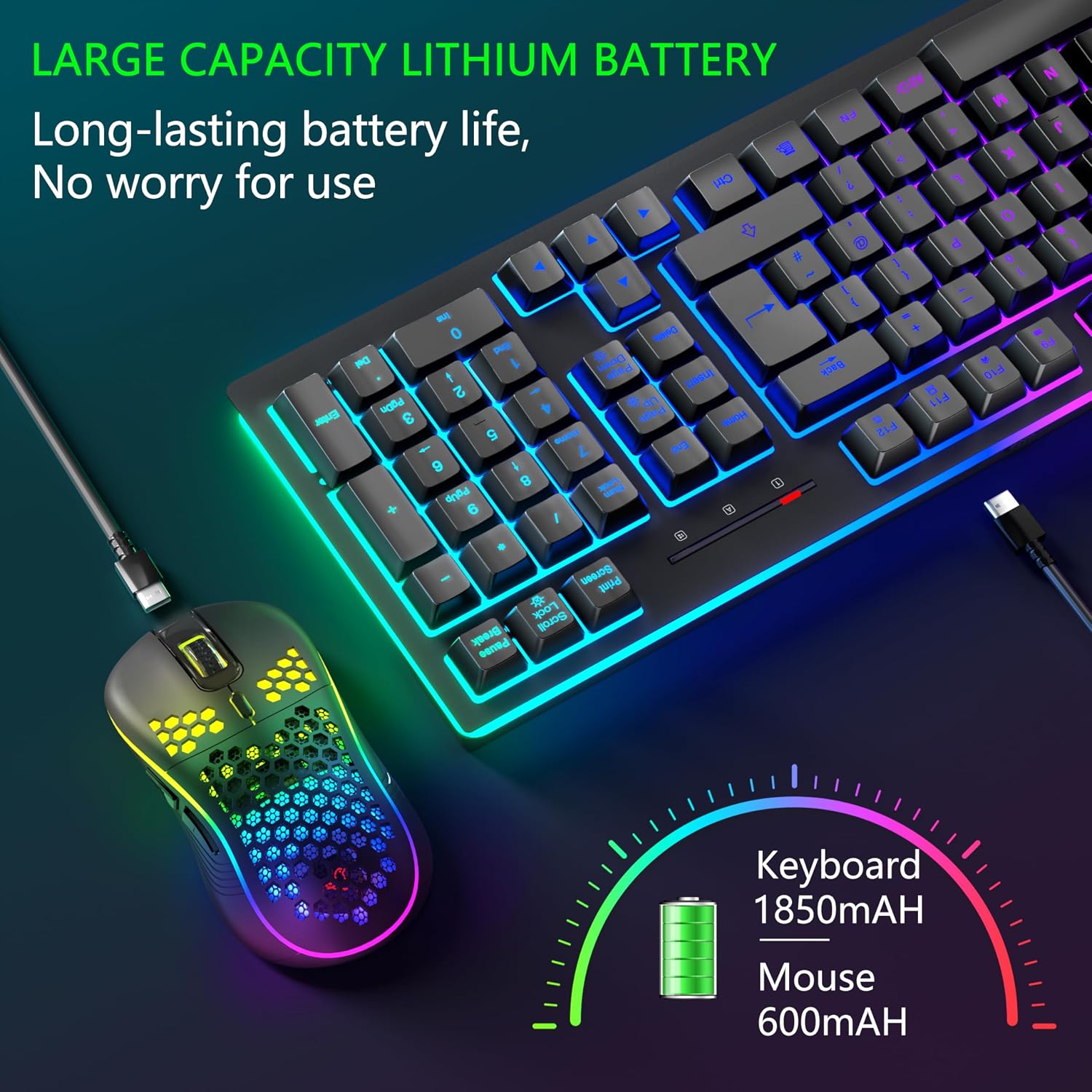
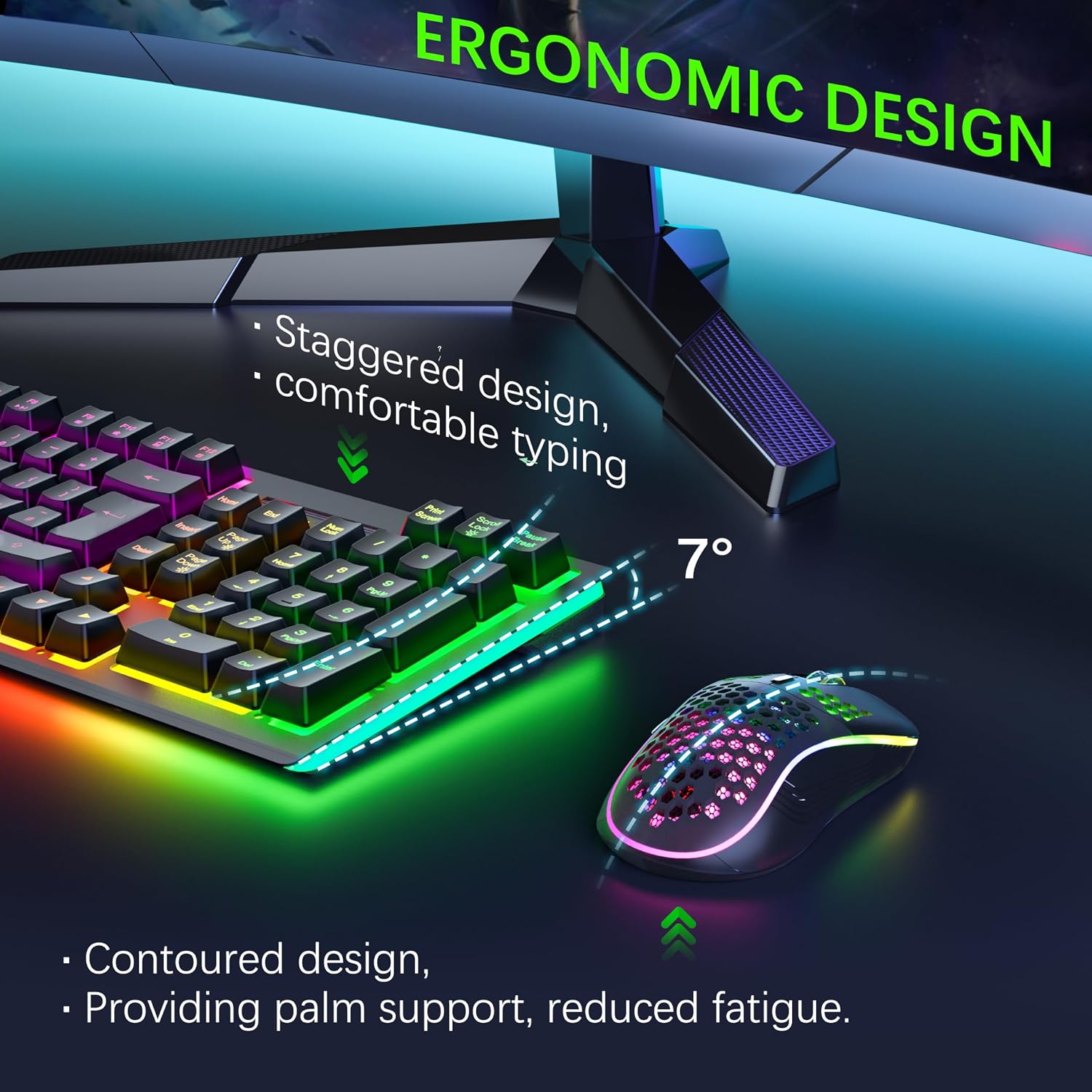
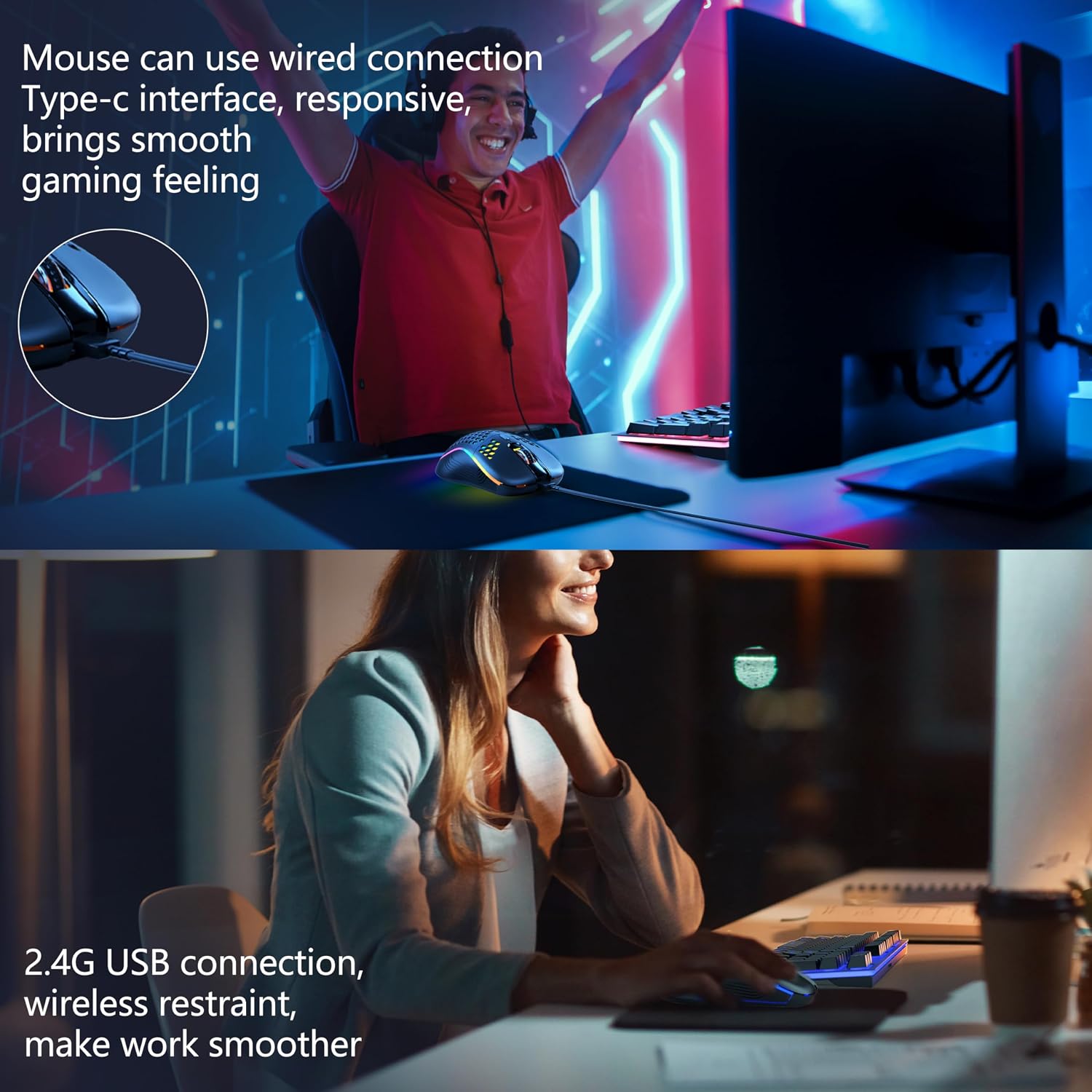
What this is and who it’s for\nIf you want a combined wireless keyboard and mouse with a visible RGB glow and rechargeable batteries, the MOOJAY set is designed to cater to casual gaming and everyday productivity on PC, laptop, Windows or Mac. On paper, it bundles a keyboard with an 1850mAh built‑in battery and a USB mouse with 600mAh, promising a week of typical use between charges thanks to energy‑saving sleep modes after inactivity. It’s not a performance‑specific gaming peripheral, but it aims to offer a practical, light wireless setup without frequent recharging.\n\n## Battery life and charging habits\nRechargeable high‑capacity cells are a feature here. The keyboard enters sleep mode after 2 minutes of inactivity and the mouse after 30 seconds, which helps extend endurance between charges. Having a single charging cycle for both devices is convenient, though real‑world longevity will depend on how often you use backlighting and high‑intensity functions. If you prioritise long, uninterrupted sessions, you may want to monitor usage patterns to avoid surprises.\n\n## Lighting and ambience\nThe RGB backlighting is controllable via Fn keys, with multiple lighting modes available. You can switch lighting modes by holding the left mouse button and pressing the DPI key, or opt for a single‑colour setting. For mood or focus, the backlight can be toned down or turned off. This is useful if you prefer a quiet desk environment or are sensitive to bright displays during late sessions.\n\n## Design and comfort\nThe keyboard has an ergonomic tilt with adjustable bottom supports, creating a 7° angle that can help reduce fatigue during long typing or gaming bursts. The keycap layout is described as stepped, aiming to align with natural finger movement. The mouse adopts a lightweight honeycomb shell to improve airflow and ease of handling, which can make long sessions feel less warm and more nimble. The build uses a metal panel on the keyboard for durability and ABS keycaps with laser‑engraved translucent legends for readability.\n\n## Compatibility and setup\nThis combo is advertised as USB‑enabled and compatible with a broad range of operating systems—Windows 11/10/8/7, XP, Vista, Mac OS, Chrome and Linux. The dual‑mode capability (wireless and wired) is a practical touch if you ever want to plug in directly or switch devices without buying new peripherals. Do note that “dual mode” here implies some flexibility, but exact driver support or latency expectations aren’t specified.\n\n## What stands out—and where it may fall short\nOn the plus side, you get convenient rechargeable power, a cohesive RGB experience, and a reasonably ergonomic design that looks like it could fit many desk setups. The built‑in battery sizes are modest but adequate for light to moderate use. It may not satisfy power users who need ultra‑low latency, highly programmable macro keys, or extreme durability under heavy daily use. If you’re chasing edge‑to‑edge gaming performance, you might find this setup more mid‑range than top‑tier.\n\n## Practical use cases\n- A student or home office user who wants a tidy, backlit setup without a heap of cables.\n- A casual gamer who enjoys RGB ambience but doesn’t require professional‑grade input devices.\n- Anyone who prefers a single purchase for keyboard and mouse rather than sourcing components separately.\nIf you need rock‑solid durability and high‑end features, this combo might feel a step behind.\n\n## What to check before buying\n- Confirm you’re comfortable with the stated battery life in your typical pattern of use.\n- Consider whether the backlighting is a feature you’ll actually use or merely a nice visual addition.\n- Verify the exact OS support in case you rely on niche Linux distributions or older macOS versions.\n- Think about desk space and whether the 7° tilt aligns with your preferred typing posture.\n\n## How it compares to typical alternatives\nCompared with wired keyboards and mice or premium gaming sets, this combo offers more convenience and a lighter footprint, with the trade‑off of fewer customisable features and potentially shorter guaranteed lifespans under heavy use. If you value simplicity, value‑for‑money and reasonable build quality, it sits in a sensible mid‑range niche rather than the top tier.\n\n## Is it worth it? Final thoughts\nIf you prioritise a wireless, backlit pair with rechargeable batteries and a compact, ergonomic form, this MOOJAY set makes sense as a practical everyday solution. It’s not the strongest choice for hardcore gaming or high‑frequency, keystroke‑heavy work, but it covers the basics well and adds the convenience of sleep‑mode energy saving. Consider whether your desk environment benefits from the RGB mood or if you’d rather minimise lighting to save slightly on battery use.\n\n## FAQ\n- How long does the keyboard battery last on a single charge? The claim is up to a week under typical use, with sleep mode kicking in after 2 minutes of inactivity.\n- Can I use the keyboard and mouse while charging? The description implies rechargeable batteries, but it doesn’t specify pass‑through charging while in use.\n- Is it compatible with both Windows and Mac? Yes, it lists broad OS compatibility including Windows and Mac OS.