

XPPen Artist 15.6 Pro V2 drawing tablet
Product description
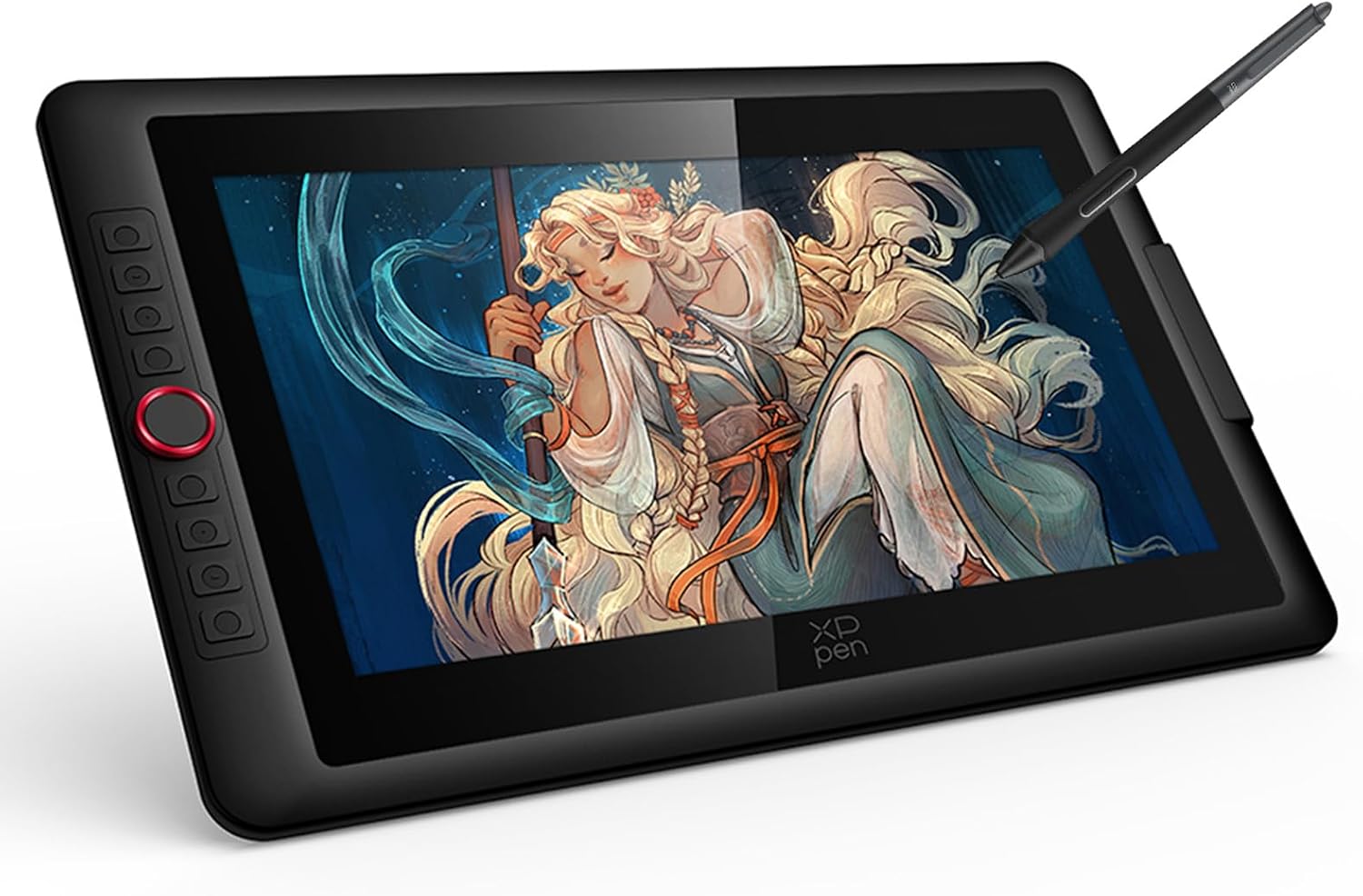
If you want a digital drawing tablet that feels natural while you work, the XPPen Artist 15.6 Pro V2 is built for everyday creative sessions. It combines a large graphics display with a full-laminated, anti-glare screen to help reduce reflections, while the battery free stylus is designed for smooth inking with fine pressure control. It also connects for use with common creative workflows on Windows and macOS, so you can get from sketch to finished artwork without unnecessary setup.
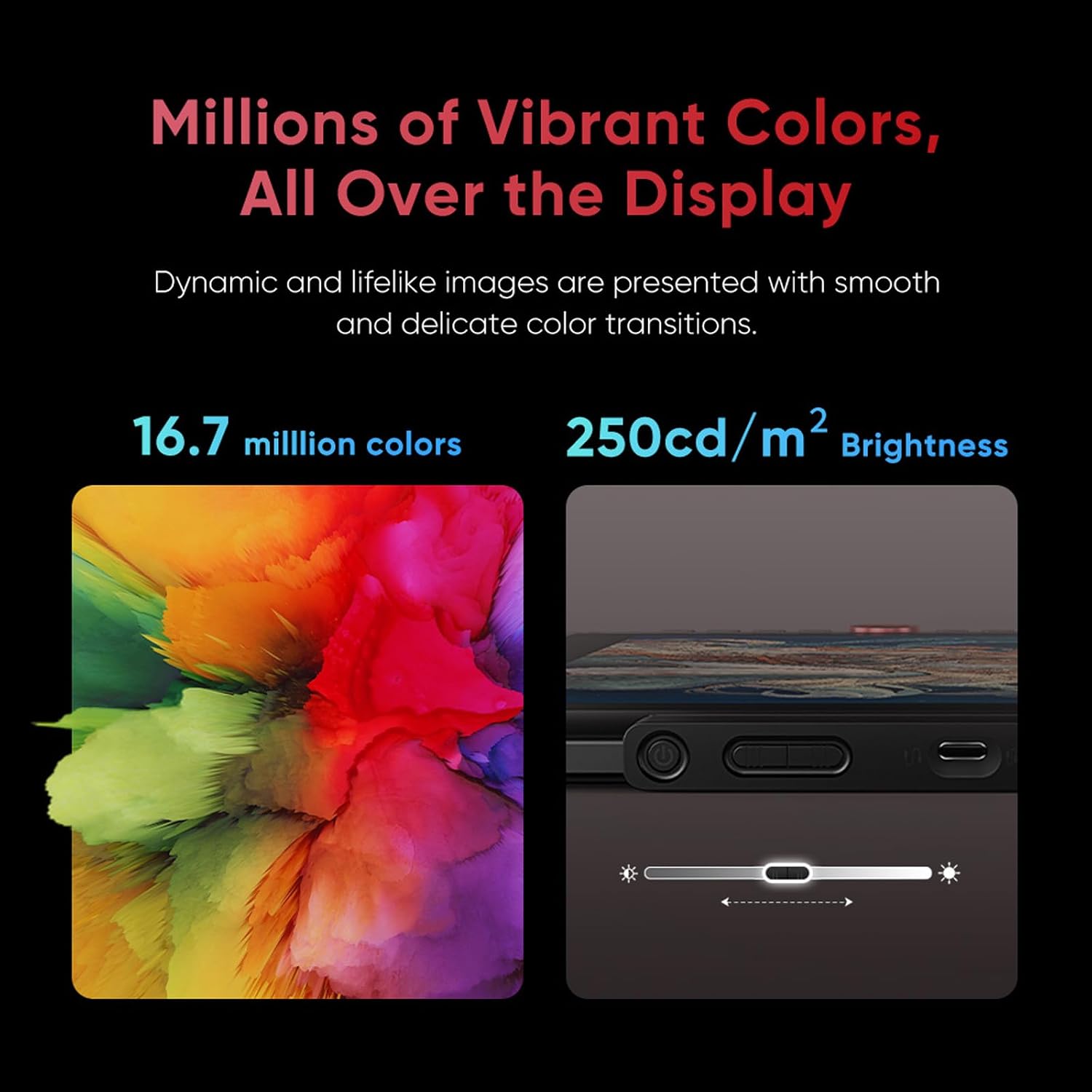
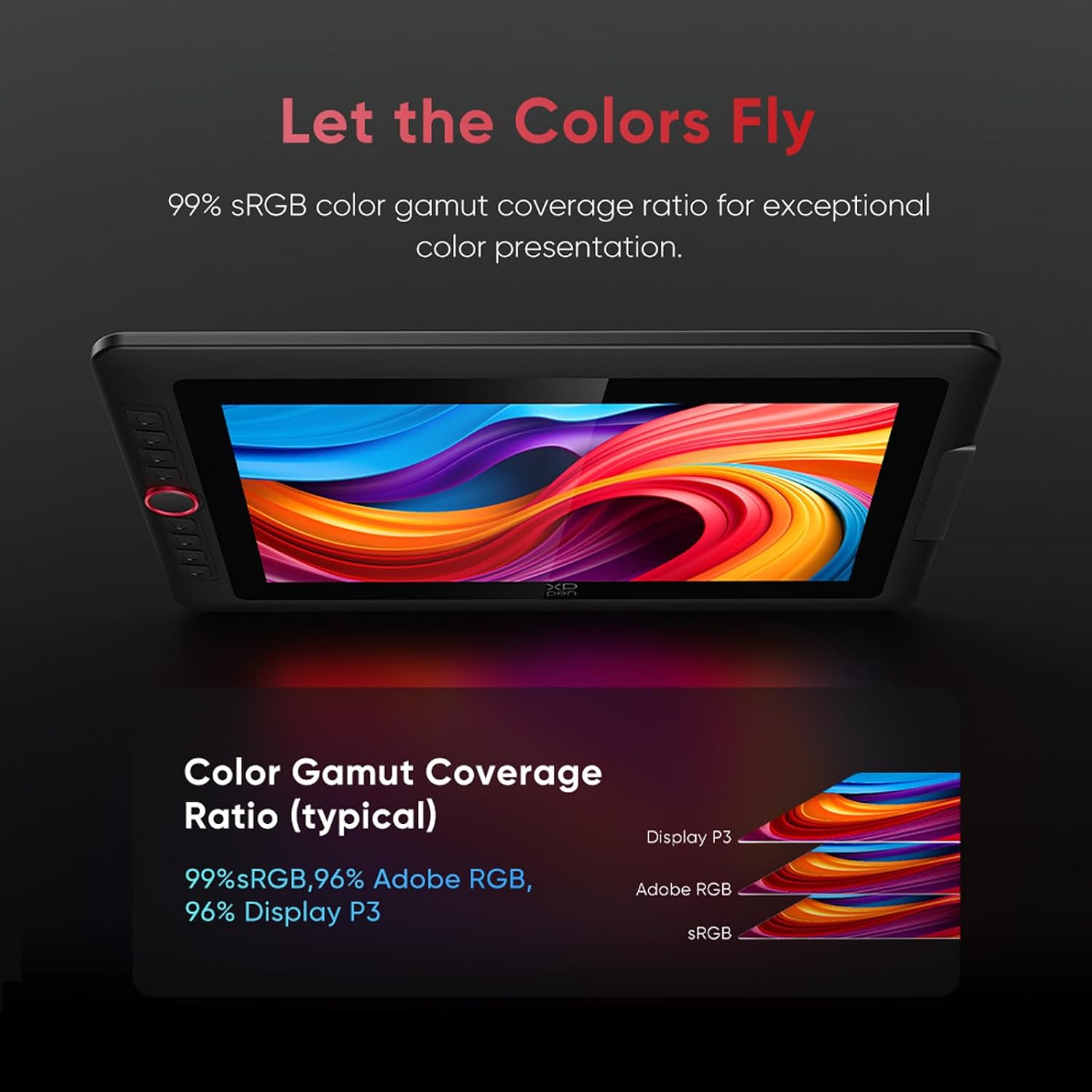
With the XPPen Artist 15.6 Pro V2 you get a practical, mobile friendly layout that supports on the desk or wherever you create. The inclusion of quick access controls, including the Red Dial and customisable shortcut keys, helps speed up common actions during drawing and editing. For colour critical work, the display is specified with a 99% sRGB colour gamut and includes a brightness adjustment dial, giving you a way to match different lighting conditions in your room or studio. 😊
Key points
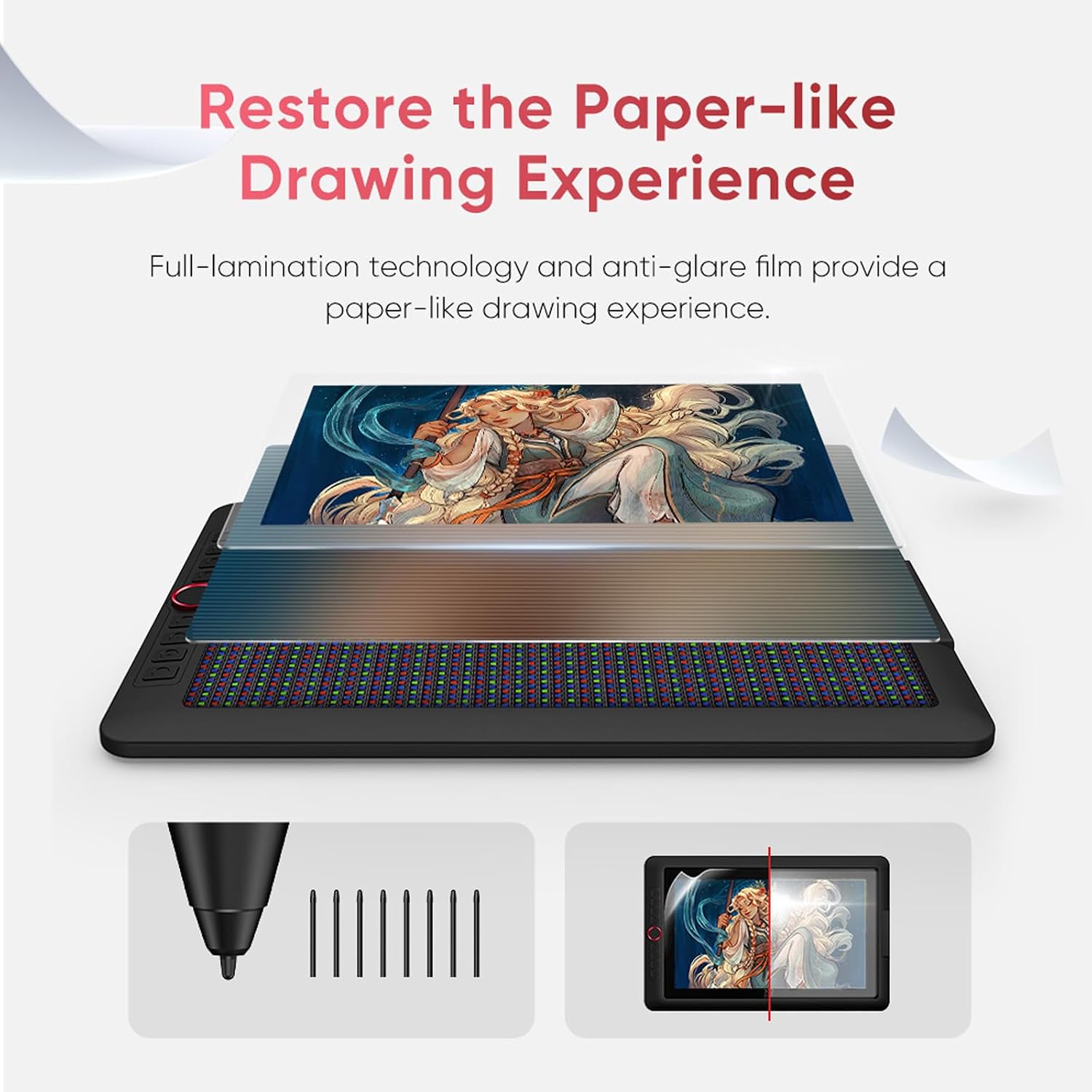
The overall goal is simple, create comfortably and stay focused on drawing. This XPPen graphics display tablet uses a laminated screen and anti glare coating to minimise the gap between your pen and the display surface, which can make lines feel more consistent during longer sessions. The 15.4 inch class screen size gives you more workspace than many compact drawing options, useful for detailed illustrations, digital painting and general photo edits.
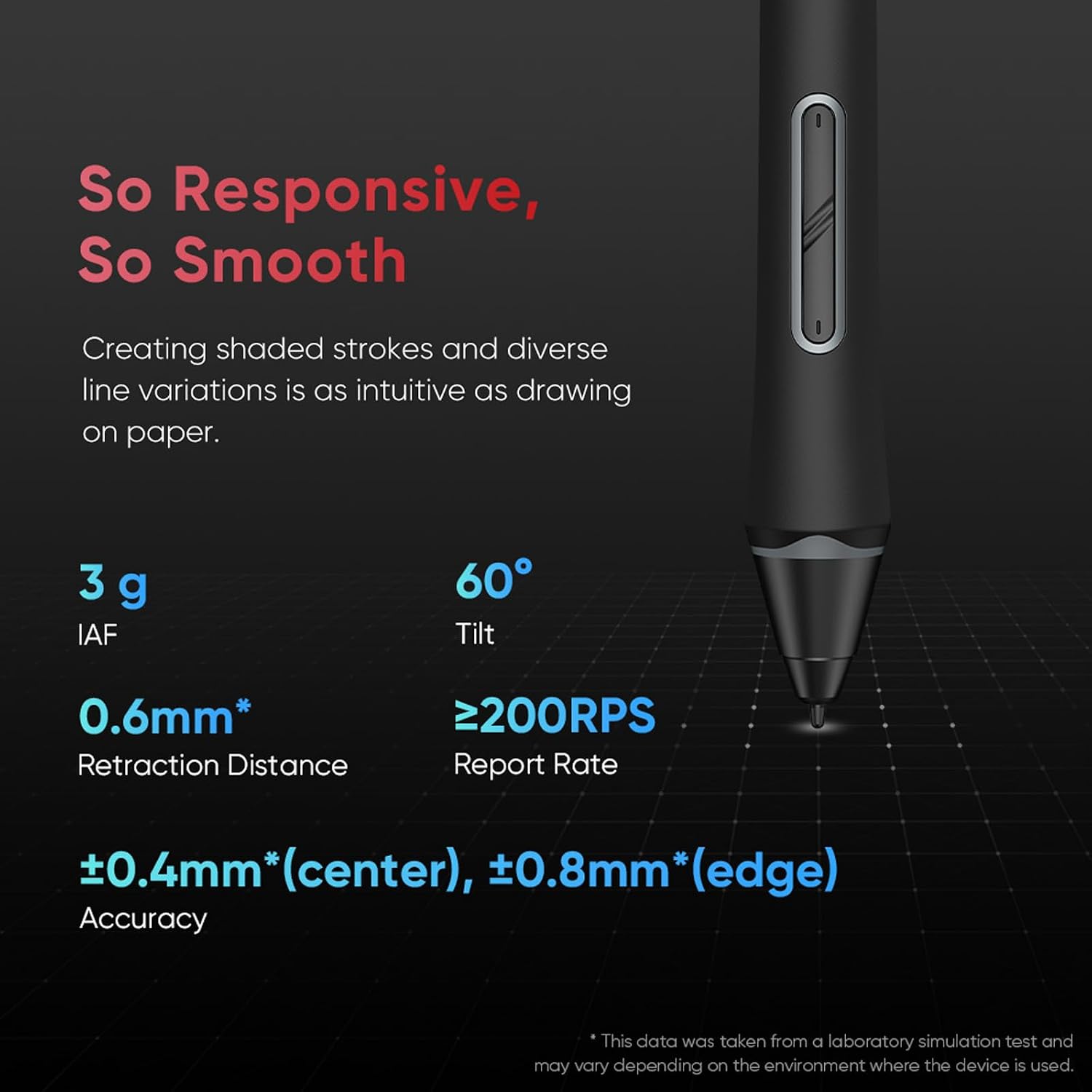
The battery free stylus supports 16,384 levels of pen pressure, which is there to help your strokes respond more subtly as you vary how hard you press. You can also use the quick controls to stay in flow, adjusting common settings and shortcuts without leaving your artwork. There is also a brightness adjustment button for switching the screen intensity to suit your environment.
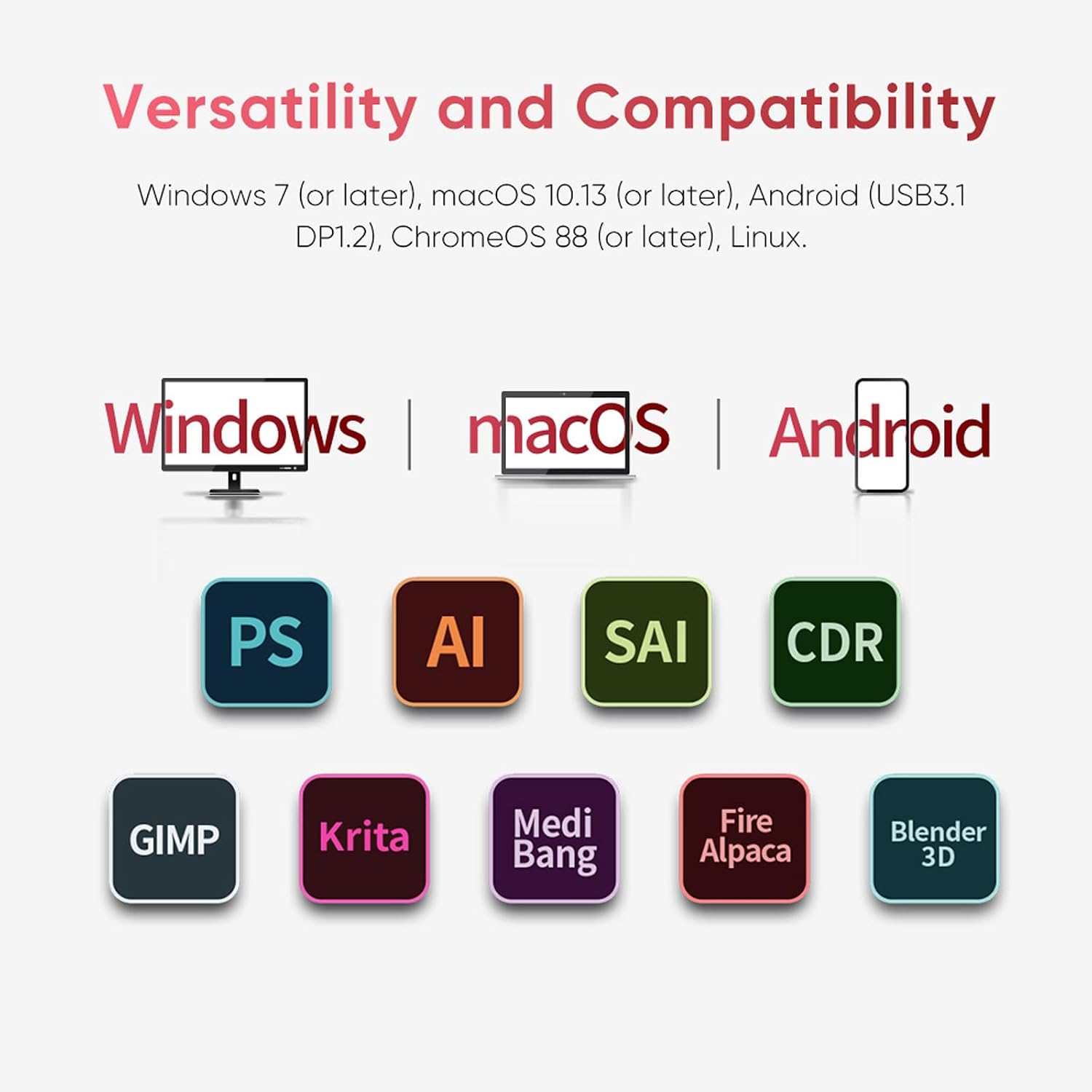
Worth noting that compatibility depends on your operating system and device setup. XPPen states support for Windows 7 or later, macOS 10.13 or later, Android via USB3.1 DP1.2, ChromeOS 88 or later, and Linux. If you plan to use specific software, it also helps to check that your chosen app is listed in the digital art programs the tablet is compatible with.
Who creates this kind of workflow will appreciate it most, students, freelance illustrators and hobbyists who draw regularly and want a responsive pen experience. 🎨
Tech specs
- Type: Graphics display drawing tablet
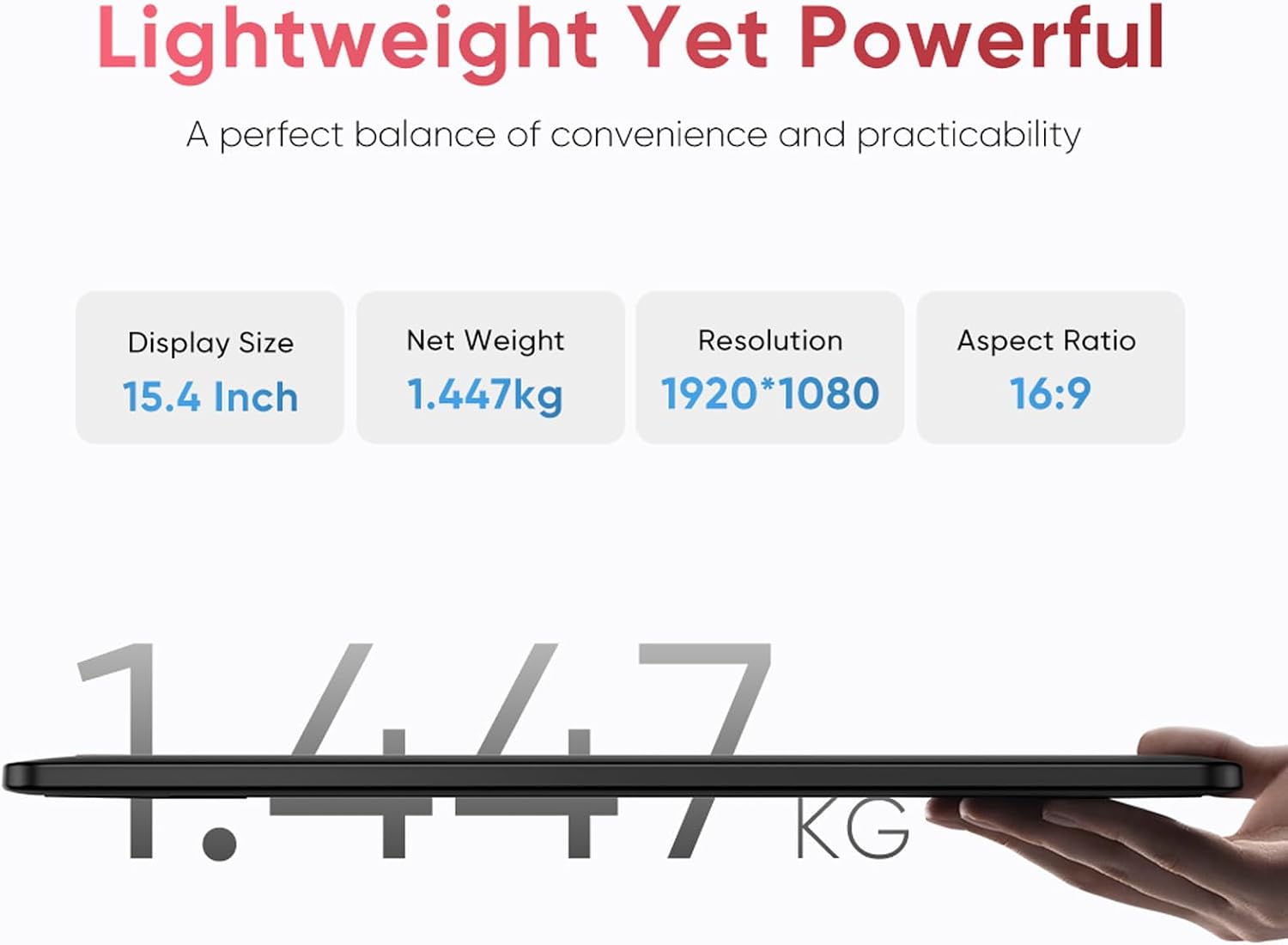
- Size: 15.4 inch graphics display
- Colour gamut: 99% sRGB
- Brightness: 250 CD/m²
- Pen pressure levels: 16,384 levels
- Screen: Fully laminated and anti glare coating
- Compatibility: Windows 7 or later, macOS 10.13 or later, Android via USB3.1 DP1.2, ChromeOS 88 or later, Linux
What stands out
One of the biggest practical advantages here is the combination of display design and pen response. The full laminated screen and anti glare layer are intended to reduce reflections and help your pen feel more immediate against the surface, which matters when you are doing careful linework or shading. This can also help if you work near windows or under mixed lighting, where screens often pick up distracting glare.
On the input side, the stylus is described as using an updated X3 Pro intelligent chip, aimed at delivering smooth, precise lines with minimal delay. The tablet is specified for line delivery with virtually no broken lines, which is particularly noticeable when you are drawing faster strokes or when you switch between light and firm pressure. A higher pressure level count also supports more gradual changes in stroke thickness and opacity, depending on the software you use.
Control is another everyday strength. The quick access controls include an elegant Red Dial and eight customisable shortcut keys, so you can map functions you use often, such as zoom, brush size, or other in app tools. That reduces the need to reach for a keyboard mid workflow, making it easier to keep your hand moving and your attention on the page. ✍️
The unit is also designed to fit into multi device creative habits. XPPen lists support across Windows, macOS, and multiple other platforms, including Android and ChromeOS, which is handy if you switch between a laptop and a tablet style setup. It is also compatible with popular digital art software such as Adobe Photoshop, Adobe Illustrator, SAI, CDR, GIMP, Krita, MediBang, FireAlpaca, Toonboom, Maya and Blender3D.
Who it’s for
It’s a good fit if you want a pen display that is comfortable for daily drawing, with a laminated, anti glare screen and strong colour performance. It suits you if you work with digital art on a Windows or macOS computer and prefer hardware controls that speed up common actions while you draw. You may also like it if you need a larger drawing area than compact tablets, especially for illustrations that benefit from more screen real estate.
It might not suit you if you only use one specific app or platform and you are not sure it matches XPPen’s stated compatibility. Not the best choice if you are looking for a tablet that is designed around a very small desktop space. Better avoided if your priority is something other than pen pressure sensitivity, because the value here is the combination of display experience, stylus responsiveness and practical shortcut control.