

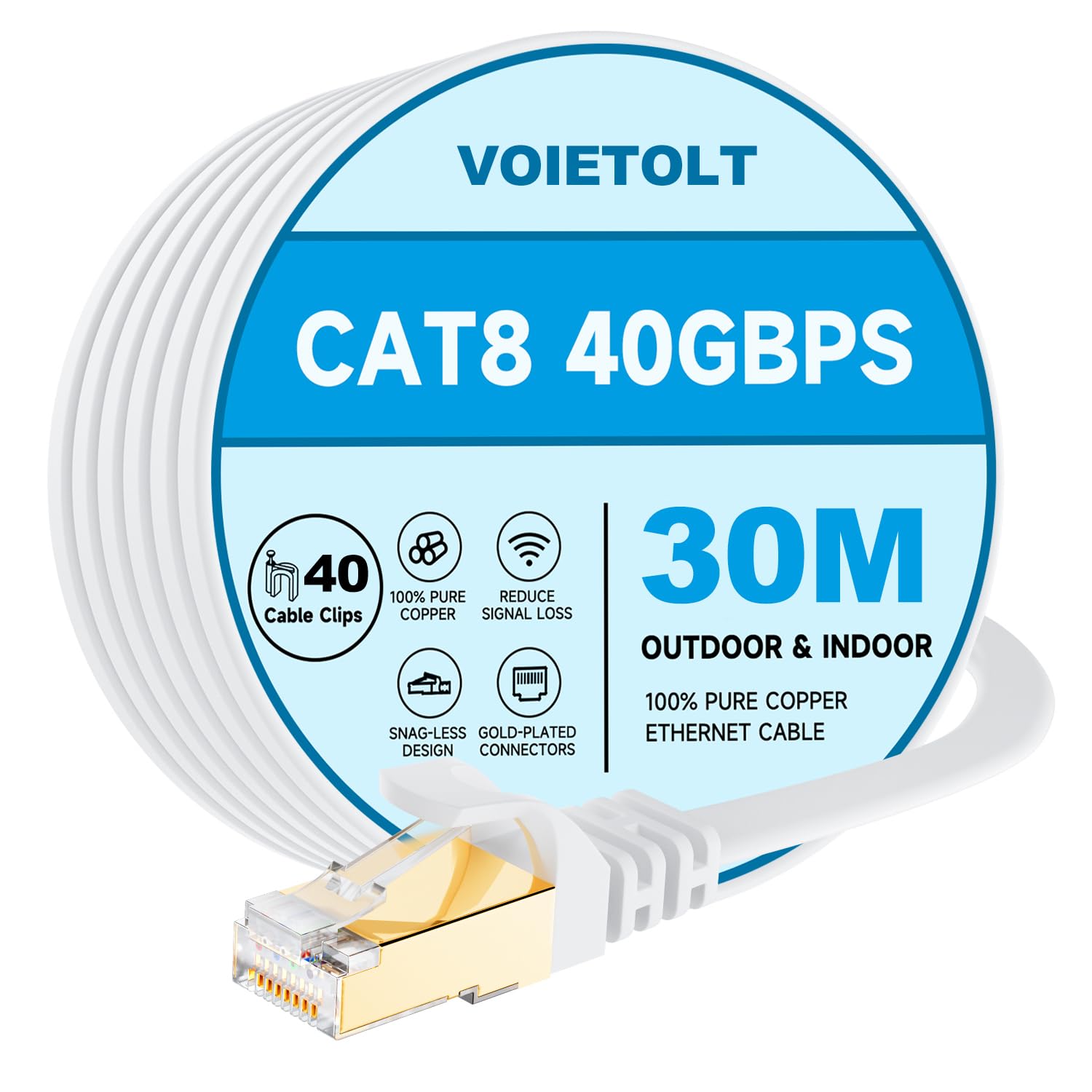
VOIETOLT Cat8 Ethernet Cable 30M (White) – 40Gbps/2000MHz Flat STP RJ45 LAN Cable
Reviews
Price
Product description
What you’re buying and what it’s for
This VOIETOLT Cat8 Ethernet cable is a long, flat RJ45 LAN lead designed for people who want a wired connection rather than relying on Wi‑Fi. The key idea behind Cat8 is higher‑bandwidth potential: on paper it supports up to 2000MHz and up to 40Gbps, which the manufacturer frames for demanding uses like large game downloads, cloud storage, high‑definition video and “server application” style workloads.
In everyday terms, though, most buyers aren’t chasing a headline number. They’re usually trying to get a steadier connection for gaming and streaming, or they’re just tired of dropped/slow Wi‑Fi. A properly run Ethernet cable can help with that, assuming your network equipment and setup are also up to the task.
Key features you’ll actually notice
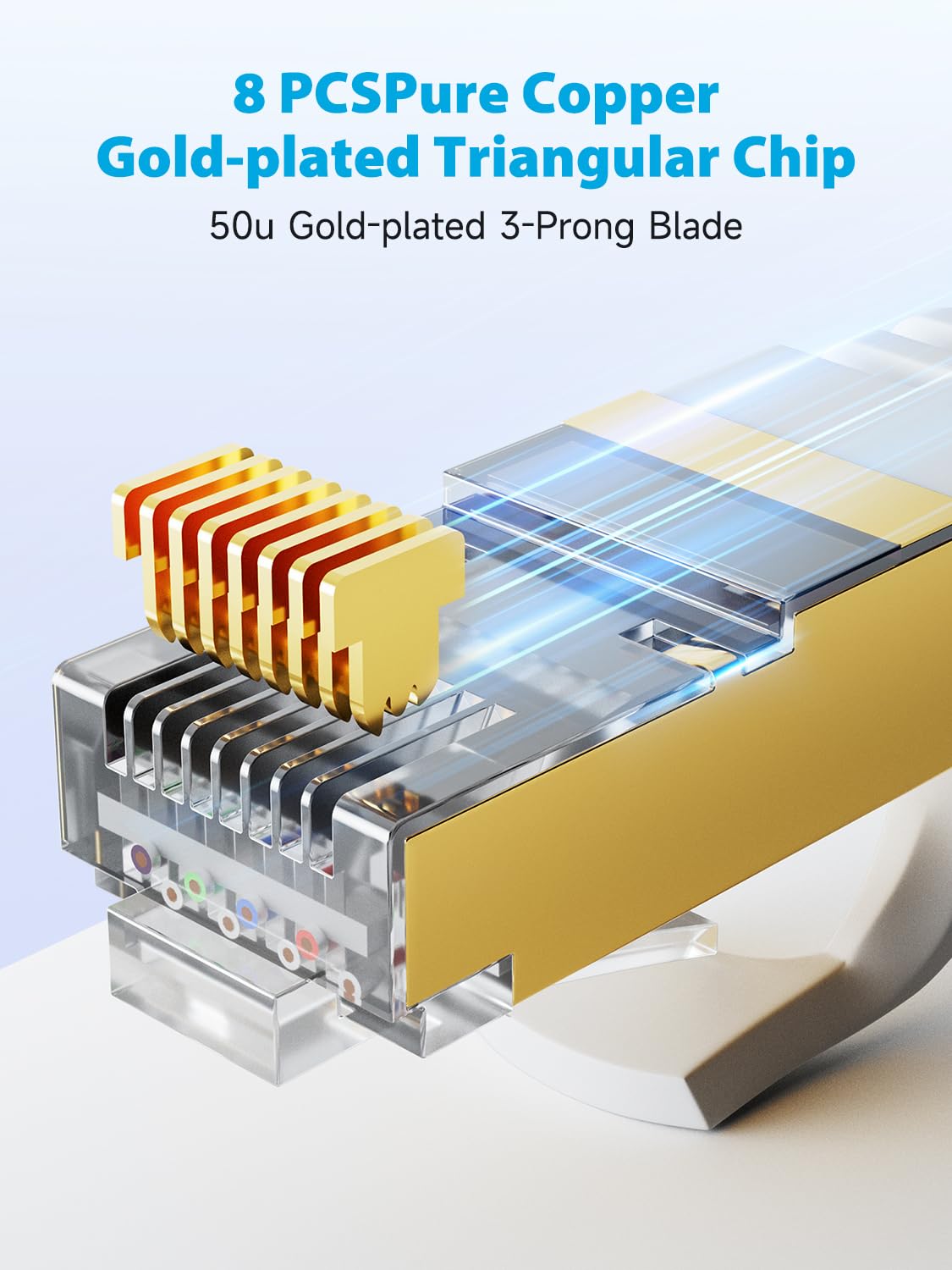
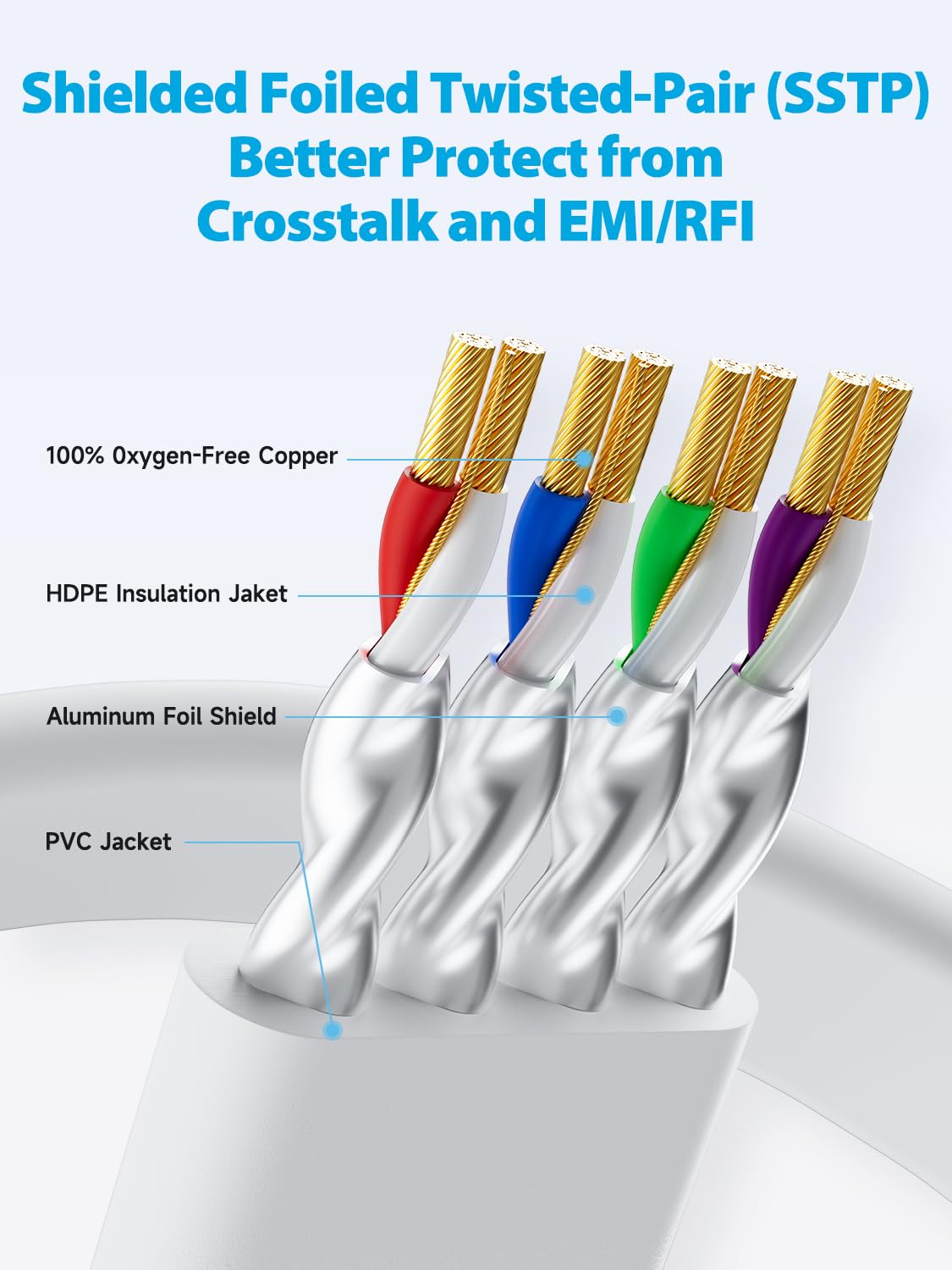
The cable is described as using four shielded twisted pairs (S/FTP), with gold‑plated RJ45 connectors at both ends. The shielding angle matters if your cable route passes near sources of electrical noise (for example, power supplies, dense device setups, or places where cables run in parallel with other wiring). It’s not a magic shield against every problem, but it’s a sensible spec for keeping interference and crosstalk down.
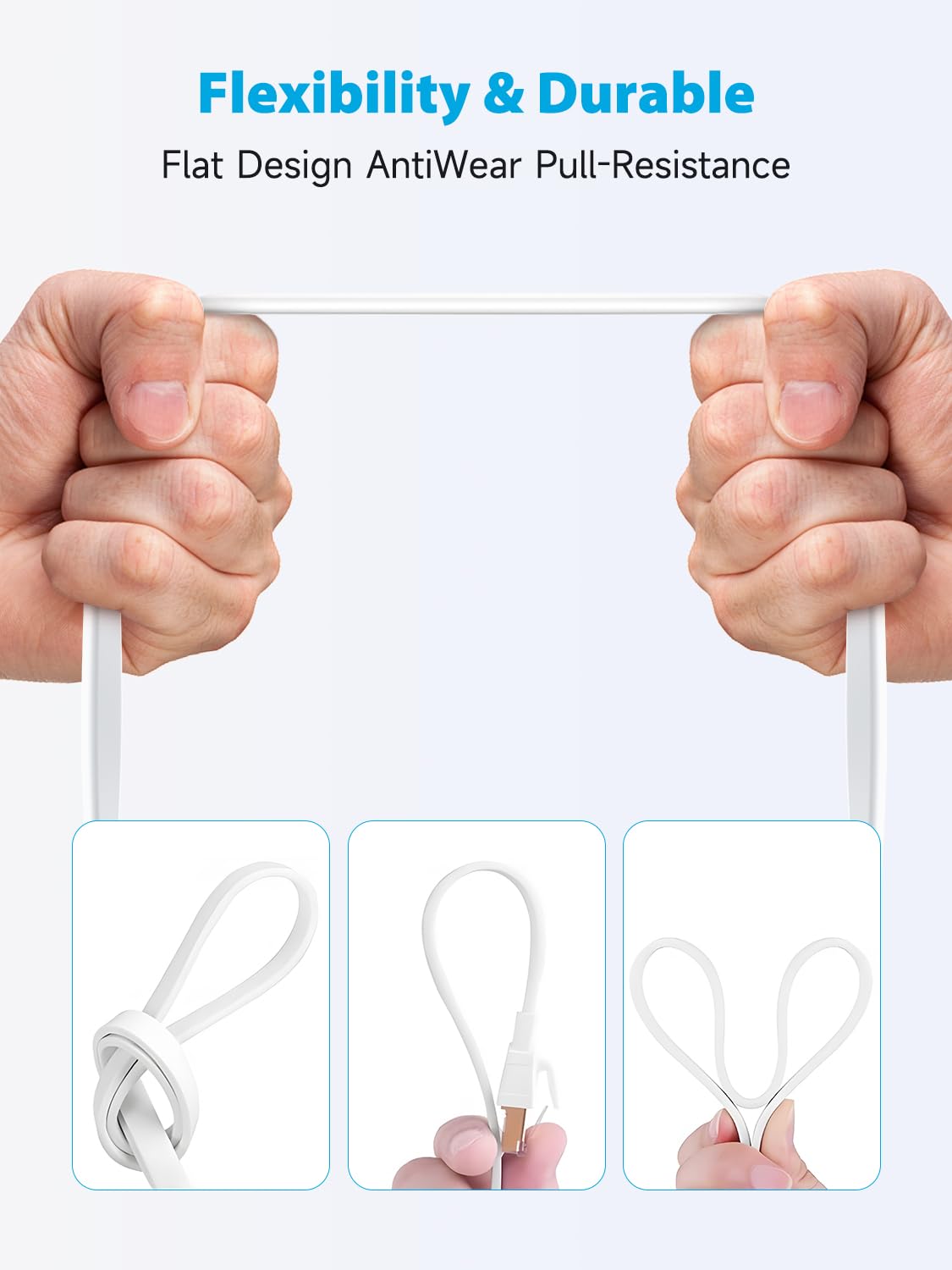
It also has a UV‑resistant PVC jacket, aimed at day‑to‑day durability. The manufacturer claims it can handle more than 10,000+ bending times, which is a useful promise if you plan to route it around skirting boards, behind a desk, or through a tight run where a standard round cable might kink or fatigue sooner.
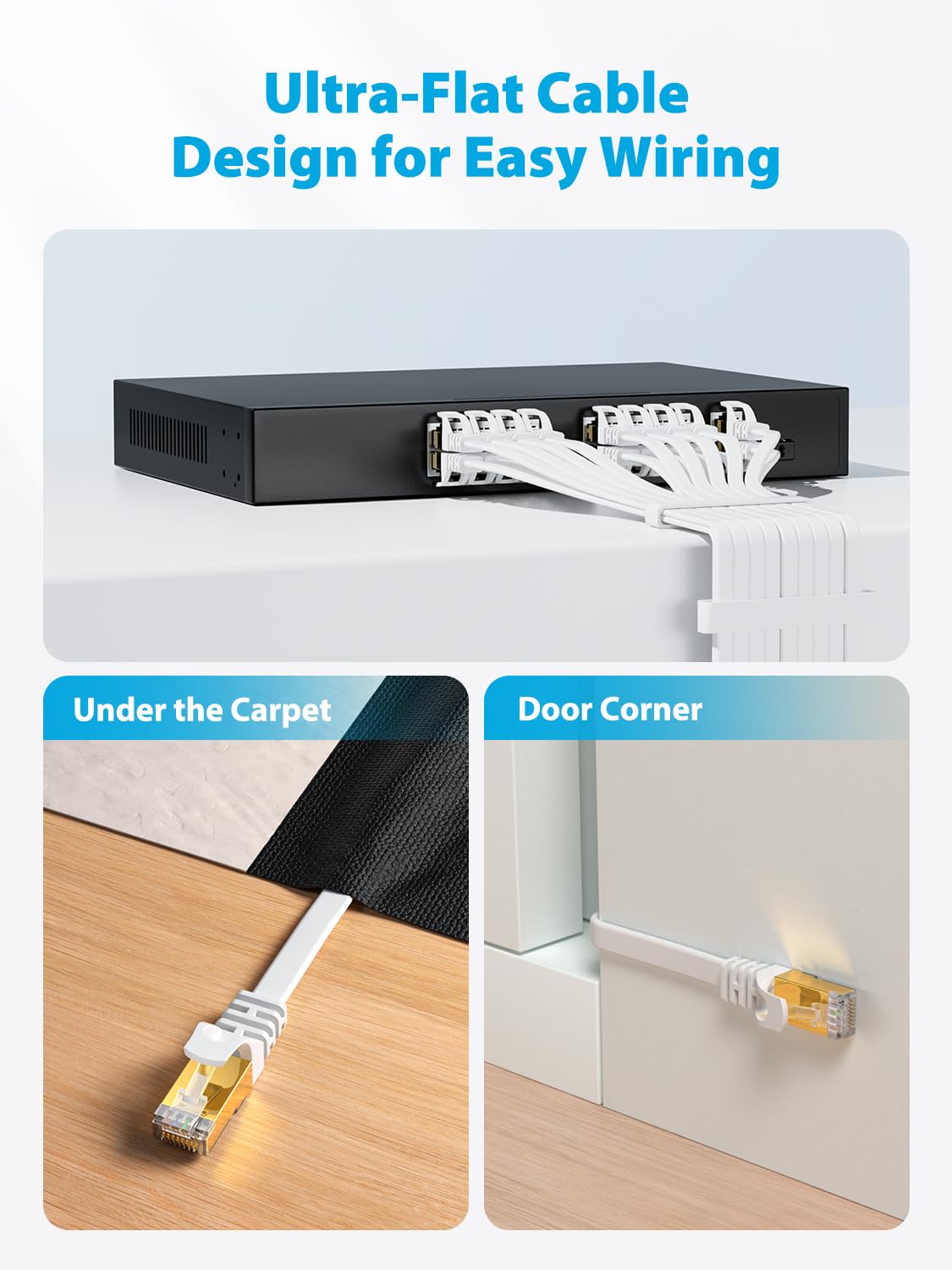
One practical detail: it’s a flat cable. That tends to make it easier to tuck along edges, guide under carpets or manage along walls—again, not perfect for every situation, but it’s often chosen for cleaner cable routing.
The “Cat8” promise: where it helps, and where it may fall short
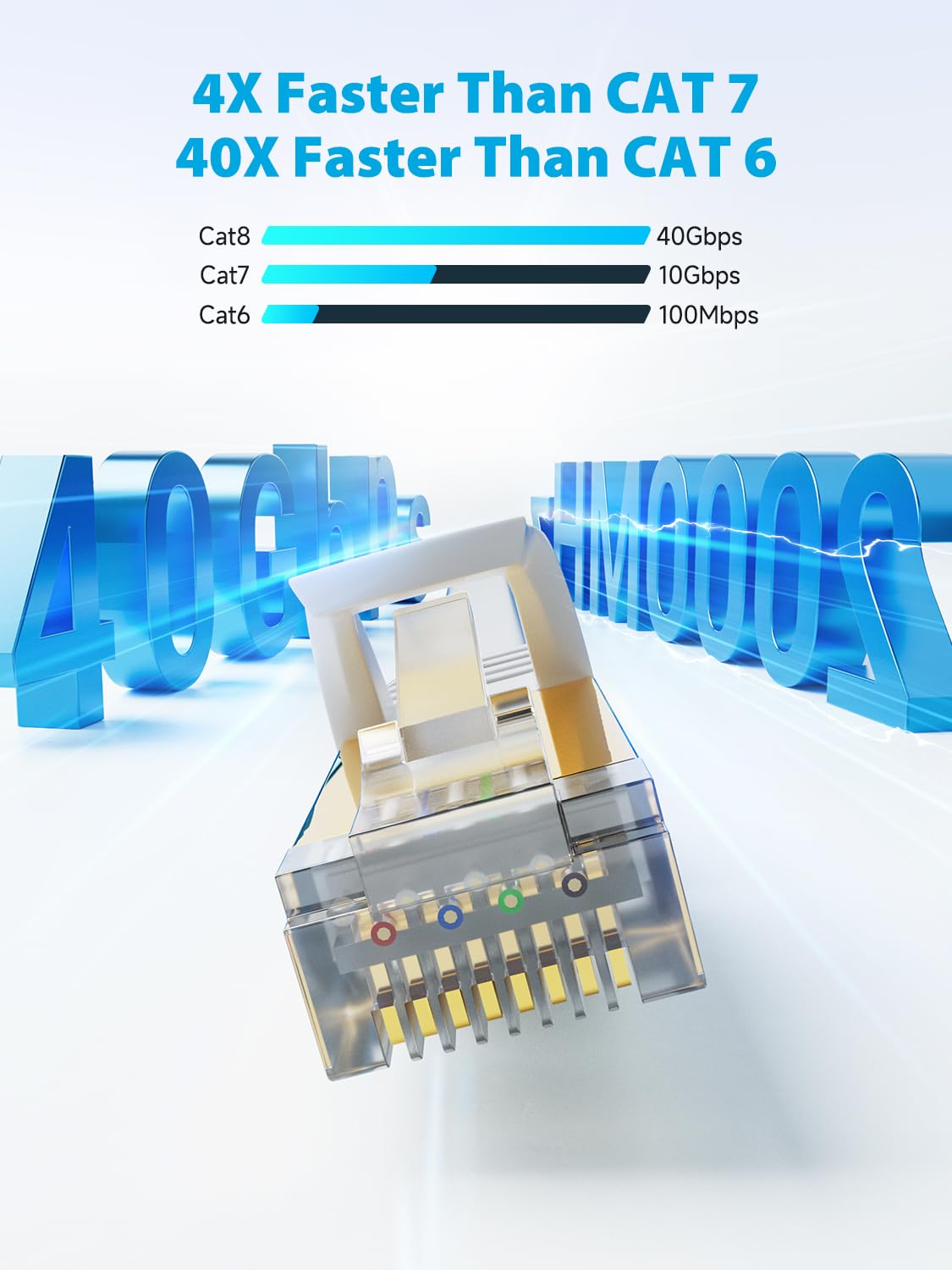
On paper, Cat8 is built for high frequency and speed. The catch is that real-world performance depends on more than the cable: your router/switch, the device you connect, and the rest of your network path all need to support those capabilities too.
So, yes—if you’re building a wired setup for heavy downloading, low-latency gaming sessions, or consistent HD/4K streaming, this cable is the kind of spec you’d look at.
But if your equipment is limited to older Ethernet standards, you may simply not see the benefits implied by the Cat8 numbers. In other words: the cable can be capable, while the rest of your network still becomes the ceiling.
Compatibility and real-world device matching
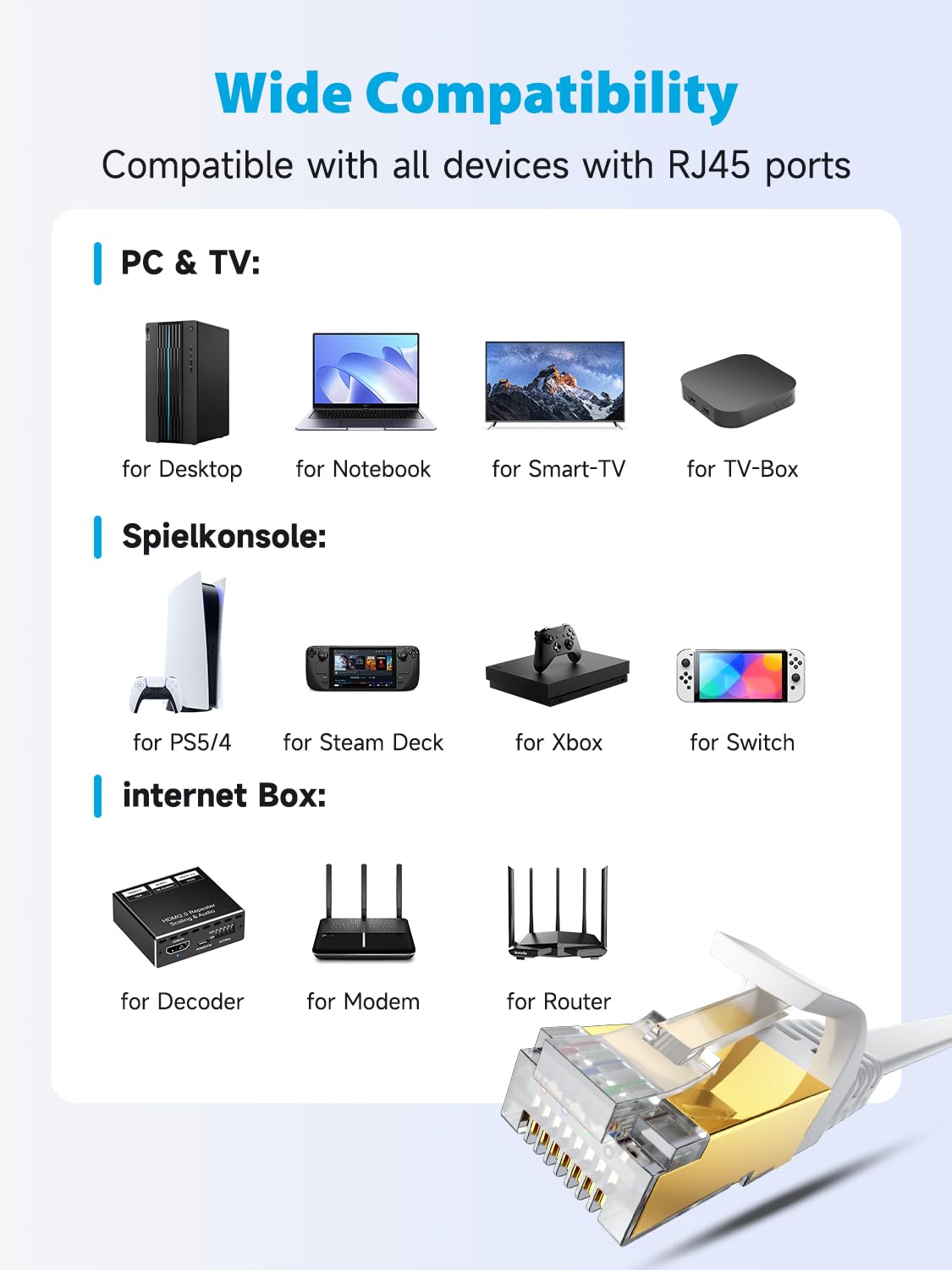
The listing states backwards compatibility with CAT7, CAT6, CAT6a, CAT5e and CAT5 cables. That’s handy if you’re upgrading gradually or replacing one run without rewriting your entire home network.
It’s also positioned for a range of RJ45 devices, including computers, switches, modems, network adapters, PS4/PS5, printers, and smart TVs. If you’ve got a console on the opposite side of the room and you want a cleaner route, the 30M length can also remove the pressure of placing everything right next to your router.
That said, 30M is a long run for a cable of this type—works fine for many home layouts, but it’s worth planning your routing so it doesn’t get stretched tightly or repeatedly bent at awkward angles.
Where it shines for gamers and streamers (and when it doesn’t)
If you play games (PS4/PS5 is specifically mentioned) and you want a more consistent experience than you typically get over Wi‑Fi, a shielded Cat8 cable like this is a sensible choice. A wired connection can reduce certain types of variability—especially when multiple devices are competing for wireless airtime.
Where it may not be the best match is if you only need a short patch lead and don’t want to manage a 30M run. Long cables are harder to hide neatly, and even a flat one can still be a nuisance if your setup is compact.
It also may not be ideal if you’re looking for a cable to replace multiple different leads with different lengths—choosing the right length matters, and going longer than you need can add extra slack.
Quick buying checks before you order
Before committing, it’s worth checking a few practical points: - Distance and routing: 30M is generous—make sure the cable path can accommodate it without awkward tight bends. - Port types: the description points to RJ45 connections, make sure your modem/router/switch and device have the correct Ethernet port. - Network gear capability: if your router/switch and device only support lower Ethernet categories, the cable’s top-end spec won’t fully translate. - Noise environment: the S/FTP shielding is there for a reason—if your cable run is near other electronics, it’s a plus.
Mini FAQ
Is a Cat8 Ethernet cable noticeably better than Cat6 or Cat6a?
It can be, but mainly in setups that can actually take advantage of the higher spec. If your router/switch and devices don’t support the same high-frequency performance, the difference may not be dramatic in real use.
Will this cable improve Wi‑Fi performance?
Not directly. It’s for wired connections (Ethernet). If you currently rely on Wi‑Fi, Ethernet is the route to take for a more stable connection.
Is the flat design easy to manage around the home?
It’s generally easier to route neatly than round cables, especially along skirting boards or along walls. Still, you’ll want to avoid bending it sharply in the same spot repeatedly.
Final verdict
This VOIETOLT Cat8 Ethernet Cable makes sense if you want a long, more interference‑resistant wired link (S/FTP shielding) with a flat, easier-to-route shape, and you’re specifically using Ethernet for gaming, streaming, or large downloads. It’s not a guarantee that you’ll hit the headline “Cat8” speeds, but in the right setup it’s a solid, practical upgrade path.
It may not be the best buy if your equipment is limited to older Ethernet standards, or if you only need a short run and don’t want to manage a 30M cable.
Worth considering if you’re setting up a PS4/PS5 or a wired home workstation and you care more about consistency and tidy routing than experimenting with wireless options.