

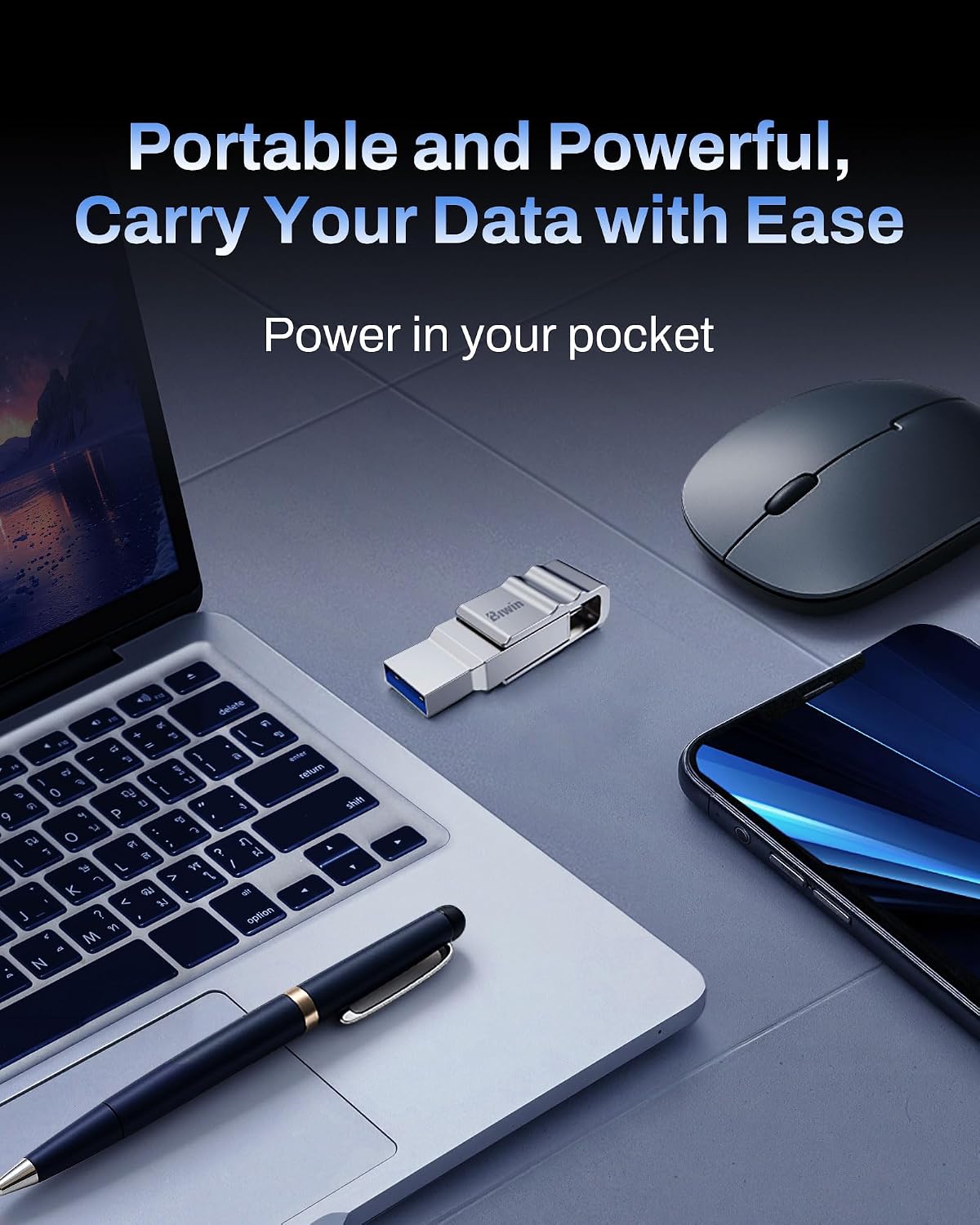
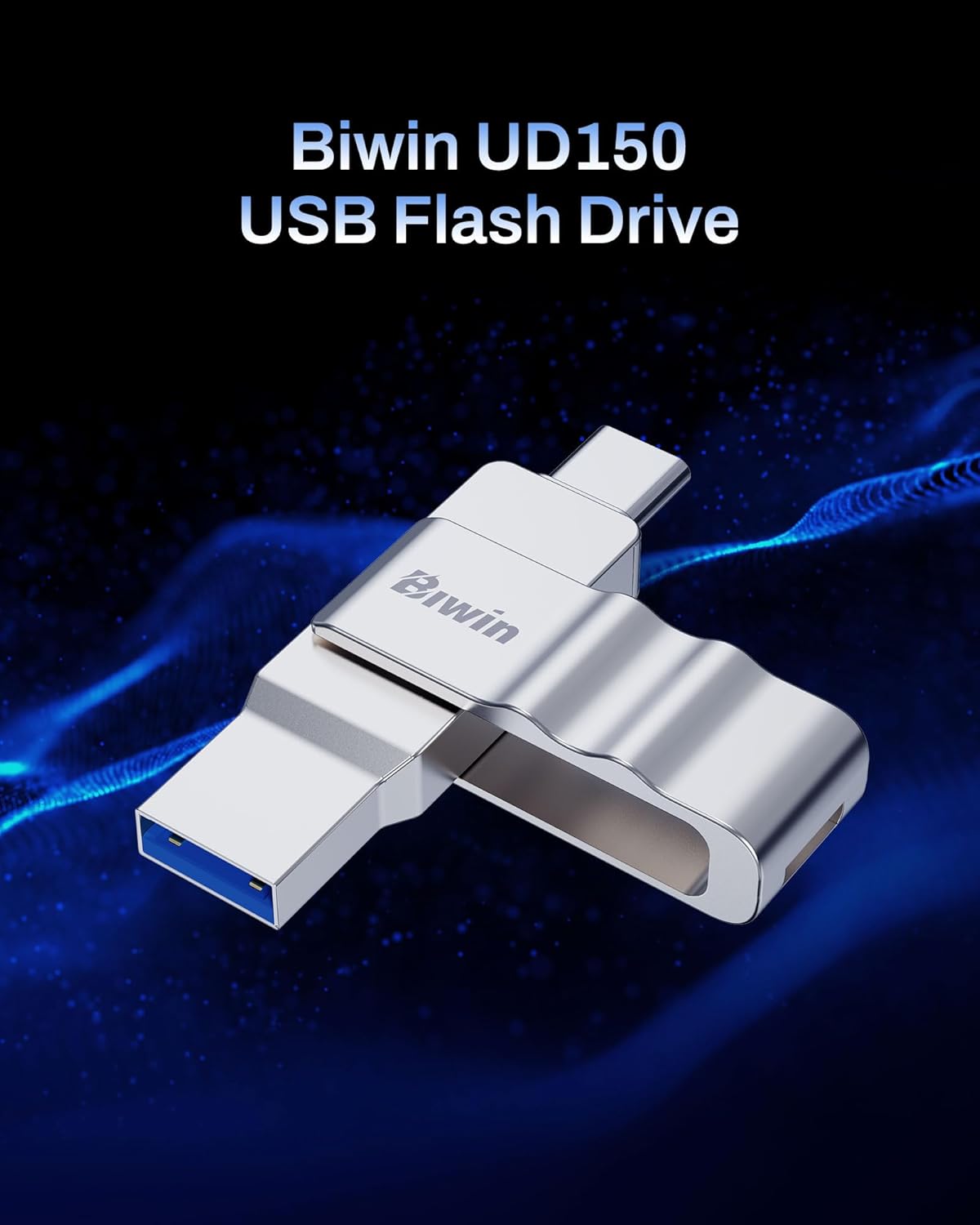
Biwin UD150 32GB Dual-Port USB 3.0 Flash Drive with 150 MB/s Speeds
Product description
What it is and what it’s for
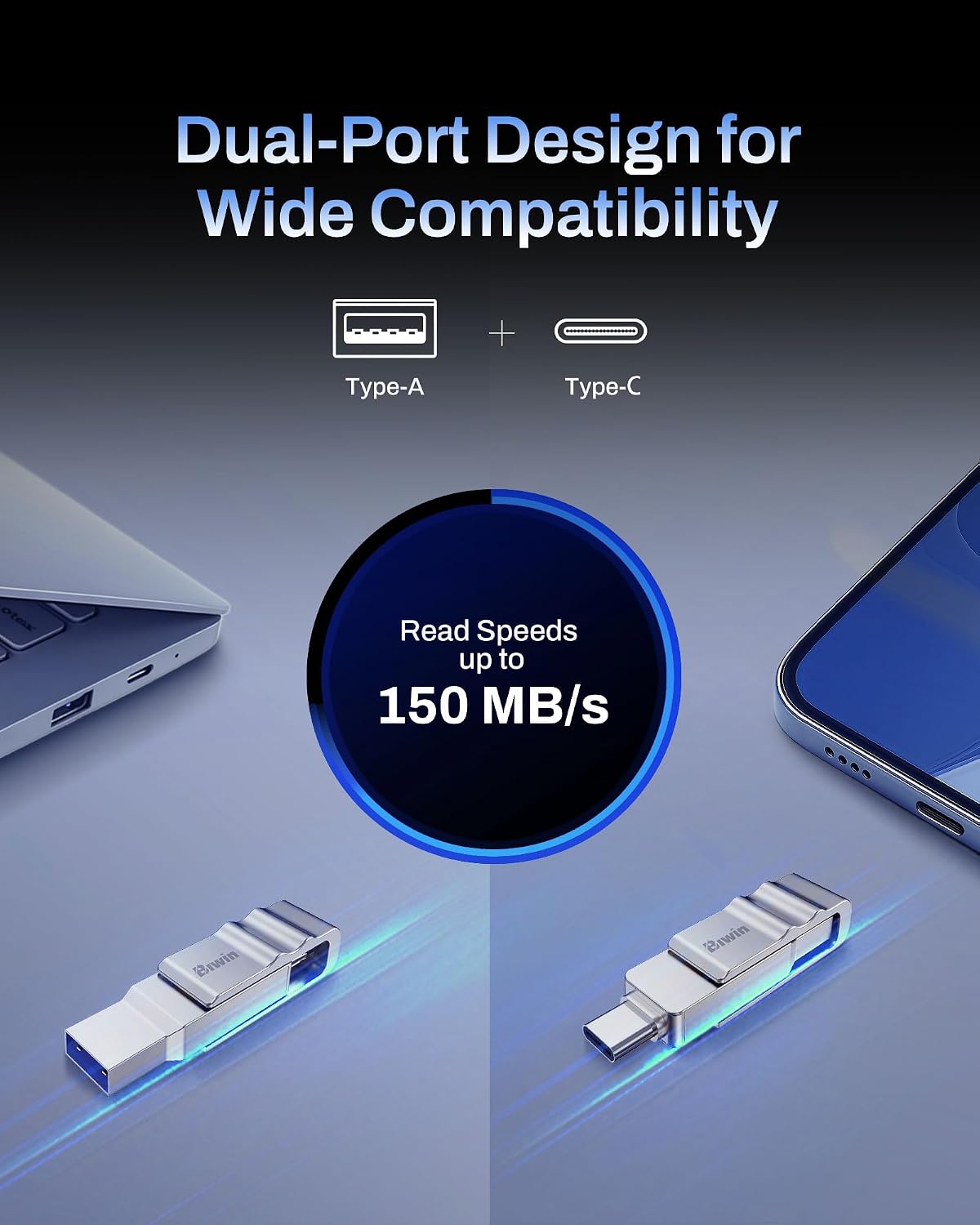
The Biwin UD150 is a compact USB flash drive with a dual-port design, featuring both Type-A and Type-C connectors. It’s built to expand storage across a range of devices — smartphones, laptops, desktops and tablets — with a claimed read speed up to 150 MB/s. If you’re after straightforward, plug-and-play storage to move files between devices without fiddling with software, the UD150 offers a practical, no-frills option.
How it feels in everyday use
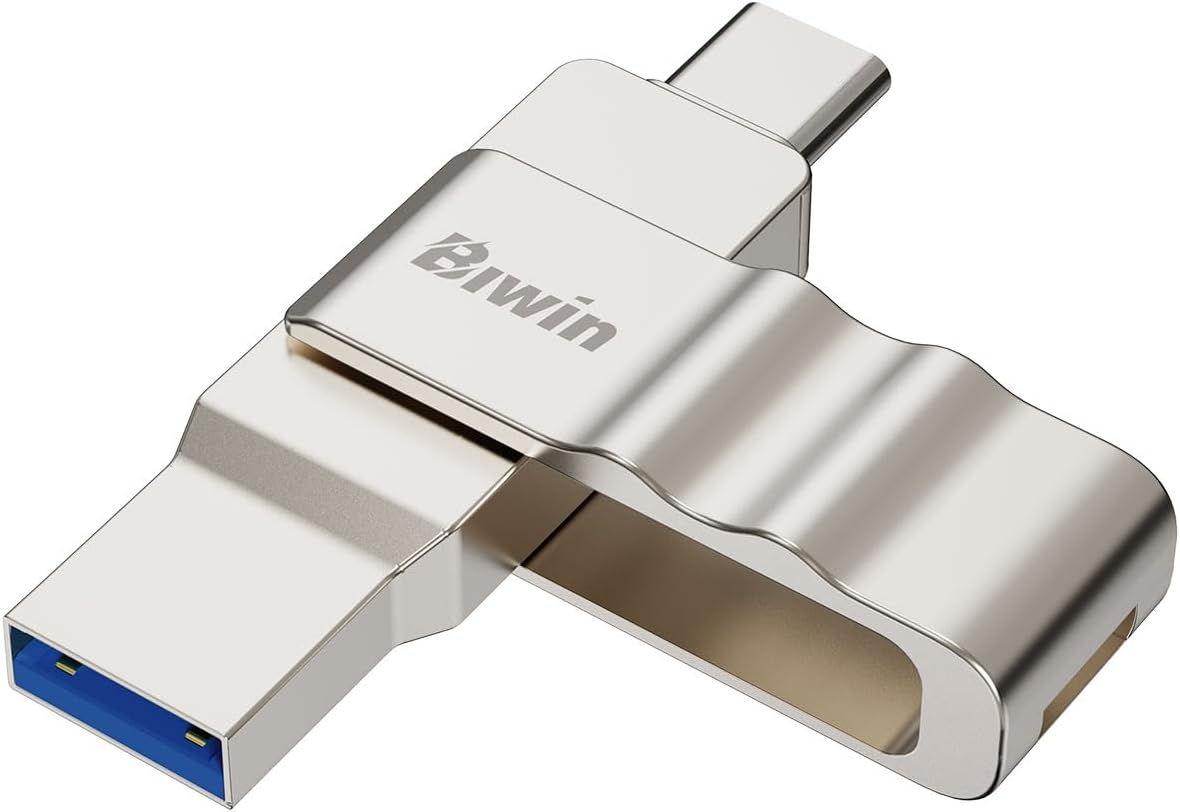
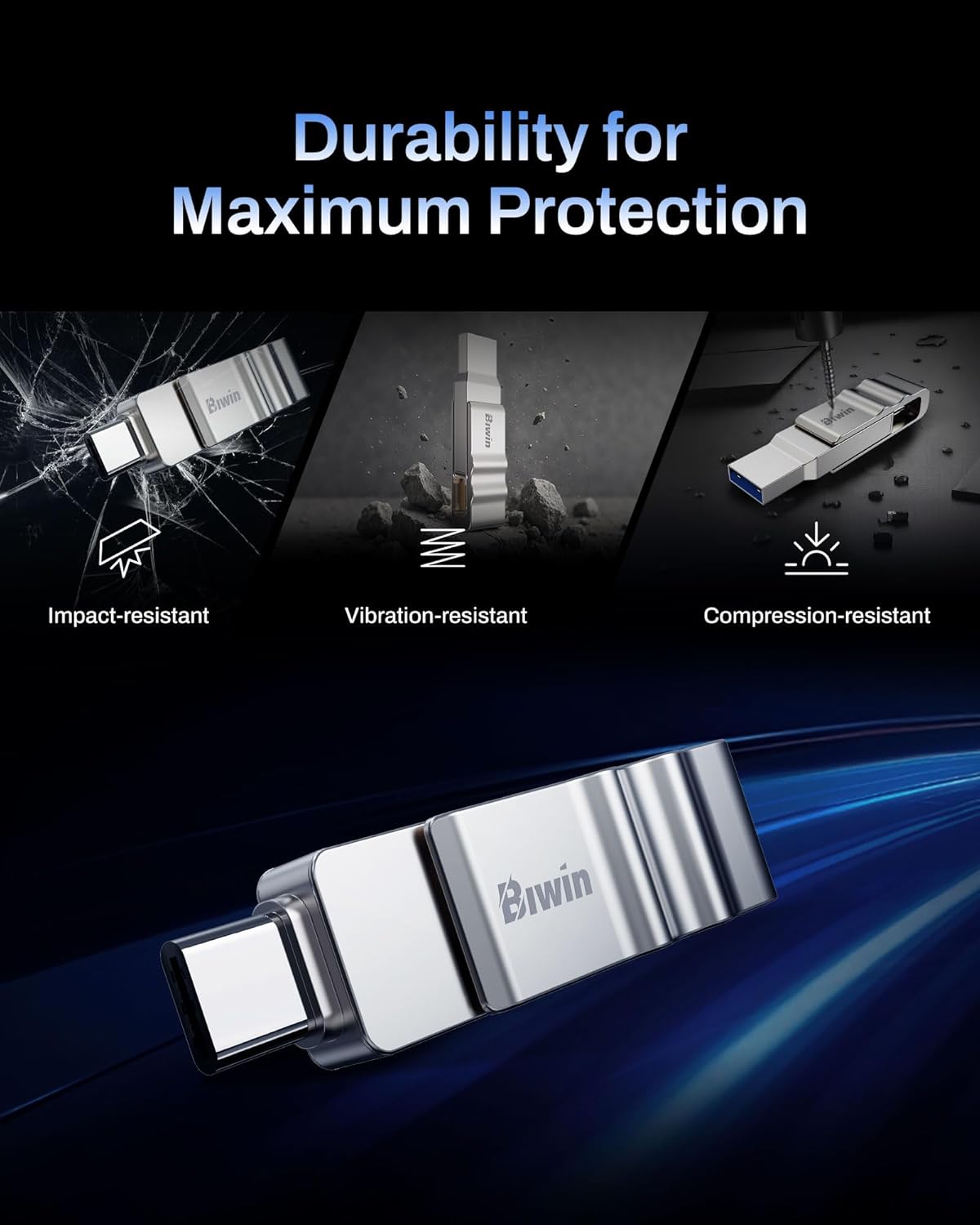
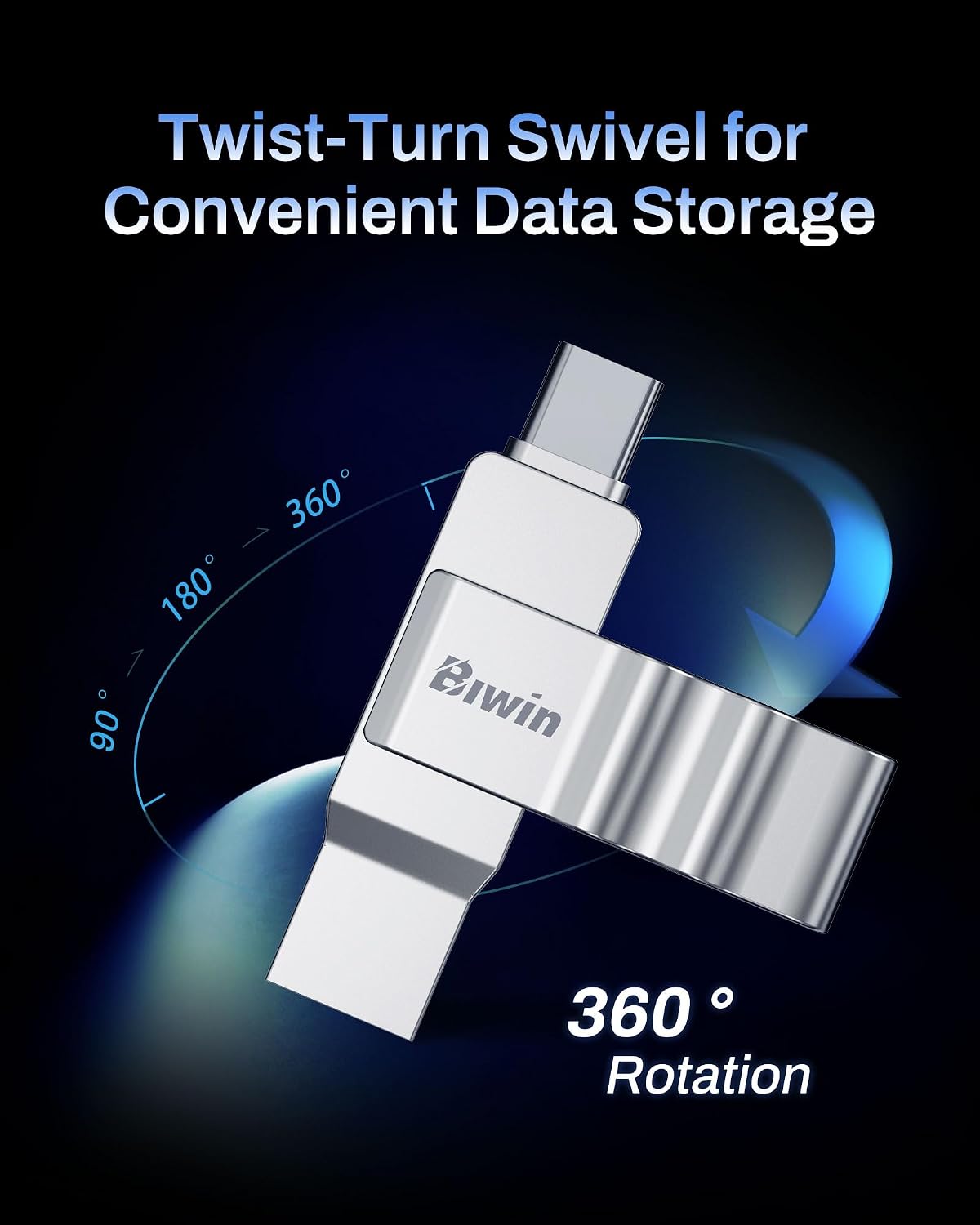
On the practical side, the UD150 is encased in a zinc alloy body, which Biwin markets as offering stronger protection against knocks, vibrations and compression. For those who carry a USB drive in a bag or pocket, that extra durability can matter when the device is subjected to routine bumps or the bustle of travel. The twist-turn swivel cover is capless and designed to protect the connectors when not in use, with locking positions at 90° and 360°. It’s a design detail that reduces the risk of losing a cap and helps keep the metal connector clear for plugging in.
What stands out (and where it may fall short)
The key appeal lies in its dual-port design and simple, steady read performance. For everyday file transfers — photos, documents, presentations — the UD150 can feel like a dependable workhorse, especially if you switch between devices frequently. On the downside, the stated top speed of up to 150 MB/s is an upper figure. Real-world speeds can vary depending on connected port, host device, and file type. If your workflow involves very large video files or frequent multi‑gigabyte transfers, you may notice slower performance compared with high-end USB 3.1/3.2 drives. It’s also important to note that capacity is fixed at 32GB in this model, so if you need more space, you’ll need to upgrade to a larger capacity option.
Who it’s for
This drive suits anyone seeking a compact, durable, on‑the‑go storage solution with quick compatibility across modern devices via Type-A and Type-C. It’s particularly convenient for students, remote workers, or casual users who want a single stick to back up or move files between phones, laptops and desktops without needing adapters or software.
Who it isn’t the best option for
If you regularly handle very large media libraries or require top-tier transfer speeds, a higher-capacity or faster USB drive might be worth considering. For users who prioritise small physical size above all else, the UD150’s slightly bulkier chassis compared with mini keyring models is a trade‑off to be aware of.
When it makes sense to buy
If your priority is simple, cross‑device storage with a sturdy build and a capless swivel design, the UD150 provides value for money in the 32GB class. It’s a sensible pick for light to moderate file transfers, quick backups, or carrying essential documents between devices without aiming for professional-grade performance.
What to check before you buy
- Ensure your primary devices support USB 3.0 for best compatibility with the stated speeds.
- Consider whether 32GB meets your current storage needs, if not, look for higher capacities with similar durability and dual-port design.
- Understand that real-world transfer speeds may vary from the official spec depending on device and file type.
- Check the physical feel of the swivel mechanism, a smooth, solid hinge helps long-term reliability.
Practical usage example
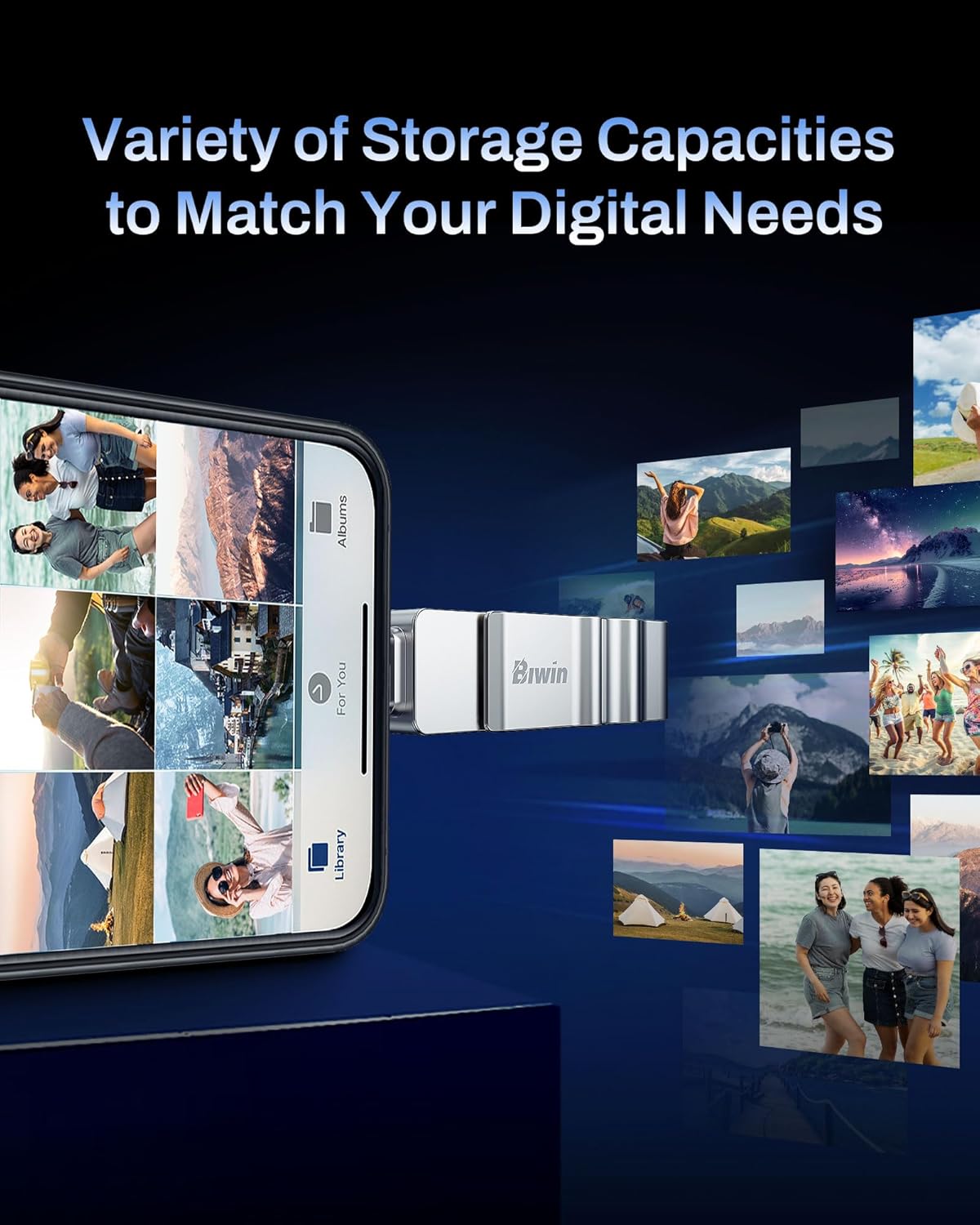
Imagine you’re moving a batch of photos from a phone to a laptop during a day of shooting. You connect the UD150 via the phone’s Type-C port, quick‑copy the folder, and plug into the laptop’s Type-A port to finish the transfer. The capless swivel keeps the connector protected when not in use, and you don’t have to hunt for a loose cap or carry multiple adapters.
What you’ll notice in use
- Consistent plug-and-play experience across devices.
- A robust, metal‑bodied feel that justifies a bit more confidence in daily carry.
- A practical balance between portability and durability for everyday storage tasks.
Final decision: should you buy it?
Is it worth it? Worth considering if you want a compact, dual-port stick that covers both USB-A and USB-C without extra adapters, and you don’t need maximum-speed transfers or enormous capacity. If your priority is raw speed or large-scale storage, you may prefer a faster or larger option. For the typical student or remote worker who wants a reliable, everyday carry solution, the Biwin UD150 sits in a sensible middle ground.
FAQ
- How fast is the UD150 really? Real-world speeds vary, but the official specification cites up to 150 MB/s read. Actual figures depend on host device, port type, and file characteristics.
- Is 32GB enough for most tasks? For light to moderate file transfers and daily documents, yes, for large media libraries, you’ll likely want more space.
- Can I use it with both USB-C and USB-A devices simultaneously? No, you use either port per connection, but the dual-port design allows you to connect from either side depending on the host.