

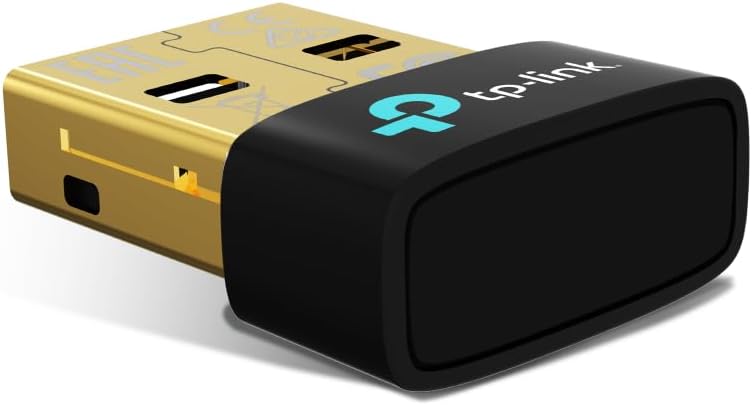
TP-Link UB600 Bluetooth 6.0 USB Adapter (Nano dongle) for PC & laptops
Product description
The essentials
TP-Link’s UB600 is a small Bluetooth USB adapter designed to bring Bluetooth connectivity to a desktop PC or laptop that doesn’t already have it (or that needs a more reliable setup for day-to-day use). As an added USB dongle, it’s meant to be the kind of “plug in and go” fix: you insert it, Windows handles the connection, and you’re back to using your Bluetooth gear.
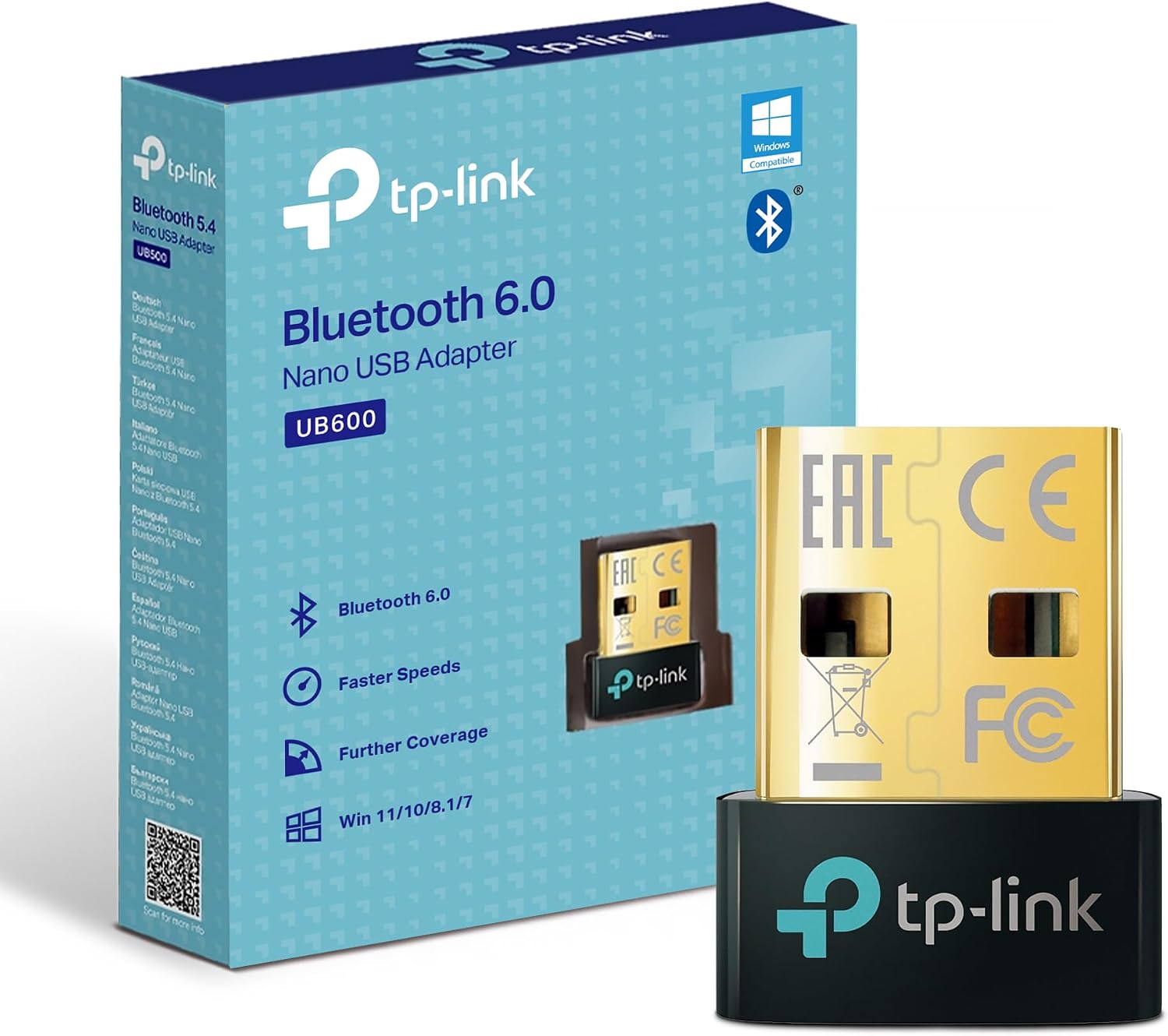
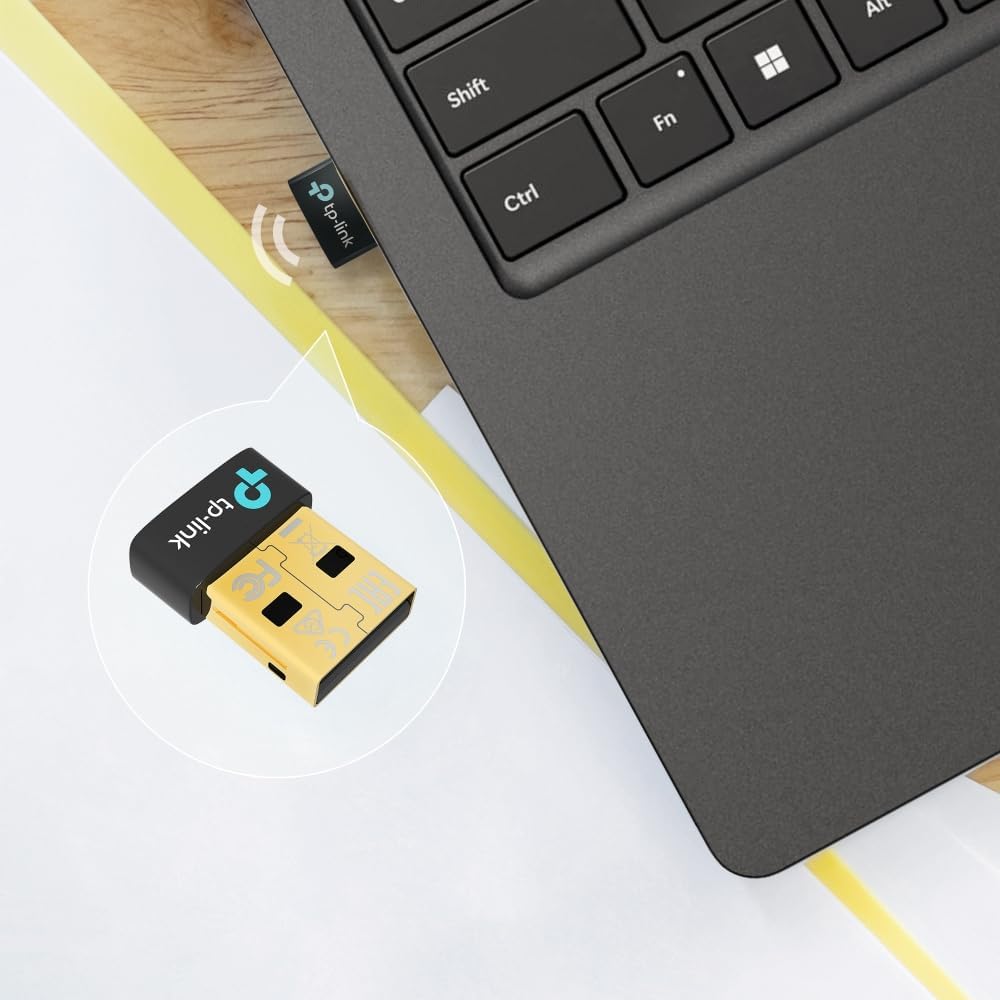
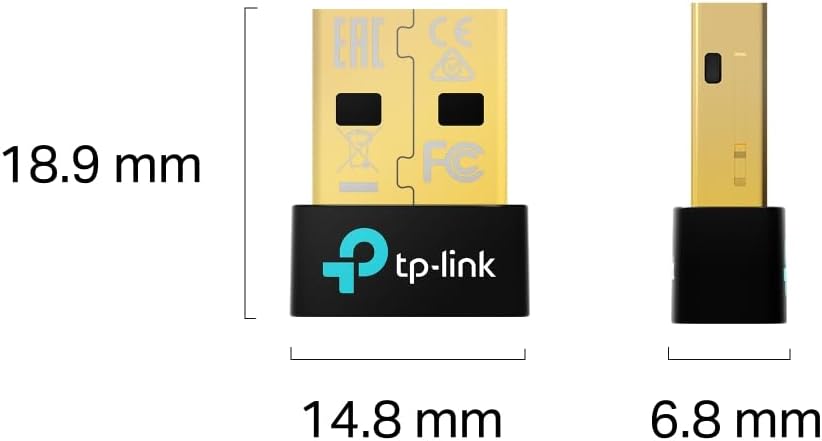
The headline here is Bluetooth 6.0, positioned by the brand as an improvement versus previous generations in terms of security and reliability. On top of that, the UB600 is described as nano-sized, so it’s easier to carry around if you work away from home, use a shared office desk, or want one adapter in a laptop bag rather than a bulky accessory.
Is Bluetooth 6.0 automatically better for everything? On paper, it should help with modern reliability and connection stability, but real-world results still depend quite a lot on your PC’s environment, how busy the wireless spectrum is, and the quality of the Bluetooth devices you’re pairing.
What it’s for (and what you’ll notice)
This adapter is aimed at the practical side of Bluetooth: stable communication between Bluetooth devices and your PC. In everyday terms, that usually means fewer headaches when you connect peripherals like a headset, mouse, or keyboard.
A useful way to think about it is as a bridge between your computer and the Bluetooth world—so you can use audio and input devices without needing built-in Bluetooth hardware. For example, if you have a Windows laptop that only supports Wi‑Fi and you want to switch between a Bluetooth keyboard and a wireless headset during a work call, the UB600 is the type of item you’d plug in and pair.
On the “you’ll notice this” side, a nano dongle also tends to be less annoying physically—no large tail hanging out of a port. That sounds minor, but it can matter if you use a compact laptop or a backpack setup and you don’t want to knock the adapter loose.
Key features that matter in daily use
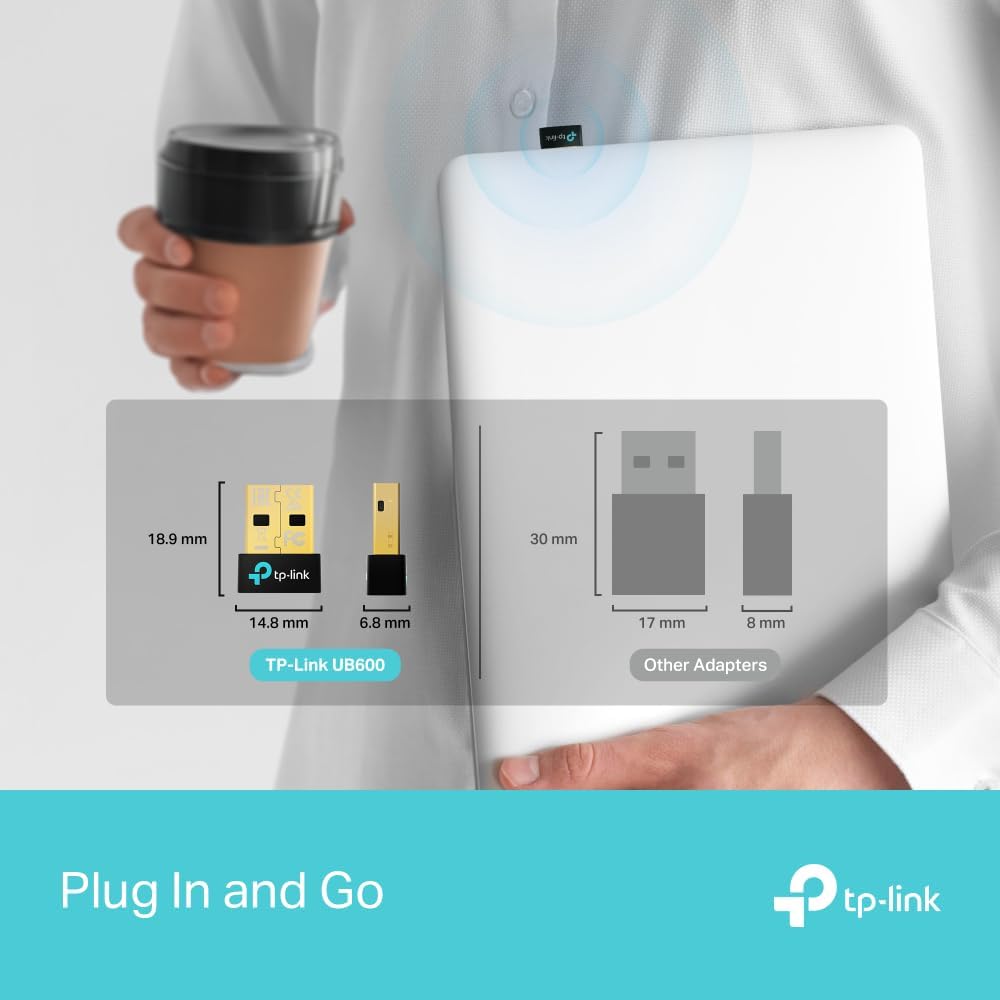
TP-Link positions the UB600 around three themes: Bluetooth 6.0 improvements, stable connectivity, and nano portability.
From a buying perspective, those translate into: - Bluetooth 6.0 focused on security and reliability improvements compared to last-gen. - Plug & Play setup, which should reduce the time spent troubleshooting drivers and configuration. - Nano-sized design for better portability and a cleaner look on your desk or laptop.
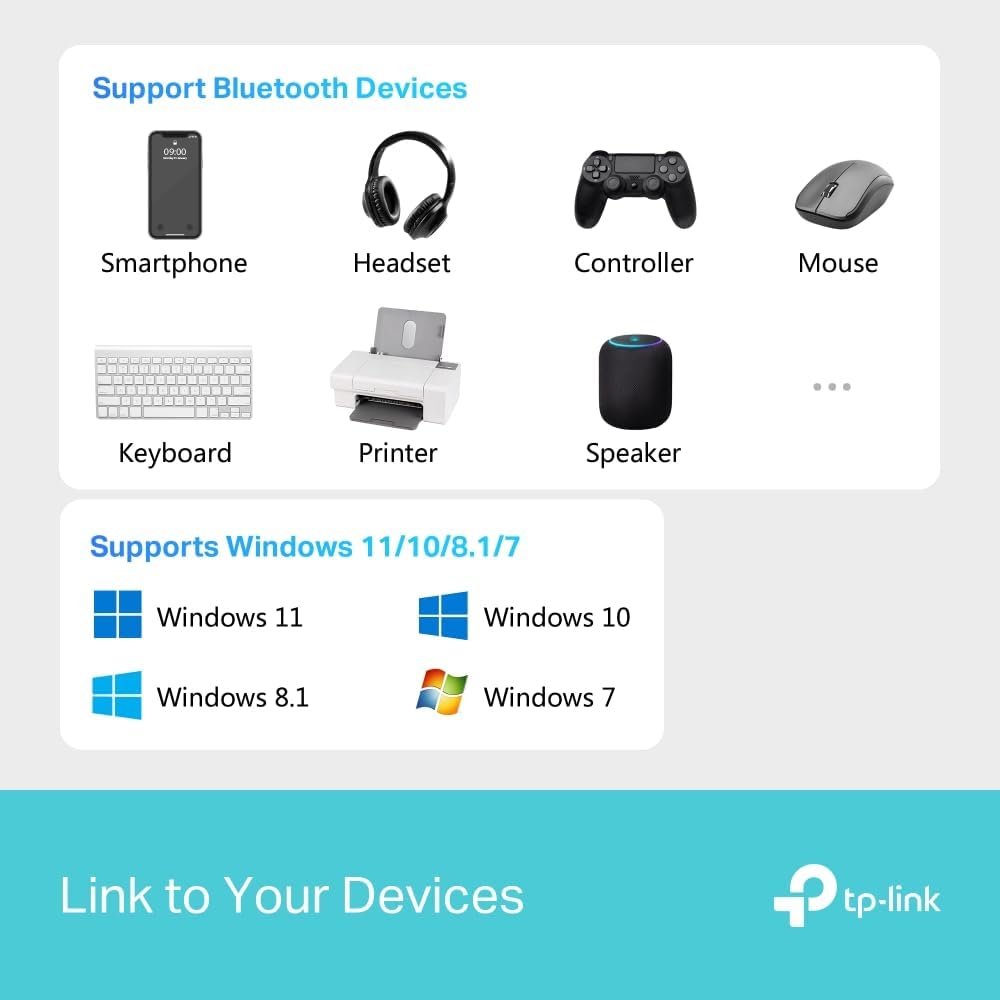
There’s also the stated focus on broad use, including support for common Bluetooth device categories such as headsets, mice, and keyboards. If your main goal is getting those everyday peripherals working smoothly, this is the right direction.
One limitation to bear in mind: the bundle of what devices you can pair is not the same as performance in every scenario. If your setup has lots of interference (dense office areas, lots of nearby wireless networks), any Bluetooth solution can still feel a bit inconsistent.
Tech specs
- Type: Bluetooth USB adapter (nano dongle)
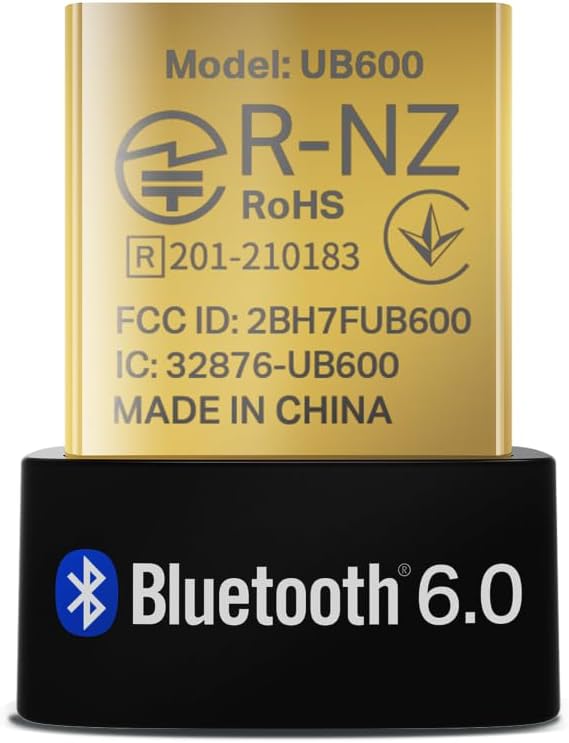
- Bluetooth version: Bluetooth 6.0
- Connection type: USB, for PC/laptop use
- Operating system support: Windows 11/10/8.1/7
- Included functionality (as described): improved security and reliability vs last-gen Wireless Connectivity, stable communication between Bluetooth devices and your PC
- Intended device categories (as listed): BLE, controller, headset, mouse, keyboard
Where it shines, and when it may not
This adapter makes sense if: - you want Bluetooth on a Windows PC or laptop that lacks it - you’re pairing common Bluetooth peripherals such as a headset, mouse, or keyboard - portability matters, and you prefer a tiny dongle you can keep connected or take on the move
It might not be the best match if: - you need very specific Bluetooth behaviour for niche devices (the listing highlights common categories, but doesn’t promise anything beyond that) - you’re expecting every connection to feel instant and flawless in all environments—wireless performance is still influenced by surroundings and device quality
If your main requirement is ultra-low-latency gaming audio or highly specialised Bluetooth performance, you may want to be more cautious and check compatibility expectations with your exact device use case first.
Getting the most from it
For a smoother first setup, it helps to treat the UB600 like a normal “new link” step rather than a deep configuration job. Plug it in to a USB port, then pair your Bluetooth device through Windows’ Bluetooth settings.
Practical tip: if you’re using a laptop and you notice occasional dropouts, try moving the USB adapter to a different USB port—especially if one is closer to the laptop’s Wi‑Fi module area. That’s a simple physical adjustment, and it can make a difference even when the product itself is designed for stable communication.
Also, if you’re pairing multiple devices (say a keyboard and a headset), take your time with the pairing order. It’s not that the adapter is complicated, but it can reduce confusion when devices reconnect.
Buying verdict
A solid pick if you want a nano TP-Link Bluetooth 6.0 USB adapter for Windows 11/10/8.1/7, and your focus is getting everyday Bluetooth peripherals working via a plug-and-play setup.
It makes the most sense if you’re tired of missing Bluetooth, or you’d rather add a small dongle than rely on whatever built-in Bluetooth performance you currently have. Worth considering if security and reliability improvements vs last-gen are part of what you care about.
It may not suit you if your use case is unusual or highly specific, or if you expect perfect performance regardless of your wireless environment. In those cases, do a bit of checking against the exact devices you’re planning to use.
Quick FAQ
Q: Is it really plug and play on Windows?
The UB600 is described as Plug & Play for Windows 11/10/8.1/7, so it’s intended to work with minimal setup.
Q: What devices is it meant to connect?
The listing calls out BLE, controllers, headsets, mice and keyboards as the kinds of Bluetooth devices it supports.
Q: Does it help with connection stability?
TP-Link positions Bluetooth 6.0 as bringing security and reliability improvements compared with last-gen, with stable communication between Bluetooth devices and your PC.
Q: Is the nano size useful?
Yes—on a desk or in a laptop bag, a nano dongle is generally easier to live with. It’s also less likely to be awkward or bulky during travel.
Q: Are there any reasons to avoid it?
If your device requirements are niche or you’re dealing with heavy wireless interference, it might feel less consistent than expected—Bluetooth performance can’t be guaranteed purely by the adapter model.