

TP-Link Deco X10 AX1500 mesh router system
Reviews
Price
Product description
This Wi‑Fi mesh system from TP‑Link brings Wi‑Fi 6 performance to the home, combining a dual‑band AX1500 router and nodes to extend reliable wireless coverage for streaming, gaming and smart home devices. It delivers faster throughput on the 5 GHz band and broader range on 2.4 GHz, making it a practical choice for multi‑room connectivity and households with many connected gadgets.
Key Points
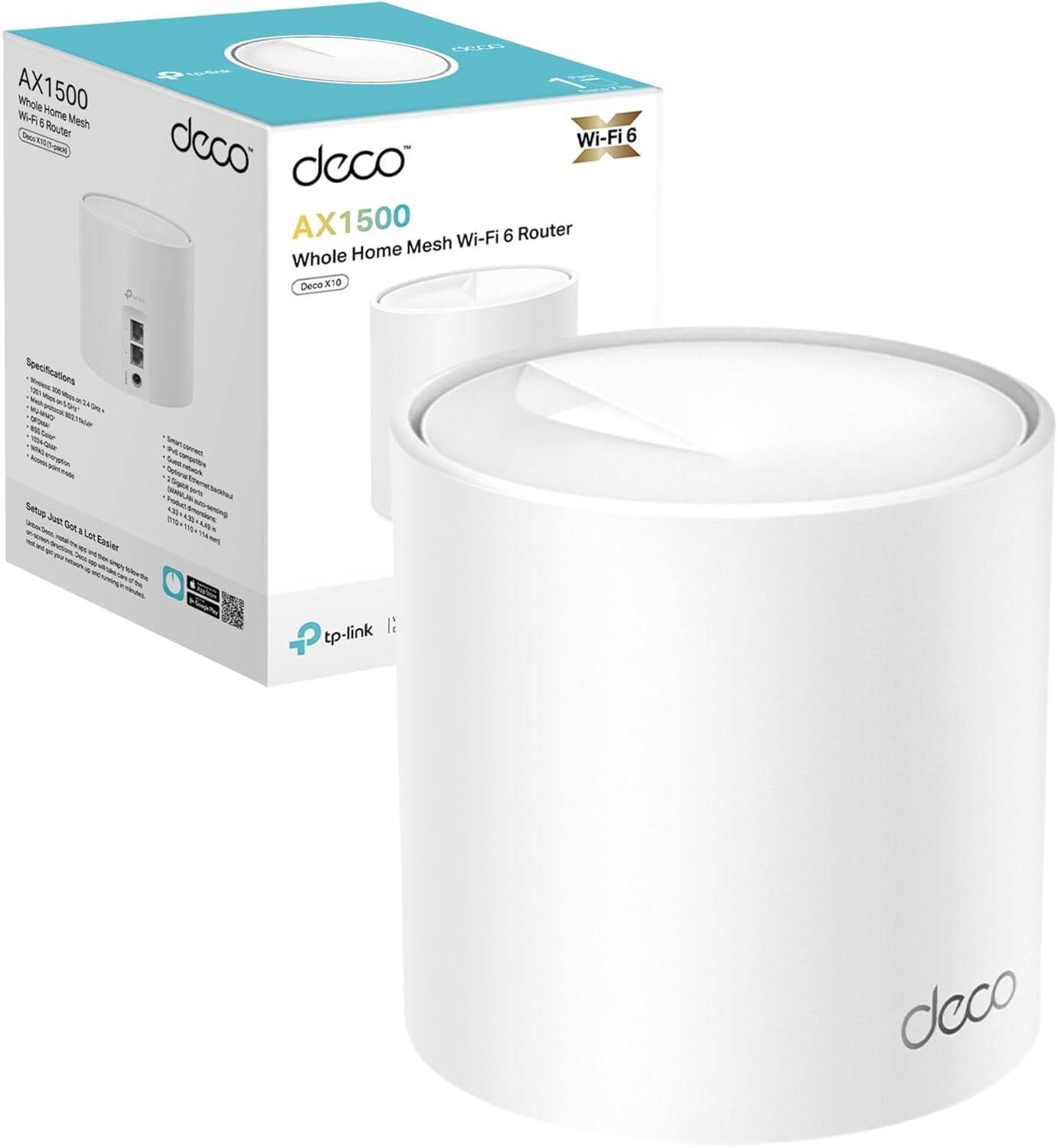
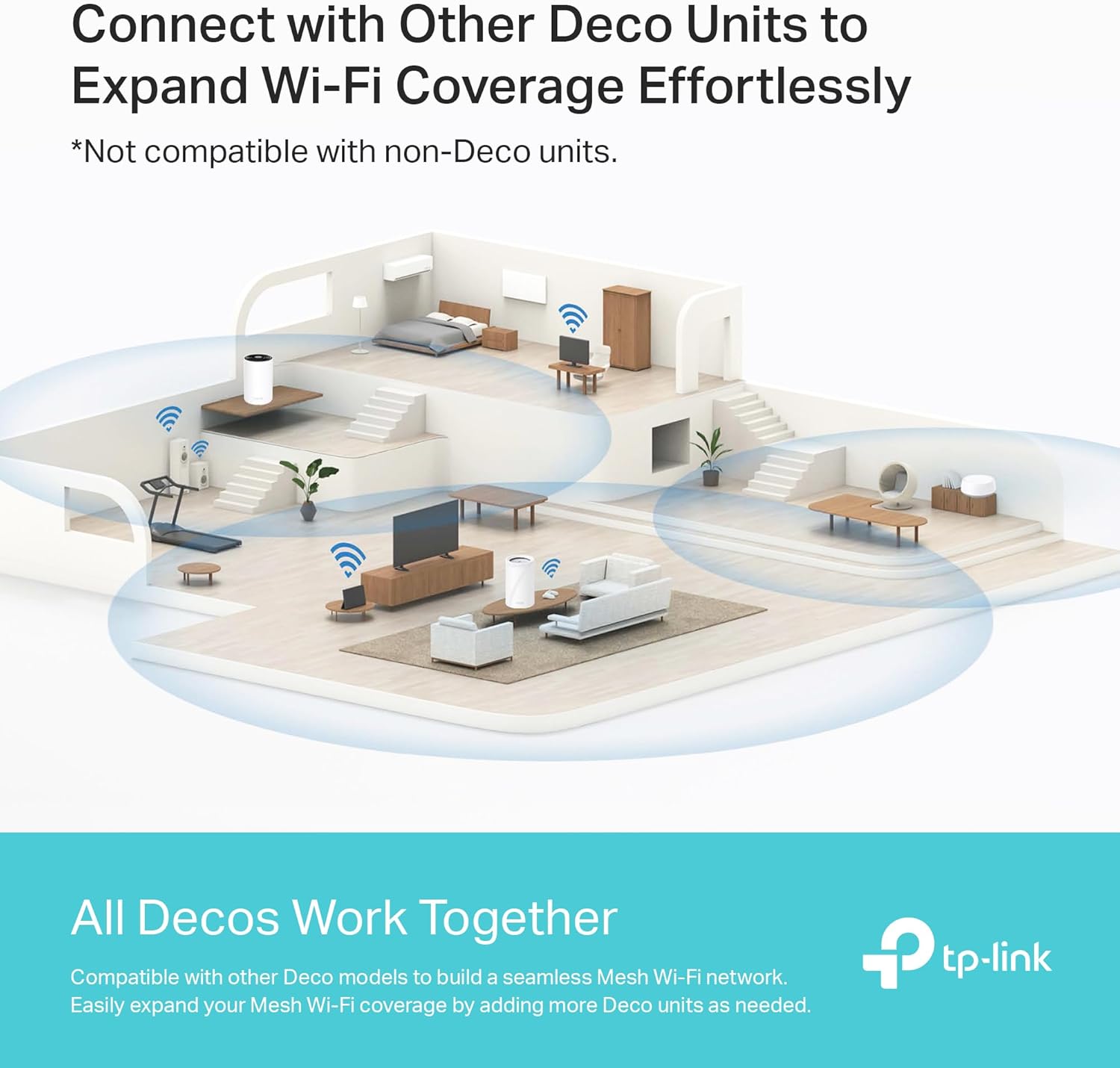
The Deco X10 offers combined speeds up to 1500 Mbps, with around 1201 Mbps on 5 GHz and 300 Mbps on 2.4 GHz according to the manufacturer. Mesh amplifiers and beamforming technology work together to increase coverage and reduce dead zones across different floors. It supports seamless roaming so devices switch between nodes with minimal interruption when moving through the house. The system also supports voice control via Alexa and Google Assistant for hands‑free network tasks. For families, the personalised parental controls enable time limits, user profiles and content blocking through the Deco app. Note that advertised coverage and device counts depend on the home layout and individual device capabilities.
Technical Specifications
- Name: TP‑Link Deco X10 AX1500
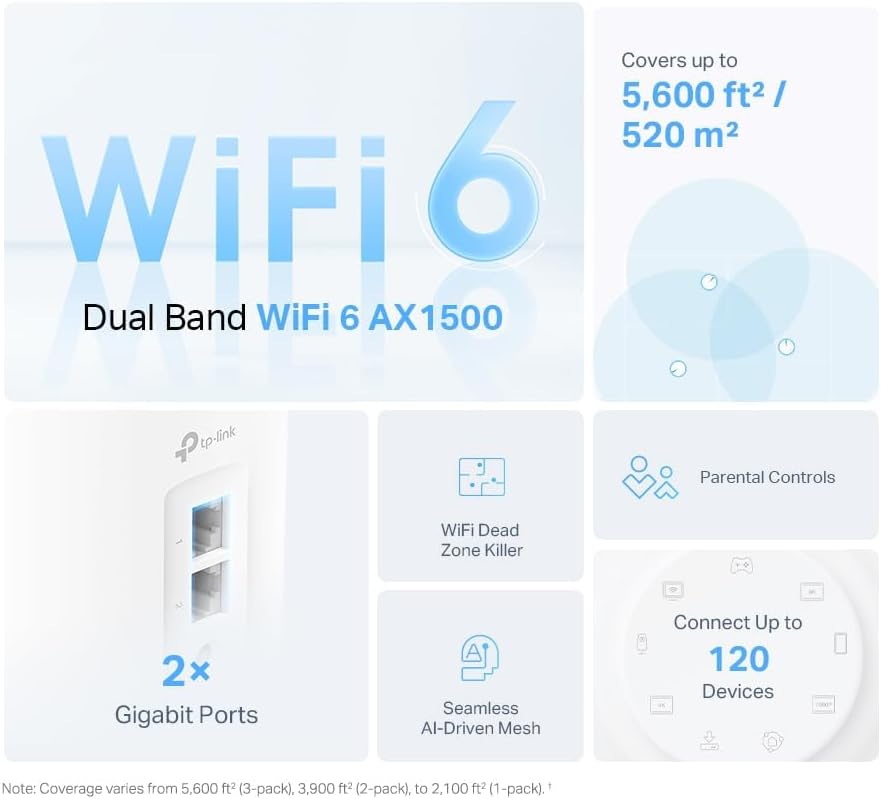
- Standard: Wi‑Fi 6 (802.11ax), dual‑band.
- Peak throughput: 5 GHz up to 1201 Mbps, 2.4 GHz up to 300 Mbps.
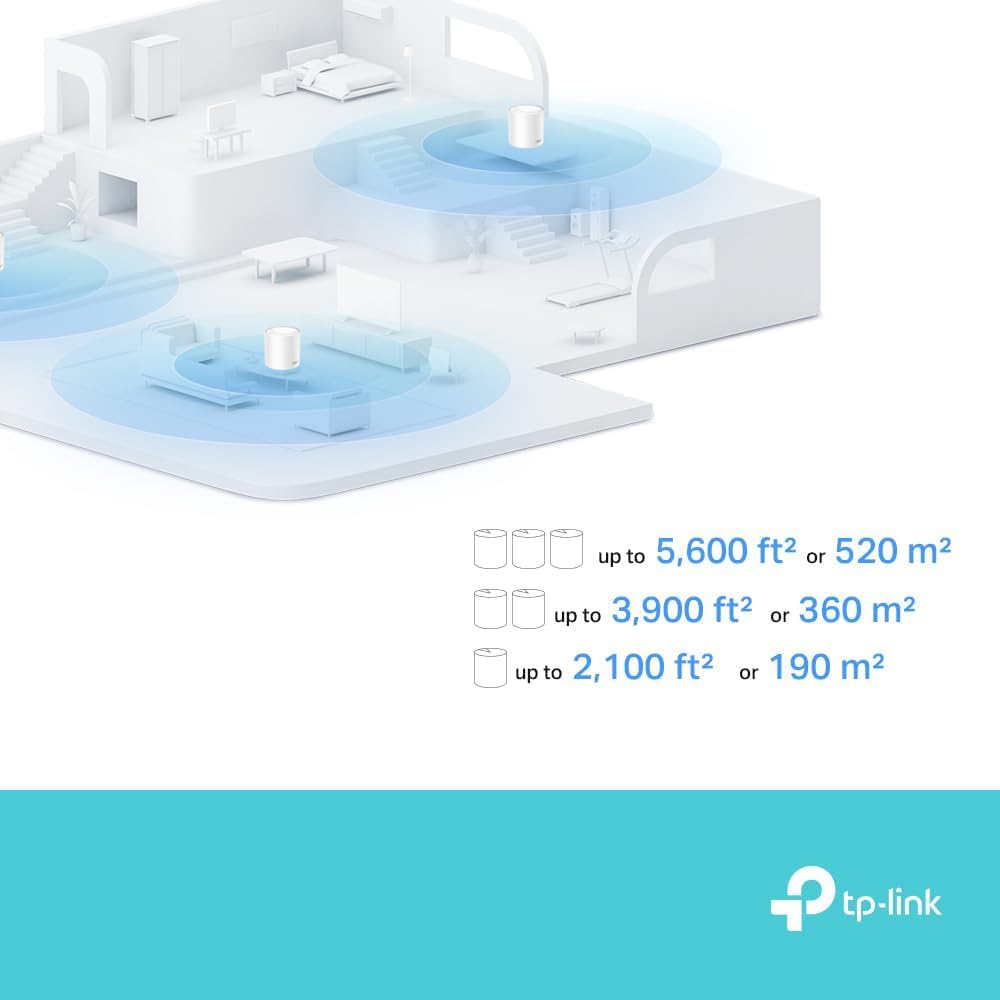
- Coverage: up to 190 m² with the supplied configuration according to the manufacturer.
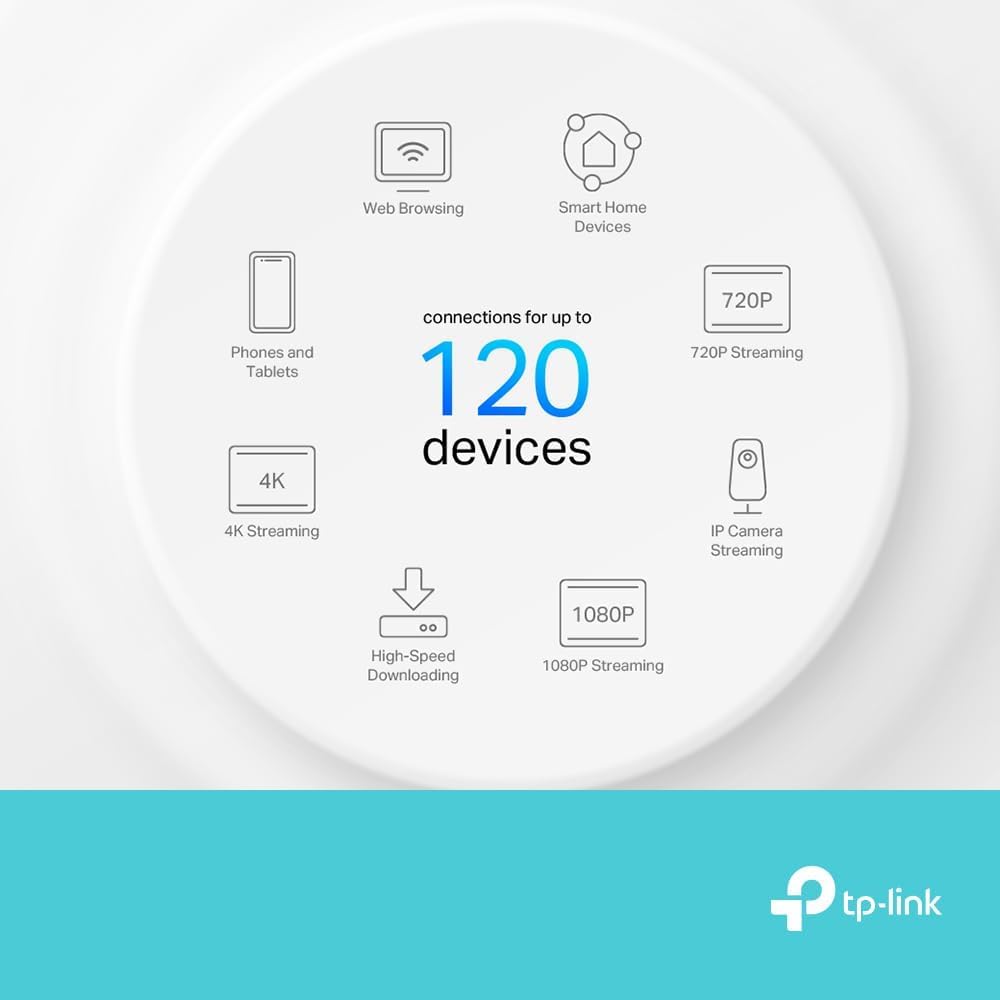
- Maximum connected devices: up to 120 devices.
Why This May Interest You
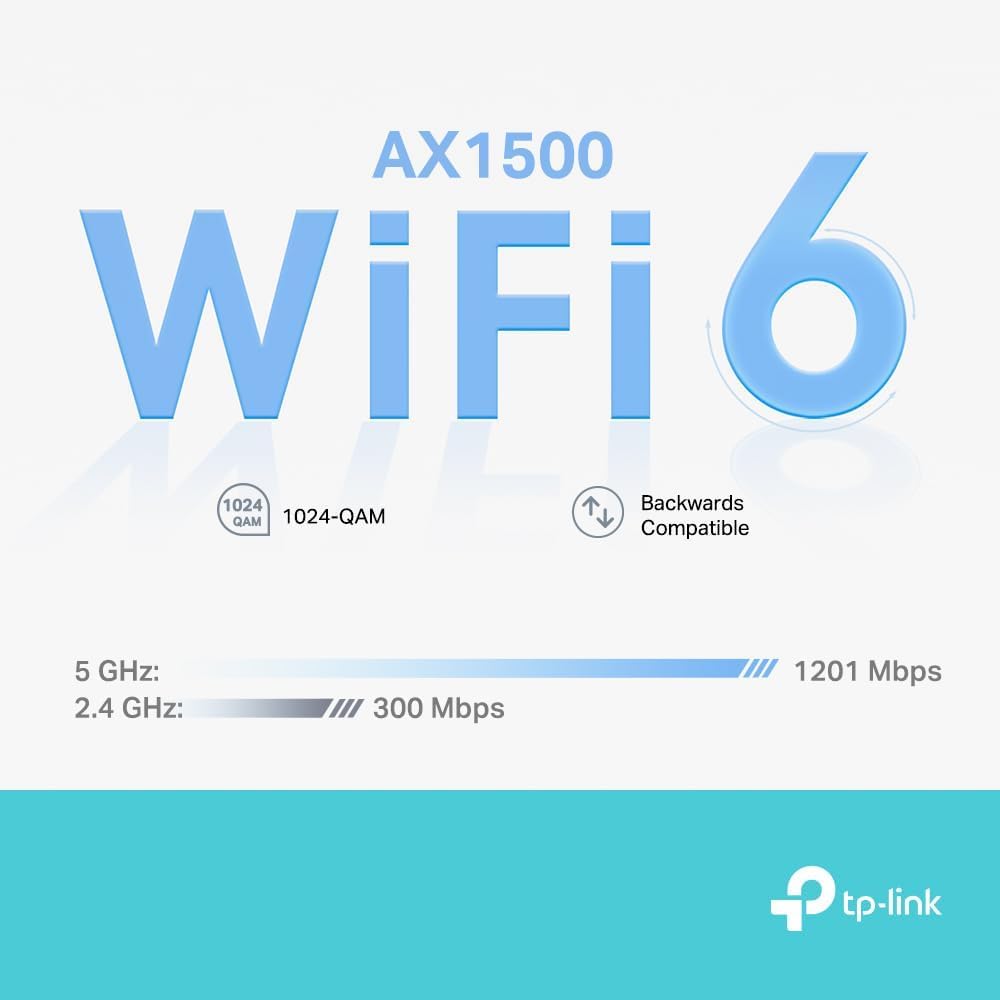
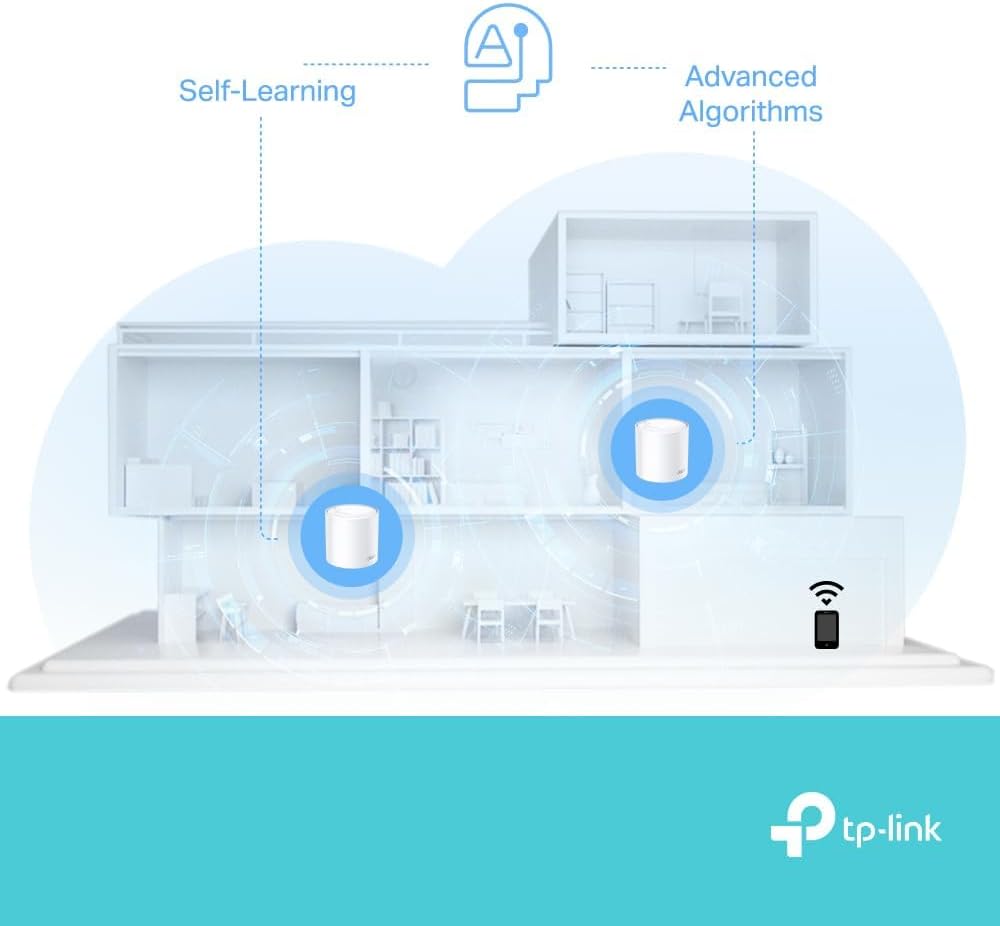
If you have many smart devices, the Deco X10 aims to handle denser traffic by using OFDMA and MU‑MIMO to improve simultaneous connections. The inclusion of 1024‑QAM and enhanced signal amplifiers helps increase throughput for compatible clients. The system also features automatic self‑healing mesh so the network can reroute traffic if one node encounters issues. Consider that performance benefits are most noticeable with Wi‑Fi 6 capable devices; older kit will still connect but at its own maximum speeds.
Usage Recommendations
Set up is managed through the Deco app, which walks through node placement and network customisation. Place a main unit near the incoming modem and distribute secondary nodes on different floors or in distant rooms to get full coverage. Use the guest network feature to isolate visitors from the main network and create time schedules for children using the parental control settings. Also, add extra Deco nodes later if you need to extend coverage, since the system supports additional units to scale the mesh.