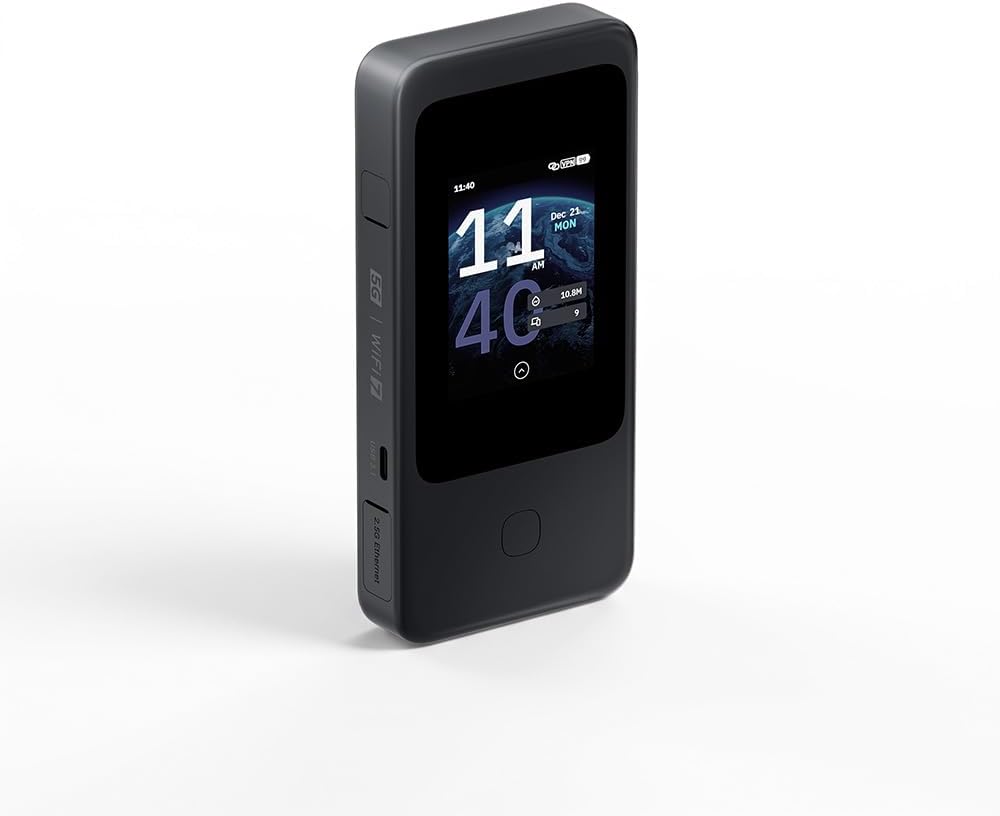
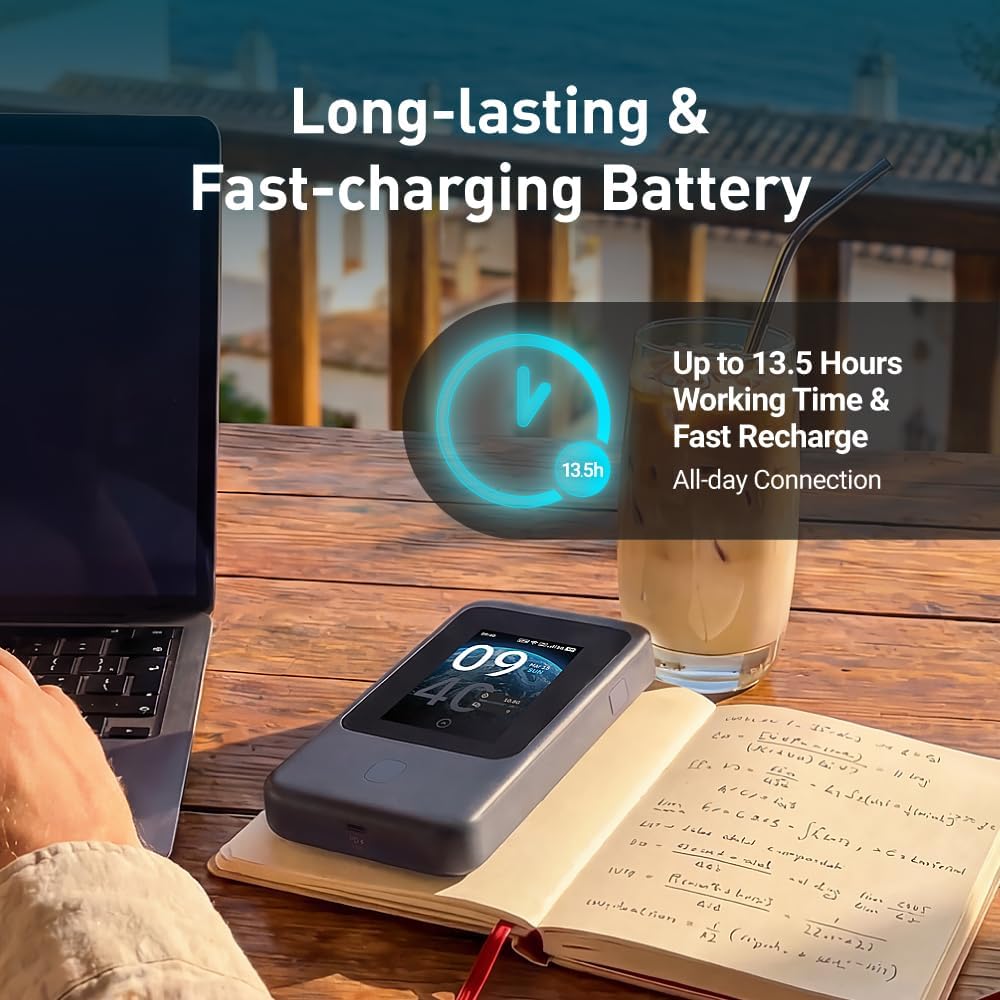
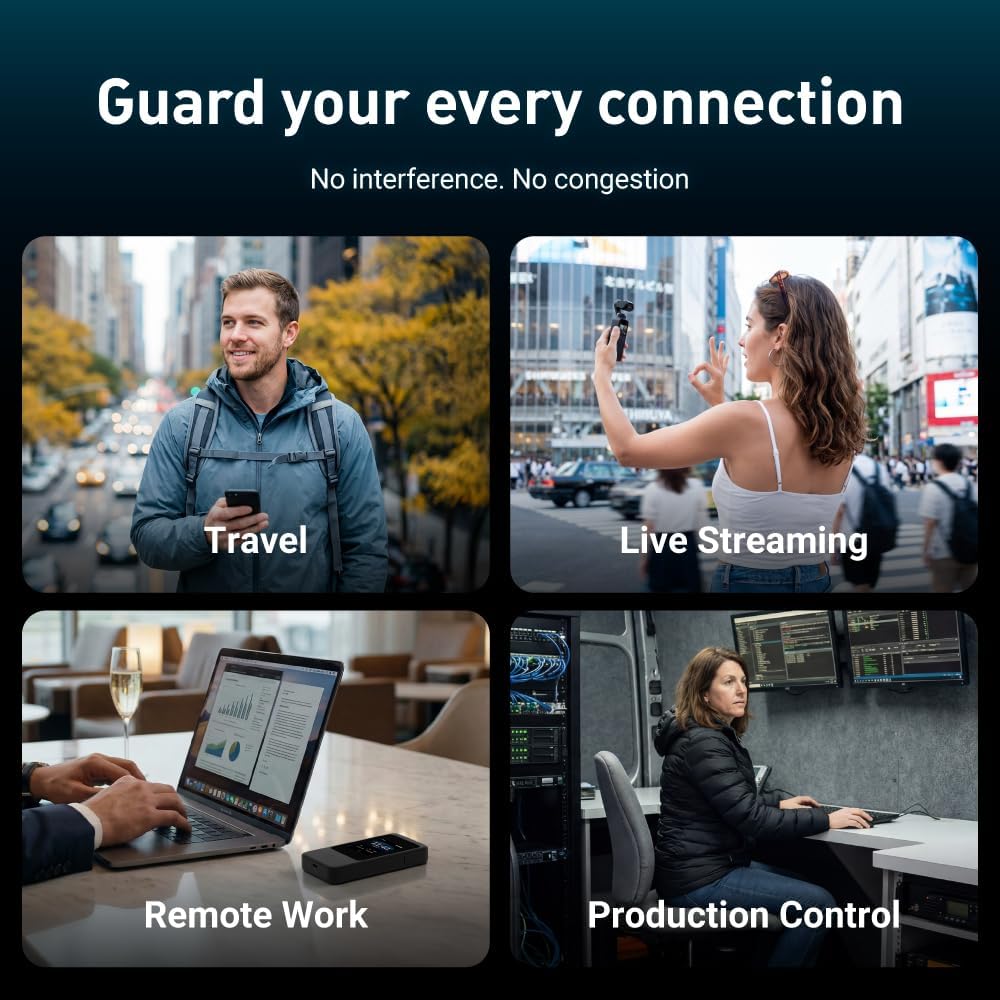
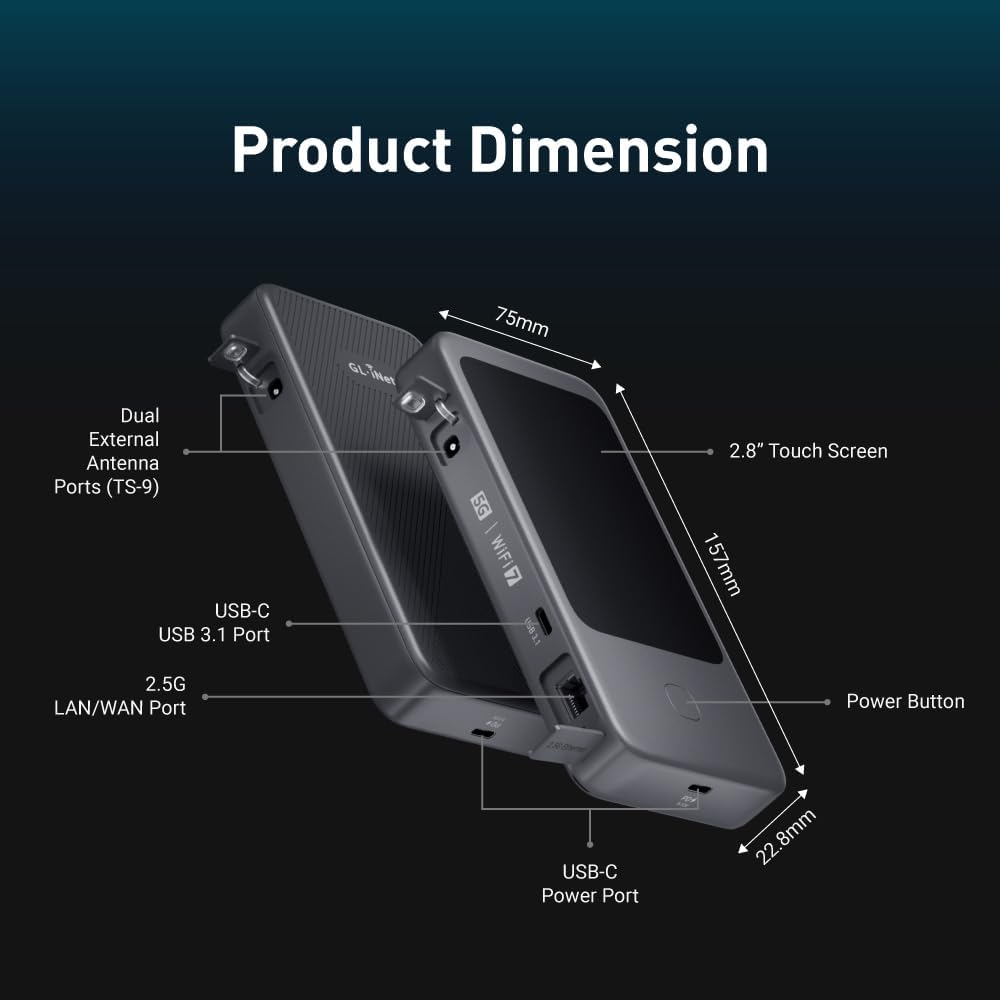
What it is and what it solves\n\nThe GL.iNet Mudi 7 is a portable, high‑speed travel router designed to keep you online wherever you are. Its core proposition is simple: combine 5G cellular connectivity with robust local Wi‑Fi coverage, so you can stream, work and video call on the go without hunting for public networks or swapping SIMs. On paper, it pairs a Qualcomm Dragonwing MBB Gen 3 (X72) modem with tri‑band Wi‑Fi 7, promising fast local speeds across multiple devices. If you travel often and need reliable internet access for live streaming, remote work, or keeping a family connected in hotels or coworking spaces, this device targets that use case directly.\n\n## How it’s laid out and how to use it\nThe Mudi 7 comes with built‑in eSIM and two nano‑SIM slots, all accessible via a 2.8" touchscreen for quick changes on the move. This setup aims to remove the usual pain points of international travel: switching SIMs, hunting for a local data plan, or configuring VPNs after you arrive. In practice, you can switch between eSIM and physical SIMs with a few taps, and QR‑code top‑ups streamline regional data access. The interface also supports VPN configuration directly from the device, with a pre‑installed VPN stack aimed at giving you a straightforward path to safe, private browsing when using shared hotel networks.\n\n## Connection breadth and performance on paper\nTri‑band Wi‑Fi 7 is designed to cover a wide range of devices and activities. The listed wireless speeds break down to 2.4 GHz at 688 Mbps, 5 GHz at 2,882 Mbps, and 6 GHz at 5,765 Mbps. The 2.5G Ethernet port expands wired backhaul options for scenarios where a stable, high‑throughput connection is essential—think backing up footage to a portable NAS or delivering a live stream from a hotel room. For professional tasks, there’s also a USB‑C port rated for up to 10 Gbps, enabling tethering, storage expansion, or NAS sync. In short, the spec sheet points toward a flexible, enterprise‑leaning portable hub rather than a tiny consumer router.\n\n## Multi‑WAN and reliability in real life\nOne notable feature is Quad‑Path Multi‑WAN Failover. The device can run 2.5G Ethernet, Wi‑Fi Repeater, USB tethering and 5G cellular concurrently, with traffic rerouting if a link drops. Practically, this reduces downtime during a busy shift at events, pop‑up shops, or live media setups where even a momentary interruption matters. It’s reasonable to expect smoother transitions between networks, though the exact failover cadence will depend on network conditions and the devices connected.\n\n## Battery life and mobility\nWith a 5380 mAh battery, the Mudi 7 aims to provide up to 13.5 hours of unplugged operation. That’s a meaningful window for day trips or conference days away from a power outlet. A 30W PD/PPS USB‑C charger can bring it back to full in roughly 1.3 hours, which is convenient for quick top‑ups during a coffee break. If you rely on continuous operation during long sessions, you’ll want to factor in charging time and spare power options.\n\n## VPN performance and privacy\nPre‑installed VPN options include OpenVPN‑DCO up to 700 Mbps and WireGuard up to 600 Mbps, compatible with a broad set of providers. This is useful if you need to secure hotel or café Wi‑Fi, access a home NAS remotely, or simply keep your browsing private while away. Real‑world VPN speeds depend on your plan, the server, and the local network, so it’s wise to set expectations accordingly.\n\n## What stands out and where it might fall short\nWhat makes the Mudi 7 compelling is the all‑in‑one, travel‑ready approach: eSIM support, dual SIM standby, fast wired and wireless options, a touchscreen for quick day‑to‑day tweaks, and strong VPN capabilities. However, it’s important to recognise that tri‑band Wi‑Fi 7 performance is highly dependent on device throughput, local interference, and the capacity of the mobile network you’re using. If you primarily need a simple hotspot for occasional posting or light browsing, there might be simpler devices that prioritise battery life or a lower price. Conversely, for creators or remote workers who require reliable multi‑network connectivity with a capable VPN, the Mudi 7 aligns with that use case.\n\n## Who it’s for and who it isn’t perfect for\nThis device suits road warriors, remote workers who travel between countries, and event teams that need to run streaming or POS from locations without dependable fixed lines. It isn’t pitched as a budget option, so if you’re after a minimal device for casual travel, you may want to consider simpler alternatives or smaller batteries. If you value having one device that handles 5G, multi‑SIM access, VPN, and a robust wired option, the Mudi 7 offers a coherent package.\n\n## Things to check before buying\nConsider your typical travel routes, the regions you visit, and which SIM/eSIM options you’d use most. Verify that your preferred VPN provider integrates smoothly with the pre‑installed stack, and check whether your typical hotspot needs are covered by the 2.5G Ethernet thanks to a potential NAS or 4K workflow. Also, think about the weight and dimensions if you travel light, as well as the touchscreen usability in bright outdoor conditions.\n\n## Practical usage example\nImagine streaming a live camera feed from a remote location while teammates join via video call. The Mudi 7 can switch between SIMs and carrier data to keep the connection stable, while the USB‑C tethering lets you grab extra bandwidth from a laptop if needed. In a hotel room, you might use the 2.5G Ethernet for a reliable wired link to your laptop or external storage, alongside a few mobile devices sharing the hotspot via Wi‑Fi 7.\n\n## FAQ (practical answers)\nQ: Can I use the eSIM to connect to regional data plans? A: Yes, with on‑device eSIM support and QR‑code top‑ups for regional data.\nQ: How many devices can it handle? A: It supports up to 64 connected devices on paper. Real performance depends on network conditions and device mix.\nQ: Is it fast enough for 4K livestreaming? A: The device advertises high‑bandwidth capabilities, but actual livestream quality will depend on the mobile network, VPN load, and local environment.\nQ: Do I need a power outlet to use it all day? A: The built‑in battery covers many hours of use, but for long sessions you’ll want a charger or spare power options.\n\n## Is it worth it?\nWorth considering if your travel setup hinges on reliable multi‑SIM 5G connectivity, a strong VPN, and flexible wired options in a single portable unit. If you prioritise ultra‑long battery life or a simpler hotspot, you may find more suitable options elsewhere.