

TP-Link Archer MR600 AC1200 4G+ Cat6 Router
Product description
This 4G+ router from TP-Link brings mobile broadband into the home or small office with straightforward setup and flexible connectivity, allowing you to use a SIM card for internet where fixed lines are unreliable. It is aimed at users who want dual-band Wi‑Fi and wired gigabit ports for devices that need steady bandwidth, while keeping management simple via the Tether app.
Key Points
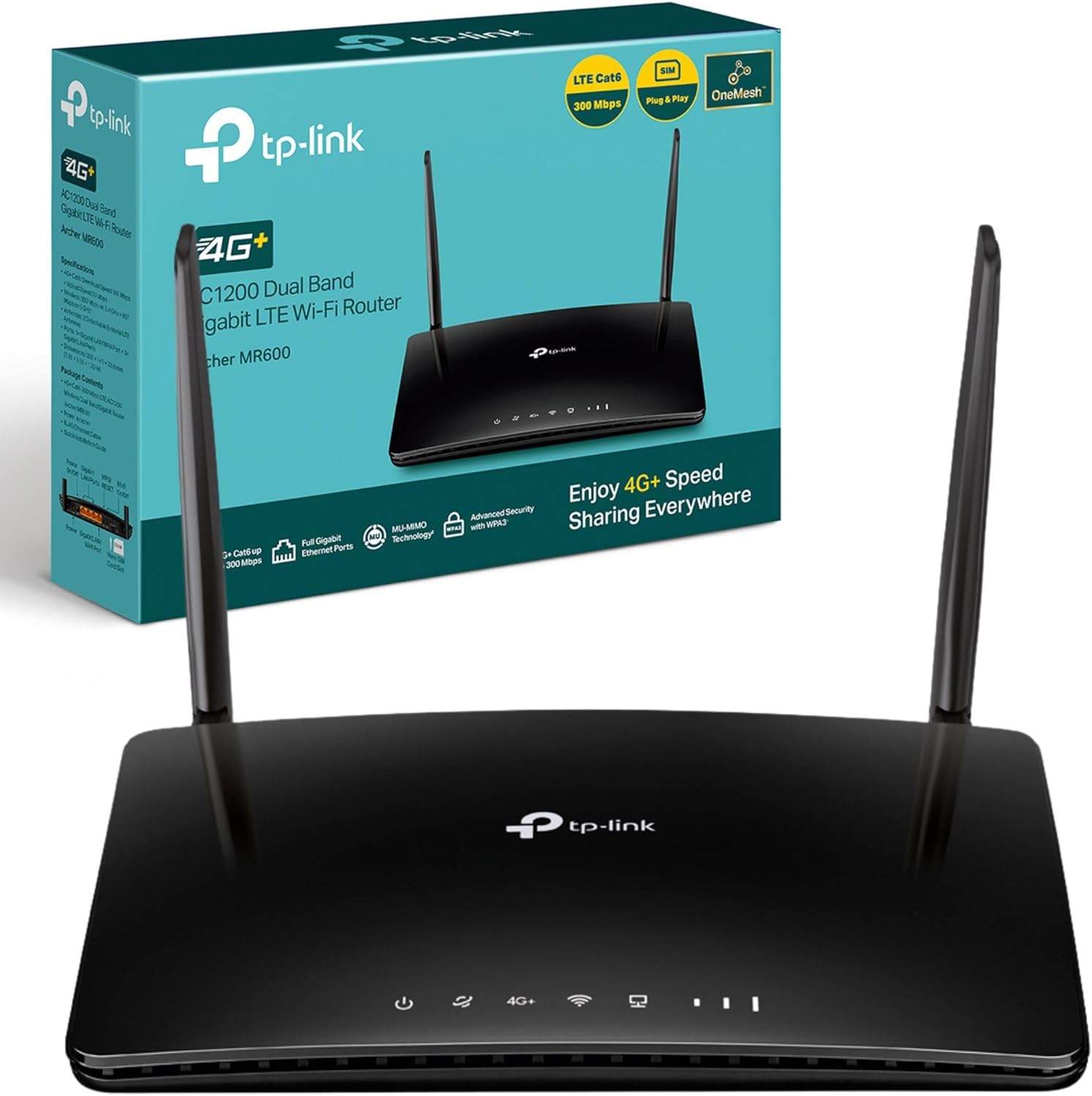
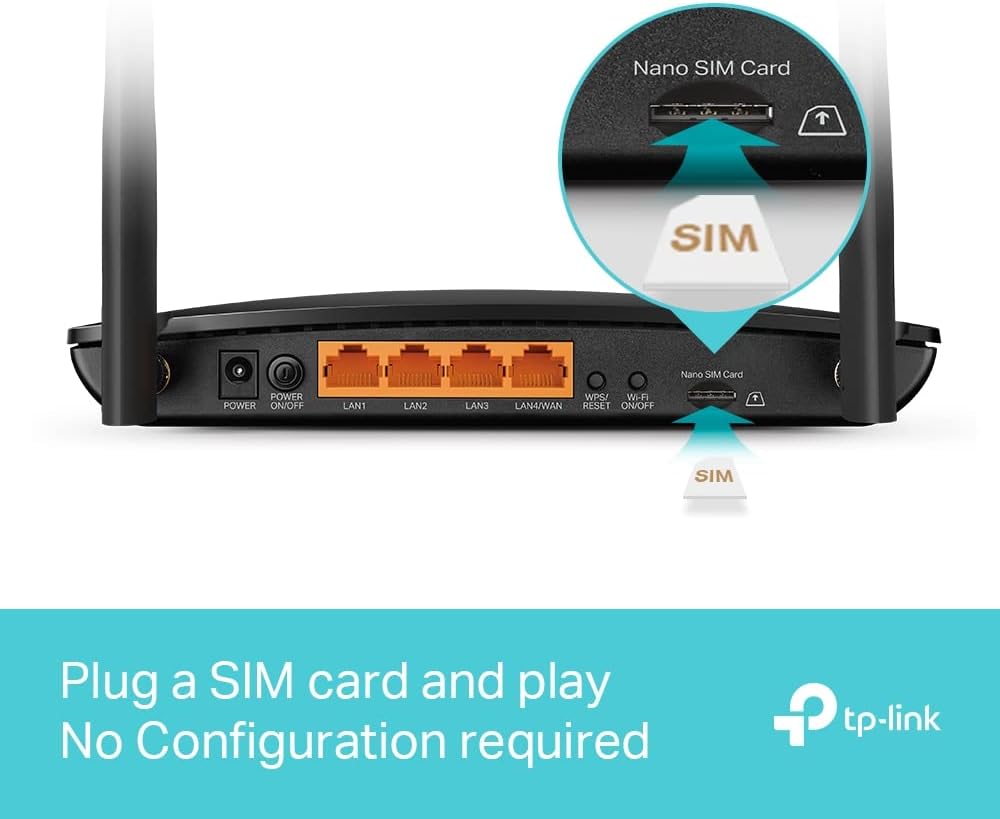
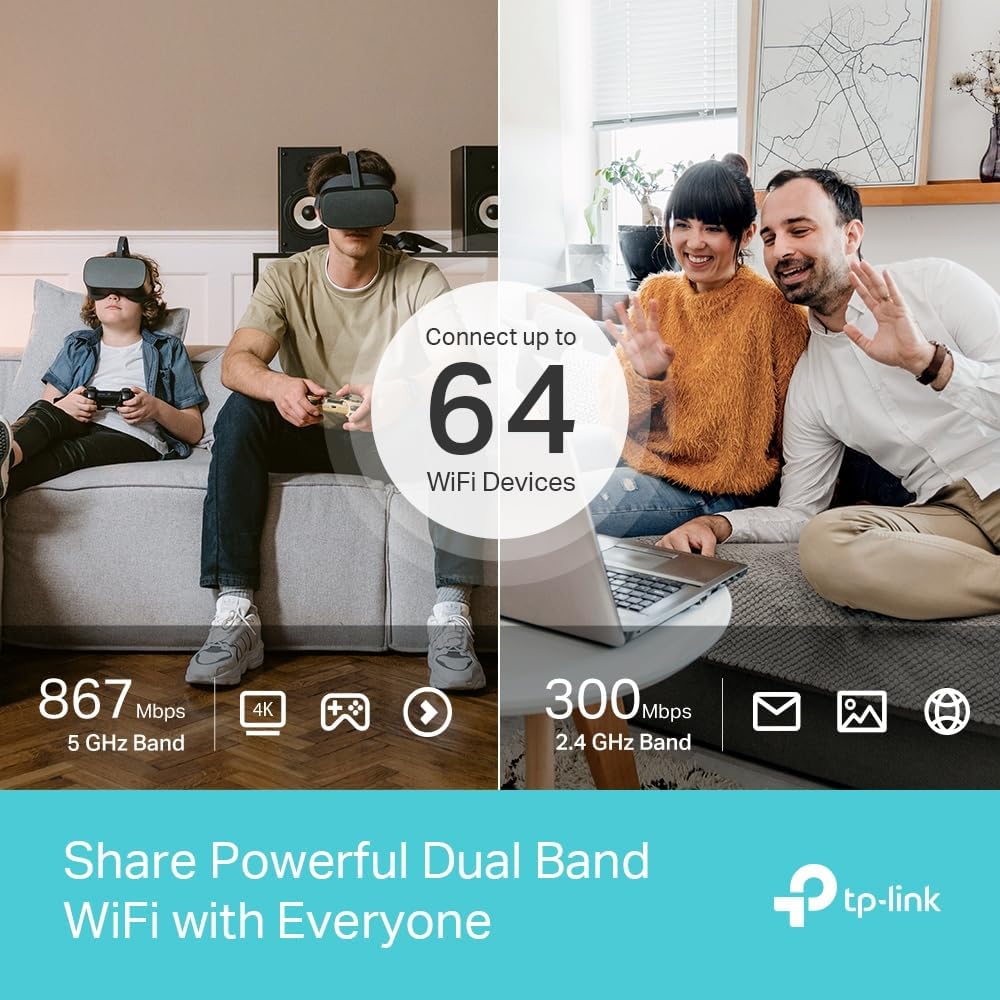
The Archer MR600 supports 4G+ Cat6 for higher LTE speeds, with two external LTE antennas to improve signal reception and stability for multiple devices. It offers AC1200 dual-band Wi‑Fi to split traffic between 2.4 GHz and 5 GHz bands, which helps reduce interference when several clients are connected. The router has full gigabit Ethernet ports to connect consoles, smart TVs or networked storage with a wired link. Setup is simplified, because according to the manufacturer a SIM card can be inserted and used with no configuration in many cases, and the device is reported to work with cards in over 100 countries based on field tests. 📶
Technical Specifications
- Name: TP-Link Archer MR600
- Model: AC1200, 4G+ Cat6.
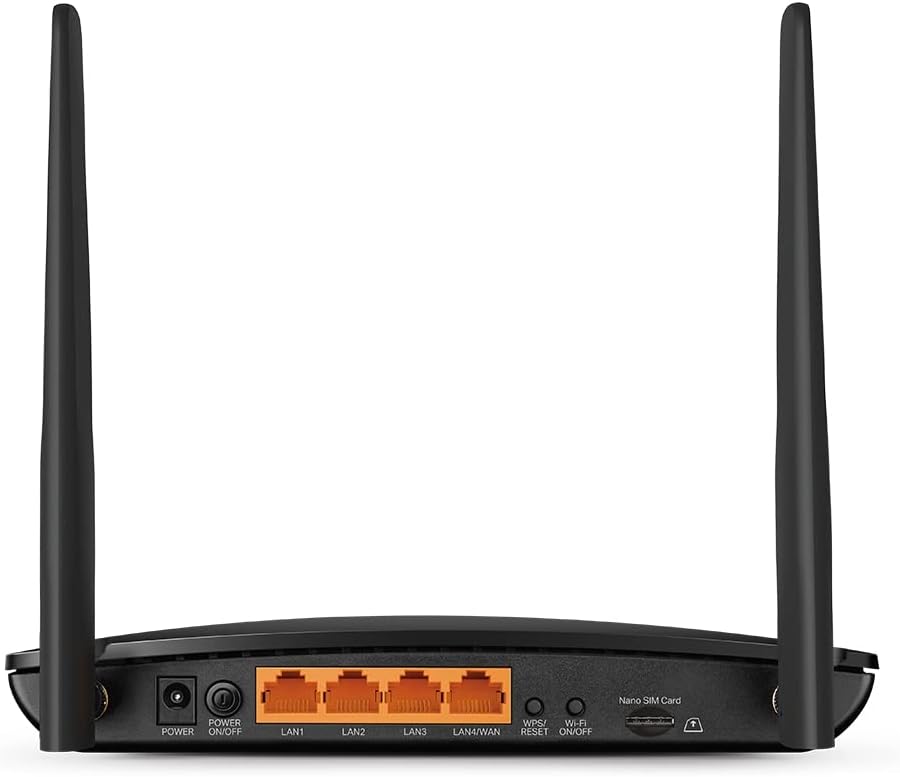
- Antennas: Two external LTE antennas.
- Ports: Gigabit LAN/WAN ports and LAN ports for wired devices.
- Wireless: Dual-band AC1200 (2.4 GHz and 5 GHz).
- App management: Tether app for setup and control.
Benefits
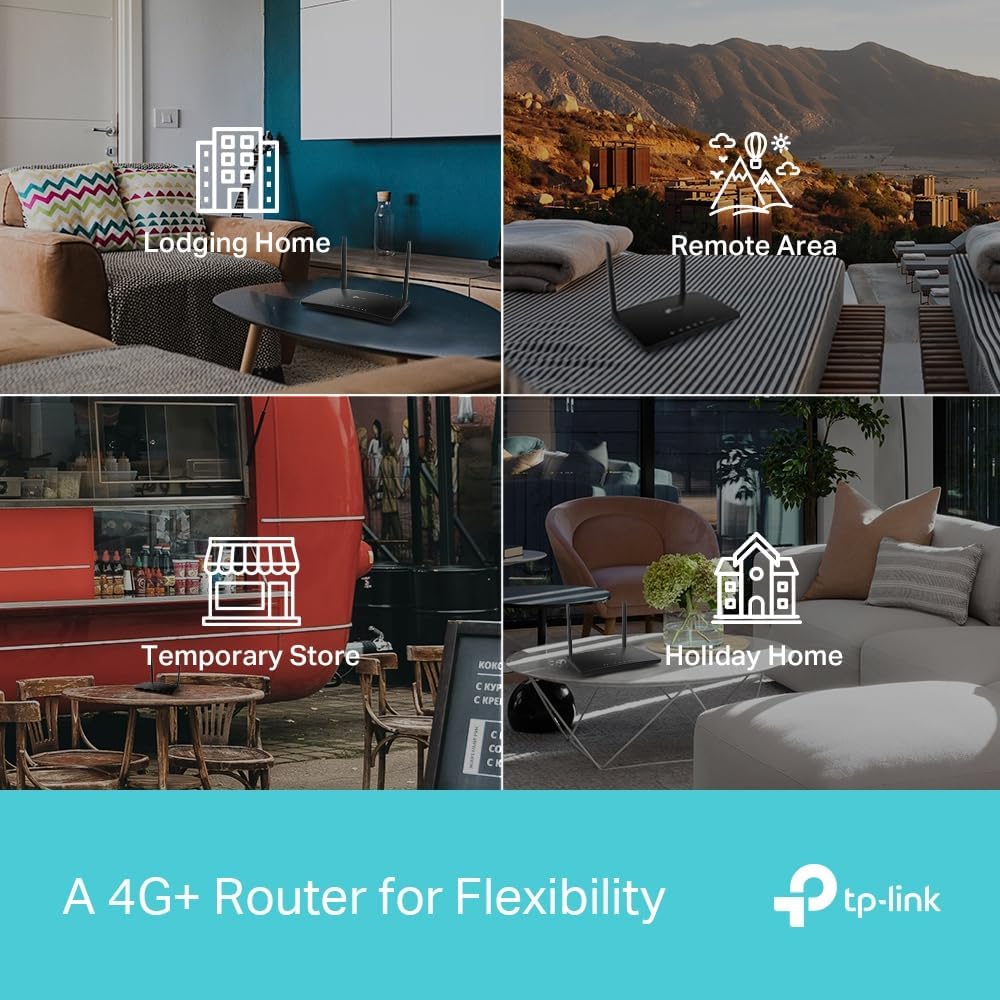
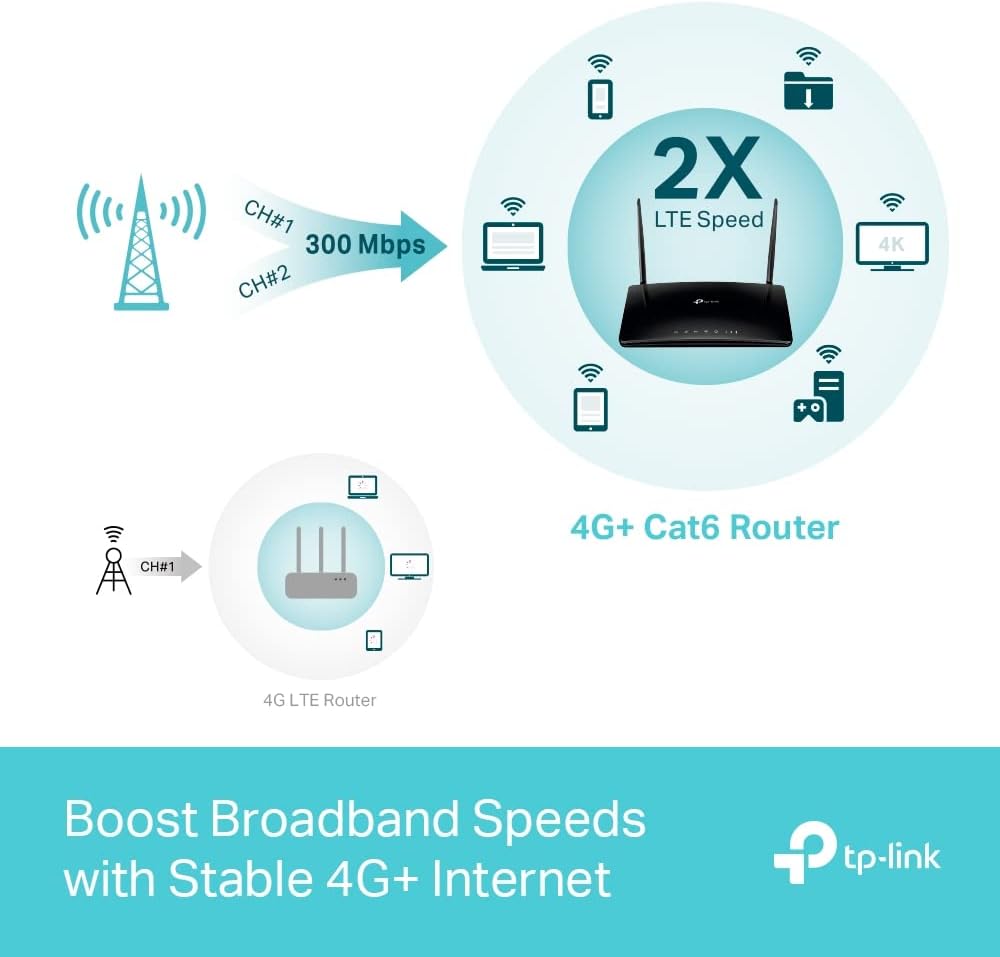
Using the Archer MR600 lets you maintain connectivity where ADSL or fibre are not available or when a temporary backup connection is needed. The dual-band Wi‑Fi means everyday browsing and streaming can be separated from higher-bandwidth tasks such as online gaming or 4K video playback. The presence of gigabit ports reduces latency and provides a more consistent experience for devices that perform better on wired networks. Additionally, MU-MIMO technology helps the router communicate more efficiently with multiple simultaneous clients, which can improve throughput in crowded wireless environments. 🔌
Usage Recommendations
Insert a compatible SIM card and use the Tether app for quick activation and basic configuration. For the best LTE reception place the router near a window or a higher location and orient the external antennas for improved signal strength. If you travel internationally, check with your network vendor about any manual APN settings required for roaming, as some providers may need specific parameters to grant access. 📱