

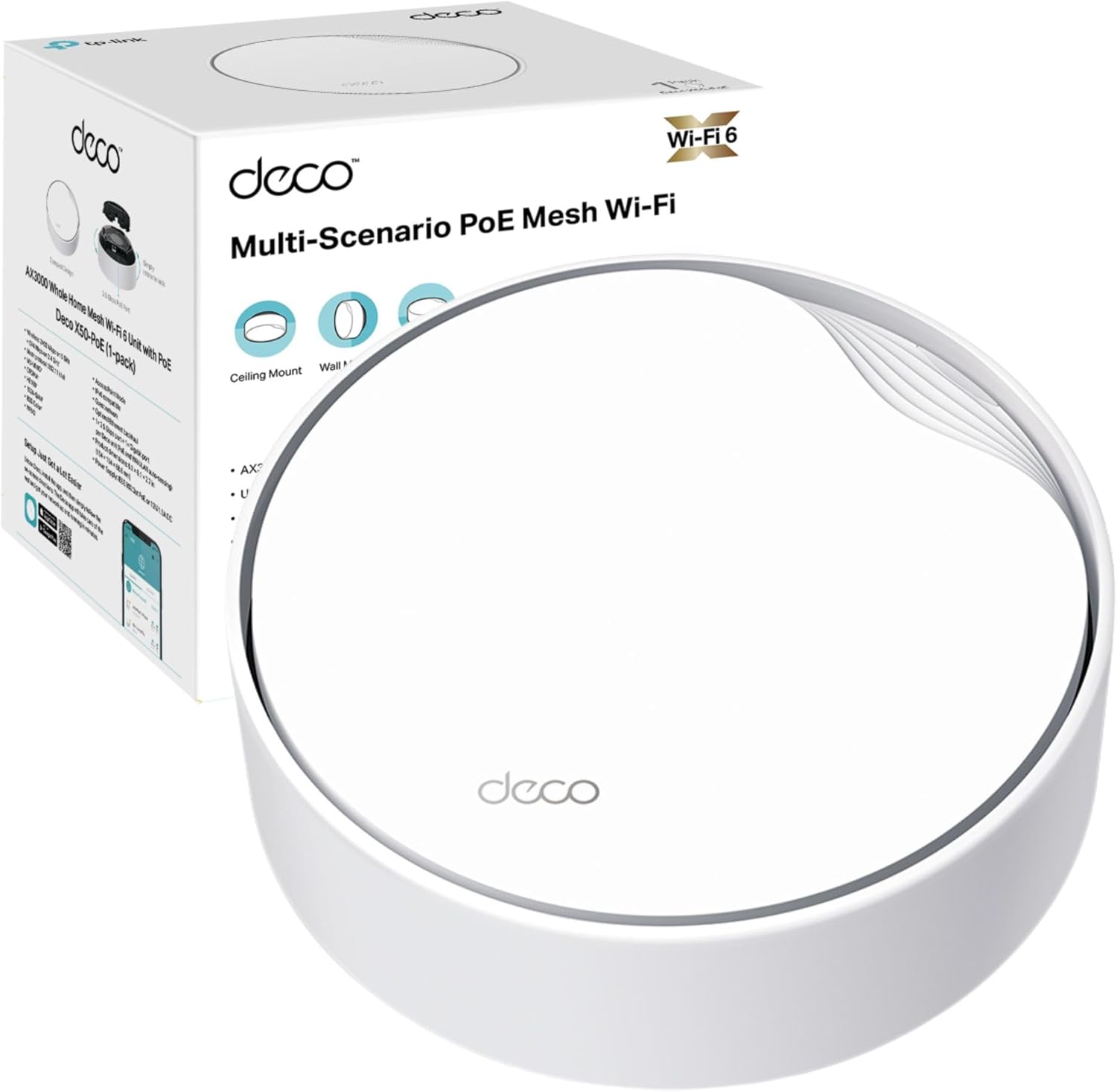
TP-Link Deco X60 AX5400 3-pack mesh Wi‑Fi system
Reviews
Price
Product description
This mesh Wi‑Fi system from TP-Link combines AX5400 performance with whole‑home coverage to keep multiple devices connected in larger properties. It is designed to reduce latency for gaming and video calls while extending a single, seamless network across multiple rooms.
Key Points
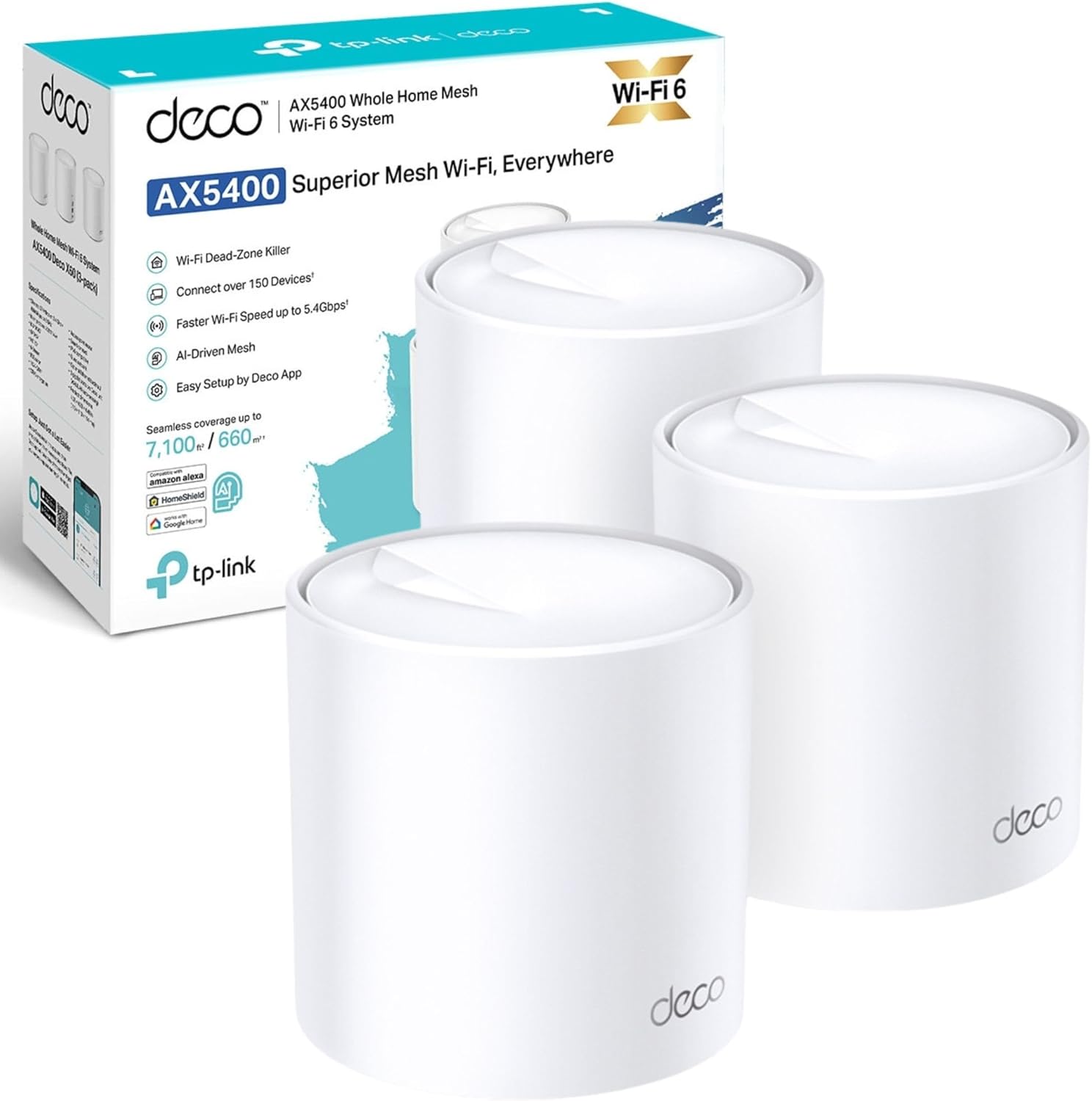
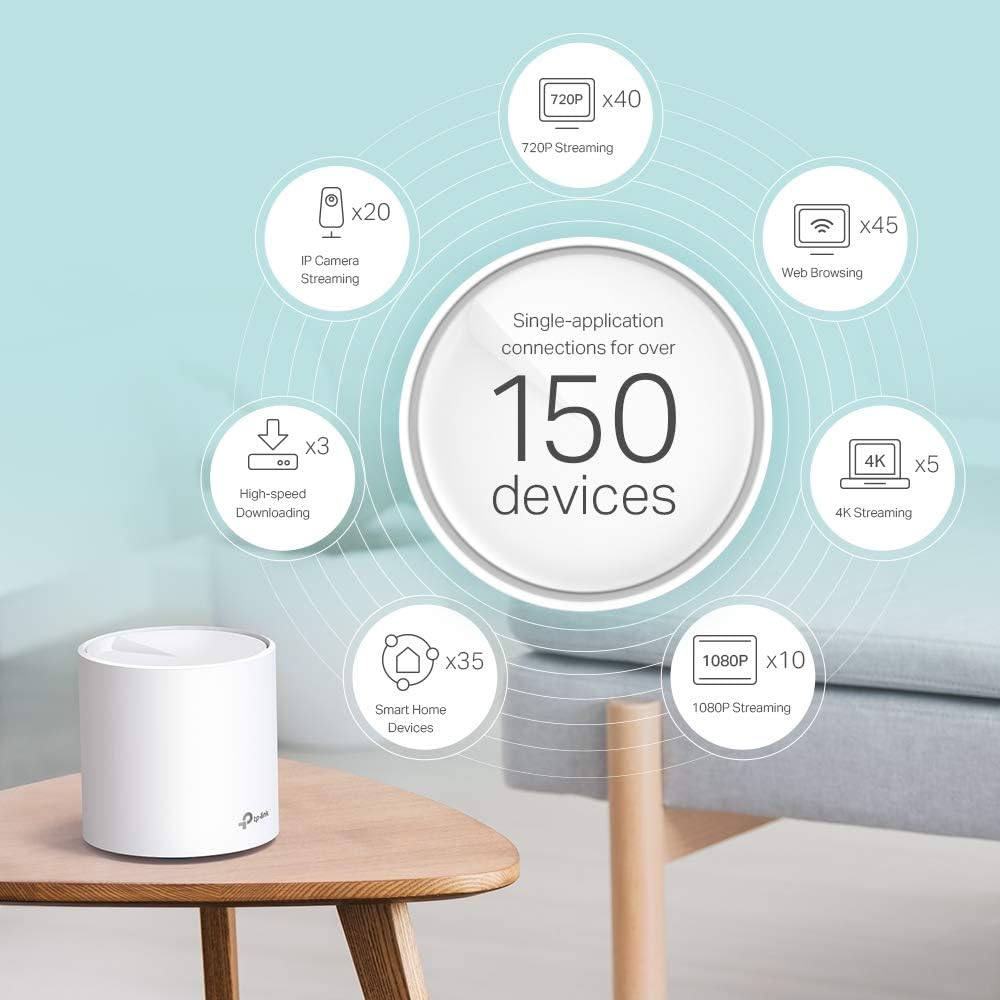
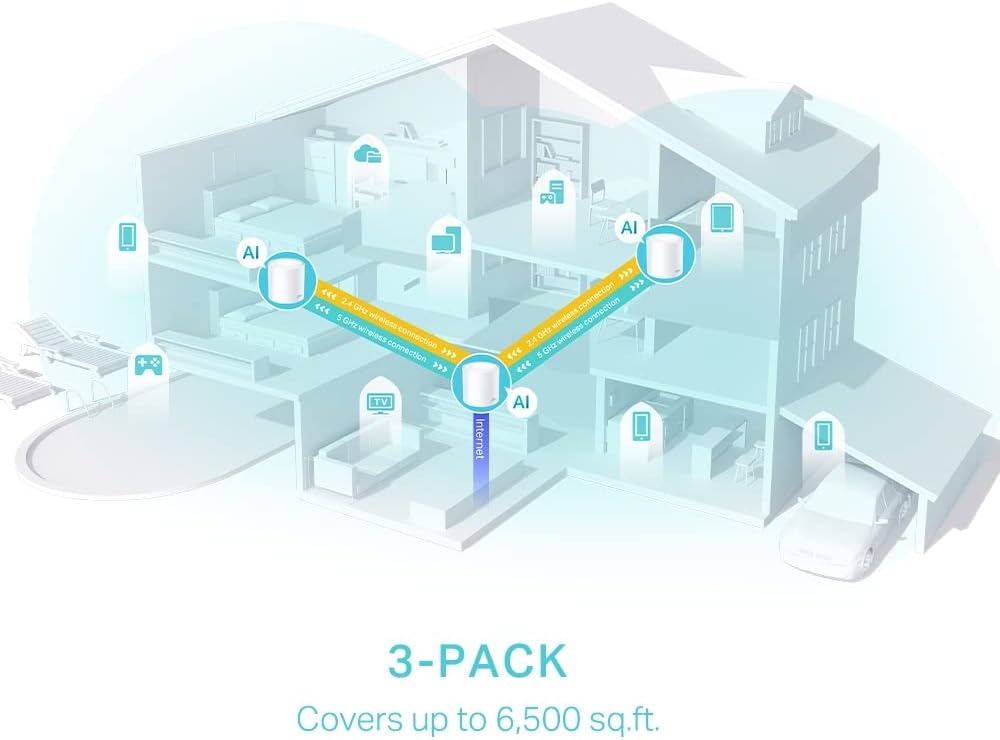
The pack of three units aims to blanket up to 7,100 sq ft with a single SSID, helping prevent dropouts when moving between floors or rooms. The Deco system uses Wi‑Fi 6 technology to increase capacity and manage many simultaneous connections, which is useful in busy homes with smart devices, streaming and online gaming. 🏠
Setup is guided through the Deco app, with step‑by‑step instructions for network creation and device management. Parental controls and real‑time IoT protection are provided by HomeShield according to the manufacturer, allowing basic filtering and device monitoring from the app. ⚙️
Range may vary depending on building materials, layout and interference, so consider placement of each unit for best coverage. Also note that peak speeds depend on ISP limits and client device support.
Technical Specifications
- Name: TP‑Link Deco X60 (3‑pack)
- Wireless standard: AX5400, Wi‑Fi 6
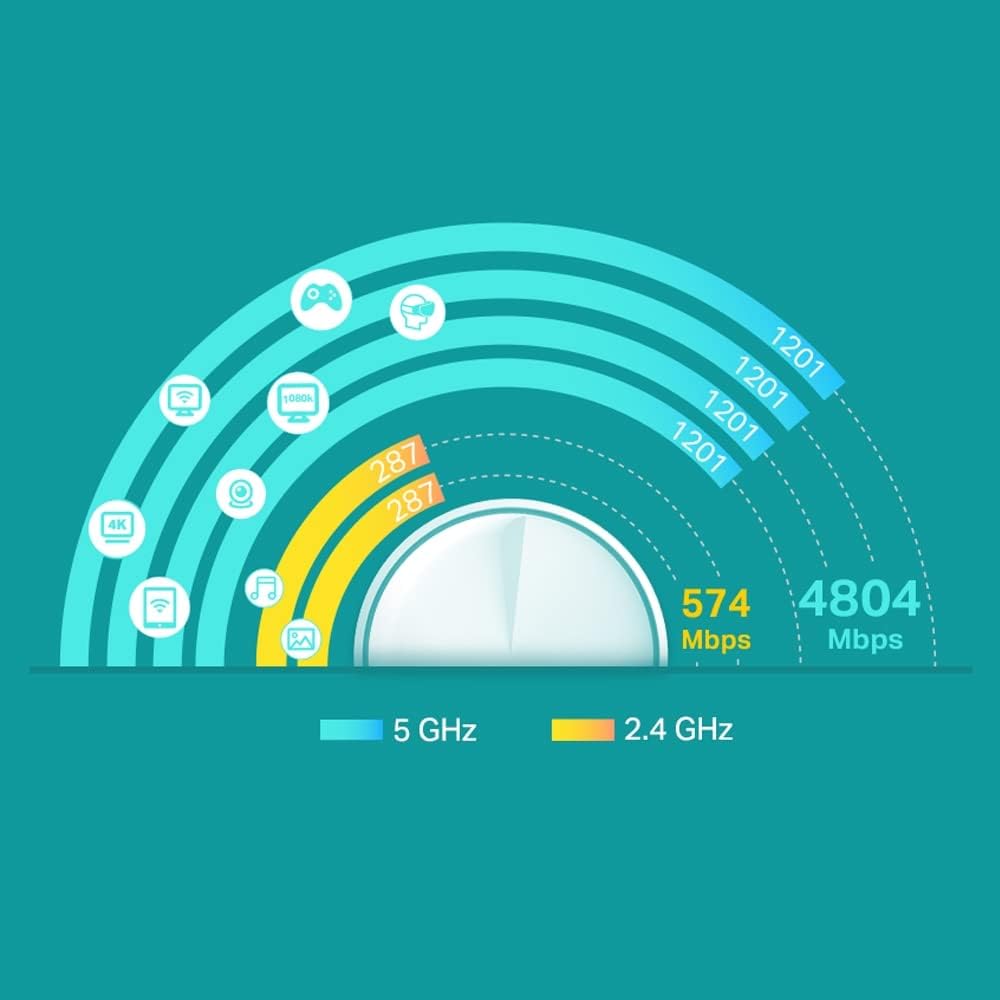
- Real‑world speeds: 4,804 Mbps on 5 GHz and 574 Mbps on 2.4 GHz according to the manufacturer
- Processor: 1 GHz quad‑core CPU
- Coverage: up to 7,100 sq ft (coverage may vary)
Benefits
The move to Wi‑Fi 6 brings improved efficiency for networks with many connected devices, which reduces congestion at busy times. For households with multiple video streams and smart home gadgets, the mesh design allows a single network to hand off connections automatically as users move through the house, so there is no need to switch between access points manually.
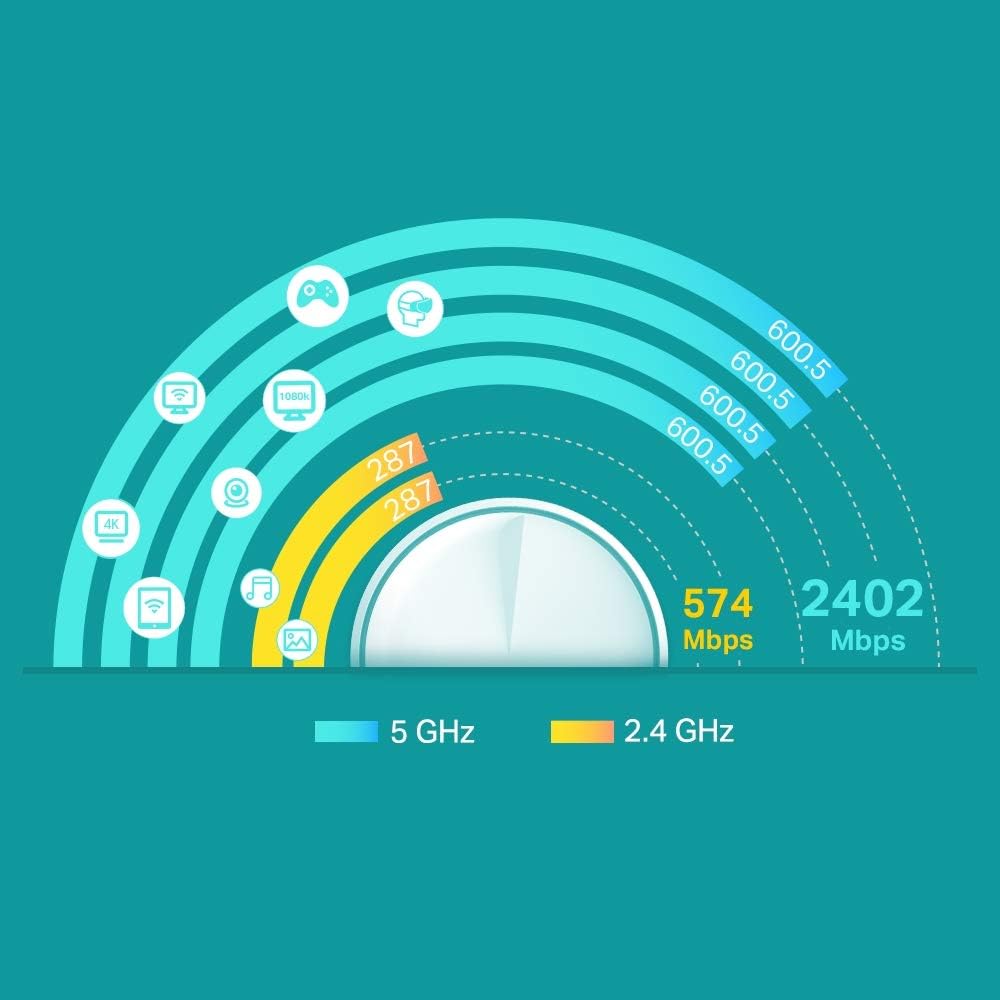
The higher aggregated throughput labelled AX5400 supports faster link speeds for compatible clients, and the quad‑core CPU helps process traffic and security features without significant slowdowns. Children’s access and IoT device protection can be managed from the same app, making routine administration simpler for homeowners and those who prefer a centralised interface. 📶
Usage Recommendations
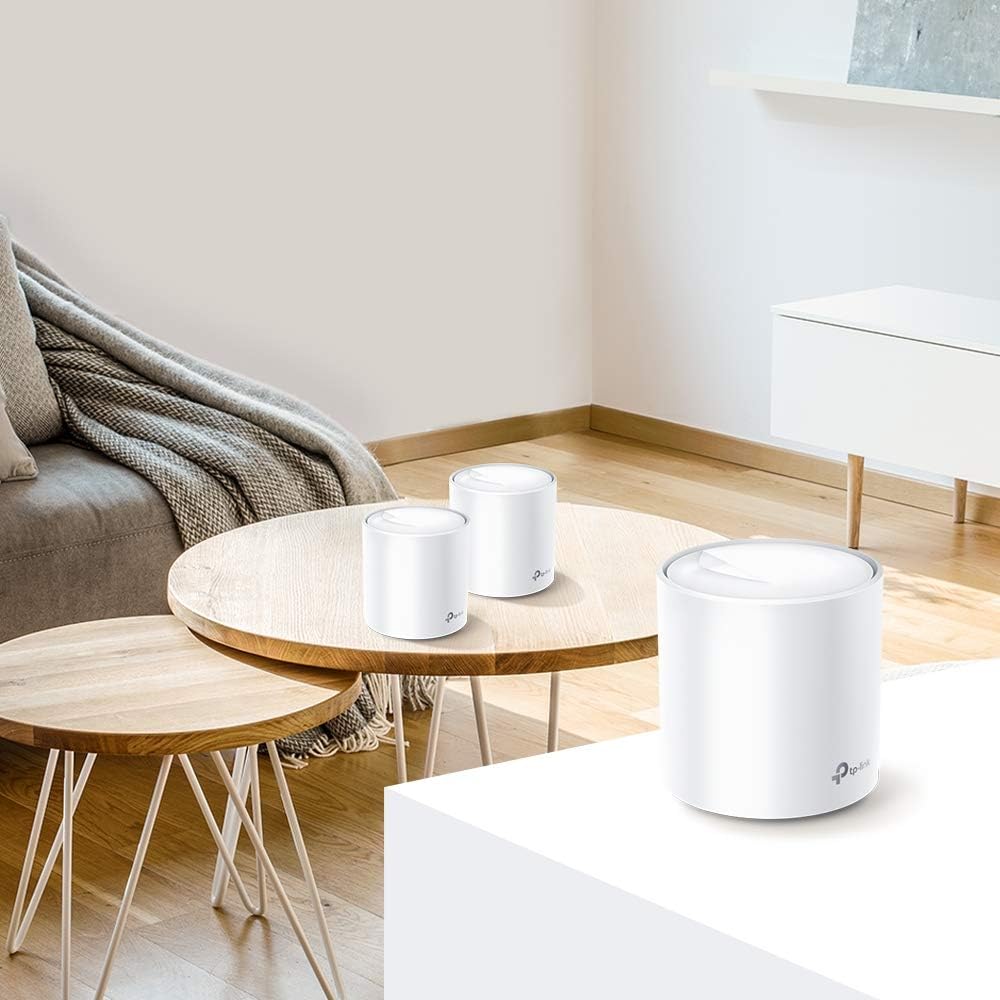
Place one unit on each floor or in open areas that face common rooms to maximise the three‑node coverage. Keep units away from large metal objects and major sources of interference such as microwave ovens and cordless phones for better signal quality. For optimal performance, use devices that support Wi‑Fi 6 to take full advantage of lower latency and higher throughput.