

TechRise Bluetooth Mouse 4800 DPI rechargeable mouse
Product description
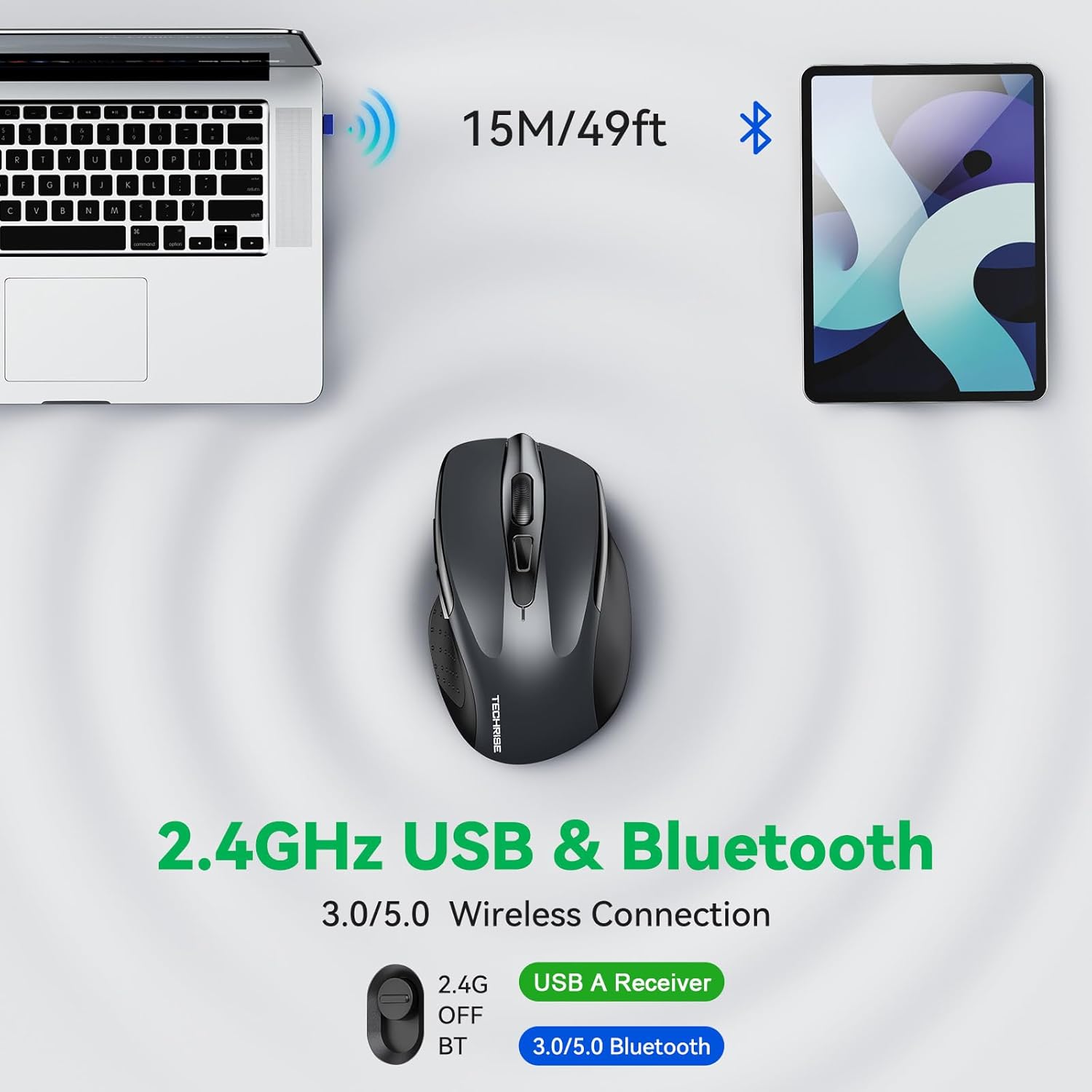
This compact rechargeable wireless mouse delivers versatile connectivity and precise tracking for everyday productivity and light gaming at home or in the office. It combines Bluetooth 5.0 and 3.0 with a 2.4 GHz USB-A dongle, allowing quick switching between two devices while keeping noise to a minimum for focused work.
Key Points
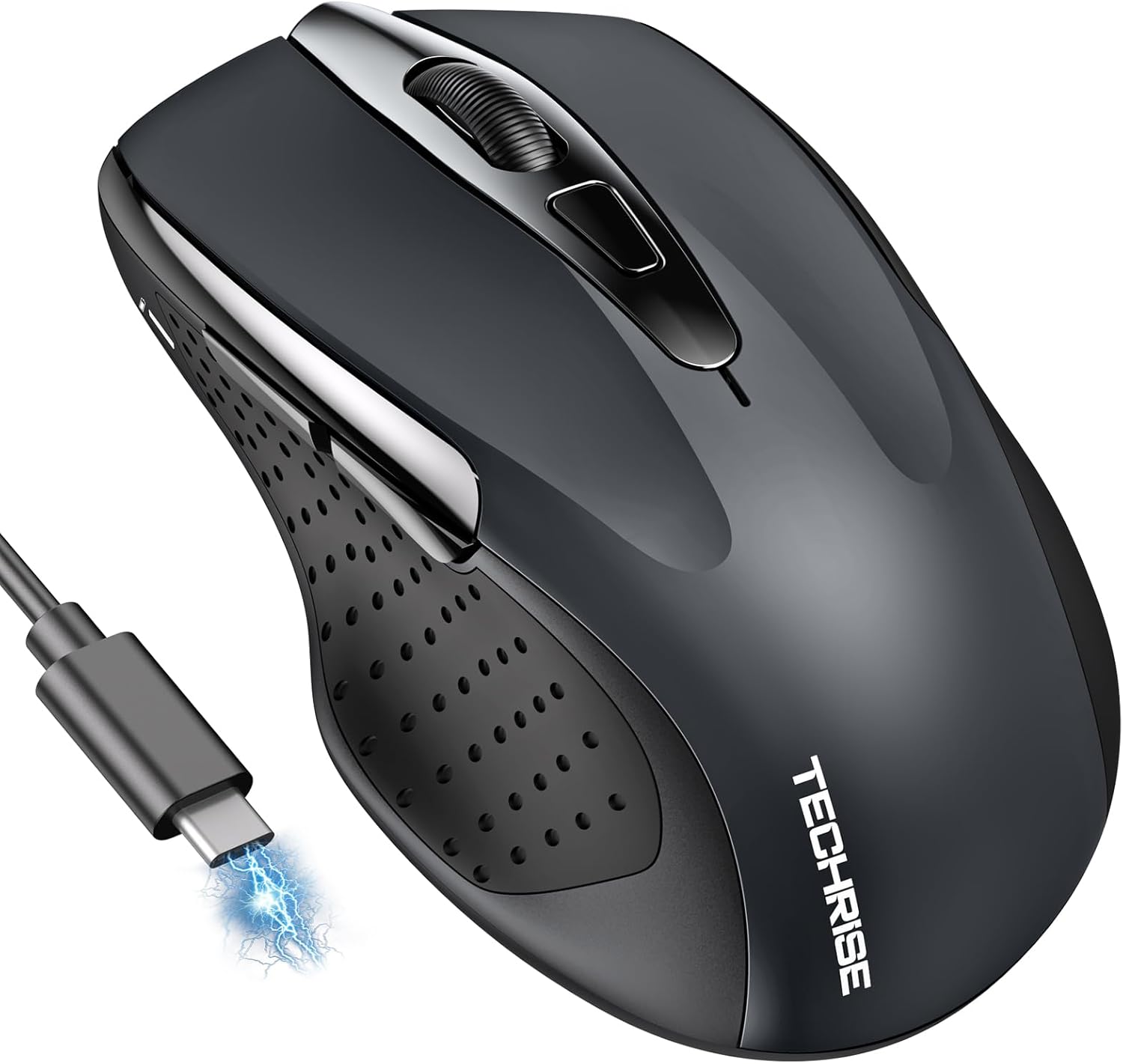
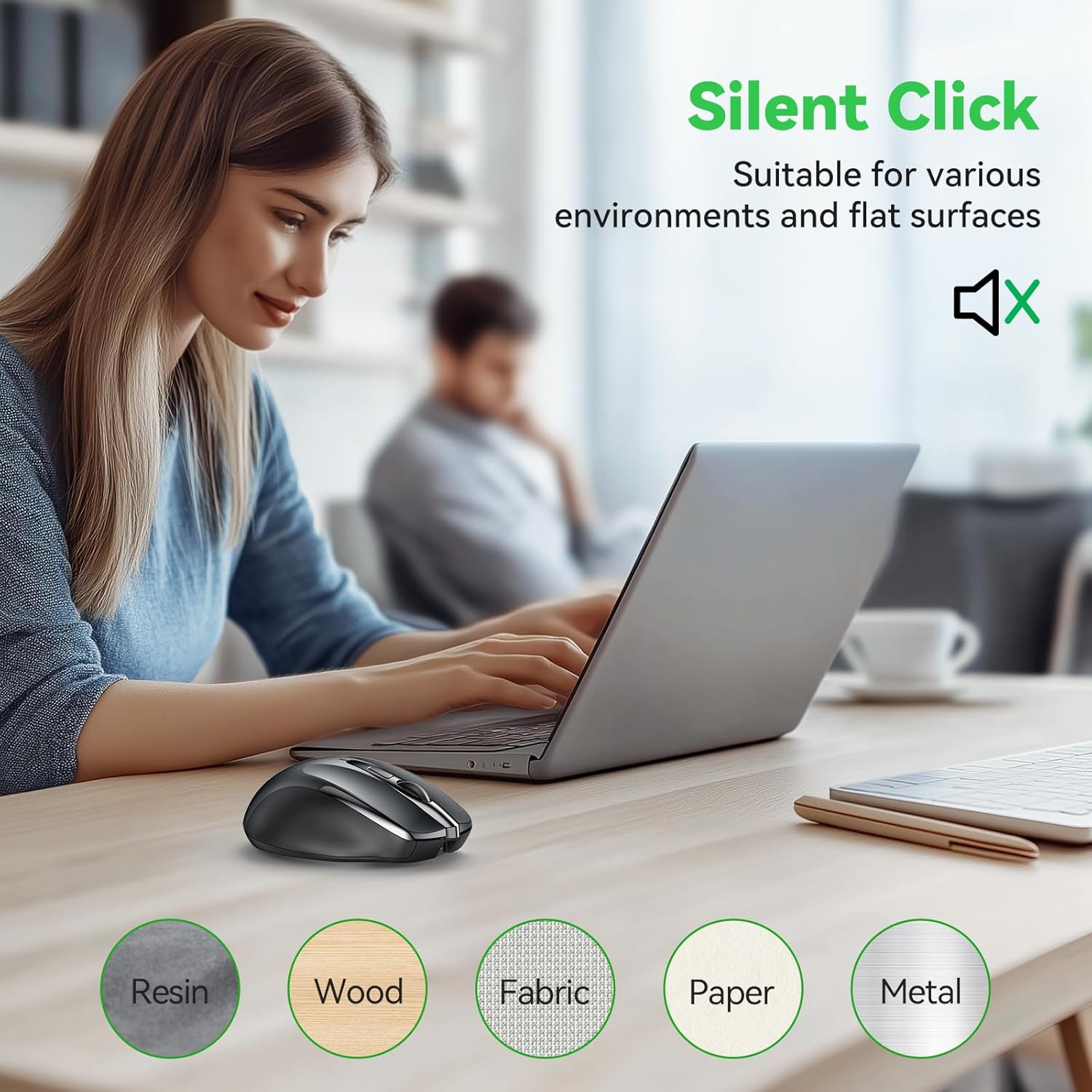
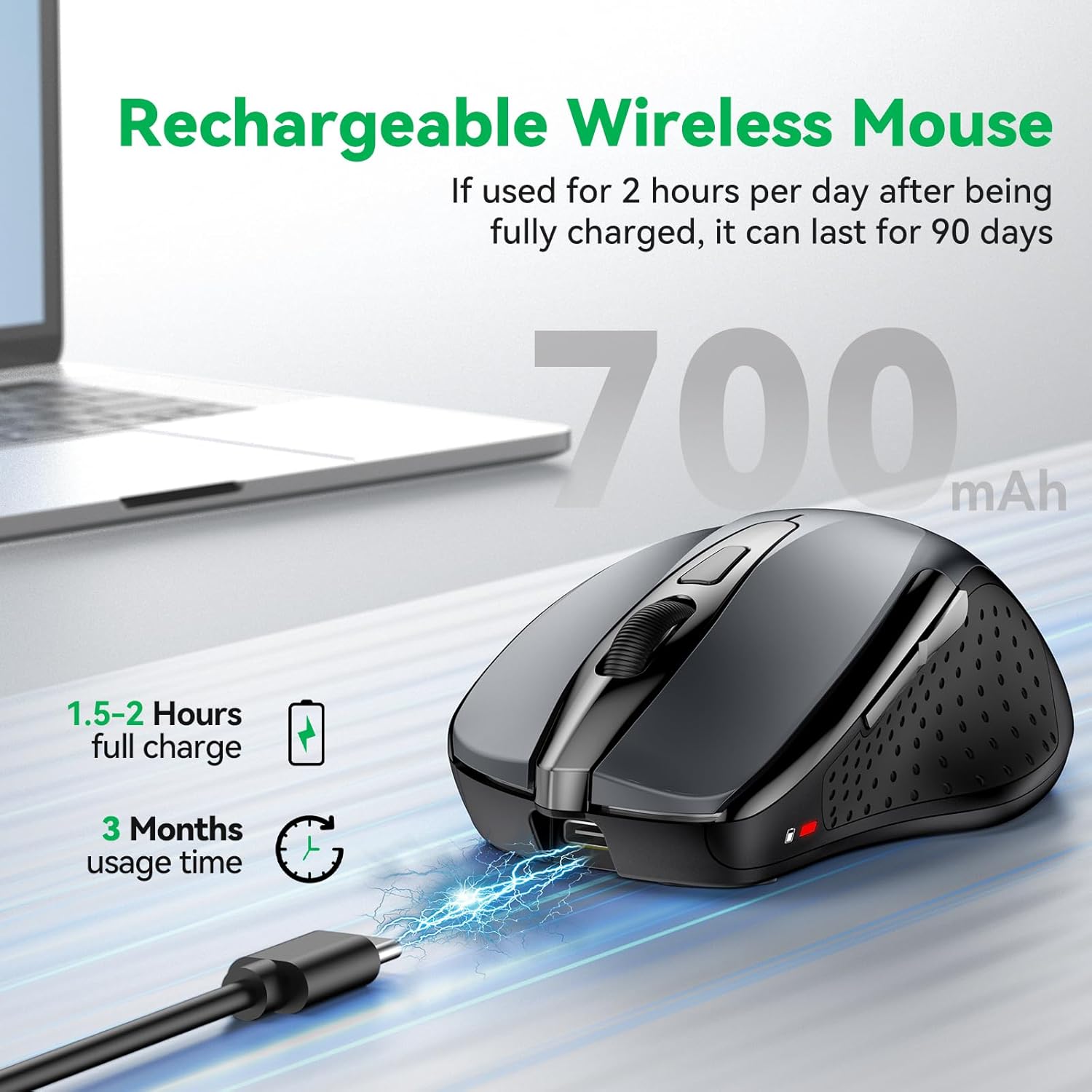
The design centres on convenience and longevity, with Type-C charging that offers fast top-ups and the option to use the mouse while charging. According to the manufacturer a single full charge can last up to three months based on two hours of daily use, and an LED battery indicator helps avoid unexpected interruptions. The quiet click mechanism reduces audible noise by up to 90%, making it suitable for shared workspaces and study environments. 🔇
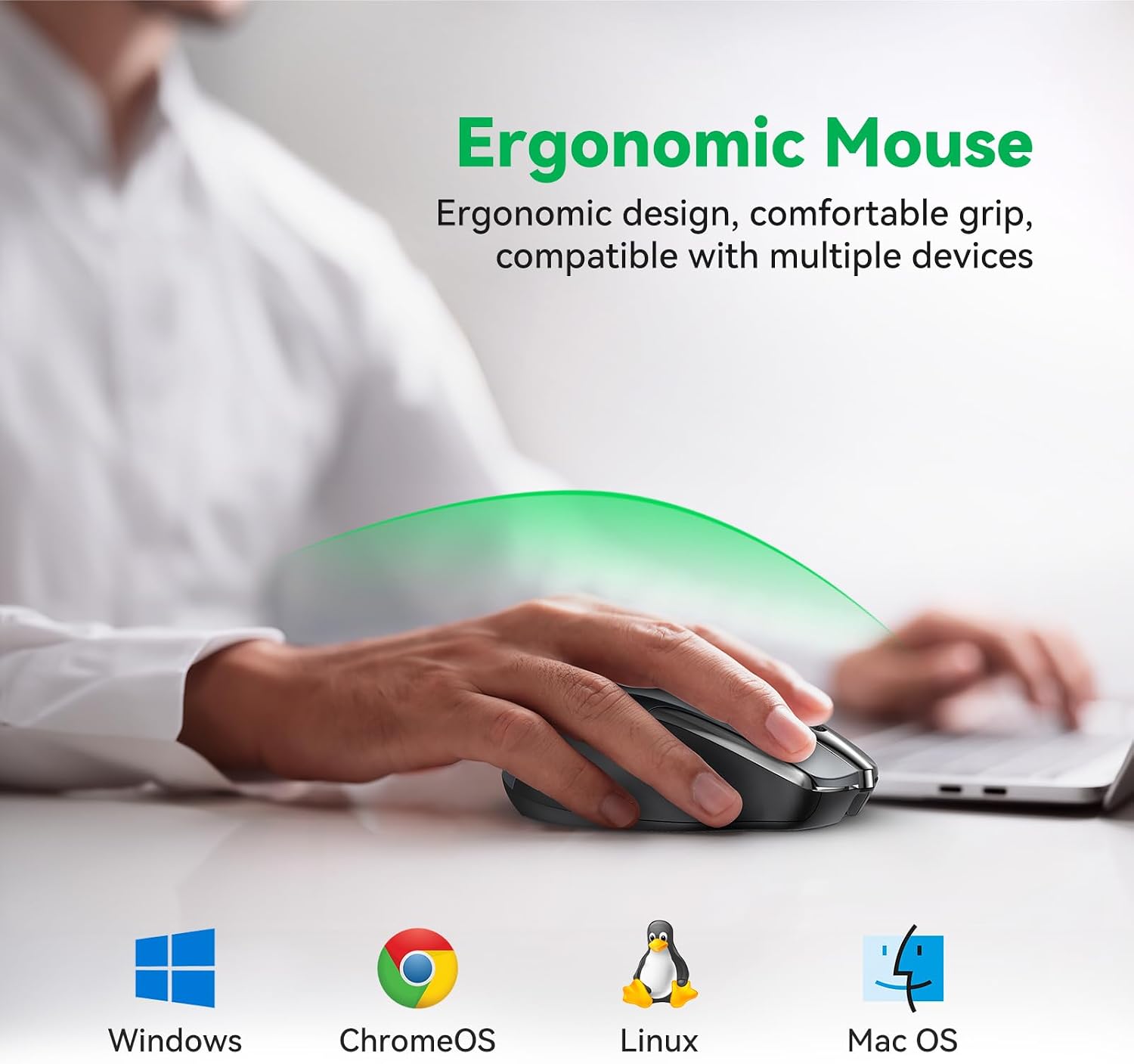
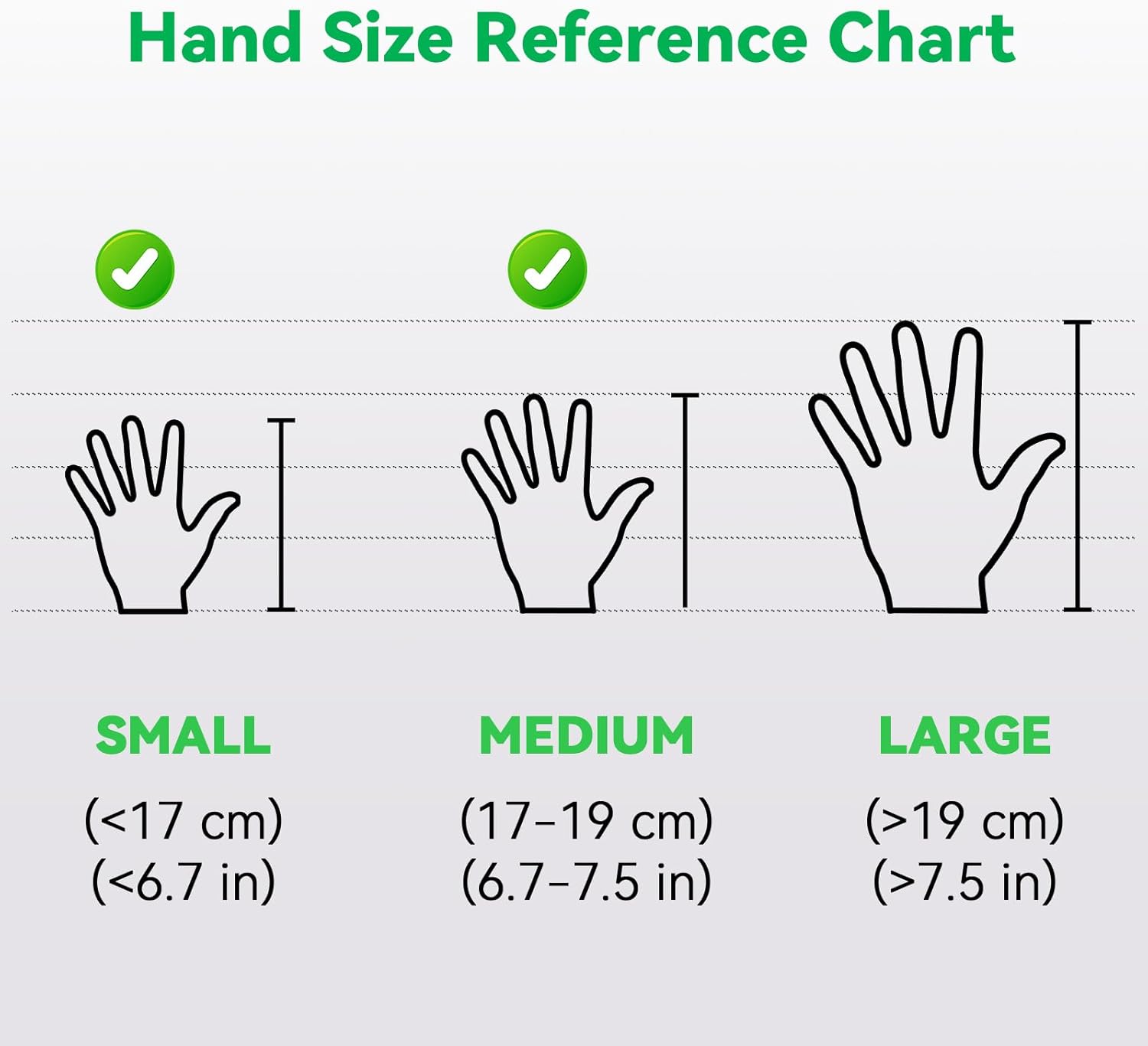
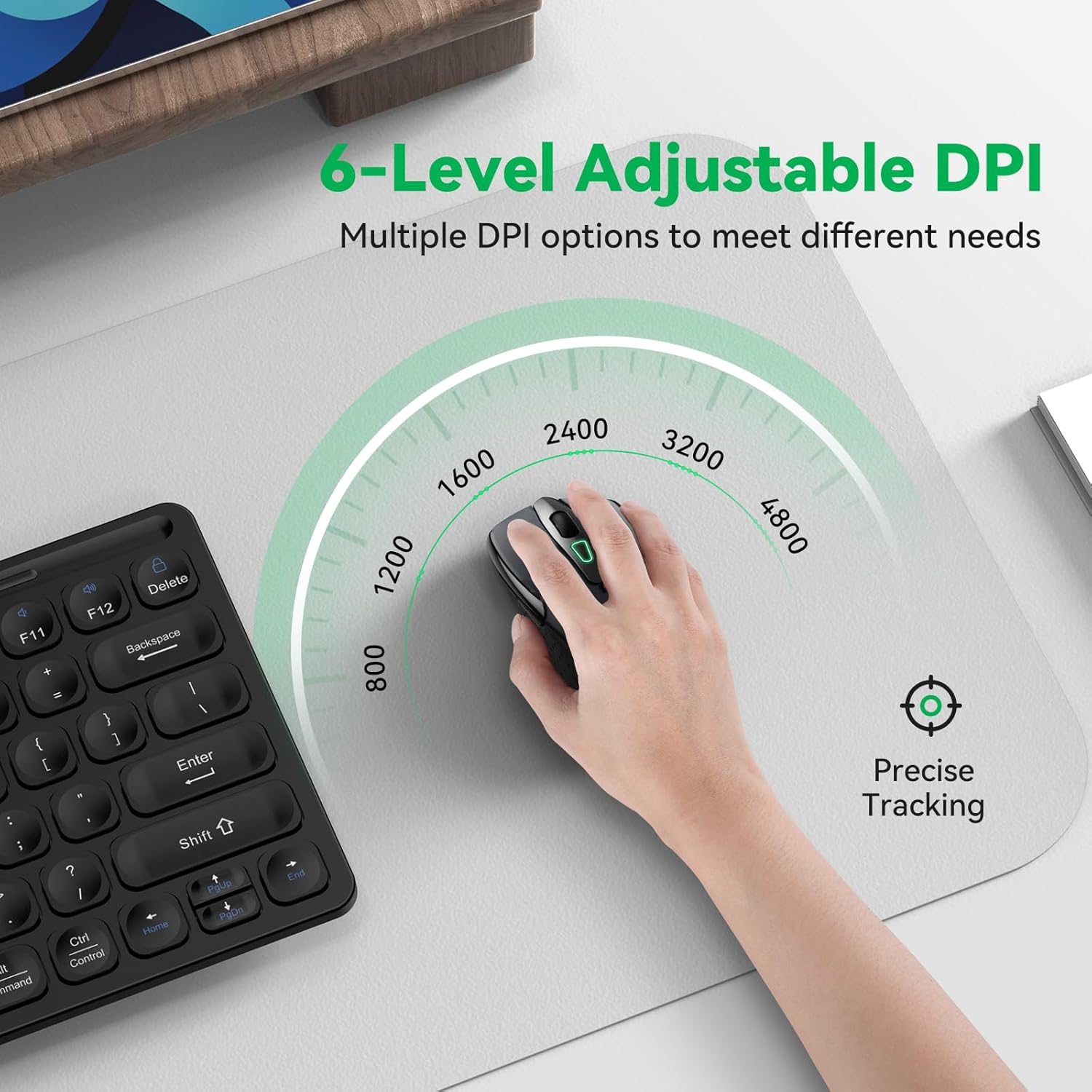
This model supports six levels of DPI for on-the-fly sensitivity changes, so you can tune cursor speed for detailed editing or quicker navigation. Ergonomically shaped for small to medium hands, the compact profile still accommodates larger hands that prefer a smaller mouse. Note that side buttons may have limited functionality on macOS.
Technical Specifications
- Name: TechRise Bluetooth Mouse
- Connectivity: Bluetooth 5.0 / Bluetooth 3.0 and 2.4 GHz USB-A receiver
- DPI: 800, 1200, 1600, 2400, 3200, 4800 DPI
- Buttons: 6-button layout with silent left and right clicks
- Charging: USB Type-C rechargeable, charge time 1.5–2 hours
- Colour: Grey
- Warranty: 36 months (manufacturer registration required)
Benefits
The multi-mode connection makes it easy to alternate between laptop and desktop without plugging and unplugging hardware. Smooth optical tracking with TechRise TruWave helps the pointer remain accurate across most common surfaces. Lightweight construction reduces fatigue during extended sessions and the durable switch life tested to over six million clicks gives confidence in daily use. 🔋
Rechargeability removes the need for disposable batteries and supports a more sustainable routine. The low-noise operation is helpful when concentration matters, and the compact footprint saves desk space for peripherals or note-taking.
Usage Recommendations
For switching devices, use the dedicated mode button to jump between Bluetooth and the 2.4 GHz dongle. Adjust DPI according to the task: lower settings for detailed image work and higher settings for rapid cursor travel during spreadsheets or browsing. If you use macOS, keep in mind some side button functions may not be supported by the operating system, so assign primary shortcuts within apps where possible.