

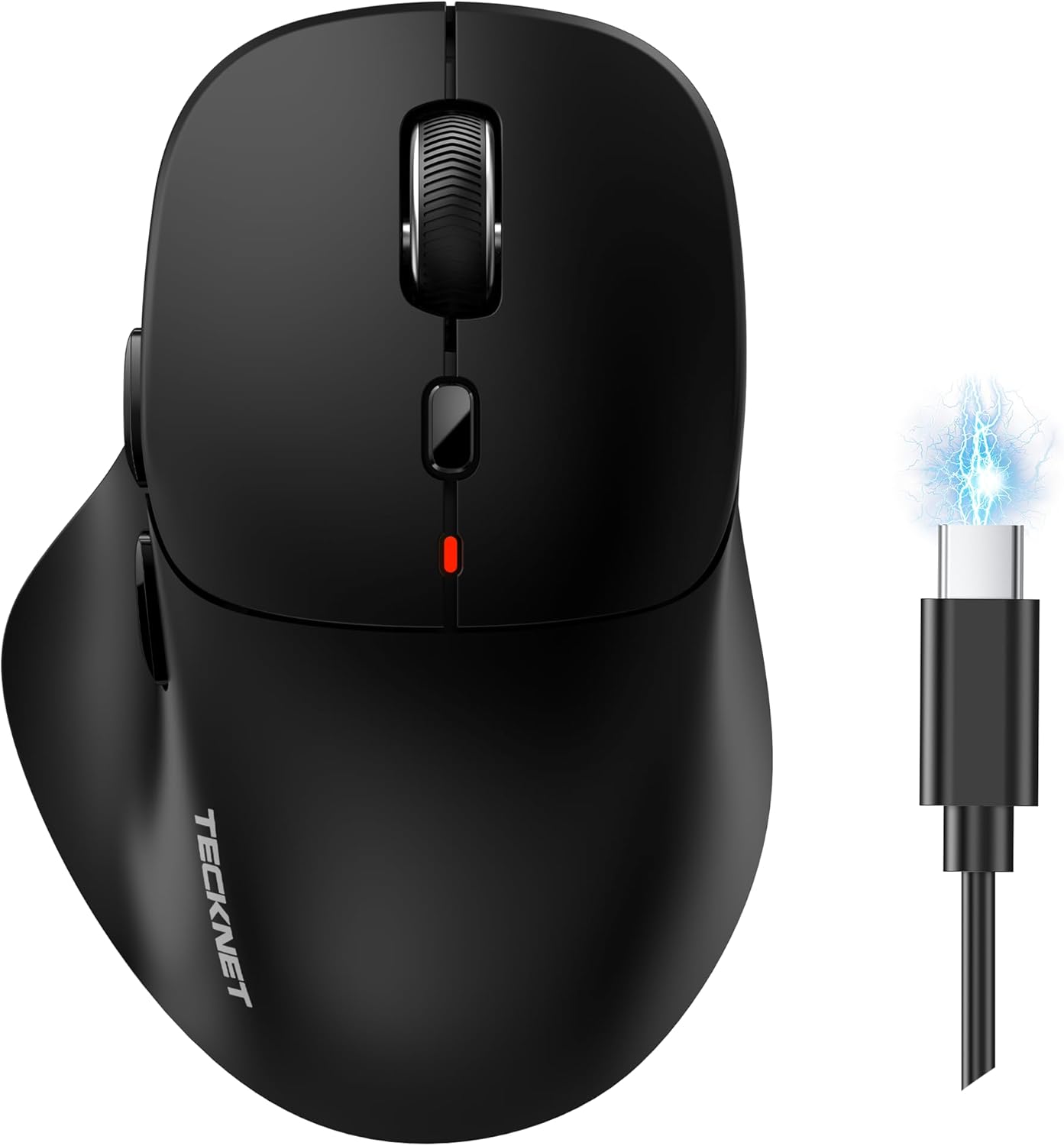
TECKNET Rechargeable Tri-Mode Wireless Mouse (BT 5.0/3.0 + 2.4G) with 4800DPI, Silent Clicks, 6 Buttons
Product description
If you want a wireless mouse that doesn’t tie you to one device, this TECKNET model is built around tri-mode connectivity and a rechargeable design. On paper it ticks a lot of practical boxes: Bluetooth plus 2.4G, adjustable DPI up to 4800, and almost-silent left and right clicks.
That said, it’s not perfect for every setup. The side forward/back buttons aren’t supported on Mac OS, and the best-case battery life depends on your usage pattern.
The essentials
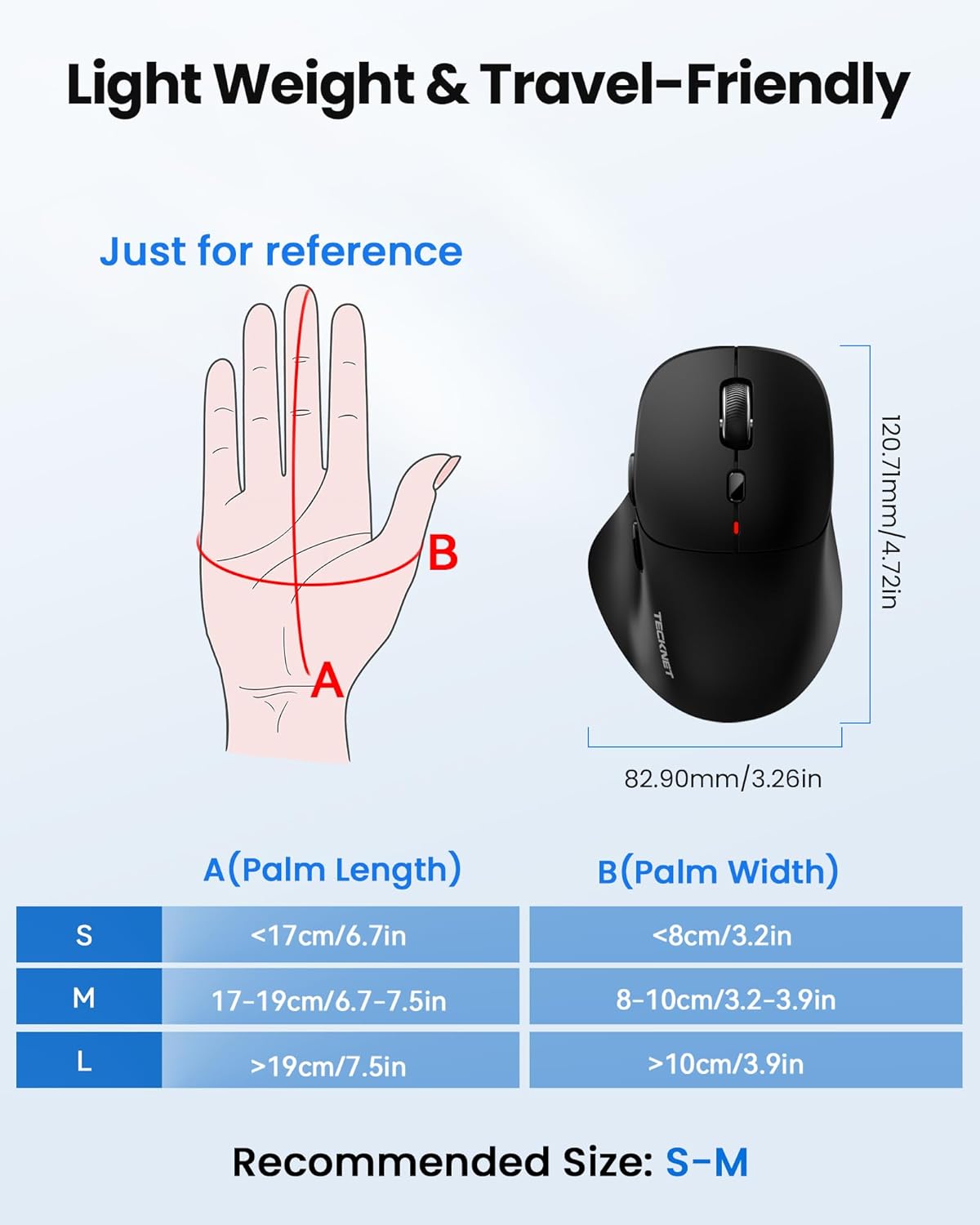
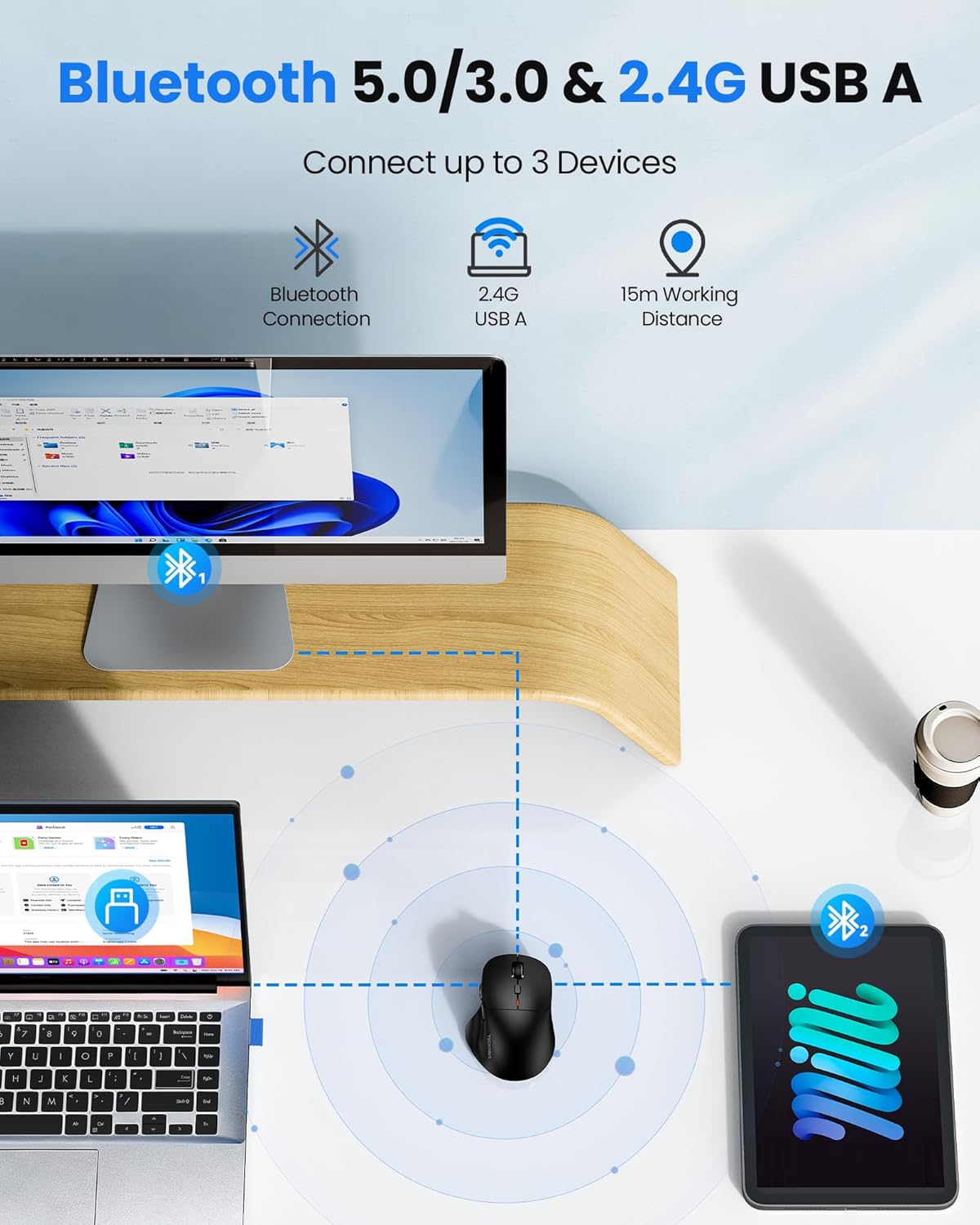
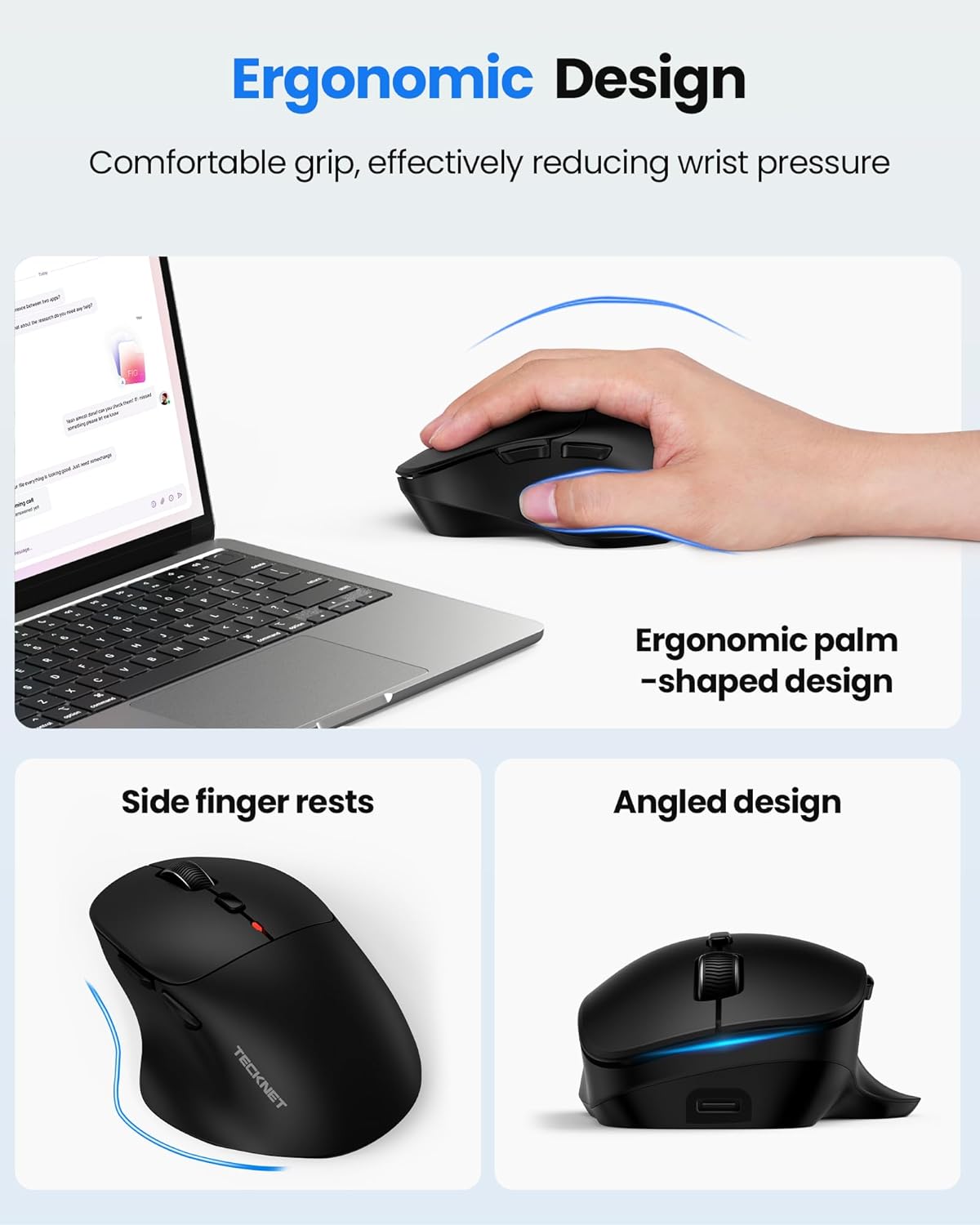
This is a rechargeable ergonomic wireless mouse aimed at everyday laptop and desktop use. It supports connection via 2.4G and Bluetooth, including Bluetooth 5.0 and Bluetooth 3.0, so you can switch between different devices. The “ergonomic with thumb rest” approach is meant to keep your hand positioned comfortably and reduce wrist fatigue during long sessions.
For multi-device users, the key detail is that it can connect to up to three devices at the same time (so you’re not constantly re-pairing). TECKNET also quotes a stable range of up to 15 metres, which is helpful if your workspace is a bit spread out.
What you’ll notice day to day
Two things stand out in real use: quieter clicking and how you can tune sensitivity.
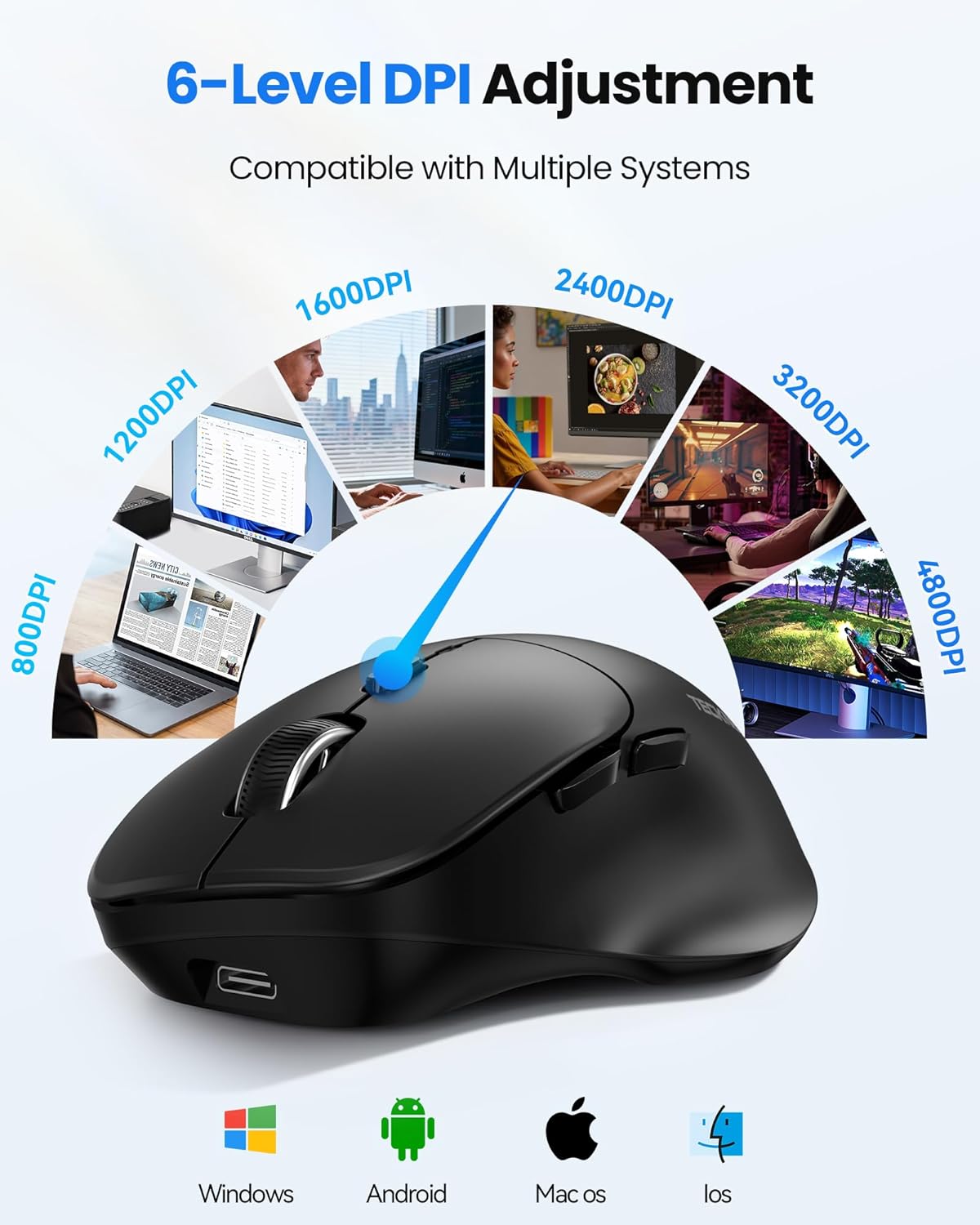
The mouse features six adjustable DPI levels (4800/3200/2400/1600/1200/800). In practical terms, that’s useful if you alternate between tasks that need precision (like editing or smaller cursor movements) and tasks where you want faster travel. It’s not “gaming-only” by default, but adjustable DPI lets you match the feel to what you’re doing.
The left and right buttons are described as nearly silent, which can be a big deal if you work near other people or prefer to avoid that sharp click sound during calls.
One small limitation to keep in mind: the side buttons (forward/back) are not supported on the Mac OS system. If side-button navigation is part of your workflow, that’s worth checking before you buy.
Key points for multi-device setups
The tri-mode concept here is the main reason to consider this mouse. You can connect using:
- 2.4G
- Bluetooth BT 5.0
- Bluetooth BT 3.0
With up to three devices connected simultaneously, it suits people who bounce between a laptop and a tablet/phone setup. If you’re the sort of user who hates cable clutter and prefers switching devices quickly, this is the kind of feature set that actually matters.
You still need to consider your actual devices: if your workflow relies heavily on side button functions in macOS, this may feel a bit restricted.
Rechargeable battery and power saving
Instead of disposable batteries, this mouse uses a 700mAh rechargeable battery. TECKNET states battery life “up to 3 months”, and it also supports use whilst charging, so you’re not immediately stuck if the battery runs low.
There’s an LED indicator light too: red indicates charging, green indicates fully charged. On top of that, there’s an intelligent sleep function designed to save power when the mouse isn’t in use.

Just don’t expect battery life to match the top-end figure for everyone. Heavy day-to-day use, constant movement, and frequent toggling between devices can shift real-world runtime.
Durability and compatibility (with one important caveat)
TECKNET claims the left and right buttons have been tested to withstand up to 6 million clicks each. That’s a reassuring spec for a mouse in this price-conscious category, especially if you scroll a lot and click constantly.
On compatibility, the brand lists wide support across Windows, macOS, iOS and Android. However, remember the side forward/back buttons are not supported on Mac OS. For many people that won’t be a deal-breaker (especially if you mainly use the main buttons and wheel), but it depends on your habits.
Should you buy it?
It’s a good fit if you want a rechargeable wireless mouse with tri-mode connectivity (Bluetooth plus 2.4G), adjustable DPI, and quieter clicks for everyday work. It also makes sense if you regularly use more than one device and like the idea of keeping up to three connected at once.
It’s not the best choice if you rely on side forward/back buttons on macOS, because those aren’t supported there. You may also want to look elsewhere if you’re expecting the absolute longest battery life figure from “up to 3 months”, since that depends heavily on how often you use the mouse and how you manage device switching.
For most people, this lands more in the practical mid-range of wireless mice: feature-rich on connectivity and comfort, but with a couple of software/function limits you should be aware of.
Quick FAQ

Quick FAQ
Does it work with more than one device at the same time?
Yes. TECKNET states it can connect to up to three devices simultaneously.
Is the mouse rechargeable?
Yes, it comes with a rechargeable setup and TECKNET quotes a 700mAh battery.
Can you use it while it’s charging?
Yes, it supports use whilst charging.
Are the side buttons supported on macOS?
No. TECKNET specifies that the side buttons are not supported on the Mac OS system.
How many DPI settings does it have?
It has six adjustable DPI levels: 4800/3200/2400/1600/1200/800.