

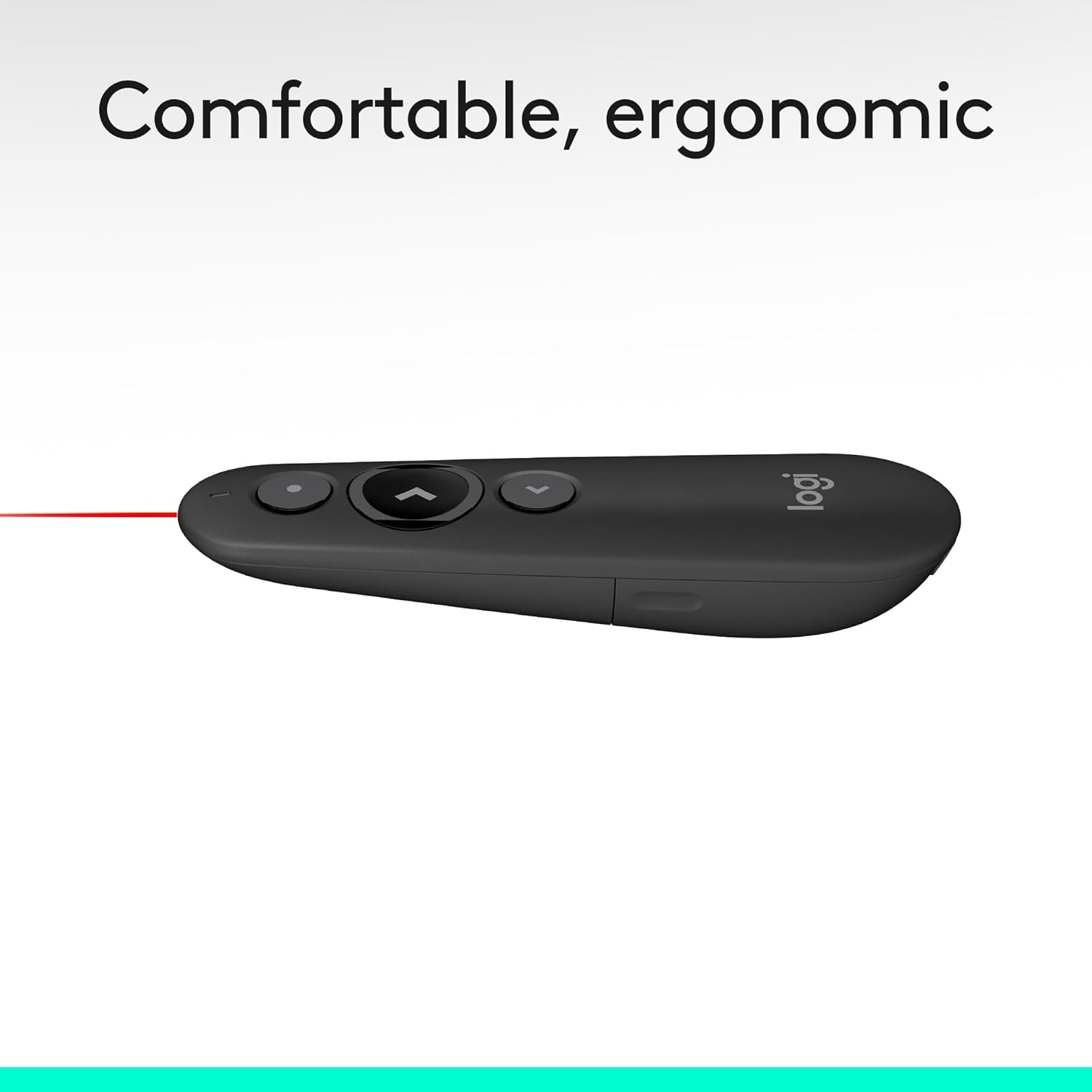
Logitech R500s Laser Class 1 Presenter: Reliable wireless control for confident presenting
Product description
What it is
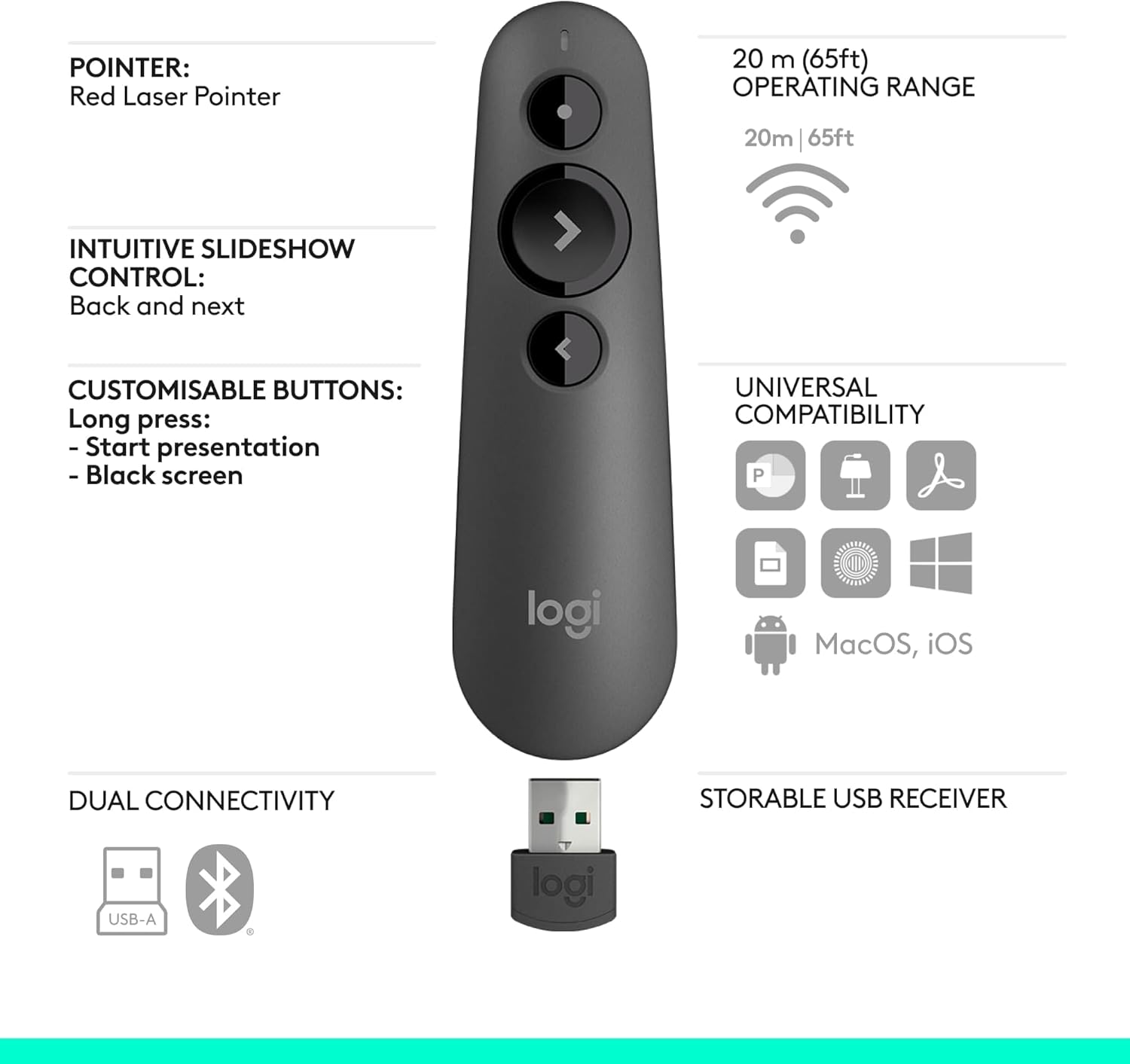
The Logitech R500s is a laser class 1 presenter designed to work across Windows, macOS, iOS and Android, with compatibility for major presentation apps such as PowerPoint, Keynote, PDF, Google Slides and Prezi. It offers a practical, portable solution for moving freely in medium to large rooms, with a wireless range of up to 20 metres.
What matters most
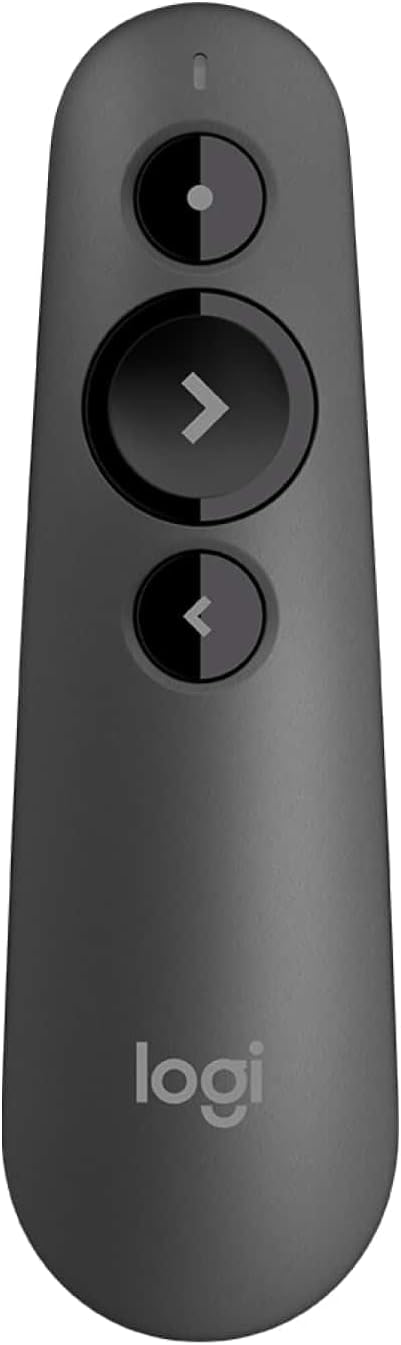
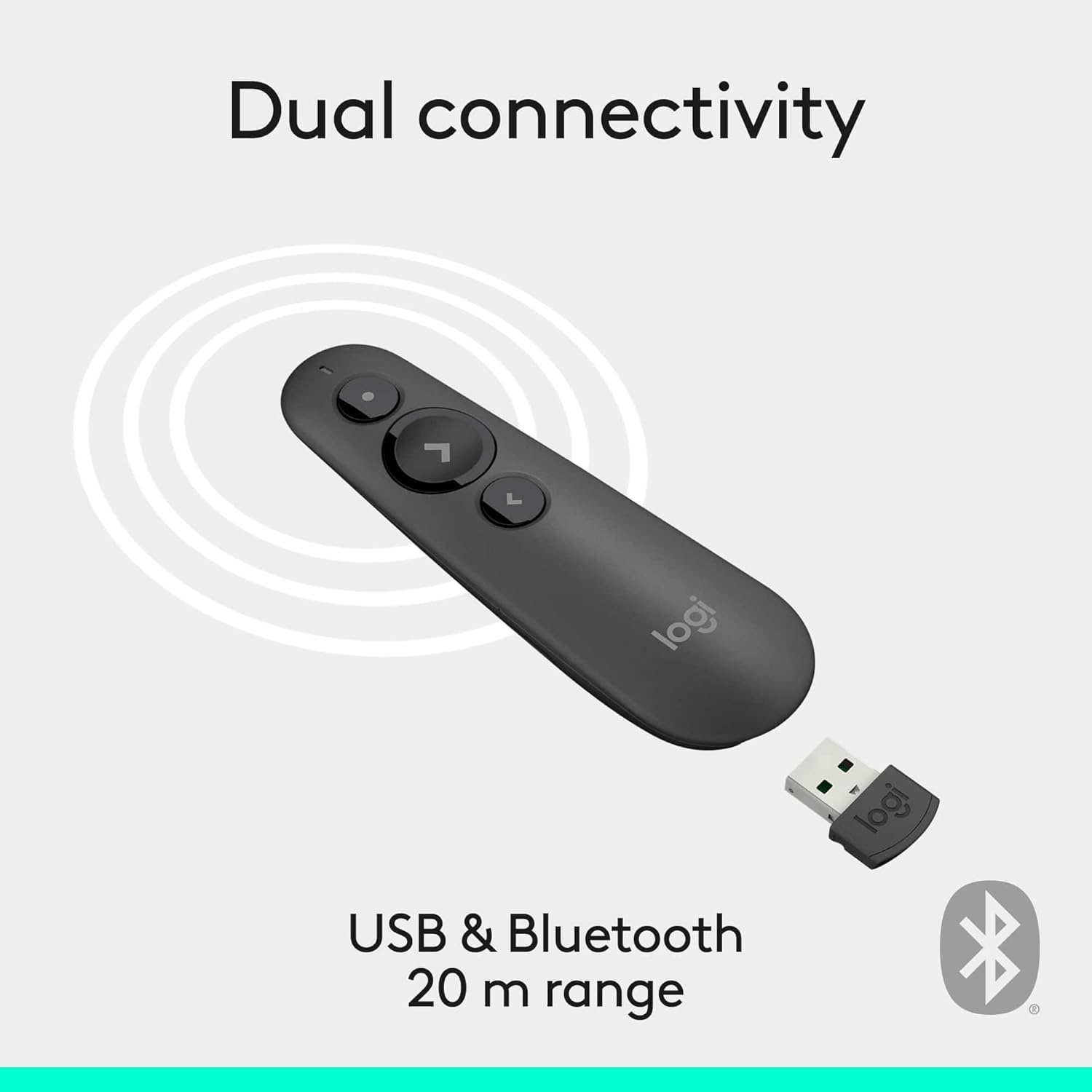
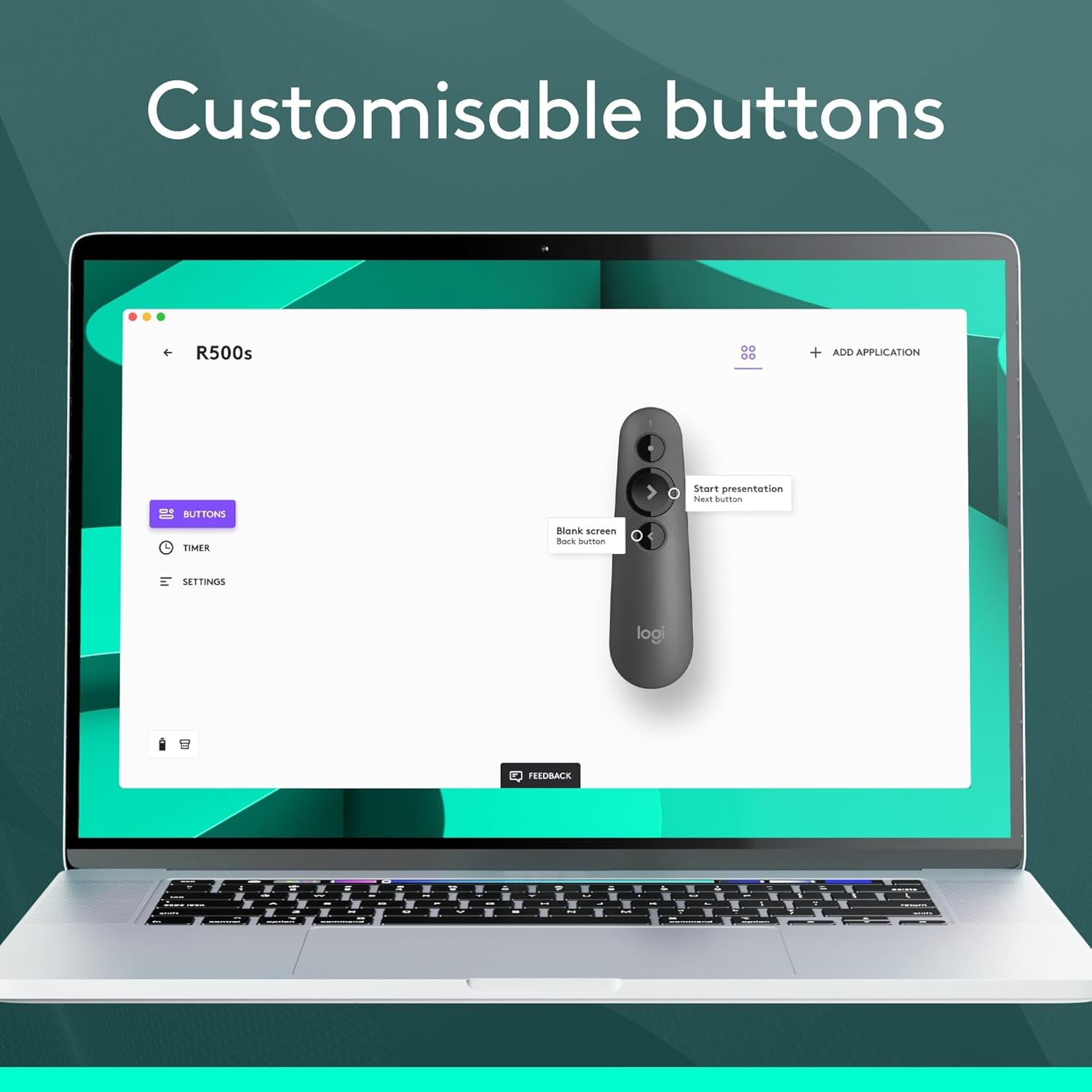
On paper, the R500s combines dual connectivity (USB receiver or Bluetooth) with personalised control through the Logitech Presentation App. This lets you tailor button functions, monitor battery life and set an on-screen timer. The promise of a year-long battery life on a single AAA battery is appealing for light-to-moderate use, and the built-in dock stores the USB receiver within the remote for easy transport.
How it works in practice
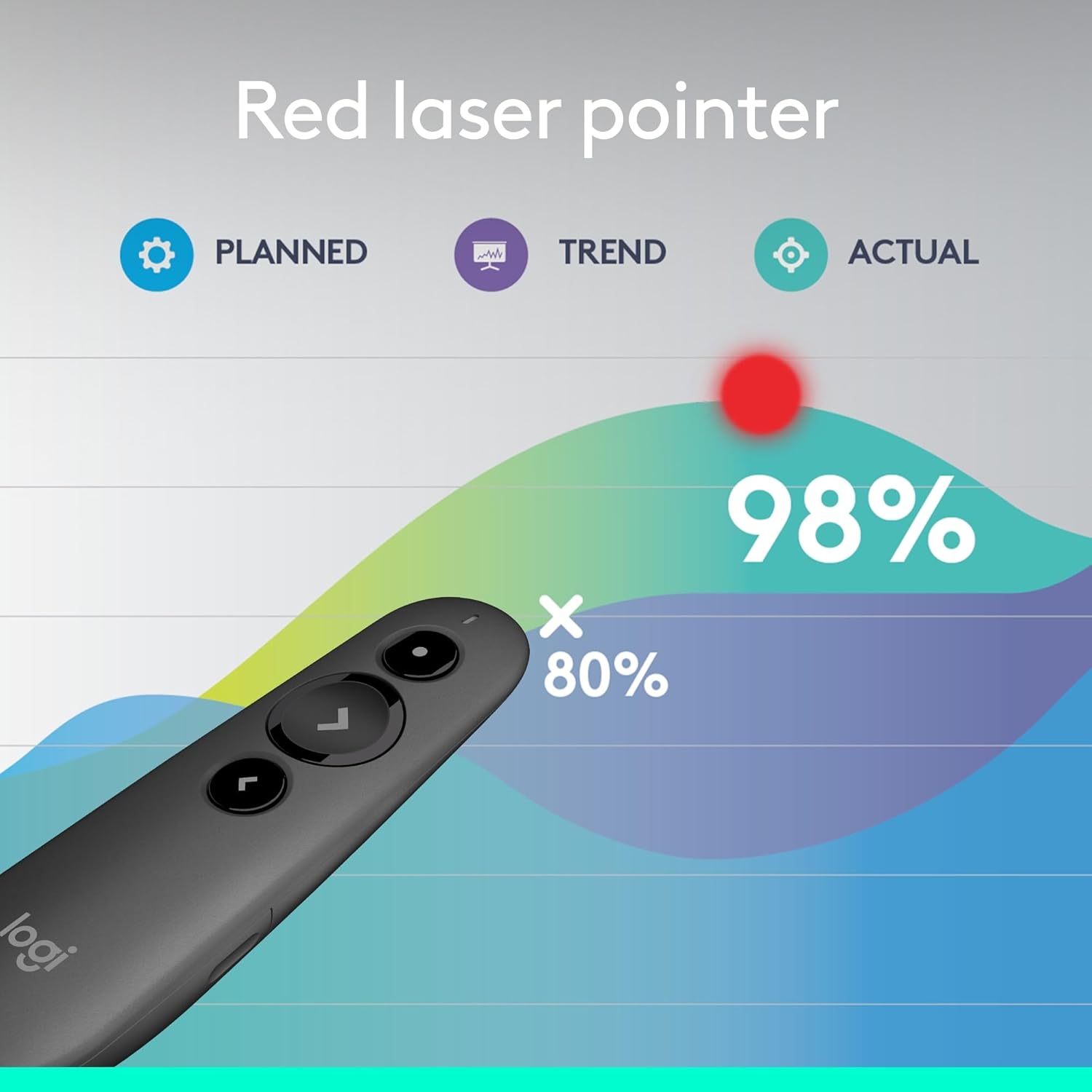
If you prioritise flexibility, the dual connectivity can simplify setup in differing rooms or devices. The 20 m range is handy in mid-to-large spaces, but real-world effectiveness will depend on room layout and interference. The laser remains class 1, which is generally safer for audiences and operators, though you should still avoid shining it directly at eyes.
Usage tips
Install Logitech Presentation software to unlock full customisation. Map buttons to common actions (next/previous slide, on-screen timer, blackout, etc.) and use the timer to pace your delivery. If you’re presenting from far away, keep a spare battery handy and test the connection before a big talk. Remember, battery life guidance is conditional on usage, heavy Bluetooth use or frequent timer activations can shorten life.
What stands out
- Broad compatibility across platforms and major software.
- Flexible pairing with USB receiver or Bluetooth.
- Substantial 20 m range for room-scale presentations.
- Customisation options via Logitech Presentation App.
- Smart battery management that prioritises longevity by disabling the laser when power is low.
What may not convince everyone
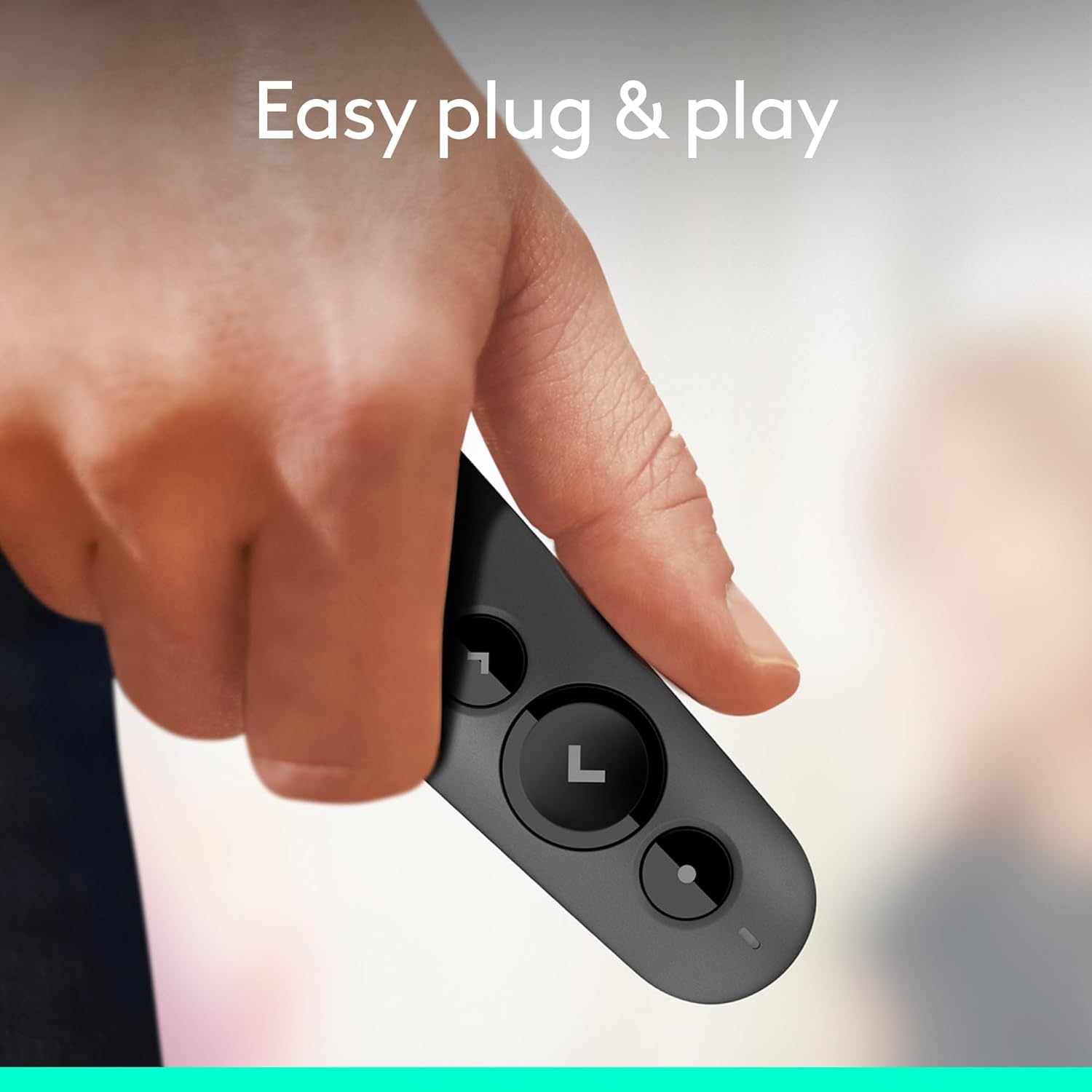
It hinges on installing the Logitech Presentation software for full customisation, which might feel like a hurdle for users wanting a plug-and-play experience. Battery life is optimistic but can vary with how aggressively you use Bluetooth and the timer features. If your setup relies on very short, quick slides in a small room, the long-range features might be more than you need.
Who it’s for
- Presenters who move around the room and need reliable remote control.
- Teams that use a mix of Windows, macOS, iOS and Android devices.
- Users who value customisable buttons and on-screen timing for rehearsed delivery.
Who it isn’t for
- If you prefer a strictly plug-and-play device with no software installation.
- If you do very frequent high-intensity Bluetooth use in environments with lots of wireless noise, you may see variability in performance.
When it makes sense to buy
- You want a versatile presenter with a long range and configurable controls.
- You routinely present across different platforms and software.
- You value battery longevity and a neat, self-contained USB receiver storage solution.
Things to check before you buy
- Confirm you can install Logitech Presentation software on your OS and that you’re comfortable with basic configuration.
- Consider your typical room size to ensure 20 m range aligns with your needs.
- Think about how often you’ll rely on timer functions and whether you’ll use the laser features regularly.
Practical comparison (approach to purchase)
If you mainly need a straightforward remote for occasional slides, a minimal button set might suffice. If your presentations benefit from customised controls and timer prompts, the R500s’ software integration adds real value. The choice hinges on whether software-driven customisation and battery-protecting features matter to you in daily use, versus a simpler, no-fuss device.
What you’ll notice in use
A practical, unobtrusive tool that sits nicely in a conference bag. The inclusion of a built-in dock reduces the risk of losing the USB receiver. The trade-off is the need to install software to unlock full features, which isn’t unusual for this category.
What to know – Tech and setup at a glance
- Dual connectivity: USB receiver or Bluetooth
- Range: up to 20 metres
- Laser: Class 1
- Customisation: via Logitech Presentation App
- Battery: 12 months on a single AAA (under typical use)
- Compatible with major OS and common presentation software
FAQ (practical answers)
- Do I need software to use the R500s? You can use basic functions without the software, but full customisation requires the Logitech Presentation app.
- How long will the battery last in real use? Logitech quotes up to 12 months, but this depends on usage patterns, especially timer usage and Bluetooth activity.
- Can I store the USB receiver in the remote? Yes, there is a built-in dock for convenient storage.
Is it worth it?
It makes sense if you value a flexible, long-range presenter with software-driven customisation and cross-platform compatibility. It might not be the best fit if you want a strictly hardware-driven, auto-configured device with zero setup.
Final verdict
The Logitech R500s presents a solid mid-tier option for presenters needing reliable range, cross-platform compatibility and the ability to tailor controls to their workflow. If your priority is a feature-rich experience with timer prompts and personalised button mapping, it warrants consideration. If your need is simple, quick setup and minimal configuration, you may prefer a more basic presenter.