

SVANTTO Bluetooth Thermal Label Printer 4x6 (Y42BT) for 4x6 shipping labels
Product description
The essentials
If you print shipping labels as part of running an online shop, you’ll know the pain of slow setups and fiddly label formatting. The SVANTTO Bluetooth Thermal Label Printer 4x6 (Y42BT) is aimed at that day-to-day workflow: quick printing from your phone or laptop, plus ink-free thermal output so you’re not constantly buying cartridges.
On paper, it sits in the practical, small-business bracket rather than “industrial” territory. It’s a convenience-focused printer designed for consistent labels, barcodes and address slips across common marketplaces and platforms. The key question is whether you’re happy working within the label sizes it supports and using a compatible app/workflow.
Key features that matter in real use
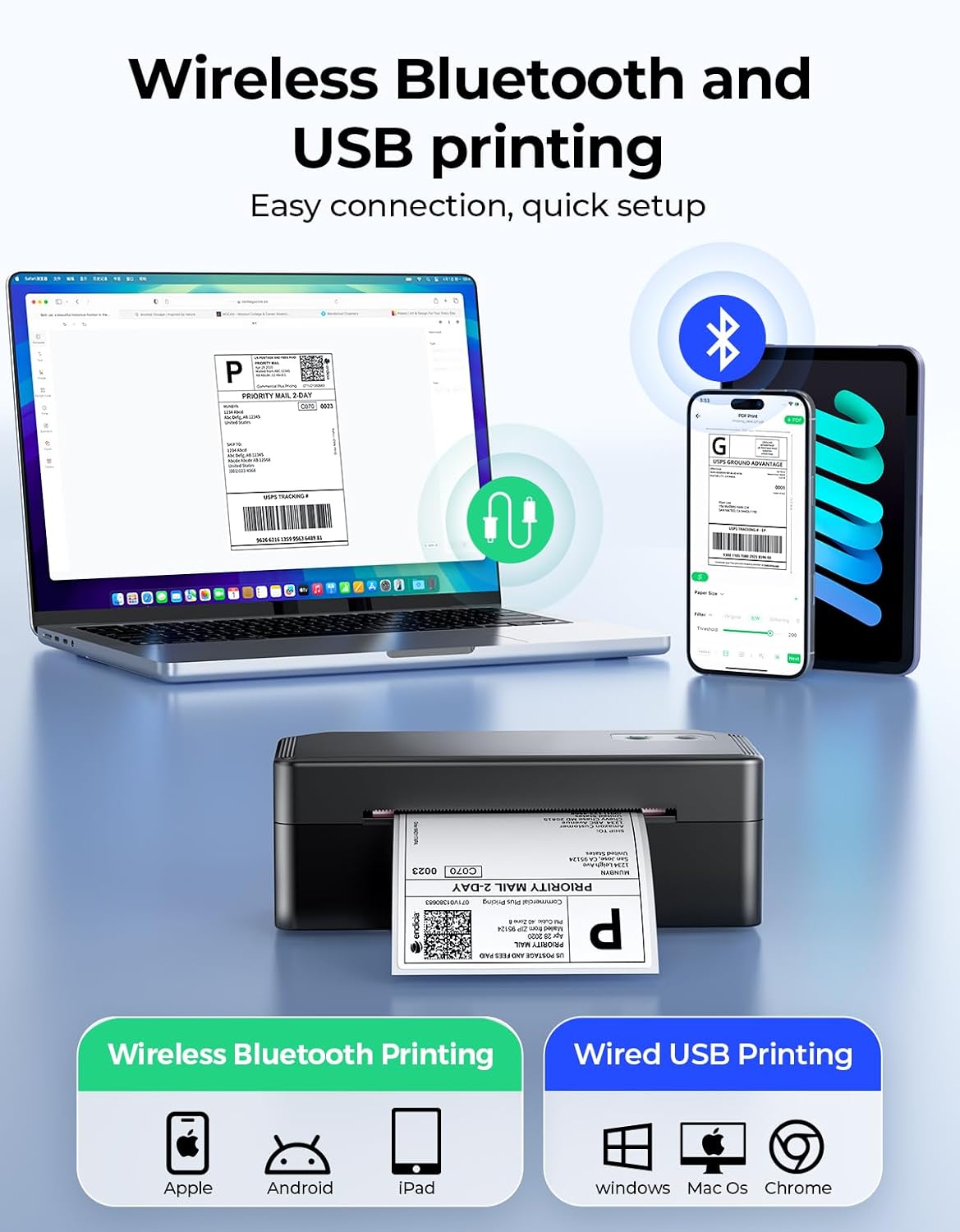
The headline is that it offers both wireless Bluetooth and a wired USB option. That means you can print from a mobile device over Bluetooth (useful when you’re packaging at the desk), while still keeping a stable USB connection for Windows, macOS and ChromeOS.
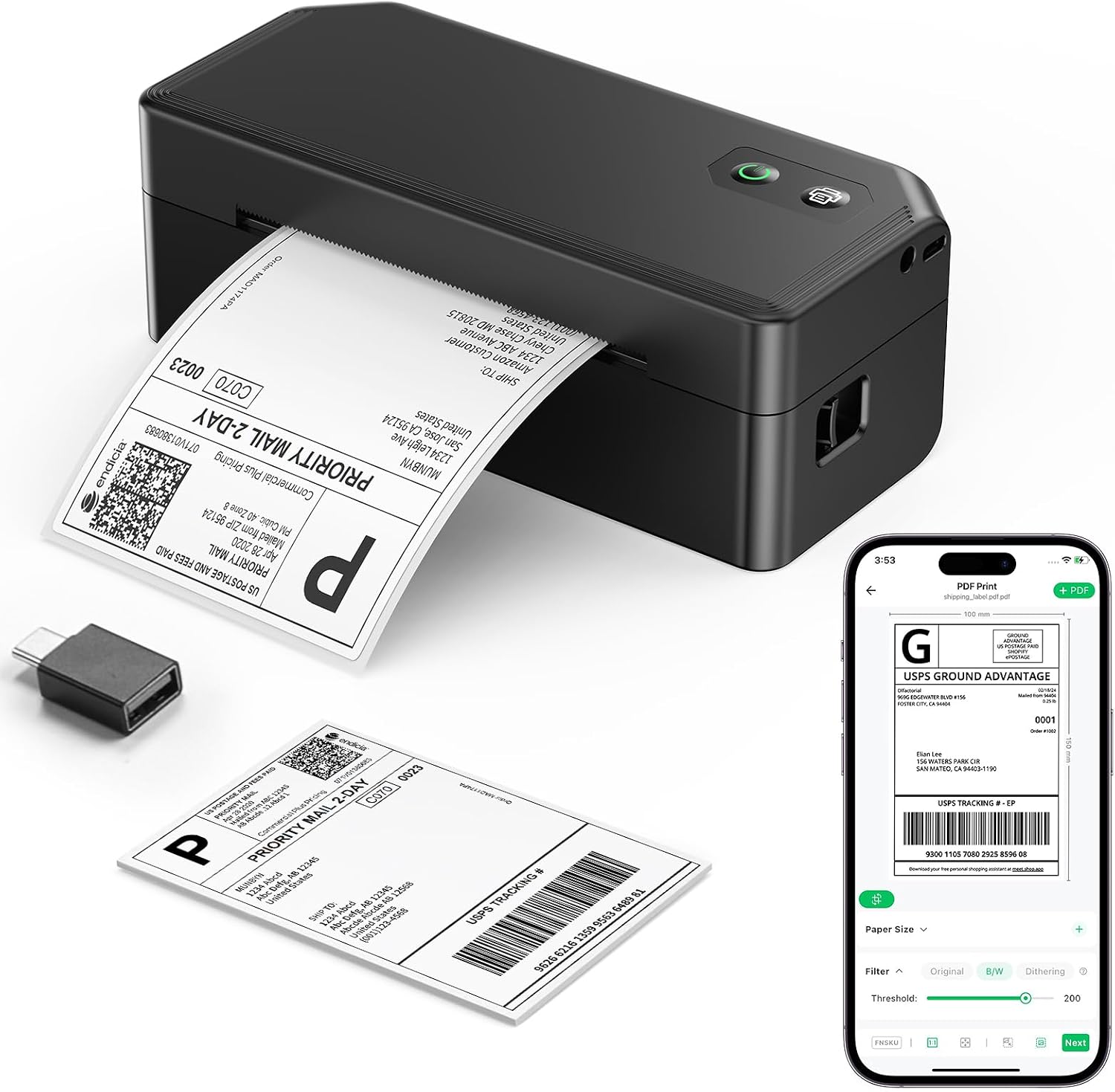
There’s also a customisation workflow via the FlashLabelPro App (the base info mentions 3,000+ free templates, 5,000+ icons and 100+ fonts). In practical terms, this is meant to reduce the “copy-paste and tweak” stage when you want an address label layout you can reuse.
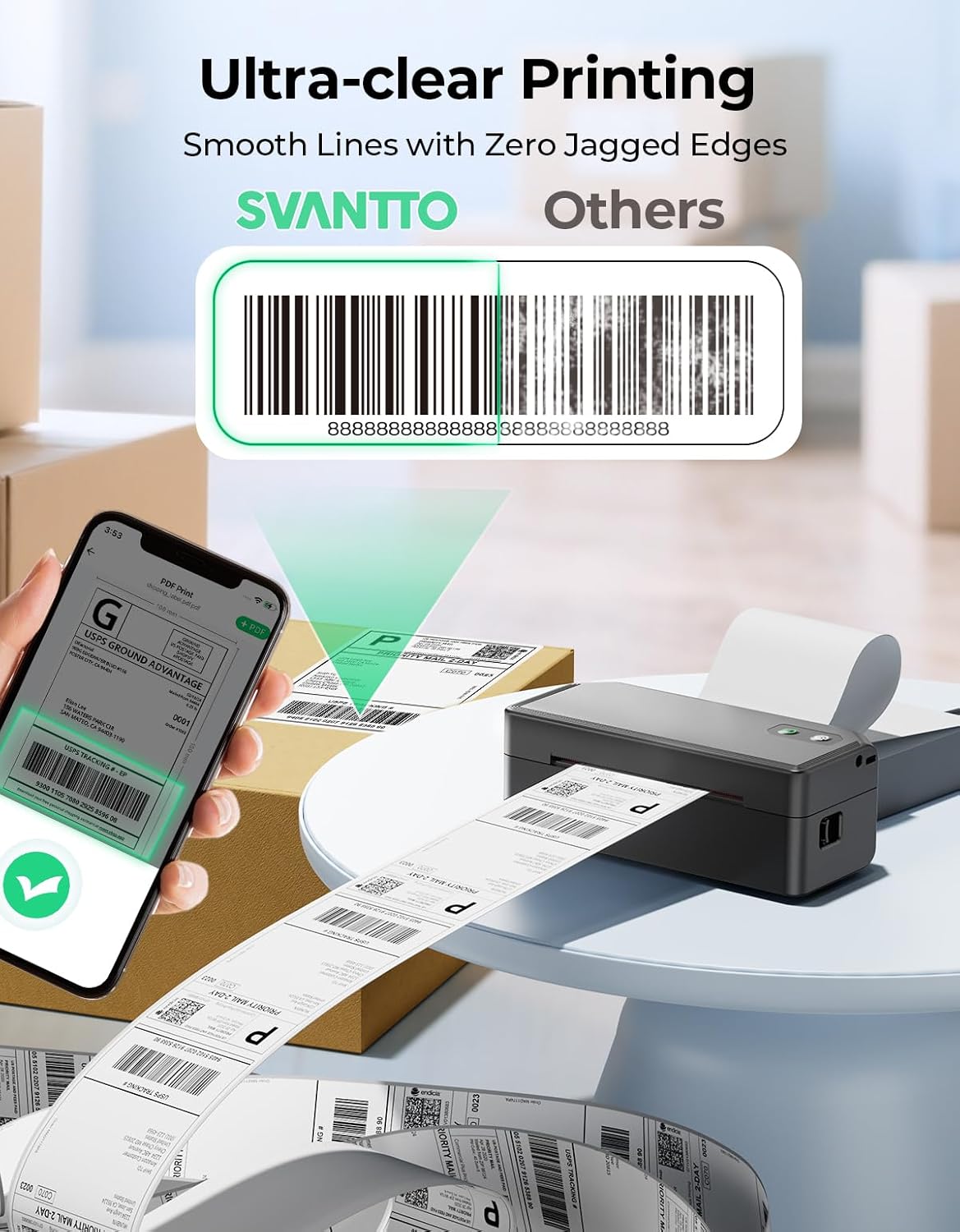
Thermal printing is the other big deal. Because it’s inkless, you’re not budgeting for ink or toner—what you replace is the labels themselves. The listing positions this as clear and sharp output, which is exactly what you want for scanners and shipping services.
What to know about label size and compatibility
This model is built for labels in the 35mm–110mm range. That covers typical shipping-label formats (and, based on the name, you’ll likely be buying around the 4x6 use case). Still, you’ll want to double-check your label roll size before committing, because “thermal printers” vary a lot in what they physically support.
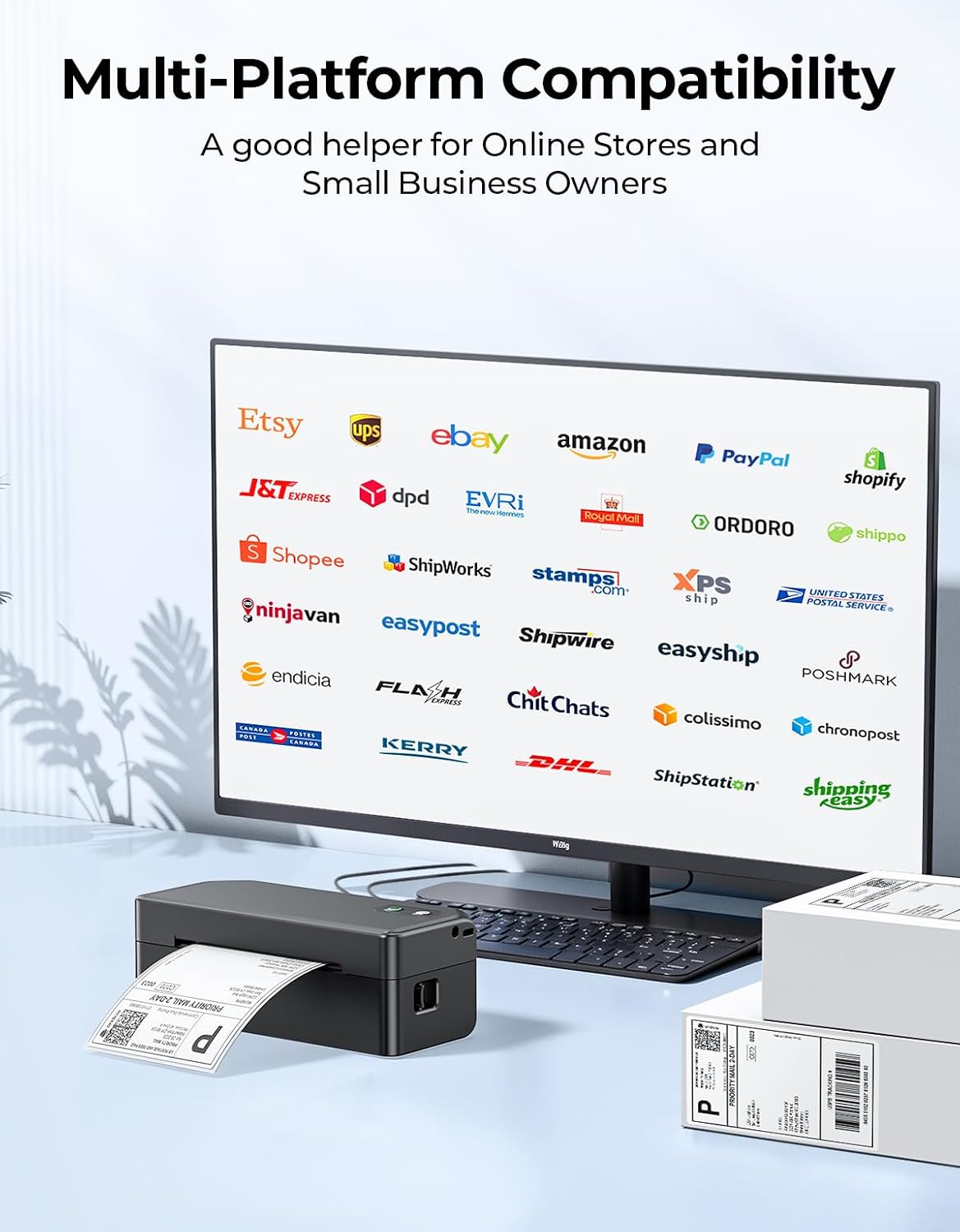
On compatibility, the information provided is fairly broad: it’s described as working with iOS, Android, macOS, Windows, and ChromeOS (via USB). It’s also listed as compatible with major shipping/commerce platforms including amazon, eBay, Etsy, Shopify, UPS, DHL, Royal Mail, DPD and Evri.
Worth noting: platform compatibility can depend on how you generate labels (direct print vs downloading, app workflow, or export format). So it’s a good idea to confirm your exact workflow—especially if your current process is very specific.
Setup and daily workflow (including a quick example)
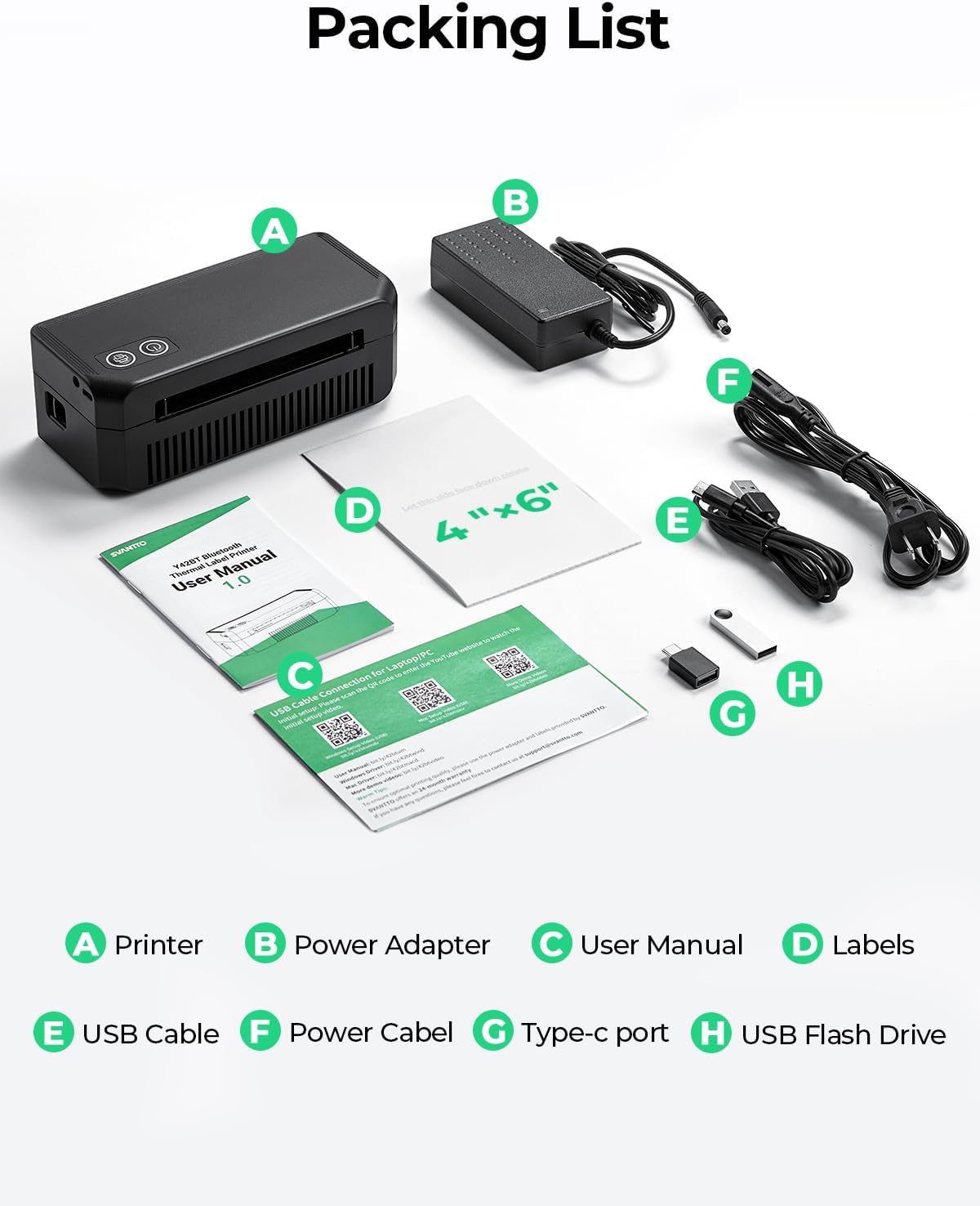
The “all-in-one” claim is fairly straightforward: the package includes a power adapter, USB cable, Type-C cable, power cord, a U-disk with driver, test labels and a user manual. In other words, you shouldn’t need to hunt down cables just to get started.
For everyday use, one sensible routine looks like this: you generate a label in your marketplace workflow, then open the FlashLabelPro App on your phone or computer, design or select the template (or use a simple label layout), and print straight away. If you’re doing this at a packaging station, Bluetooth printing from your mobile can feel quicker than swapping between multiple screens.
It’s not perfect, though—if your label sizes are off-spec, or if your process doesn’t align well with the app-based workflow, you may find yourself spending time reworking labels.
What stands out (and where it may fall short)
This is the sort of printer that makes sense when you want: - fast label printing without ink/toner costs - wireless convenience from mobile devices - a reusable template approach via FlashLabelPro - support for common UK-relevant shipping carriers like Royal Mail, DPD and Evri (per the listing)
Where it may not be the best fit is if you expect a fully “hands-off” experience with every marketplace out of the box, or if you regularly need label formats outside the stated 35mm–110mm width range. It’s also more of a small-business/online-shop tool than a heavy production machine—so if you’re printing in extremely high volumes all day, you’ll want to think about your real throughput needs.
Pros and cons to weigh up before buying
Pros - Bluetooth + USB connection options for flexible printing setups - Inkless thermal printing (no ink/toner to replace) - Template-based customisation via FlashLabelPro App, with a large library mentioned - Broad platform and carrier compatibility is claimed, including Royal Mail, DPD and Evri - Comes with the cables and starter items needed to get going
Cons / limitations - You’ll need to ensure your labels fall within 35mm–110mm width - How smoothly it works depends on your exact label-generation workflow and whether it aligns with the app/printing method you use - The listing doesn’t give details on maximum print speed, so if speed is your top priority, it’s worth checking your requirements carefully
Should you buy it?
It’s worth buying the SVANTTO Bluetooth Thermal Label Printer 4x6 (Y42BT) if you run an online shop, print shipping/address labels regularly, and want an ink-free thermal setup with both Bluetooth and USB. It suits people who like quick mobile printing while packing, and who will benefit from a template-driven approach in FlashLabelPro.
You may want to skip it if your label sizes don’t sit within the 35mm–110mm width range, or if you need a workflow that doesn’t match app-based customisation. It may not suit you if you’re expecting “zero setup friction” for every platform scenario, because real-world compatibility can hinge on how labels are generated and printed.
Mini FAQ
Is it inkless?
Yes—this thermal printer is described as ink-free, using thermal printing rather than ink or toner.
Can I print from my phone?
The listing says it supports Bluetooth printing for Android and iOS devices.
Does it work with computers as well?
It’s described as supporting stable printing via USB for Windows, macOS and ChromeOS.
What label sizes does it take?
It supports label widths from 35mm to 110mm, so you’ll want to check your labels are within that range.
Does it work with UK carriers?
The listing mentions compatibility with Royal Mail, DPD and Evri, among others.