

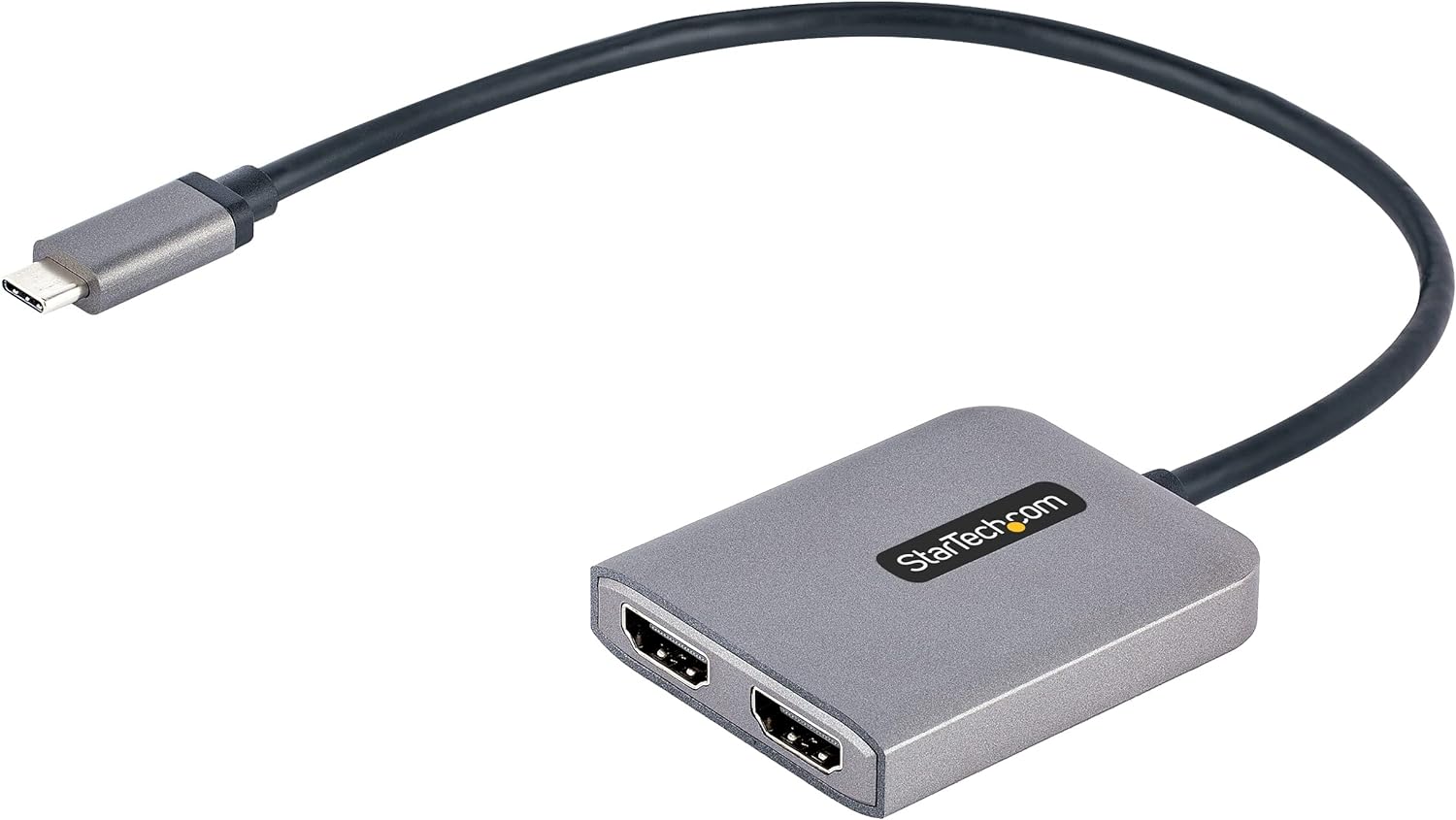
StarTech USB-A 3.0 to Dual HDMI Adapter for Windows (Dual Monitor USB to 2x HDMI)
Product description
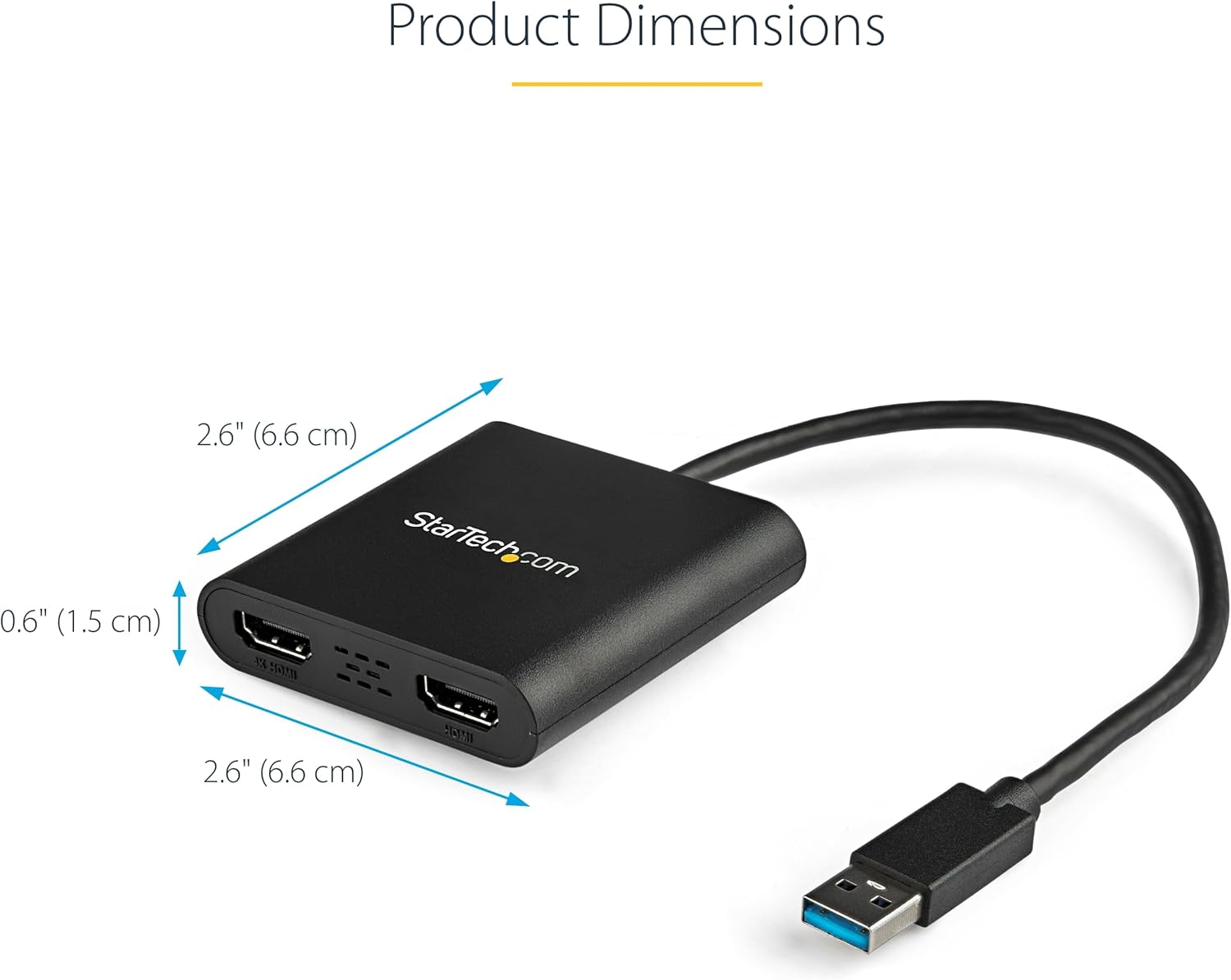
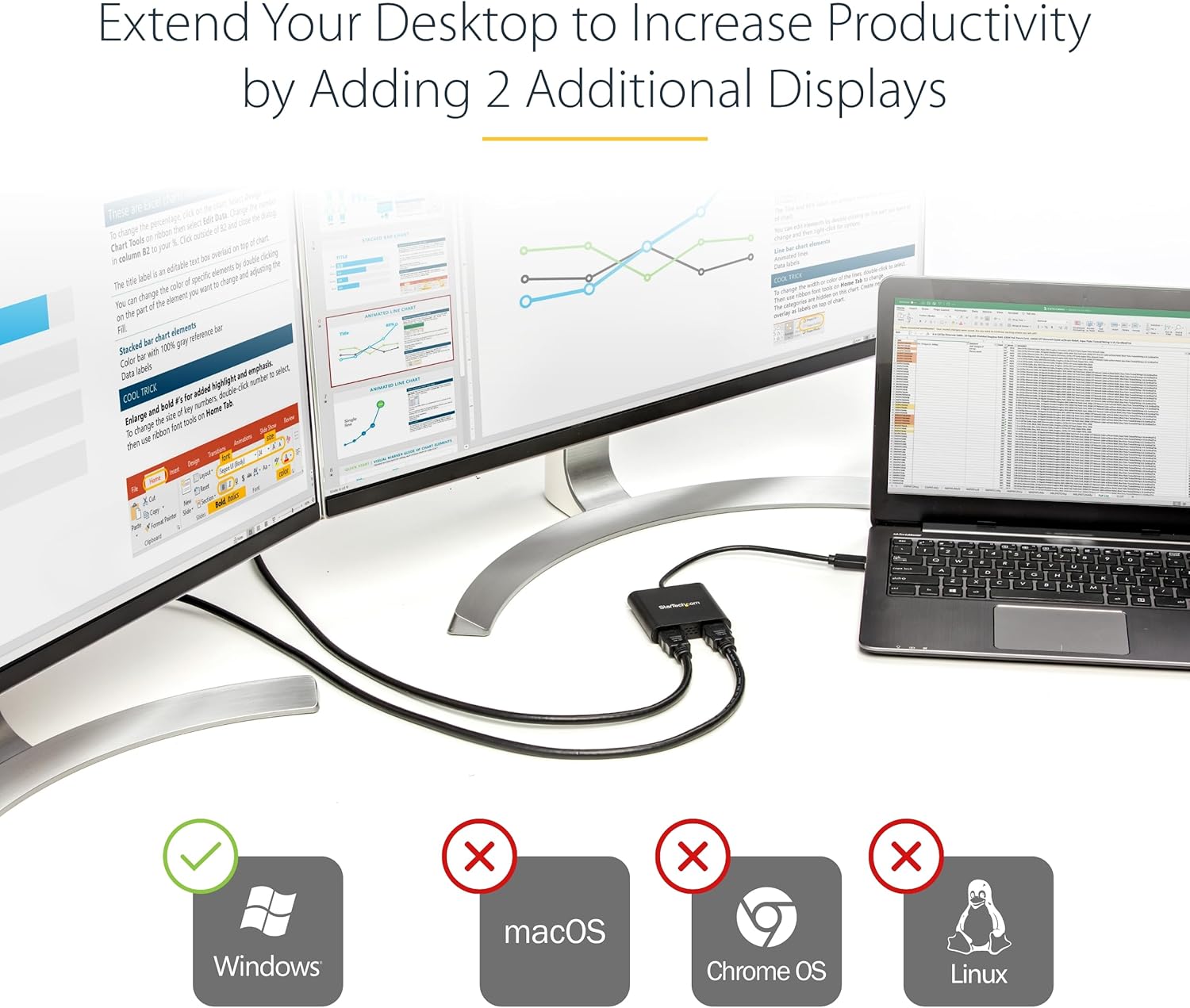
If you’re trying to add screens to a laptop or desktop without messing around with new hardware, a USB to Dual HDMI adapter can be a practical route. This StarTech model is built around one clear idea: use a USB-A 3.0 port to run two HDMI displays and either extend your desktop or mirror it.
That said, it’s not a universal adapter. It’s aimed at Windows setups, and you’ll need admin rights to install the drivers. Keep that in mind before you buy—otherwise it can turn into an annoying bottleneck rather than a tidy upgrade.
The essentials
This adapter is designed for Windows only, and it supports a wide range of Windows X86/X64/ARM platforms, including Intel, AMD, and Snapdragon X Copilot+ PCs. In day-to-day terms, you’re looking at an easy way to turn one USB port into a dual-monitor output, which can be useful for office work, spreadsheets, email alongside a document, or a more comfortable home working setup.
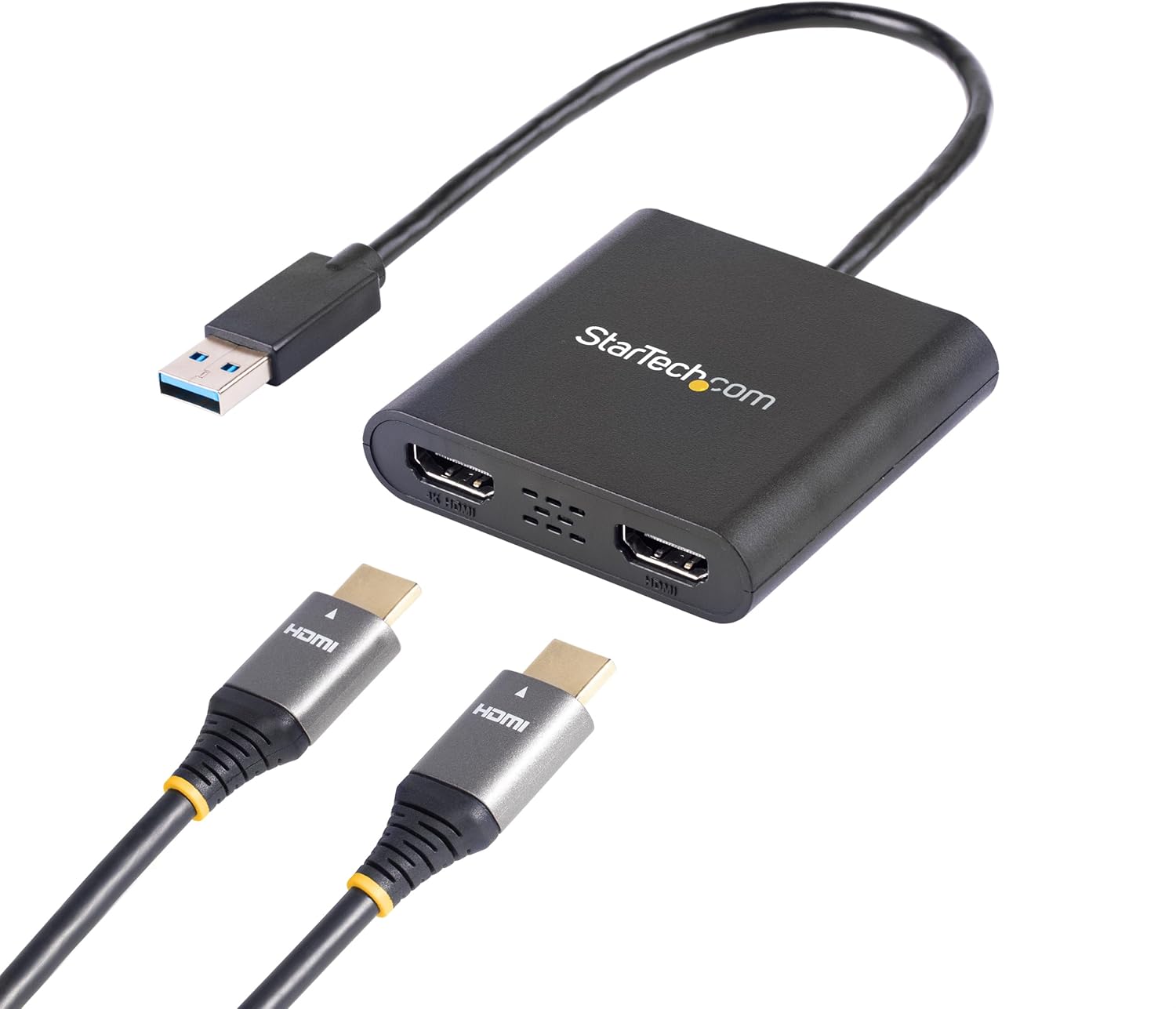
On the output side, it supports two different video modes: one HDMI output is intended for up to 4K at 30Hz, while the other supports up to 1080p at 60Hz. It also includes 2ch audio over HDMI (so sound can come through the monitors, depending on how your setup is configured).
What you’ll notice in use
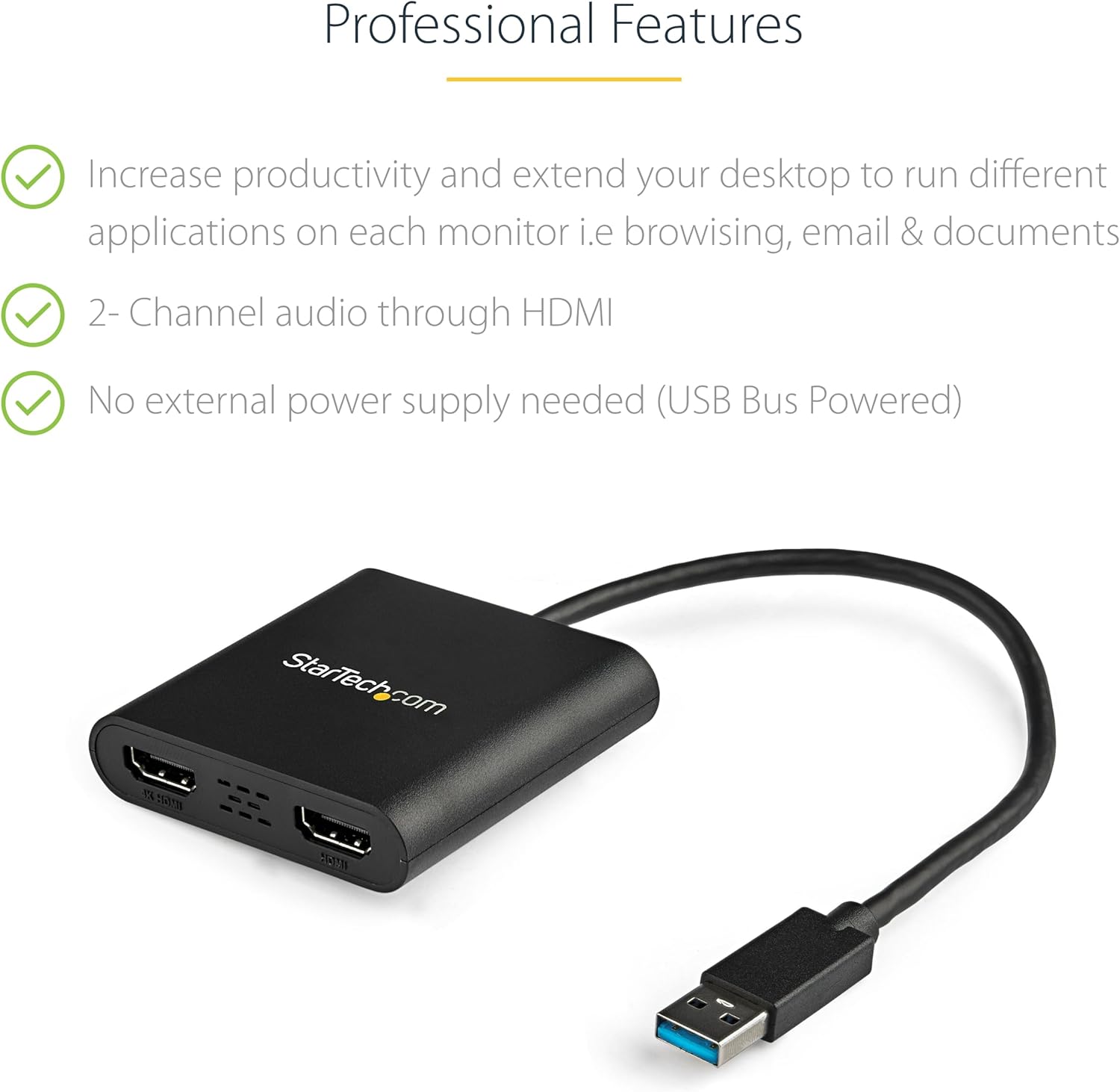
The big win here is the flexibility of a multi-screen workflow without needing internal GPU ports for both monitors. If you’ve got a laptop with limited HDMI/DisplayPort options (common in modern slim designs), this can help you extend your workspace: one screen for your main apps, the other for reference material, a chat window, or a spreadsheet.
A practical micro-scenario: you plug the adapter into a USB-A 3.0 port, connect two HDMI monitors, and set one screen for a browser with multiple tabs while the other hosts a document or dashboard. In a typical home office routine, that “two-screen spacing” is often the difference between constant alt-tabbing and actually staying in flow.
Key takeaways on performance and limitations
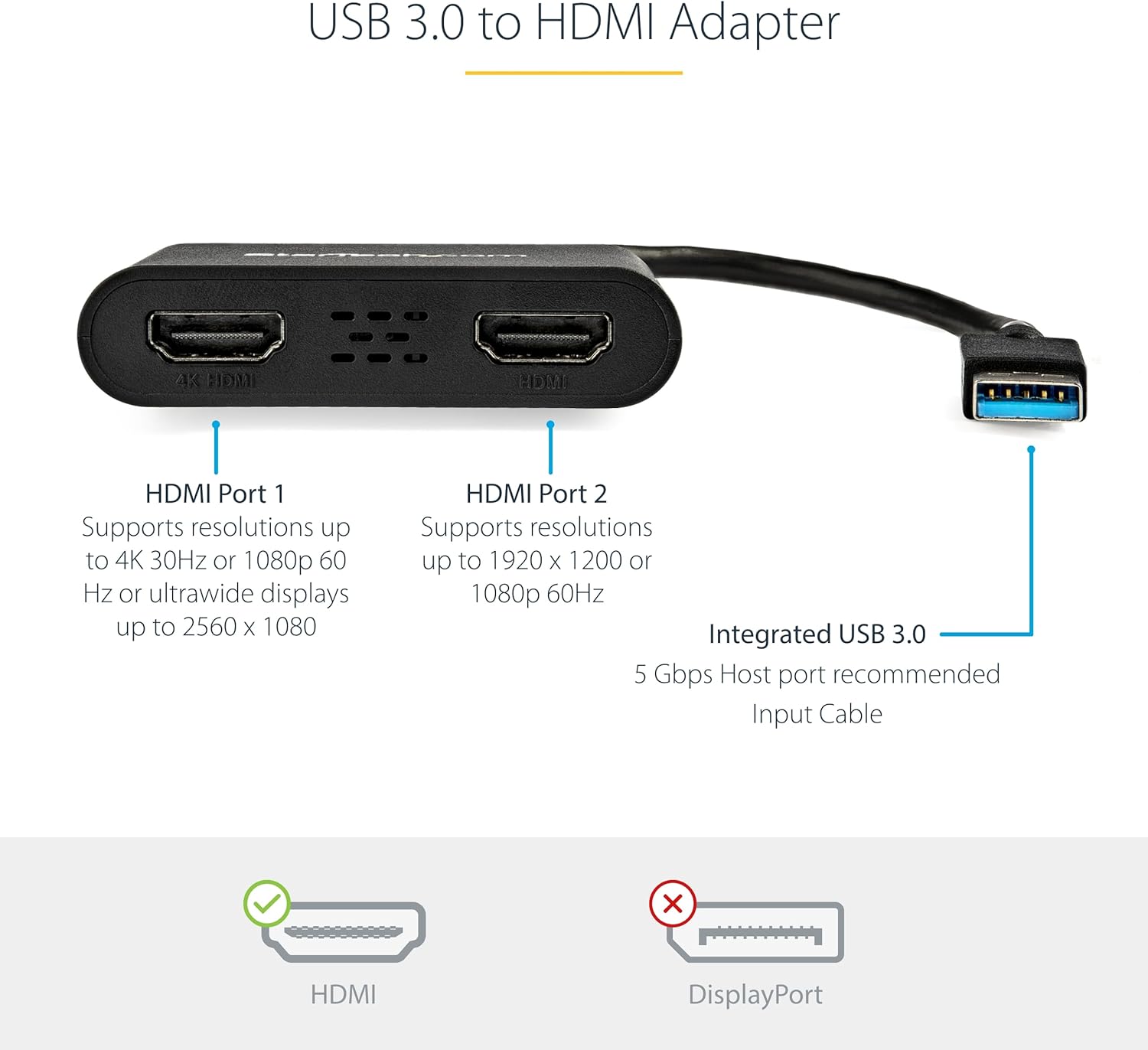
It’s a dual HDMI USB 5Gbps to 2x HDMI hub converter, so you’re effectively trading some of the directness of native graphics output for convenience. The stated support is 4K (3840x2160) at 30Hz on one output and 1080p at 60Hz on the other.
This means it may not feel as “snappy” for high-refresh or fast-moving use cases where you’d normally expect higher frame rates across both screens. It’s better thought of as productivity-focused rather than something designed to squeeze maximum gaming-style motion out of dual outputs.
Also, note that it supports HDCP 1.4, which can matter if you’re planning to watch protected content via HDMI—worth checking your specific content source if that’s a requirement.
Setup requirements and compatibility
This adapter is only compatible with Windows, and it does not support macOS, ChromeOS, or Linux. It also requires administrator rights to install the drivers.
If you’re buying for a managed office laptop where you don’t have admin access, you may want to pause. On paper, the hardware may be fine, but without the ability to install drivers it can be harder to get working smoothly.
If your Windows device does allow driver installation, it’s broadly supported across the Windows X86/X64/ARM platforms mentioned above. That makes it a strong candidate for modern “mixed CPU” Windows machines, including Snapdragon X Copilot+ PCs.
What stands out (and what may not)
The main strength is the clear dual-monitor promise: extend or mirror your desktop with two HDMI displays through a single USB-A 3.0 connection. For a workstation setup in the office or working from home, that’s a straightforward value proposition—especially when built-in ports are limited.
Where it may fall short is in expectations. You’re getting a mixed-resolution layout (4K 30Hz on one output, 1080p 60Hz on the other), and the USB-based approach isn’t the same as direct GPU outputs. So if your priority is consistent high refresh on both screens, this may not be the best fit.
Should you buy it?
Worth considering if you use Windows and want a simple way to add two HDMI monitors to a laptop or desktop, particularly for office work, home working, and day-to-day productivity where extending your desktop genuinely helps.
It might not be a great match if you need macOS/ChromeOS/Linux support, you can’t get admin rights to install drivers, or you’re chasing the smoothest possible dual-display performance where both screens need very high refresh behaviour.
If you’re the sort of buyer who just wants two-screen functionality without upgrading your internal setup, this StarTech adapter makes practical sense. Just double-check your Windows compatibility and whether driver installation is allowed before you commit.
Mini FAQ
Does it support macOS or Linux?
No. This adapter is only compatible with Windows and does not support macOS, ChromeOS or Linux.
Do I need admin rights to install it?
Yes, administrator rights are required to install the drivers.
What resolutions does it support?
One HDMI output supports up to 4K (3840x2160) at 30Hz, and the other supports up to 1080p at 60Hz.
Can it extend or mirror the display?
Yes, it’s intended for both extend and mirror multi-screen setups.
Is audio included?
It supports 2ch audio through HDMI, depending on your monitor’s audio setup.