

Lizoak USB-C to HDMI Adapter (4K@60Hz, USB 3.0 & PD up to 100W) – Type C to HDMI multiport hub
Product description
Key features to know before you buy
This Lizoak USB-C to HDMI adapter is designed to turn a single USB-C port into a practical desk or travel setup: HDMI video out, one USB-A 3.0 data port, and a USB-C Power Delivery (PD) input for charging while you use the adapter. On paper, it’s the kind of “one dongle” solution people reach for when they want to mirror a phone or laptop screen to a monitor/TV, or extend their desktop for work and study.
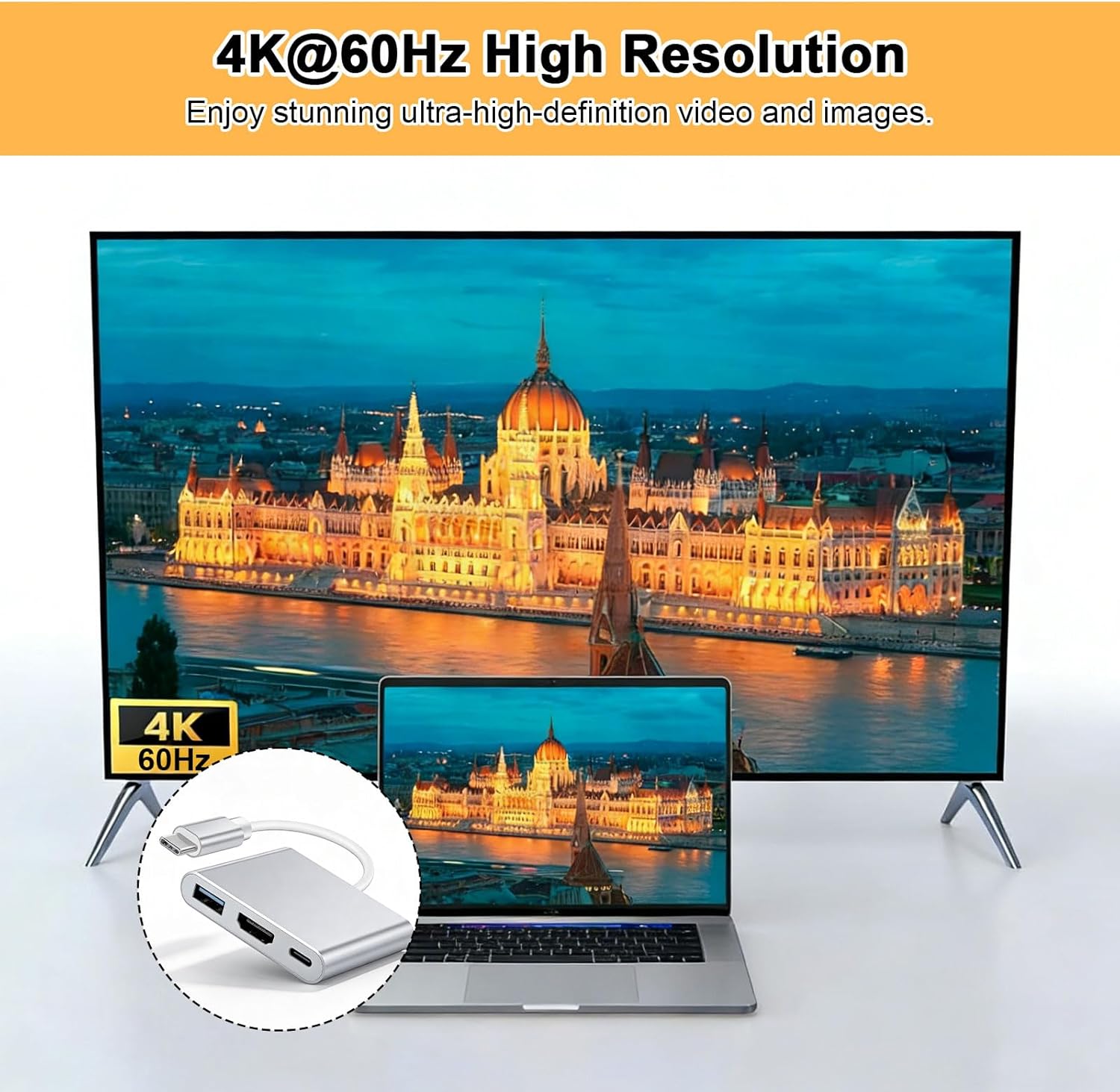
The headline spec is support for video resolutions up to 4K@60Hz (or 1080P Full HD). If you’re doing everyday tasks like presentations, spreadsheets, or a bit of casual gaming at a desk, that spec target is the main reason to consider it. Still, the real-world experience can depend quite a lot on your specific device and settings, so it’s worth checking compatibility rather than assuming every USB-C port behaves the same.
What you actually get: 3 ports in one
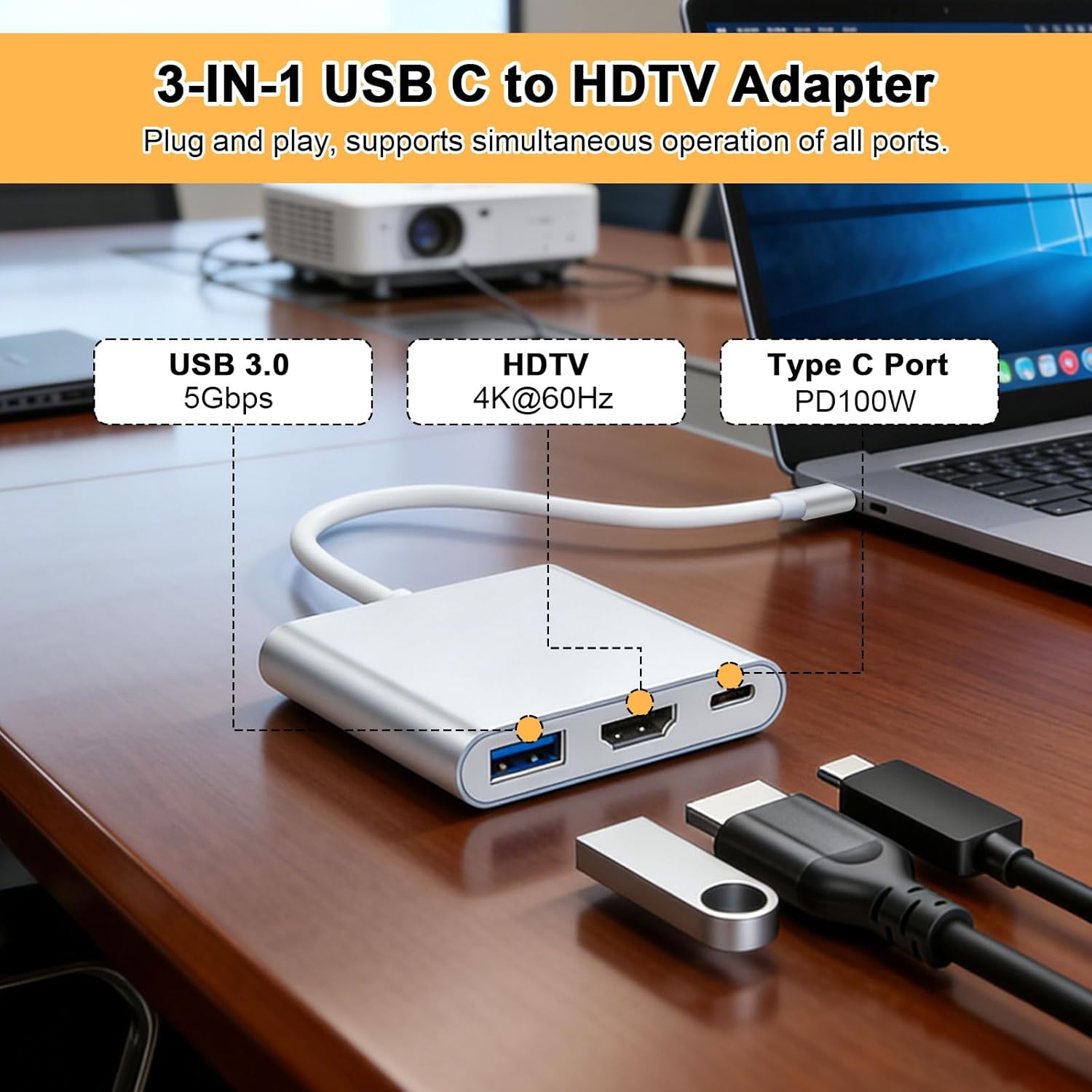
Where this adapter stands out is the combined layout. Instead of buying separate HDMI and charging accessories, you get a compact multiport design:
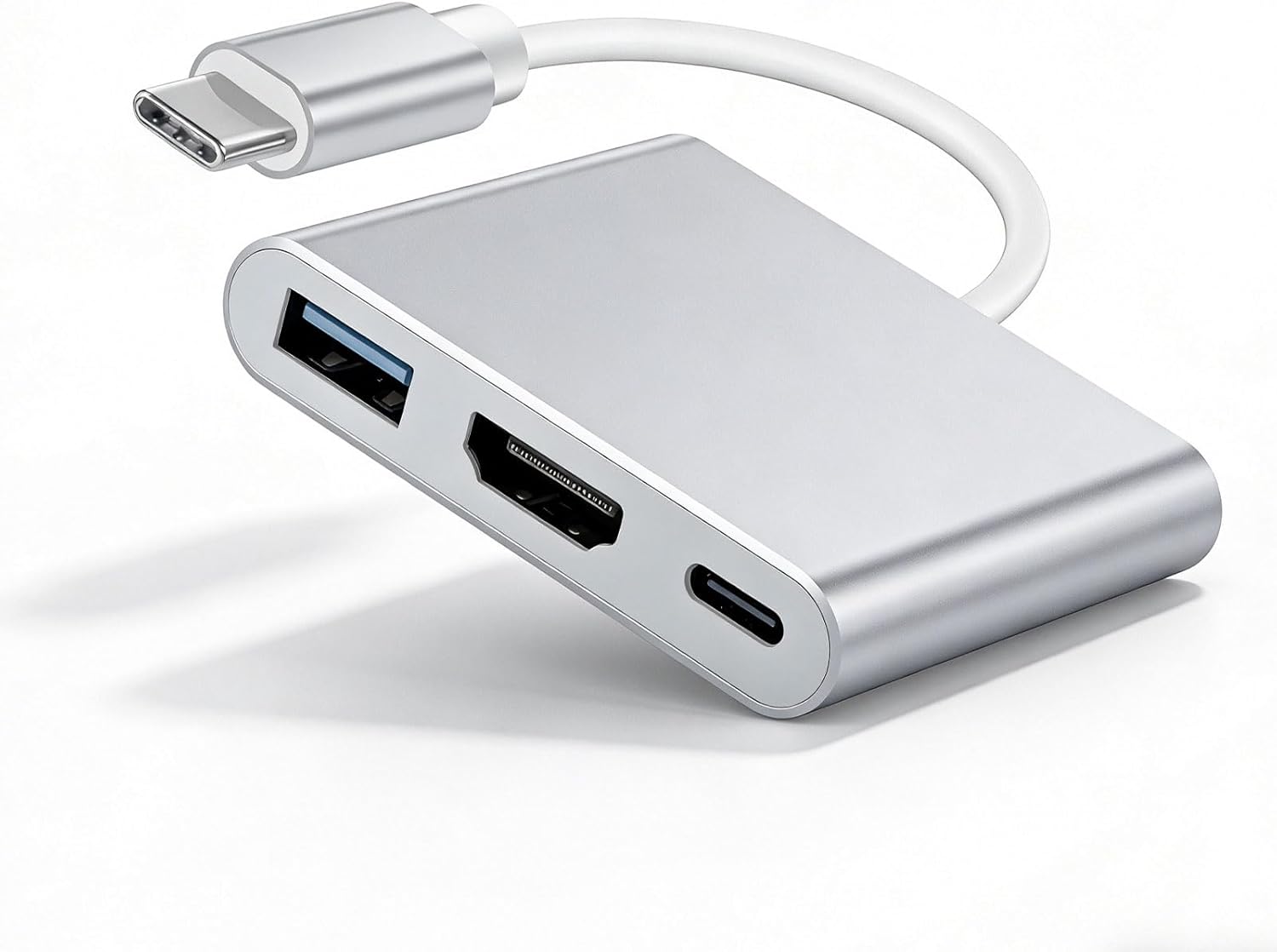
- HDMI output for a display connection
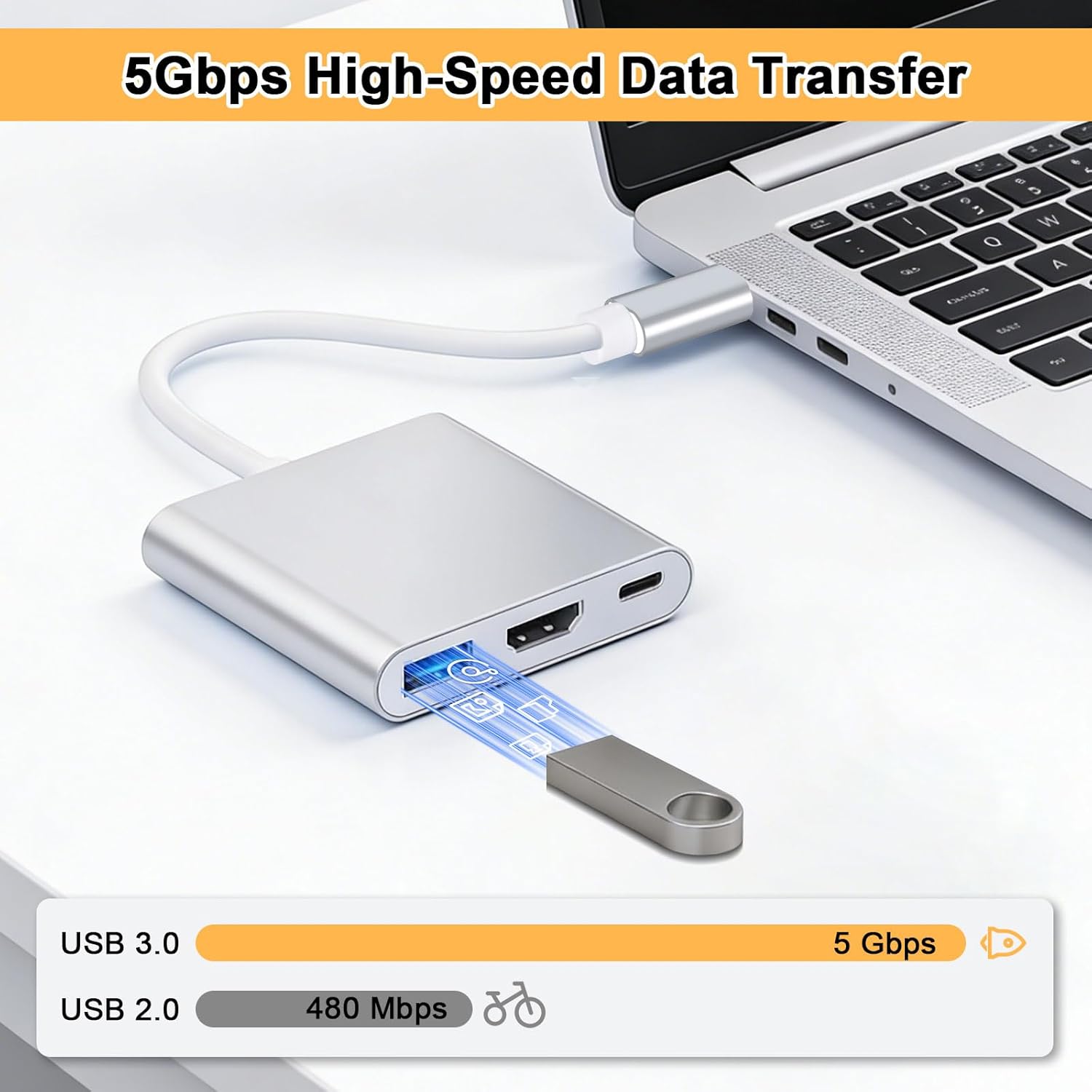
- USB-A 3.0 data port for peripherals or storage
- USB-C Power Delivery charging input (so your laptop can be charged while you’re using HDMI/USB)
The benefit is simple: you can keep accessories plugged in (like a flash drive, keyboard, or mouse) while charging your device, which reduces unplugging and cable juggling. In day-to-day use, that’s often the difference between a setup that feels effortless and one that becomes annoying after the first week.
Video performance: 4K@60Hz and the “stable signal” goal
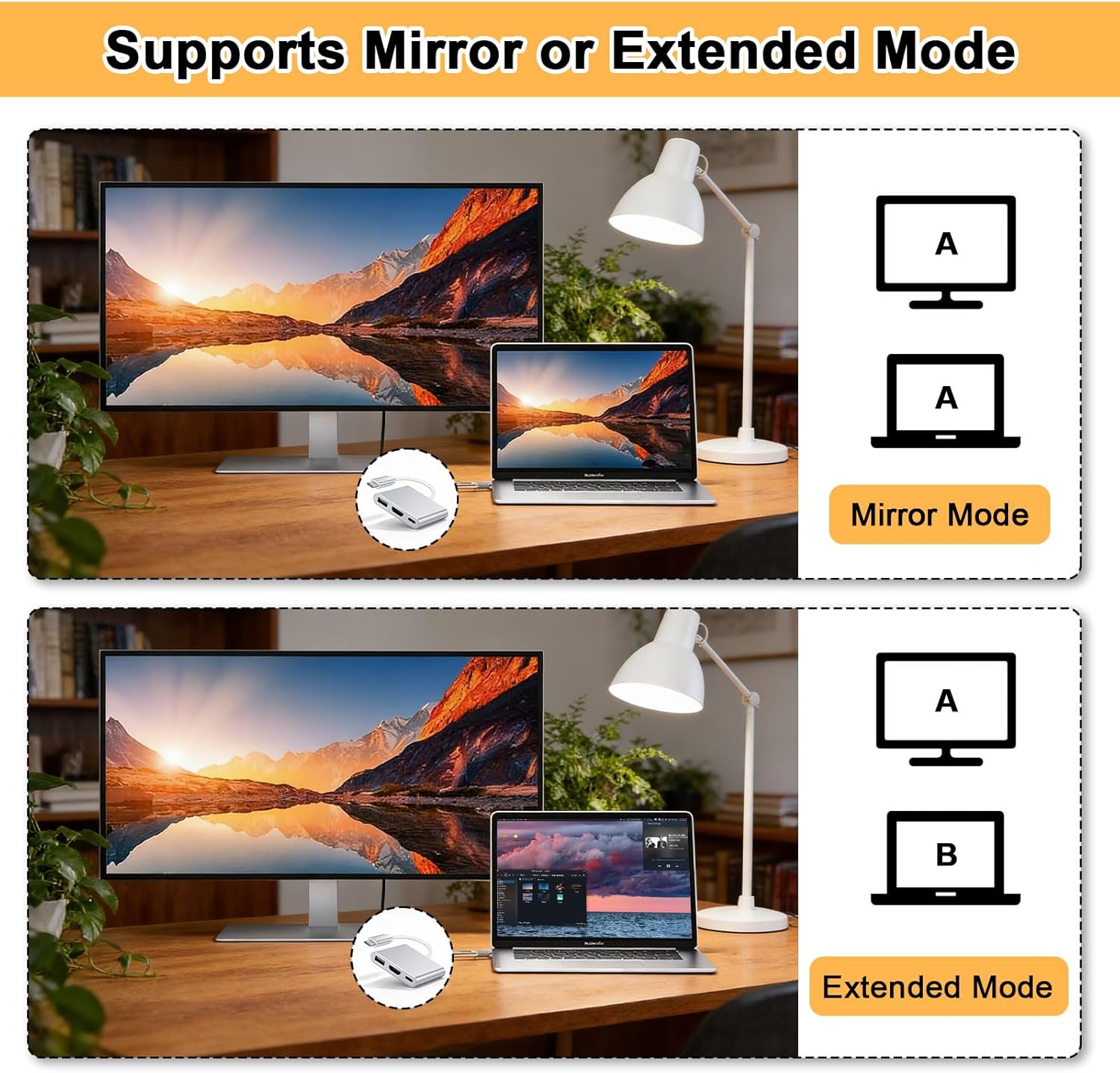
The adapter is positioned for smooth screen mirroring or extension, with support for up to 4K@60Hz. It also mentions stable signal transmission through HDMI, which matters if you’re frequently switching between laptop and projector/TV during meetings.
A small caveat: the adapter requires a USB-C port that supports DisplayPort Alt Mode and Power Delivery. If your device doesn’t support those modes, you may end up with video output that simply won’t work as expected, even if the connector fits. So, compatibility isn’t just a box to tick—it’s essential.
Everyday example
Imagine you’re heading to a customer site: you plug your USB-C laptop into the adapter, connect HDMI to a screen or projector, and use the USB-A port for your mouse or a USB drive with slides. With PD support, you can keep the laptop topped up during the session without reaching behind the setup to swap chargers.
USB 3.0 data transfer: good for travel accessories
For connectivity beyond video, the USB-A 3.0 port supports data transfer speeds up to 5Gbps and is backward compatible with USB 2.0 devices. That’s a sensible spec for common add-ons like:
- flash drives for documents
- keyboards and mice
- external storage for backups or presentations
It’s not aimed at heavy, professional workstation workflows, but for study, travel, and typical office/home use it fits the brief well.
Power Delivery up to 100W (and what to watch)
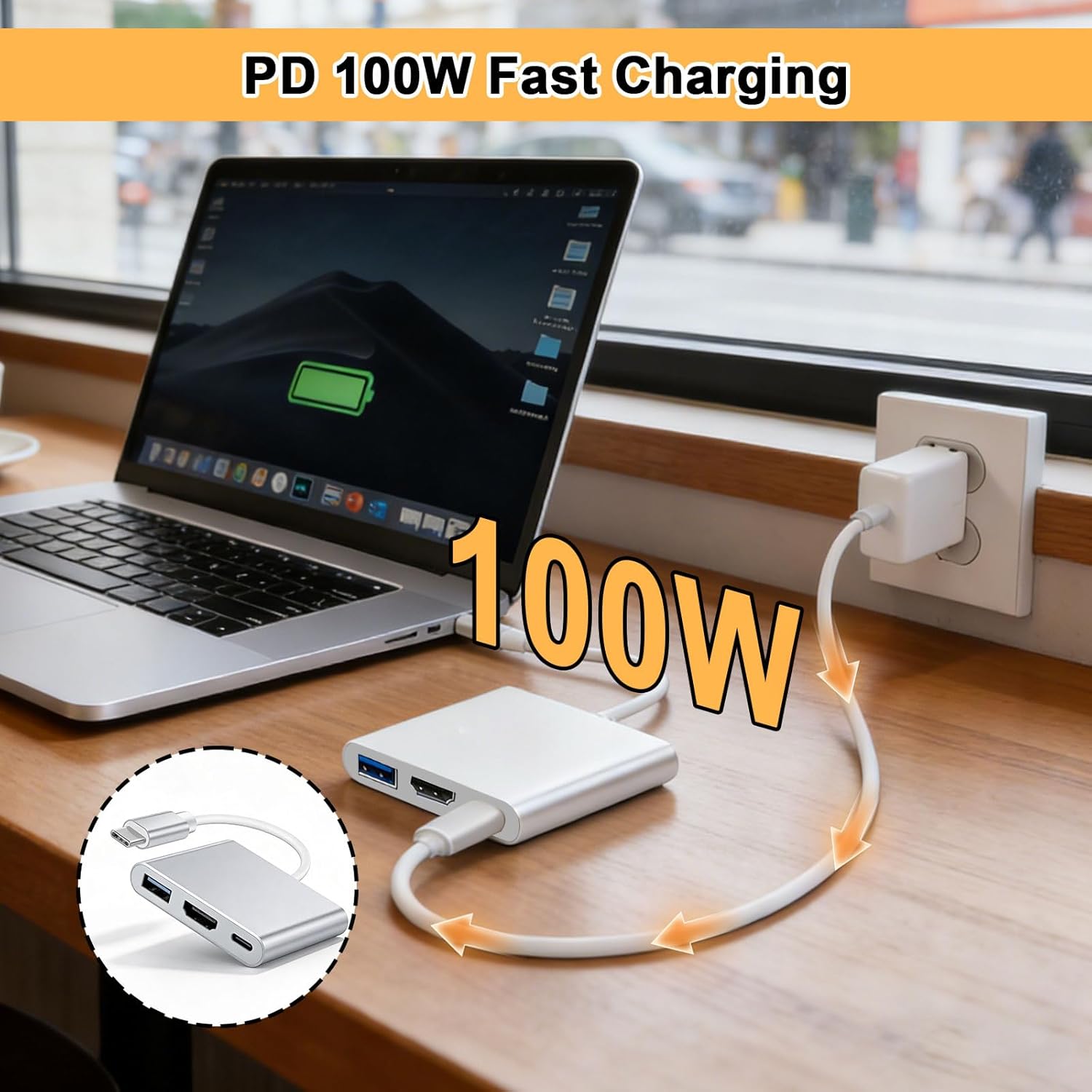
A key selling point is PD charging support up to 100W input, intended for charging laptops while the adapter is in use. The guidance is also clear: it states that a minimum 65W PD charger is recommended for stable and efficient charging performance.
That’s helpful, because it sets expectations. If you only have a low-watt charger to hand, you may not get the charging behaviour you expect. In other words: the adapter’s charging claim makes most sense when paired with an adequately powered PD charger.
Compatibility check: when it will work well
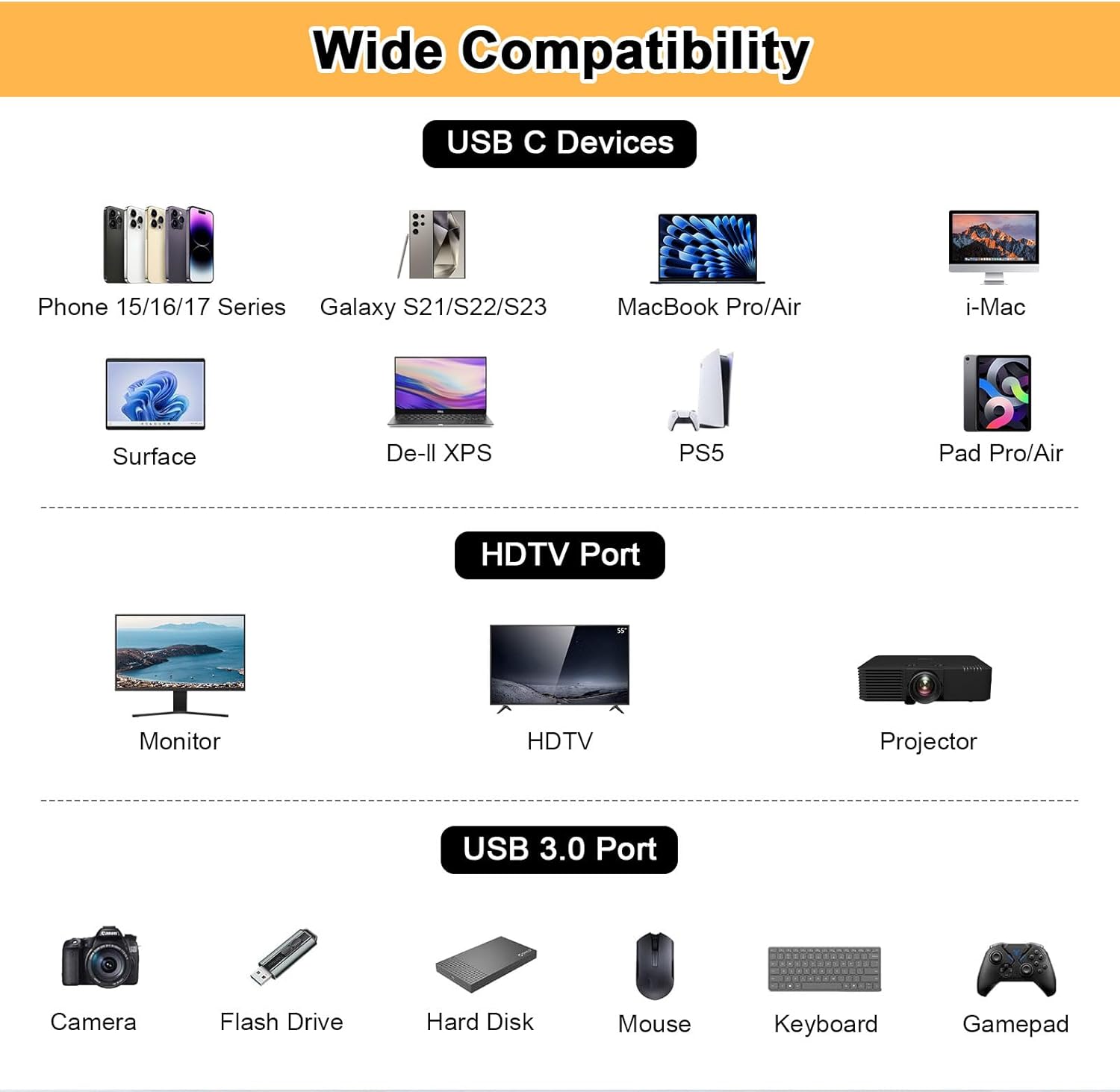
Worth noting: it’s listed as compatible with phone, pad, and a range of laptops (including MacBook Pro/Air, Chromebook, and certain device lines). However, the adapter explicitly requires your USB-C port to support DisplayPort Alt Mode and Power Delivery.
It makes sense if:
It’s a good fit if you have a USB-C device that supports DisplayPort Alt Mode and PD, and you want HDMI + USB-A peripherals + charging in one small hub.
It may not suit you if:
It’s not for you if your USB-C port doesn’t support DisplayPort Alt Mode, because video output may fail or underperform. You may also want to skip it if you don’t have a PD charger at least around the stated 65W recommendation, especially if you need reliable charging during long sessions.
Pros and limitations to weigh up
Pros that matter in real use - Multiport convenience: HDMI + USB-A + charging without swapping cables - Video aimed at up to 4K@60Hz for smoother output targets (with 1080P Full HD support) - USB 3.0 data port up to 5Gbps for everyday peripherals and storage - PD charging support up to 100W, with a stated recommendation for stable performance
Limitations to keep in mind - It depends on device port support (DisplayPort Alt Mode + Power Delivery), so not every USB-C setup will cooperate - “Up to” video specs can be sensitive to what your device negotiates and how you configure display settings
Is it worth it?
This Lizoak USB-C to HDMI adapter is a practical buy if you want a single dongle for work and home: connect HDMI to a monitor/TV/projector, plug in a USB-A peripheral, and keep charging via PD at the same time. It’s particularly appealing as a travel companion because it reduces the number of chargers and cables you need.
However, don’t treat it as universally compatible just because your device has USB-C. If your USB-C port doesn’t support DisplayPort Alt Mode and PD, the core HDMI function may not behave as expected. And if you only have a low-power charger, charging while using the adapter could end up being less reliable than you’d hoped.
Mini FAQ
Does it support screen mirroring and extension?
Yes—according to the product description, it supports screen mirroring or extension through the HDMI output, targeting resolutions up to 4K@60Hz or 1080P Full HD.
Will it charge my laptop while using HDMI?
It supports USB-C Power Delivery charging while in use, with support up to 100W input. The description also recommends a minimum 65W PD charger for stable performance.
What does it require from my USB-C port?
You need a USB-C port that supports DisplayPort Alt Mode and Power Delivery, as stated in the compatibility notes.
Can I use USB devices at the same time as the HDMI display?
Yes. The description says the ports can work simultaneously, so you can use HDMI display output while transferring data via the USB-A 3.0 port.