

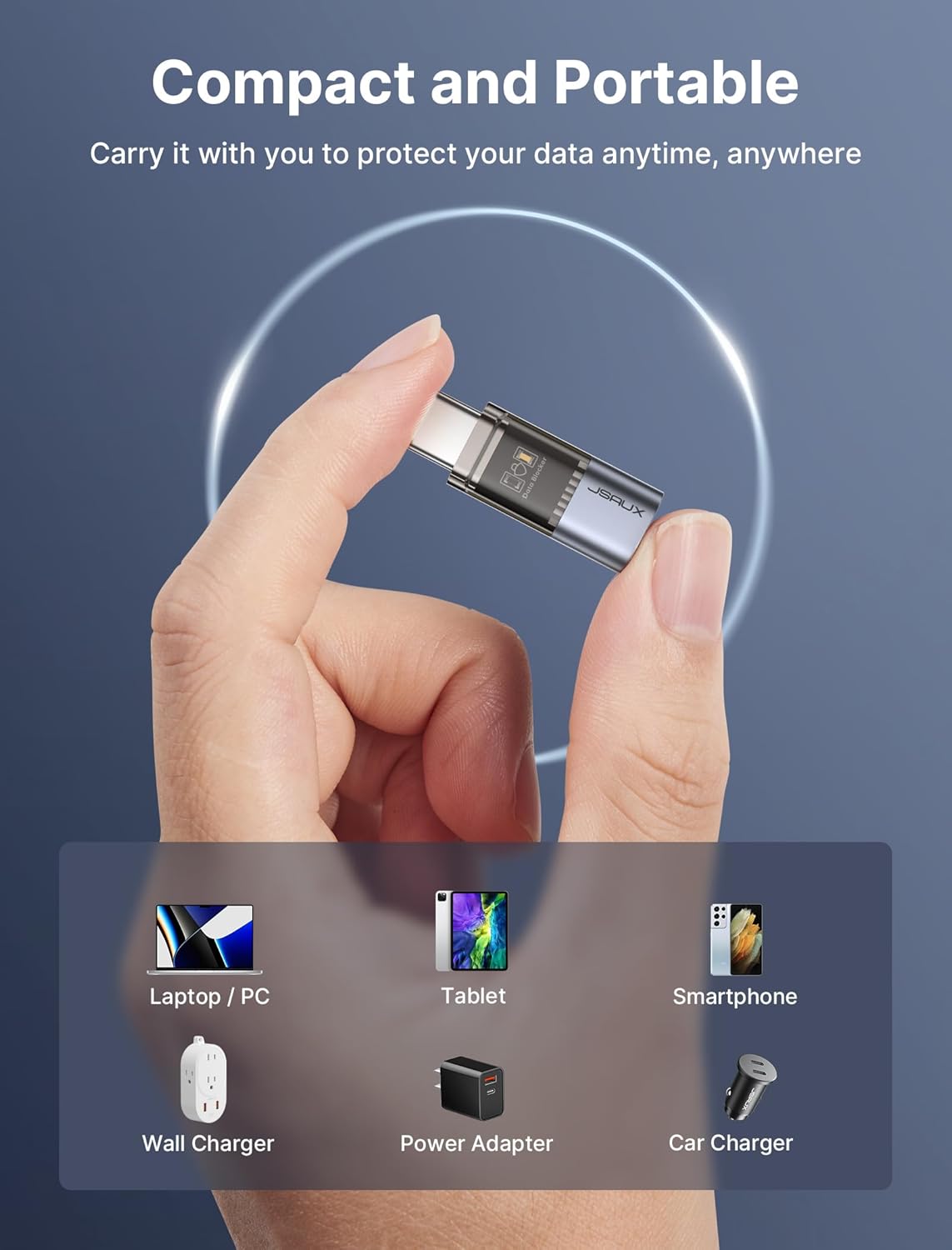
JSAUX USB Data Blocker & USB-C Data Blocker (4-Pack) for charging only
Reviews
Price
Product description
What this is for
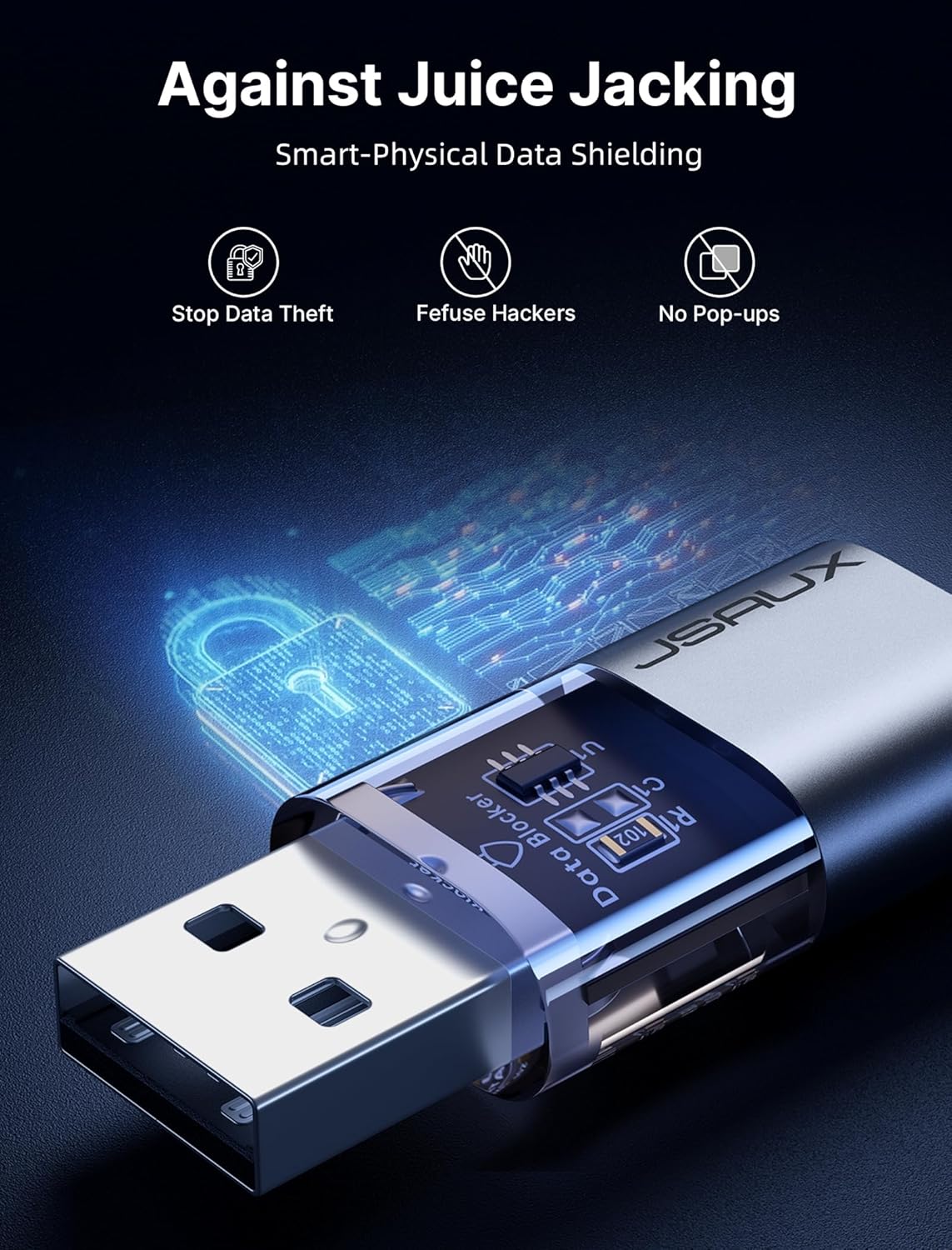
A USB data blocker is a simple idea with a very specific purpose: it lets you charge a phone from a power source, but it physically prevents the USB connection from carrying data. That’s the angle behind the JSAUX USB Data Blocker & USB C Data Blocker (4-Pack) — four small “charge-only” adapters, made to help reduce exposure to things like data sniffing, spyware-style connections, or unwanted syncing attempts when you’re using charge points.
On paper, it’s a bit like putting a lock on the transfer side of the cable. You still get power, but the device can’t “talk back” through the same connection. Whether you’ll feel the benefit day to day depends on how often you use public or shared charging stations — that’s where the thinking tends to make most sense.
How it behaves in use (charging only)
The key promise here is that it blocks data transfer and only allows charging. In real-world terms, you’re looking to avoid the common scenario where a phone connected to a charging port prompts you to allow data access or transfer. With a blocker in place, the connection should stay limited to power delivery, so your handset shouldn’t be trying to establish a data/sync link.
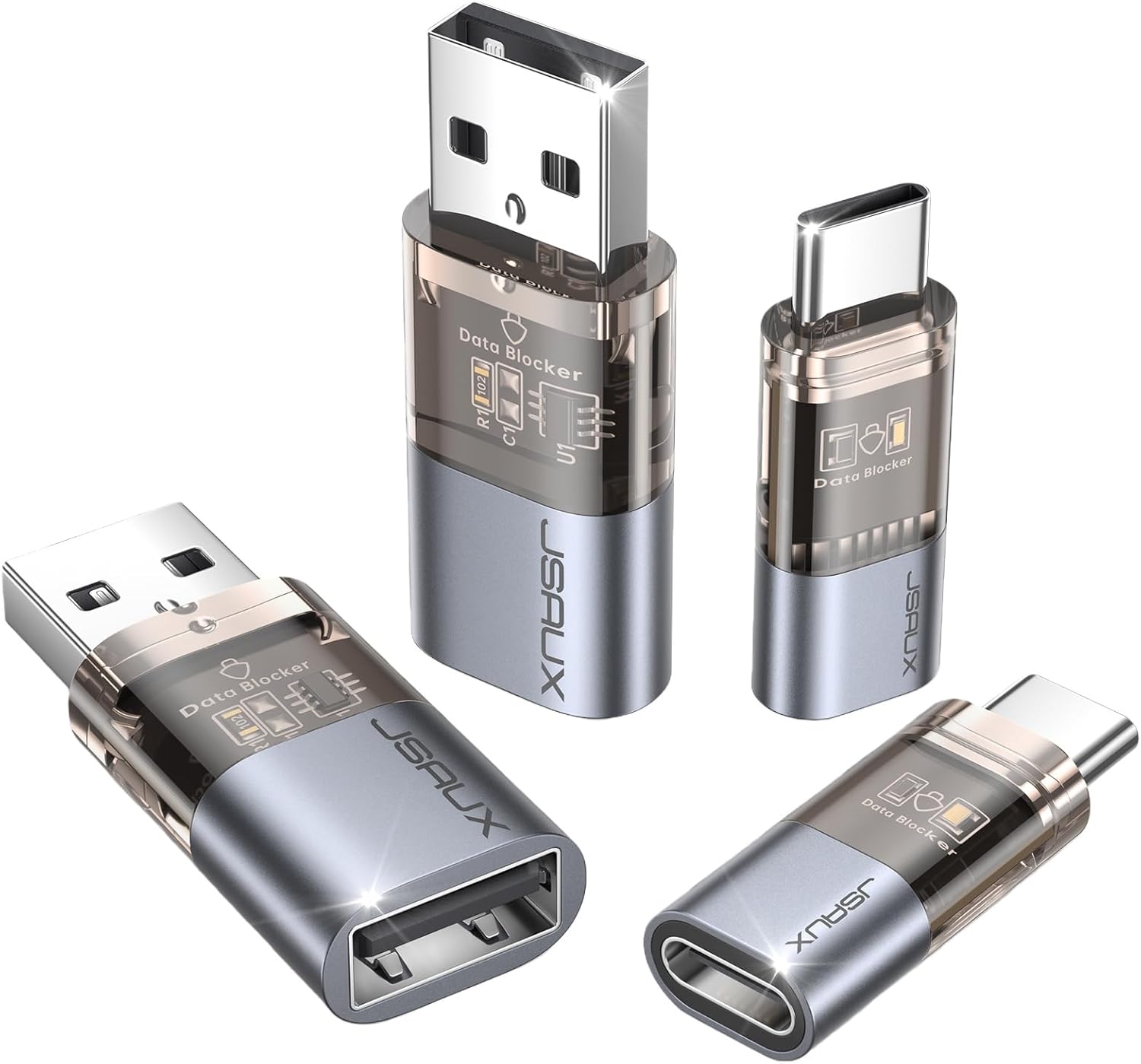
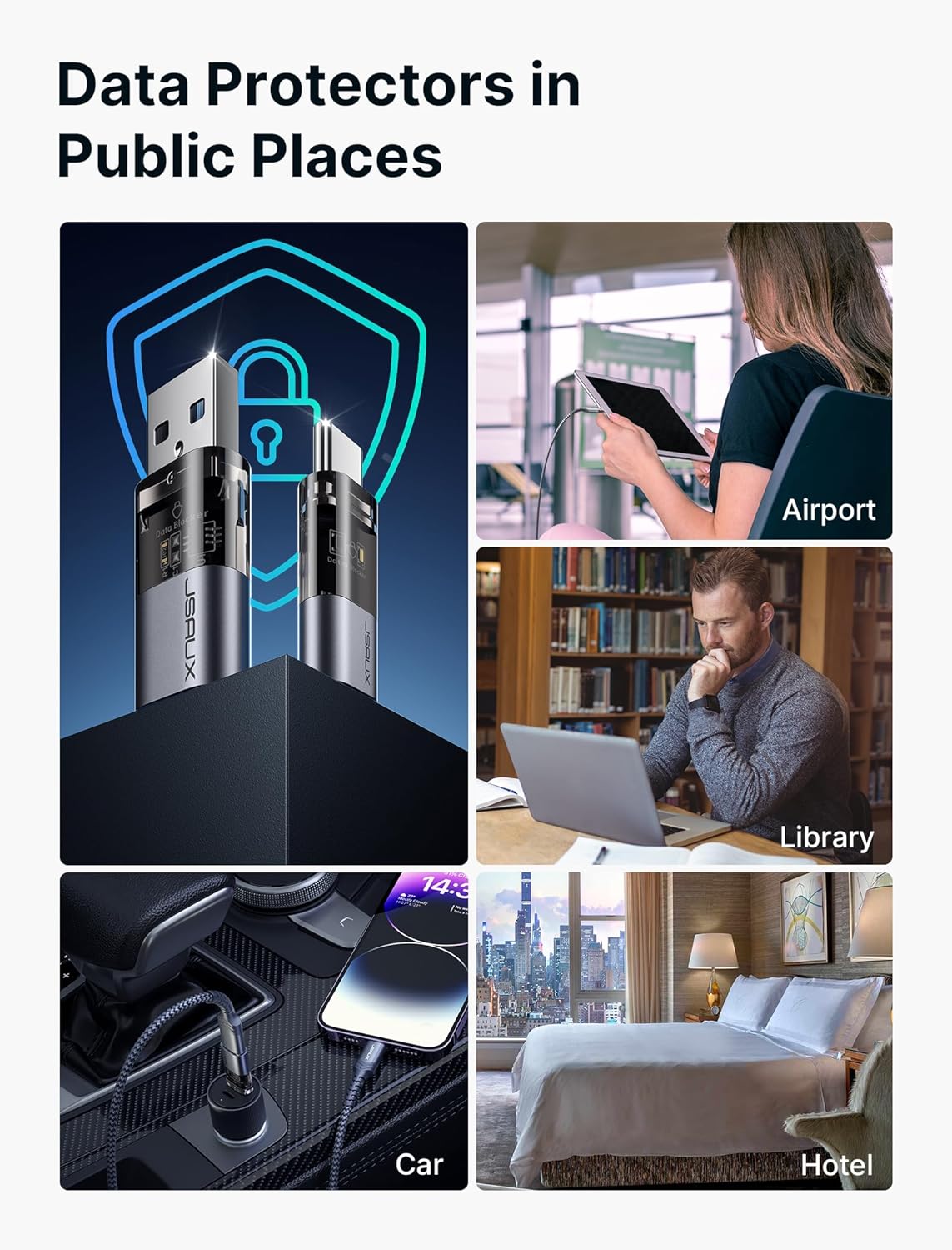
A practical example: imagine you’re at a hotel or airport lounge and you want to top up quickly. Instead of plugging your phone in directly and hoping the port is “safe enough”, you add one of these blockers between the cable and the charger. It’s not perfect security in the grand scheme of things, but it does address a very specific risk — the data path.
Charging performance: what to expect
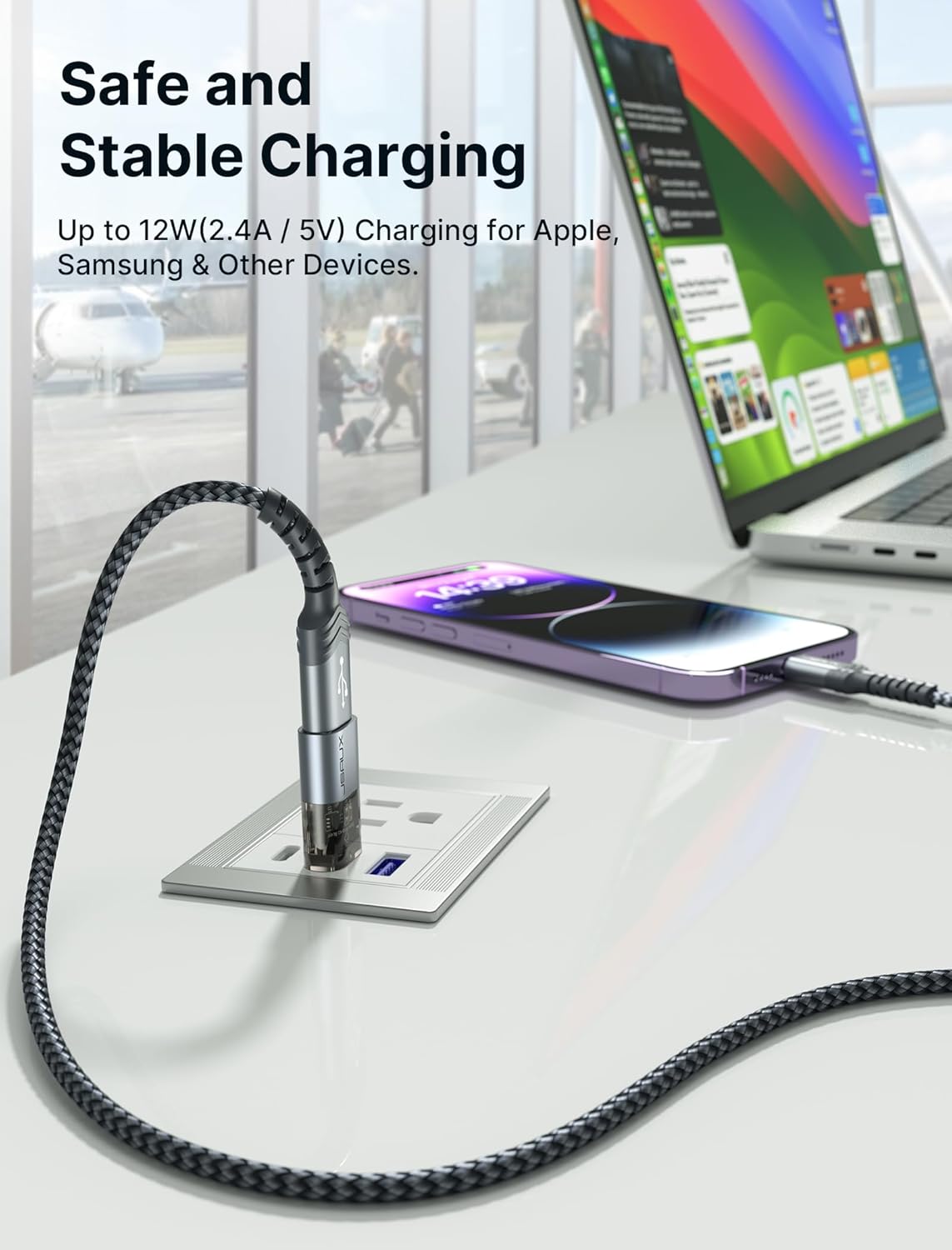
There’s a split in the set: you get both Type A and Type C data blockers. The USB-C data blocker is described as supporting fast charging using PD 3.0/2.0, with charging support up to 100W (20V/5A), plus compatibility with a range of power levels. The USB data blocker is also stated to support up to 2.4A charging.
A sensible limitation to keep in mind is that your actual charging speed will depend on your phone and the wall charger/power source. A blocker can remove the data side, but it can’t override what your device and charger are capable of.
The 4-pack setup (Type A + Type C)
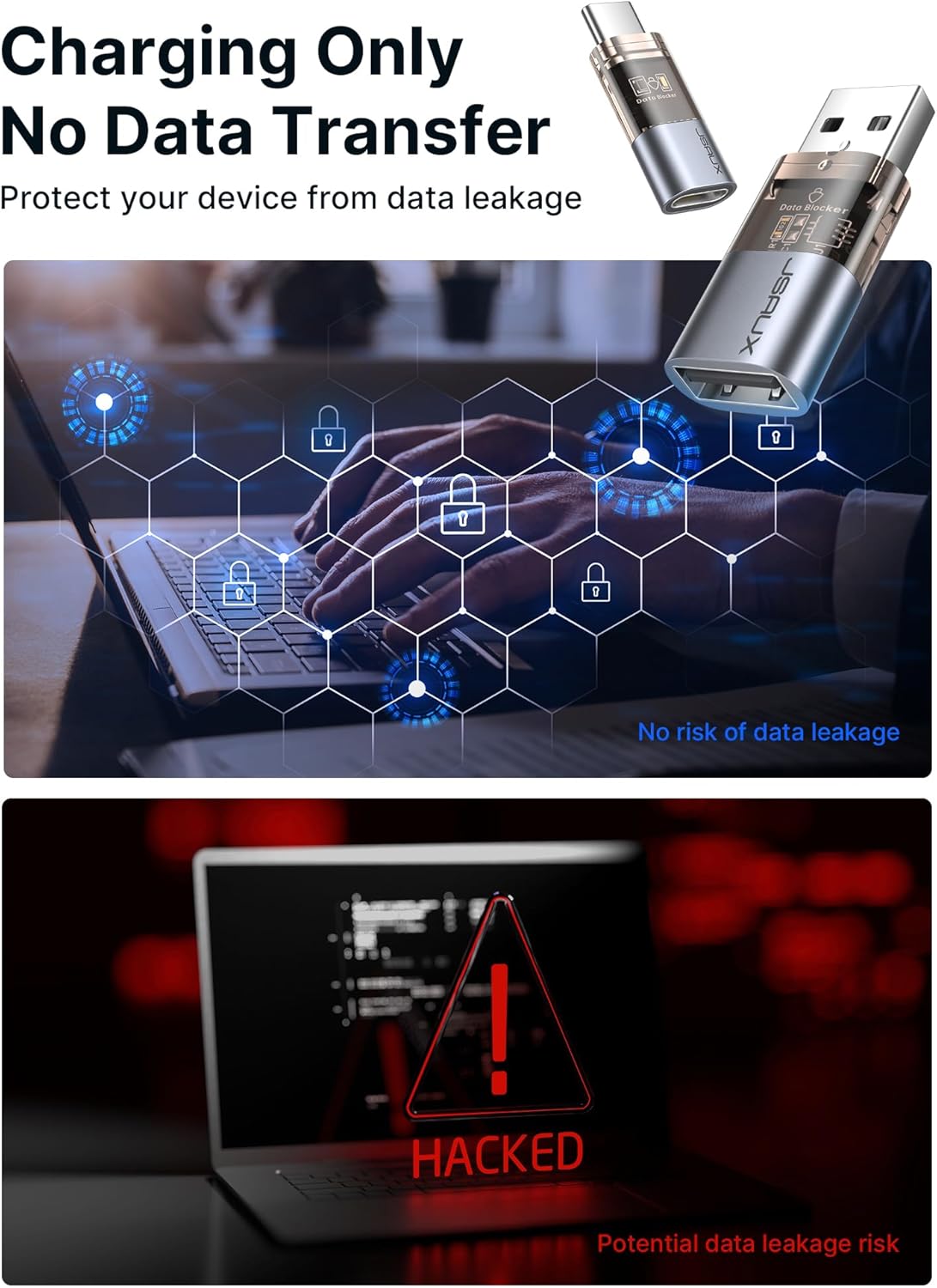
This comes as a 4-pack: two USB Type A blockers and two USB-C blockers. That’s handy if you have more than one device (or you swap between cable types), or if you like keeping one at home and one on-the-go.
The transparent housing is also mentioned, so it’s designed to look more “visible” rather than completely opaque plastic. The main value of that is arguably just convenience — spotting the item quickly when you’re packing — though comfort and sturdiness are still “normal” for this kind of small accessory.
Compatibility and what you should double-check
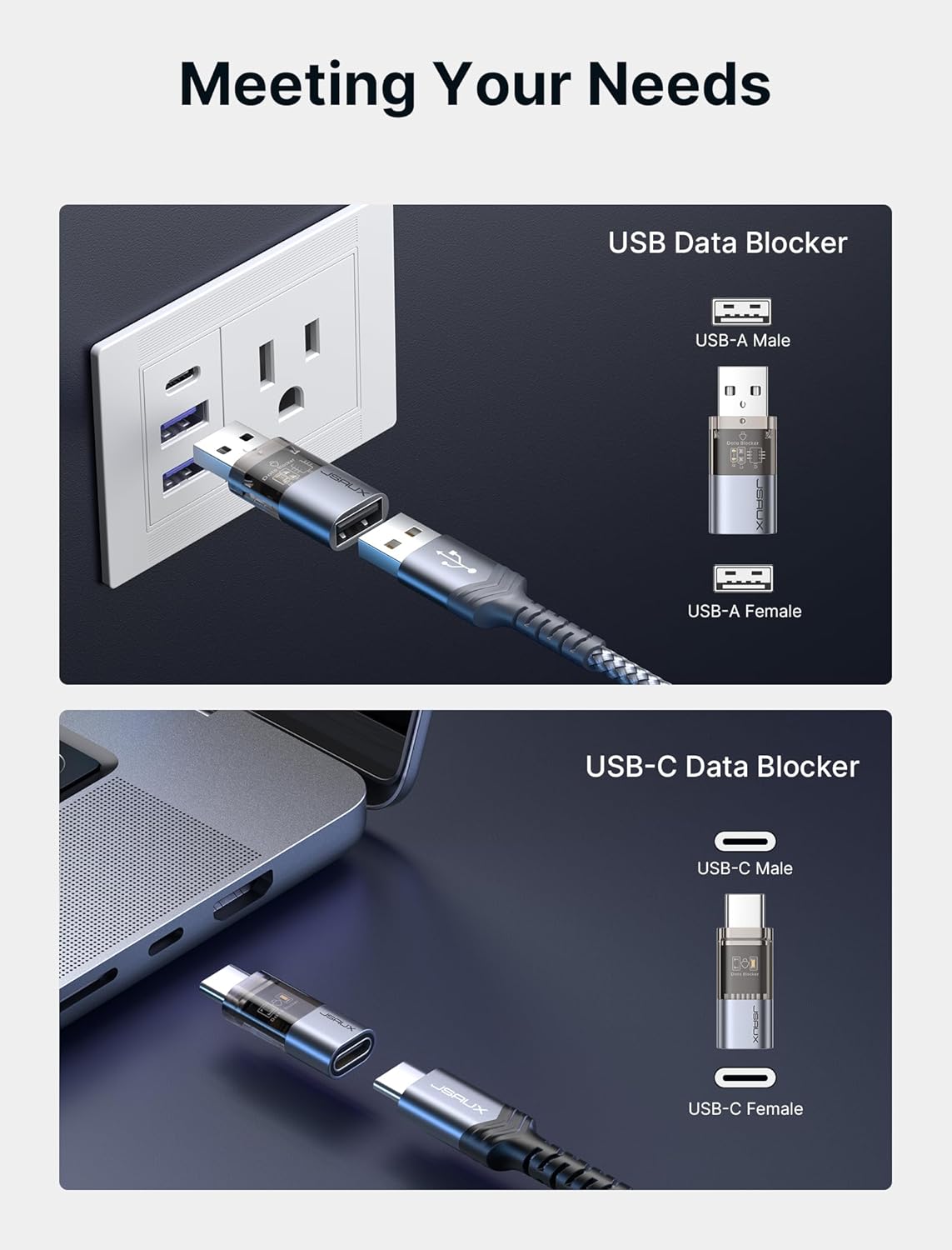
The listing mentions compatibility with various iPhone models, plus Samsung, iPad and other devices. It also positions the set as usable with standard USB ports and USB-C ports.
However, because exact model-by-model guarantees aren’t spelled out here, it’s worth checking you’re using the correct port type for the blocker you pick (Type A vs Type C) and that your charging cable is compatible with your device. Also, if you rely on data transfer through your cable in that same setup, this product won’t help — it’s deliberately “charge-only”.
Where it shines, and where it may fall short
It’s not trying to be a full security solution. It’s more focused than that.
It’s a solid buy if: - you often charge on the move (airports, hotels, shared charging stations) - you want to avoid data-sync prompts and the idea of a data-capable connection where you don’t need it - you’d like a small, portable add-on that can sit on your keyring/bag and be used whenever needed
It may not be the best match if: - you need USB data transfer during charging (file transfers, tethering workflows, device-to-device sync) - your main charging setup is already fully controlled (e.g., only your own home chargers and known-safe cables)
Also, note the “charge speed” claims are contingent on what your phone and charger support — so if you’re chasing maximum performance, you’ll still need the right charger and device.
What matters most before you buy
Before committing, check these practical points: - whether you need Type A or USB-C blockers (or both) - whether your cables/devices rely on data transfer for anything you’ll want to do while charging - how often you use public/shared charging points, because that’s the use case this product is built around
If those align with your routine, this 4-pack can be a straightforward add-on to reduce the risk of an “unexpected data connection”.
Mini FAQ
Does it allow data transfer at all?
The product is described as blocking data transfer and allowing charge-only. If you’re expecting syncing or file transfers through the same connection, you shouldn’t rely on it.
Will it slow down my charging?
It supports fast charging on the USB-C blocker (PD 3.0/2.0 is mentioned), but the listing notes the real speed depends on your device and the wall charger. It isn’t possible to guarantee the exact charging rate in every setup.
Do I get both USB-A and USB-C blockers?
Yes. The pack includes two USB data blockers and two USB-C data blockers.
Is it good for public charging points?
That’s one of the main reasons it’s positioned for use — places like airports and hotels, where charging ports may not be as controlled as your own.
Is it compatible with iPhones and iPads?
The description states compatibility with a range of iPhone and iPad models, plus Samsung and other devices, but you should still ensure you’re using the correct port type for the blocker.
Final verdict
Worth considering if you frequently charge away from home and want to remove the data side of the connection — the “charge-only” behaviour is the real selling point. You may want to skip it if your charging routine requires USB data transfer, or if you mainly use your own safe, trusted chargers and don’t feel you need the extra layer for public ports.