

ABLEWE USB 3.0 to HDMI adapter for 1080p
Product description
Whether you need a bigger screen for work, a clearer picture for a presentation, or a simple way to connect a laptop to an HDMI display, this ABLEWE USB 3.0 to HDMI adapter is built for everyday setup. It converts a USB 3.0 port into an HDMI output, helping you mirror what’s on your computer or extend your desktop across multiple screens 🖥️.
The essentials

The main advantage of this adapter is straightforward, it turns a USB connection into an HDMI connection so you can use an HDTV, monitor, or projector with an HDMI input. According to the manufacturer, it supports video resolutions up to 1080P, with the ability to project at 1920x1080P at 60HZ when connected to a USB port. It also supports 3D display, which may matter if your setup relies on that capability.
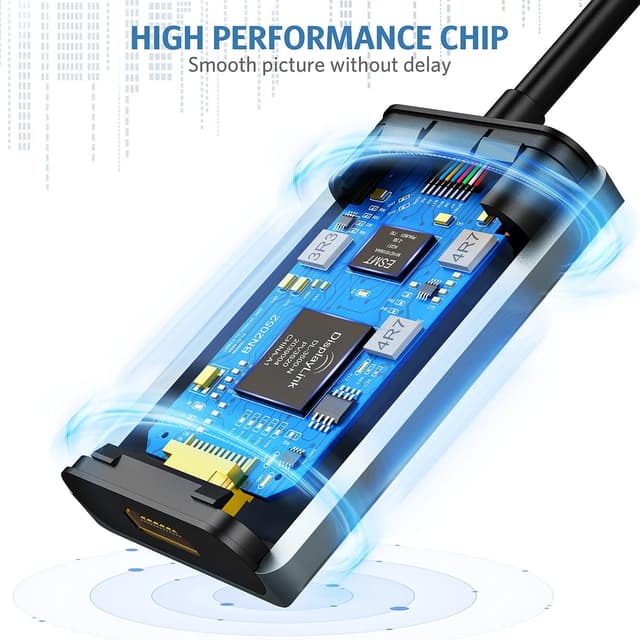
Durability and signal stability are part of the design, with an upgraded aluminium exterior and a premium-quality chip called out by ABLEWE. The USB 3.0 port is described as 24K gold-plated, which the manufacturer positions as helpful for long-term performance. On top of that, there is built in driver support, so installation is meant to be quick once the adapter is plugged in.
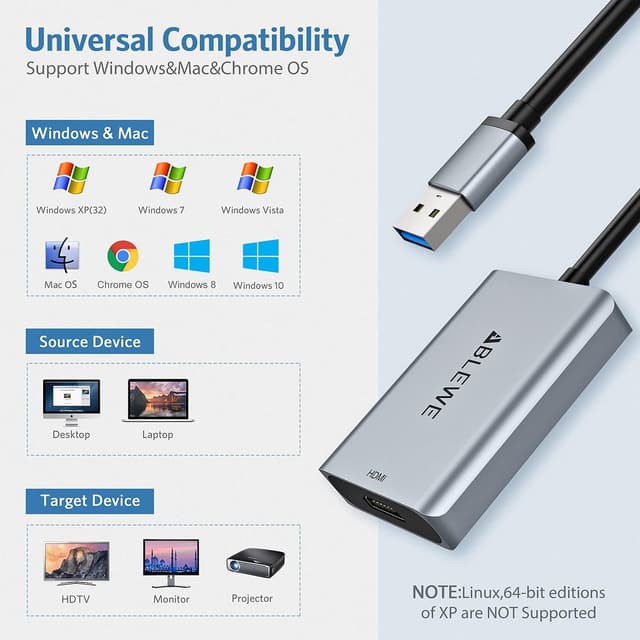
Compatibility is broadly covered across many mainstream systems, and the adapter is listed as working with Windows 10, 8.1, 8, 7, XP and Mac OS. Take note of the limitation included in the product description, it is stated to be incompatible with Windows XP 64 bit, Linux OS, and Chrome OS. If you match the right operating system, the setup can be a low friction way to expand your screen options.
Key features

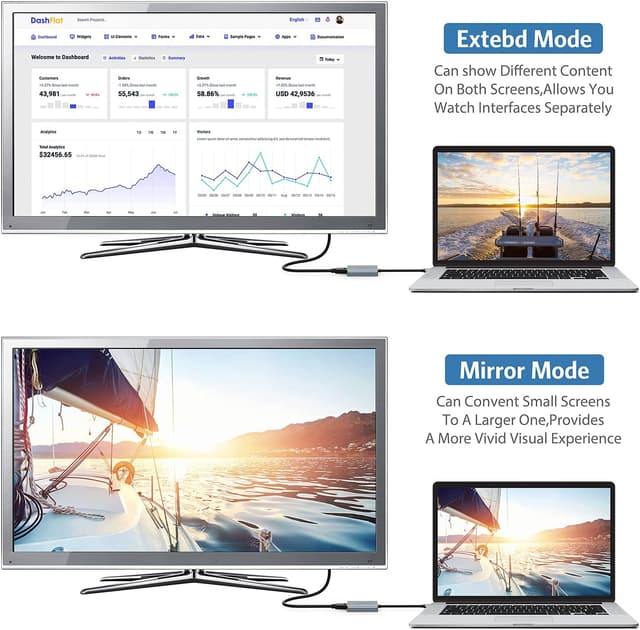
This is a USB to HDMI converter cable that enables a connection between a computer with a USB interface and an HDMI display device. Once installed, it supports mirror mode and extend mode, which lets you either synchronise your images to a display or use two screens at the same time for multitasking. That extend mode is especially useful when you want one display for reference material and another for your main work.
The product description highlights an upgraded design for both compatibility and durability. It features a premium-quality chip and an aluminium exterior, and ABLEWE also mentions the 24K gold-plated USB 3.0 port. For day to day use, those details are meant to support stable performance and help the adapter last with regular plug and unplug routines.
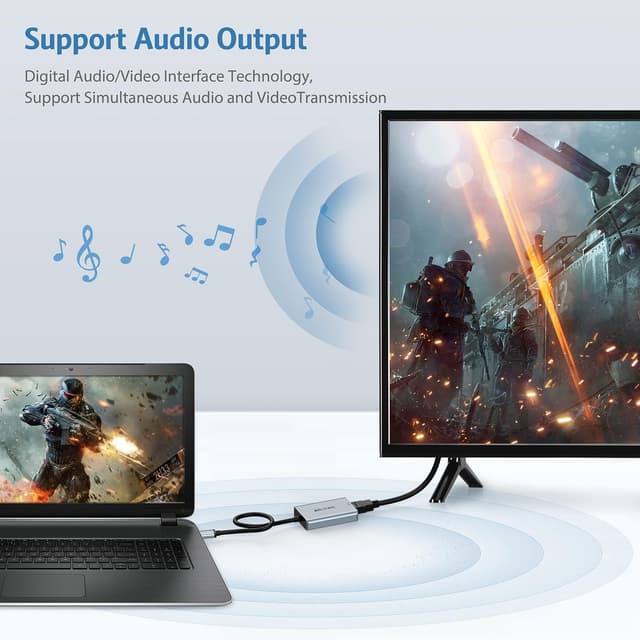
For graphics and display needs, the manufacturer states support for resolutions up to 1080P and 3D display. When used for projection, it can project at 1920x1080P at 60HZ, which is relevant if you are using a classroom projector, home cinema setup, or a meeting room screen. It can also be used for games entertainment, home theatre, video conferencing, and corporate training, based on the listed use cases.
Installation is described as user friendly, with built in drivers that initiate automatically after you plug the adapter into your computer. You then follow the on screen prompts for installation. The CD is mentioned as a driver backup, and the driver can also be downloaded from DisplayLink, so you are not forced to rely on the disc.
Is this the right kind of adapter if you need quick screen expansion without complicated cabling. It makes sense if your computer has a compatible USB port and you want an HDMI connection for a monitor, TV, or projector.
Tech specs
- Type: USB 3.0 to HDMI adapter
- Format: HDMI to USB audio video graphics converter cable
- Resolution: Supports video resolutions up to 1080P
- Refresh rate: Project at 1920x1080P 60HZ when connected to a USB port
- Display features: Supports 3D display
- Compatibility: Works with Windows 10, 8.1, 8, 7, XP and Mac OS
What you’ll notice day to day
It’s a good fit if you regularly need to connect a laptop or desktop to an HDMI monitor, HDTV, or projector for work and home use. It suits you if you prefer a simple plug in solution with driver assistance rather than relying on complex setup steps. With mirror mode you can quickly show what’s on your screen, and with extend mode you can spread tasks across two displays for a calmer workflow 😄.
It may not be a great match if your device runs Linux OS or Chrome OS, or if you are using Windows XP 64 bit. In those cases, the compatibility notes included in the product description suggest you should look for an alternative solution first. If you want a dependable USB to HDMI path for common 1080P display needs, this ABLEWE adapter is positioned to be a practical addition to your setup.