

USB C Adapter 8‑in‑2 for MacBook Pro 4K HDMI
Reviews
Price
Product description
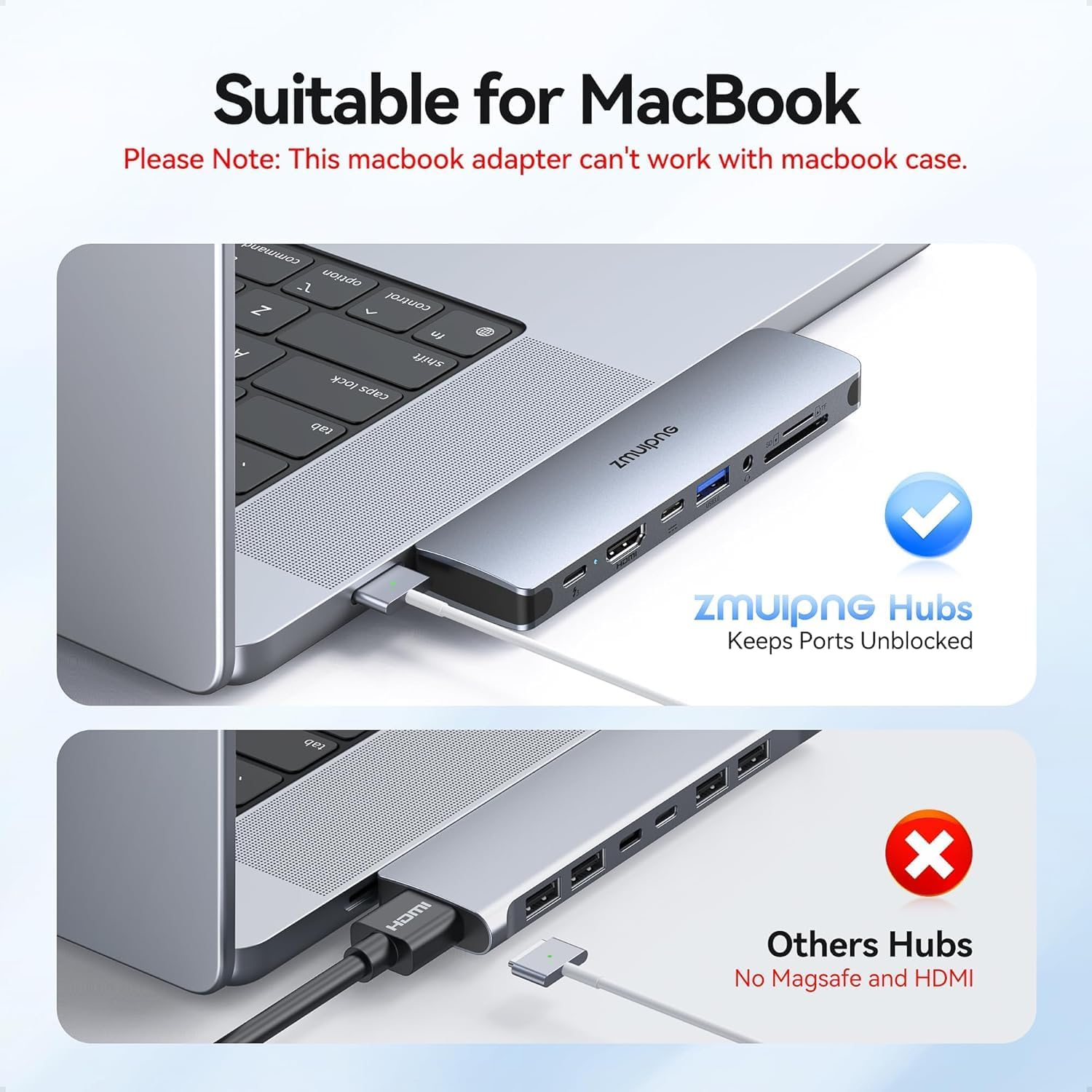
This compact multiport hub extends a MacBook's connectivity with ports for monitors, storage and peripherals, making it useful for desktop workstations and presentations. Designed for recent MacBook Pro and MacBook Air models, the adapter adds video output, card readers and multiple USB connections so you can connect a monitor, SSD and accessories at the same time.
Key Points
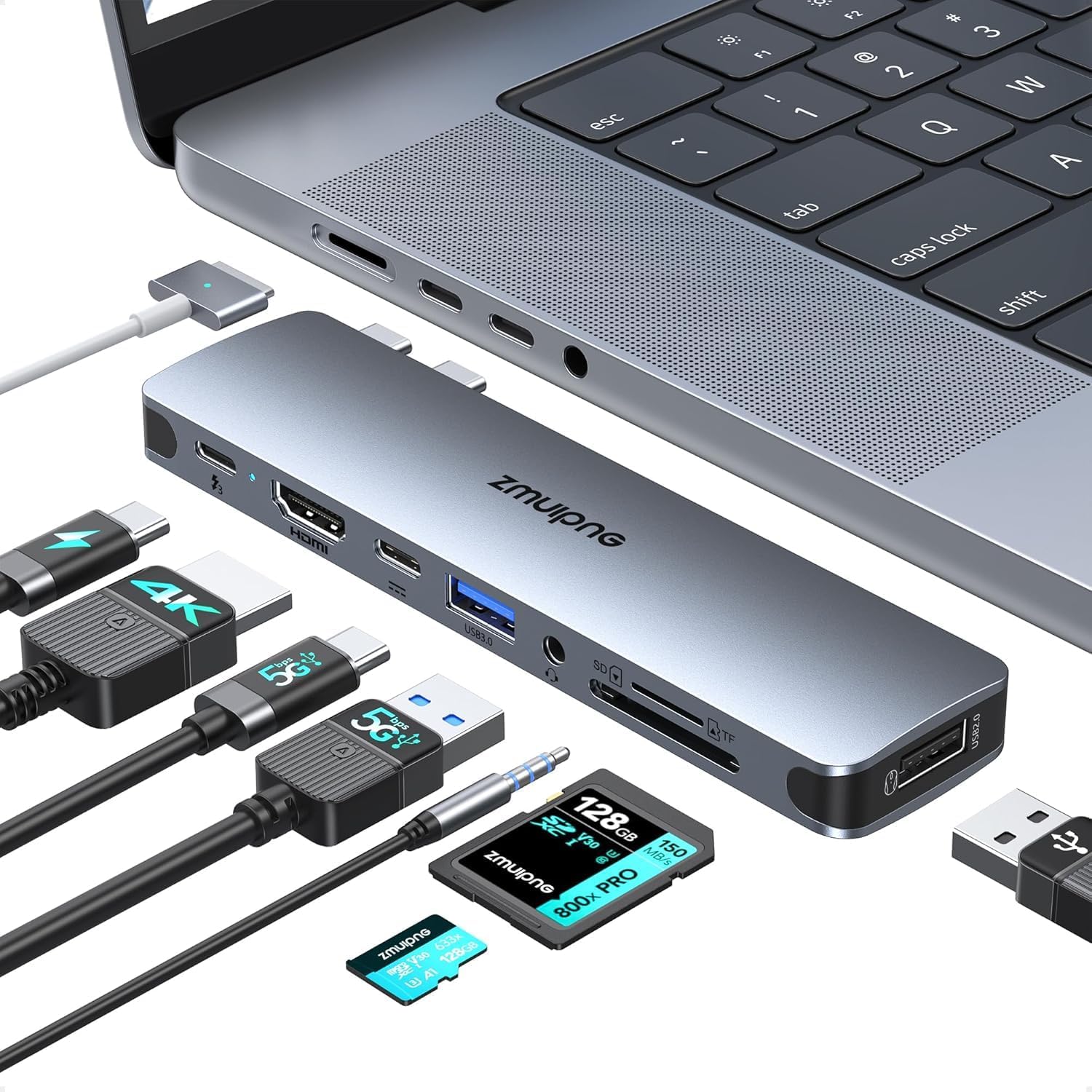
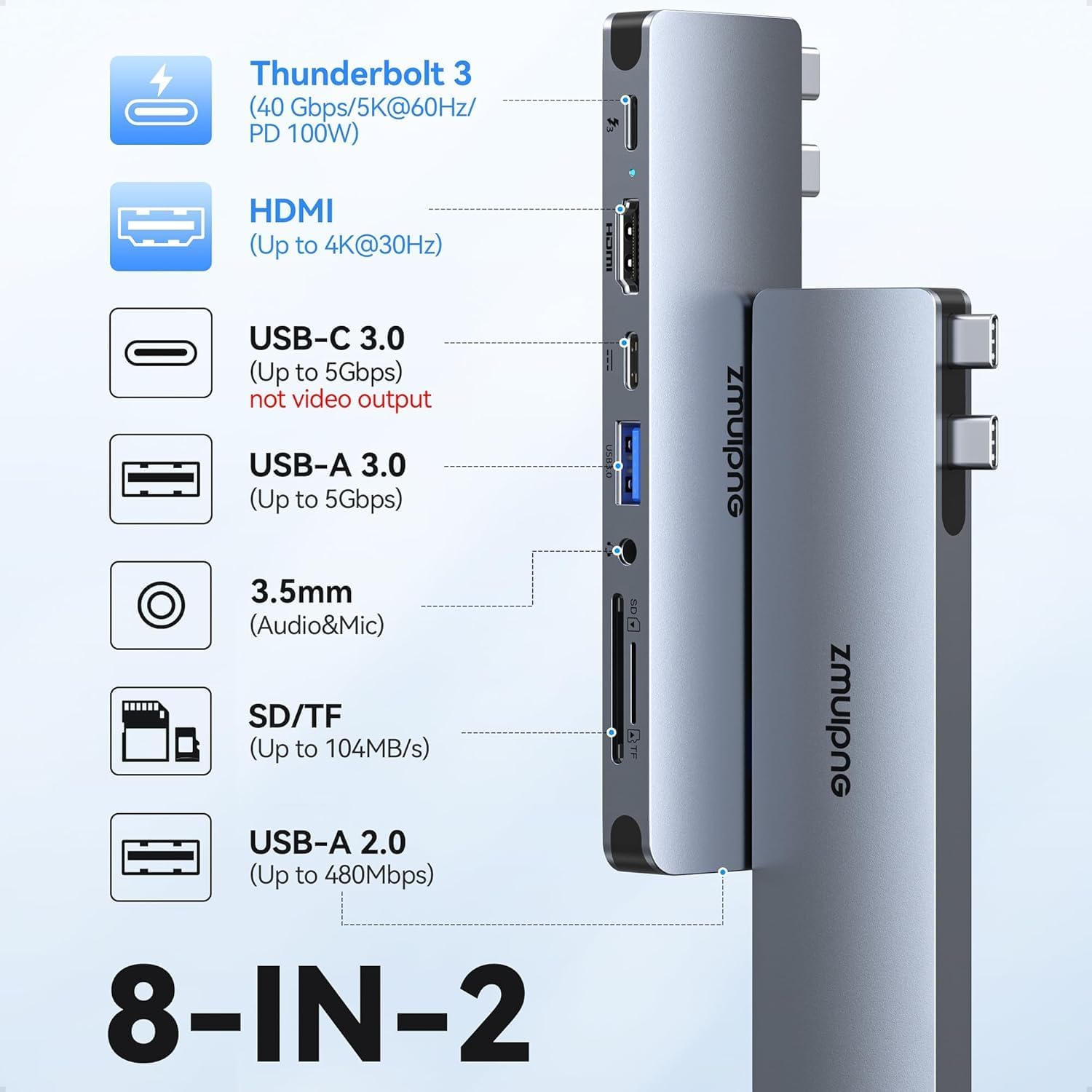
The adapter combines several interfaces into a single USB-C connector so you can avoid juggling individual dongles. It supports an external display up to 4K at 30 Hz through the 4K HDMI output while also offering high-speed data transfers for external drives and flash storage. The product includes both a high-bandwidth port and a secondary USB-C data port, which means you can attach a Thunderbolt device and a USB-C SSD concurrently in most setups. Note that the hub may not work with thick protective laptop cases, and the secondary USB-C port does not support video output or charging according to the manufacturer. ⚡️📷
Technical Specifications
- Name: ZMUIPNG USB C Adapter
- HDMI output: 3840 x 2160 at 30 Hz
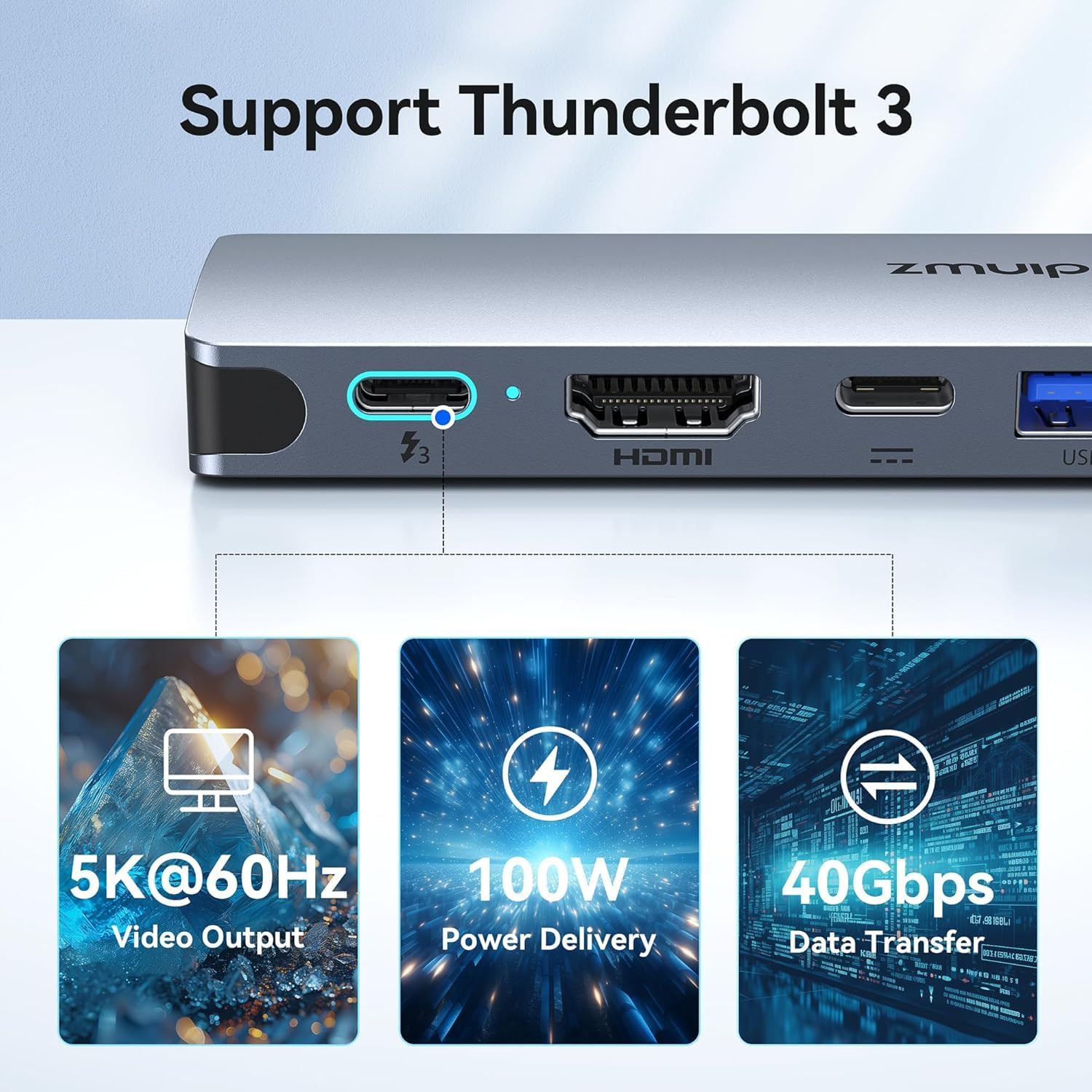
- Thunderbolt input: up to 40 Gb/s transfer speed and up to 100 W power delivery (manufacturer claim)
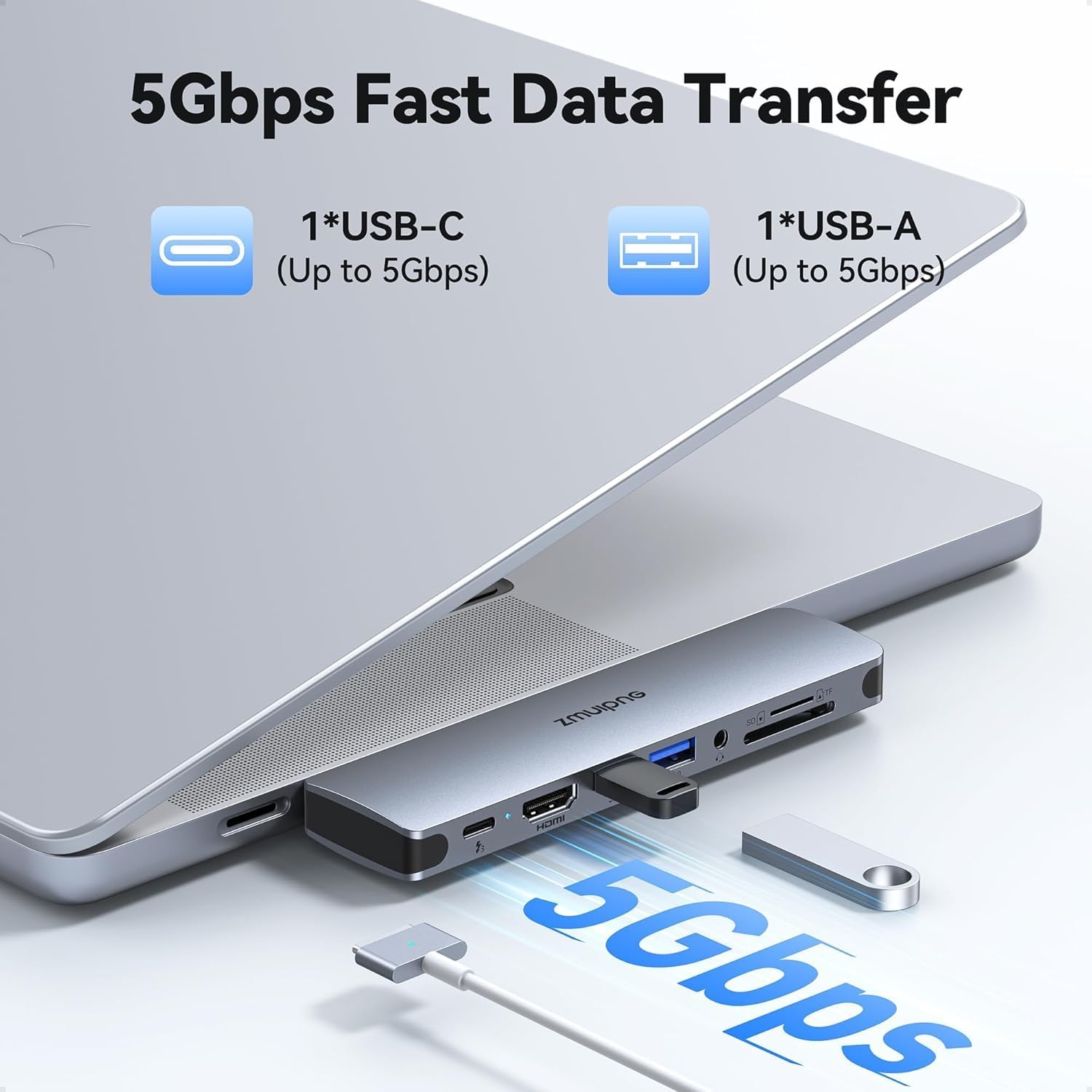
- USB 3.0 ports: up to 5 Gbps transfer speed
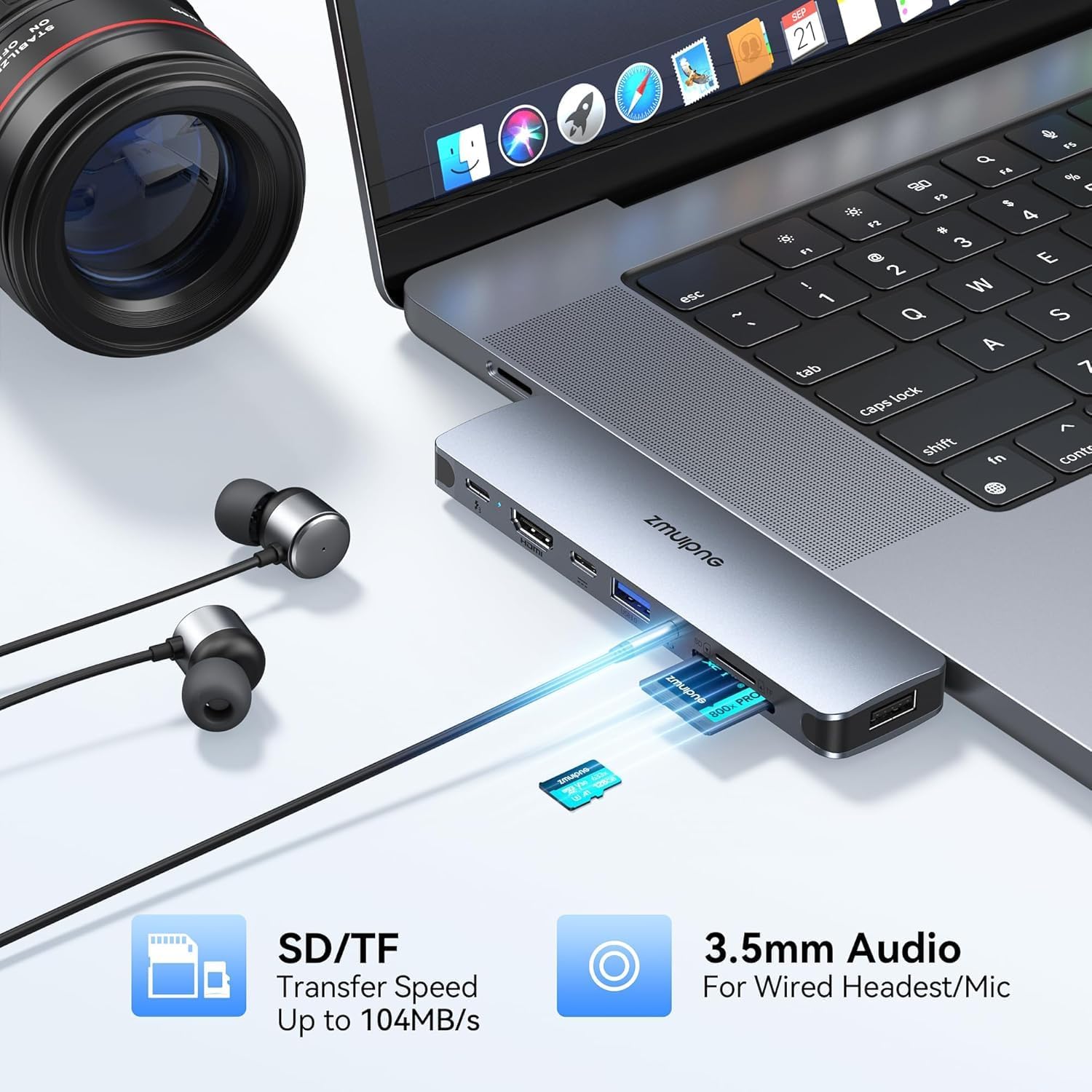
- SD/TF card reader: up to 100 Mb/s transfer rate
Usage Recommendations
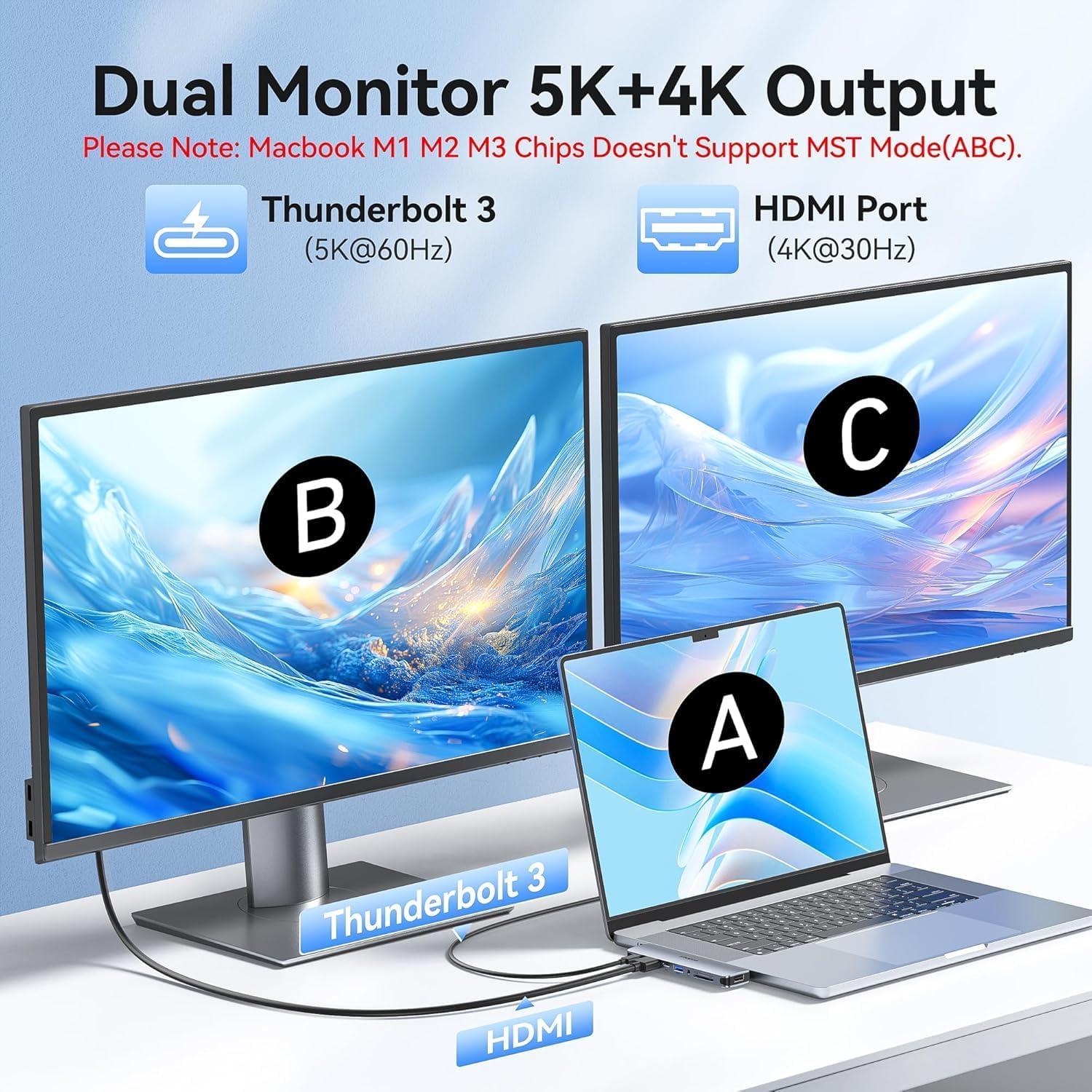
Use the hub on a stable surface to avoid strain on the MacBook's USB-C port when several devices are connected. For connecting external drives, prefer the USB 3.0 ports for sustained file transfers, and reserve the Thunderbolt 3 port for displays or high-performance storage that requires higher bandwidth. When mirroring or extending a desktop to a 4K screen, set the monitor to 3840 x 2160 at 30 Hz in display settings to match the adapter output. For photographers moving images from a camera, insert the SD and TF cards together if you need simultaneous access to both card types, bearing in mind actual speeds depend on the cards used. 📁
Practical Tips
If you plan to run multiple power-hungry drives, connect only one HDD or SSD to the hub at a time to reduce the chance of power-related disconnections. Keep firmware and drivers for attached Thunderbolt devices up to date, as compatibility can vary between macOS versions and peripheral models. Also consider using a short USB-C extension or cable if your laptop sits in a docking position, because some protective cases may prevent the adapter from seating flush with the laptop port.