

MOKiN 7‑in‑1 USB‑C Hub with 100W PD and HDMI
Reviews
Price
Product description
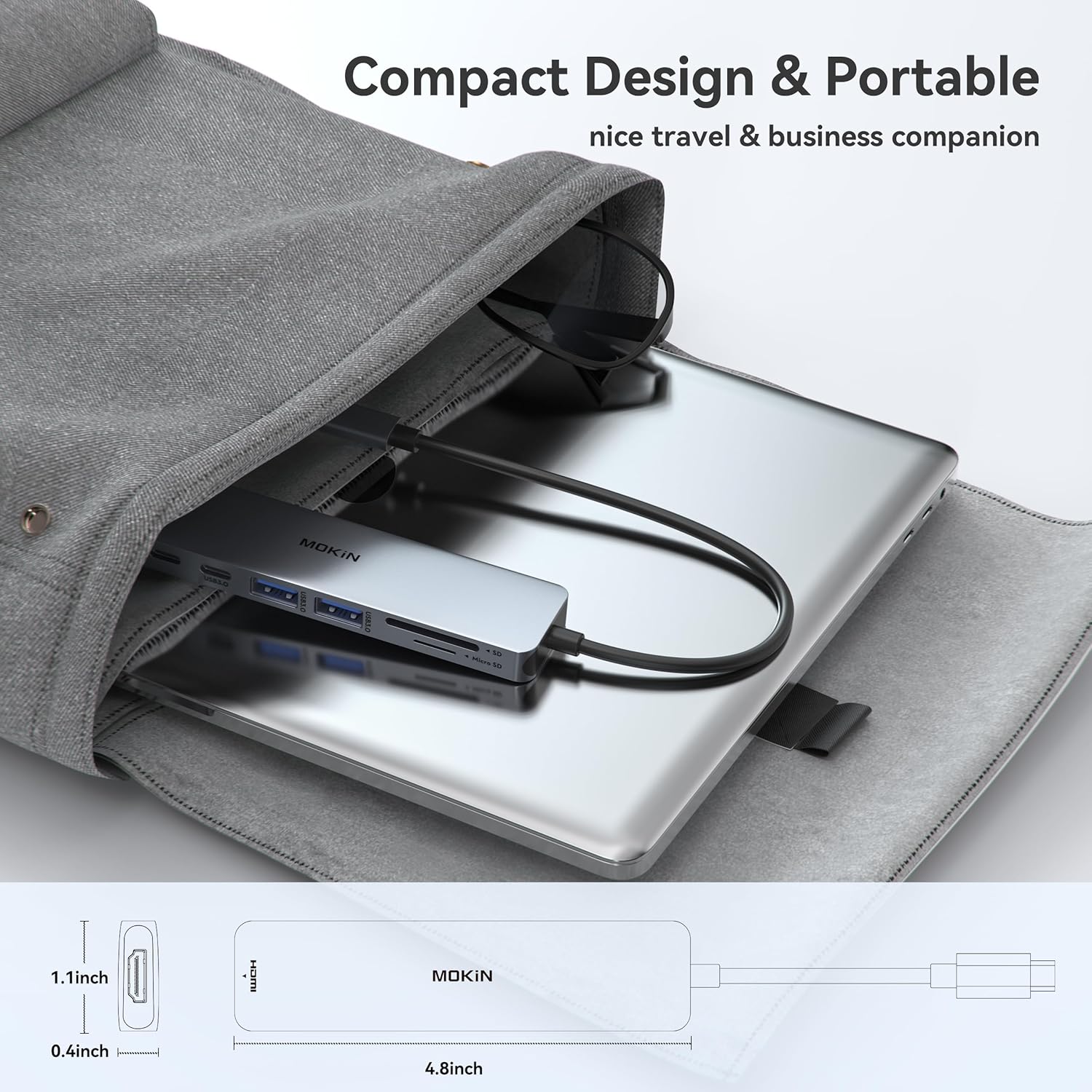
This compact USB C Hub HDMI Adapter for MacBook Pro/Air expands a single USB-C port into multiple connections to support an external 4K monitor and everyday peripherals, making it easier to work with larger screens and SD cards at the same time. It suits portable workflows where fast file transfer and video output are needed, particularly for photographers and professionals handling media.
Key Points
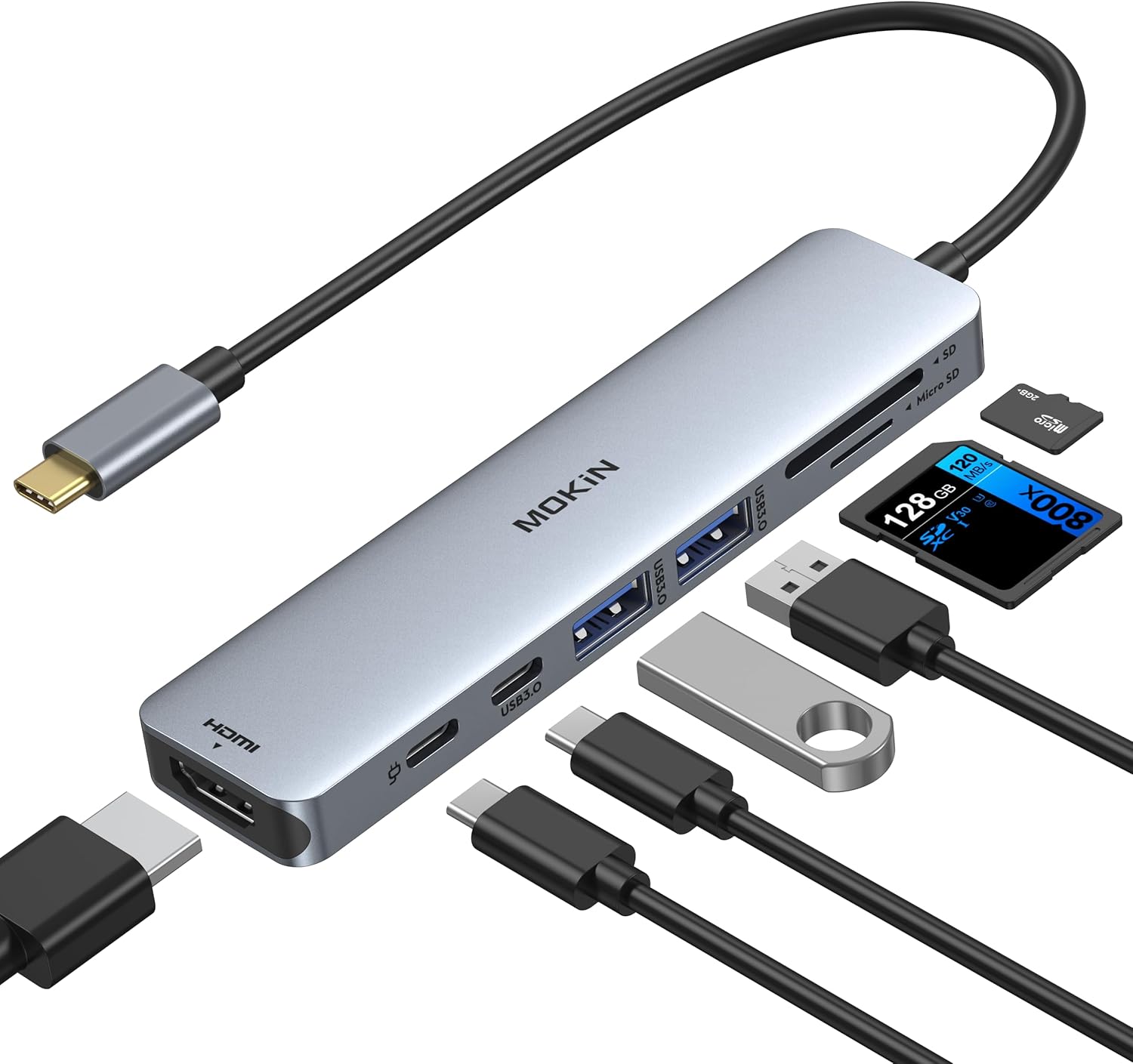
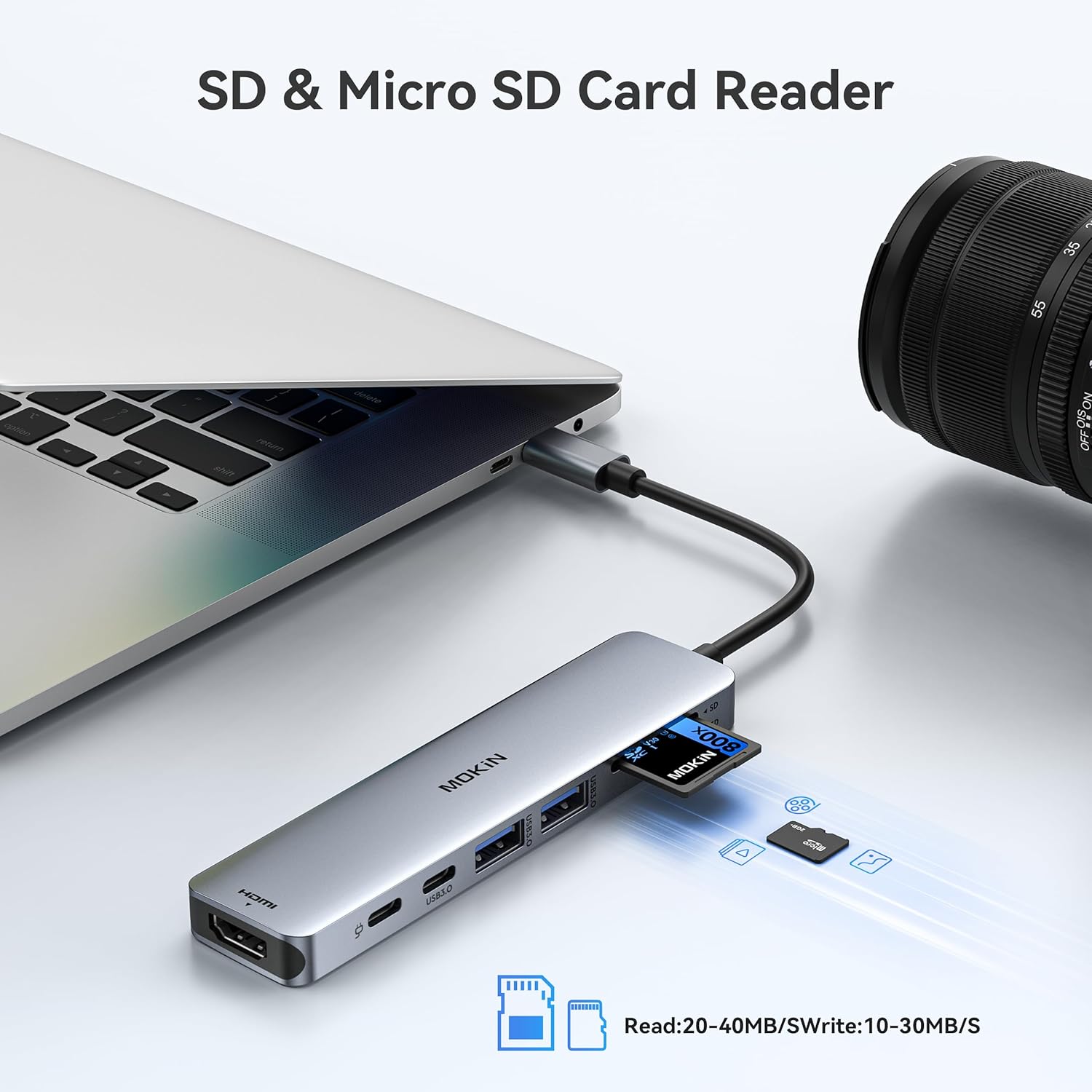
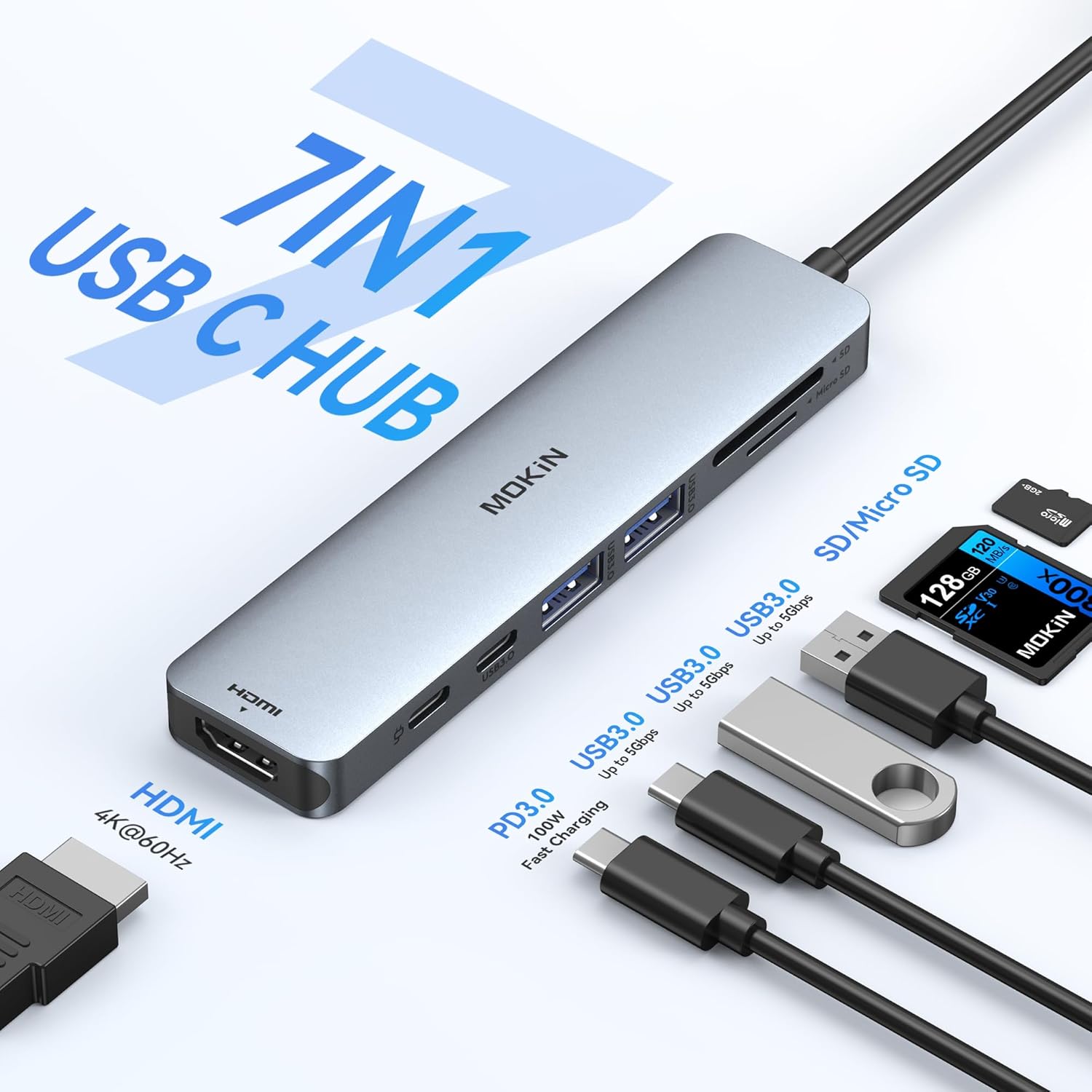
The adapter converts one USB-C or Thunderbolt 3 port into an HDMI video output, two USB 3.0 ports, an SD slot and a microSD (TF) slot, plus a USB-C PD pass-through for up to 100W charging. This allows you to mirror or extend your laptop display to a TV or monitor in Full HD 1080p at 30 Hz or UHD 4K according to the manufacturer. The aluminium housing in grey has a low-profile design to sit close to the laptop body. For photographers, the dedicated card reader simplifies importing RAW images without extra dongles. ⚡️📸
Technical Specifications
- Name: MOKiN 7 IN 1 USB C Dongle Mac Adapter
- Video Output: 4K UHD and Full HD 1080p @ 30 Hz
- Power Delivery: 100W PD pass-through
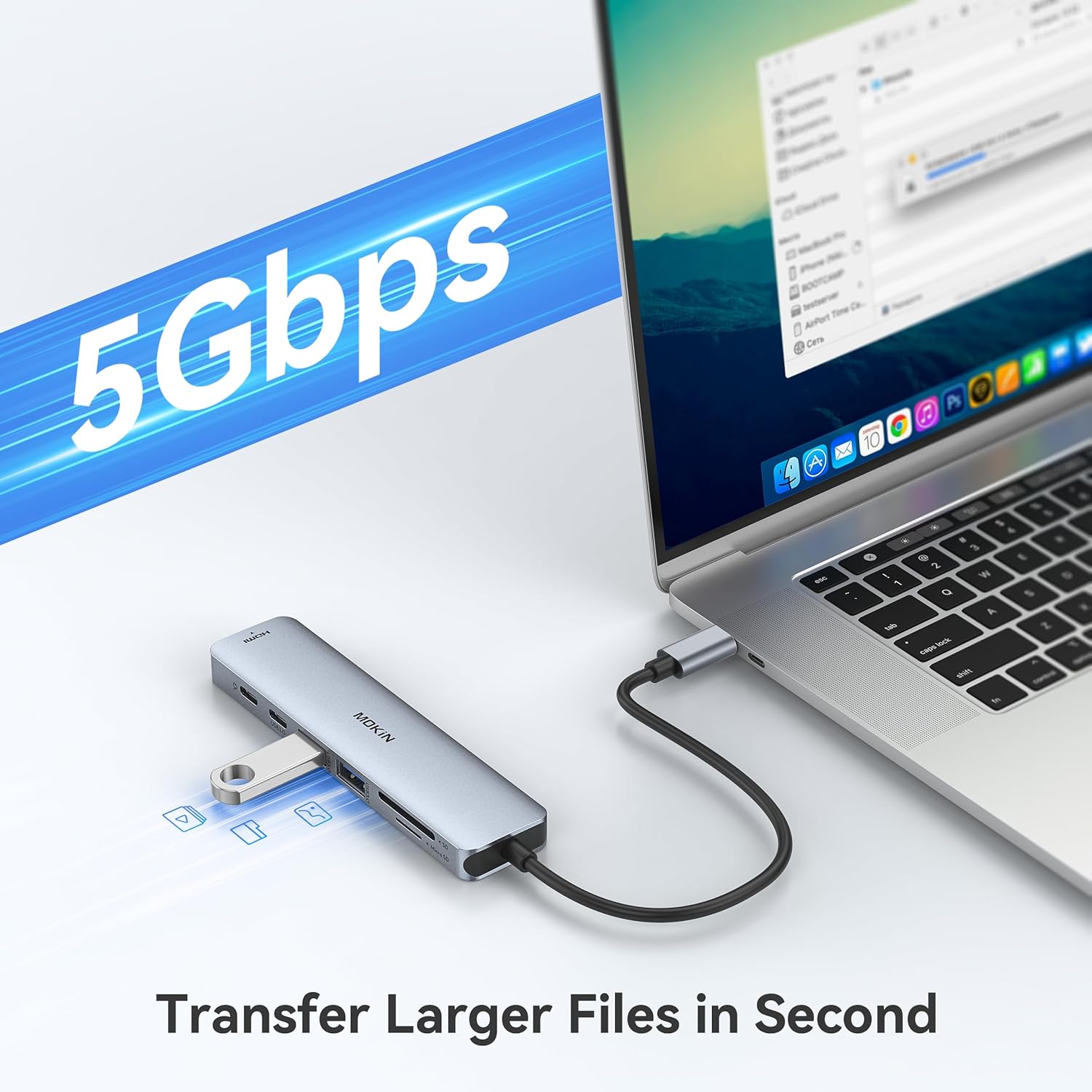
- USB Ports: 2 x USB 3.0 (up to 5 Gbps)
- Card Readers: SD and TF (microSD) slots
Benefits
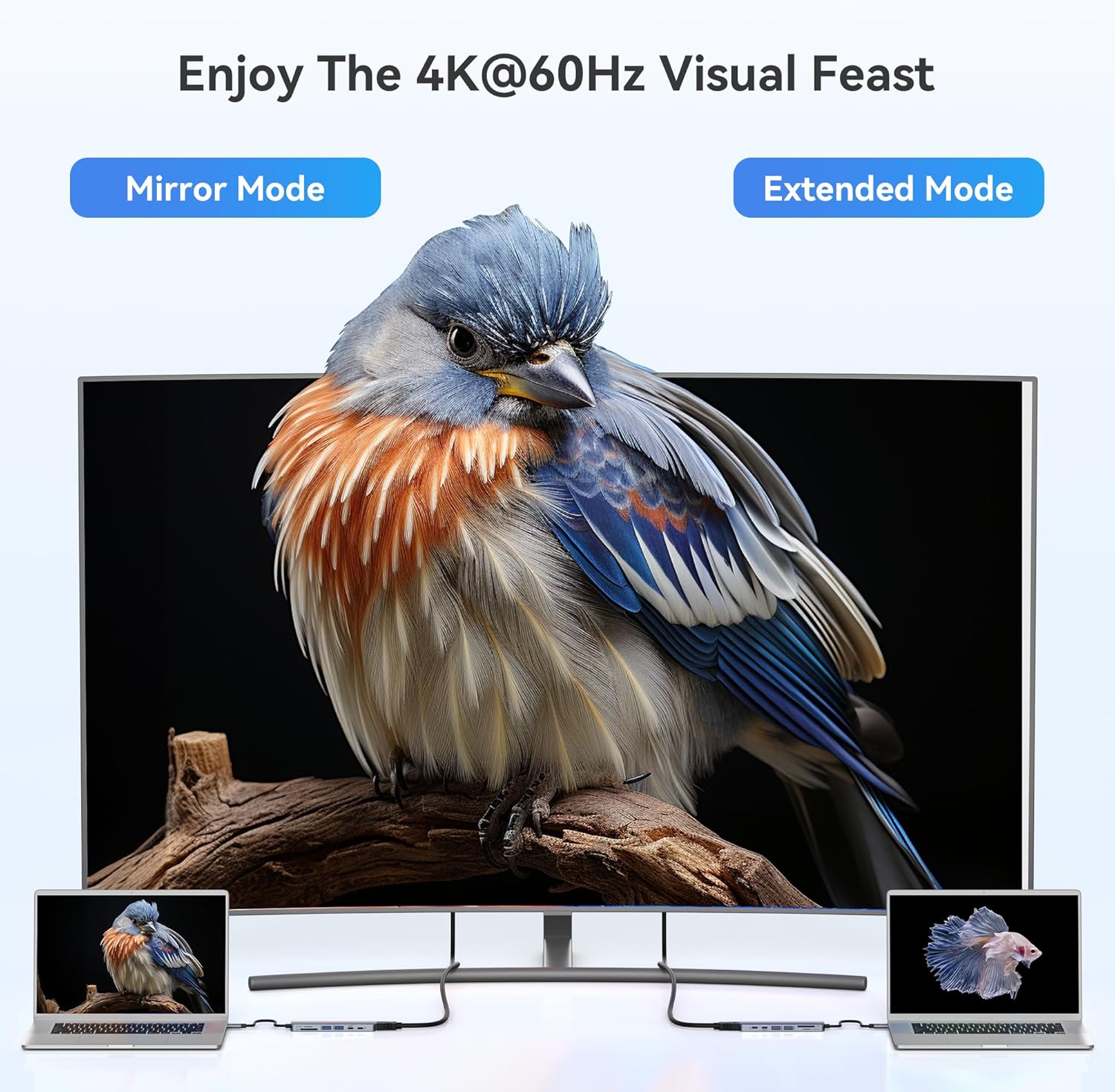
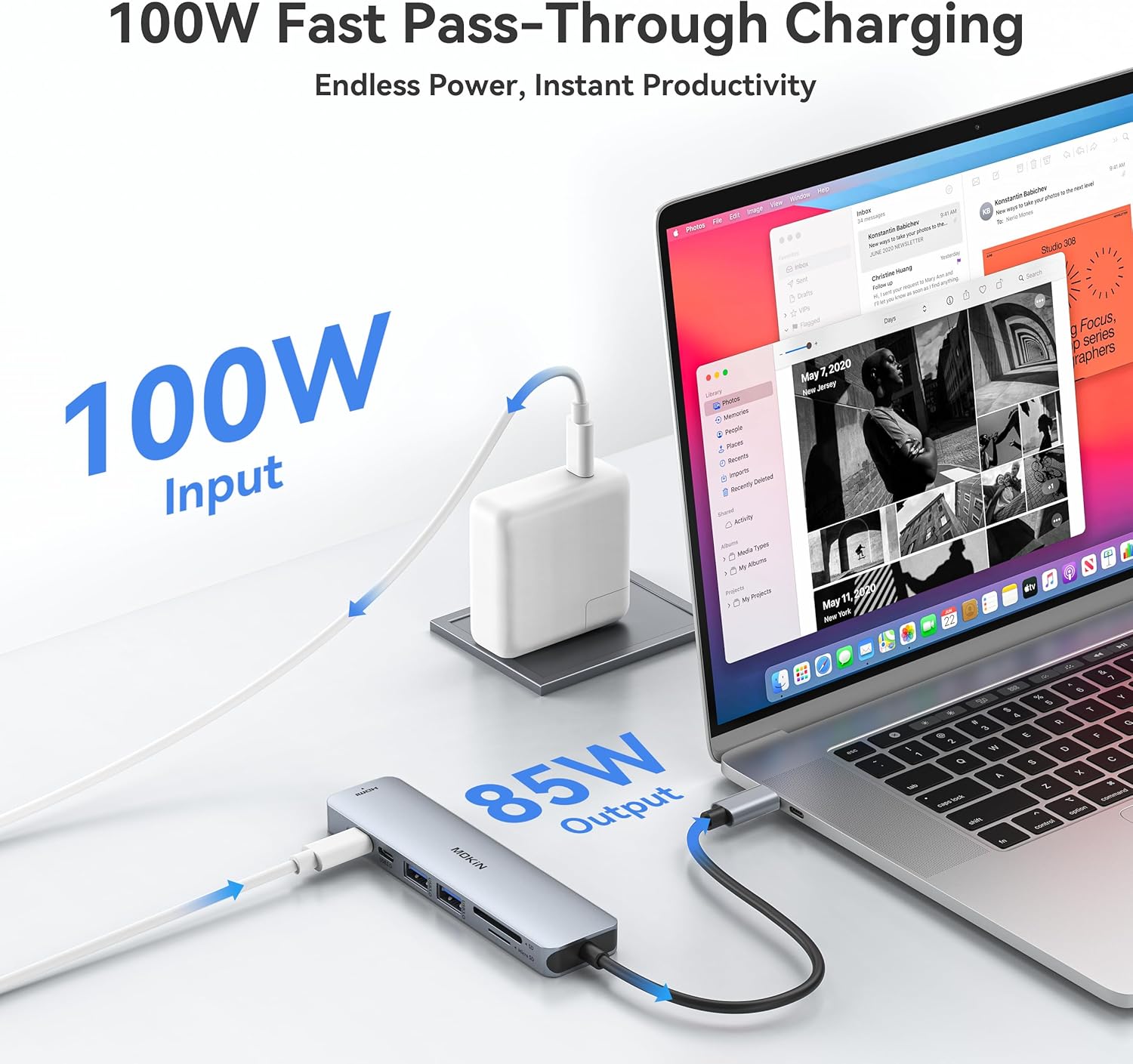
Having two SuperSpeed USB 3.0 ports lets you connect a keyboard, mouse or external drive while keeping high transfer rates for media. The pass-through charging keeps the laptop powered so you can run power-hungry devices and charge simultaneously. The integrated card slots remove the need for separate readers during shoots and while travelling, reducing the number of accessories to carry. One nuance to note is that the adapter supports devices with USB-C DP Alt Mode only, and it does not support MHL, so some older or non-compliant laptops may not provide video output. 🔌
Usage Recommendations
For video output, connect the HDMI cable to the adapter and then to the monitor or TV, and set the display mode from your operating system. When transferring large files from SD cards, insert the card directly into the SD slot to benefit from native reading speeds. If using an HDD or SSD that requires extra power, connect only one such drive at a time as the hub may not supply sufficient power for multiple bus-powered drives. Also check that your laptop’s USB-C port supports DisplayPort Alt Mode to ensure the HDMI output functions correctly.