

SanDisk Ultra Dual Drive Go 128GB USB Type-C & Type-A dual flash drive
Reviews
Price
Product description
The essentials
The SanDisk Ultra Dual Drive Go is a 2‑in‑1 flash drive designed for people who regularly move files between a phone/tablet and a computer. The headline feature here is the reversible USB Type‑C connector alongside a traditional USB Type‑A plug, so you’re not stuck hunting for an adaptor. It’s aimed at everyday transfers: photos and videos off a mobile, quick backups, and moving documents between devices with USB support.
On paper, it also leans into speed with USB 3.2 Gen 1 and read speeds quoted up to 400MB/s. Real-world speeds can vary with your device and file type, but the intention is clear: less waiting when you’re moving larger folders or doing a batch of photo backups.
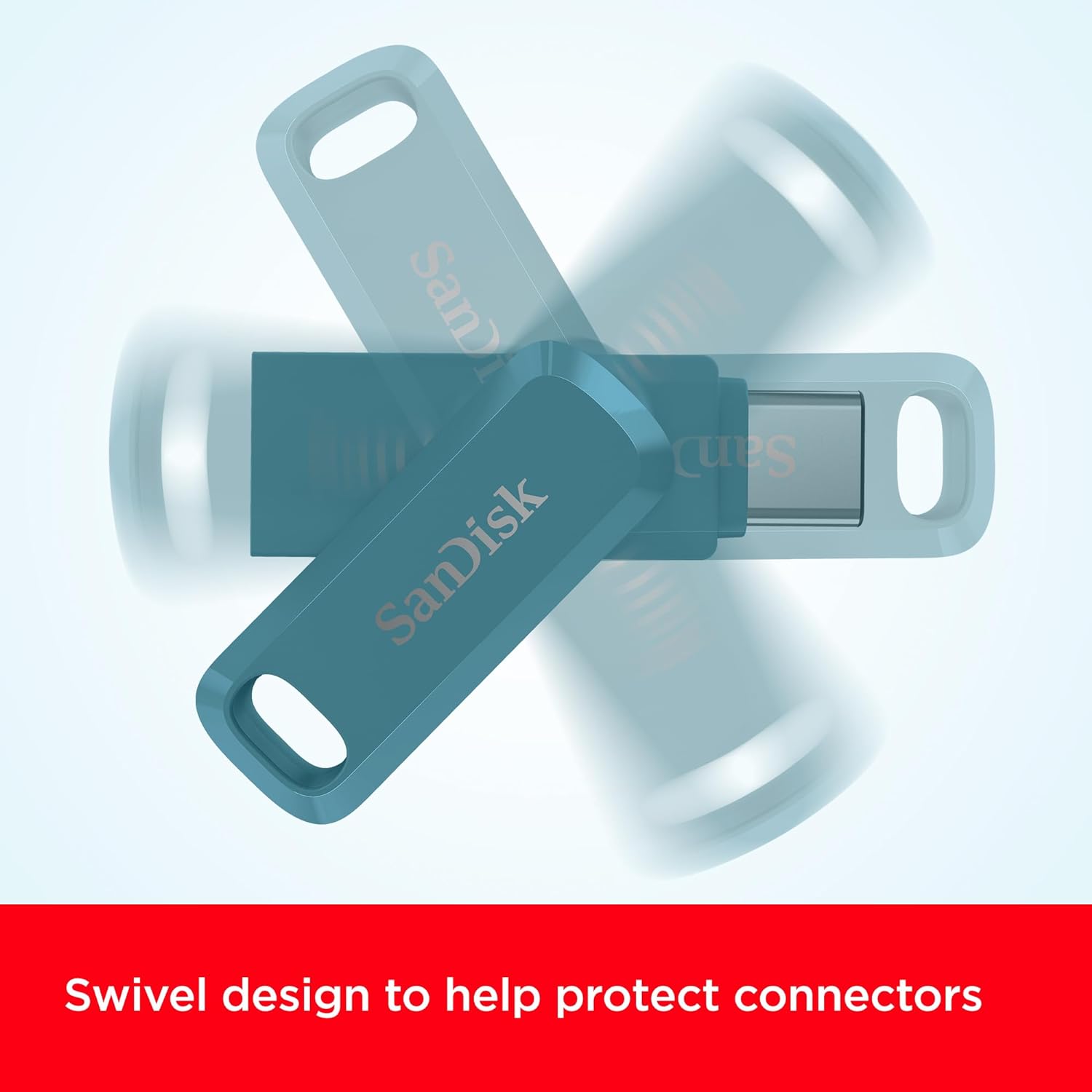
There’s also a practical “carry it anywhere” angle. The design is rotational with double-function protection for the connectors, plus there’s a hole for attaching it to a keyring—handy if you like your tech with your keys rather than in a drawer.
Key features that matter day to day
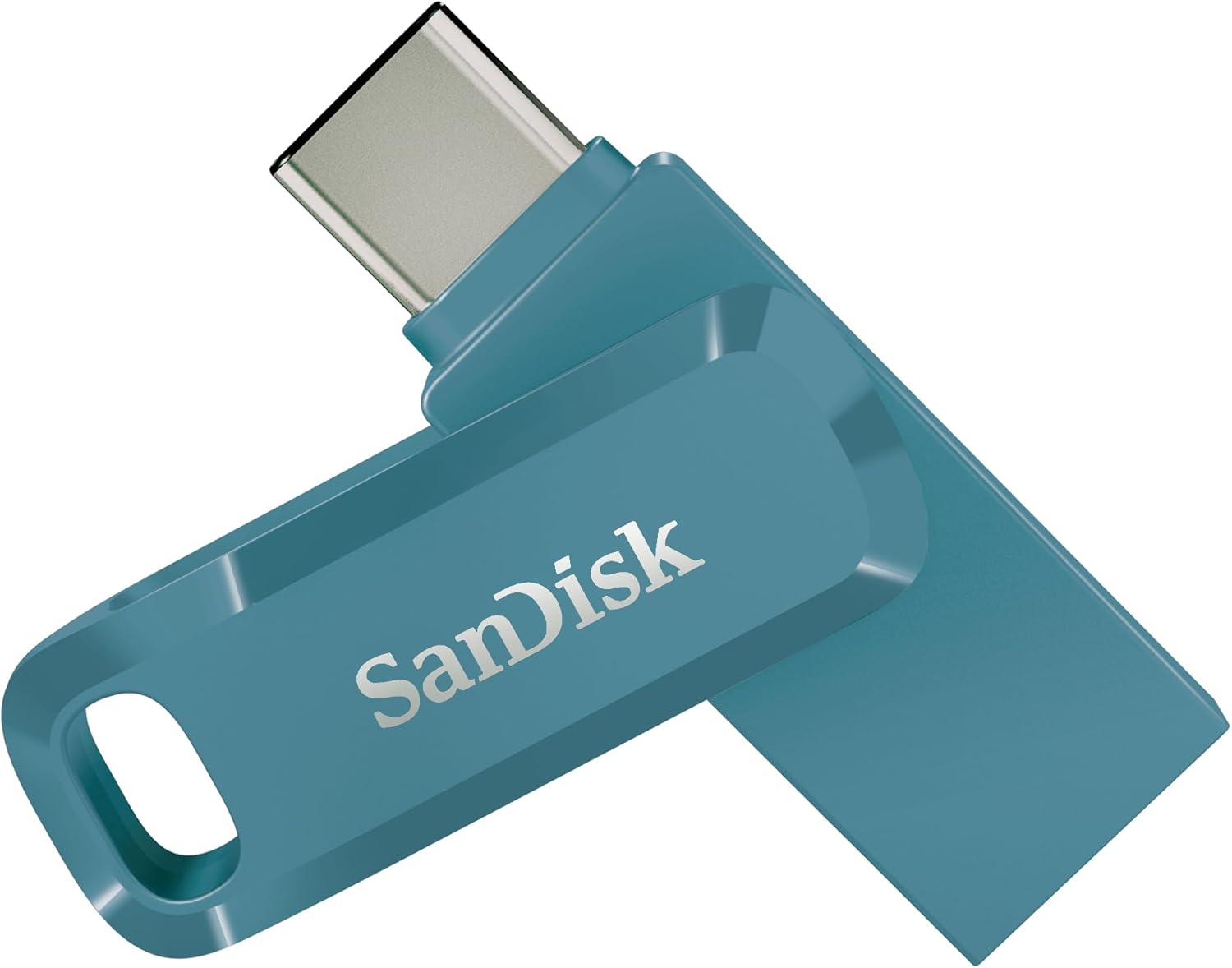
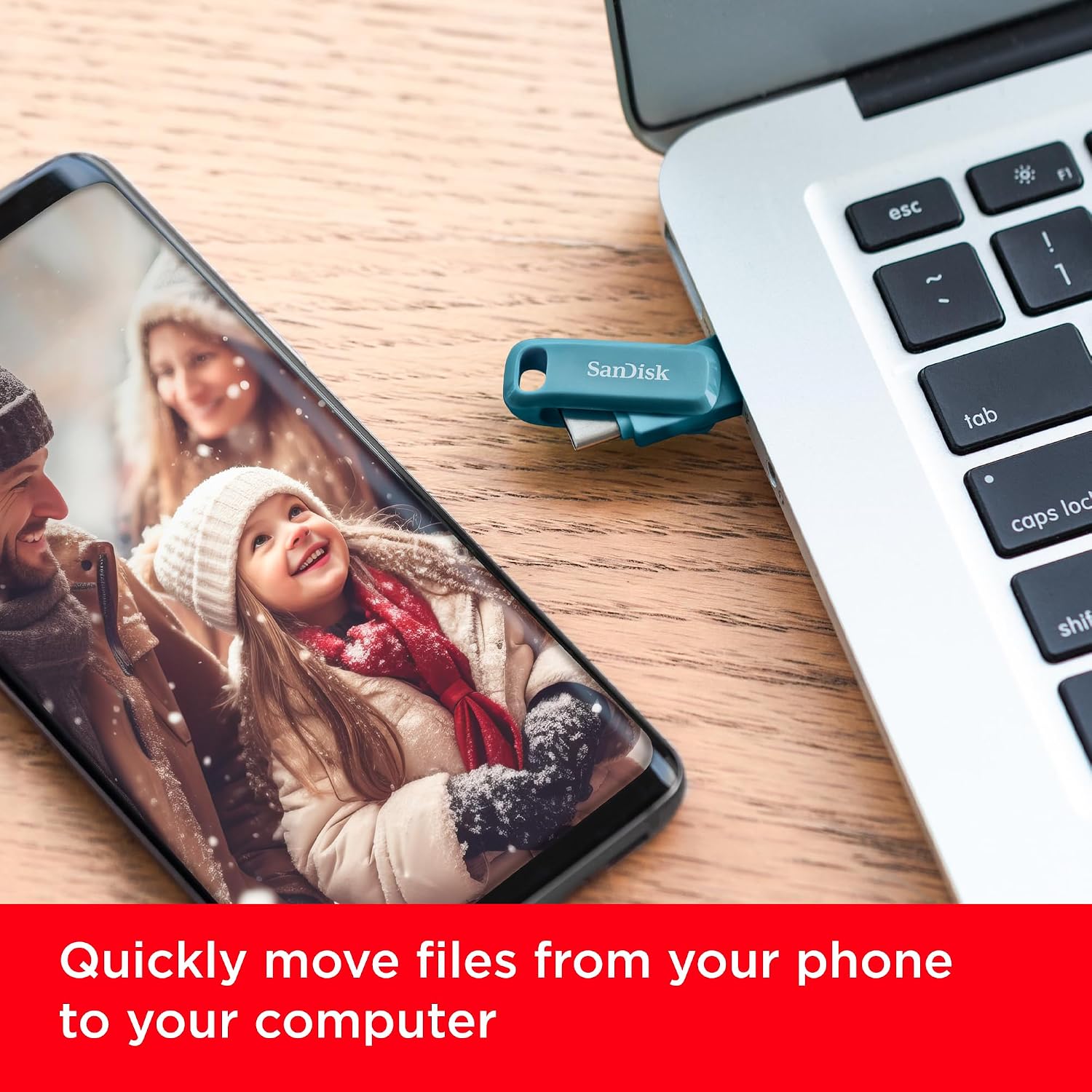
What you’ll notice most is the connector flexibility. A reversible Type‑C end helps with Android smartphones and tablets, while the Type‑A side suits computers and other gear with a standard USB port. That reduces friction when you’re out and about and want a simple way to offload media.
It’s also positioned for phone storage relief. The base description mentions freeing space on a smartphone with the USB Type‑C connection—useful if you frequently hit storage limits or you want a quick way to move pictures to the drive.
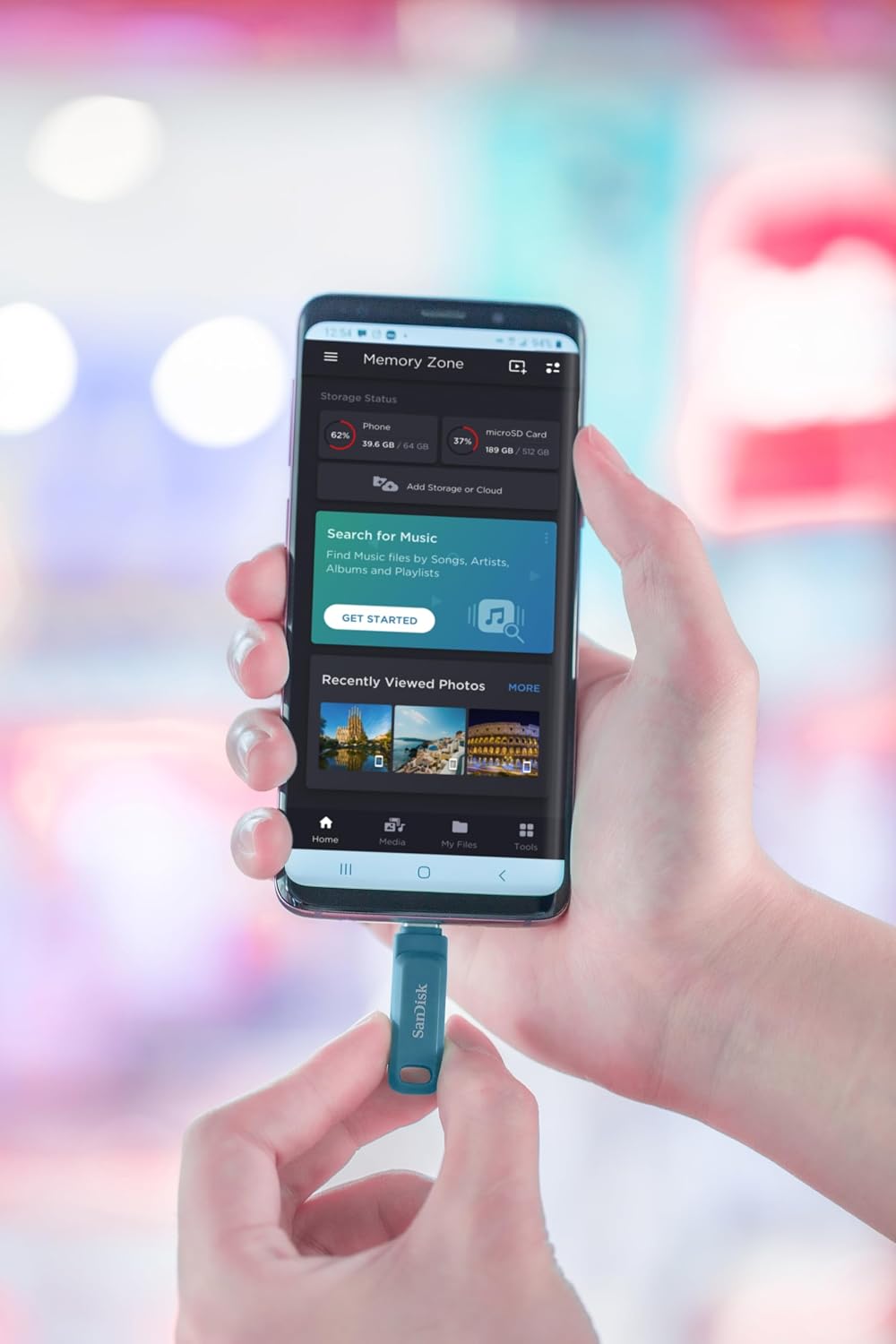
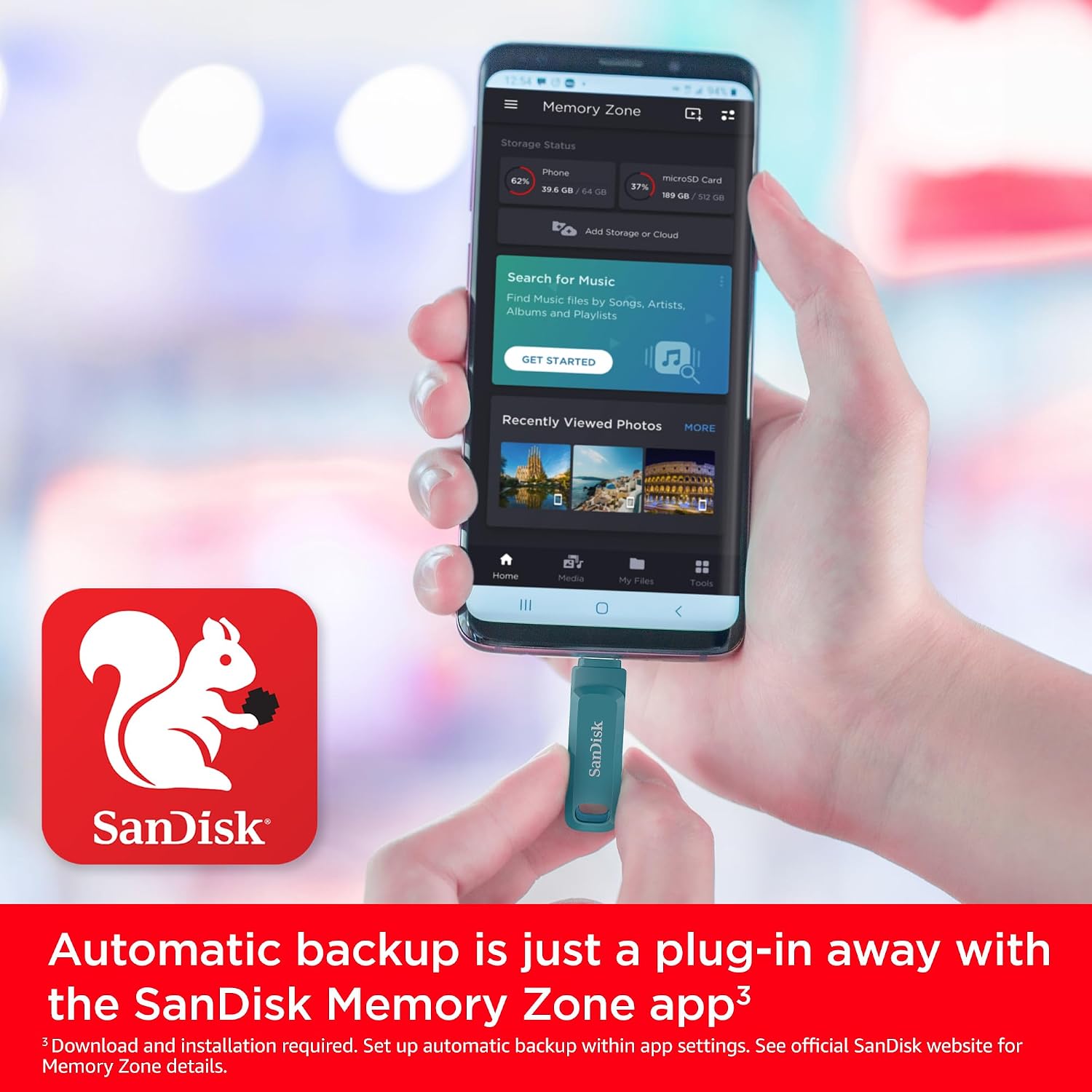
Finally, there’s support via the SanDisk Memory Zone app for automatic photo backup. That can be a big convenience if you’d rather set it up once and let it handle routine copying.
Worth noting, though: the app workflow and backup behaviour depend on your phone setup, permissions, and what you choose to back up. It’s not a magic erase switch—think “backup and transfer”, not “solves storage by itself”.
Where it shines (and a realistic limitation)
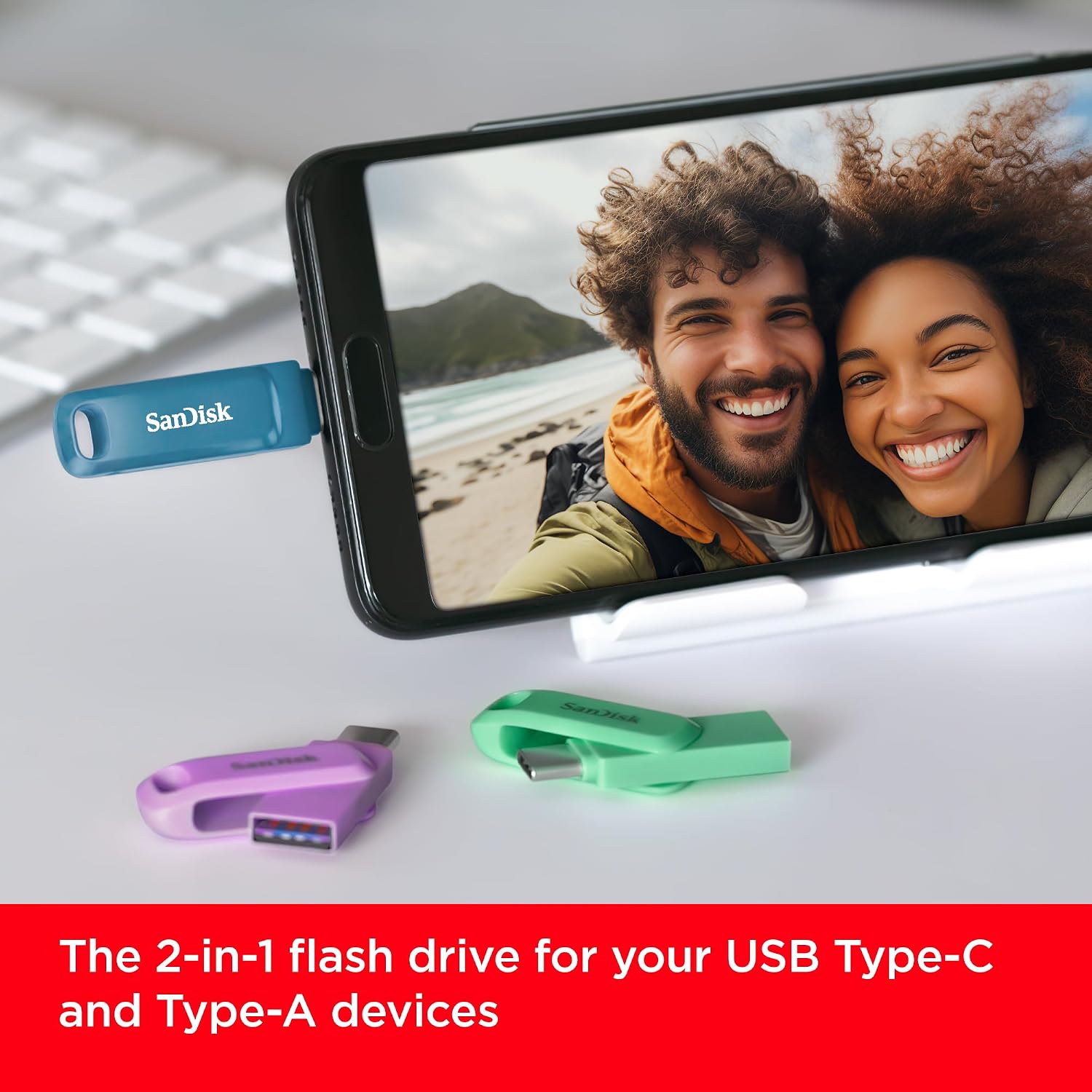
This is a sensible pick when you want one USB stick that can cover multiple devices in your household: a phone with USB‑C, a tablet with USB‑C, and a Mac (or any computer) with Type‑A. The dual connector design helps you keep your workflow straightforward.
Speed is the other selling point. If you often move bigger files (for example, a folder of photos rather than one image at a time), the USB 3.2 Gen 1 and up to 400MB/s read speed claim can be reassuring for time saved.
However, keep expectations grounded: the “up to 400MB/s” figure is a best-case number, and your actual transfer speed will depend on the device you plug into and how fast that device can read/write. If you’re only transferring a handful of small files, the speed headline may matter less than convenience.
Practical usage example
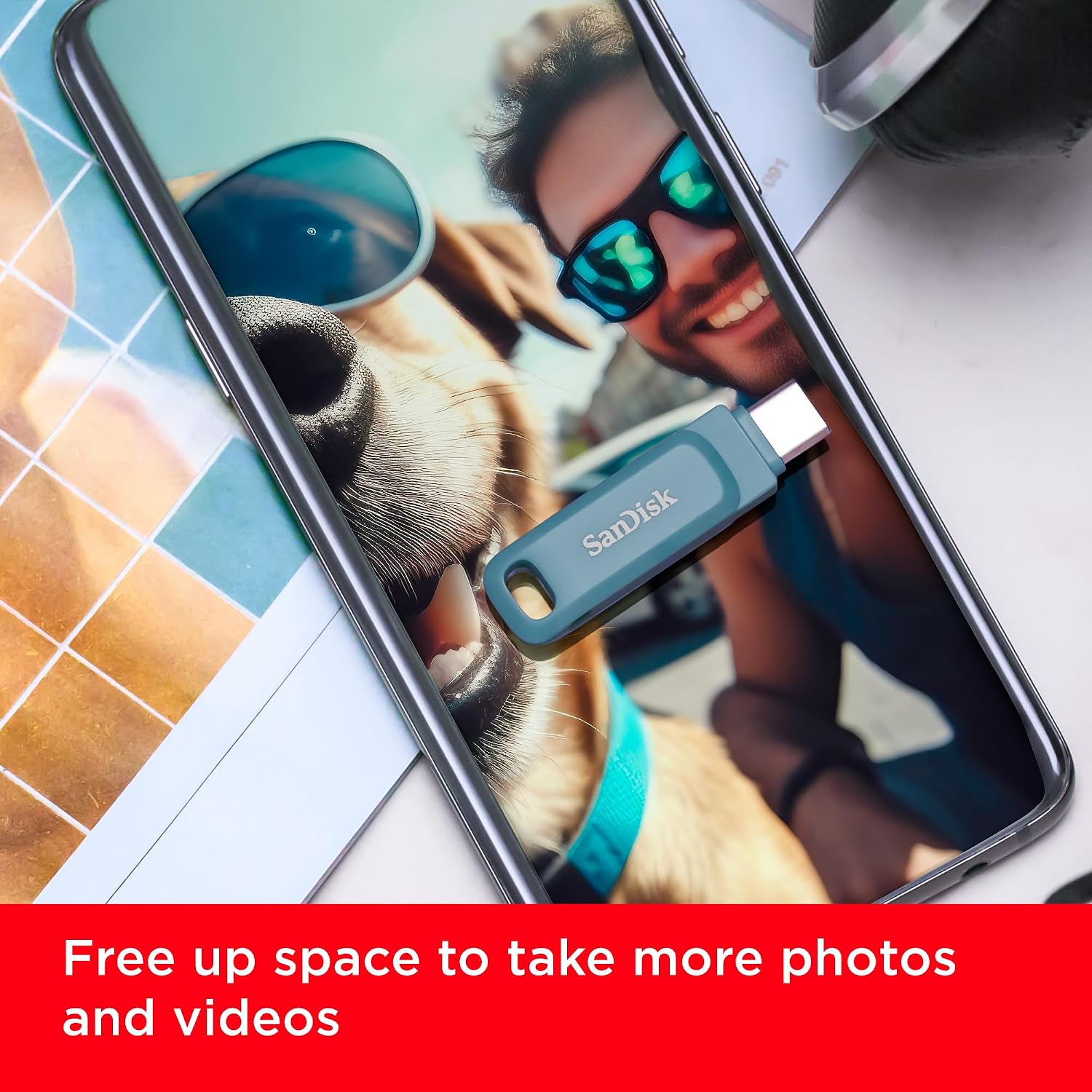
Imagine you’re taking a day trip and start worrying about your phone’s storage. You connect the drive using the reversible USB Type‑C connector, then let the SanDisk Memory Zone app handle the automatic photo backup (as described). Later, when you get home, you can move the same photos onto your Mac using the Type‑A plug without needing cables or extra adapters. It’s the kind of workflow that feels simple because you’re not thinking about “which port does this device have?” every time.
Tech summary (from the information provided)
- Name: SanDisk Ultra Dual Drive Go 128GB
- Type: USB flash drive with reversible Type‑C and Type‑A connectors
- Capacity: 128GB
- Interface: USB 3.2 Gen 1
- Read speed: up to 400MB/s
- Connection style: rotating dual design with connector protection and keyring hole
Should you buy it?
It makes sense if you want a single flash drive for transferring media between USB‑C devices (Android smartphone/tablet) and computers that use USB Type‑A, including Mac setups with USB Type‑A. It’s also a decent choice if you like the idea of automatic photo backup via the SanDisk Memory Zone app, and you’re the sort of person who benefits from carrying a drive on a keyring.
You may want to skip it if you’re mostly working with one single device type and never need both USB‑C and Type‑A. In that case, a simpler single-connector drive could be less hassle. Also, if your priority is maximum write speed or media-heavy editing workflows, a flash drive alone may not be the bottleneck you think it is—your phone and the way you transfer will still influence performance.
Quick FAQ
How does the dual connector help?
It gives you a reversible USB Type‑C connection for Android smartphones and tablets, plus a traditional Type‑A connector for computers with USB Type‑A, so you can transfer files without an adaptor.
Is it suitable for Mac computers?
The description specifically mentions Mac computers with USB Type‑A, which suggests you’ll want a Mac setup that has the standard Type‑A port.
Does it automatically back up photos?
The base information says it can automatically back up photos using the SanDisk Memory Zone app, but that will still depend on your phone permissions and how you set up the app.
What kind of transfer speeds should I expect?
It’s rated up to 400MB/s for reads (USB 3.2 Gen 1). Actual speeds can vary with the device you connect and the type of files you move.