

ROSPE 256GB USB Stick for iPhone – 3-in-1 Lightning, Type-C & USB 3.0 with MFi Certification
Product description
What it is
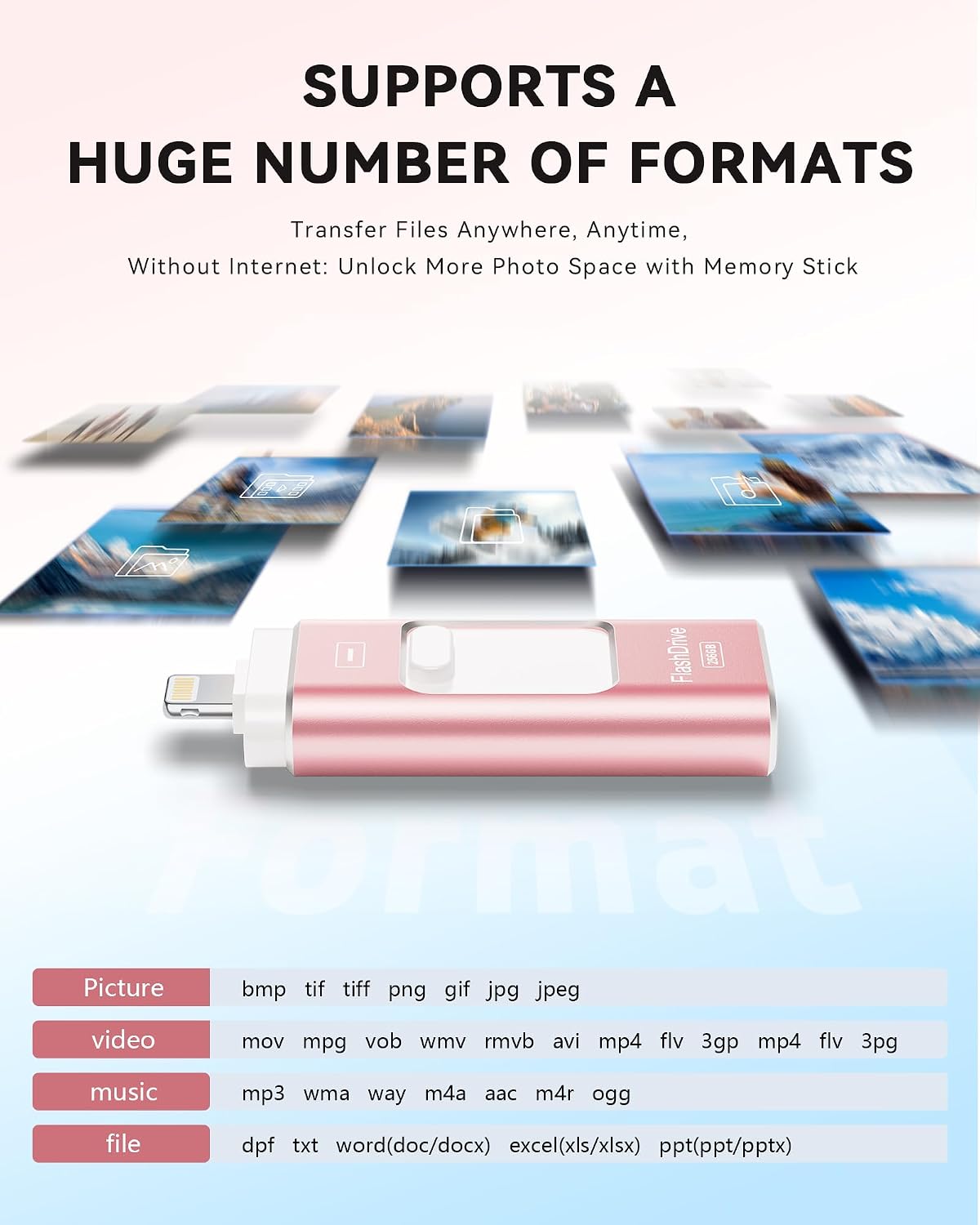
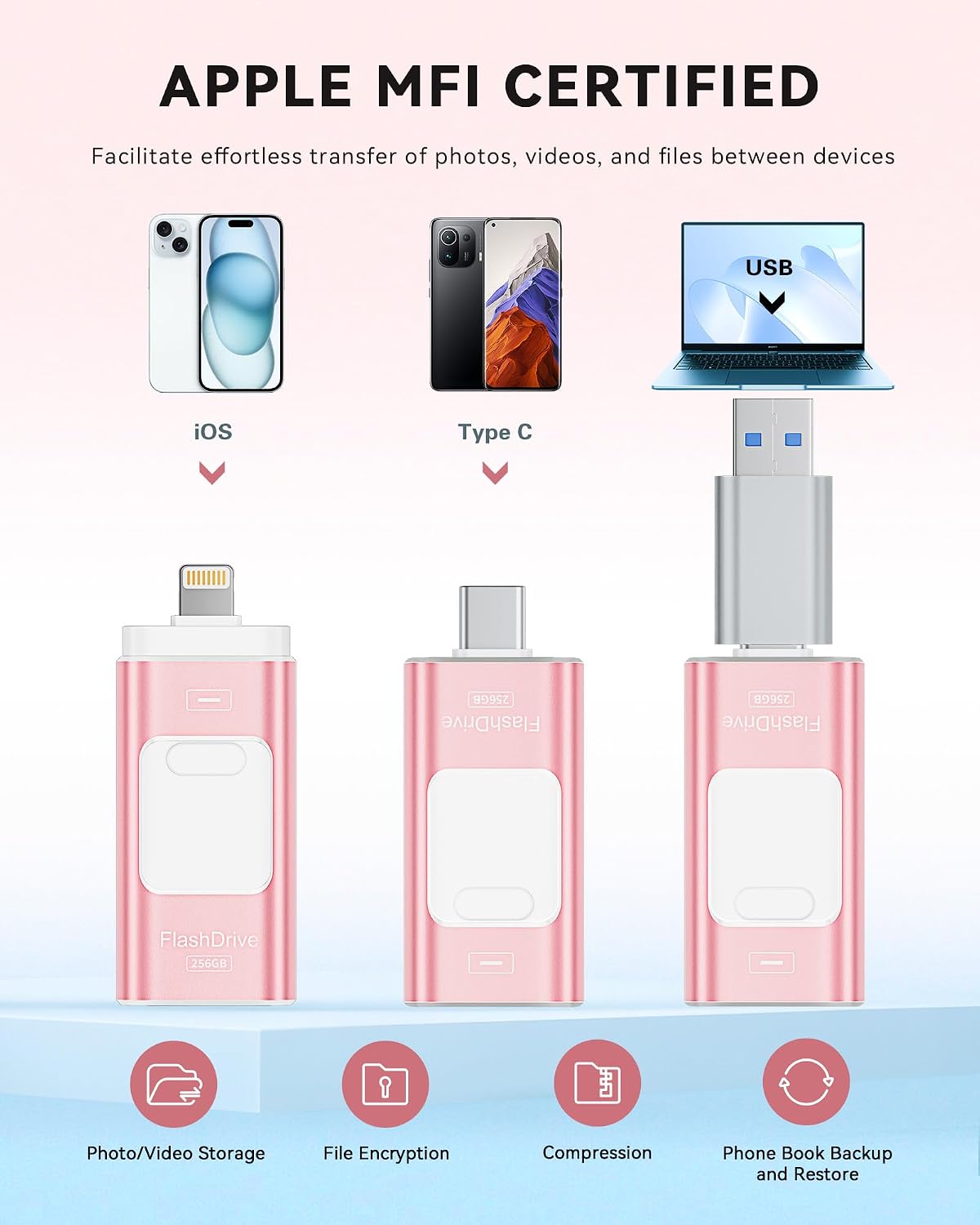
The ROSPE USB Stick is a 256GB 3-in-1 flash drive designed to work with iPhone and iPad via Lightning, plus Type-C and USB 3.0 interfaces. It’s MFi-certified, aimed at expanding storage and enabling quick backups across iOS, Android, and PC setups without relying on iTunes or iCloud.
Who it’s for
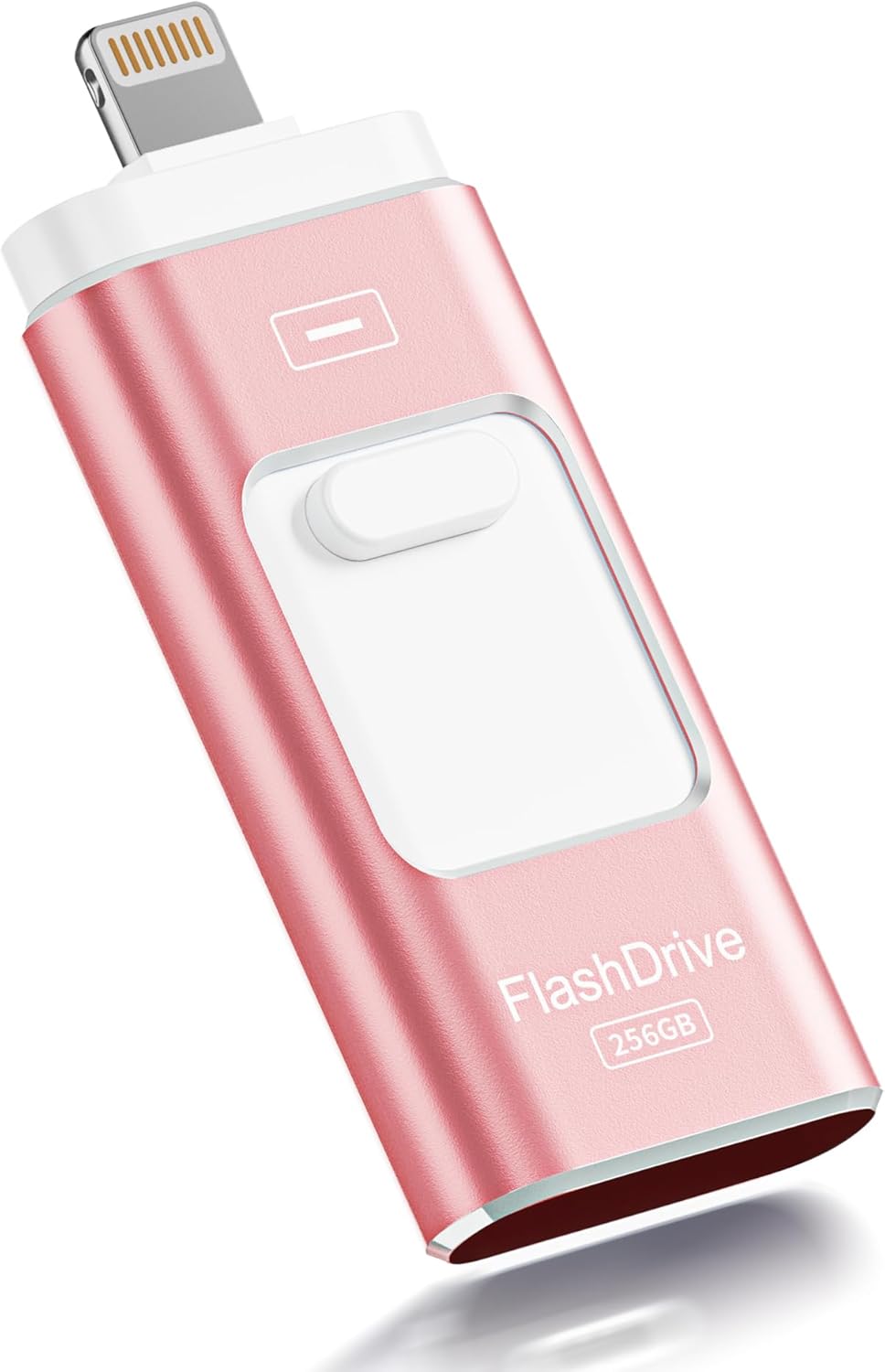
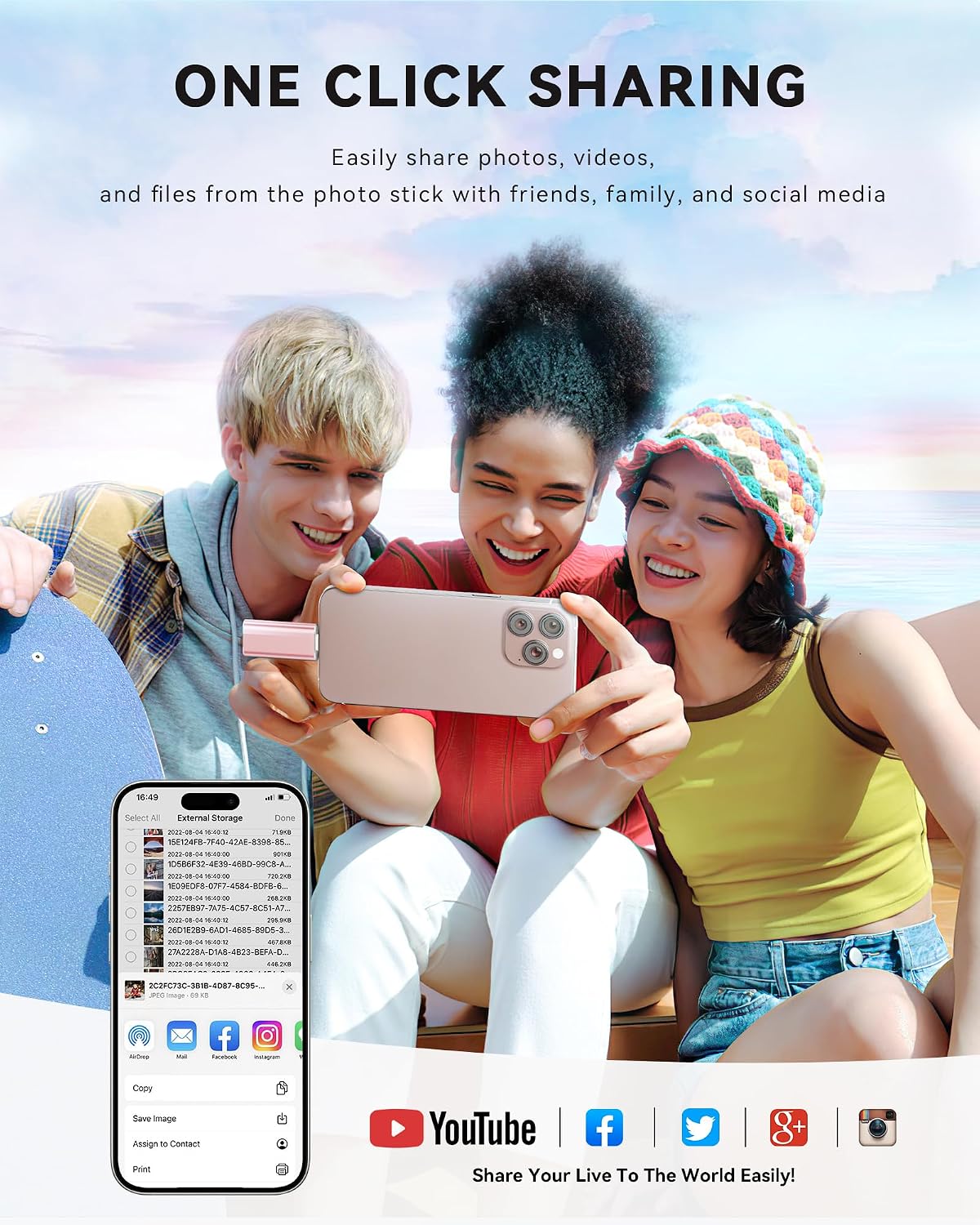
If you’re looking to free up space on an iPhone or iPad, transfer photos and videos between devices, or keep a secondary backup handy, this stick offers a practical, plug-and-play approach. It also appeals to mixed-device households where some gadgets use Lightning and others USB-C or USB-A.
How it performs in practice
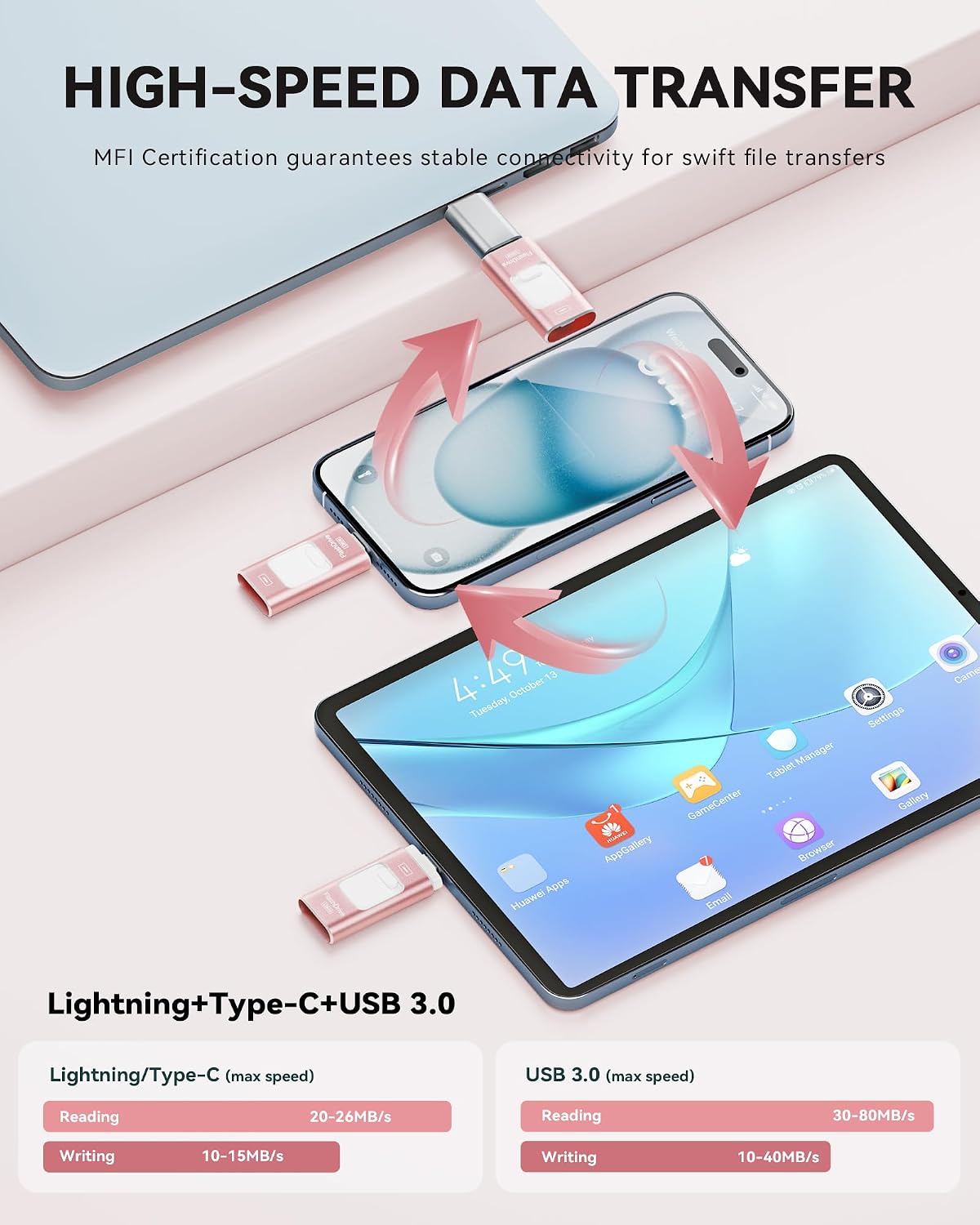
On Lightning and Type-C ports, transfer speeds are described around 20 MB/s read and 10 MB/s write, while USB 3.0 ports can reach about 40 MB/s read and 20 MB/s write. These figures reflect typical real‑world use for casual backups and media transfer, not high‑end video editing workflows. The first data transfer requires selecting Copy (not Cut) to avoid data loss, then deleting the source after confirmatory success.
What stands out
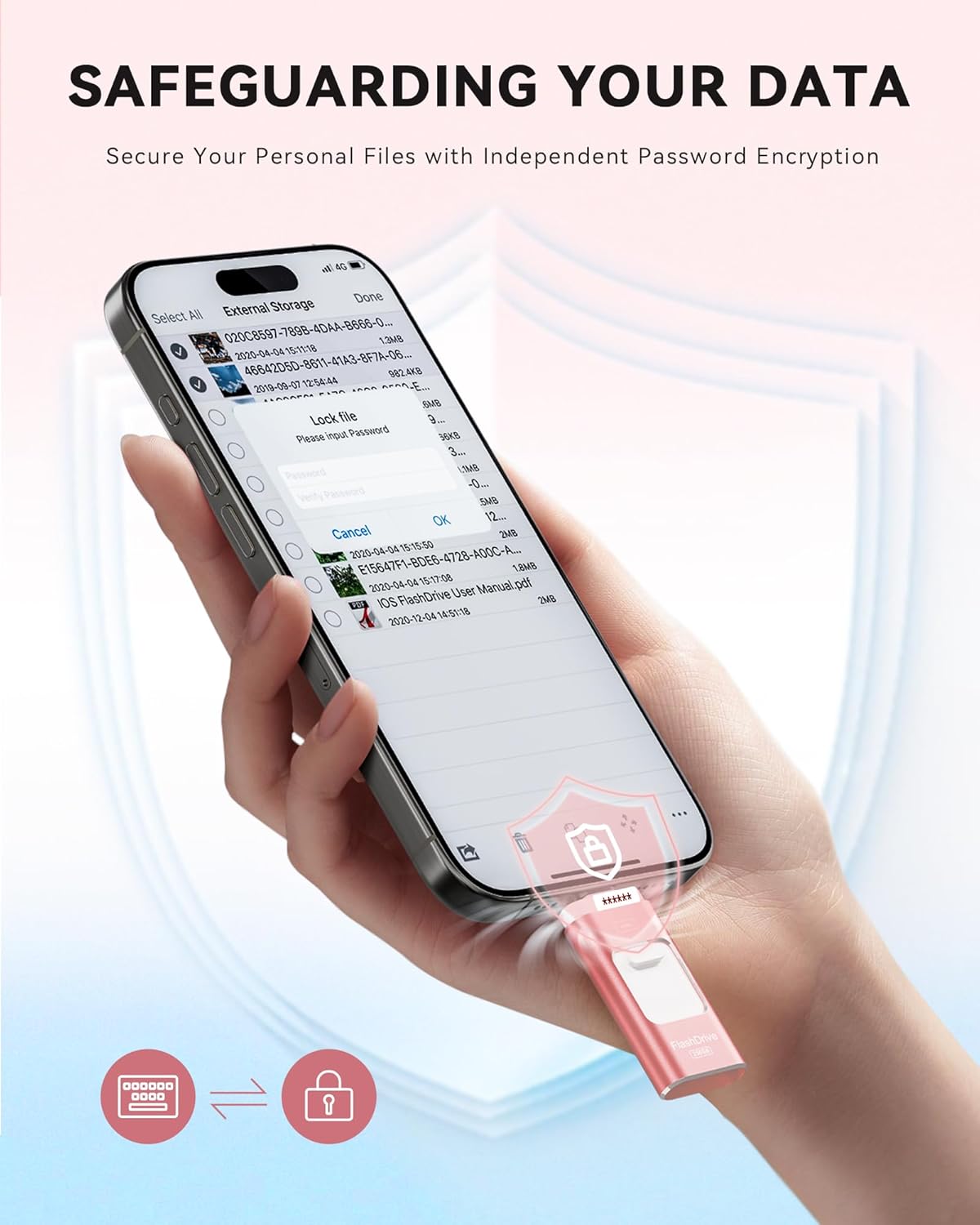
• MFi certification provides a level of trust and intended compatibility with iOS devices. • A true 3‑in‑1 solution reduces cable clutter and enables cross‑device data sharing without a dedicated app on Android (OTG should be enabled). • Built-in security options in the iOS app (password or Touch ID) offer a layer of privacy for backed-up files.
Limitations and caveats

• Security features are not available on Android devices. If you primarily use Android, you won’t access those iOS‑specific protections. • The app requirement for iOS means you’ll need to download ROSPE from the App Store to realise some functionalities, which adds a step to initial setup. • For first-time transfers, performance can vary by device and connection, expectations should be tempered against the stated speeds.
How to use it effectively
• Ensure your iPhone or iPad has the ROSPE app installed from the App Store to unlock iOS‑specific features, on Android, enable OTG to use without an app. • Use the 3‑in‑1 stick to back up photos, videos, and contacts, or capture new media directly to the drive if supported by the app. • If you’re keeping multiple backups, consider using the USB 3.0 port to copy data to a computer as an additional safeguard.
Practical use cases
• A student with a mix of work devices can move photos from phone to laptop for coursework without cloud reliance. • A traveller can offload media from a phone to the stick and keep space free for new content on the go.
What to check before buying
• Confirm you’re comfortable with the need for the ROSPE app on iOS and what that app enables for your data. • If your workflow relies heavily on Android‑to‑PC transfers, recognise the Android side won’t mirror the iOS security features.
Alternatives and how this fits your approach
If you prefer a device‑level, simple plug‑and‑play approach across multiple platforms, a 3‑in‑1 flash drive like this can be more convenient than carrying separate cables. For heavy photo or video editing on the move, a higher‑throughput solution or cloud‑based workflow might be worth considering, but this ROSPE stick is more about practical, portable storage and basic backup.
Final decision
Final verdict
It makes sense if you want a compact, cross‑platform storage solution that adds capacity to an iPhone or iPad without cloud dependency, and you’re comfortable with some setup for iOS. It isn’t perfect for Android‑exclusive users or high‑speed, professional transfers, but for everyday backups and on‑the‑go storage, it offers a straightforward option with reasonable value.
FAQ
- Do I need a separate app for iOS? Yes, for iOS you’ll need the ROSPE app from the App Store to access some features.
- Can I use it with Android without any app? OTG should be enabled, there’s no dedicated Android app requirement noted.
- How safe are my files on the iPhone? The iOS app supports password protection or Touch ID to protect stored data, but this protection may not apply on Android.