

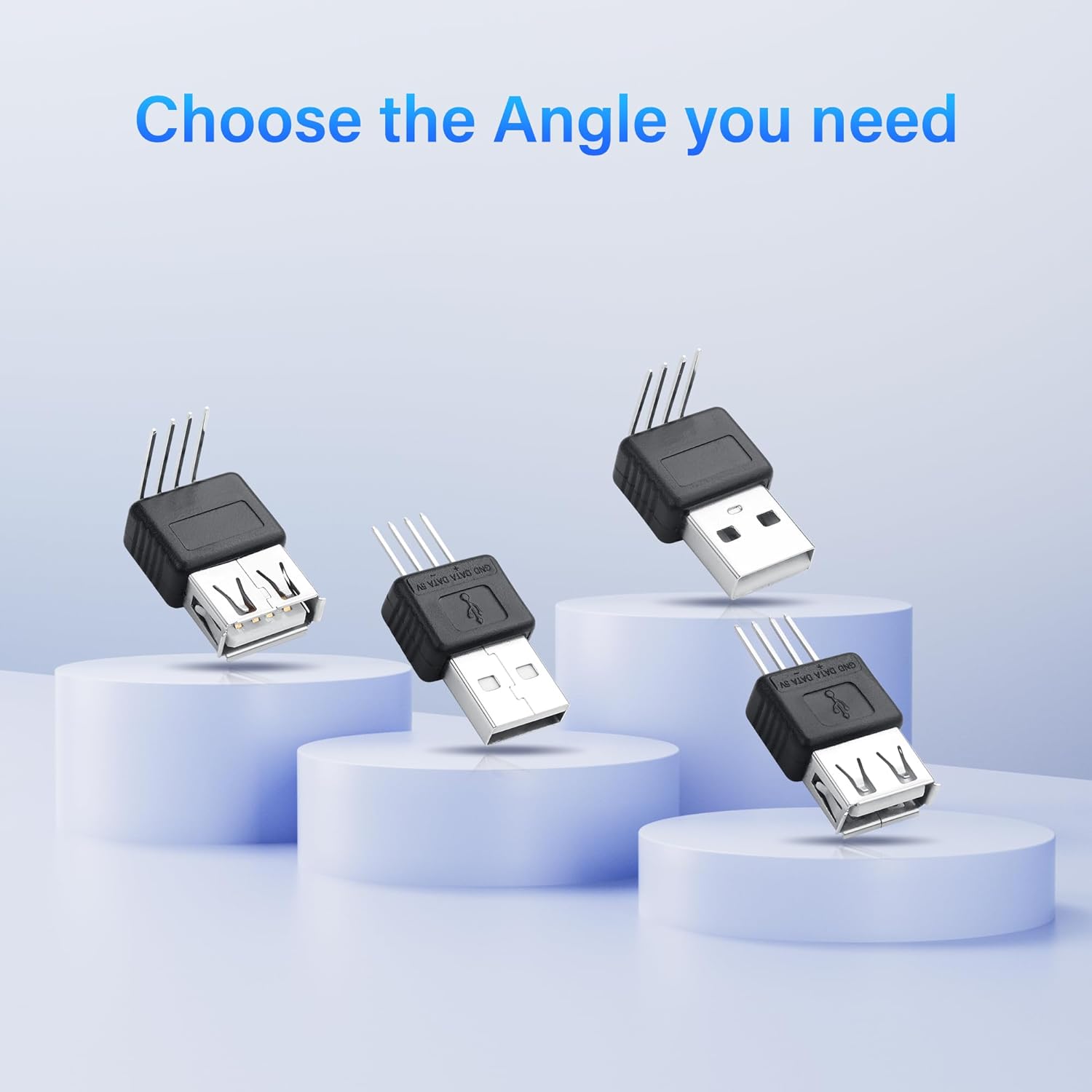
SinLoon USB A to 4-Pin Replacement Connector (USB-F-S) – Silver-Plated Contacts, 5V DIY Repair Kit
Reviews
Product description
What it is and what it solves
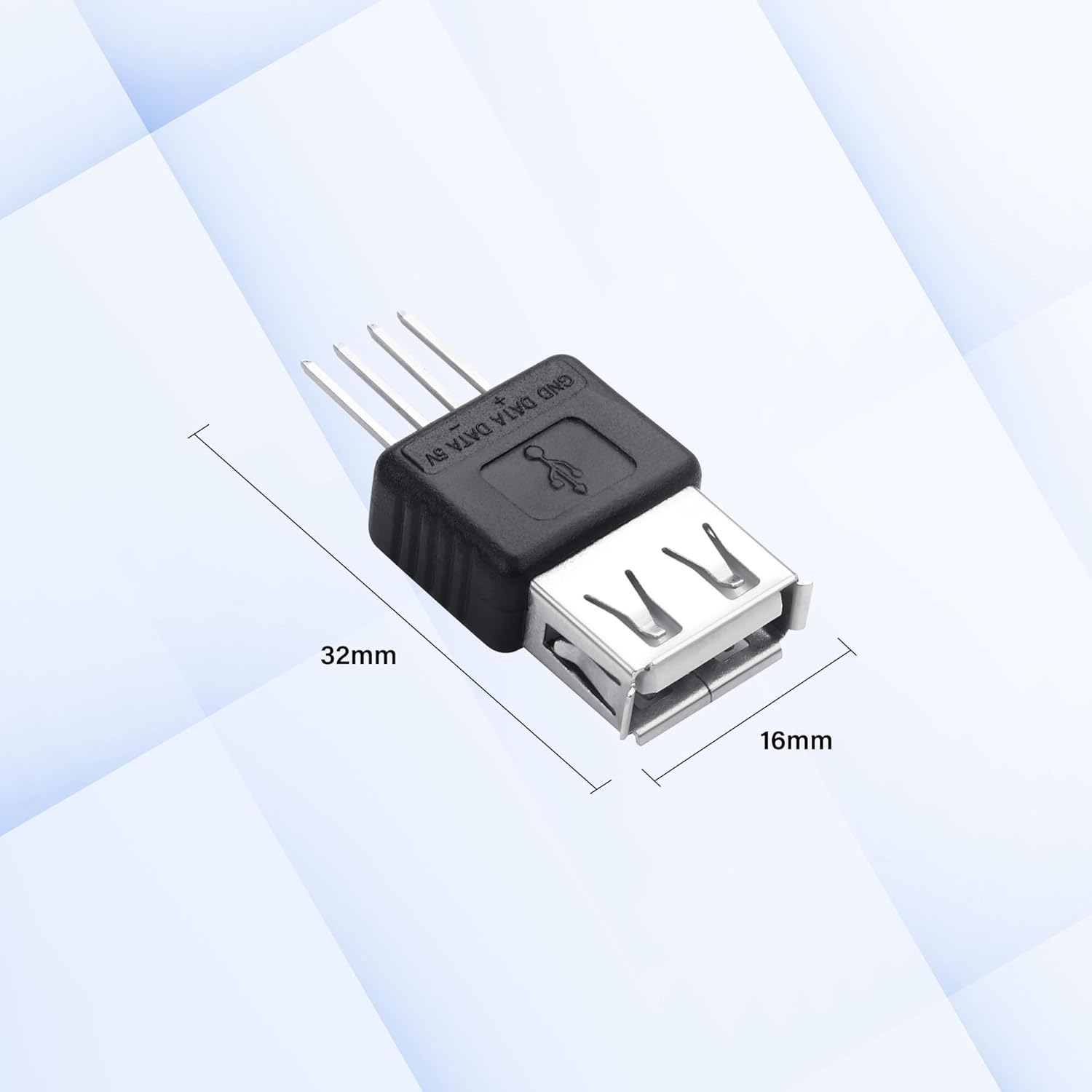
The SinLoon USB A to 4-Pin Replacement Connector is a compact DIY repair kit designed to replace damaged USB ports on devices and hardware setups. It provides a 4-pin interface with clearly labelled terminals for 5V, D+, D− and GND, enabling straightforward solder installations. It is positioned as a practical solution when standard USB-A ports fail on PC cases, motherboards, chargers or industrial controllers, helping you restore a usable USB connection without a full board replacement.
On-paper value and practical use
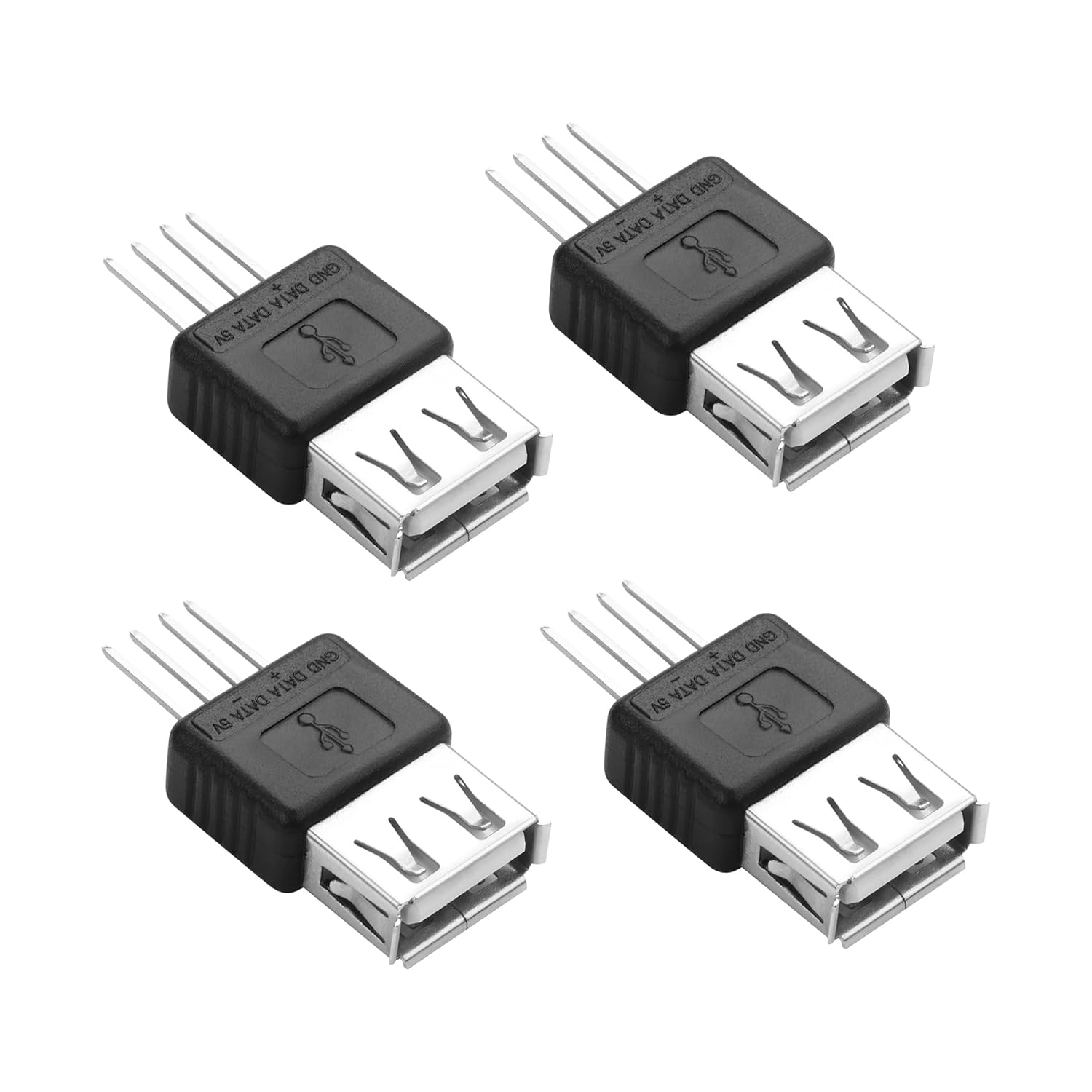
The connector features silver-plated metal contacts, which, on paper, are intended to deliver stable conductivity and durability for everyday USB 2.0 data transfer (up to 480Mbps) and reliable 5V power delivery. The dual orientation option—straight or 90-degree angled—gives flexibility for tight enclosures and customised PC builds, or where cable management requires a particular routing. The inclusion of a compact 4-pin design aims to minimise space usage in dense layouts, a common constraint in DIY electronics and compact builds.
What stands out in use
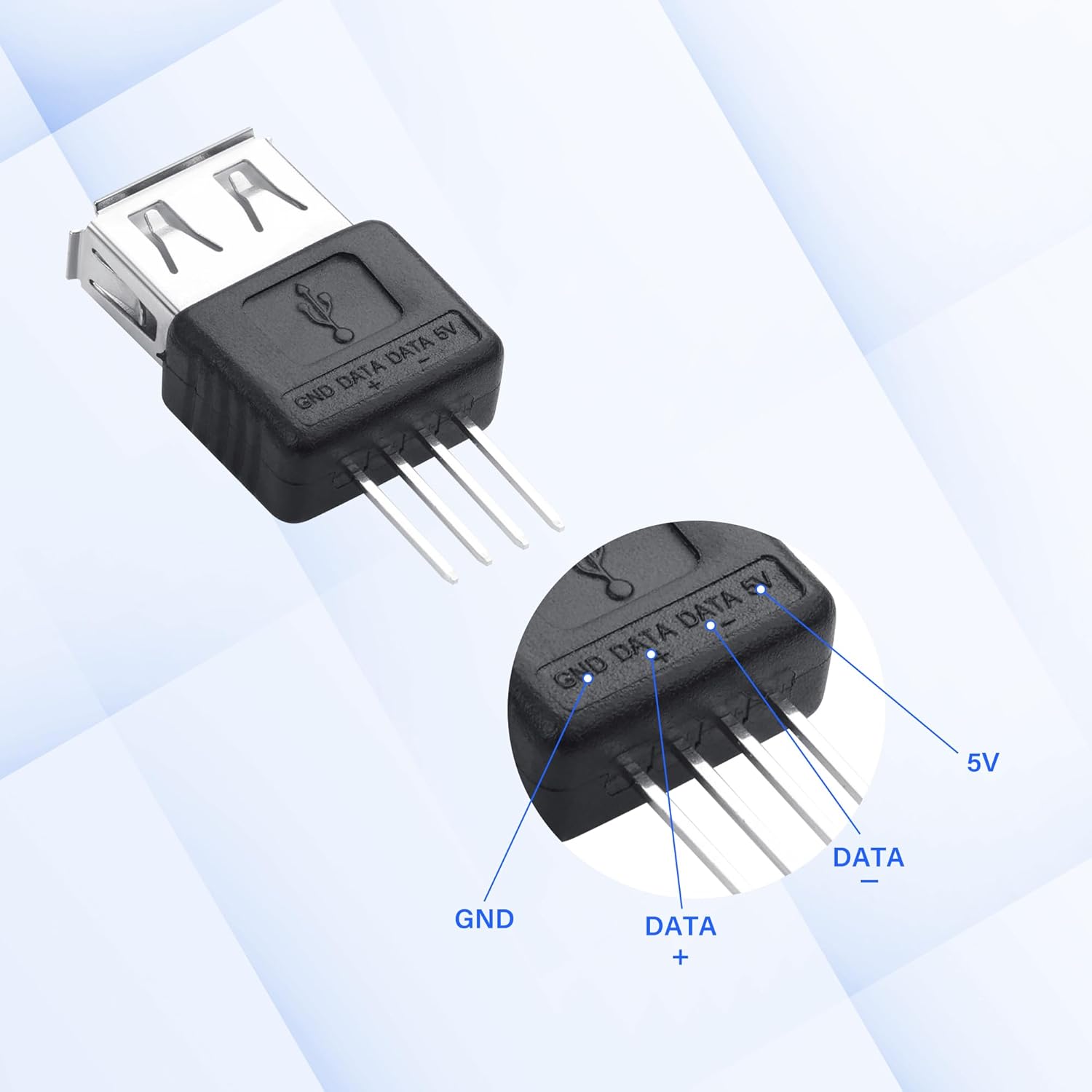
If you’re assembling or repairing a small device where a USB-A port is infeasible to replace as a whole unit, this kit offers a targeted approach: you can solder in the replacement connector and continue using USB for charging or data. The clearly labelled terminals are intended to reduce mis-wiring risk during installation, which is helpful for hobbyists or anyone who prefers a straightforward repair path. The project-friendly nature of the kit makes it appealing for prototyping or low-volume repairs rather than mass production.
Where it fits best (and where it may fall short)
This replacement connector is best suited to situations where a USB-A port is damaged but a board-level repair or full port replacement is impractical. It tends to appeal to DIY repair enthusiasts, electronics students, or technicians tackling laptop or charger repairs that involve USB-A interfaces. It may not be the optimum choice if you require USB-C compatibility, higher-speed data rates beyond USB 2.0, or a rugged industrial-grade connector. Consider whether your enclosure and wiring can accommodate a 4-pin soldered connection and if you’re comfortable performing a solder installation.
What you need to verify before buying
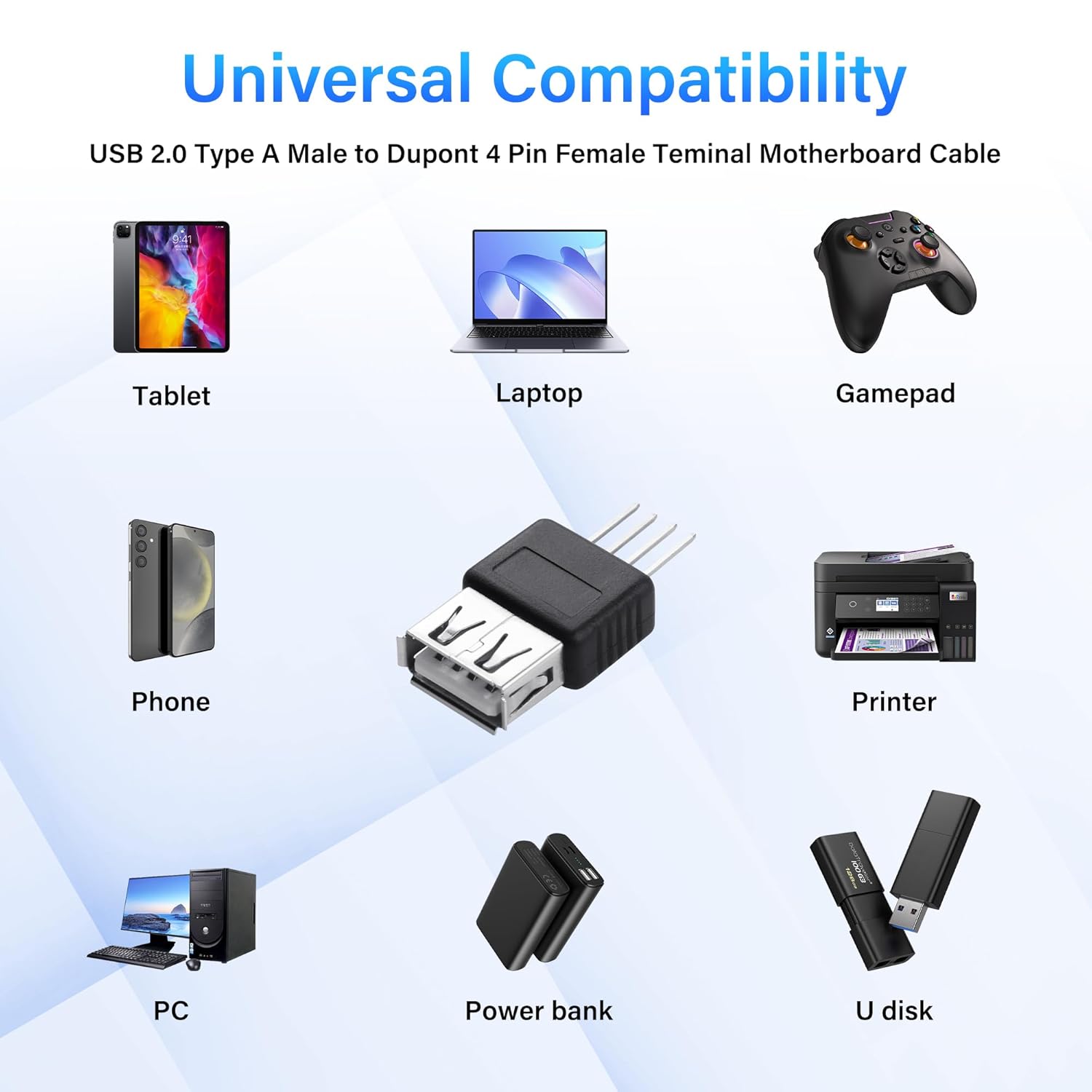
- Compatibility with standard USB-A male/female interfaces and the 4-pin layout (5V, D+, D−, GND).
- Availability of sufficient space for a soldered connection in your enclosure or device chassis.
- Your ability to perform a precise solder job and to route wires cleanly to avoid shorts or strain.
- Whether you need straight or 90-degree orientation to fit your layout.
How this compares to other approaches
Compared with replacing a full USB port on a PCB, this kit offers a lower-cost, hands-on alternative for repair-minded users. It’s more of a niche fix than a universal solution, if your setup requires a more robust, higher-current, or shielded interface, you might look for more specialised connectors. For quick prototypes or spare parts, it provides a practical option to keep devices operating when a single USB port has failed.
What to know about reliability and limitations
The design supports USB 2.0 speeds and 5V power delivery as described, but the durability of a soldered repair depends heavily on your soldering quality and cable strain relief after installation. It’s not a plug-and-play module, you’ll need some electronics soldering skill. If you’re repairing a device with frequent USB use or in a high-vibration environment, the long-term stability may hinge on how well the solder joints are executed and how the cable is managed.
Final purchase decision
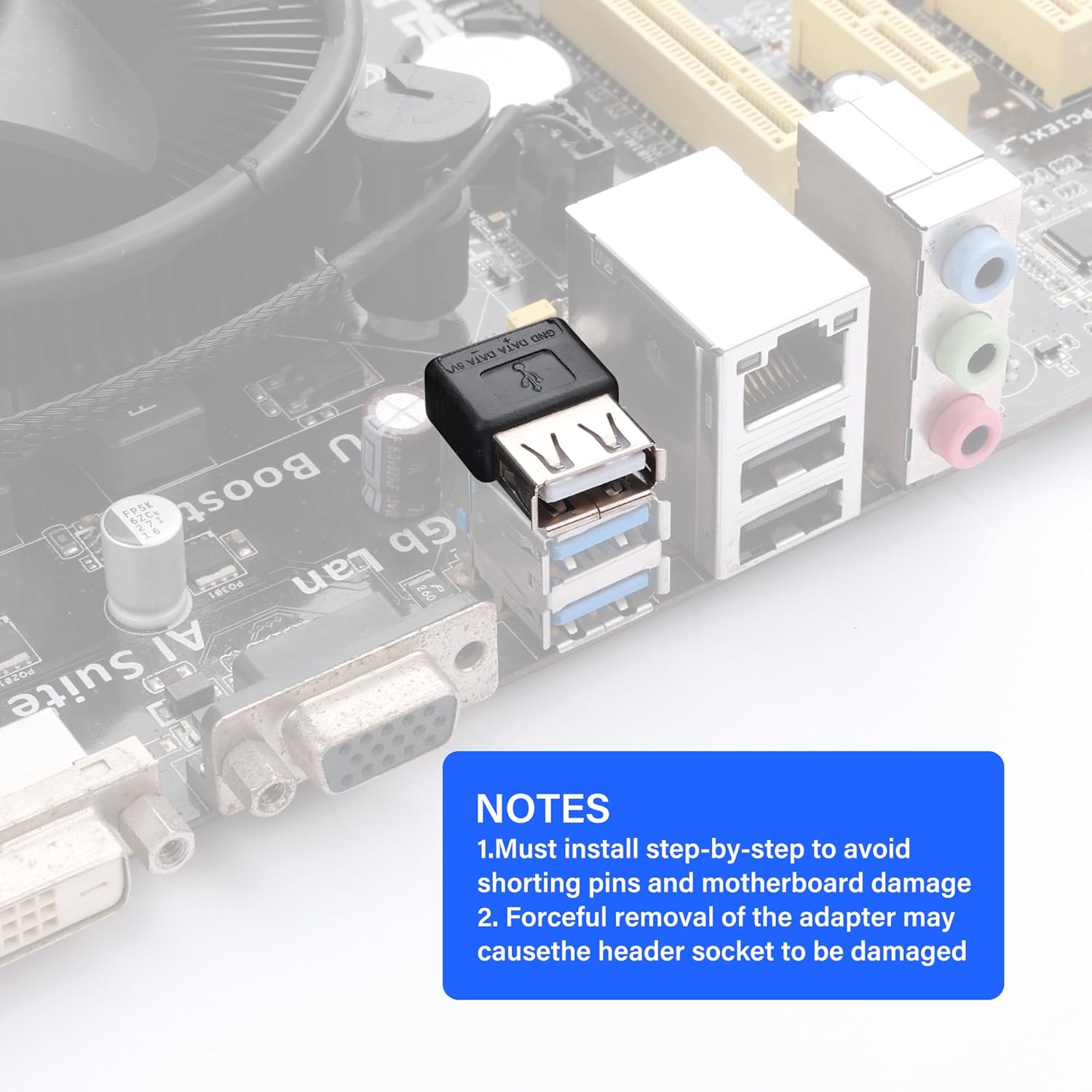
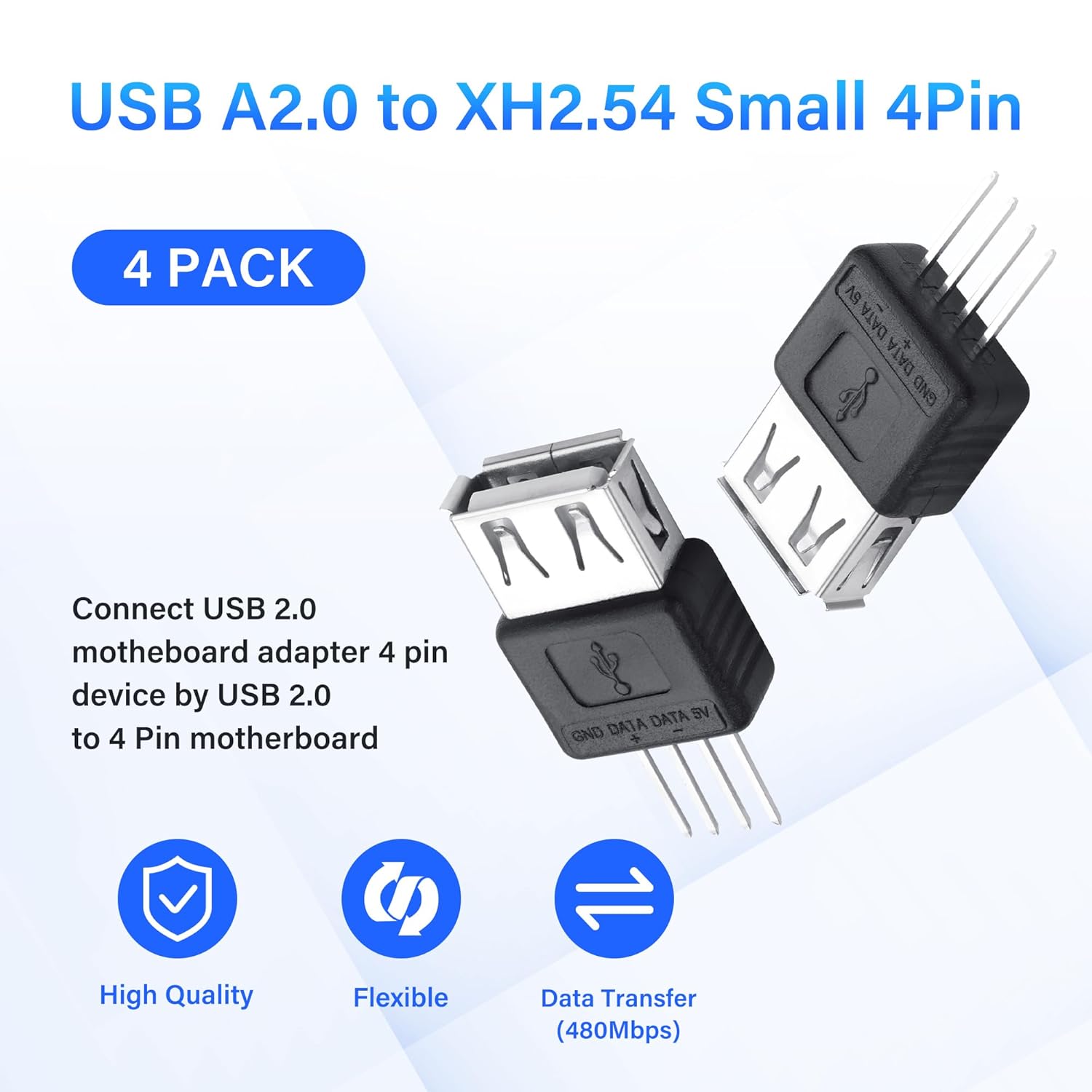
Is it worth it? It makes sense if you have a damaged USB-A port and you’re comfortable with a hands-on repair that preserves existing hardware without replacing the entire port module. It’s especially sensible for custom builds or repair scenarios where a straight or an angled 4-pin connector can fit the available space and you want to avoid more invasive hardware changes. If your priority is plug-and-play simplicity or you require USB-C, this solution may not be the best match. A careful assessment of space, soldering ability and the specific enclosure will help determine suitability.
Quick use case example
Imagine replacing a friend’s desktop front-panel USB-A port where the screw-hole fixings don’t align with a new port anymore. You’d solder the SinLoon 4-pin connector, align the 5V, D+, D− and GND lines with the labelled terminals, and use the 90-degree variant to tuck the wires neatly behind a tight panel. The result is a functioning USB port without a full motherboard swap, provided you can secure the joints and provide gentle strain relief.
FAQ (brief)
- Do I need special tools to install this connector? A basic soldering iron and flux are typically sufficient for a 4-pin connection.
- Will this work with USB-C devices? No, it’s designed for USB-A 4-pin interfaces and USB 2.0 data rates.
- Can I use this for high-demand charging applications? It’s designed for standard 5V USB power and data, for high-current charging or demanding devices, assess the current rating of your board and cable routing.
What’s included and final checks
If you’re purchasing this kit for a repair, confirm you receive a 4-pin connector with intact 5V, D+, D−, and GND terminals and that you can choose between straight and 90-degree orientations to suit your build. Once installed, test data transfer at USB 2.0 speeds and monitor for any loose connections or strain along the solder joints.