

Replacement Voice Remote 3rd Gen for AMZ Smart TVs 4K/4K Max/Lite/Cube Stick
Product description
What it is and who it’s for
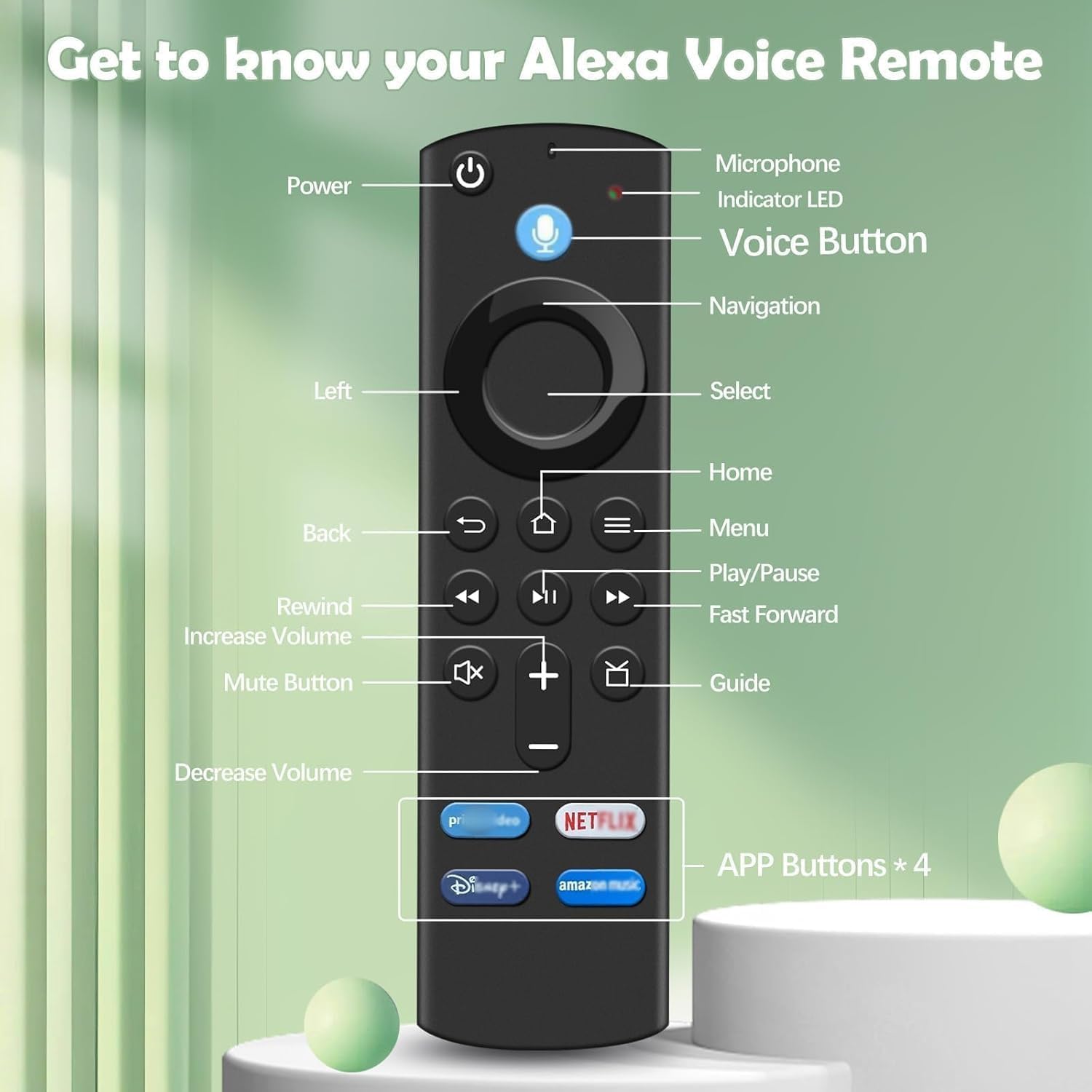
This is a replacement voice remote designed for AMZ Smart TV Sticks and AMZ Smart TV Cube devices. If your existing remote is lost, damaged, or you simply want a dedicated voice-enabled option, this 3rd Gen model aims to restore quick access to your TV without digging through menus. It’s positioned as a pragmatic alternative for users of AMZ Smart TV Stick 2nd Gen and later, including the 4K, Lite and Cube line. If your setup includes a Smart TV Cube (1st Gen and later), you’ll also find compatibility here. It’s not listed as compatible with early Smart TV Editions or first-generation sticks, so it’s wise to double-check your hardware before purchase.
How it works in practice
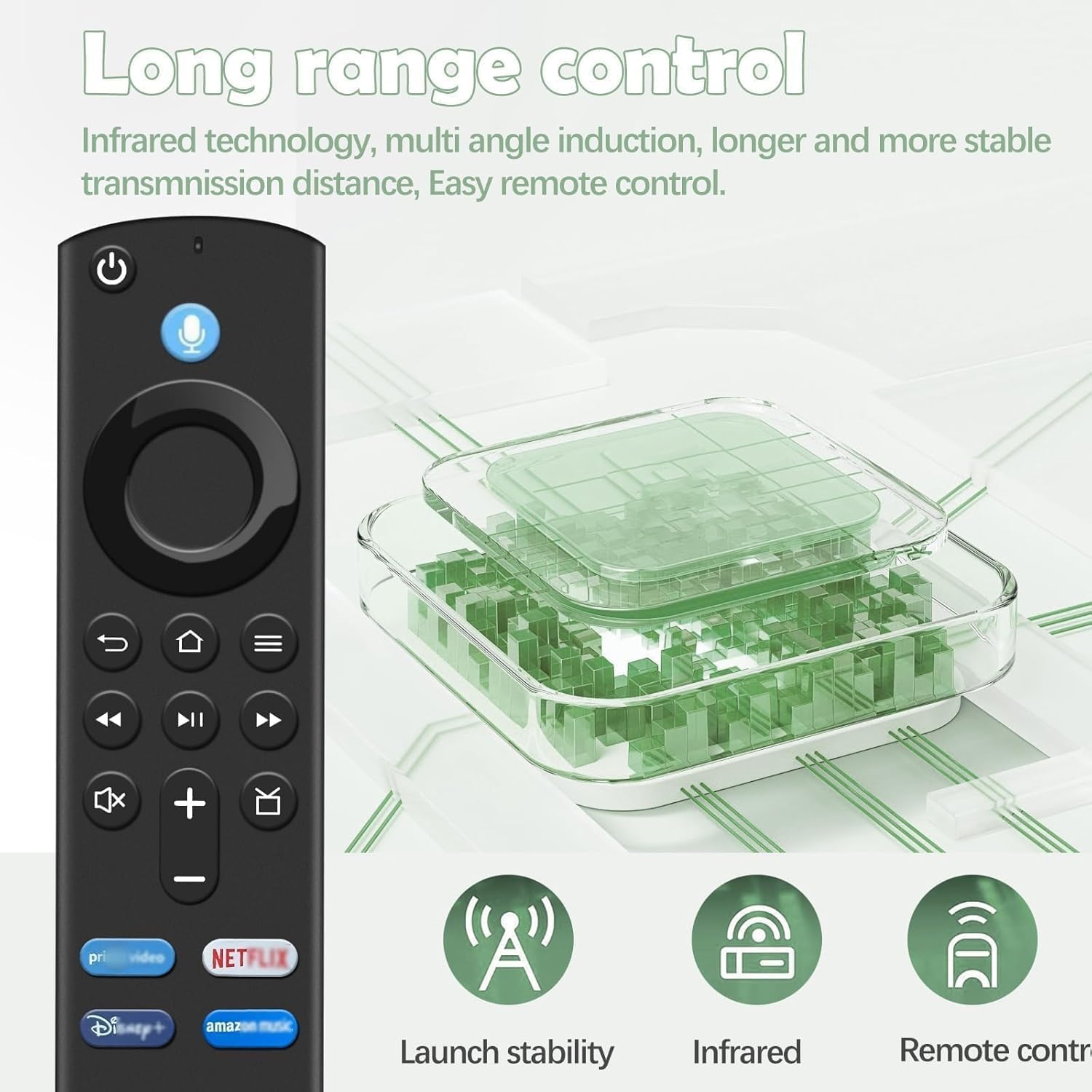
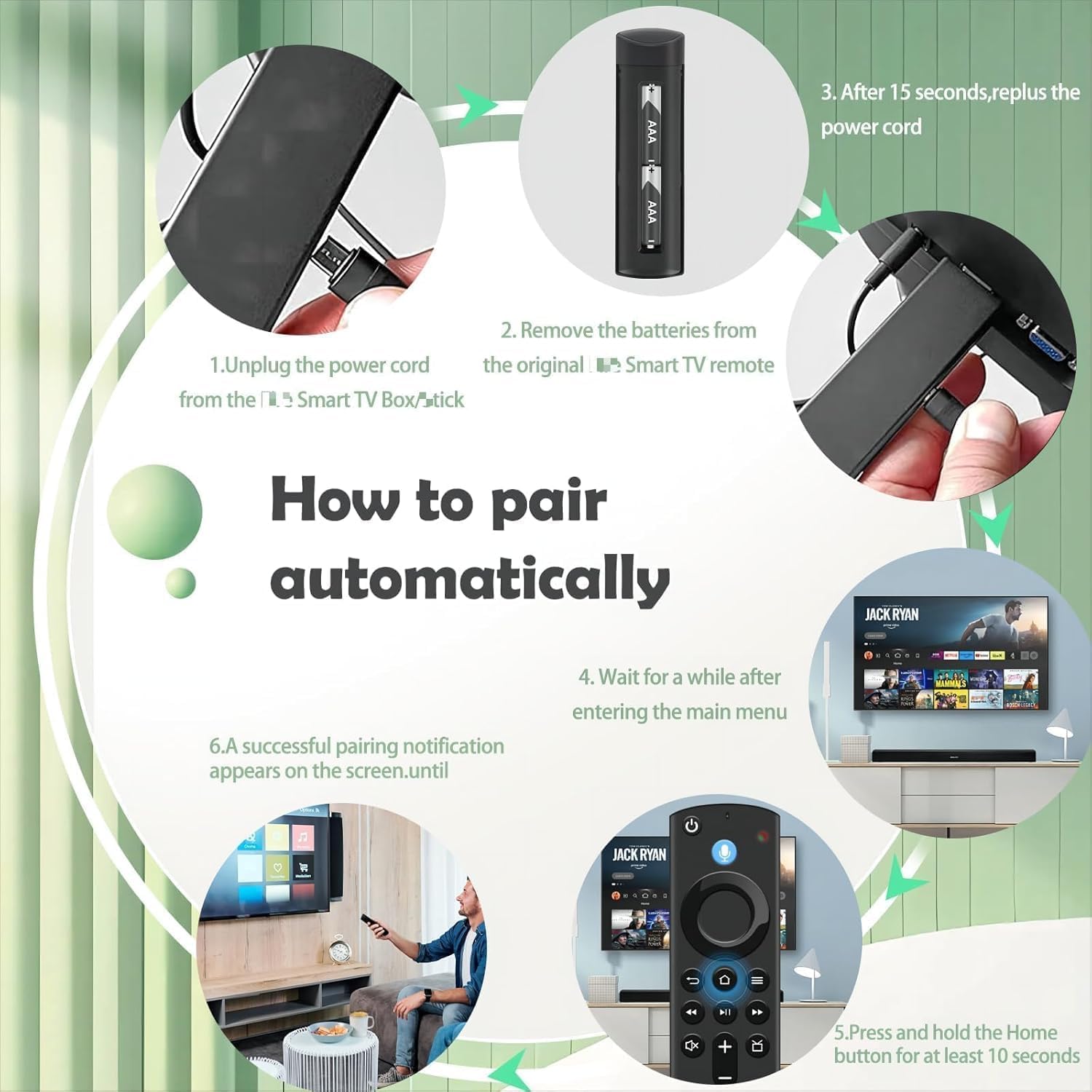
The remote uses infrared technology with multi-angle induction, offering a potentially longer and more stable transmission distance compared with basic remotes. Pairing is straightforward but requires your TV — you’ll need to perform a pairing sequence that begins with a long press of the Home button until the LED flashes, then wait for the device to recognise the remote. After pairing, you should be able to control basic navigation and access the voice features.
Voice function and what that means for daily use
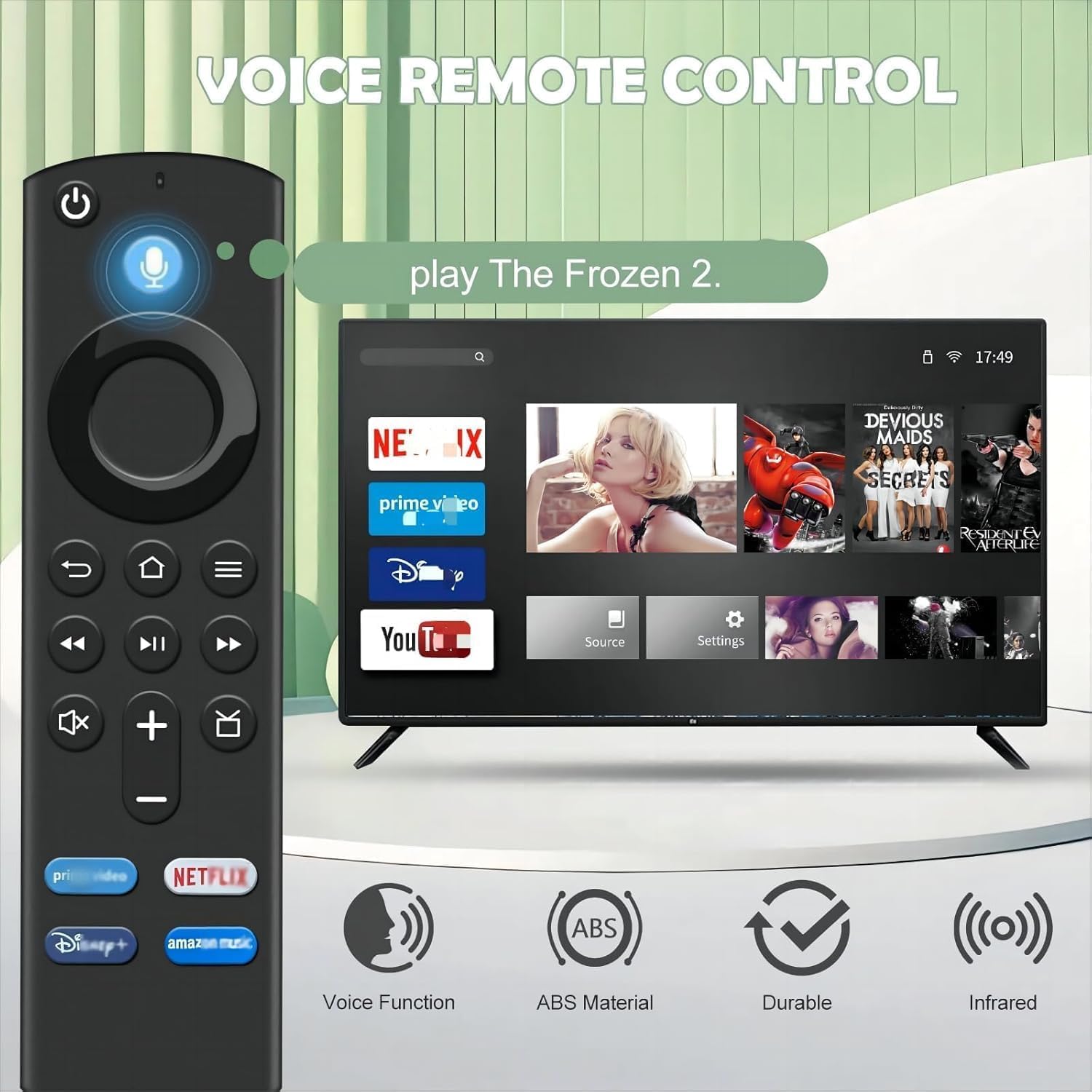
The big selling point is the built-in Voice Function. You can use it to search for music, weather forecasts, films and more by simply speaking. In day-to-day use, this can cut down on menu navigation and speed up finding what you want. A note of caution: if the voice feature stops working, a reset can help restore function, though this is an extra step rather than a seamless plug-and-play guarantee.
What stands out on paper
On the plus side, there’s a focus on easy pairing and a claimed longer transmission distance, which matters if your sofa sits a bit far from the TV. The remote is described as a practical replacement that can slot into a typical AMZ TV setup without requiring additional hubs or complex configuration. For households already using AMZ streaming devices, this model could feel like a natural upgrade for voice control and remote reliability.
What might give you pause
Compatibility is important here. If your TV or stick is an older model outside the listed range, you may run into pairing difficulties or feature limitations. Also, the set-up instructions mention specific paths (Setting → Equipment Control → Management Equipment → TV → Change TV) to programme the remote with your brand, which adds a step that some buyers might find fiddly if they expect a one-button pairing. If you rarely use voice search, or you rely on a more integrated smart remote with broader ecosystem features, this replacement could feel limited.
What to check before buying
- Confirm your device is in the compatible group (Smart TV Stick 2nd Gen and later, Smart TV Stick 4K/Lite, Smart TV Cube 1st Gen and later).
- Be prepared to perform the TV-specific learning process described in the manual if core buttons like Power, Volume, or Mute don’t respond immediately.
- Note that the “Not compatible” list includes some older TV editions and 1st-gen sticks, buying blind may lead to dissatisfying results if your hardware isn’t in-range.
- Consider whether you value a dedicated voice remote over broader ecosystem remotes, this model prioritises straightforward voice control and basic navigation rather than advanced smart features.
Practical usage example
Imagine you’re watching a film and want the weather forecast for the evening. With the voice function, you can ask the remote to pull up the forecast, then resume playback without leaving the current app. It’s not a miracle feature, but it can streamline common tasks like searching for a title, pulling up a weather app, or jumping to a specific category without scrolling menus.
How this compares to a typical approach
If you’ve been using a non-voice remote or a model from an earlier generation, this replacement offers a more natural way to interact with your AMZ TV ecosystem. It isn’t necessarily a high-end universal remote, but for AMZ devices it targets the practical need: quick voice searches and reliable basic control. For those who prioritise a broader smart-home integration or multi-device control, a more expansive remote or ecosystem might be more appropriate.
Pros and Cons at a glance
- Pros: dedicated voice control, designed for AMZ TV Sticks and Cube, infrared with longer-range potential, straightforward pairing process.
- Cons: not compatible with all AMZ TV Editions or older 1st-gen devices, may require brand-specific learning to unlock all buttons, voice performance can depend on network/TV response and may need resets.
Frequently asked questions (FAQ)
- Do I need to pair the remote before use? Yes. Pairing is required and is described in the manual. You’ll see the LED flash during the process.
- What if the voice function stops working? A reset is suggested in the notes, follow the troubleshooting steps in the manual to re-establish function.
- Will this remote control volume and power on all AMZ devices? It is designed to work with the listed AMZ TV Sticks and Cube devices, but some TV setups may require additional learning steps for full control of certain buttons.
Is it worth it?
Worth considering if you already use AMZ streaming devices and want a dedicated, voice-enabled replacement that fits with your existing remote layout. It’s a practical option for regaining quick voice access and everyday control, especially if you find the original remote’s reliability slipping. If your setup includes older hardware outside the compatibility list, or you need a remote that covers a wider range of brands and systems, you may want to look at alternatives aimed at broader compatibility.
Final buying decision
If your AMZ TV Stick or Cube matches the compatible models and you value easier voice control plus straightforward pairing, this Replacement Voice Remote 3rd Gen could be a sensible choice. If you prioritise universal compatibility or require more advanced smart-home features, consider alternatives with broader device support. In short: it’s a sensible buy for a specific AMZ setup, not a one-size-fits-all solution.