

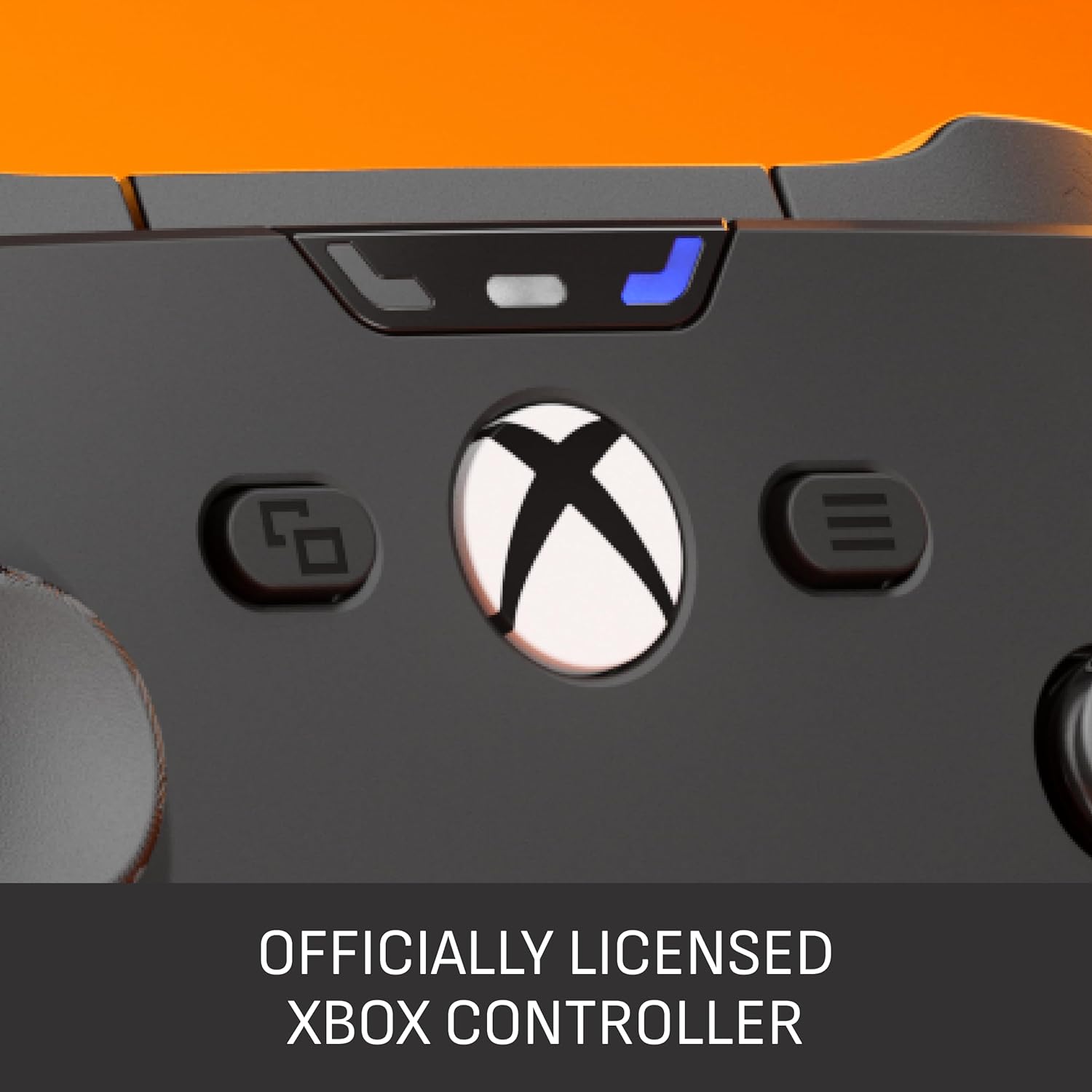
SCUF VALOR PRO Wireless Performance Xbox Controller (Xbox Series X|S, Xbox One, Windows PC) – Customisable paddles, Instant Triggers, TMR thumbsticks, black
Product description
What it is and the kind of player it suits
The SCUF VALOR PRO is a performance-focused wireless Xbox controller built around one idea: give you more control at the moment you need it, with fewer steps between thinking and executing. It leans into competitive play, where moving quickly and reacting consistently matters, and it does so through rear paddles, “instant” trigger behaviour, and tuning options you can adjust from your Xbox or PC.
This is also very much a “configure it to your preferences” controller. On top of the gameplay features, SCUF includes app-based customisation for inputs and TMR thumbstick deadzones, which is useful if you know you want a slightly different feel to the default setup. It’s not a controller aimed at everyone—if you just want something simple and identical out of the box, the extra settings may feel like overkill.
Worth noting: SCUF talks about shaving milliseconds, faster inputs, and 1k Hz polling on PC. Those benefits tend to matter most when you’re already playing at a high level (or training regularly). If you’re more casual, you may not notice much beyond the overall “performance” grip and the extra controls.
Key features that change gameplay feel
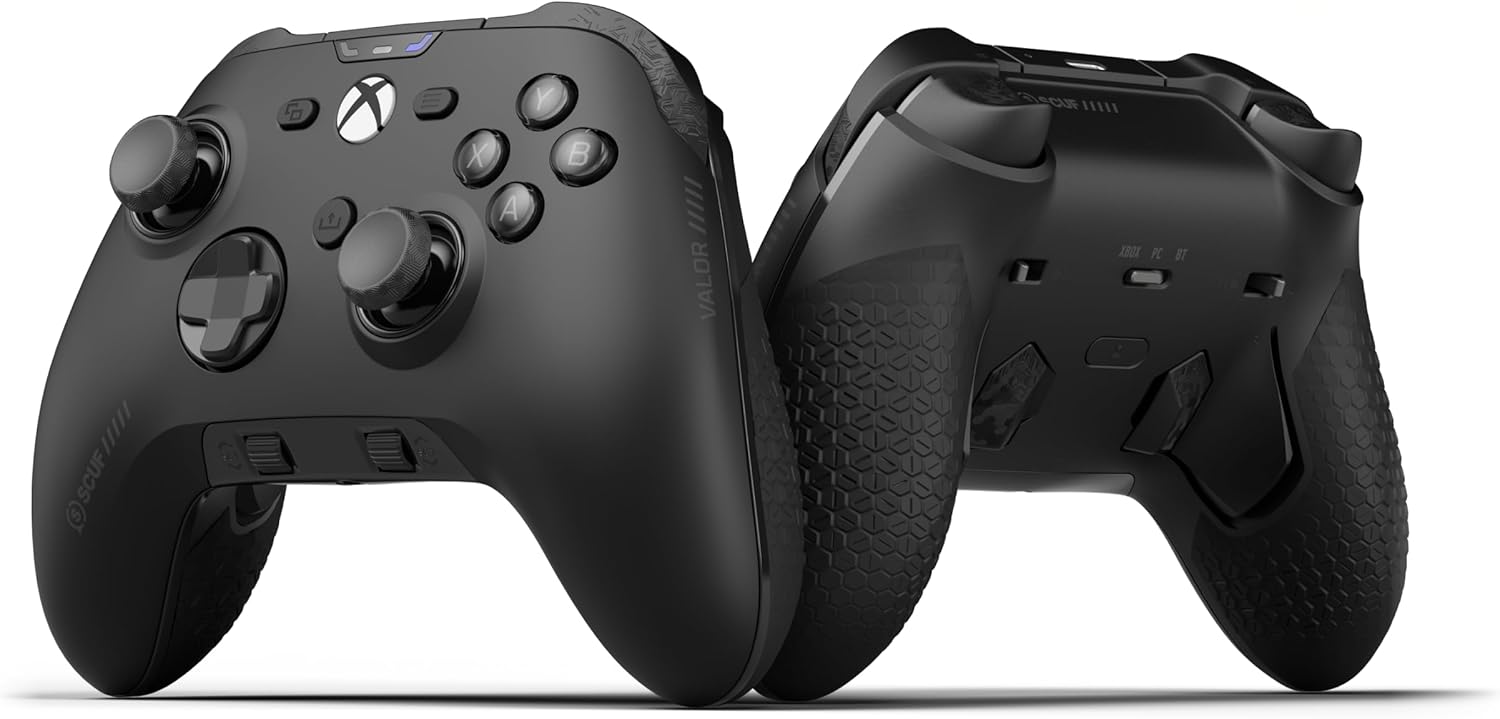
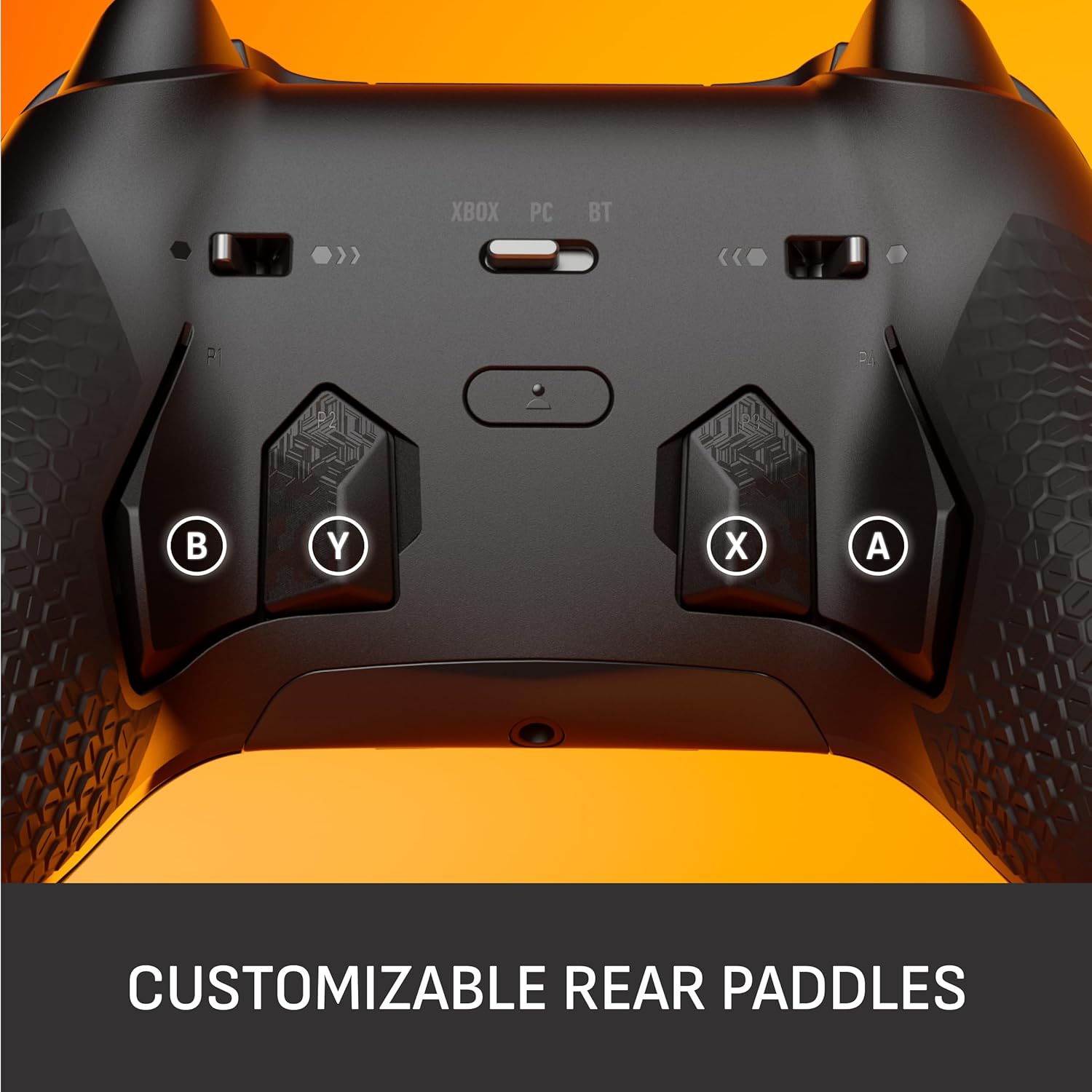
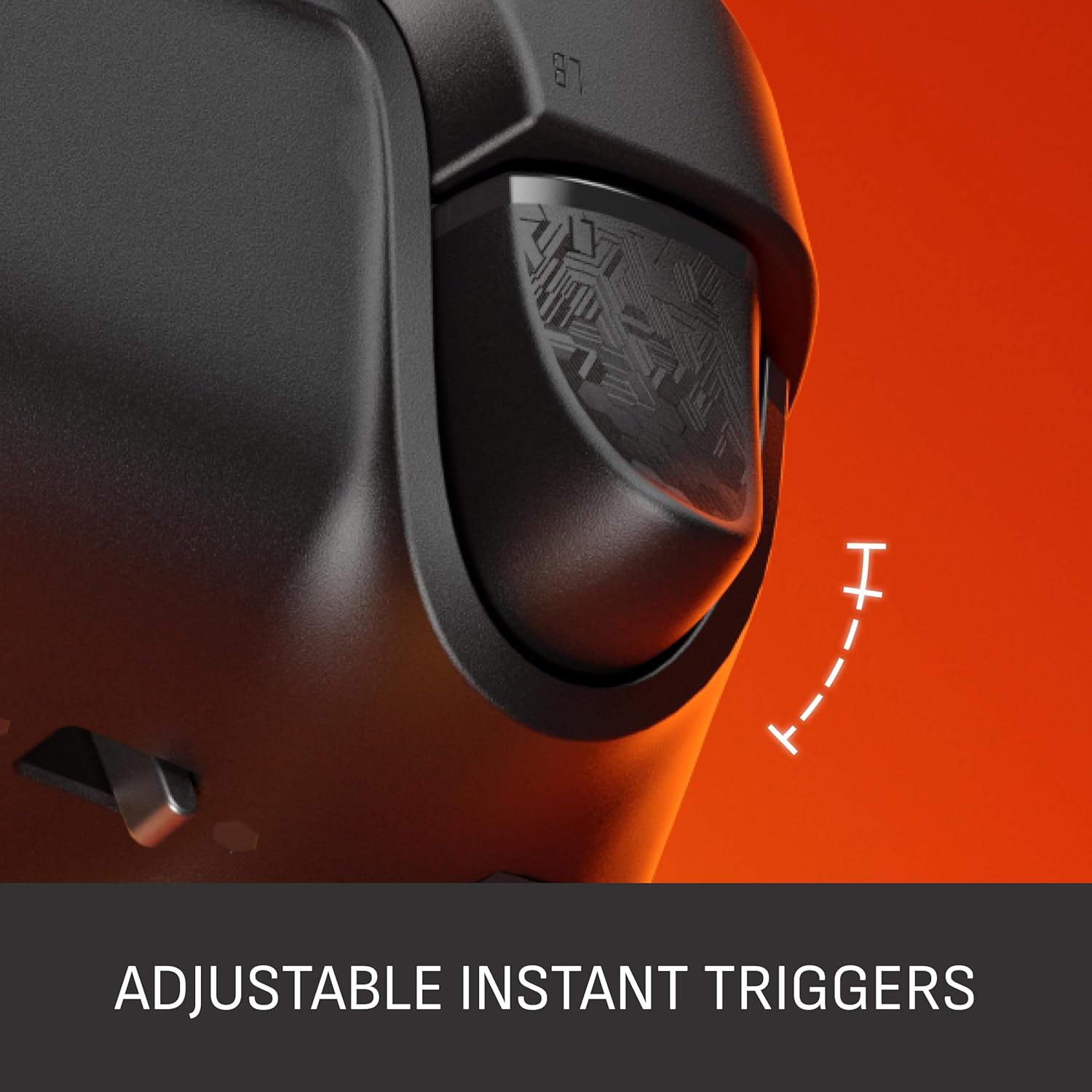
The headline practical upgrades here are the four rear paddles and the Instant Triggers. The paddles are there so you can jump, reload, or use abilities without taking your thumbs off the sticks. In practice, that’s the difference between pausing to re-grip or sprinting through actions while staying fully aimed.
The Instant Triggers are designed to eliminate trigger pull, which is aimed at reducing the time between input and in-game response. For players who rely on rhythm and timing—think fast-firing weapons or abilities that need quick successive presses—this is the kind of change that can be noticeable.
On PC, the controller supports a 1k Hz polling rate (as described), which is positioned for lightning-fast inputs. Whether you’ll “feel” the improvement depends quite a lot on your setup (your PC, how you run the game, and how competitive you are), but it’s a clear differentiator for PC players buying for responsiveness.
Connectivity: wireless, Bluetooth, or wired
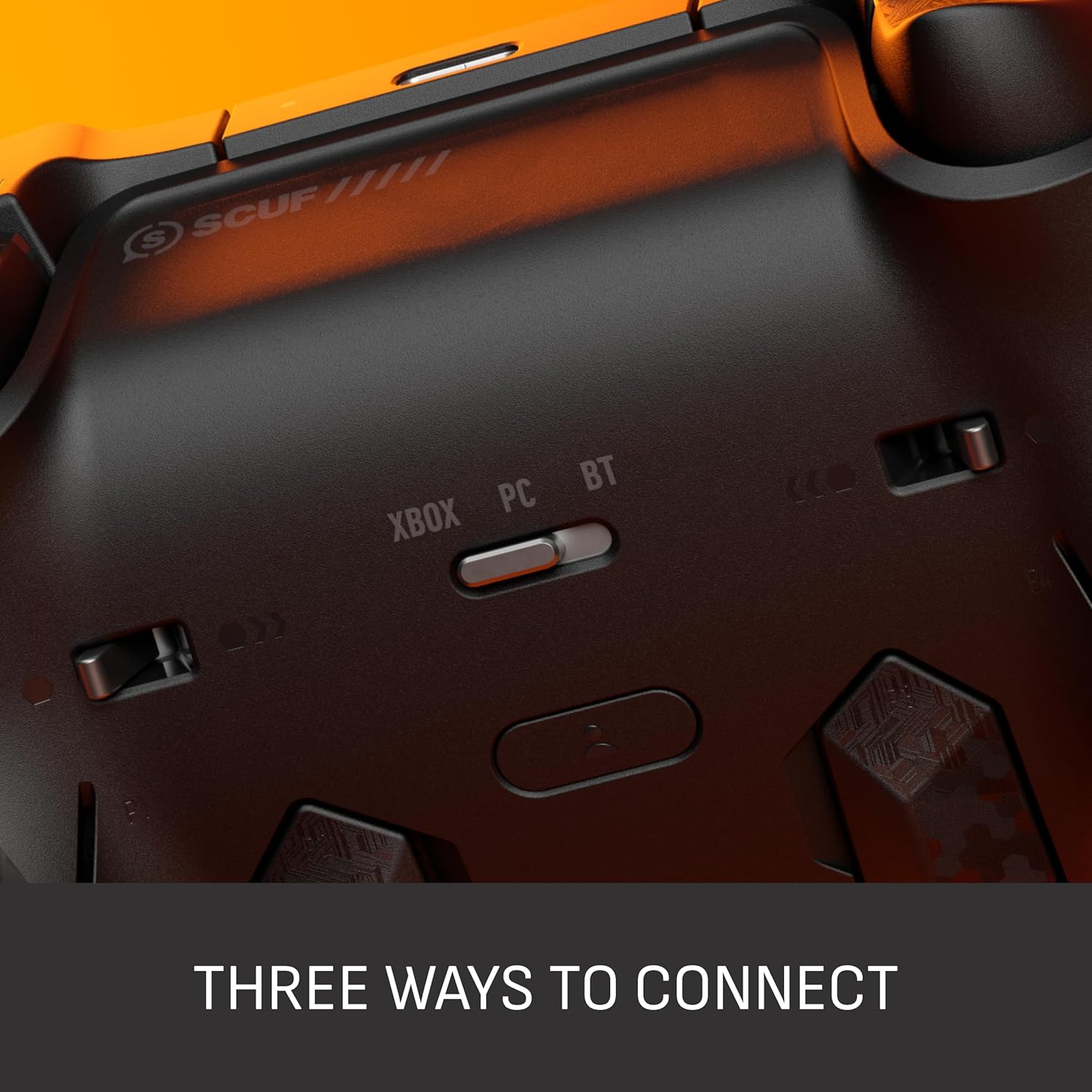
One of the more sensible parts of this controller is the flexibility in how you connect. You can switch between low-latency wireless, Bluetooth, or ultra-fast wired, which gives you options depending on where you’re playing and what you can prioritise.
The key claim is stable connection across modes, so you can stay focused instead of worrying about dropouts or lag spikes. If you regularly move between an Xbox and a Windows PC, or you play in different rooms with different network conditions, having multiple connection paths can be a genuine convenience rather than marketing.
That said, “best” mode is still about your environment. Low-latency wireless and wired will often be where responsiveness-minded players end up, while Bluetooth can be the pick when you just want a straightforward connection.
Customisation and tuning via the SCUF app
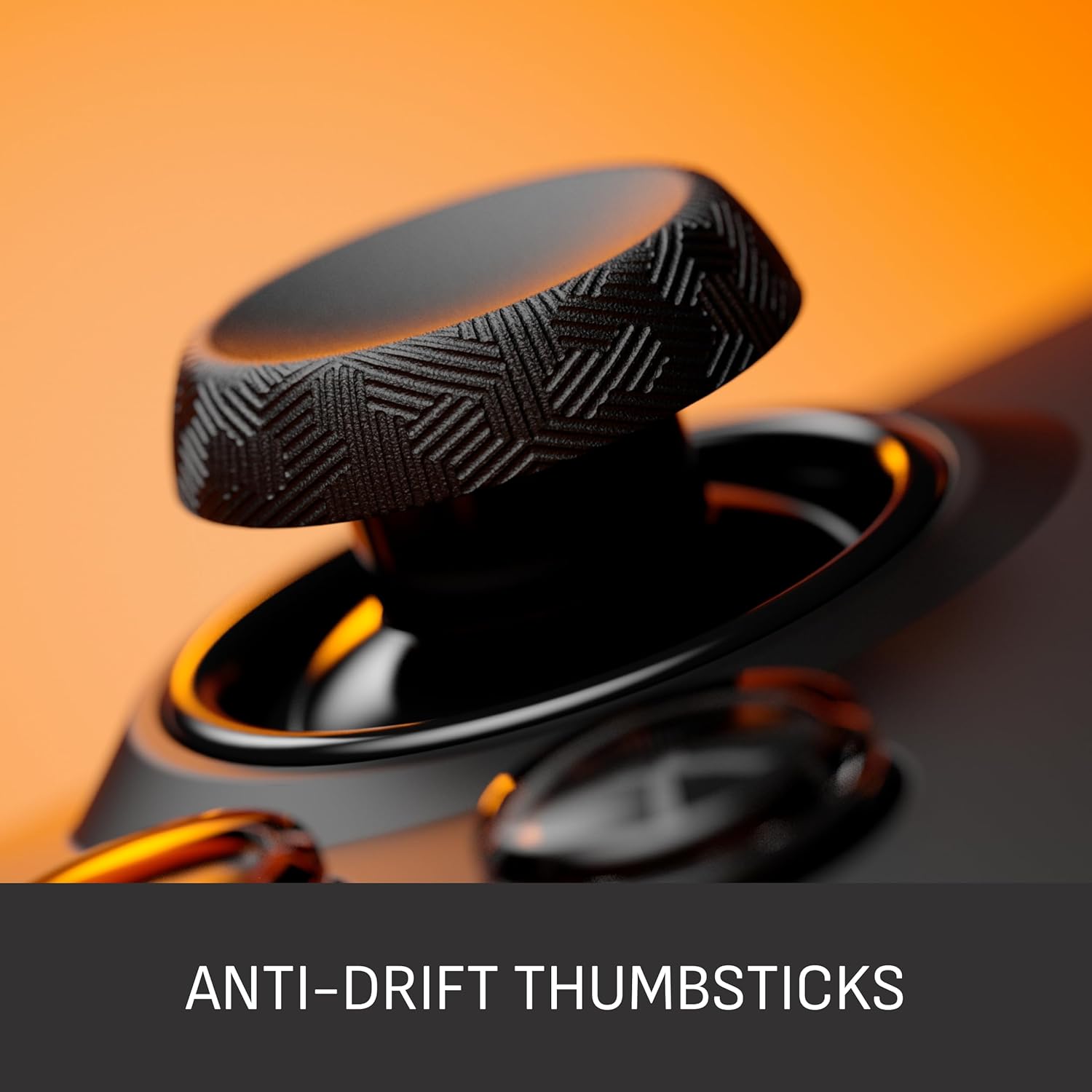
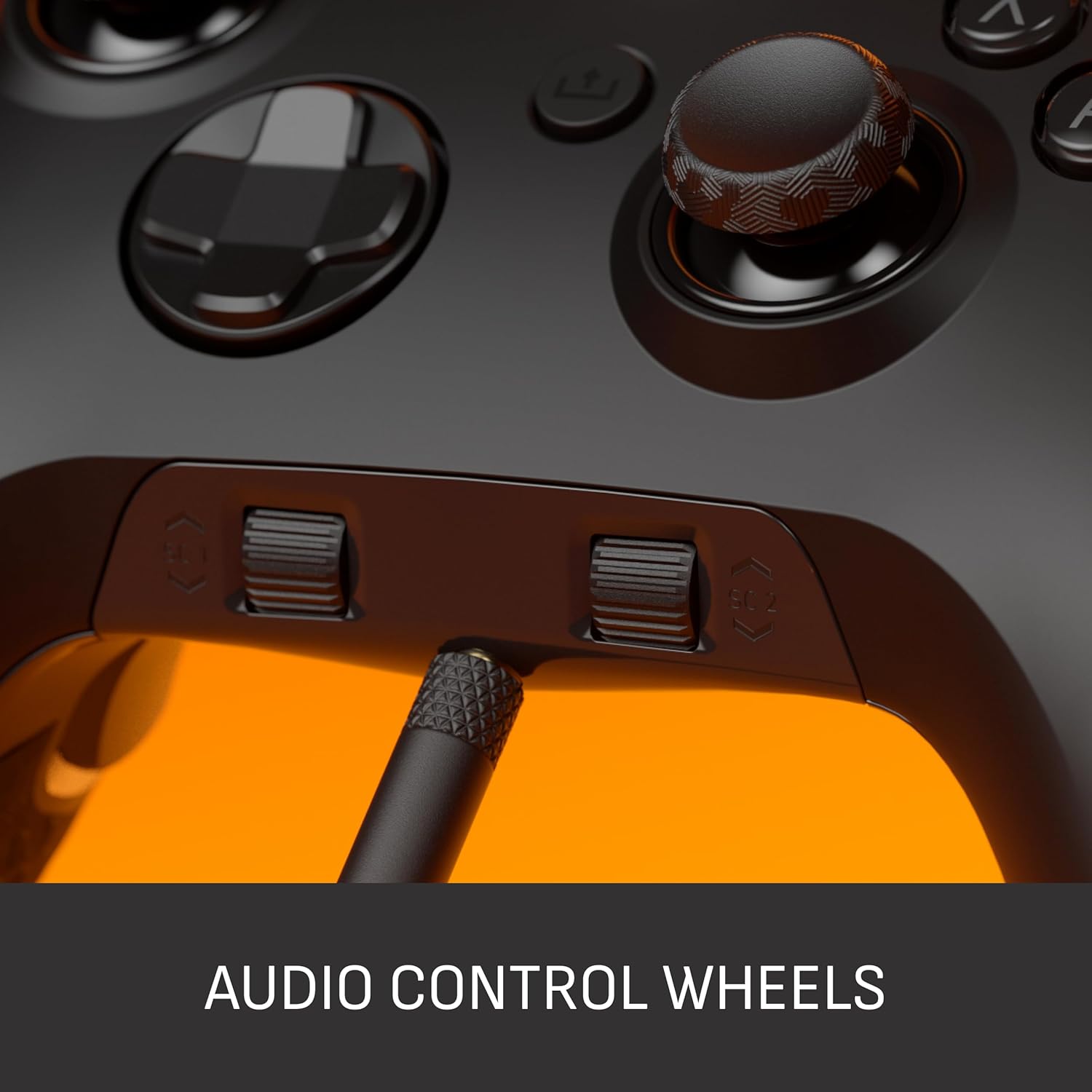
The VALOR PRO is built for custom input layouts. You can customise inputs and adjust TMR thumbstick deadzones from the SCUF app on your Xbox or PC, which can matter if your aim feels too twitchy (or too sluggish) at the edge of the stick.
This is not just a cosmetic controller. Being able to tweak deadzones can help you find a setting that matches how you play—especially if you use fine movements for tracking rather than relying purely on snap aim.
On the practical side, the controller is designed so you can make changes without needing to pause gameplay (as described). That’s useful in fast sessions where you might want to try a different deadzone or button mapping after a couple of rounds.
Comfort and build: grip, bumpers, and swap-friendly parts
Comfort is clearly part of the brief. SCUF mentions a performance grip with non-slip comfort (sourced from over a decade of expertise, per the brand) and wraparound bumpers with more surface area for faster movements.
If your hands get sweaty or you play for long sessions, that non-slip focus is likely to be the sort of difference you notice day to day. The wraparound bumpers may also help if you play aggressively and move your fingers fast across the top section.
On top of that, there’s visual customisation. SCUF describes a range of colours, designs, and swappable faceplates and thumbsticks, so you can coordinate the look of the controller with your setup.
One limitation to keep in mind: customisable parts only really matter if you enjoy tinkering or want a specific aesthetic. If you only care about performance and prefer “set it and forget it”, you may not use the swap features much.
What’s in it for you (and when to think twice)
It’s a good fit if you play competitive games, you like the idea of acting faster thanks to rear paddles and instant trigger behaviour, and you’re the type of player who will actually use custom button mapping and thumbstick deadzone tuning.
It makes sense if you switch between Xbox and Windows PC and you want multiple connection modes rather than being locked into one. It also suits you if you care about controller feel—grip texture and bumper shape are often the things that become “real” after the first few hours.
You may want to skip it if you’re mainly playing casual titles, you dislike spending time adjusting settings, or you’re after the simplest, least fuss controller possible. The performance and customisation features are great on paper, but they only translate into value if you’ll make use of them.
Tech specs
- Name: SCUF VALOR PRO Wireless Performance Xbox Controller
- Type: Wireless performance game controller for Xbox and PC
- Format: Customisable controller with rear paddles and configurable thumbstick deadzones (via SCUF app)
- Supported platforms: Xbox Series X|S, Xbox One, Windows PC
- Connection options: Low-latency wireless, Bluetooth, ultra-fast wired
- PC polling rate (as stated): 1k Hz
- Colour: Black
Buying verdict
Is it worth it?
The SCUF VALOR PRO looks like a compelling buy if you’re chasing responsiveness and control: rear paddles for faster actions, Instant Triggers to reduce trigger pull, and TMR thumbsticks with adjustable deadzones via the SCUF app. For players who care about fine-tuning and want to keep their thumbs on the sticks, this is the kind of upgrade that can feel meaningful.
However, it may not be the best choice if you just want a straightforward controller with standard behaviour. If you won’t adjust deadzones, map paddles, or take advantage of the different connection modes, you could end up paying for features you never really use.
Quick FAQ
Does it work on both Xbox and PC?
Yes—this controller is described as working with Xbox Series X|S, Xbox One, and Windows PC.
Can you change the button layout and thumbstick settings?
As described, you can customise inputs and adjust TMR thumbstick deadzones using the SCUF app on your Xbox or PC.
What connection modes does it support?
It supports low-latency wireless, Bluetooth, or ultra-fast wired, with a focus on stable connection.
Is the 1k Hz polling rate only for PC?
The 1k Hz polling rate is mentioned in the context of PC, so that’s the area where you’d expect that advantage to apply.