

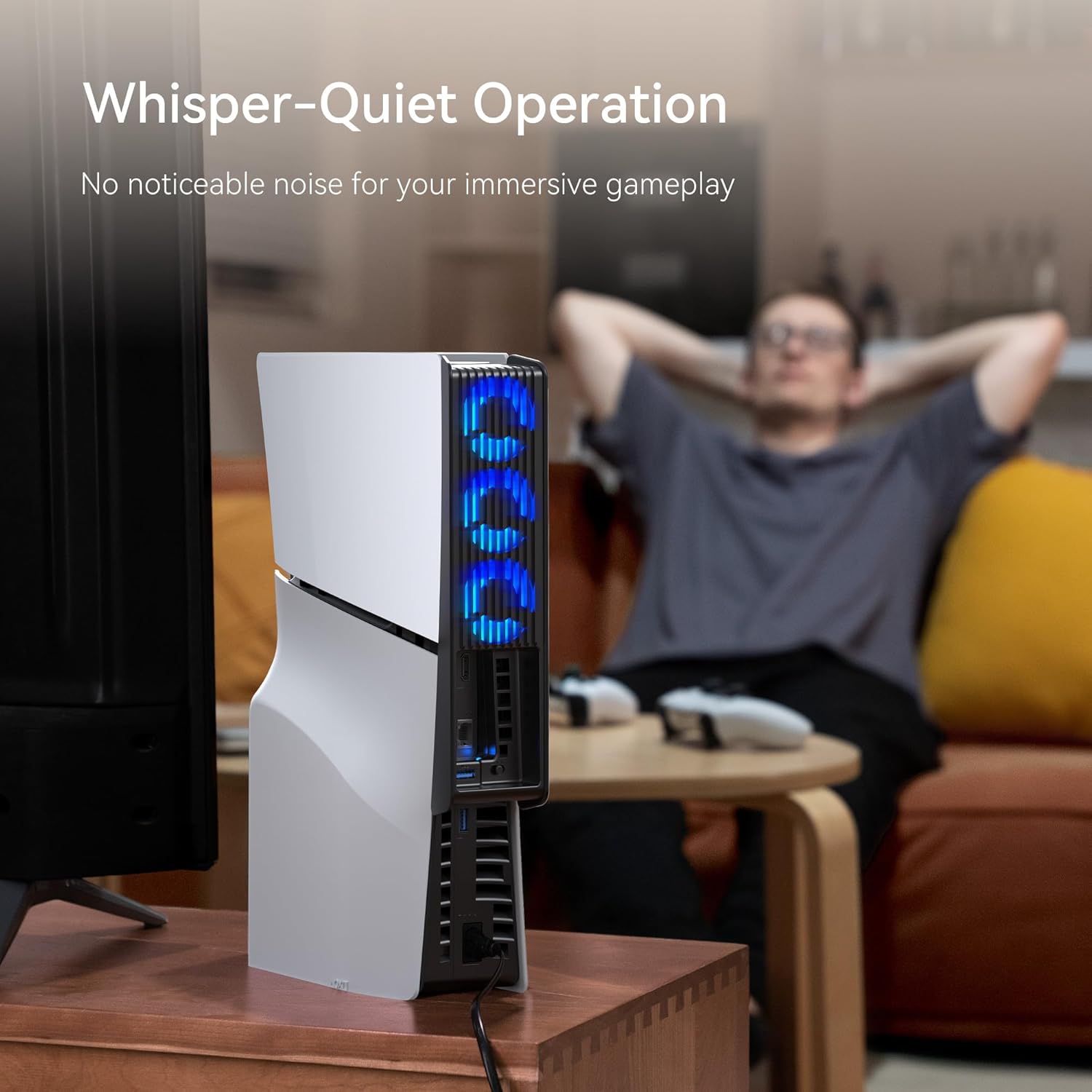
KIWIHOME Slim Fan for PS5 Slim with Auto Speed and LED – Quieter Cooling Accessory (USB 3.0)
Reviews
Price
Product description
What it is and who it’s for
If you’re looking for a compact cooling upgrade for your PS5 Slim, this KIWIHOME Slim Fan aims to offer active air circulation without a lot of noise. It’s designed for the PS5 Slim Disc and Digital editions and works in either vertical or horizontal orientation. On paper, the setup expands cooling potential by using three hydraulic bearing fans and an LED indicator to show when it’s active. It’s meant to replace the console’s stock power port with a USB 3.0 passthrough, so you won’t lose a USB socket while you benefit from extra airflow.
How it works in practice
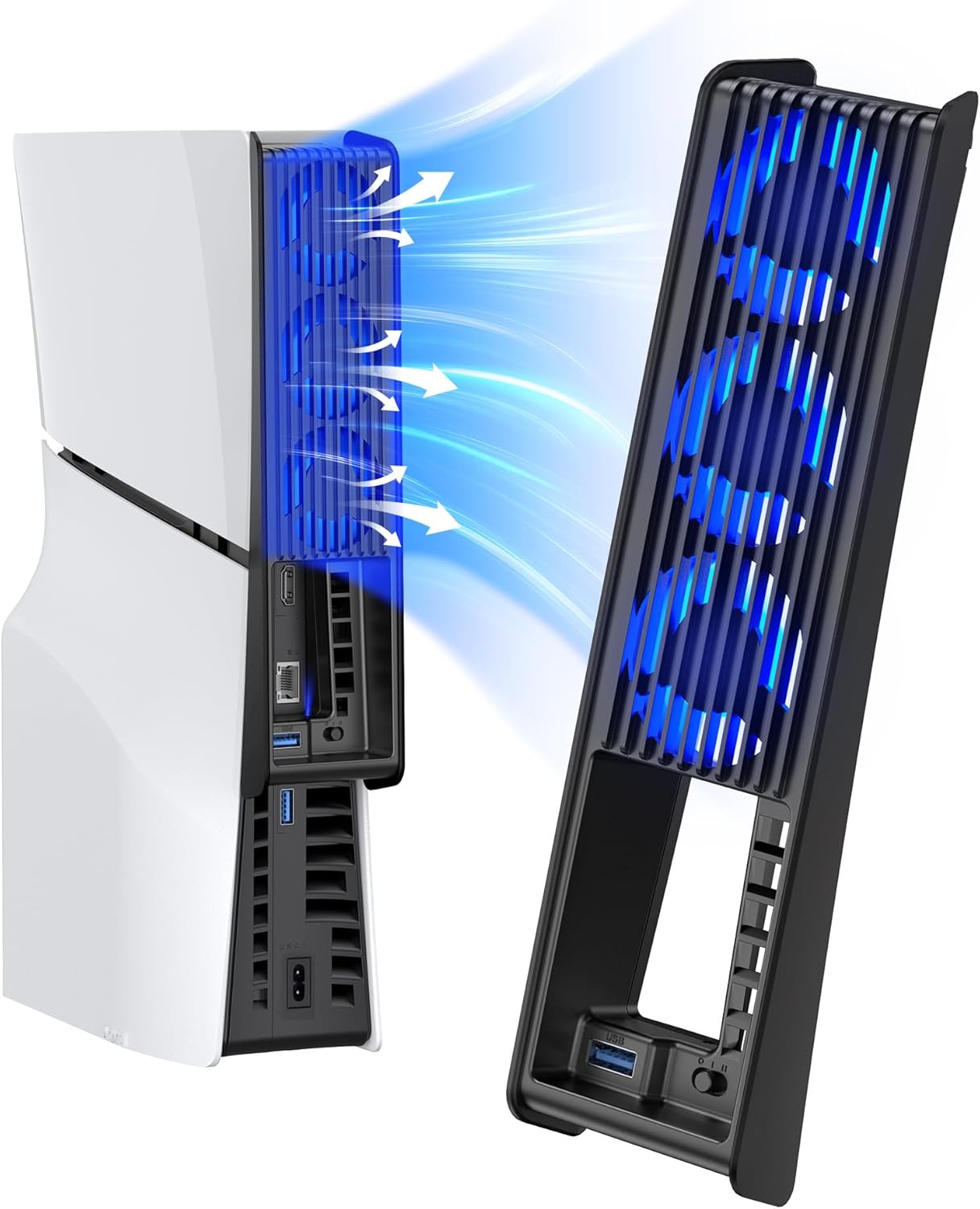
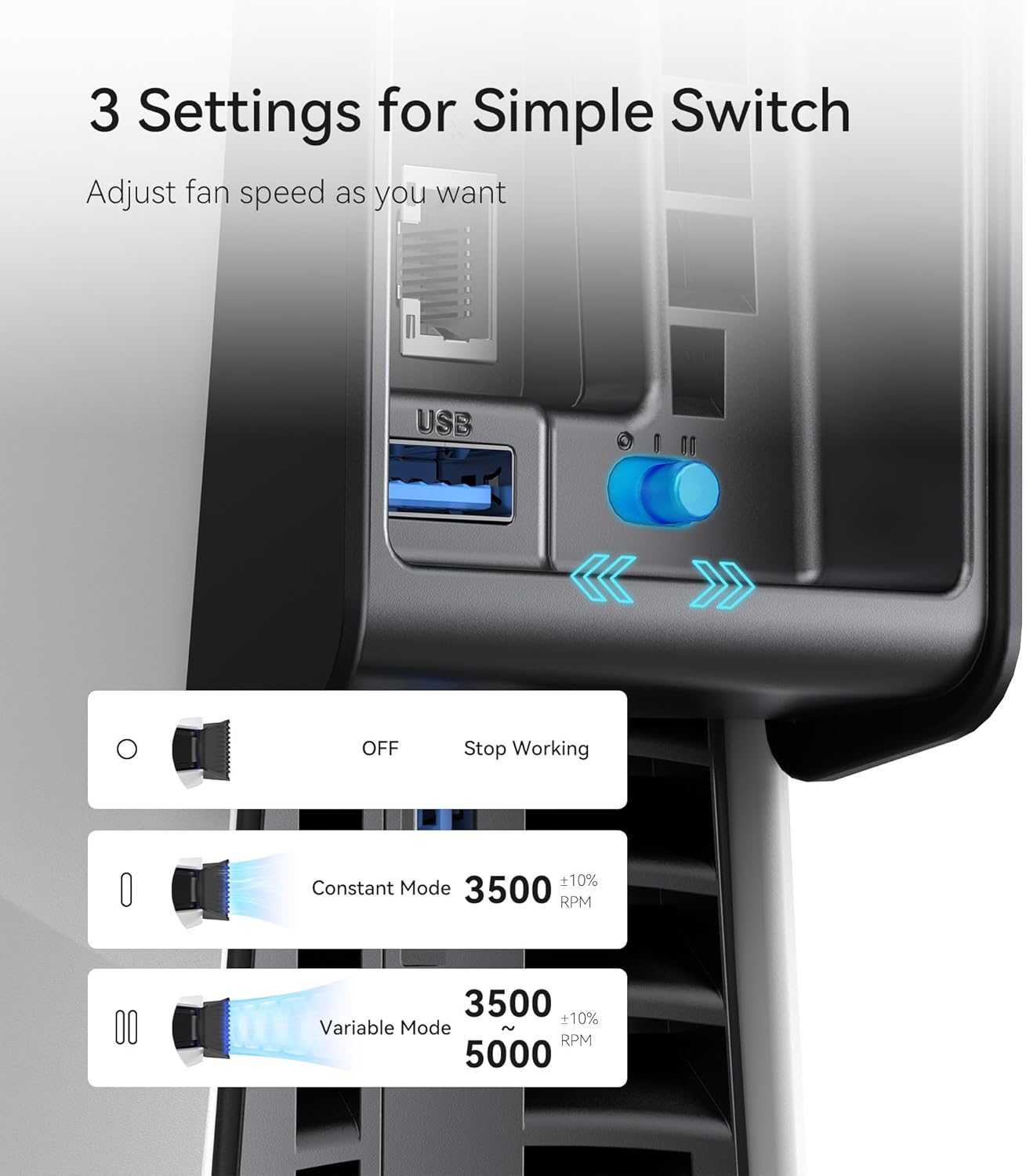
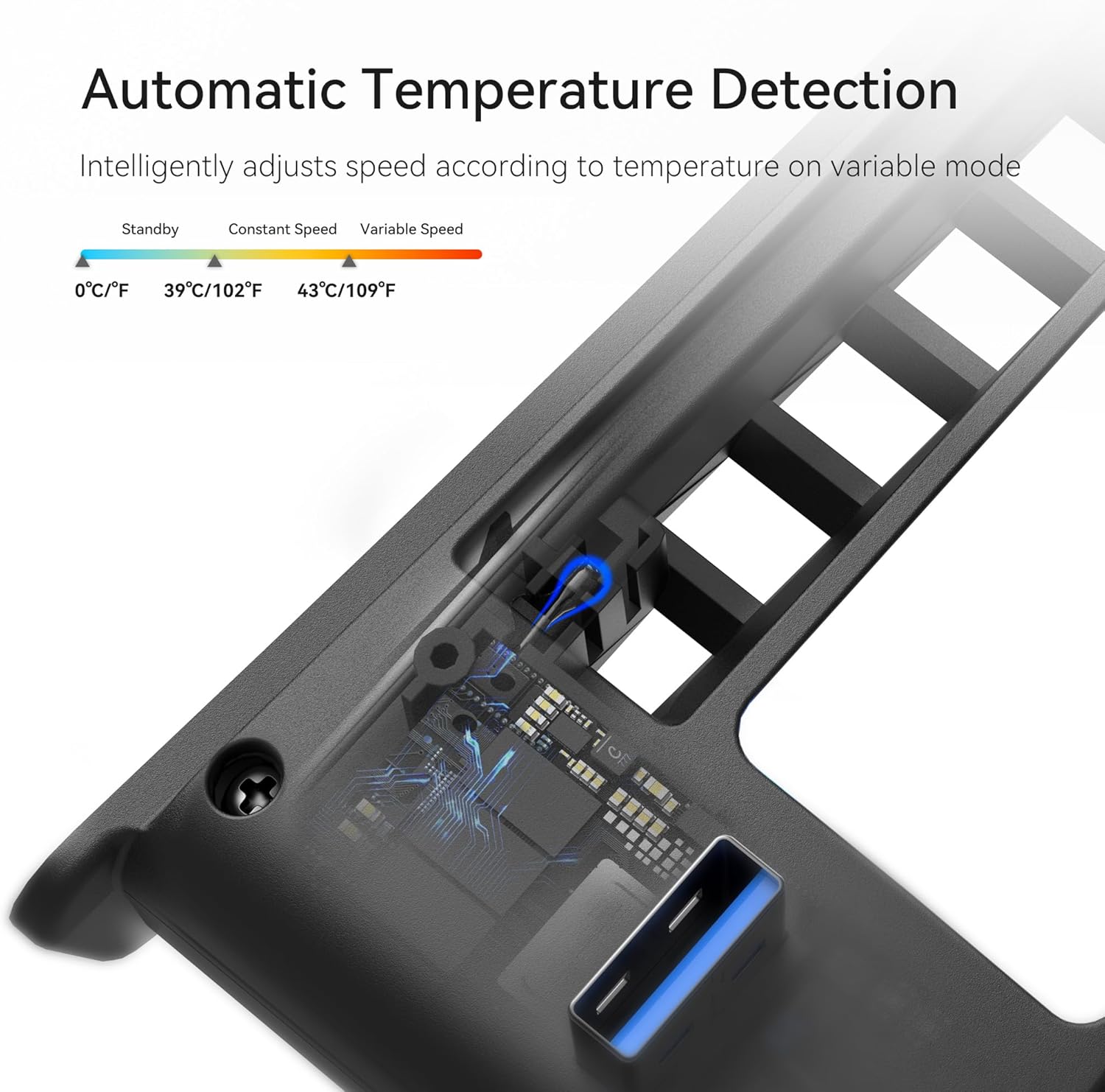
The fan system features three configurations: Off, fixed speed, or automatic speed. In automatic mode, the fan adjusts itself based on the console’s temperature, attempting to keep operating temperatures within a comfortable range. The LED lighting adds a bit of gamer ambience without being flashy. The unit plugs into the USB-A port at the rear of the PS5 Slim and extends outward so the fans can be larger without crowding the console itself. It’s a plug-and-play accessory that doesn’t require a full teardown of the console and should be easy to attach and detach for cleaning or swapping.
What stands out and what may fall short
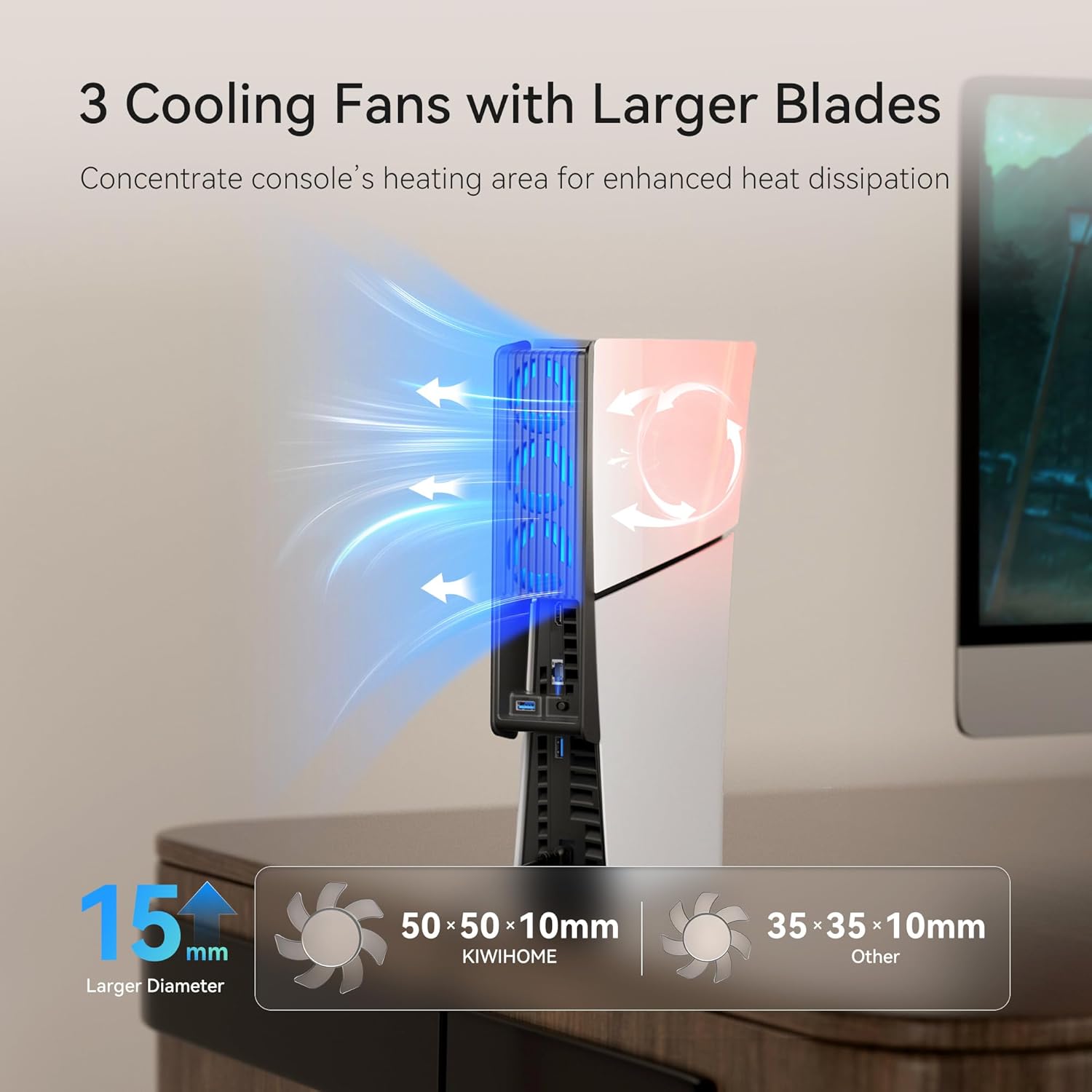
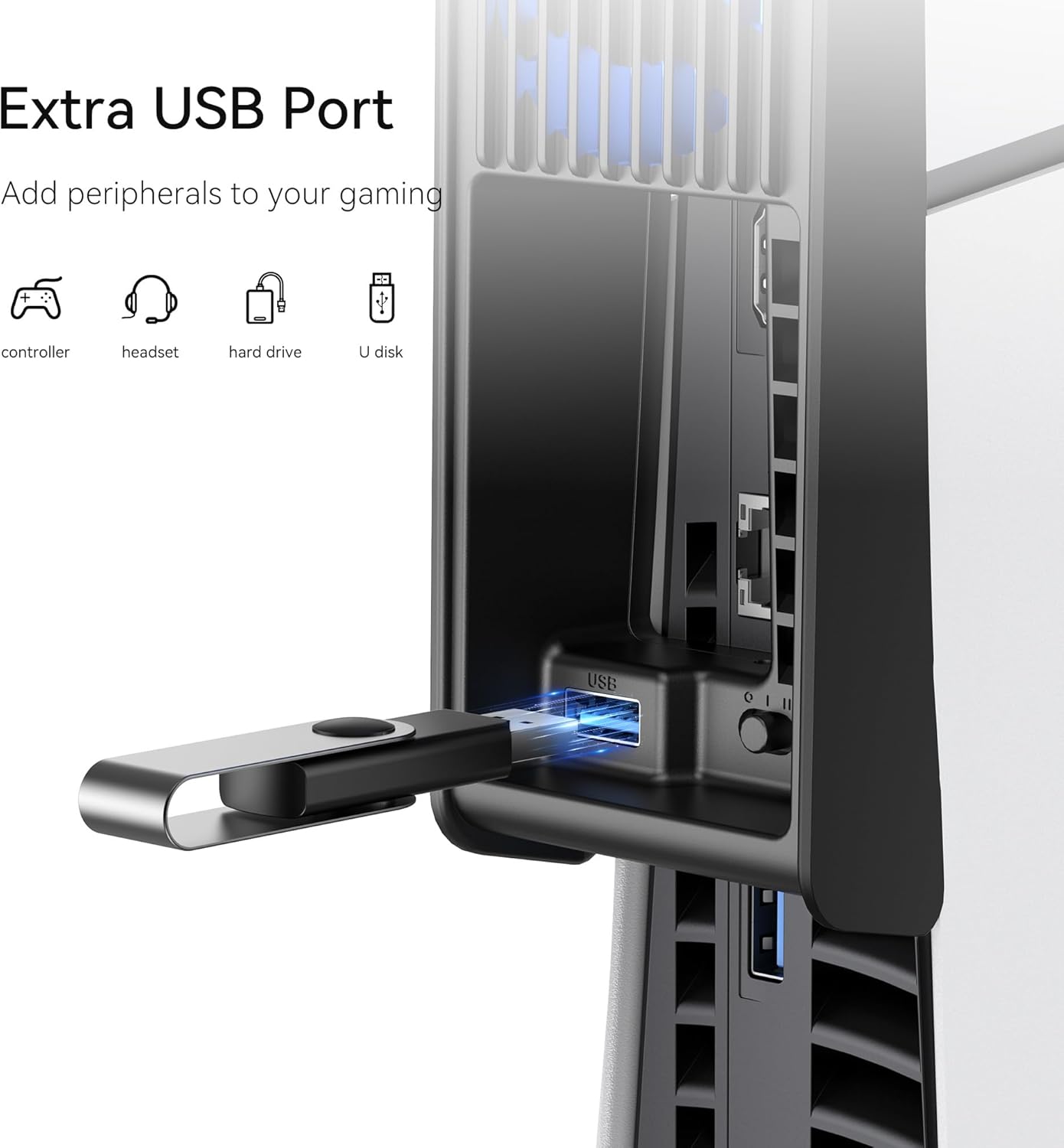
On the upside, the three-fan design promises better thermal management than a single- or dual-fan approach, and the automatic speed feature may keep noise lower when temperatures aren’t extreme. The USB 3.0 passthrough is convenient for connecting extra devices, so you don’t lose a port when you’re already crowded for peripherals. The LED indicator makes it obvious when the cooler is active, which can be reassuring during longer gaming sessions.
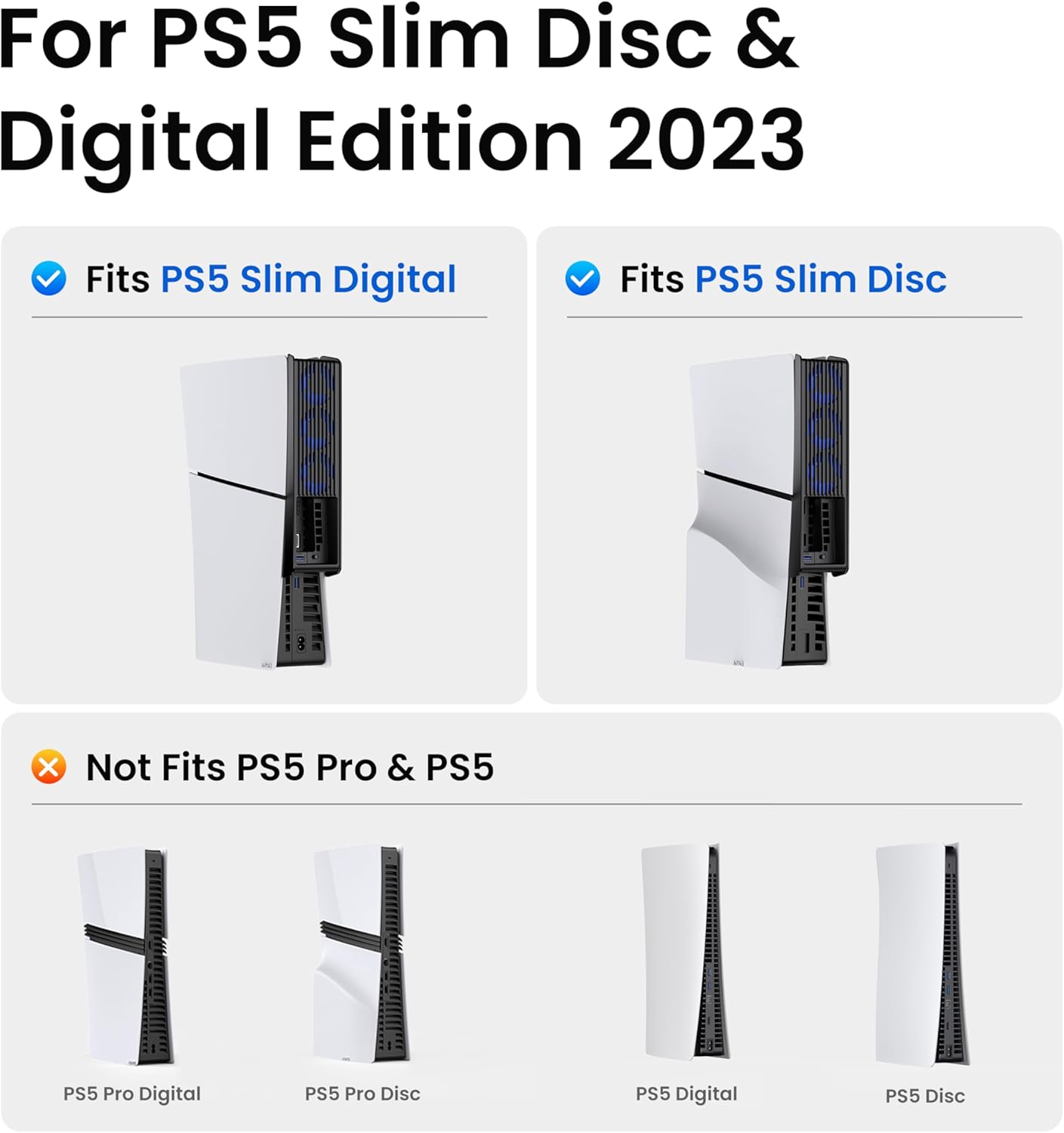
On the downside, compatibility is limited to the PS5 Slim editions, not the original PS5 or the newer Pro/2020 models, so it won’t suit everyone. The claim of “quieter” operation is relative, in practice, fan noise is highly situation dependent, including room acoustics and the console's own load. Some users may find that the automatic mode isn’t perfectly tuned for their specific setup, or that the unit’s external expansion space interferes slightly with placement near a TV stand or shelf.
For whom it makes sense
This accessory is worth considering if you own a PS5 Slim (Disc or Digital) and want a more proactive cooling solution without swapping to a bulky third-party cooling kit. It may suit players who run demanding games for extended periods, or households where the console tends to become noticeably warm after long sessions. If you prioritise a quieter ambient noise level and a cleaner single-cable setup for USB accessories, the design offers a practical match.
When it might not be the best option
If you already have good airflow in your PS5 setup or you rarely push the console to high temperatures, the benefit could be marginal. Also, if you need compatibility with the original PS5 model or with future iterations, this device isn’t compatible. If you’re sensitive to any added footprint on the top of the console or dislike LEDs in your gaming space, you may prefer a more understated approach.
What to check before buying
- Confirm your PS5 Slim model (Disc or Digital) and that you’re not aiming for compatibility with the standard PS5 or newer revisions.
- Consider clearance around your console. The outward expansion helps cooling but draws a bit more space on top.
- If you rely heavily on USB ports for peripherals, the USB 3.0 passthrough is a useful feature to factor into your decision.
- In automatic mode, observe how temperature fluctuations affect fan speed and whether the noise level is acceptable in your room.
Practical usage and a real-world angle
Imagine long gaming sessions on a quiet evening. The cooler’s LED glow adds a subtle visual cue that the fan is active, while the automatic mode keeps temperatures in check without you fiddling with controls. It’s not a guaranteed ticket to zero heat, but it can help maintain smoother performance when the console is tasked with graphically intensive titles.
In-brief comparison and alternatives
If you’re weighing options, think in terms of a broader cooling approach: a slim, active cooling solution versus a generic external fan or strictly relying on the console’s inherent cooling. This KIWIHOME unit sits between a modest internal airflow upgrade and a more involved external cooling rig. It’s more attractive if you want a tidy, plug-and-play enhancement rather than a heavyweight add-on. Remember, alternatives may offer different noise profiles, installation complexity, or compatibility constraints, so align your choice with how much space you’re prepared to allocate and how much you value USB passthrough capabilities.
Included in the box (What’s included)
- KIWIHOME Slim Fan module designed for PS5 Slim Disc and Digital editions
- USB 3.0 passthrough integration and mounting hardware
- LED indicators and user-facing control switch
- Quick start guidance for installation and setup
FAQ (quick practical answers)
- Will this cooler fit my PS5 Slim if I place it horizontally? Yes, it supports both vertical and horizontal orientations.
- Does the automatic mode always run at low noise? It aims to balance cooling and noise dynamically, but noise level depends on ambient temperature and game load.
- Can I use other USB devices while the cooler is connected? The USB 3.0 passthrough is designed to preserve connectivity for peripherals, but very power-hungry devices might affect performance depending on power draw.