

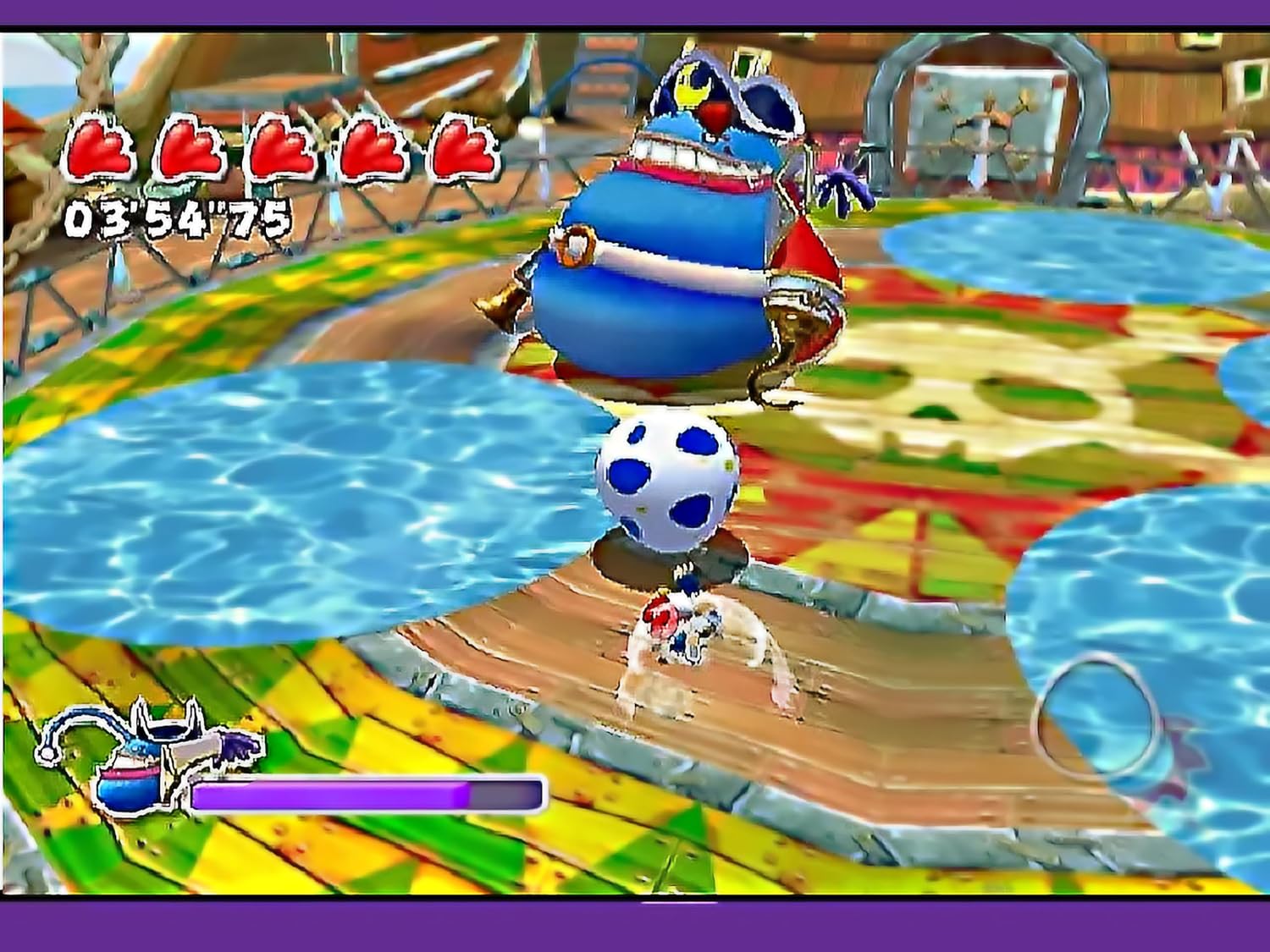
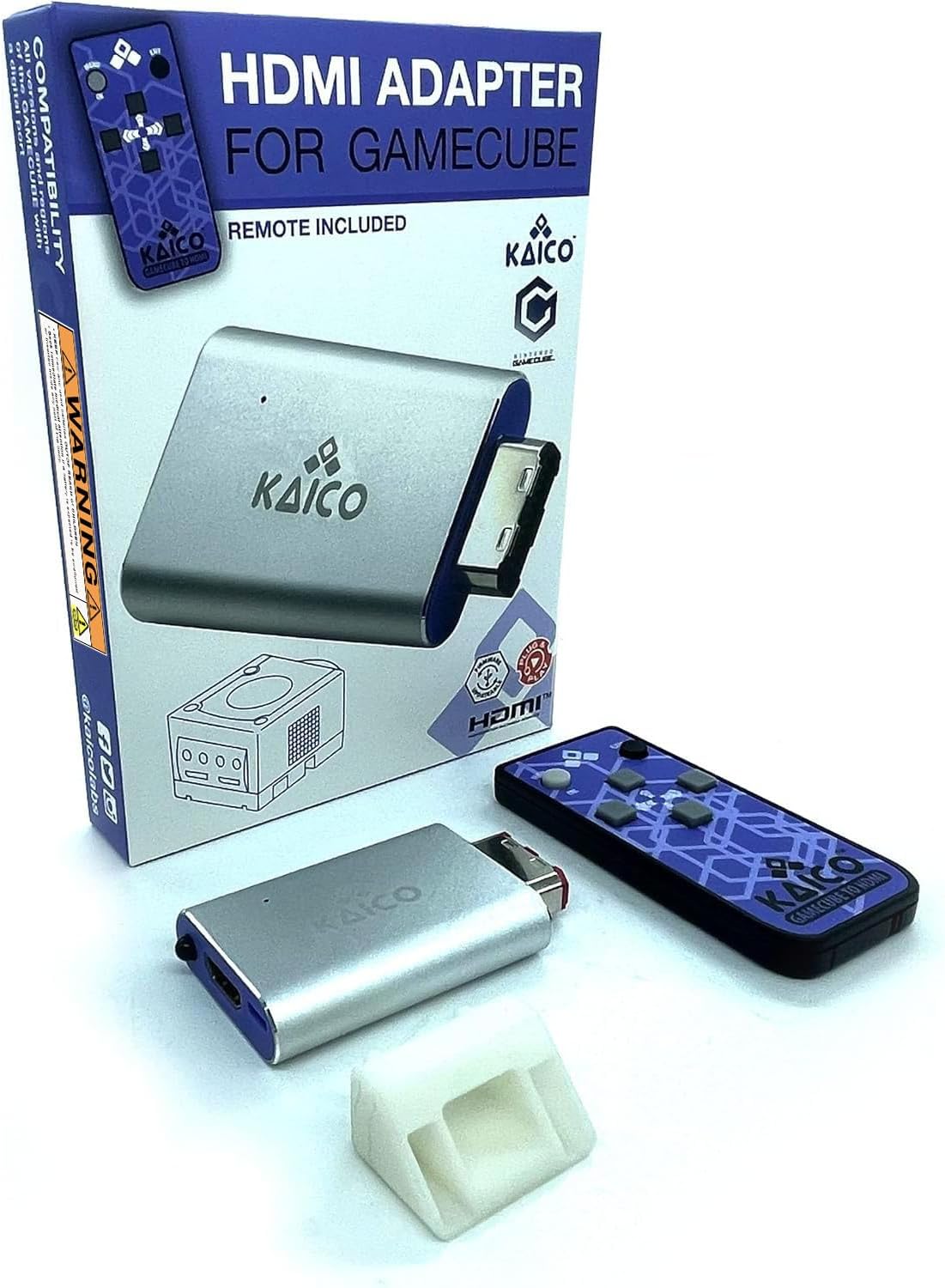
Kaico GameCube HDMI Adapter for Nintendo GameCube (DOL-001) with GCVideo software – plug & play
Reviews
Price
Product description
What it is and why people look for it
The Kaico GameCube HDMI Adapter is designed for owners of a Nintendo GameCube who want a simpler way to get a cleaner digital video output on a modern TV. In practice, the big selling point here is that it pairs a “simple plug & play” HDMI solution with the GCVideo software workflow, rather than relying only on the original analog video leads.
If you’ve ever tried to connect a GameCube to a newer display with the basic AV cable, you’ll know the usual trade-offs: compatibility worries, a less crisp look, and the feeling that you’re not getting the most from the console’s output. This adapter is aimed at people who want to improve the screen result while keeping the setup approachable.
Compatibility you need to check before buying
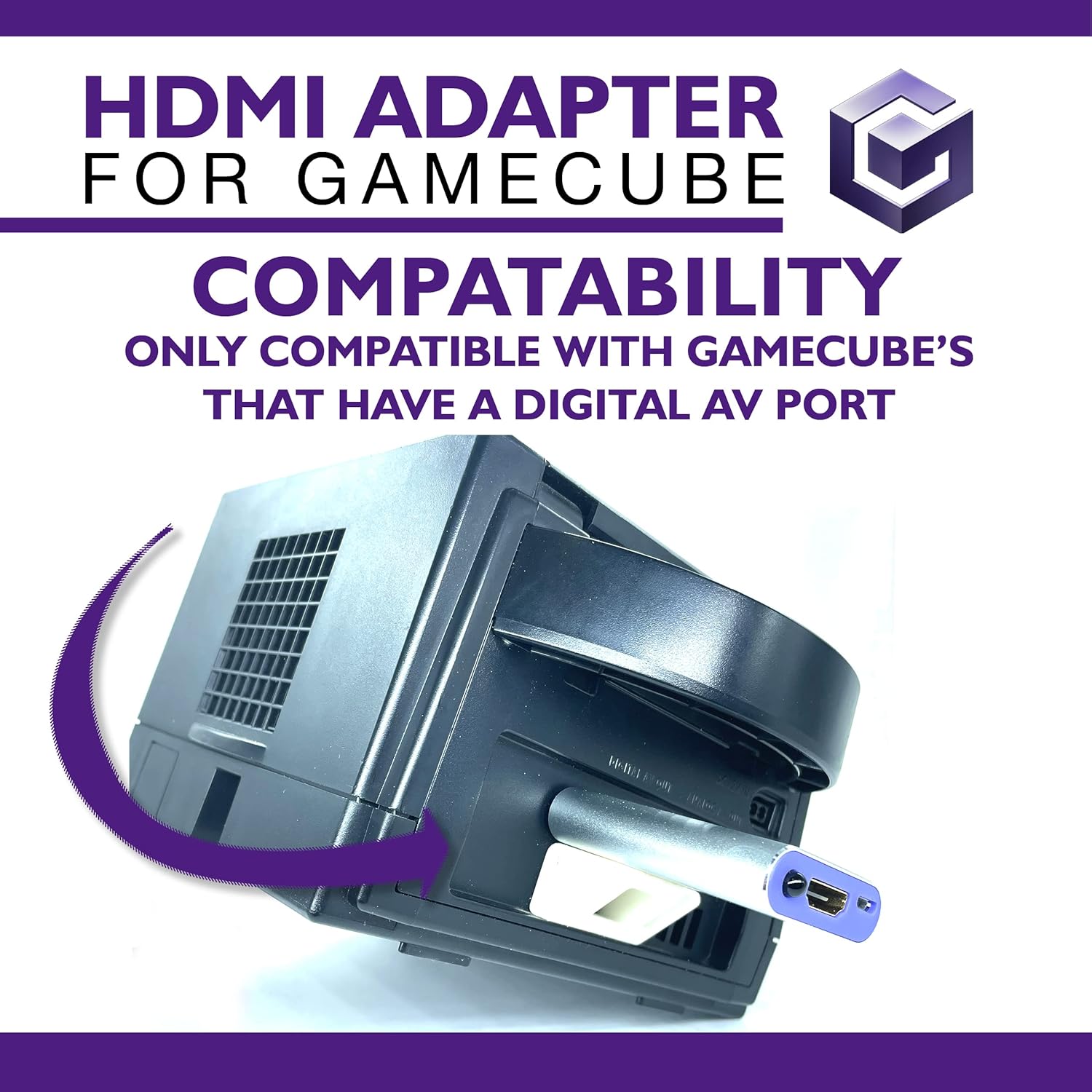
The compatibility note matters: it’s described as compatible with specific GameCube models and explicitly mentions DOL-001. It also mentions that you should check that your console has “AV digital for GameCube” before you buy.
That’s the one area where buyers can get caught out—because if your console doesn’t match the stated requirement, no amount of “plug & play” branding will fix the fundamental compatibility. So it’s worth taking a minute to confirm your console model and the presence of the AV digital capability mentioned in the product details.
The essentials: GCVideo, line doubling, and a 576p target
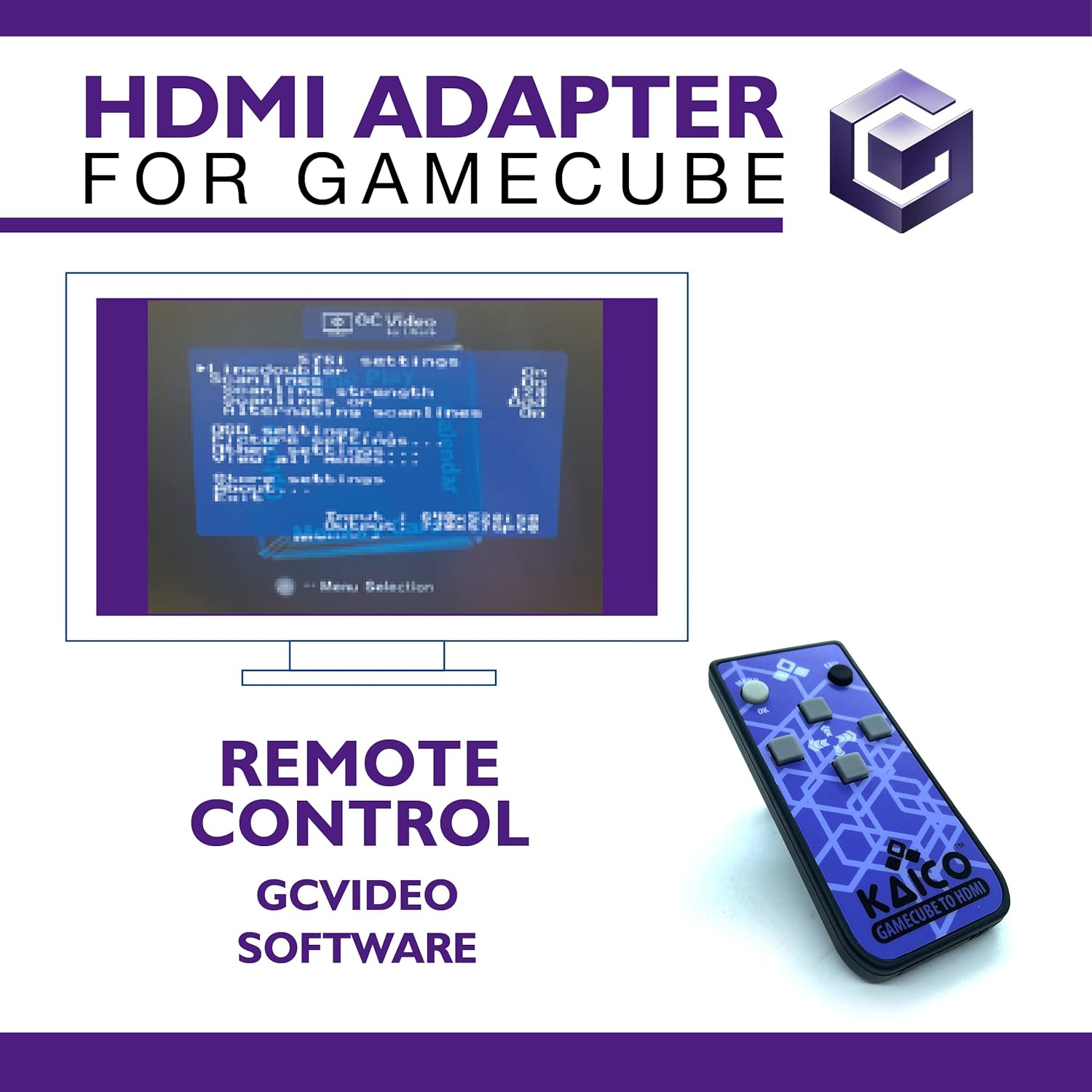
On the software side, this adapter is described as running GCVideo so you can add scanlines and apply 2x line doubling. The result, according to the provided description, is an output that can be doubled up to 576p.
This is the kind of feature set that usually appeals to two groups: - people who like a more “retro” look (scanlines) - people who prefer a sharper image on an HDTV-style screen (line doubling)
It’s not magic, though. Line doubling and scanlines are tools to reshape the viewing experience, but they won’t turn an old console into a modern system. Still, for GameCube owners trying to make their library look better on current TVs, the approach is sensible.
What stands out in everyday use
What you’re really buying here is a workflow that’s framed as “simple plug & play”, plus the promise of better screen output than the official GameCube component cable and the GameCube AV cable.
In plain terms, the day-to-day appeal is about fewer hurdles and less tinkering. You’re not going for a complex homebrew project in this purchase, instead, you’re looking for a straightforward path to HDMI output, with optional tuning via scanlines.
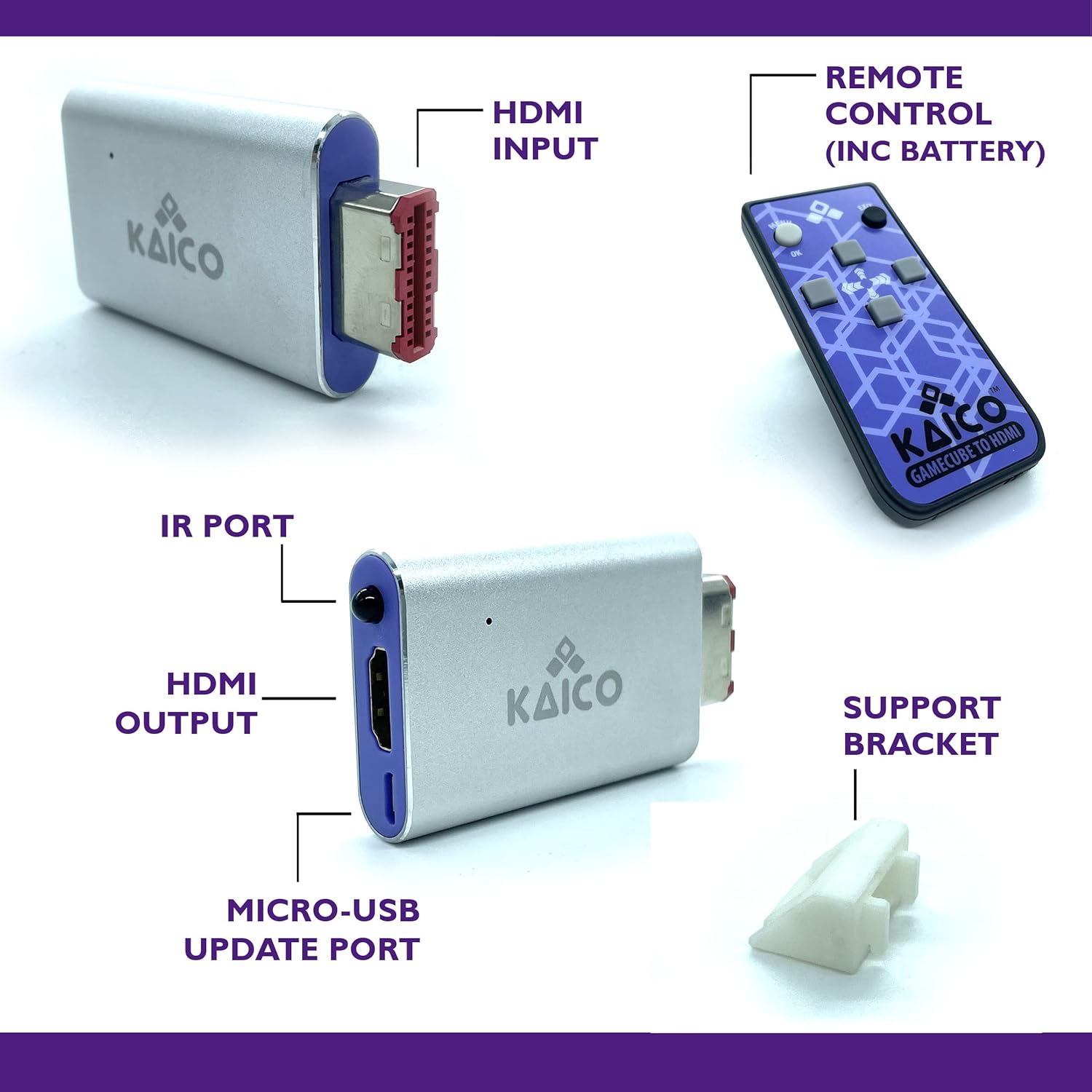
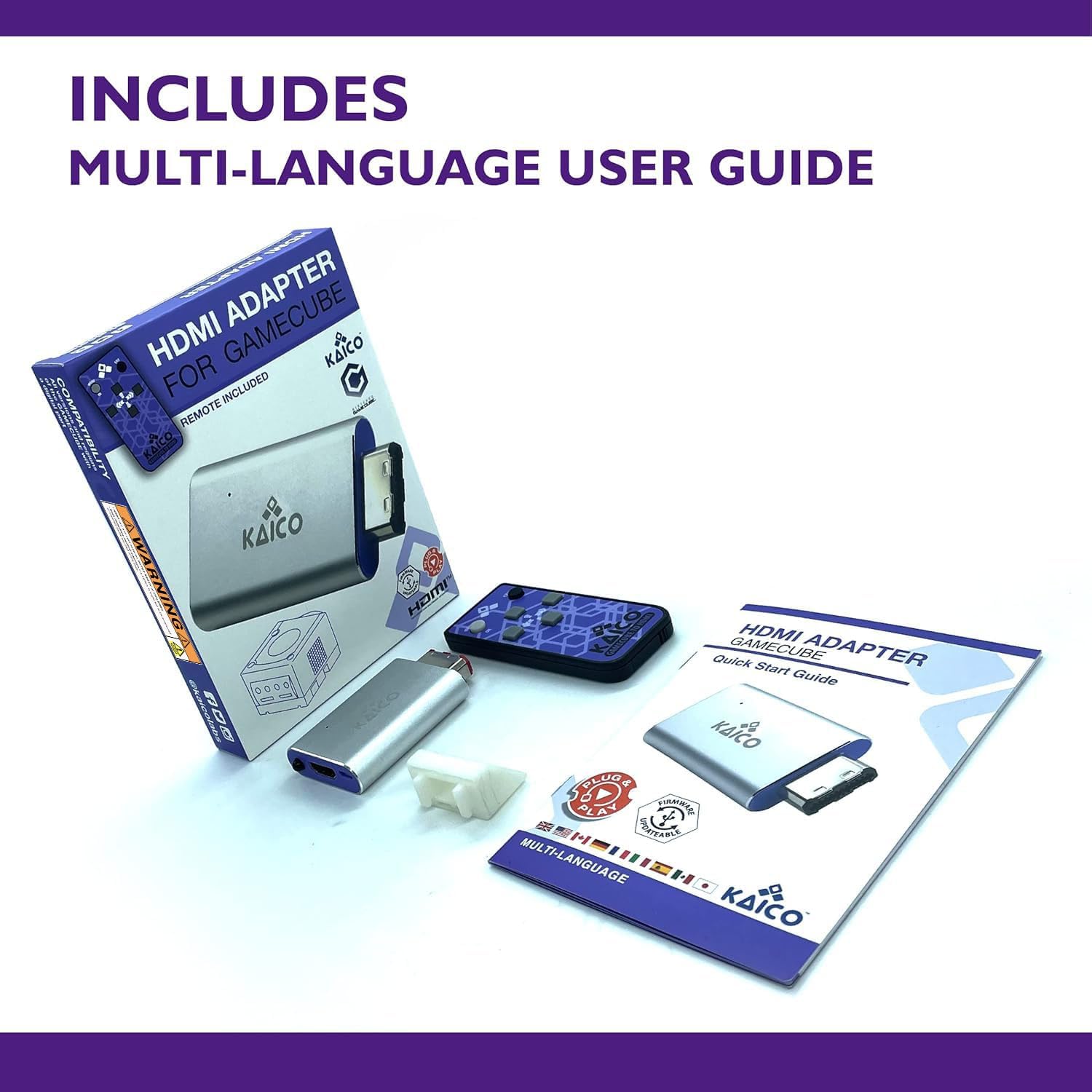
There’s also a “remote included” note in the product name. If you like adjusting how things look without digging through menus every time, that’s the sort of convenience that can actually matter once you’ve set everything up.
A quick micro-example: imagine you boot into a GameCube game, then want the image to feel a bit more “CRT-like” rather than completely smooth. With scanlines and the line-doubling approach, you’re aiming for a more deliberate visual presentation instead of settling for whatever your TV does with basic analog input.
Where it may not suit everyone
It may not be the best choice if you’re not confident your console matches the stated DOL-001 / AV digital for GameCube requirement. That’s the big limitation.
Also, if your priority is the absolute most “hands-on” control over video settings, you may find the software-driven experience leaves you wanting more detail than you expected—depending quite a bit on how GCVideo is intended to be used with your setup.
And if you’re simply chasing the simplest possible connection with zero fuss, it’s still worth understanding that this product is built around a specific HDMI + GCVideo approach. It’s “simple” in the context of adapters like this, but it’s not the same as using a basic cable and calling it done.
Warranty and support (worth noting)
Kaico states that it includes 12 months of support, repair and replacement warranty across its GameCube AV to HDMI adapters. That’s reassuring for a purchase like this, where long-term reliability matters more than a flashy spec.
Just keep in mind that the warranty details can’t substitute for compatibility—so the first step is still to verify your console meets what the listing requires.
Mini FAQ: common buying questions
Is this truly plug and play?
The description frames it as “simple plug and play”, but it also relies on GCVideo. In other words, it should be straightforward, yet you’ll still need to follow the intended workflow for the software side.
What’s the difference versus using the original GameCube AV/component cables?
The listing positions it as delivering a better screen output than the official GameCube component cable and the GameCube AV cable. It specifically mentions scanlines and 2x line doubling up to 576p.
Do I need a specific GameCube model?
Yes—compatibility is tied to models mentioned in the details, including DOL-001, and it says to check your console has the AV digital capability for GameCube.
What does line doubling do here?
The product description says it uses 2x line doubling. Practically, the goal is to improve how the image scales/looks on HDMI displays, with a 576p target mentioned.
Final verdict
When it makes sense
It’s a solid pick if you own a compatible DOL-001 GameCube with the AV digital requirement and you want an HDMI solution that also brings GCVideo-style scanlines and 2x line doubling (up to 576p). If you care about how GameCube games look on a modern TV and you’d rather not stick with standard analog cables, this is the kind of adapter that can genuinely change your viewing experience.
When you should avoid it
It may not suit you if you can’t confidently confirm your console matches the stated compatibility requirements. Also, if your expectations are “connect it and forget it” with no software workflow involved, it could feel more involved than you want.
Buying decision in one sentence: if your GameCube checks out and you’re chasing a cleaner HDMI presentation with optional scanline aesthetics, Kaico’s approach is easy to justify, if compatibility is unclear, it’s better to sort that first.