

eSynic Wii to HDMI Converter Cable (1080P/720P) for Nintendo Wii & Wii U to HDTV
Product description
What this is for
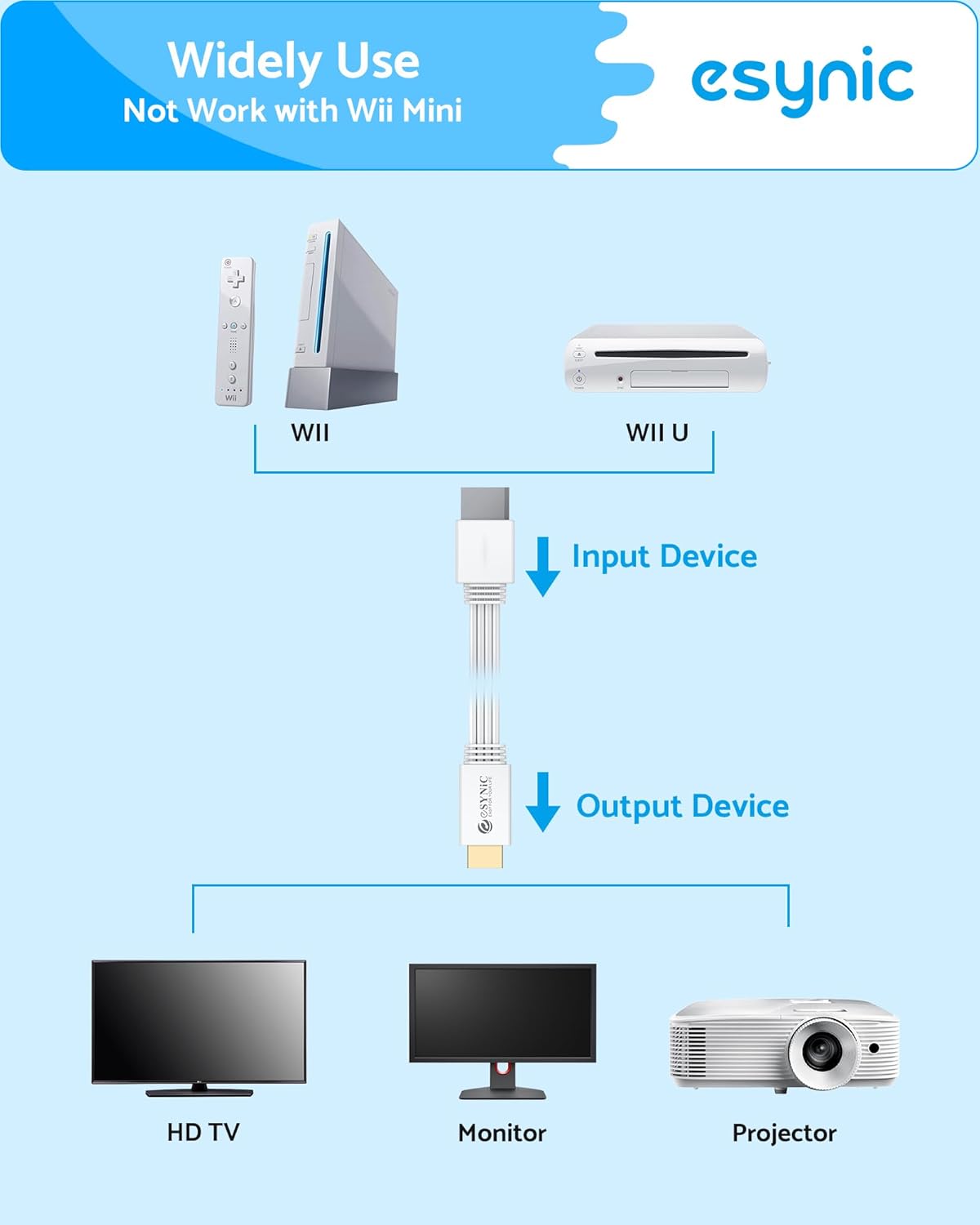
If you want a simpler way to get your Nintendo Wii or Wii U running on a modern HDMI TV or monitor, this eSynic Wii to HDMI converter is designed to do exactly that. The big selling point is that it’s meant to be plug and play: you’re not expected to hunt down extra leads or fiddle with complicated set-ups. It uses a built-in 1.2m cable, so you can place the adapter without it turning into a cable-management project.
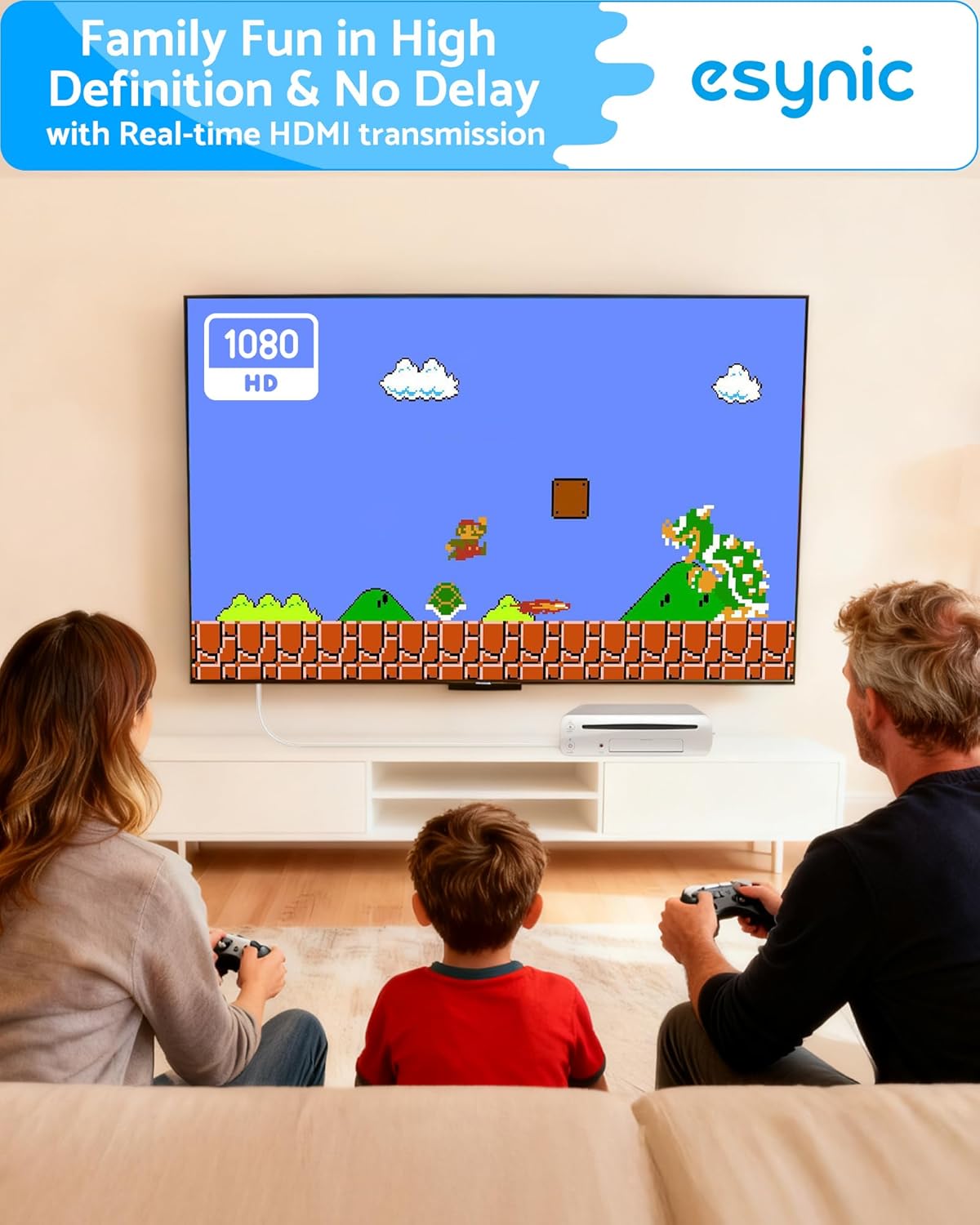
On paper, it’s aimed at people who mainly want to play Wii / Wii U games on an HDMI display and reduce the usual hassle of older consoles. It also comes across as a family-friendly “retro night” accessory: quick to connect, easy to pack away, and simple enough that it won’t dominate your evening.
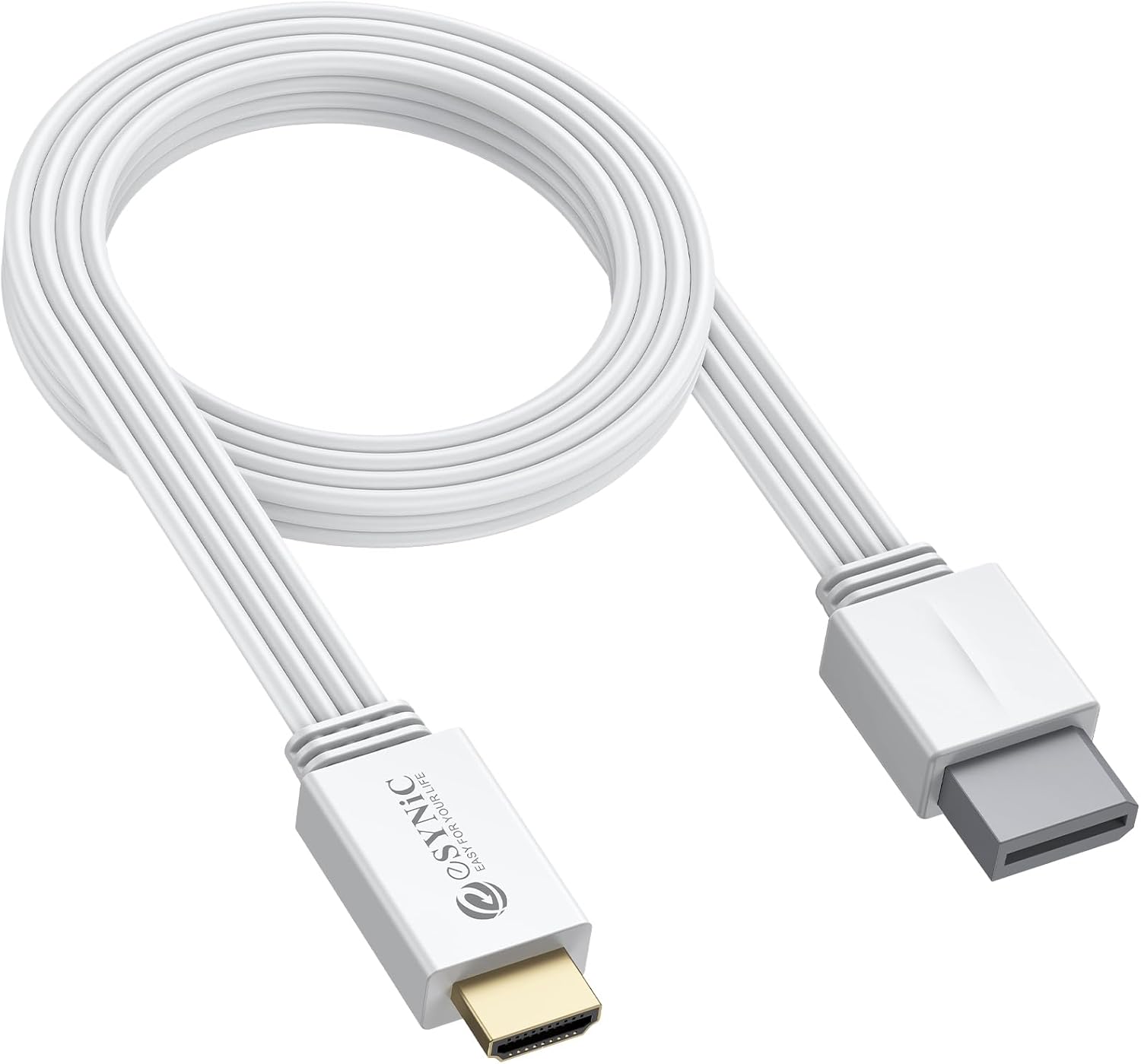
What you get: conversion from Wii to HDMI
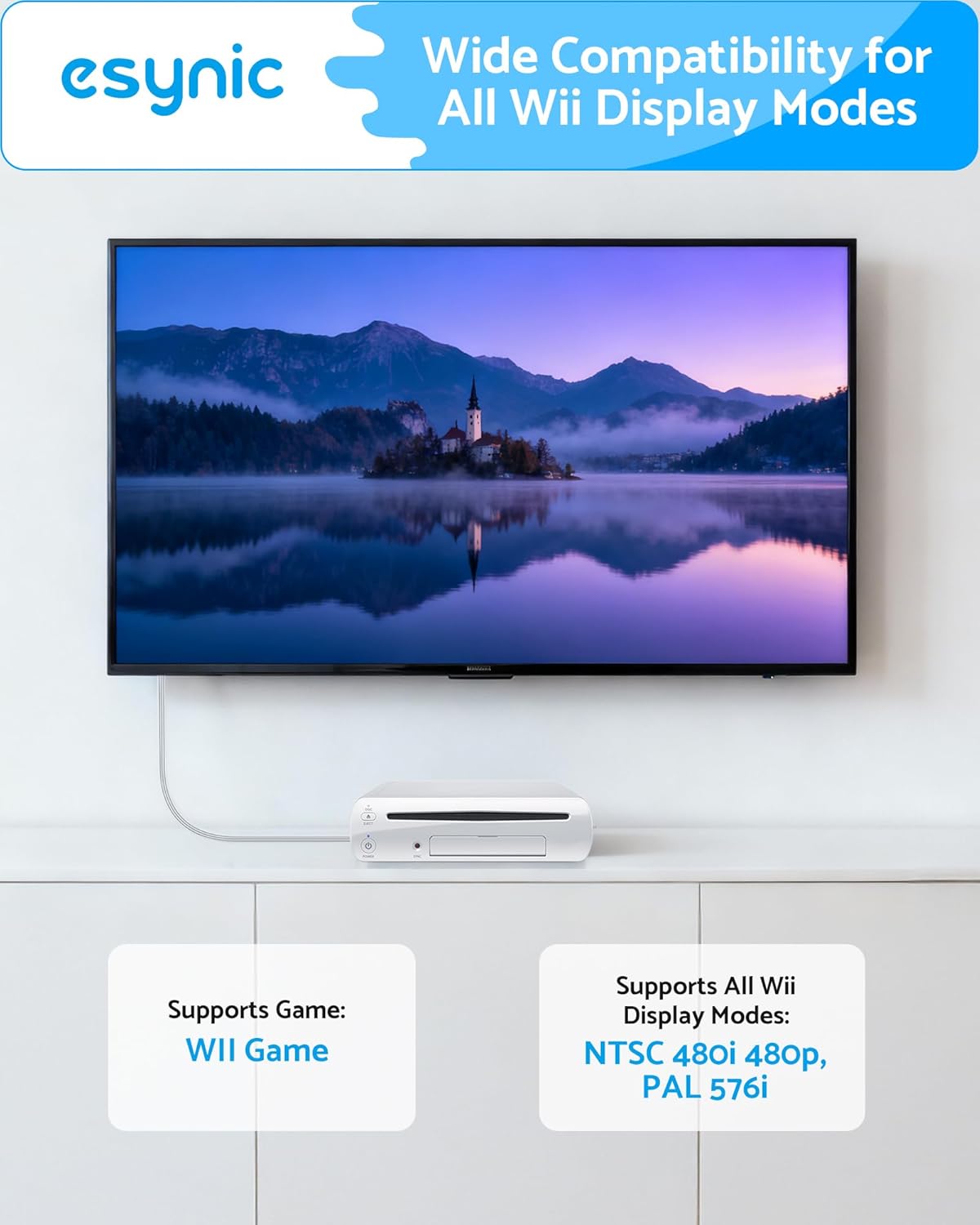
This adapter converts the Wii’s analogue signal into a digital HDMI output. The listing states it supports a Full HD 1080P conversion target, with 720P mentioned as well, and it’s compatible with Wii display modes including 480i, 480p, and 576i.
There’s a practical downside to keep in mind: conversion quality can be hit-and-miss depending on the source content and your TV’s processing. The product is positioned as delivering clear image and audio without signal loss, but you should still expect some TVs to handle upscaling slightly differently. Still, for most casual play, it’s exactly the kind of device you’d choose when you just want it to work and look reasonable.
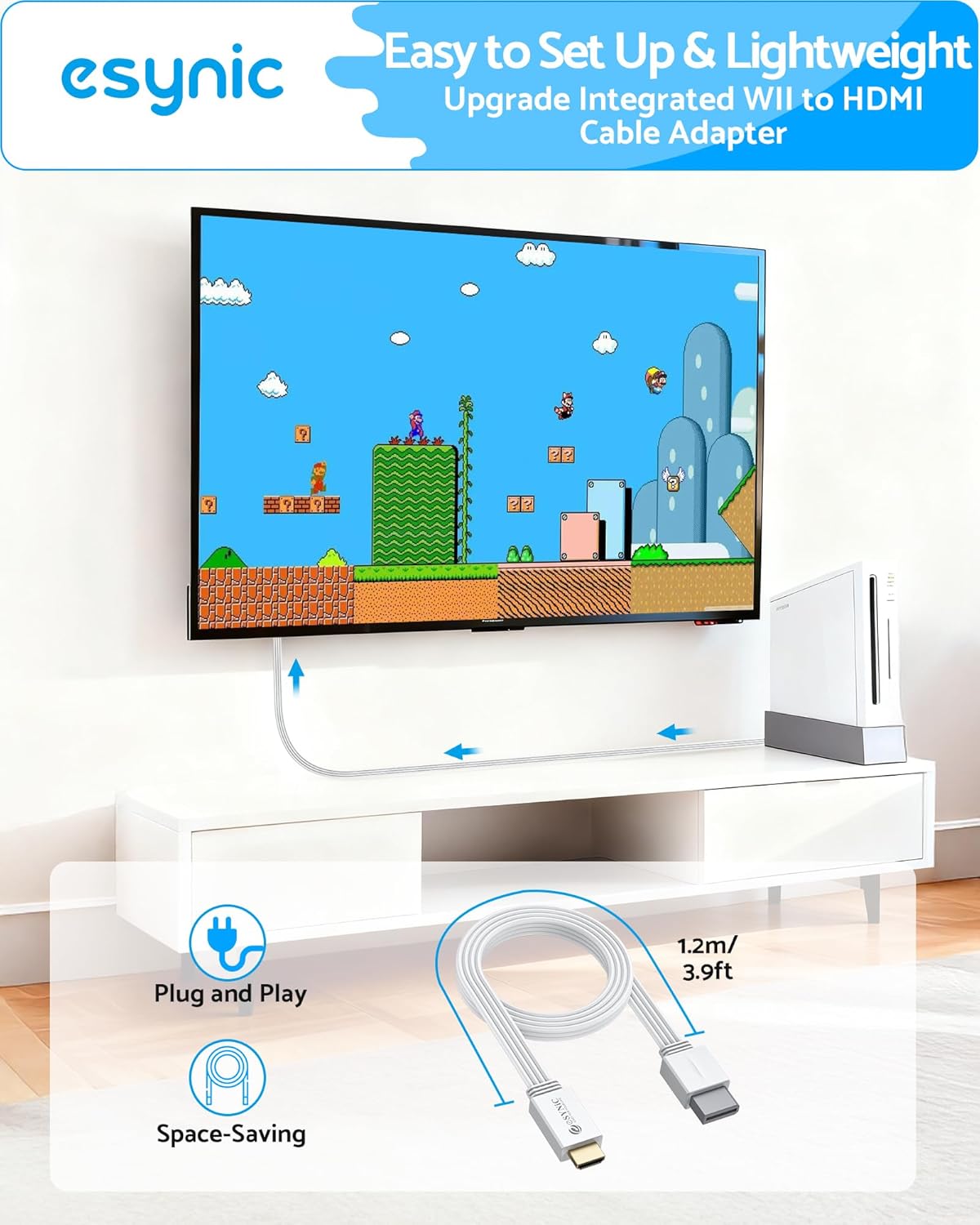
The essentials in daily use
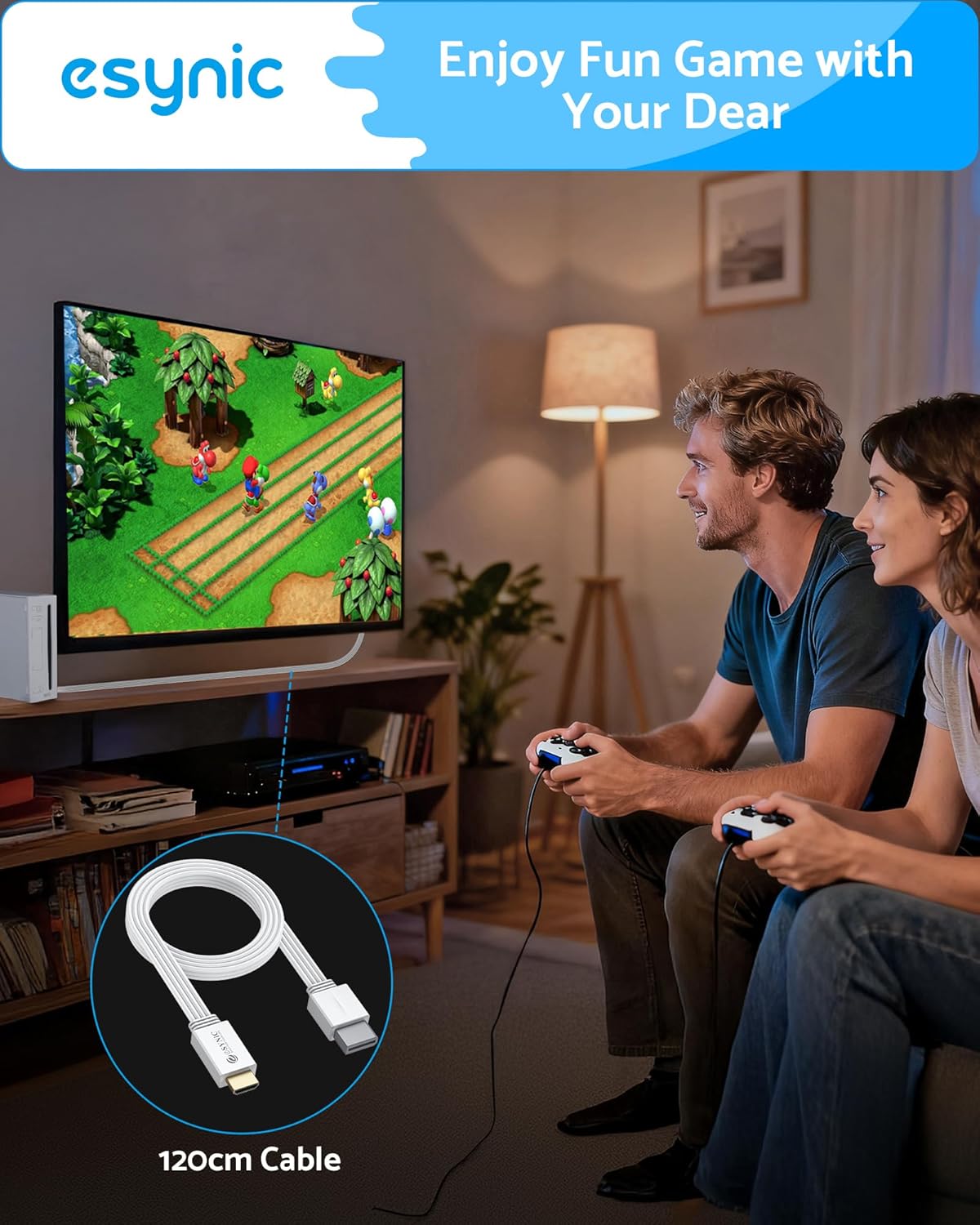
The design focus here is portability and immediate connection. The fixed 1.2m cable means you don’t have to line up additional extension cords, but it also means you’ll want to check your TV/console distance. If your setup needs more reach, this could feel a bit tight.
A small micro-scenario helps: imagine setting up the Wii for a weekend play session. You connect the Wii to the adapter, plug HDMI into your TV, and you’re ready to test a game without digging through a drawer of cables. That “start playing faster” angle is where this tends to make sense.
Where it shines (and where it might disappoint)
This is a solid fit if you: - have a Wii or Wii U and want to use it with an HDMI TV or monitor - prefer a plug and play approach over multi-step configuration - want something compact and easy to store after use
It may not be ideal if you need more cable length than 1.2m for your specific setup. Also, if you’re very sensitive about picture processing, you may find that the TV’s own upscaling and video handling matters as much as the converter itself.
Key takeaways for buying
Before you buy, it’s worth checking a few practical points: - Your Wii / Wii U display needs: the adapter lists support for PAL display modes and compatible Wii resolutions such as 480i, 480p, 576i. - Your physical layout: the fixed 1.2m lead is convenient, but it limits flexibility. - Your expectations around image: the listing targets 1080P conversion, but the Wii’s original output is still an older standard, so it won’t magically turn it into a modern console look.
If your main goal is reliable retro gaming on a current HDMI screen, this converter is the straightforward route. If you’re chasing the most refined picture possible, you may find you need to spend more time comparing different connection approaches or testing with your specific TV.
Mini FAQ
Is it really plug and play?
The listing describes it as plug and play for Wii and Wii U, with no need for additional cables.
What display modes does it support?
It states compatibility with Wii display modes including 480i, 480p, and 576i.
Does it work with PAL displays?
The listing mentions support for all PAL display modes.
What’s the cable length?
It has a fixed 1.2m cable built in.
Should you buy it?
A practical pick for HDMI setups: it’s meant to convert Wii / Wii U analogue output to HDMI so you can play on an HDTV or HDMI monitor with minimal fuss. It’s especially worth considering if you want a compact, quick-to-connect solution for casual, family, or weekend retro sessions.
It might not suit you if your TV/console distance needs more than the fixed 1.2m cable, or if you’re extremely picky about how an older console’s output is processed on your specific screen. For most people, though, it should deliver the core benefit—using your Wii on modern HDMI displays—without turning it into a project.