

Xbox Series X/S Chatpad 2.4GHz QWERTY Controller
Product description
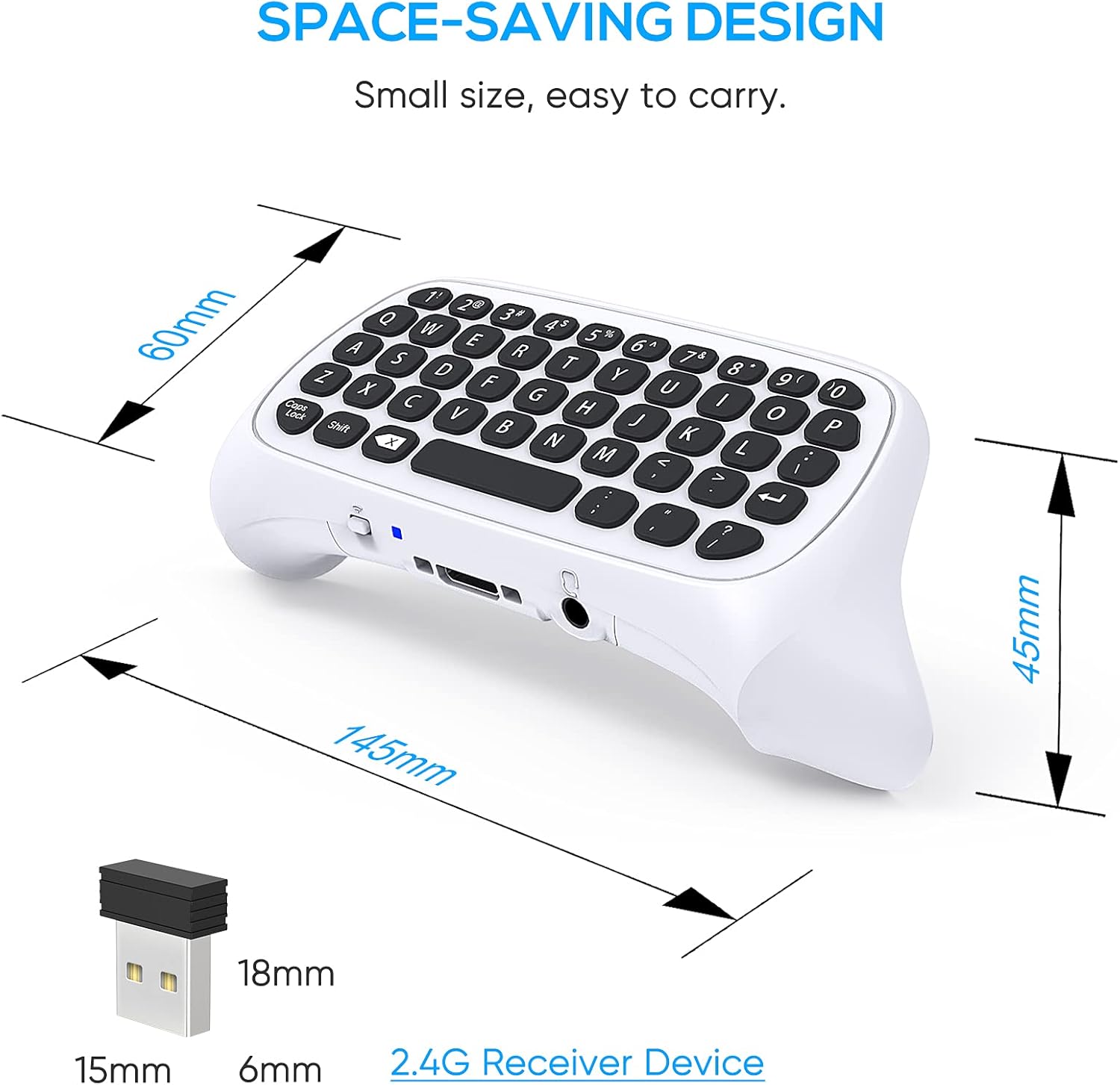
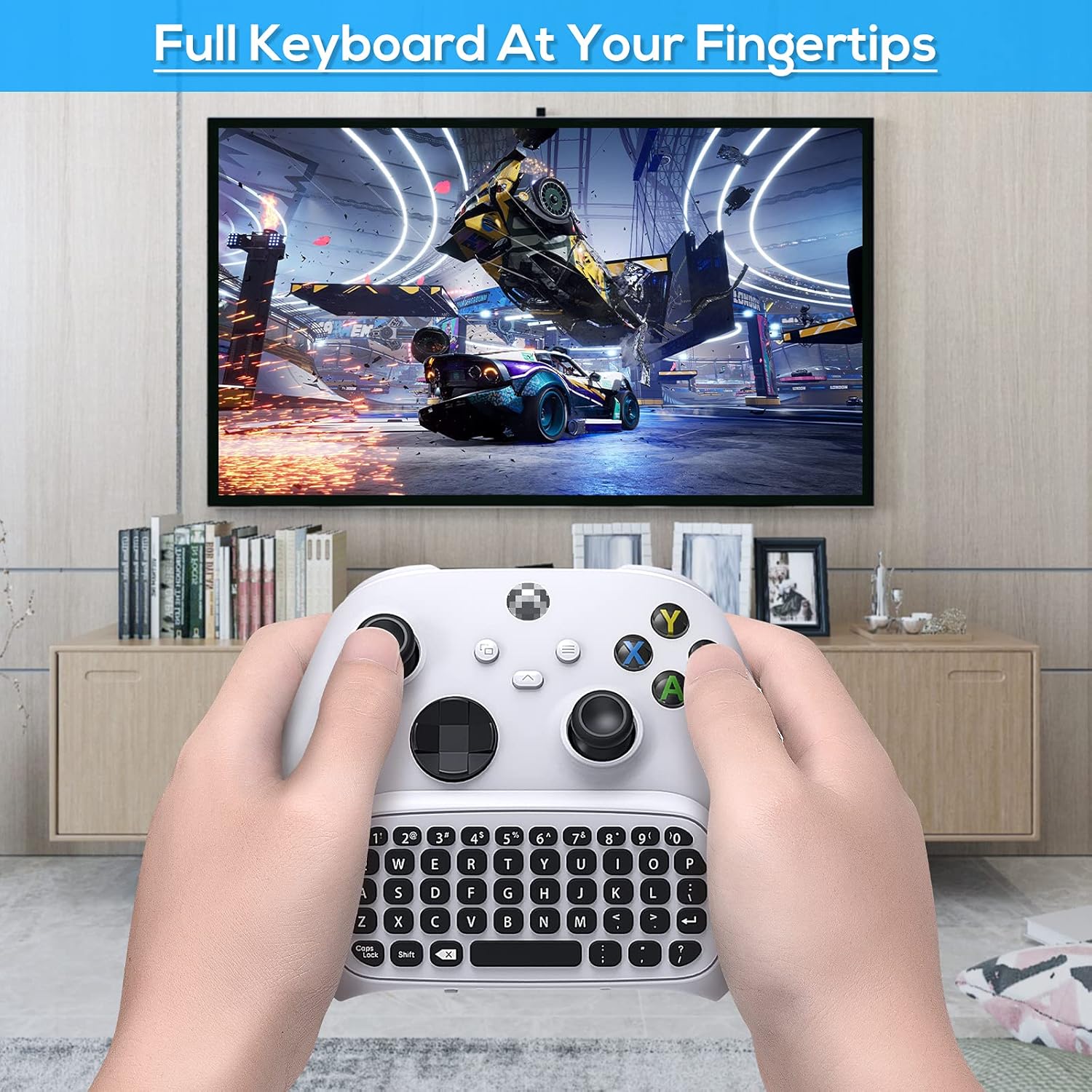
This compact chatpad attaches under an Xbox Series controller to make text entry and party chat faster while gaming. It combines a full mini QWERTY layout with direct power from the controller, making it practical for sending messages, entering codes and coordinating with teammates during sessions.
Key Points
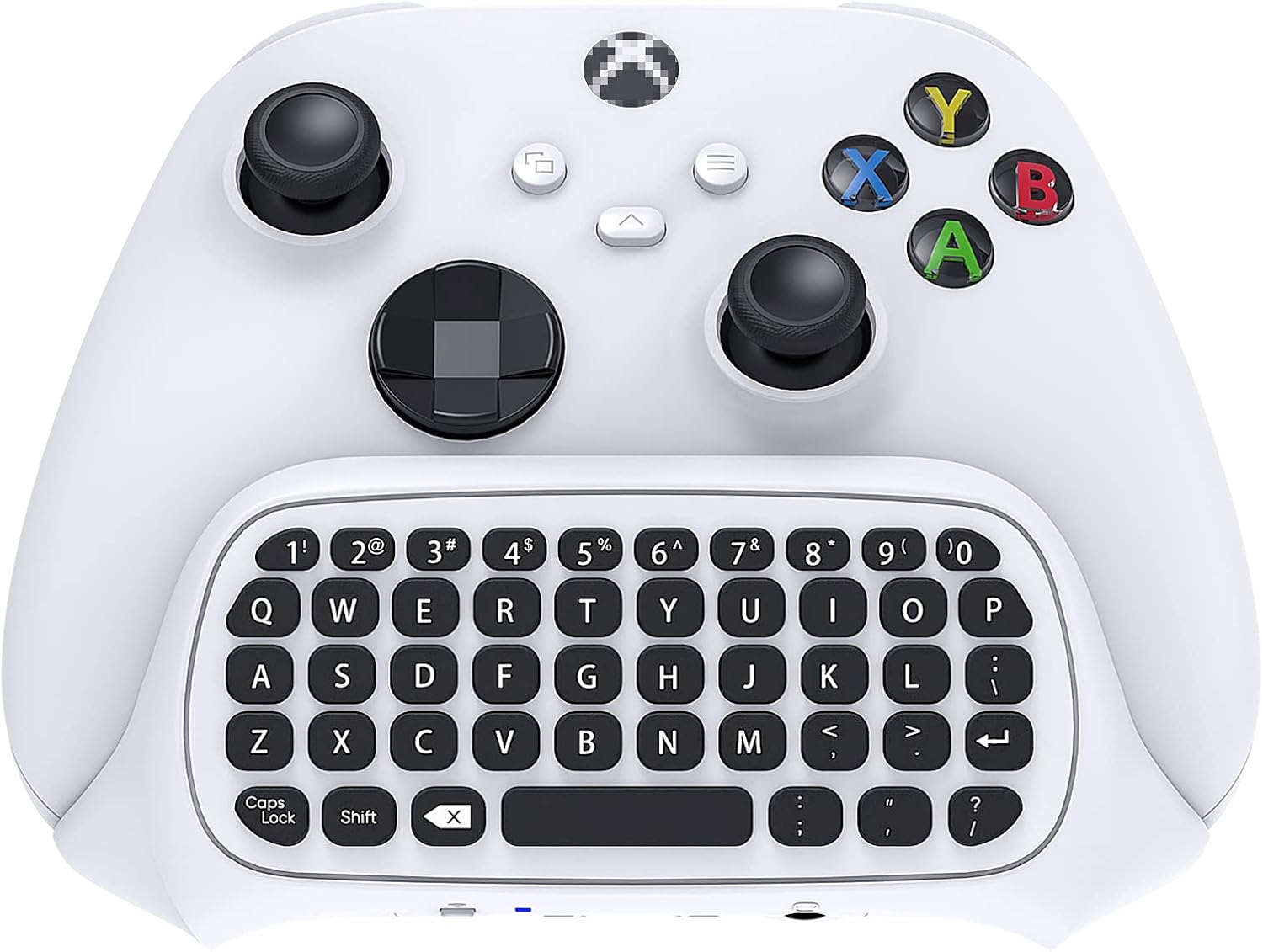
The unit is designed specifically for Xbox Series X, Series S, One and One S and fits beneath the controller for a low-profile setup. Typing uses firm keys with an environmental silicone surface that aims to be comfortable during longer use, and the metal dome switches under the keys help deliver a clearer tactile response. 🎮
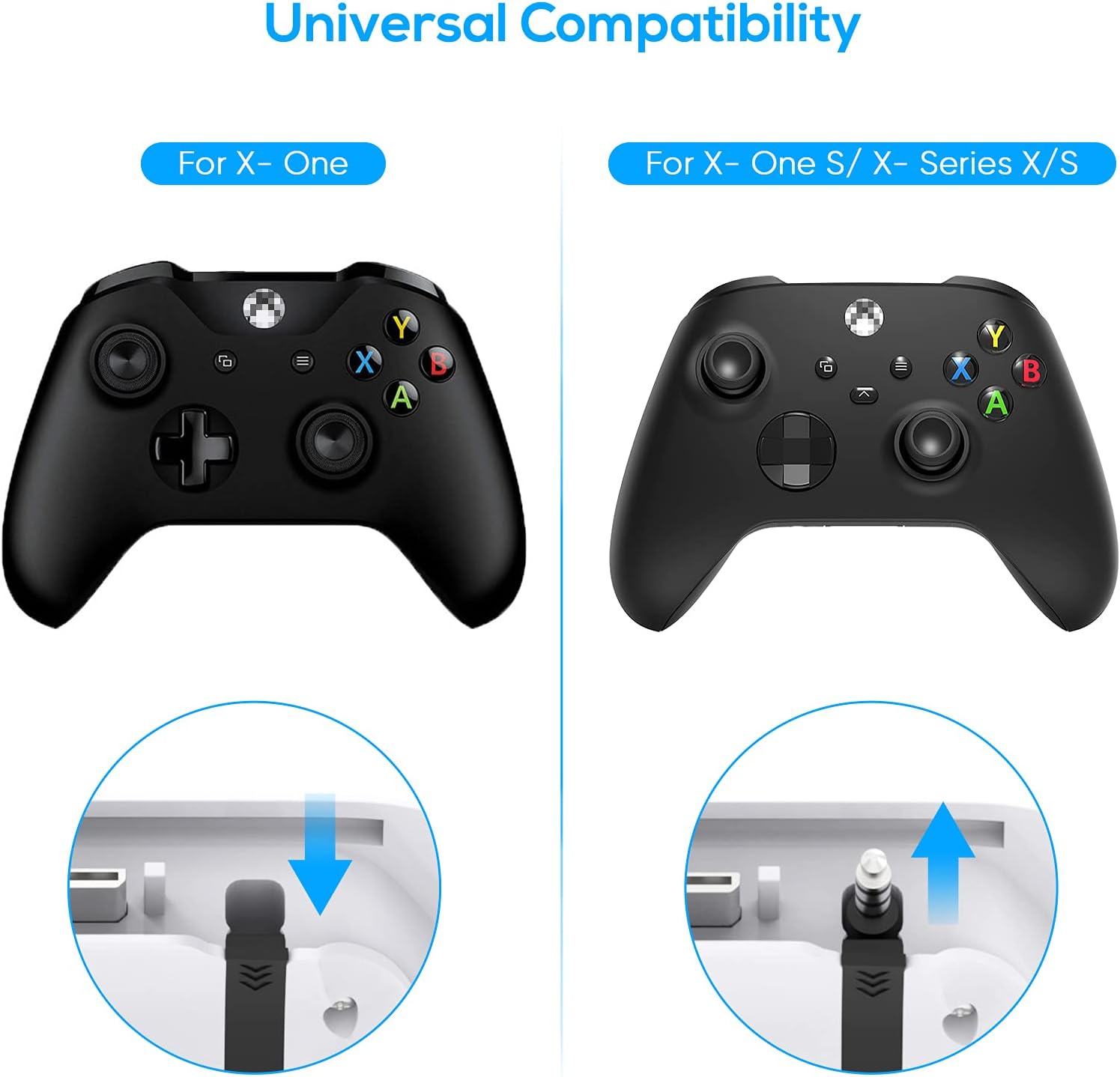
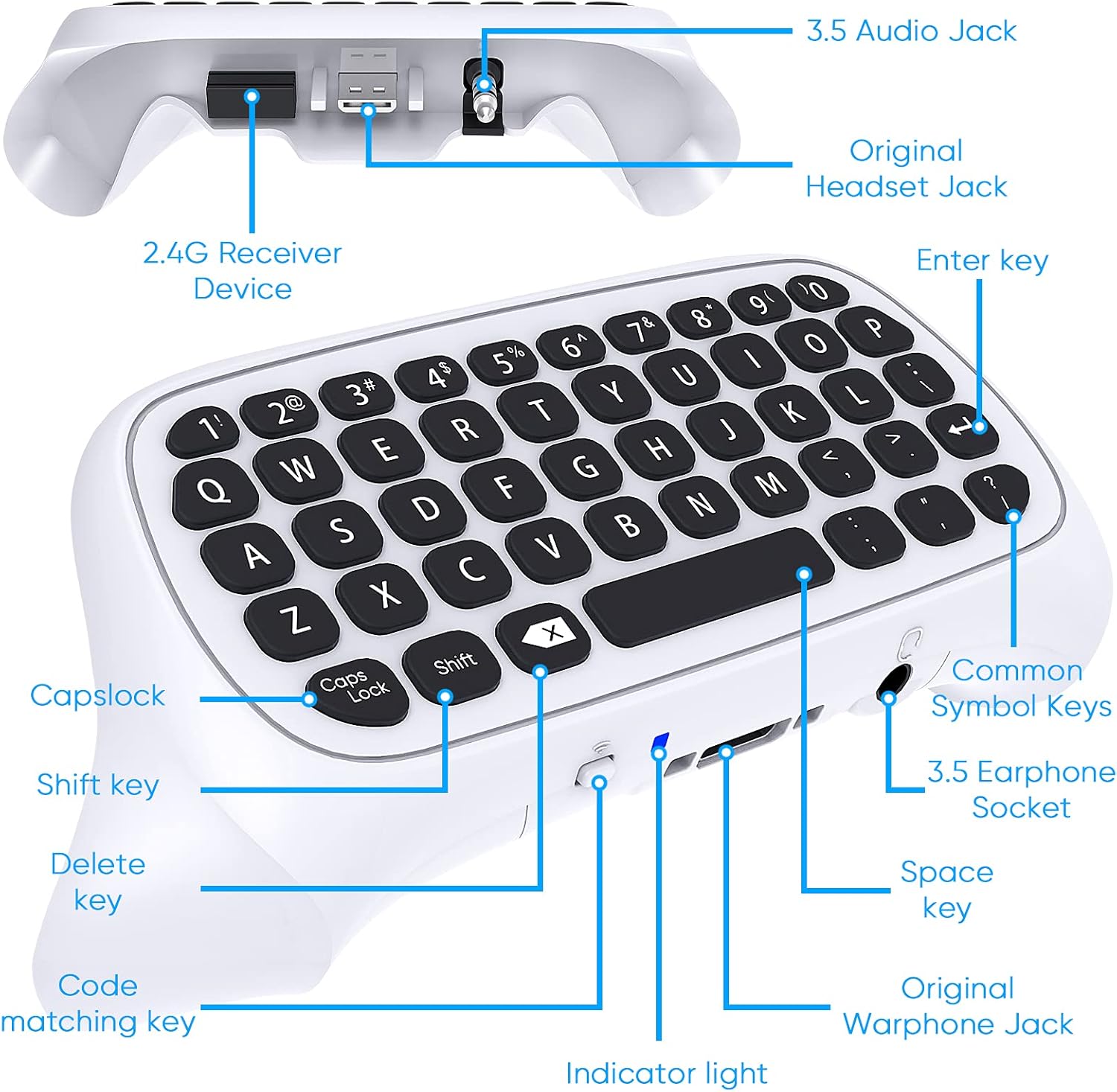
No extra charging cable is required because the pad draws power directly from the controller through a 2.4 GHz protocol, so you can plug it in and start chatting without separate batteries. The chatpad keeps the 3.5 mm audio port accessible, which means you do not need to remove the keyboard to use your headset for voice chat or audio. 🎧
Consider that the pad is petite and meant for short bursts of typing rather than full-length messages from a keyboard perspective. Some users may prefer larger keyboards for extensive text input. Also bear in mind that compatibility is for the models listed by the manufacturer and performance may vary with third-party accessories.
Usage Recommendations
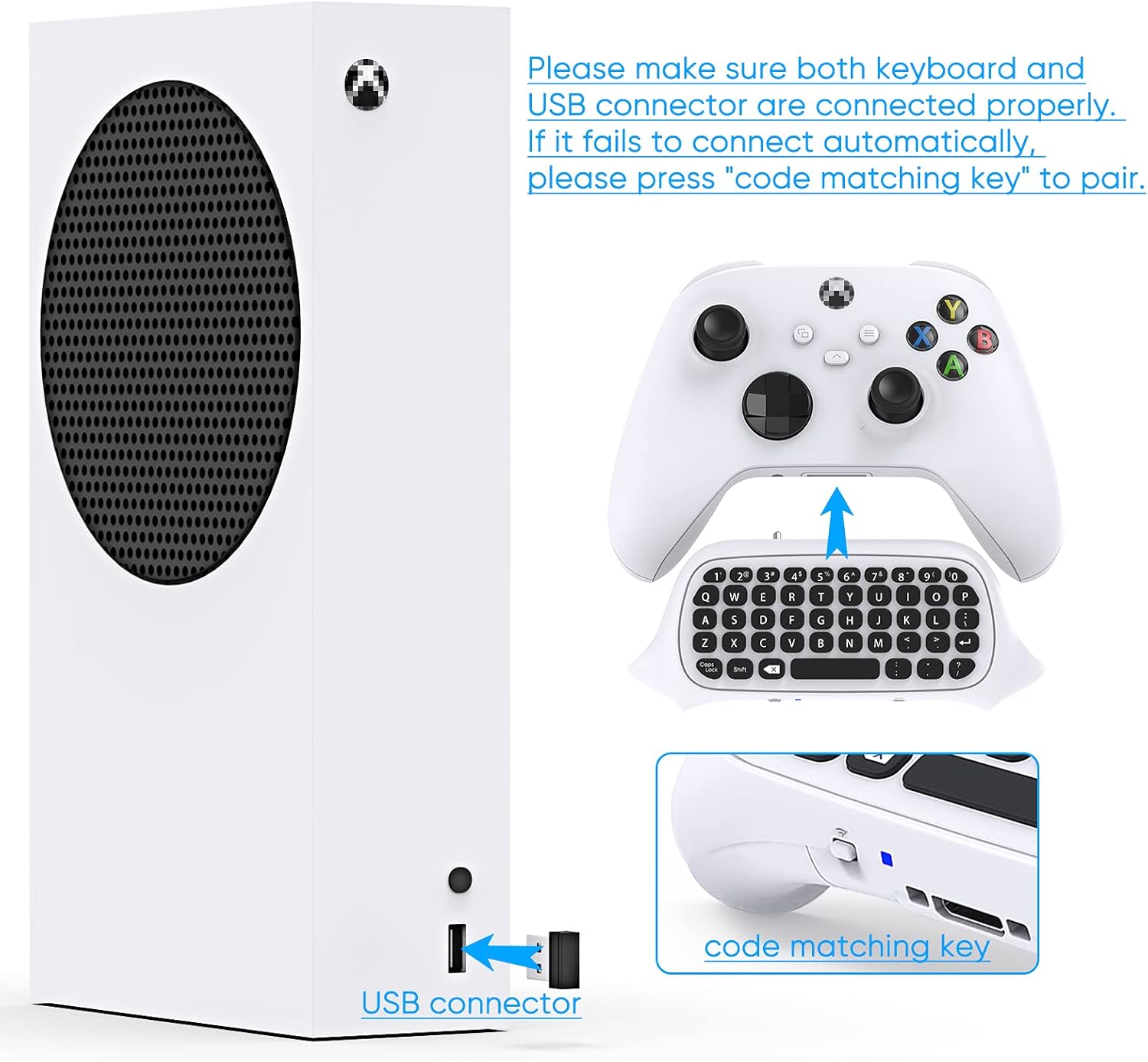
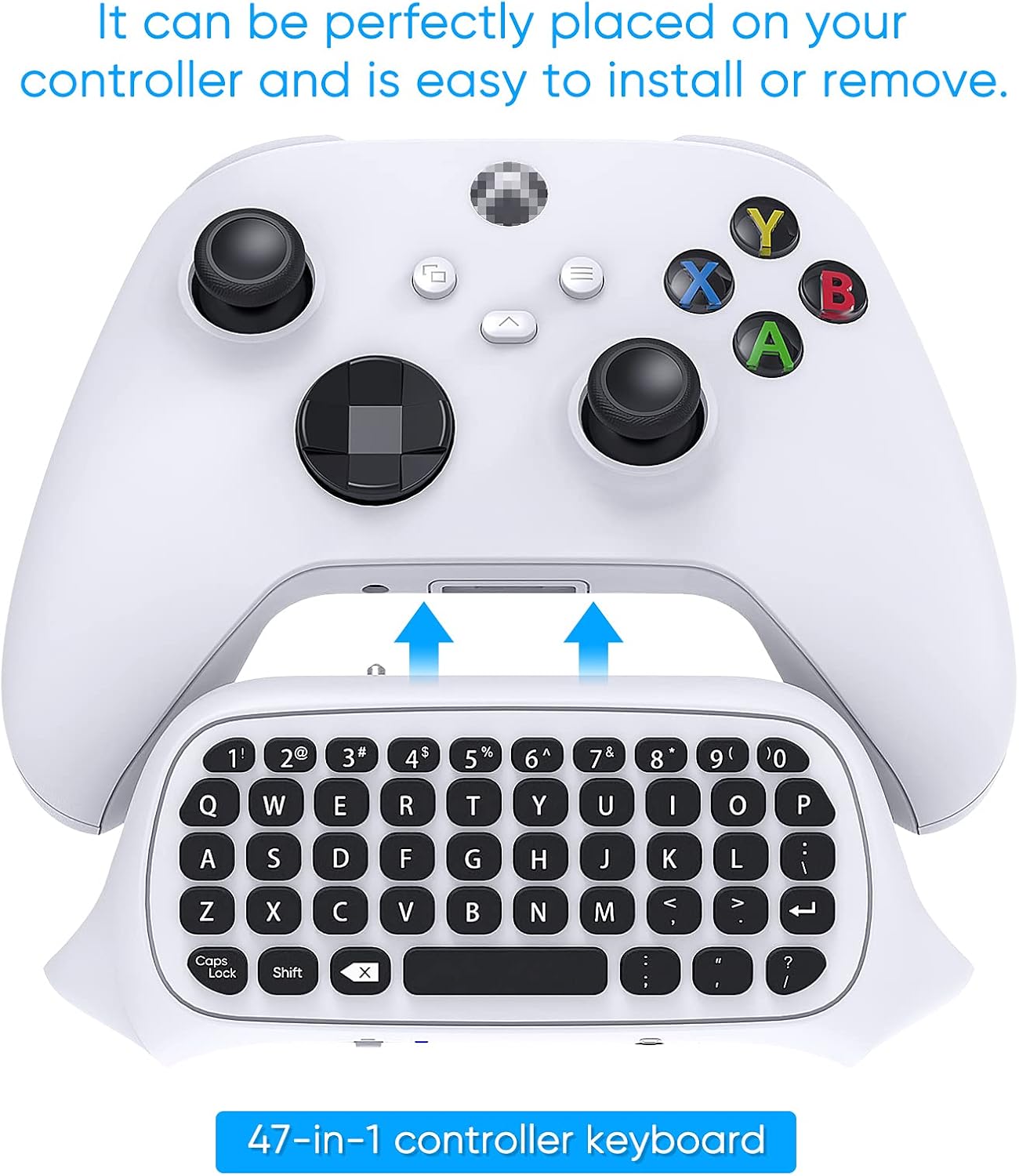
Attach the pad beneath the controller with the locking clip and check that the connector aligns with the controller extension port. Use the integrated keys for quick replies in parties or for entering multiplayer codes on the fly, and keep your headset connected through the retained 3.5 mm jack when you need audio with voice chat. For a quieter experience, press keys deliberately because tactile feedback is noticeable and may transfer sound through a mic in some setups. 😊
Technical Specifications
- Name: FYOUNG Xbox Series X/S Controller Keyboard Gamepad
- Connection: 2.4 GHz protocol, powered by controller
- Layout: Mini QWERTY full keyboard
- Audio: 3.5 mm audio jack and original headset connector retained
- Compatibility: Xbox Series X, Series S, Xbox One, Xbox One S
- Materials: Silicone key surface with metal dome switch beneath keys
The information above is based on the manufacturer description and highlights the main functional aspects and constraints of this chatpad accessory.