

Fenolical PS5 Stand with adjustable fan and RGB
Product description
This vertical cooling and charging station for the PlayStation 5 offers integrated thermal management together with dual controller charging and RGB lighting, making it useful for players who want a tidier setup and quieter operation during long sessions. The Fenolical stand combines adjustable fan speeds and multiple lighting modes so you can balance noise, cooling and visual style while keeping two DualSense controllers ready.
Key Points
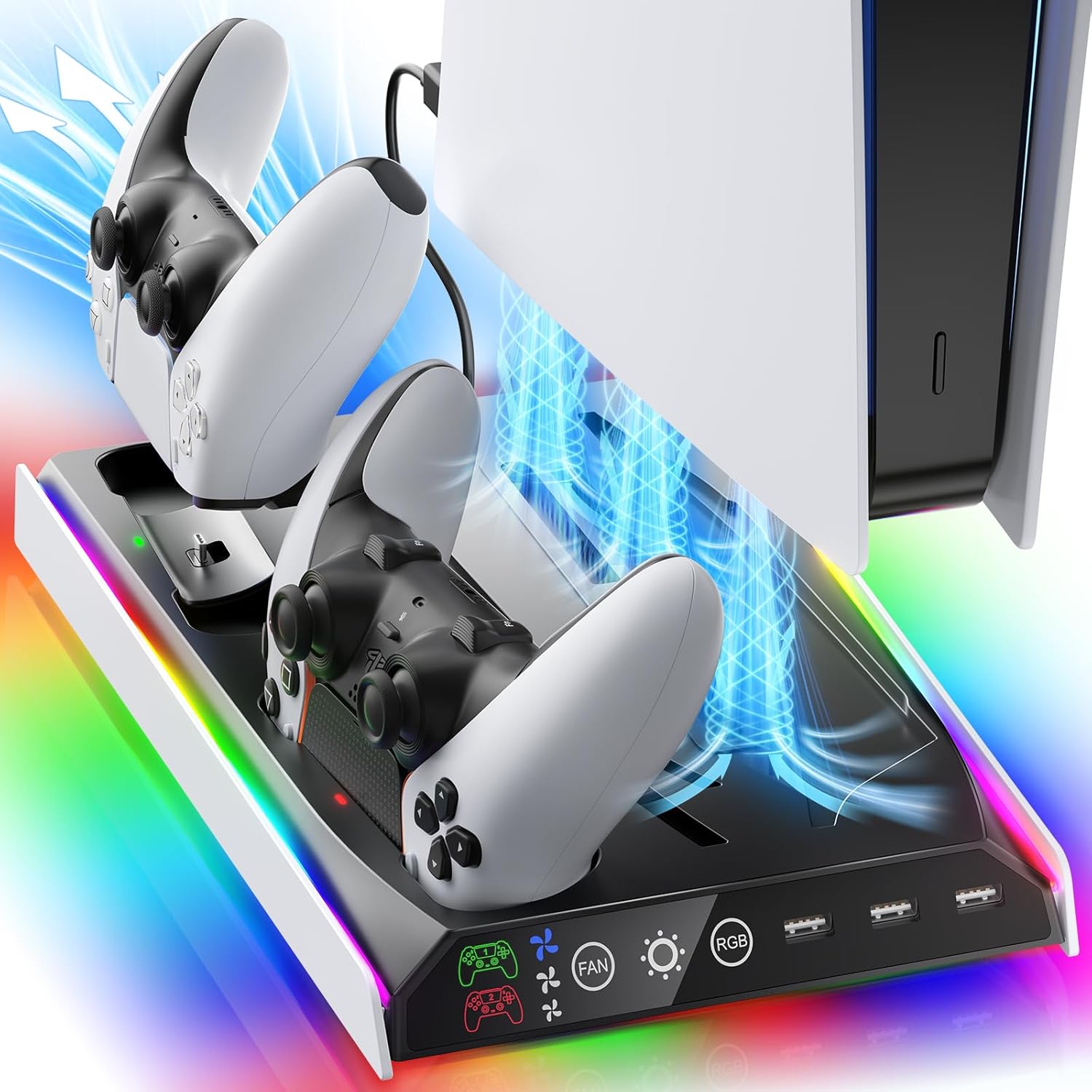
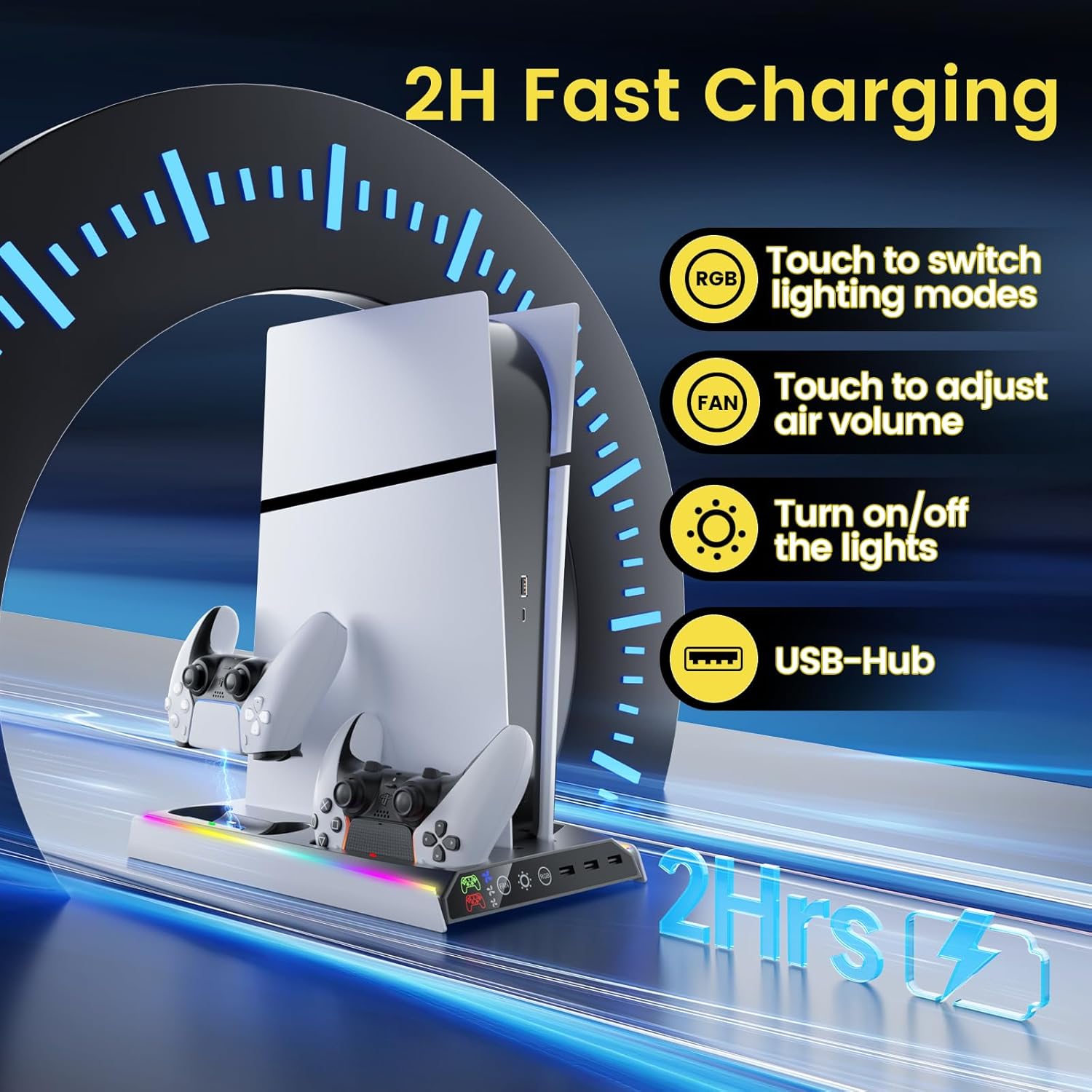
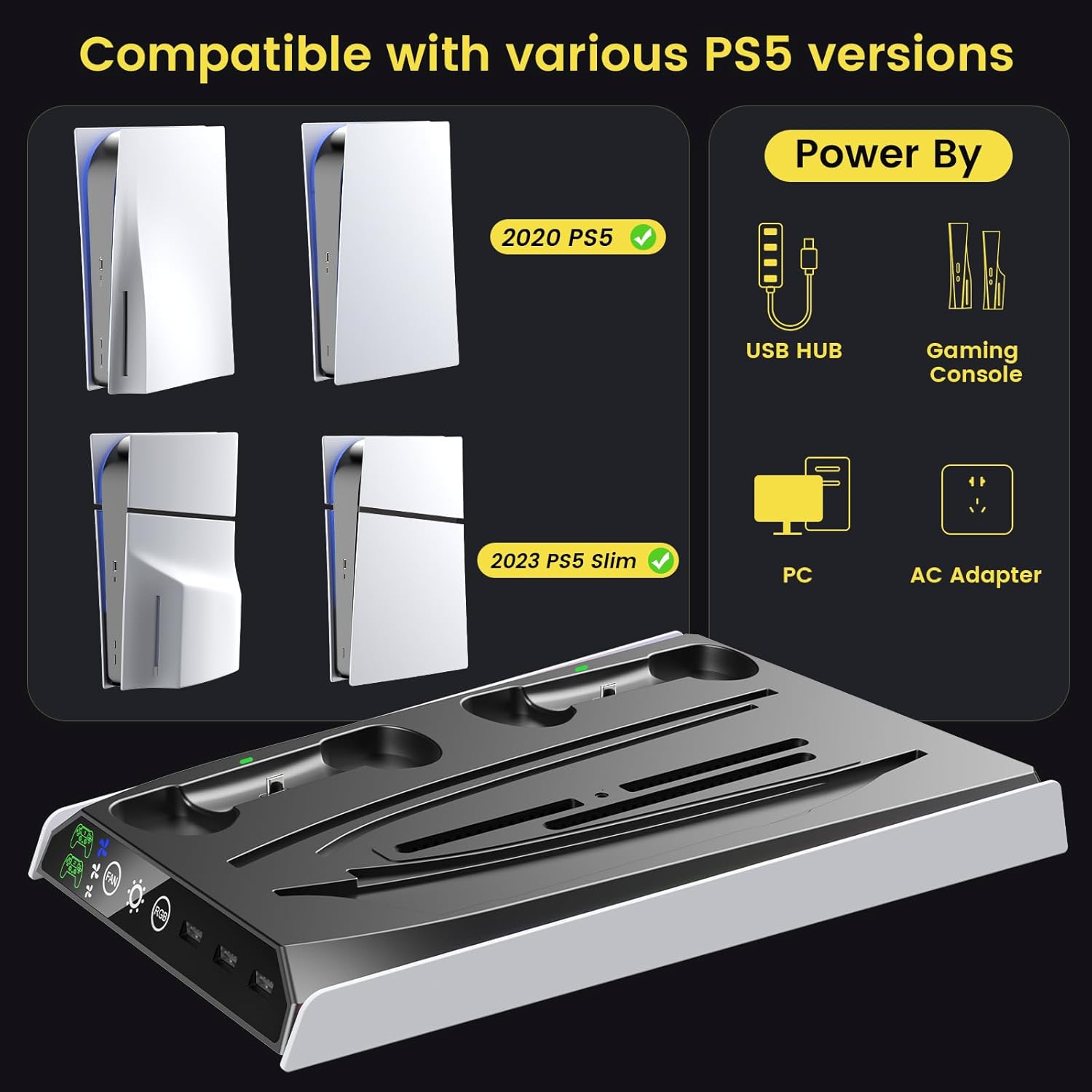
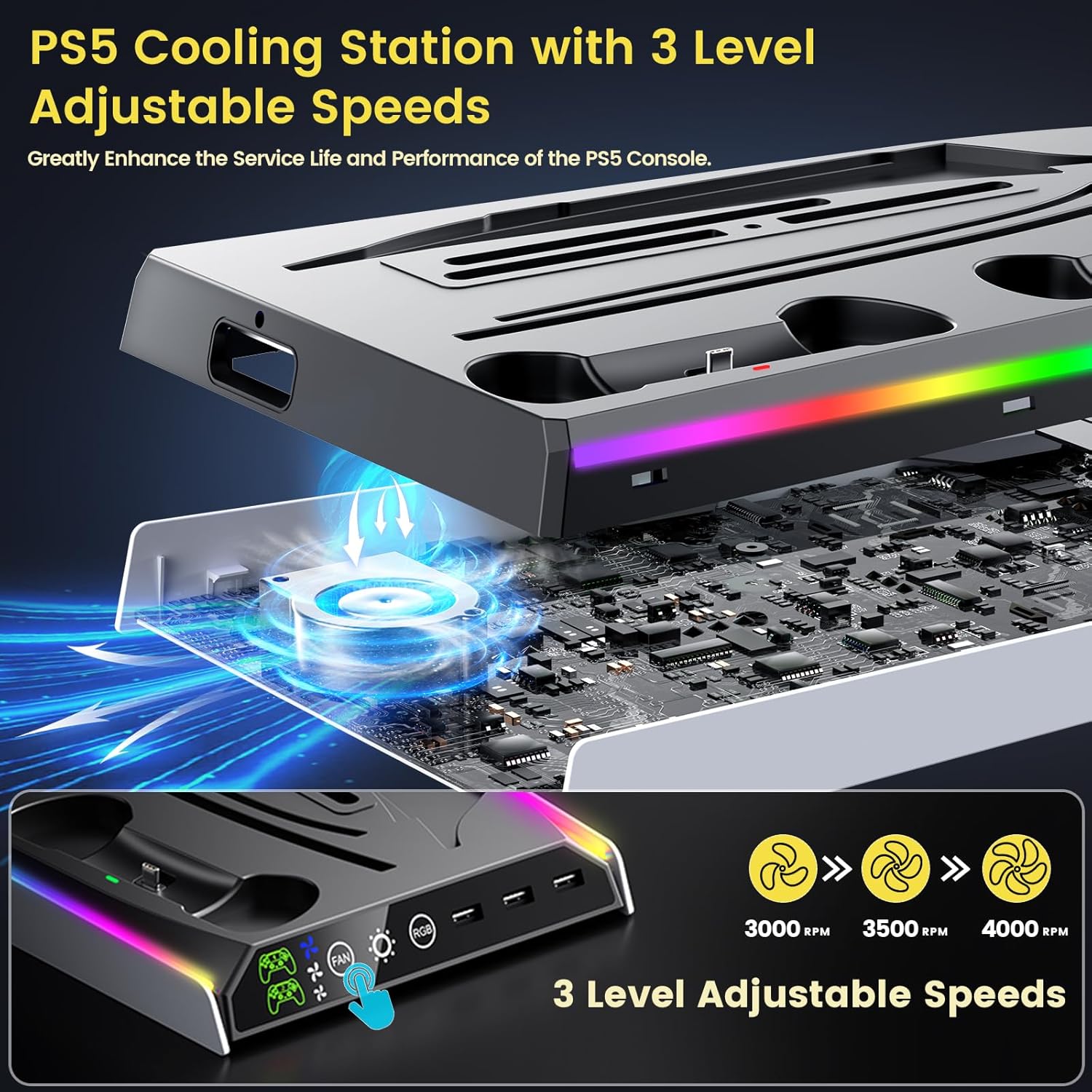
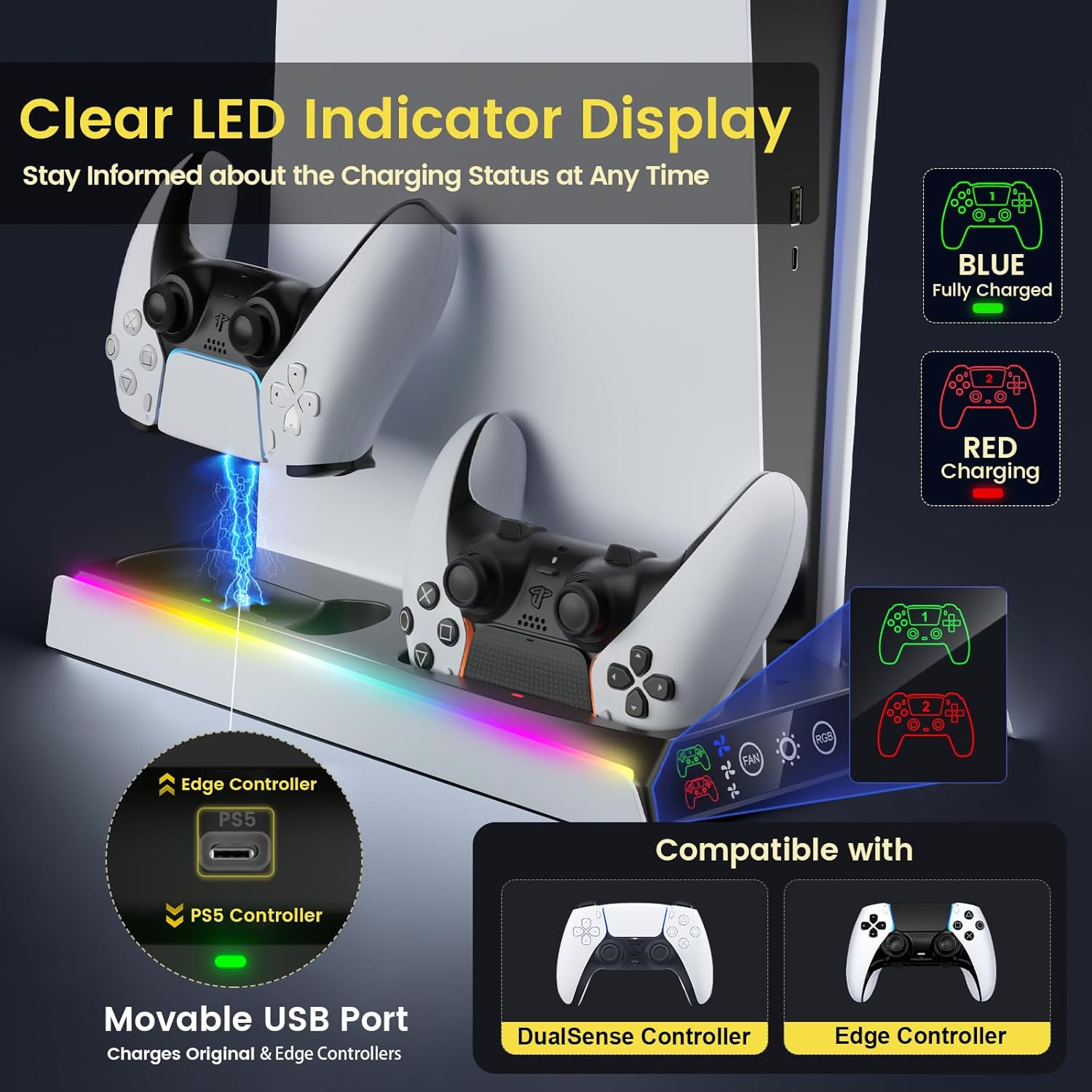
The stand includes touch controls for power, fan speed and RGB effects, allowing quick adjustments without navigating menus. The cooling fan has three speed levels, from quiet low for light play to high for intensive gaming, which helps manage surface temperatures during extended use. Charging is handled through two dedicated controller docks with LED indicators that show charging status, red for charging and green when full or in standby. Additionally, three USB charging ports expand connectivity for accessories like headsets or external devices. The unit is compatible with PS5 Disc, PS5 Digital and the Slim versions.
Technical Specifications
- Name: Fenolical PS5/Slim/Pro Stand
- Fan levels: 3 adjustable speeds
- RGB modes: 9 programmable lighting effects
- Controller charging: 2 docks with LED status indicators
- USB ports: 3 charging ports available
Advantages
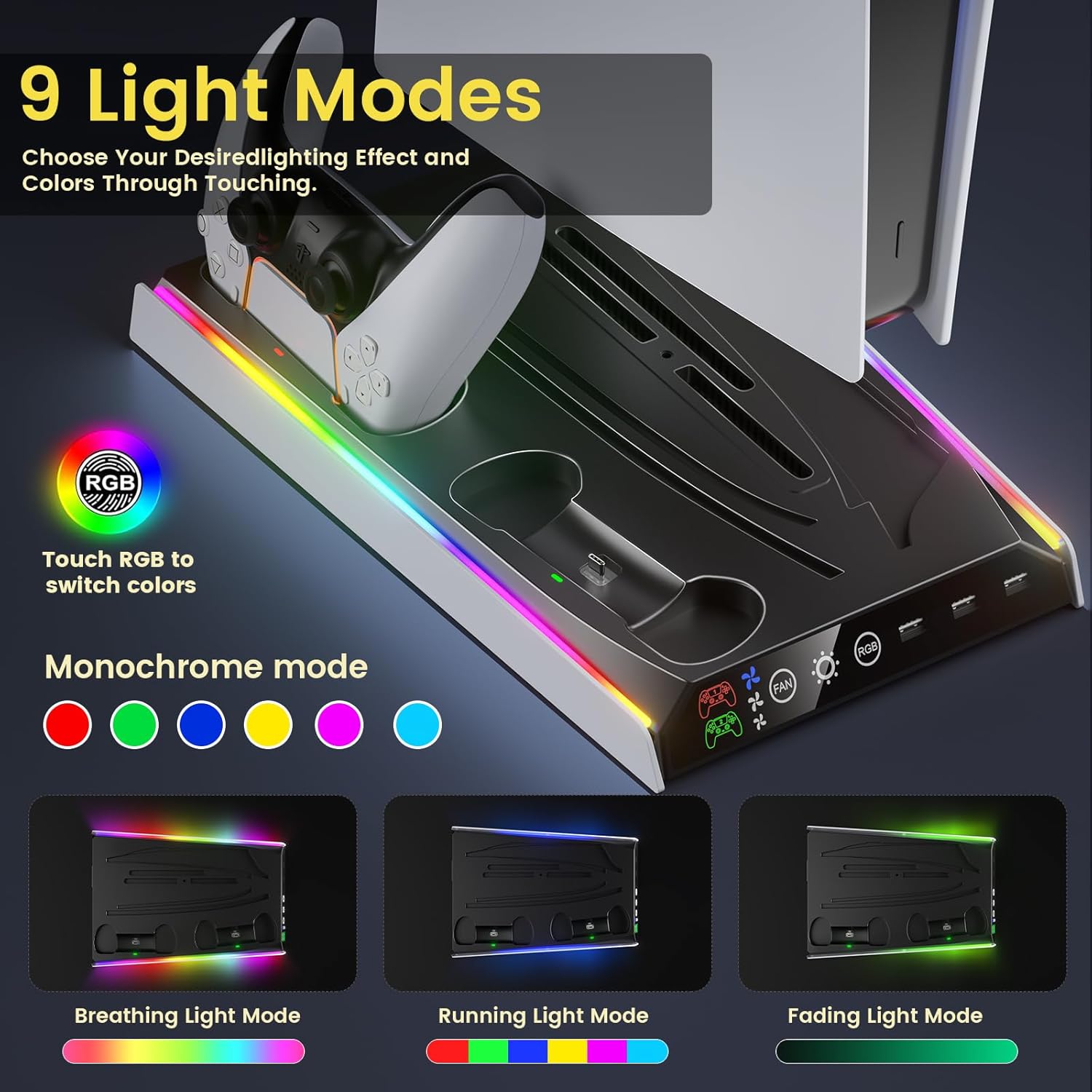
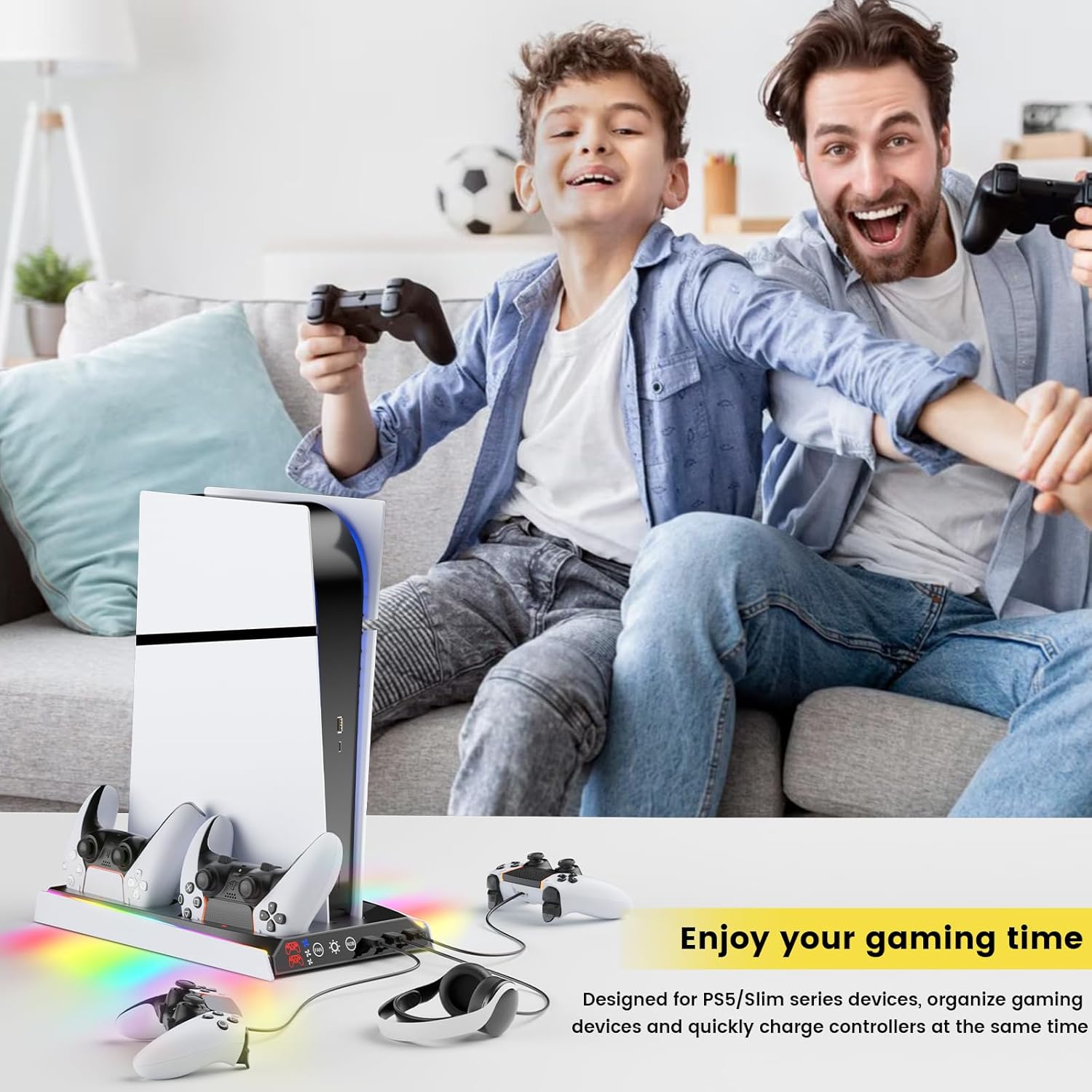
The combination of cooling and charging in one vertical station helps reduce clutter around the console and controllers. RGB lighting adds an ambient accent that can be matched to a setup or switched off for a less distracting environment. Touch-sensitive controls are more convenient than small buttons, making on-the-fly changes straightforward. The three fan speeds provide flexibility, allowing you to lower noise during casual play and increase airflow when running demanding titles.
Usage Recommendations
Place the console and stand on a stable, flat surface with adequate room for airflow around the PS5. For prolonged gaming sessions use the higher fan setting, according to the manufacturer, to help maintain lower operating temperatures. For quieter environments select the low fan level or turn RGB effects to a single colour or off. Charge DualSense controllers by docking them on the front ports; monitor the LED indicators to confirm when charging has completed. Consider connecting headphones or other peripherals to the USB ports when extra power is needed.
Note a couple of practical nuances: the lighting modes and fan performance depend on the mains supply and firmware behaviour, and the stand may not significantly change internal console temperatures compared with dedicated internal solutions. Also, while the design supports PS5, check physical clearance in custom furniture before placing the unit in confined shelving.