

Sefitopher Wireless Pro Controller for Nintendo Switch & PC (Turbo, Dual Vibration, Gyro)
Product description
The essentials
If you’re after a Nintendo Switch-style Pro Controller but don’t want to spend top-end money, the Sefitopher Wireless Pro Controller is the kind of extra you can genuinely consider. On paper, it leans into features that many Switch players care about: motion controls (gyro), adjustable vibration feedback, and a Turbo mode with multiple speeds.
It’s also positioned as a “connect and play” controller for Switch and—after a USB cable connection—for Windows PCs. That makes it worth thinking about if you switch between handheld/TV play and a bit of PC gaming, although the Switch 2 limitations and the PC connection method are the two things you should read carefully before committing.
Key features that you’ll actually use
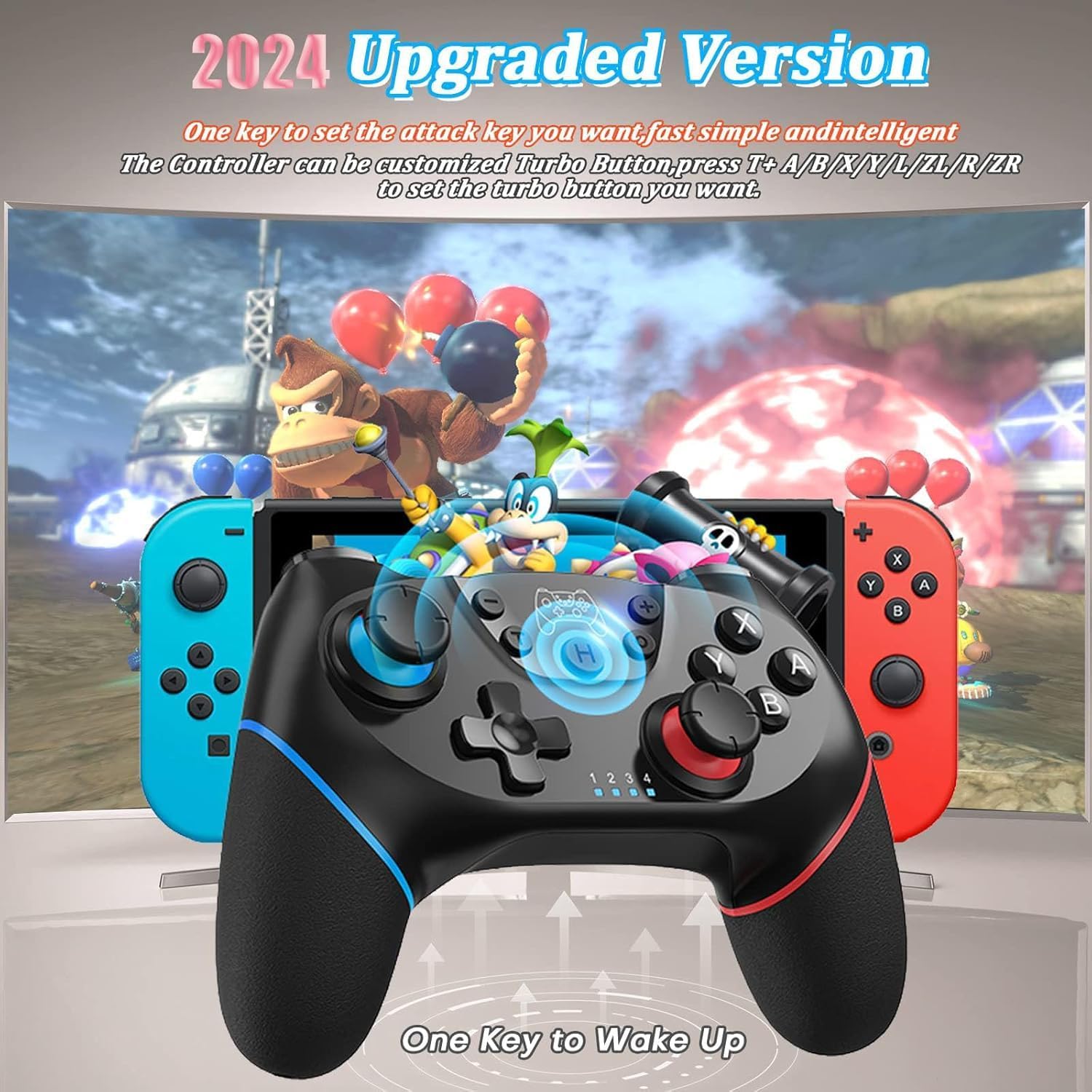
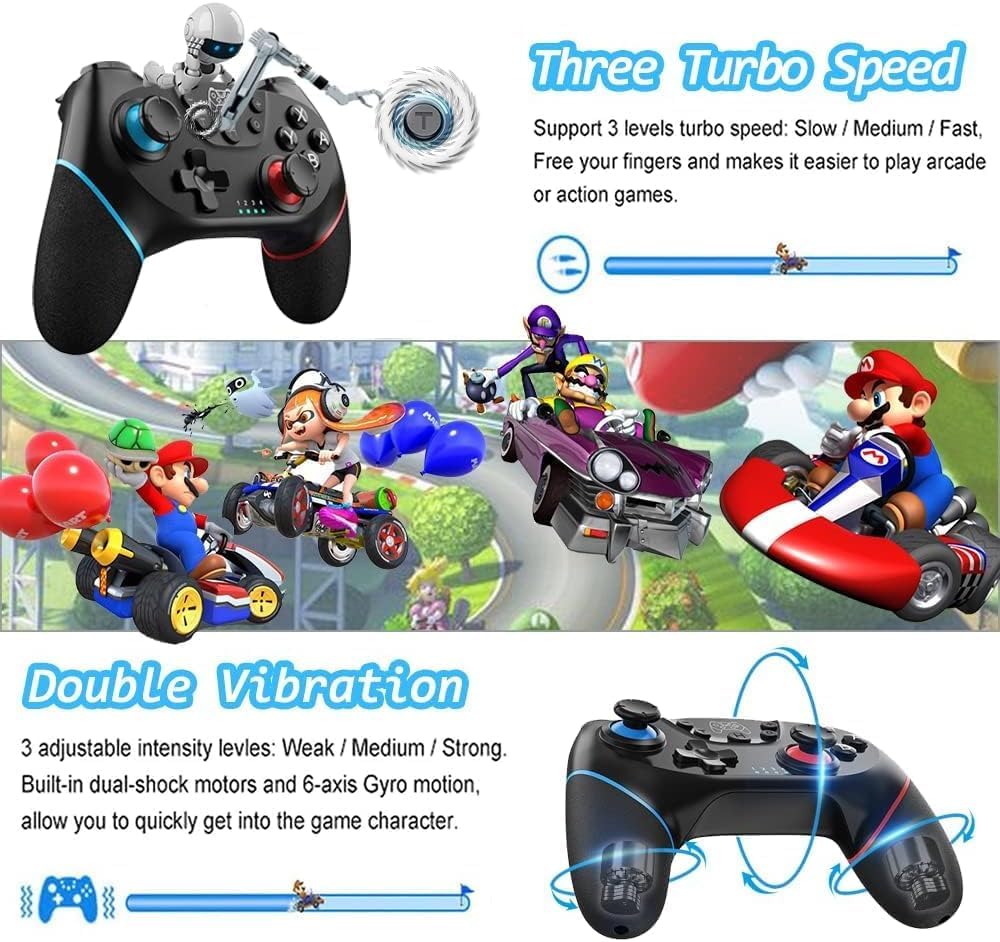
The headline additions here are Turbo and dual-motor vibration. Turbo is offered in three shot rates (5 / s, 12 / s, 20 / s). For games where you’re repeatedly tapping or firing quickly—arcade-style action or anything with rapid attacks—that can reduce hand fatigue and keep your timing consistent.
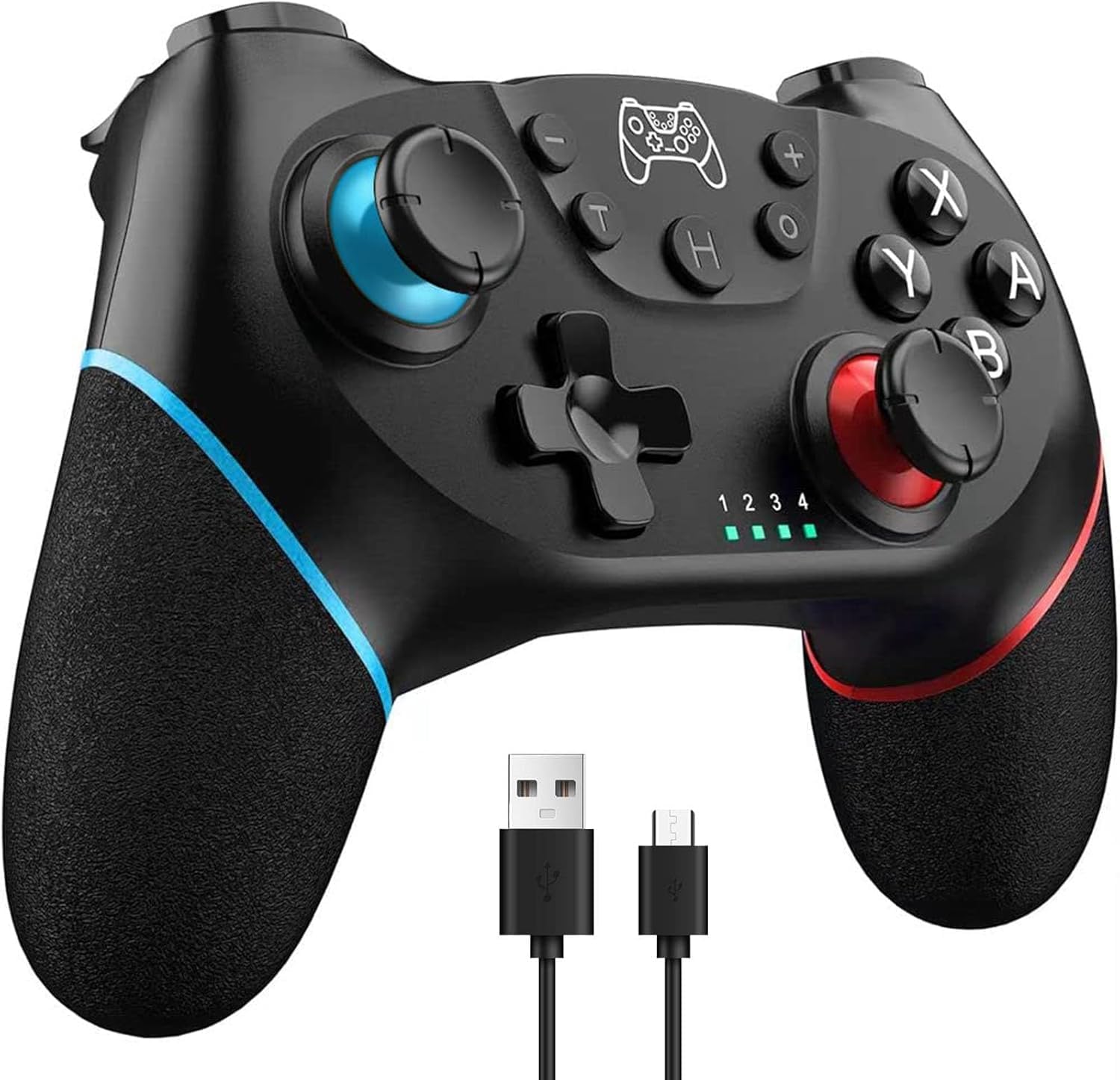
Dual-shock style feedback is presented with three vibration intensity levels (weak / medium / strong). In everyday play, that can help you feel action beats more clearly, rather than the controller feeling “flat”. It’s not just for buzz effects either: the controller is also described as using a 6-axis gyro for motion controls, which is the part you’ll notice most if you play titles that rely on aim, tilting, or motion-based inputs.
A further detail that may matter if you like convenience is the mention of auto sleep and a screenshot function. Those aren’t the same as “must-have” features for everyone, but they do tend to make a controller feel more practical in longer sessions.
What matters most for compatibility
Compatibility is broadly described as working with Nintendo Switch & 2/Lite/OLED and with Windows PCs. For Switch 2, there’s an explicit note: it says there is no “C key and audio function for switch 2”. That means it may work in some basic sense, but you should not expect the same experience you’d get from a full-featured controller on that specific system.
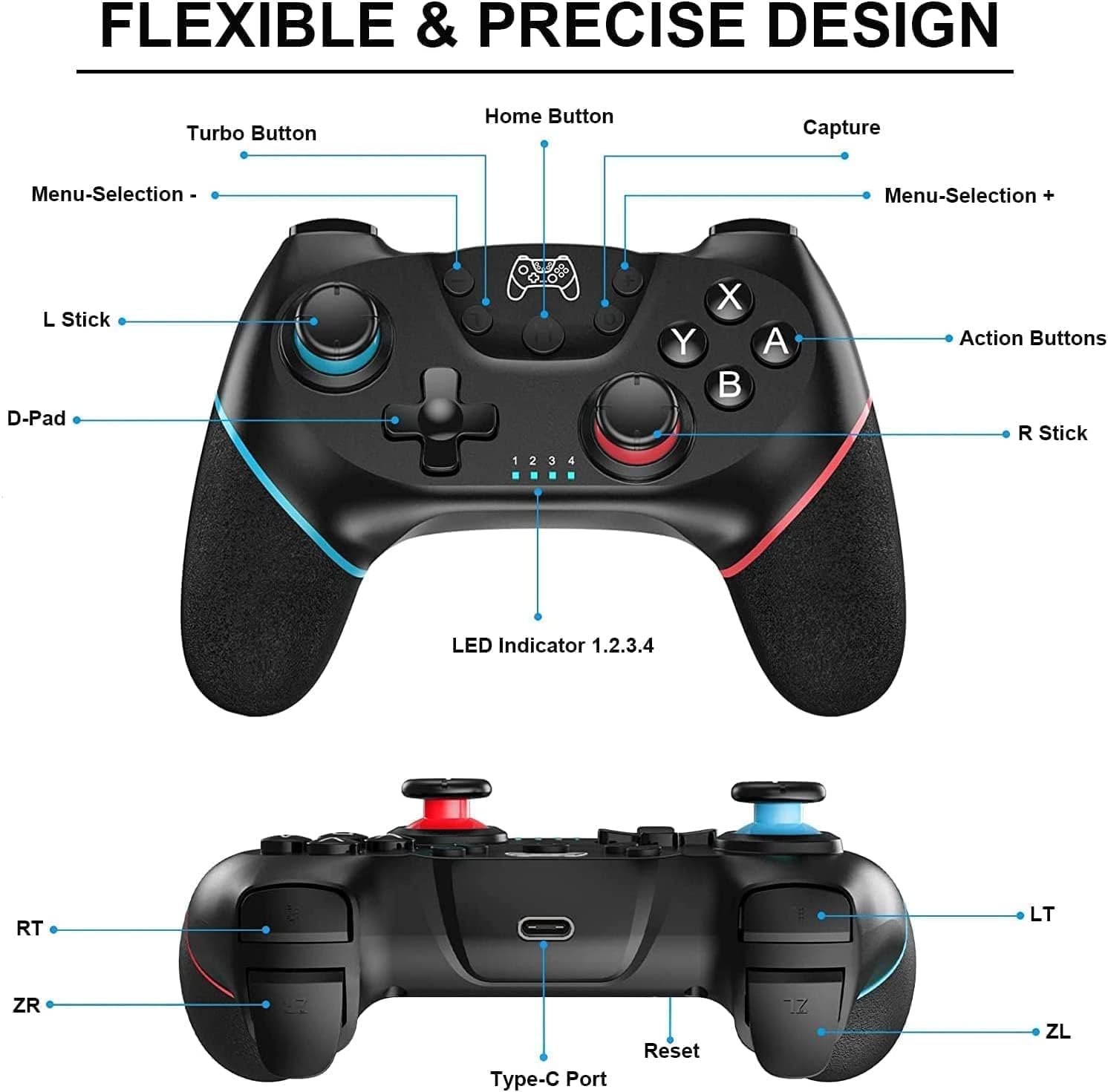
For PC use, the description is also clear: you can use it on Windows 7/8/10, but you would need to connect via USB cable. So if you specifically want wireless PC play, this may not match your plan.
It’s also worth noting that the product is for Switch console use and uses the “Pro Controller” approach, so it’s aimed at players who want a familiar layout rather than a brand-new control scheme.
Comfort and battery life for longer sessions
The design is described as non-slip with a comfortable, sweat-friendly grip. That’s a sensible focus—controllers can get slippery when you’re deep into a match, and a grippy texture helps keep your hand position steady.
Battery life is listed at a built-in 550 mAh rechargeable battery, with an expected 6–8 hours of game time, and charging time of 2–3 hours. In real buying terms, that places it in the “good enough for weekday sessions” bracket, rather than something you’d forget to charge for days on end. If you tend to play late or forget to top up, though, it does sound manageable.
Where it shines vs where it may fall short
Where it looks strongest is for players who want motion controls and adjustable vibration, plus Turbo speeds that can make certain games less fiddly. If you play fast-paced action, or you find yourself missing inputs due to repetitive tapping, Turbo support can genuinely improve your experience.
Where you might want to be cautious is if you’re expecting “everything” to work flawlessly across every Switch 2 feature set. The note about missing C key and audio functions suggests some features may be absent. Also, because PC use is described as wired (USB), it’s not the best match if your priority is a clean, fully wireless PC setup.
It also sits more in the value-friendly category than a controller that’s trying to be the most premium option on the market. That can be totally fine, but it’s the right mindset: you’re buying the feature bundle and the comfort, not a guarantee of top-tier feel.
Usage tips and purchase checks
Before buying, it helps to align expectations with how you’ll use it:
- If you mainly play on Nintendo Switch, check that the motion/gyro and Turbo modes fit the types of games you play.
- If you plan to use it on a Windows PC, remember the description suggests USB cable connection.
- If you own or plan to play on Switch 2, note the stated limitation regarding C key and audio function.
A practical example: imagine you’re playing a fast action game where your fingers are doing repeated burst-fire inputs. Switching Turbo to a higher shot rate (like 20 / s, if that’s what the game benefits from) could reduce the strain of constant button mashing, while gyro motion helps with aim or movement where supported.
Should you buy it?
It’s a good fit if you want a Switch-style wireless controller that brings Turbo speeds, adjustable dual-motor vibration, and 6-axis gyro motion controls, and you’re happy to follow the PC instruction of using a USB cable.
It may not suit you if you specifically need fully wireless PC play, or if you’re counting on Switch 2 features beyond what’s mentioned (especially the C key and audio function).
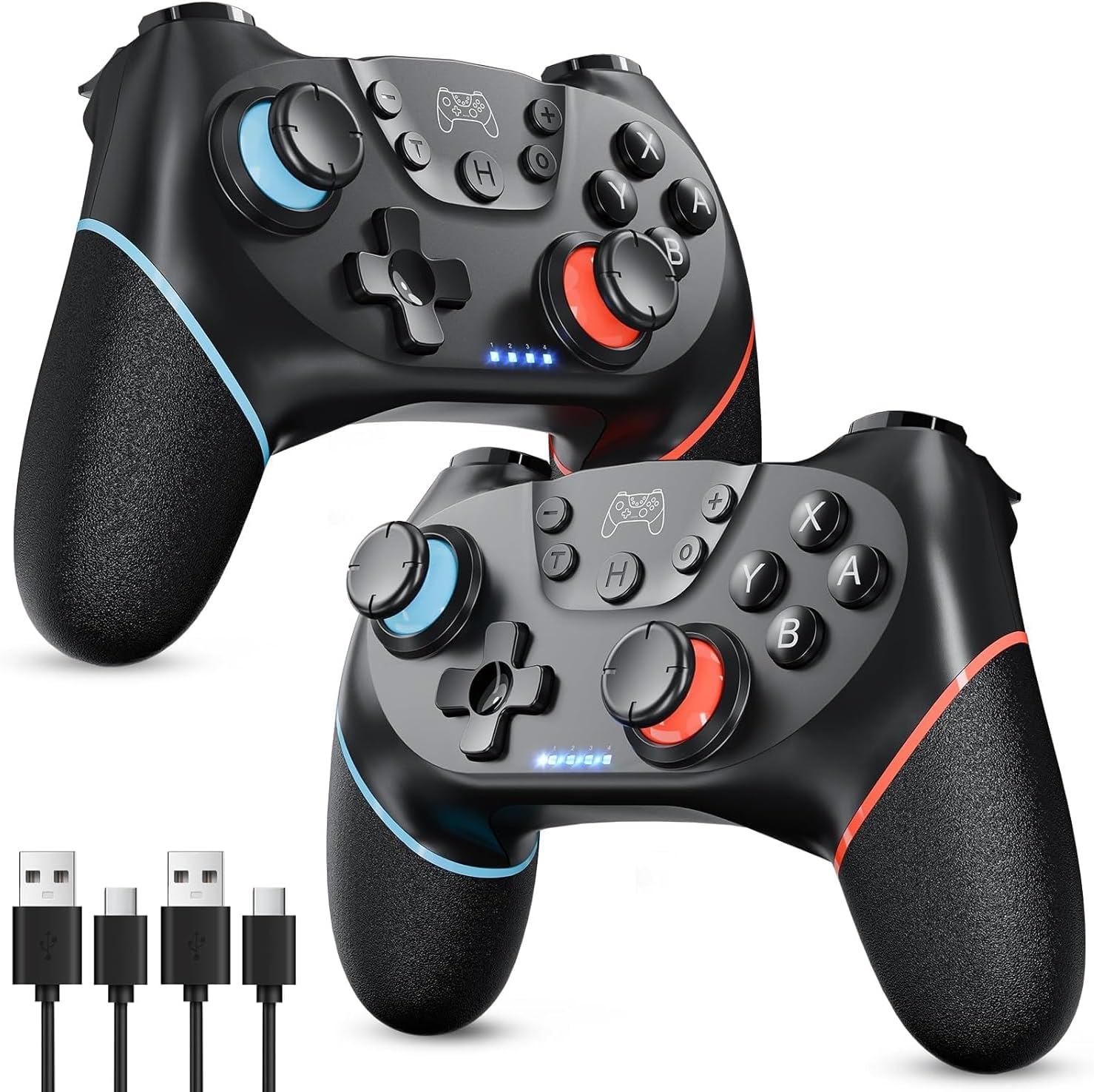
If you like the idea of tweaking vibration intensity and using Turbo to make rapid actions less tiring, then this is worth a look—just be careful about compatibility expectations for Switch 2 and the PC connection method.
Quick overview
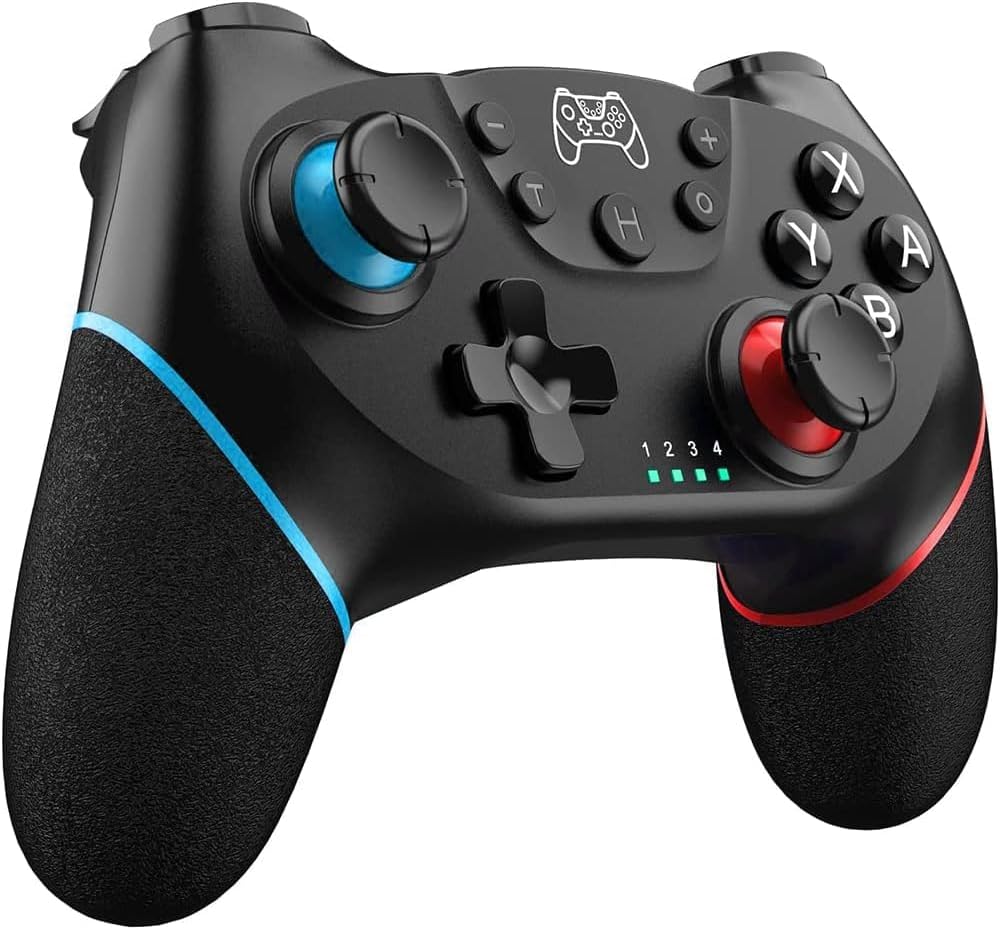
Quick pick for Switch and Windows (wired) play, with Turbo speeds, dual vibration intensity levels, gyro motion controls, and a non-slip grip, check the Switch 2 limitation and PC USB connection before you commit.
Mini FAQ
Does it work on Nintendo Switch OLED and Lite?
The description states compatibility with Switch & 2/Lite/OLED, so it’s described as working across those models.
How do you use it on a Windows PC?
The information provided says you can use it on Windows 7/8/10, but you would need to connect via USB cable.
What Turbo modes does it offer?
Turbo is described with three shot rates: 5 / s, 12 / s, and 20 / s.
Is there a limitation for Switch 2?
Yes—there’s a note stating it has no C key and no audio function for Switch 2.
How long does the battery last?
Battery life is listed as 6–8 hours, with charging taking about 2–3 hours.