

SCUF Envision Wired V2 (2025) PC-only gaming controller with anti-drift thumbsticks and remappable G-Keys
Reviews
Price
Product description
Quick overview
If you play on PC and you’re the kind of player who tweaks controls until they feel “just right”, the SCUF Envision Wired V2 (2025) is built around that idea. It’s a wired controller for Windows 10+ with anti-drift thumbsticks using Hall-effect sensing, plus multiple inputs you can remap so you can move actions off the sticks and onto buttons that suit your grip.
It’s not trying to be a simple, out-of-the-box pad. On paper it’s aimed at people who regularly adjust mappings, create profiles and want faster access to common actions—especially in shooters or any game where small reaction time differences matter.
The essentials
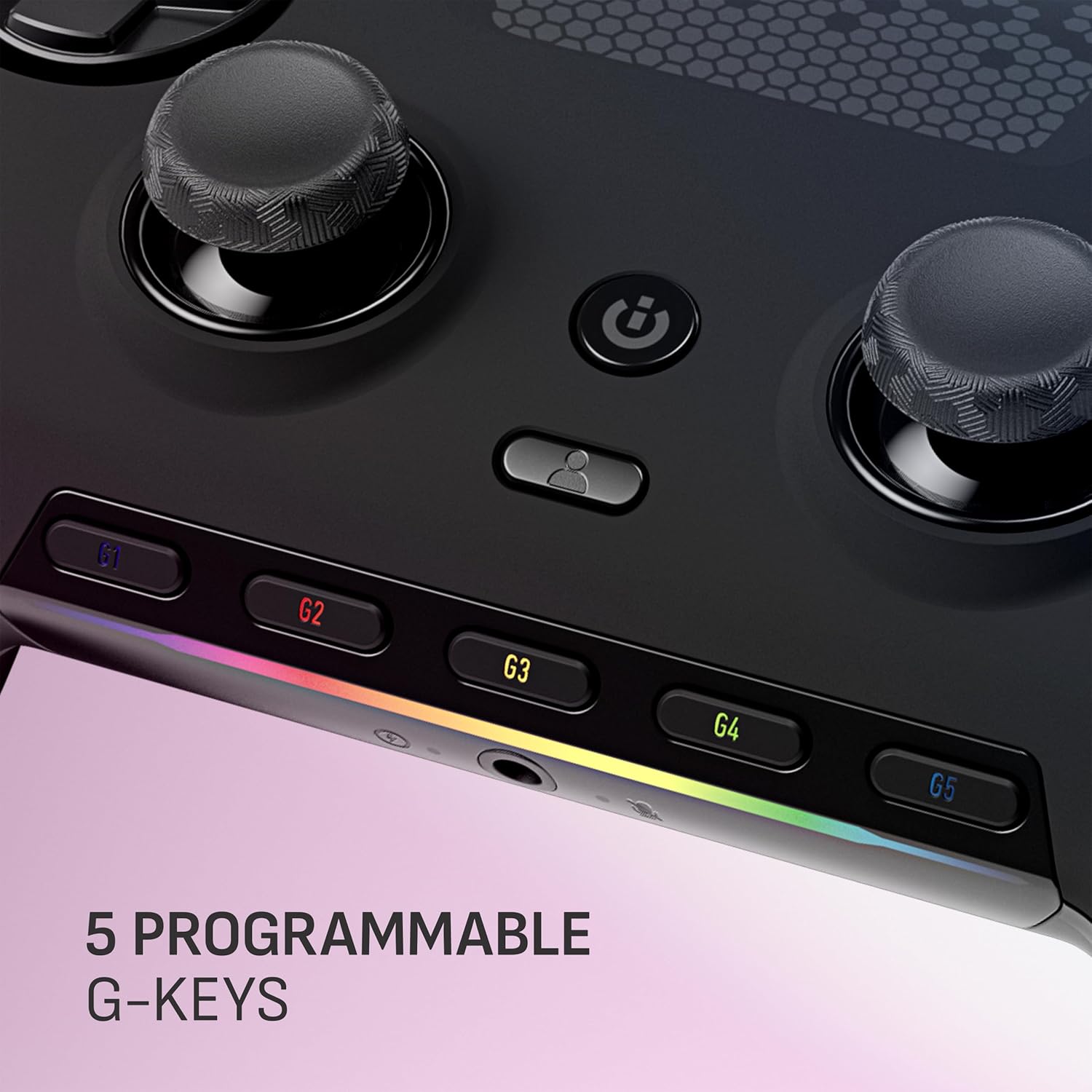
The headline features are the anti-drift thumbsticks, five remappable G-Keys and reconfigurable back paddles. The anti-drift part is meant to extend the usable life of the thumbsticks over time, which is a sensible focus if you’ve had controllers where drifting becomes the first “real” problem.
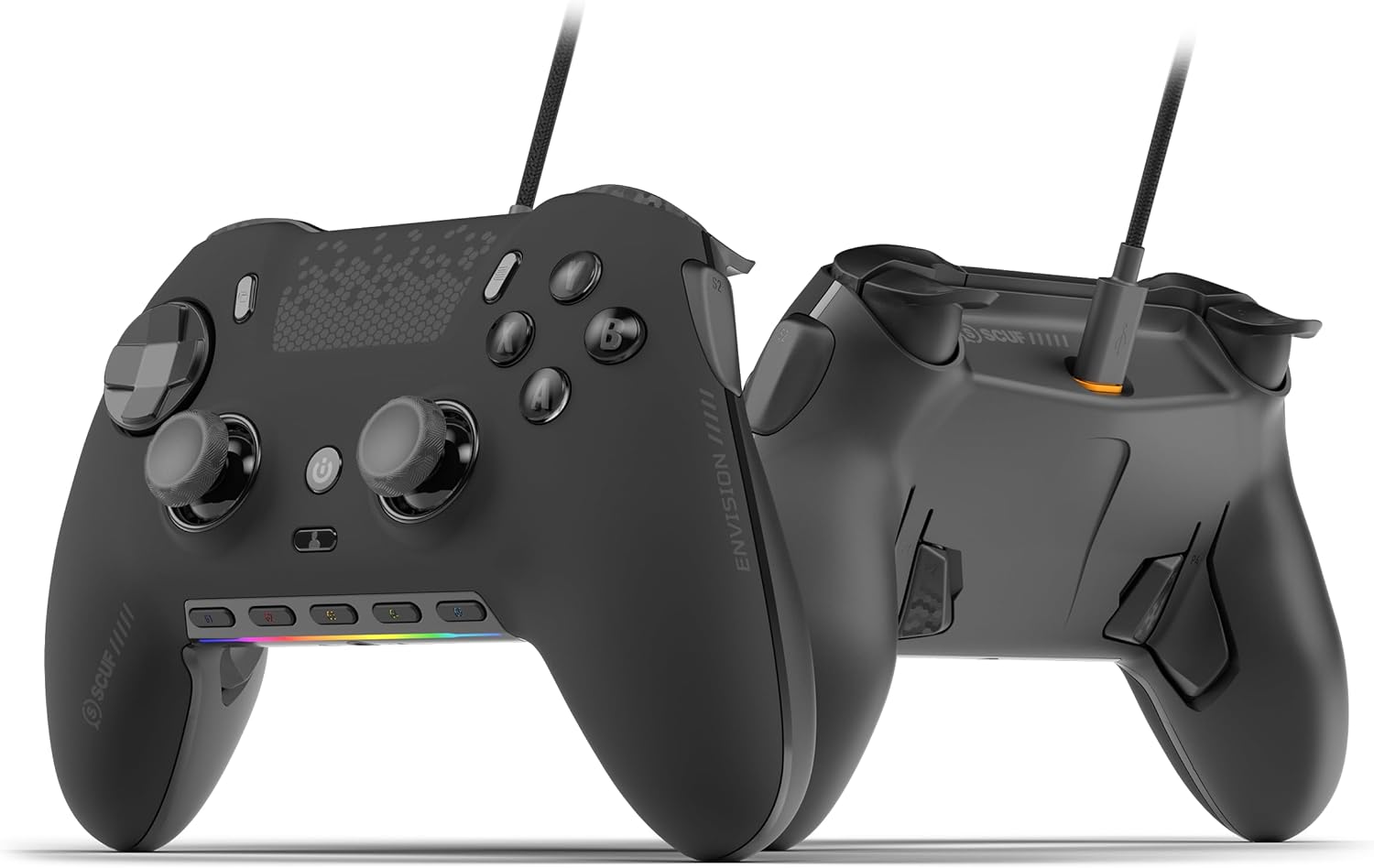
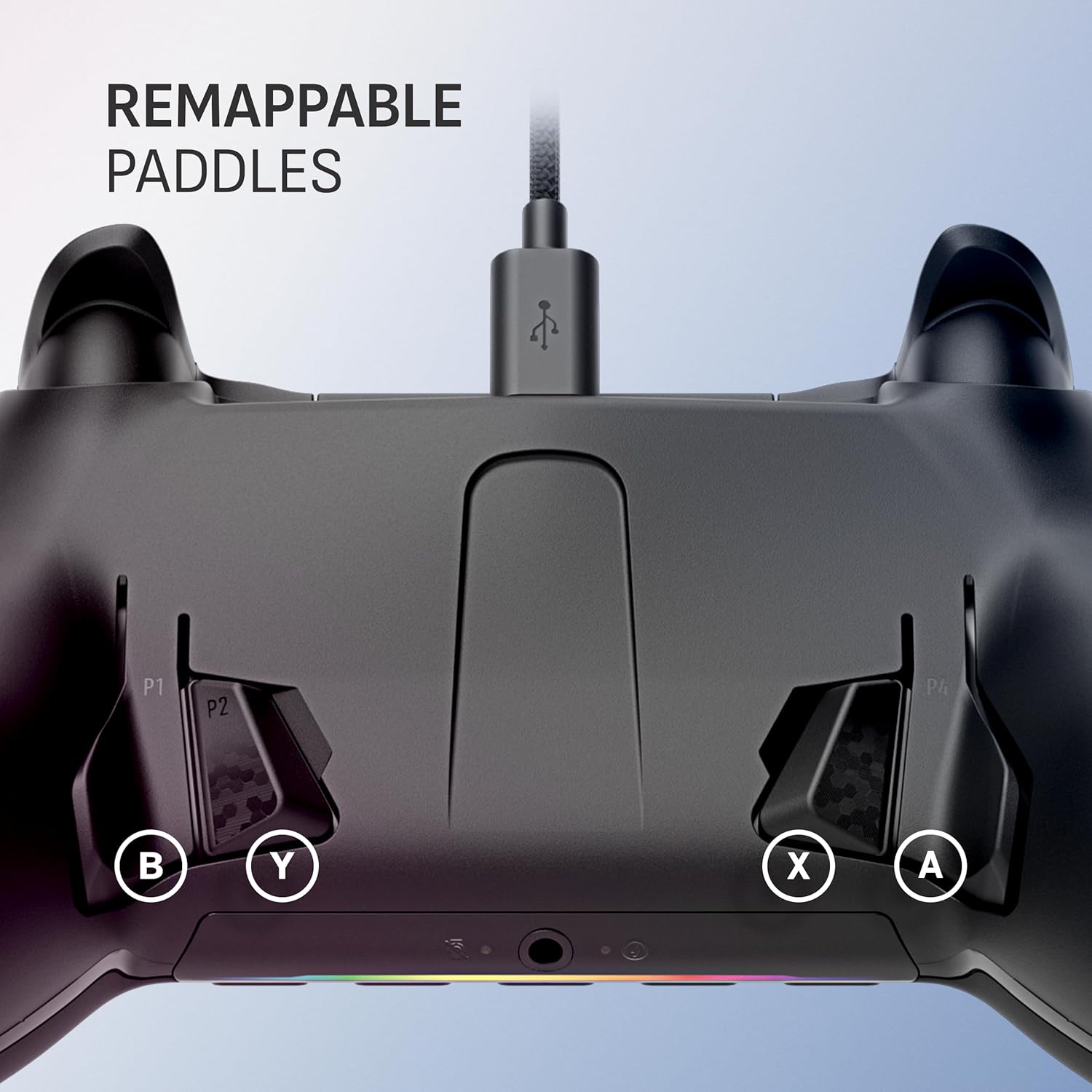
For speed and comfort, there are also reconfigurable back paddles so your thumbs can stay on the sticks while you still reach extra actions. Depending on how you like to play, that can reduce hand repositioning—though you’ll need a bit of time to set them up in a way that feels natural.
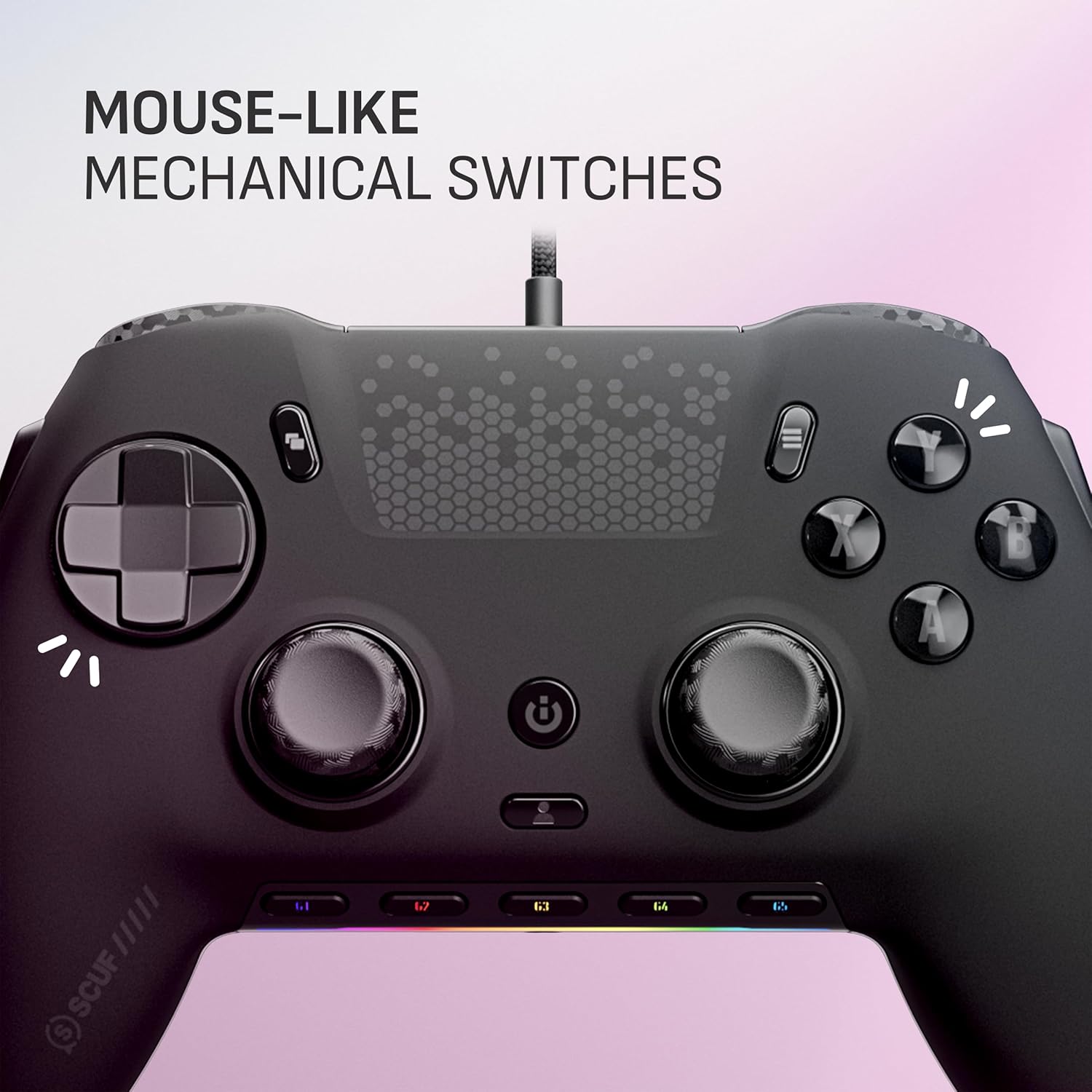
Controls-wise, it includes mechanical OMRON button switches intended to behave like an instant click for quick activations. There are also two side buttons (SAX) placed to match a more natural finger position.
On top of the inputs, there’s an RGB light strip with iCUE integration for customisation. That’s a nice touch if you already use Corsair iCUE for your setup, if you don’t, it may feel like a lot of effort for visuals.
One more practical detail: it supports profile switching, with three integrated profiles for your favourite games. You can save different configurations and swap between them.
What you’ll notice day to day
The wired approach can be a deal-breaker for some people, but for others it’s exactly what they want: less messing around with battery levels and a consistent connection. If your main priority is reliability during long sessions, going wired tends to suit that style.
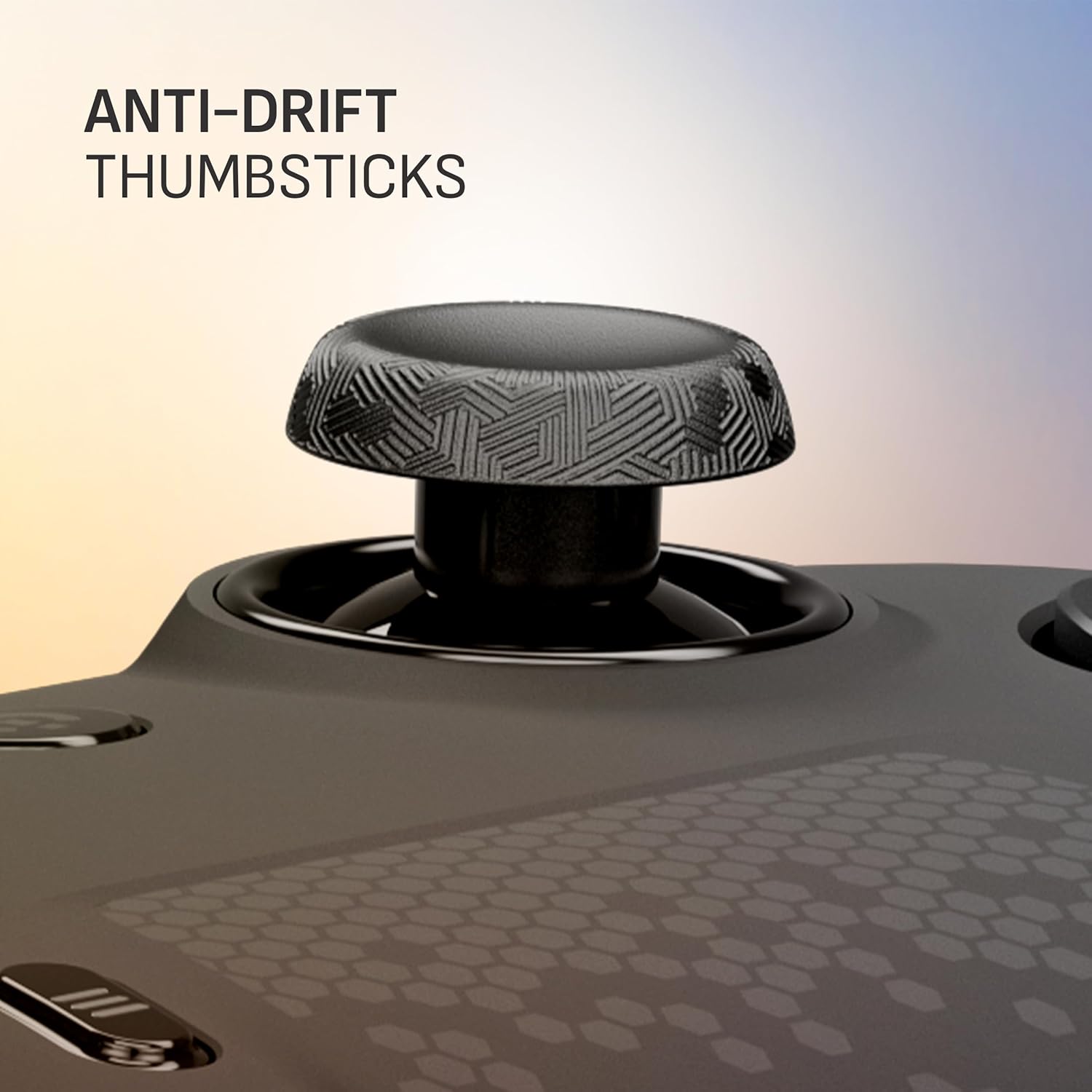
The thumbstick approach matters too. Hall-effect sensing is commonly chosen to help reduce drift issues, and here it’s paired with anti-drift thumbsticks explicitly designed to prolong stick life. That won’t guarantee zero problems forever, but it does address one of the most annoying controller failures.
The five G-Keys and remappable paddles are the real “why it makes sense” part. Instead of pressing stick buttons or awkwardly reaching for face buttons mid-fight, you can map macros or frequently used actions to places your fingers already rest. The catch is that you’ll only get the value if you’re willing to spend time configuring.
A small example of use: in a typical PC shooter session, you could set one G-Key for a quick weapon swap action, another for a grenade/stun shortcut, and use a back paddle for aiming down sights. The point is not the specific mapping—it’s the workflow: your thumbs stay on the sticks while your fingers handle the rest.
Key specifications
- Anti-drift thumbsticks with Hall-effect sensing to help prolong stick life
- Five remappable G-Keys for reconfigurable macros and advanced integration
- Remappable back paddles
- Two side SAX buttons
- Mechanical OMRON button switches for instant click-style activation
- RGB light strip with Corsair iCUE integration
- Profile switching with three integrated profiles
- Wired controller for PC, Windows 10+ support (PC only)
- Note: you need to download the latest controller software
Who it suits (and who should skip it)
It’s a good fit if you play on Windows 10+ on PC, you like custom control schemes, and you’re already the sort of player who uses software to remap inputs. If you want extra buttons for macros and quicker access, plus thumbstick protection against drift, this sits in the “performance tweaker” category.
It might not be a great match if you prefer a simple controller with minimal setup, or if you don’t want to rely on downloading and using the latest controller software. Also, if you’re expecting something you can set up once and forget, the remapping and profiles may feel like overkill.
And while RGB and iCUE integration are a win if you already run that ecosystem, it can be a distraction if you just want straightforward gameplay and nothing else.
Is it worth it?
Buy the SCUF Envision Wired V2 (2025) if you care about anti-drift thumbsticks, want more control mapping through five remappable G-Keys and back paddles, and you’re happy to configure profiles for your games. It makes sense when you want your controller to adapt to your playstyle rather than the other way around.
Skip it if you dislike remapping, don’t want to install the latest software, or you’re not keen on wired convenience. In that scenario, you may get a more relaxed experience from a simpler controller setup — even if it doesn’t offer quite the same level of reconfiguration.
Mini FAQ
Do I need to install software to use the controller properly?
Yes—on the provided details, it’s noted that you need to download the latest controller software.
Is this controller for console too?
No, it’s described as PC-only for Windows 10+.
What’s the point of the anti-drift thumbsticks?
They use Hall-effect sensing and are designed to help prolong thumbstick life by addressing drift risk over time.
Can I set up different profiles for different games?
Yes, it includes profile switching with three integrated configurations.
Can I customise the lighting?
Yes, there’s an RGB light strip with Corsair iCUE integration for customisation.