

PS5 Cooling Stand with Auto Turbofan
Reviews
Price
Product description
This cooling stand is designed to reduce operating temperatures for all PlayStation 5 consoles while adding practical charging and lighting features. It blends an automatic temperature‑sensing fan with a dual controller charger to keep sessions running smoother and controllers topped up.
Key features
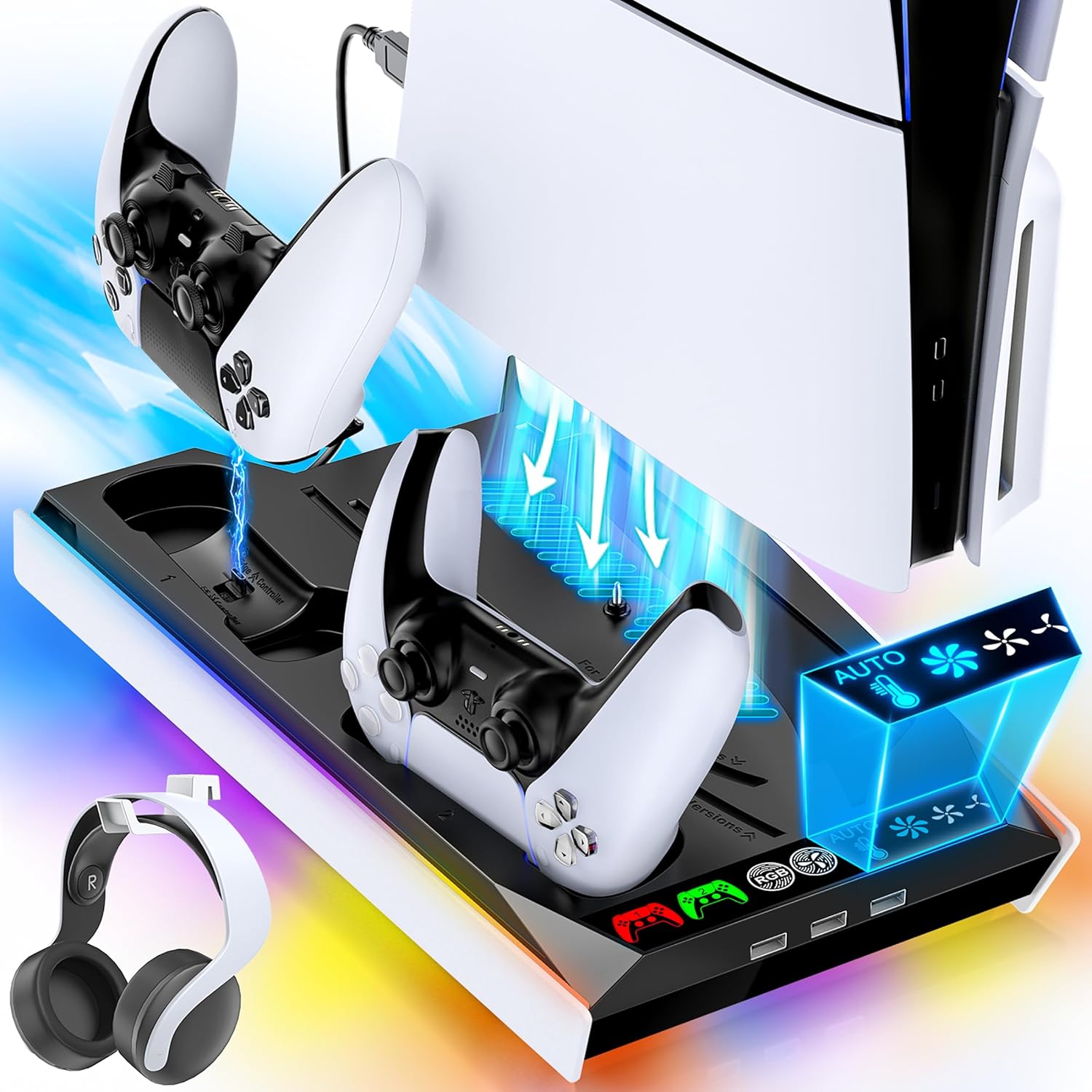
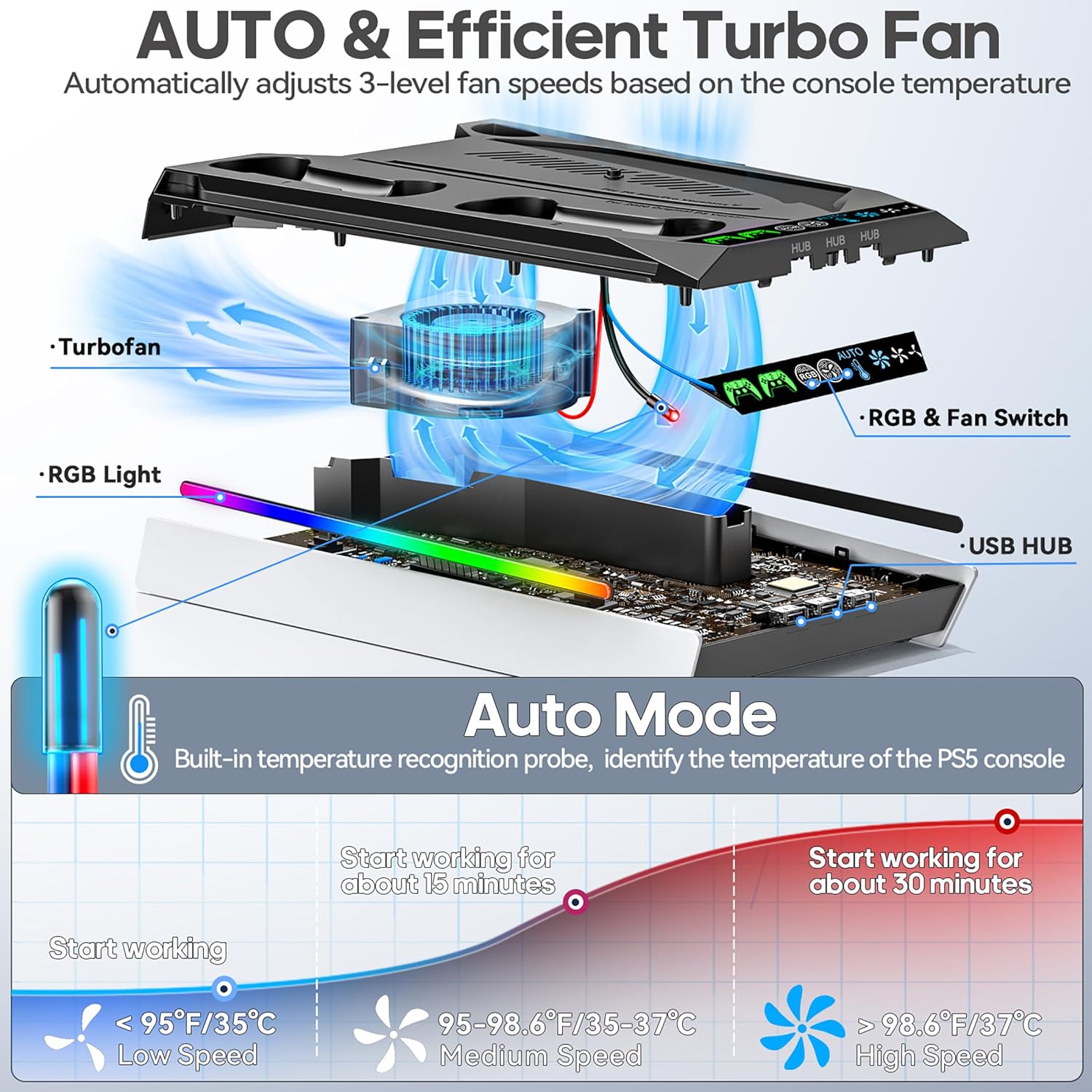
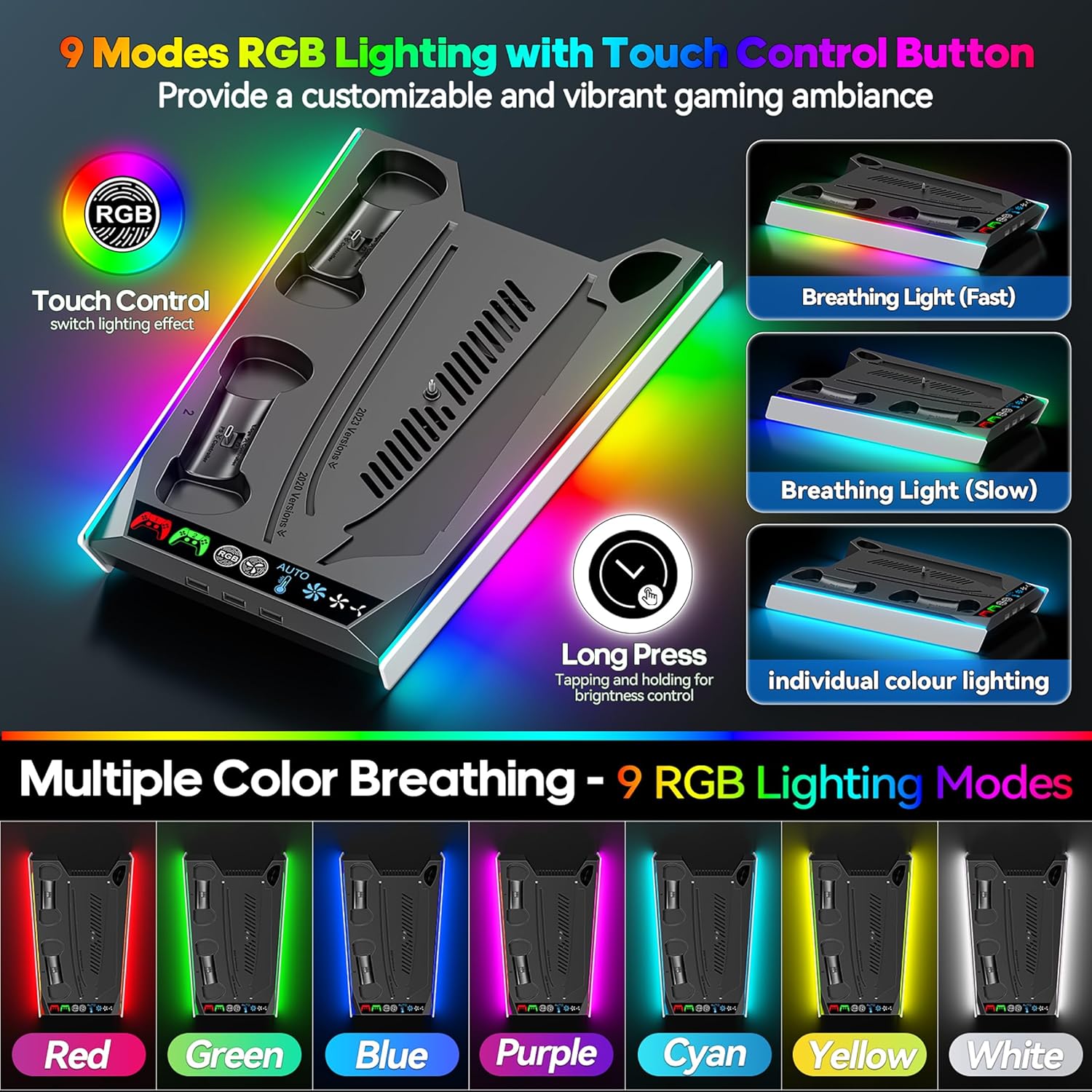
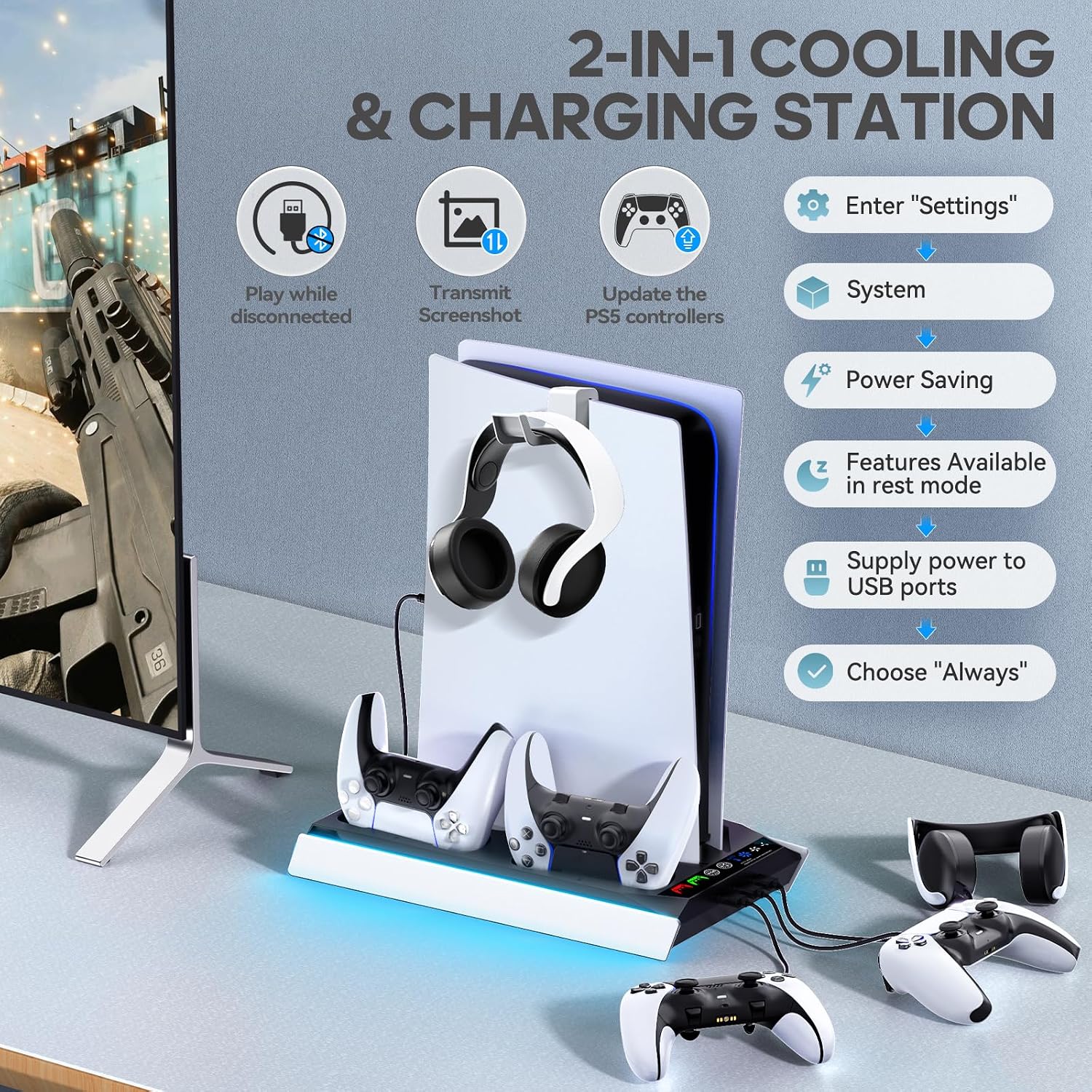
The stand offers an automatic 3‑level fan that responds to console temperature, plus a manual mode with five settings including high medium low auto and off. A built‑in temperature probe switches speeds at around 35–37°C according to the manufacturer, and the fan remembers the last selected speed after a restart. There are clear LED indicators for fan status and charging, and the base provides nine lighting modes with adjustable brightness to suit your setup. The charger has a movable USB port so both original and Edge controllers can be charged, with full charge possible in about 2.5 hours and an LED that shows red while charging and green when complete.

Specifications
- Type: Cooling stand
- Compatibility: All PS5 generations
- Features: Automatic 3‑level fan
- Charging: Dual controller charger with movable USB port
- Lighting: 9 LED modes with memory function
Usage tips
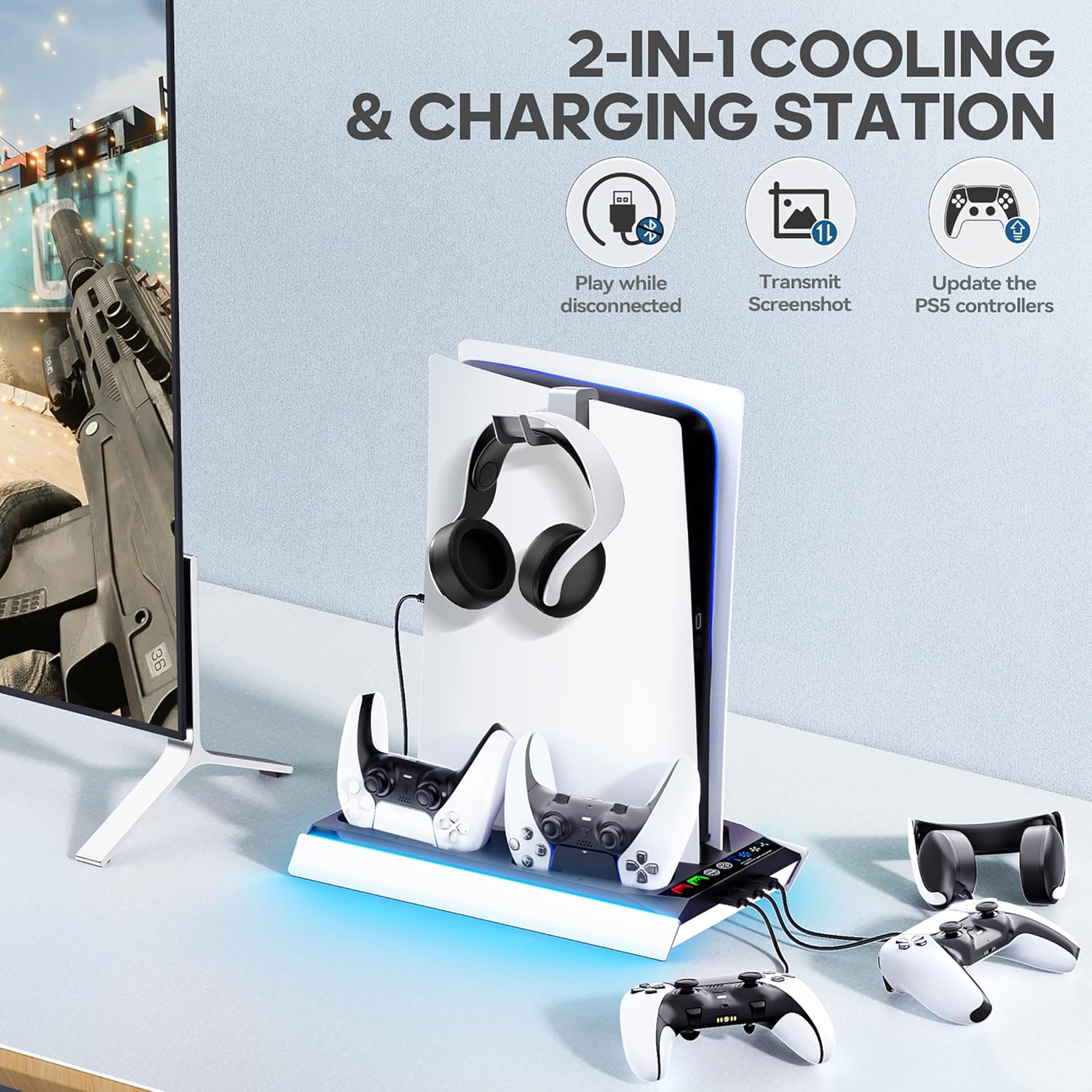

Place the console securely on the stand and use the small screws and 0.39 inch cable tucked in the base for installation so the unit remains balanced. If you prefer quieter play pick a lower fan setting or let the automatic mode handle speed changes. It’s a good fit if you want added charging and ambient lighting alongside temperature control, though note that lighting and fan noise may be noticeable at higher speeds.
Care & maintenance
Keep the fan intake free of dust and wipe the LEDs with a soft cloth occasionally to preserve brightness. Unplug the unit before cleaning and avoid liquid cleaners to protect the electronics.