

Funlab Switch 2 Pro Controller (Switch2/OLED) with Hall Effect, Back Buttons, Turbo, Motion & One‑Click Wake Up
Product description
If you’re after a Switch 2-style wireless controller with more competitive-minded features, the Funlab Switch 2 Pro Controller is built around two ideas: accurate sticks and control you can tailor. It also leans into the fun side with a hidden pattern display and RGB-style lighting, which you may or may not care about—either way, it’s part of the package.
That hidden-til-lit look and the Hall effect joystick setup are the headline benefits here. The controller is also positioned with motion control, a turbo function, and programmable back paddle buttons, so it’s not just a basic pad. Still, it’s worth tempering expectations: from the information available, it sounds like a feature-rich mid-range type of controller rather than something aimed at every single niche player.
What it is and who it’s for
This is a wireless pro-style gamepad designed for Switch 2 / OLED use. It’s aimed at players who want tighter, more consistent stick control (via Hall effect sensors) and extra ways to handle in-game actions—particularly people who play competitive shooters, flying/flight games, or any title where rapid inputs and motion-based moves matter.
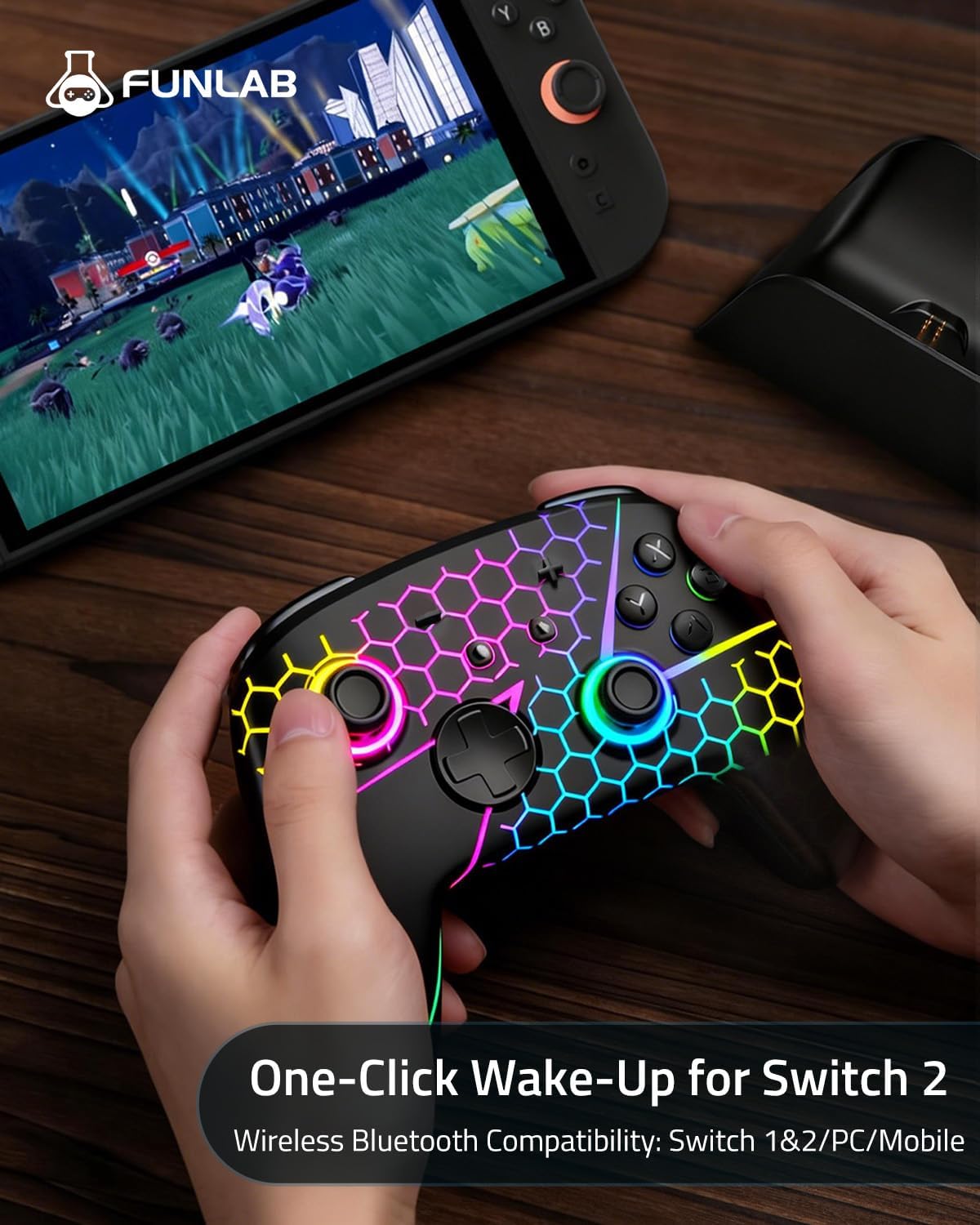
On top of that, there’s an optional “one-click wake up” behaviour, so you can bring the console back without extra steps (following the tutorial video mentioned in the listing). If you like setting up quickly before a match or session, that’s a genuinely practical touch.
The essentials: what you’ll notice in use
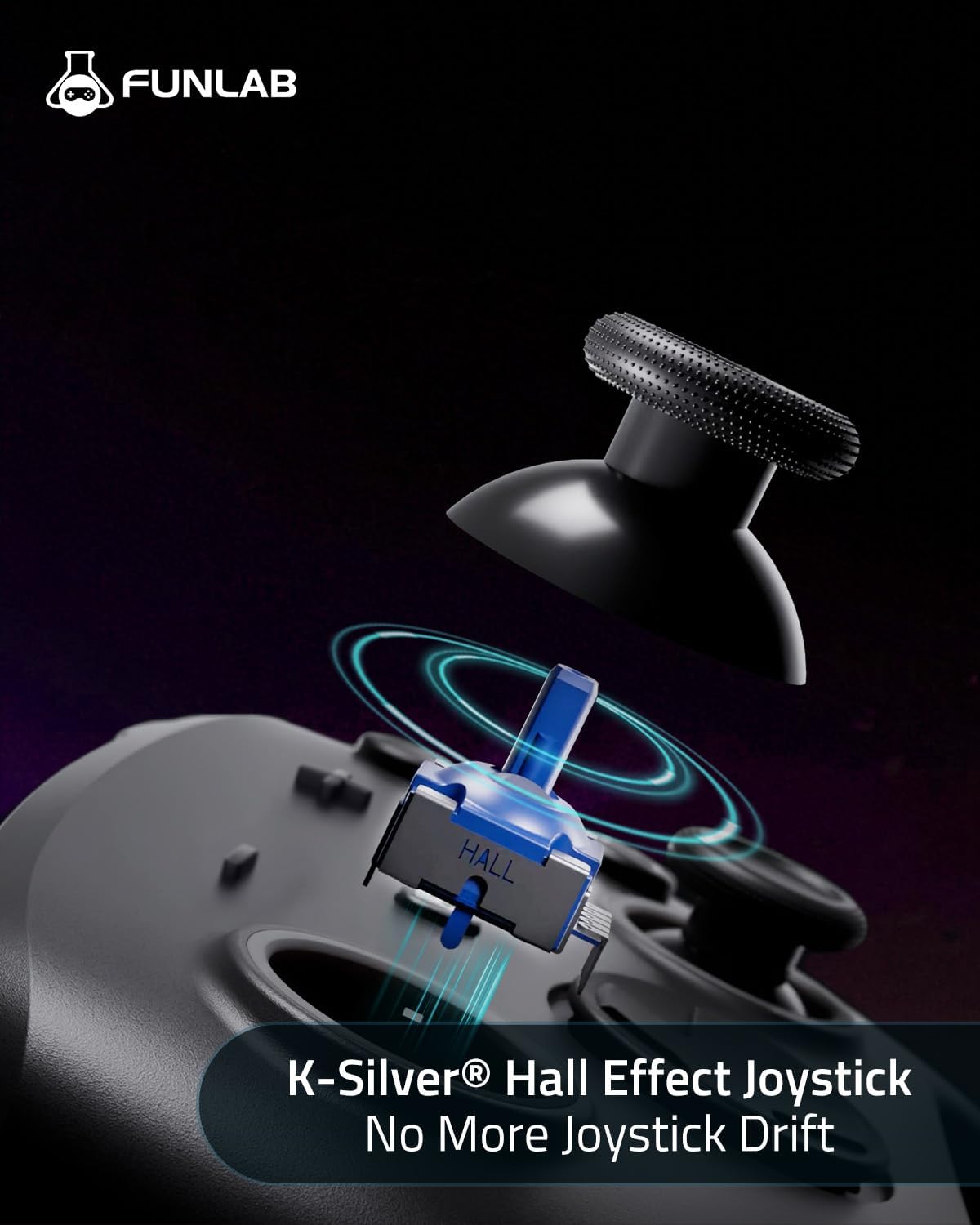
The Hall effect joystick is the core value proposition. On paper, Hall effect sensors are designed to improve precision and keep control feeling steady over time because they avoid mechanical wear you’d get from traditional mechanical approaches. For you, the real question is whether you play in a way that benefits from fine aiming and smooth stick movement—if you do, this is the feature you’d be buying for.
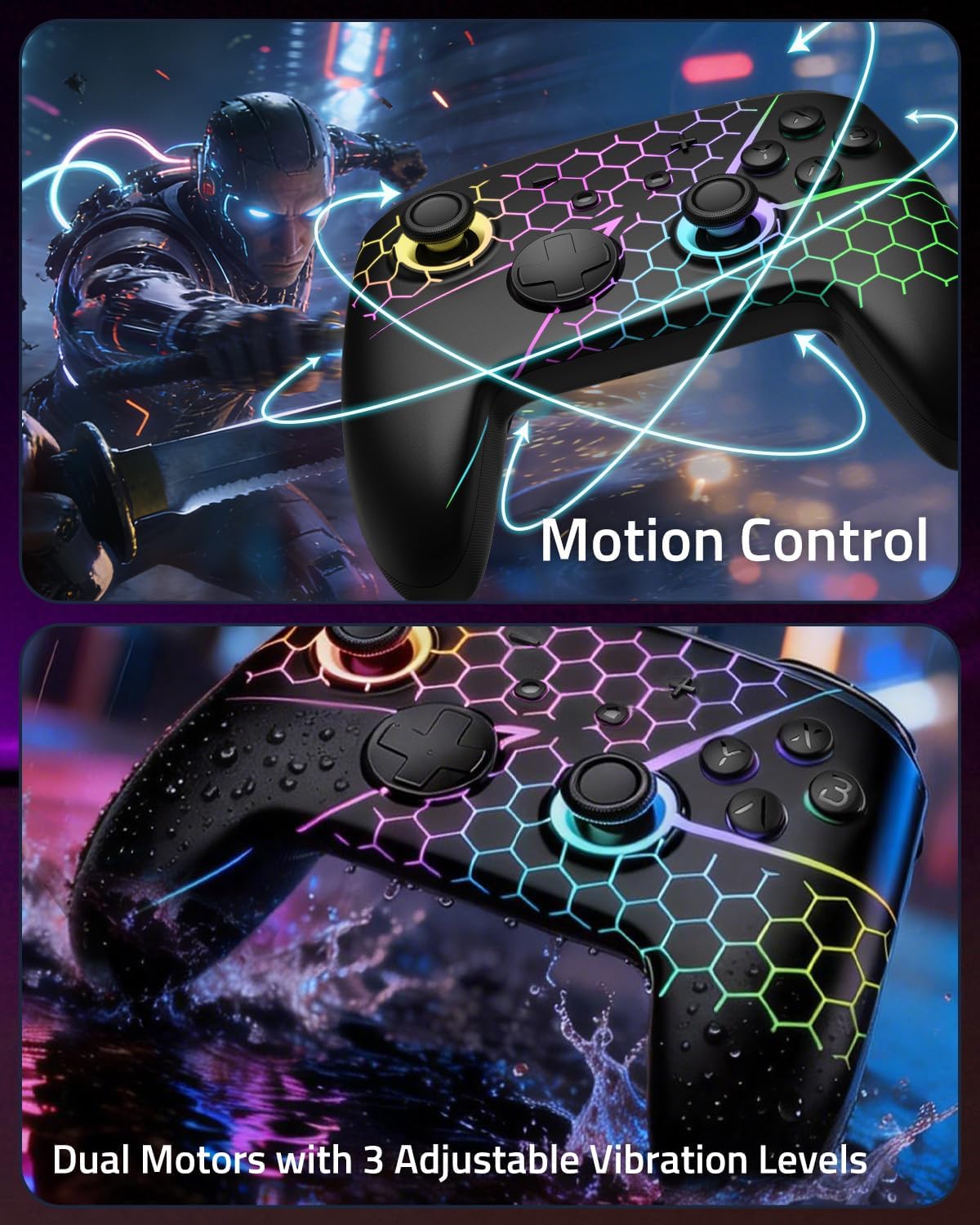
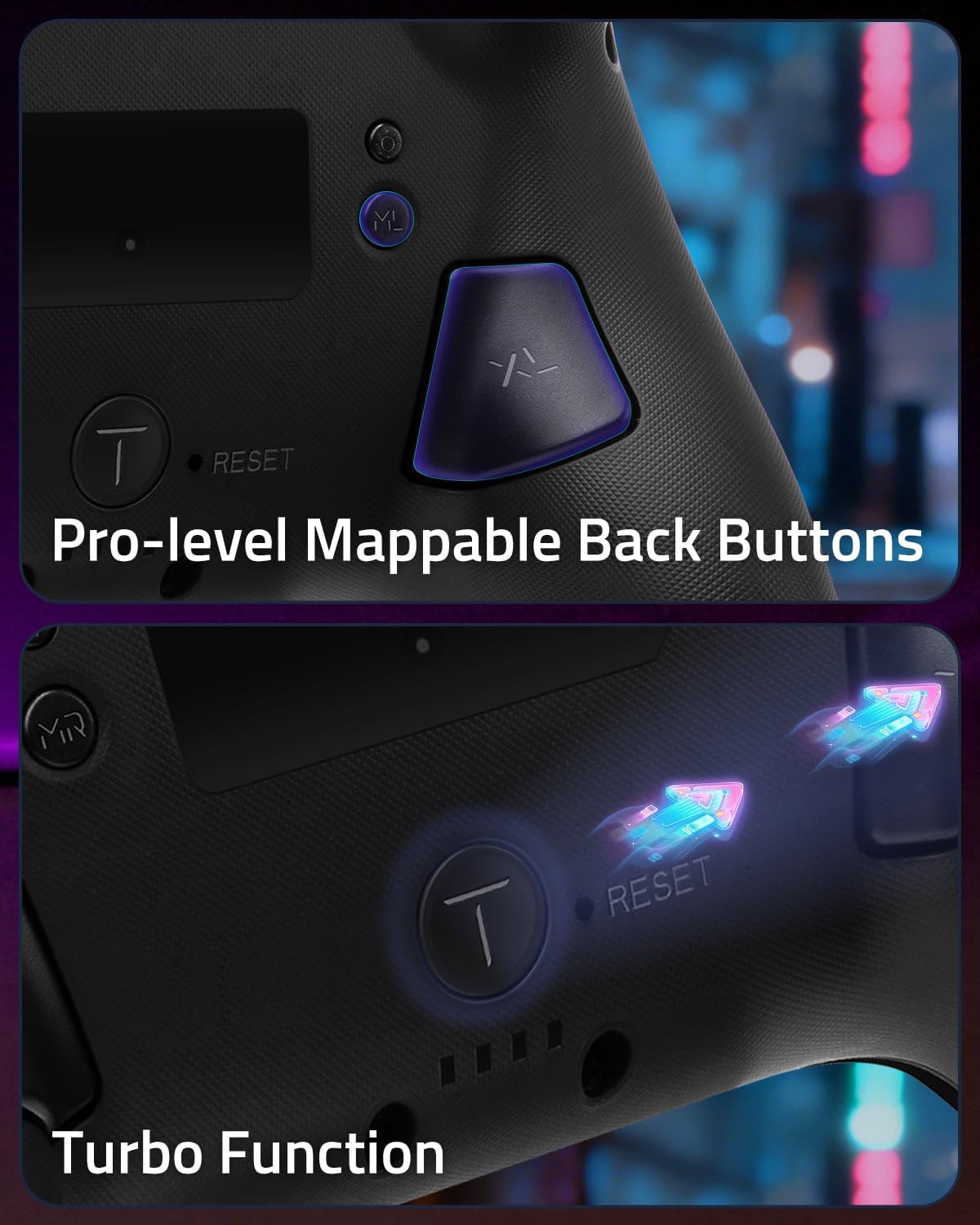
The motion control and turbo function extend what you can do beyond standard button presses. Motion sensing can be useful in games that support it, while turbo is there for continuous actions—so for titles built around rapid firing, repeated launches, or repeated triggers, it could feel like a convenience rather than a gimmick.
There are also back paddle buttons, which the listing says can be edited and defined. That’s a big deal for players who like mapping frequently used actions to the rear for faster access.
Hidden-til-lit display and lighting modes
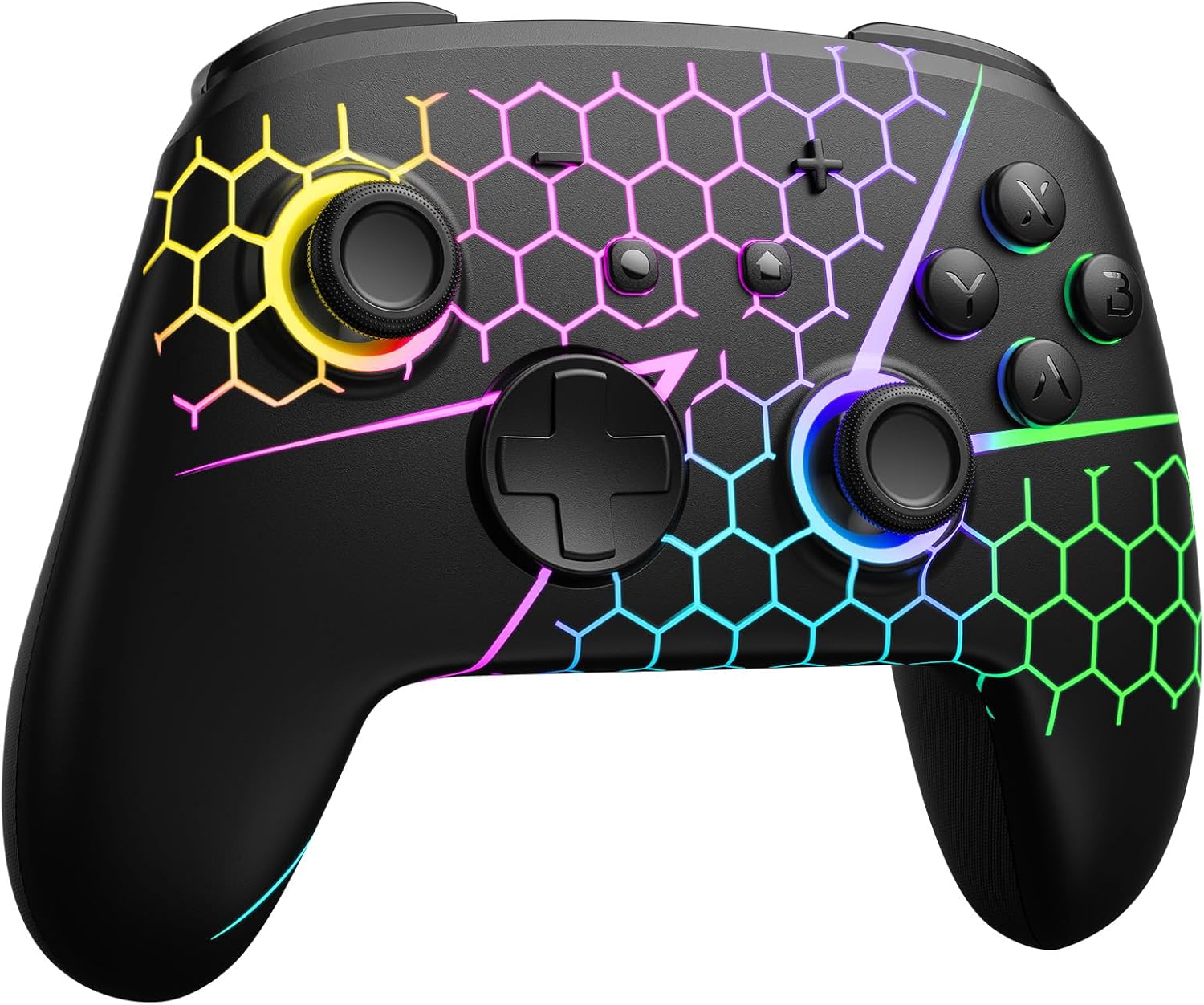
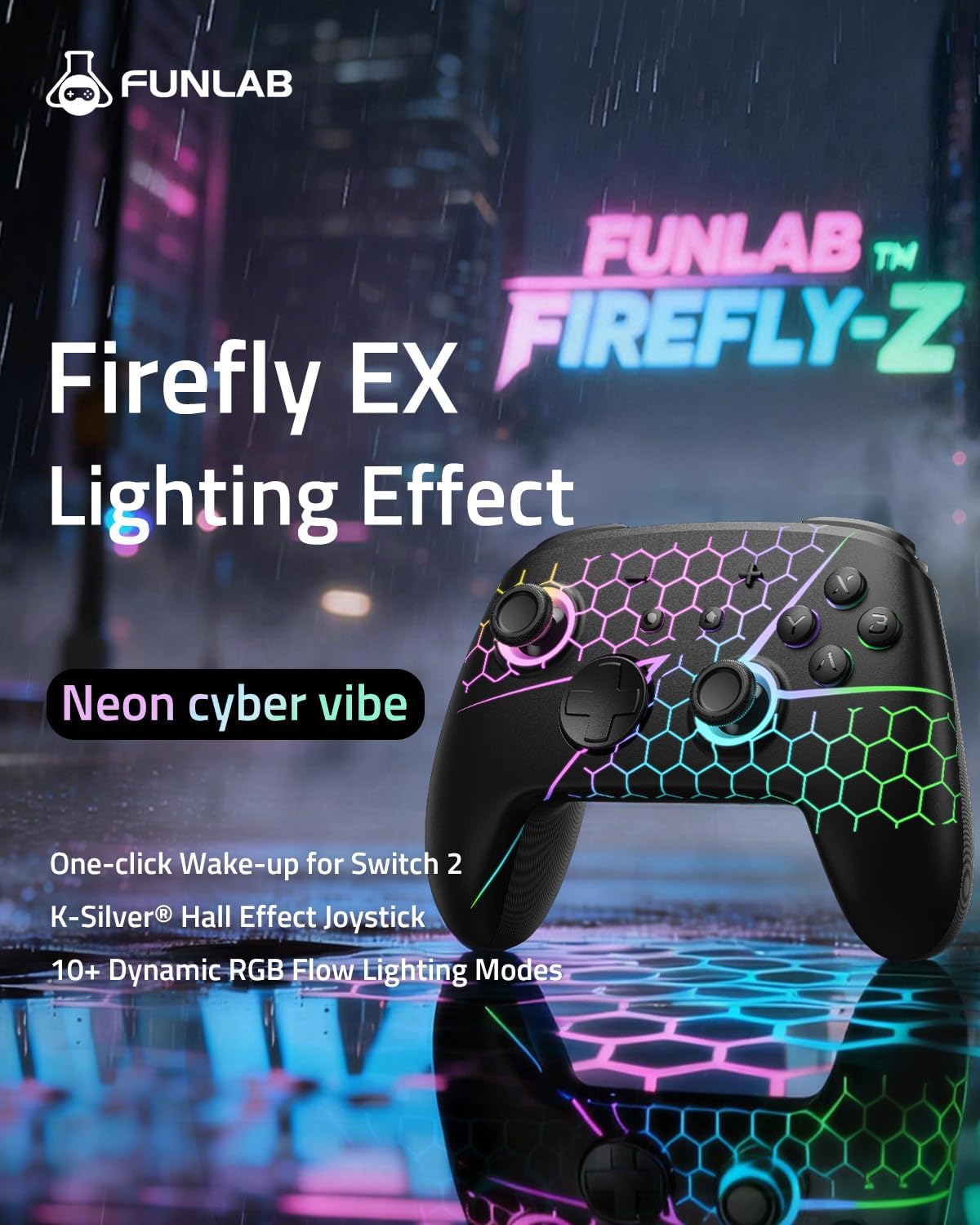
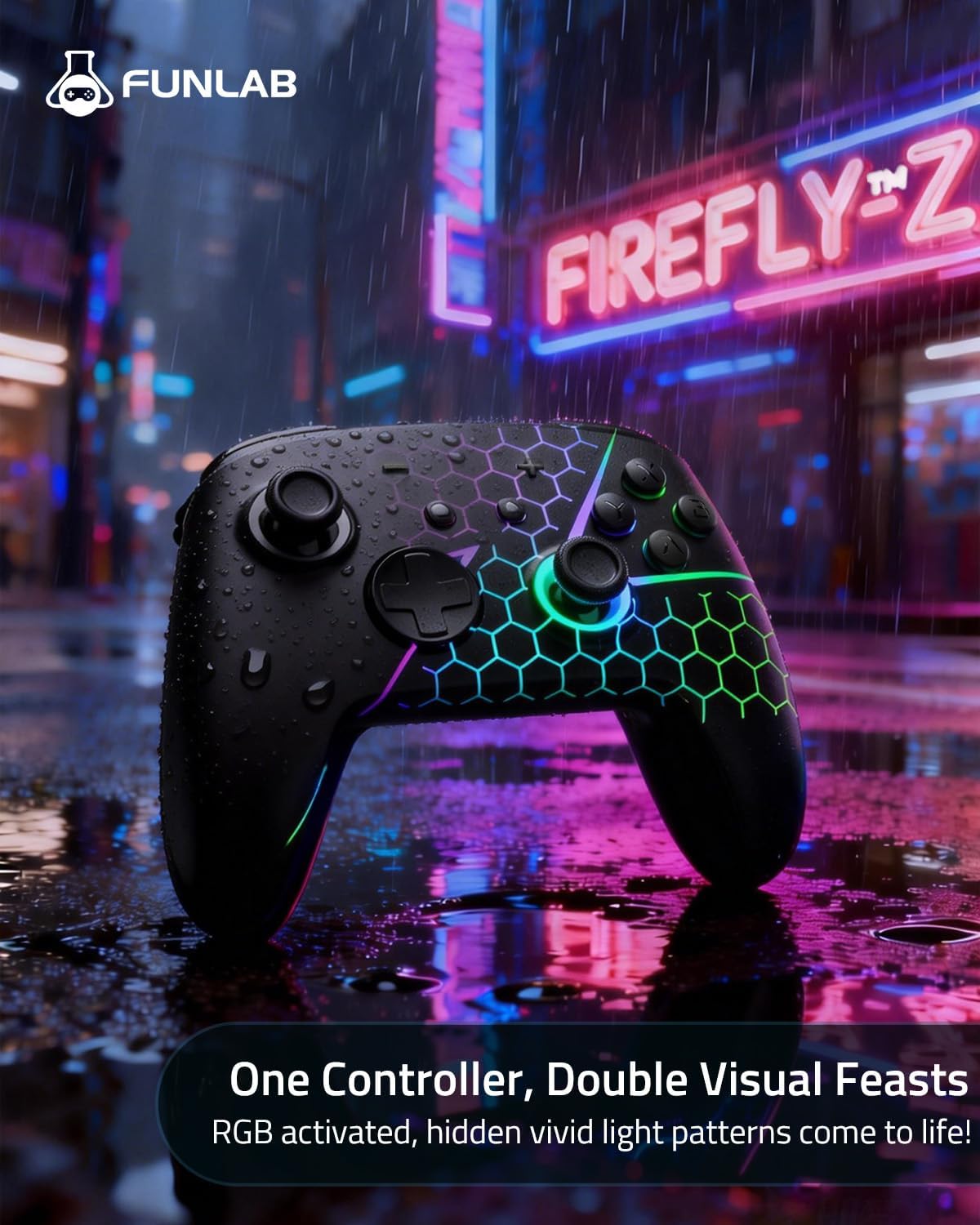
This controller’s design includes a hidden pattern that lights up when the LED is active, staying as a pure black look when inactive. If aesthetics matter to you, it’s more interesting than a plain controller shell.
For the lighting itself, it offers 7 RGB colours and 4 lighting modes: breathing light mode, quick flash mode, vibration lighting mode, and always-on mode. You can cycle colours with the Light button, according to the listing.
Do note one limitation: if you’re sensitive to visual noise, “always-on” and flash modes might become something you’ll want to avoid or disable—depending on how your setup looks in a dark room.
Tech specs (as described by the listing)
- Name: Funlab Switch 2 Pro Controller for Switch2/OLED
- Type: Wireless Hall Effect Switch controller with motion control, turbo, programmable back buttons, and RGB lighting
- Joystick: Hall effect sensors
- LED colours: 7 RGB colours
- Lighting modes: breathing light, quick flash, vibration lighting, always-on
- Functions mentioned: sensing motion control, turbo function, back paddle buttons that can be edited/defined, one-key wake up
What to check before you buy
A few things are worth confirming because the listing is feature-focused rather than “checklist” focused.
First, make sure the wake-up behaviour is genuinely what you expect on your Switch 2 / OLED setup. The listing frames it as compatible with Switch 2 and says you should follow a tutorial video found in the listing—so don’t assume it’s fully plug-and-play without setup.
Second, if motion control is part of your play style, double-check that the games you play actually support it. The controller can do it, but it only matters if your games use it.
Third, turbo and rear button mapping can change your feel quite a bit. It’s not perfect for everyone, if you prefer simple, default mappings and you don’t like tinkering, you might not make much use of the extra controls.
Best use cases (and where it may not suit)
It’s likely a strong fit if you play competitive games where stick precision matters and you want faster access to key actions via back buttons. It also makes sense if you regularly use motion control features and if turbo-style repeating inputs would remove friction in specific game types.
However, it may not be a great match if you mainly play casual titles and prefer a straightforward controller you won’t customise. Also, if you dislike lighting effects, even though there’s a “hidden pattern lights up” behaviour rather than constant glow by default, the presence of always-on and flash modes means you’ll want to be comfortable managing the lighting settings.
Is it worth it?
Worth considering if you want a Switch 2 / OLED pro-style wireless controller built around Hall effect stick sensors, programmable back paddle buttons, and extra tools like motion control and turbo. The hidden-til-lit design and 7 colour lighting modes add character, and the one-click wake up is the sort of small convenience that can genuinely help during regular sessions.
You may want to skip it if you’re looking for a no-setup, no-customisation controller experience, or if lighting effects would distract you. In general, it feels more like a feature-led controller for players who’ll actually use those extra options, rather than a safe “grab and forget” choice.
Mini FAQ
Does the controller include a one-click wake up feature?
The listing says it supports one-click wake up for Switch 2 and references a tutorial video in the listing.
What makes the sticks different here?
It uses Hall effect sensors for precise and sensitive control, and the listing suggests this helps reduce mechanical wear for stable performance.
How many lighting colours and modes are there?
It offers 7 LED colours and 4 lighting modes: breathing, quick flash, vibration lighting, and always-on.
Are the back paddle buttons programmable?
Yes—the listing says the wireless controller can edit and define some buttons to meet different play needs.
Is turbo supported for continuous actions?
The listing says the controller is equipped with a turbo function that supports continuous launch, particularly for game types like shooting and flying.