

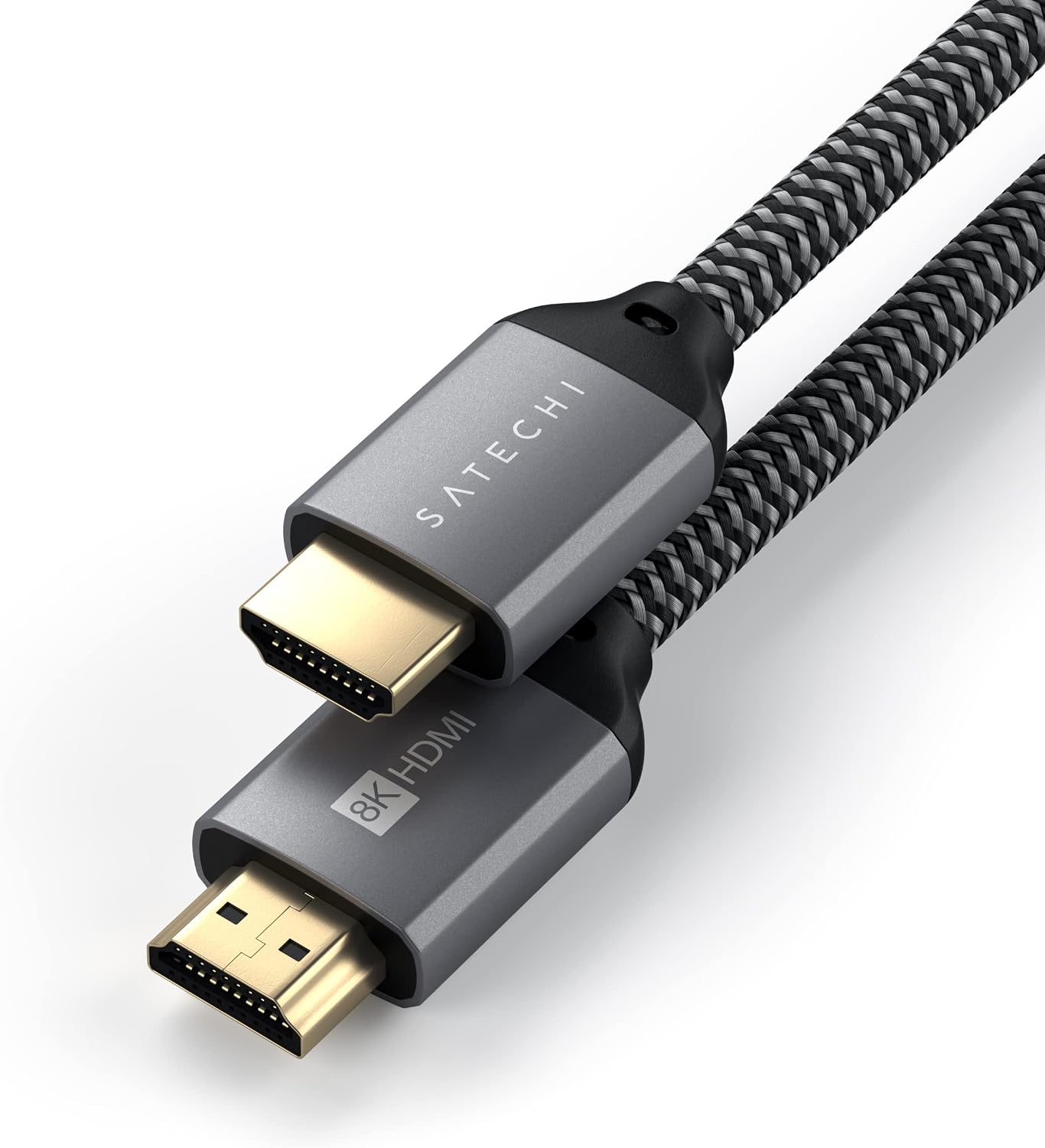
Satechi 8K HDMI 2.1 Cable (48Gbps) for iMac, Mac mini, iPad and Windows devices
Product description
The essentials
If you’re trying to get sharper, more detailed video output over a single HDMI lead, this Satechi 8K HDMI 2.1 Cable is built for exactly that kind of “clean signal” setup. On paper, it’s aiming at modern displays with support for 8K @ 60Hz and 4K @ 120Hz, plus a stated 48Gbps bandwidth.
That’s useful if you do mixed work and entertainment—editing, streaming, or connecting a laptop/console to a bigger screen. But it’s also one of those products where the headline refresh rates aren’t always something you’ll personally unlock, because refresh-rate support can depend heavily on the host device (and not every Mac over HDMI will behave the same way).
What stands out in everyday use
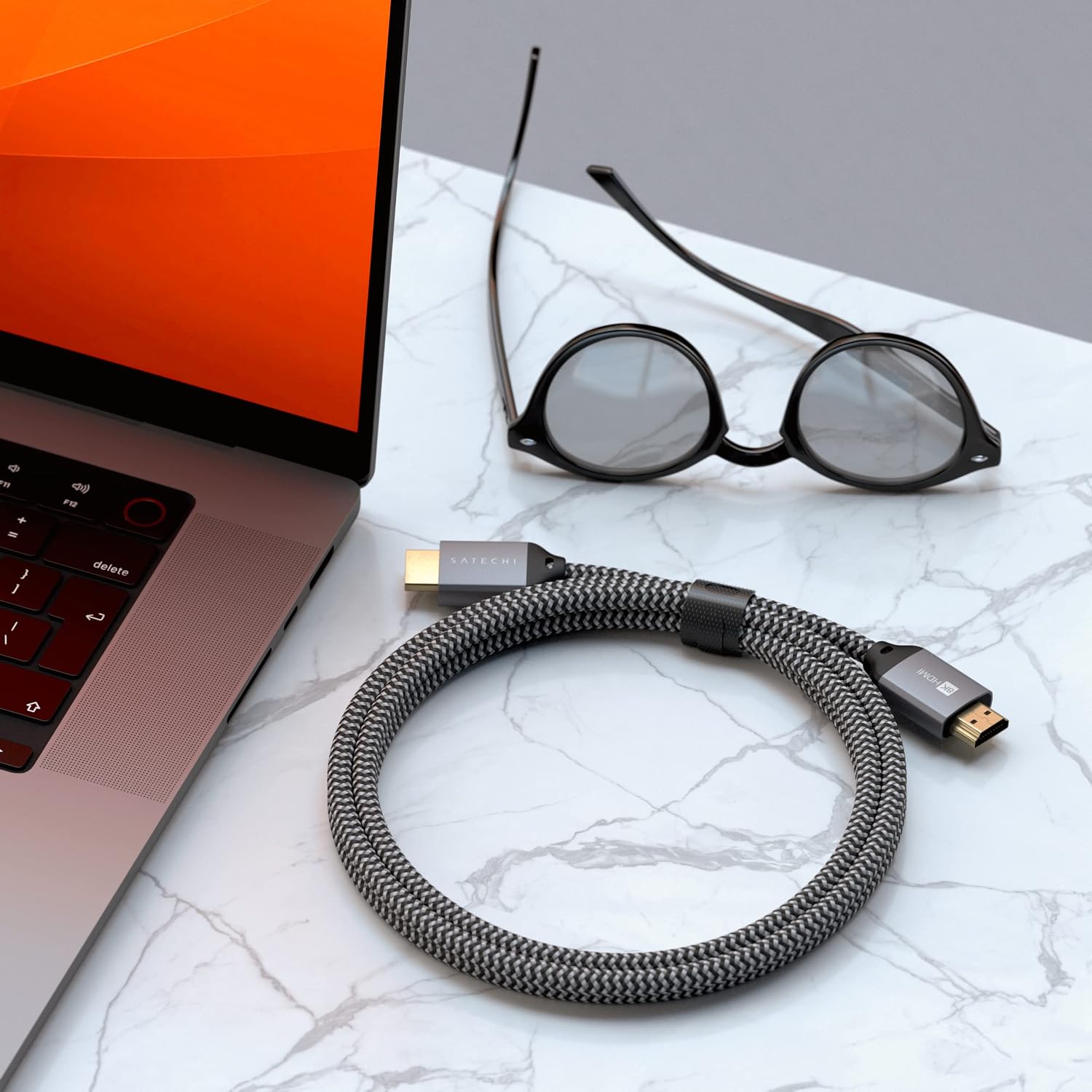
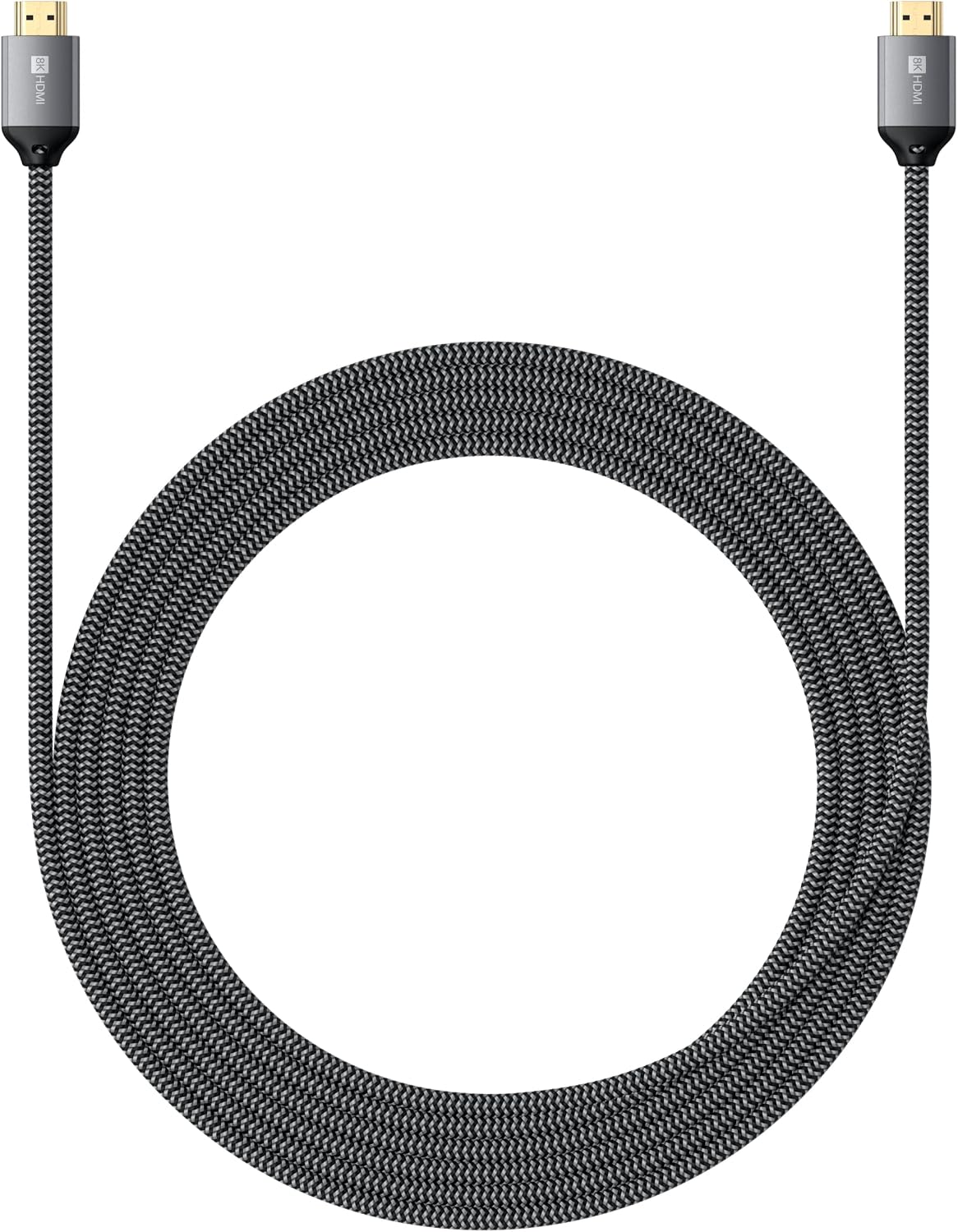
The most practical win here is the cable’s build and handling. It’s described as having a premium braided nylon construction intended to resist breakage and tangles, and it comes with a Velcro strap so you can keep things neat when you’re not using it. That matters if you’re the sort of person who moves kit around—work desk to TV, laptop to projector, and back again.
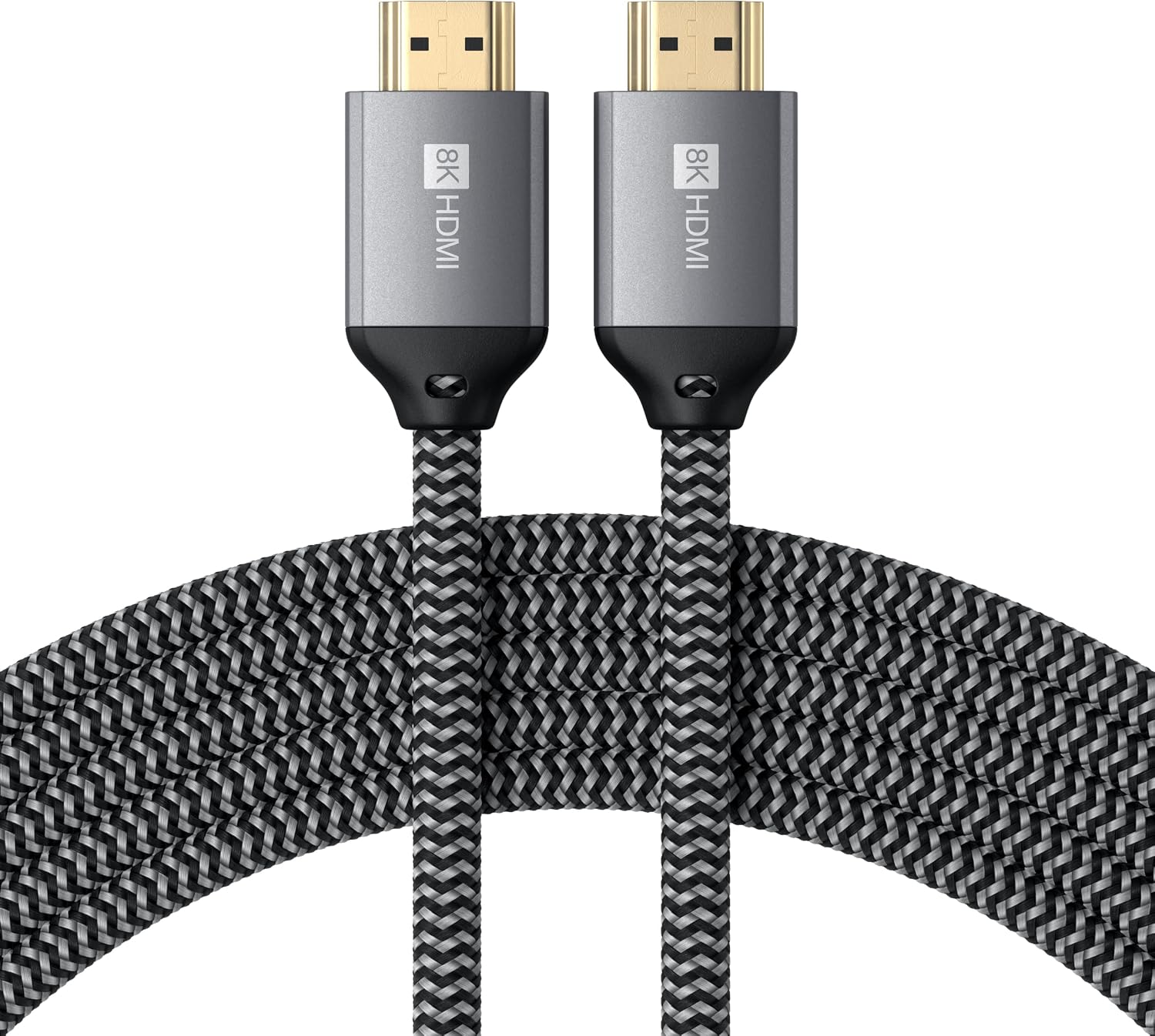
The “real world” difference is usually felt in two places: fewer annoying cable tangles and less worry when you’re packing and unpacking regularly. It’s not the kind of upgrade you notice on day one like a new monitor is, but it can make the setup feel less fragile.
Display support and the limits you should know
This cable supports 8K @ 60Hz and 4K @ 120Hz, but there are important device-side limitations mentioned in the description.
- Certain Intel-based Macs and some M1–M3 MacBook models do not support refresh rates above 4K @ 60Hz over HDMI.
- macOS is noted as supporting up to 4K @ 60Hz in general in the provided text.
- MacBook Air is specifically called out as supporting only 60Hz over HDMI, with the note that the adapter only supports 60Hz for this device.
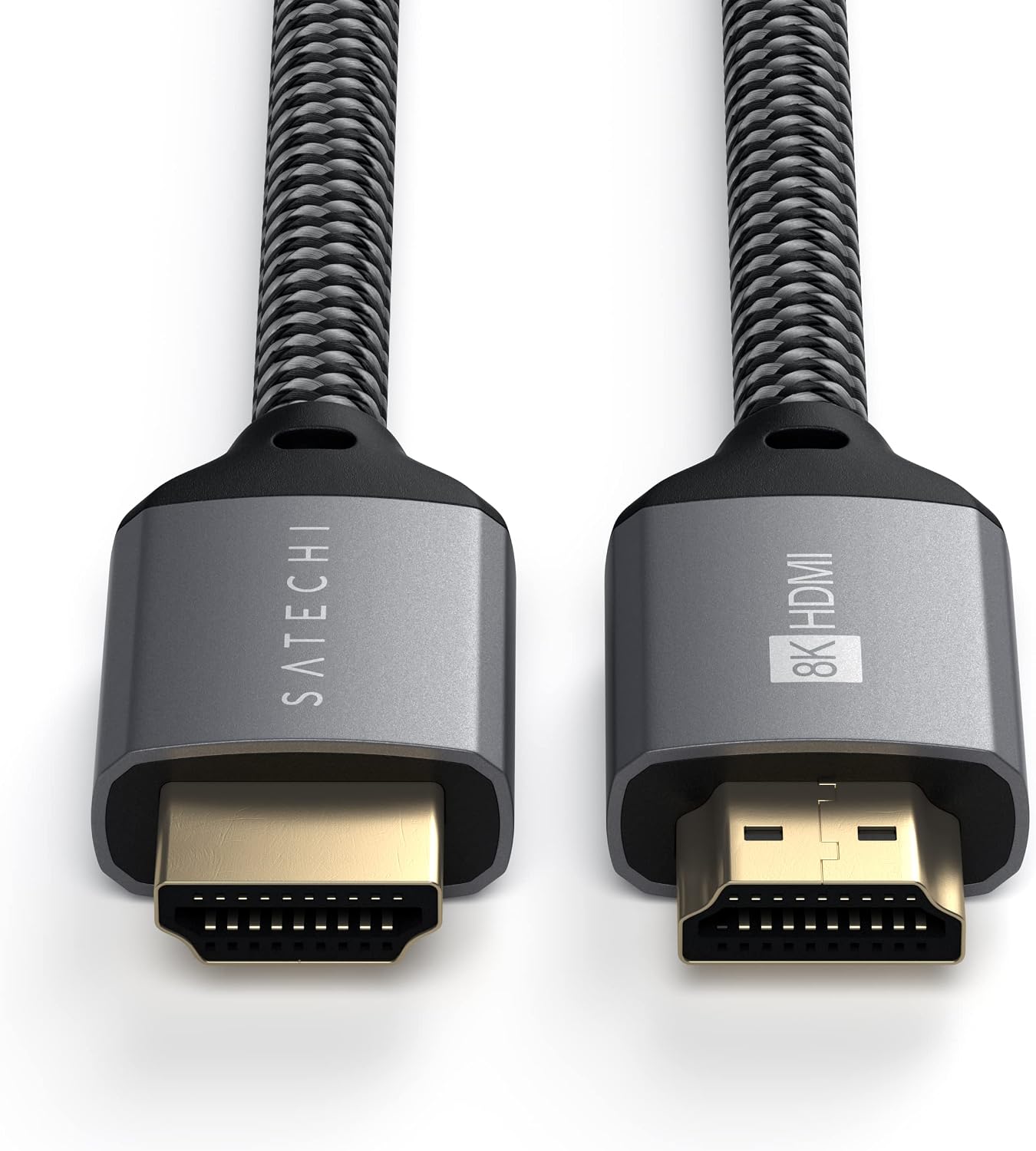
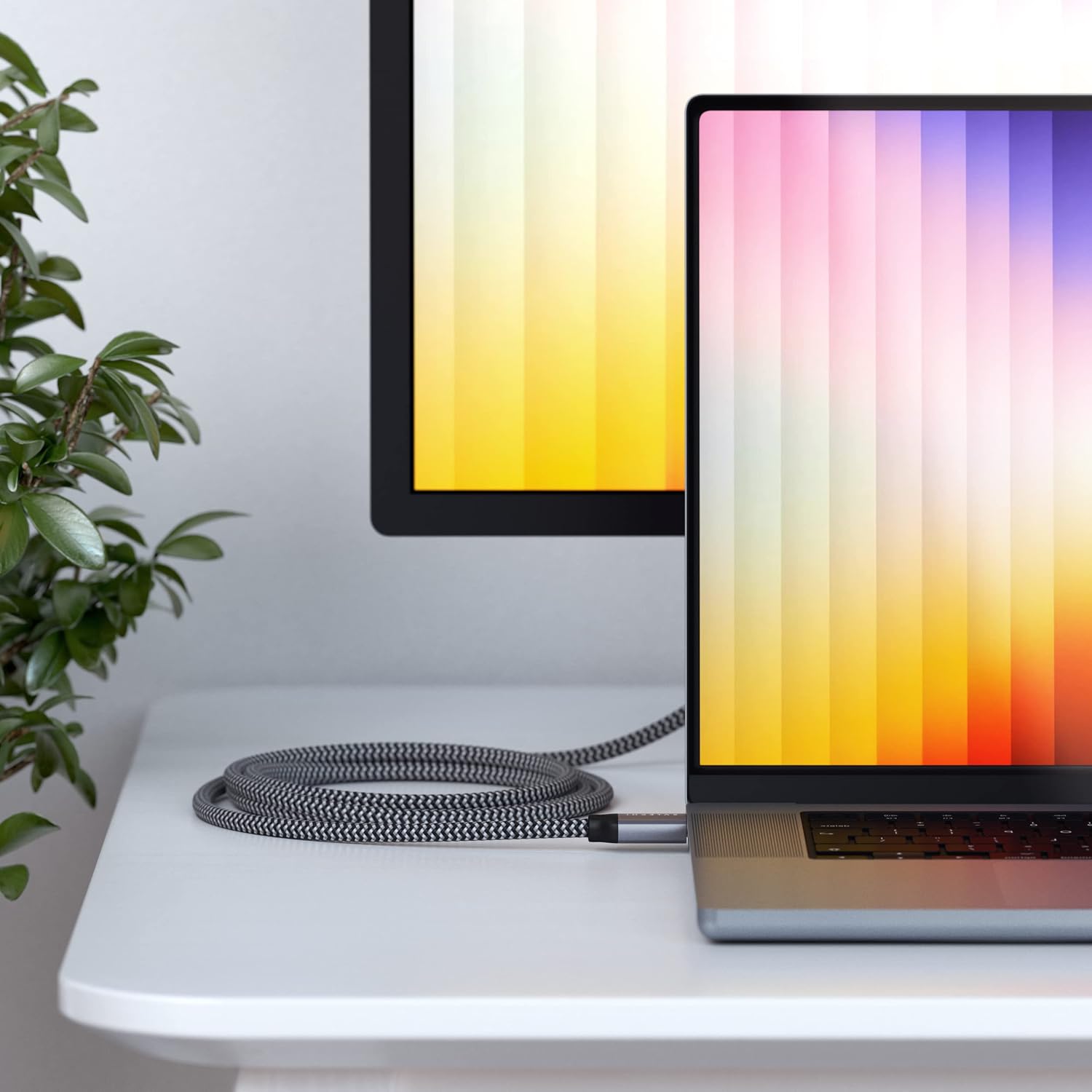
So while the cable itself is specified for higher refresh rates, you should plan around what your computer and adapter chain will actually allow. It’s worth treating the “8K and 4K high refresh” figures as capabilities the cable can carry, then verifying what your device will output.
Compatibility: where it fits best
The product is positioned for broad use. The description lists compatibility with a wide range of devices and setups, including Apple TV, Fire TV, QLED TV, 8K UHD TV, Roku, Blu-Ray players, gaming consoles, laptops, PCs, and projectors.
On the Apple side, it’s specifically referenced for iMac, Mac mini, MacBook Air (with the 60Hz note), and iPad Air and Pro. If you’re connecting a non-Mac source (or a Mac that can support the refresh rates you want), this cable’s spec makes more sense.
It’s a decent fit if you want one HDMI cable that can handle modern display ambitions without constantly swapping leads. It might be overkill if your current setup is limited to lower resolutions and standard refresh rates anyway.
What to check before you buy
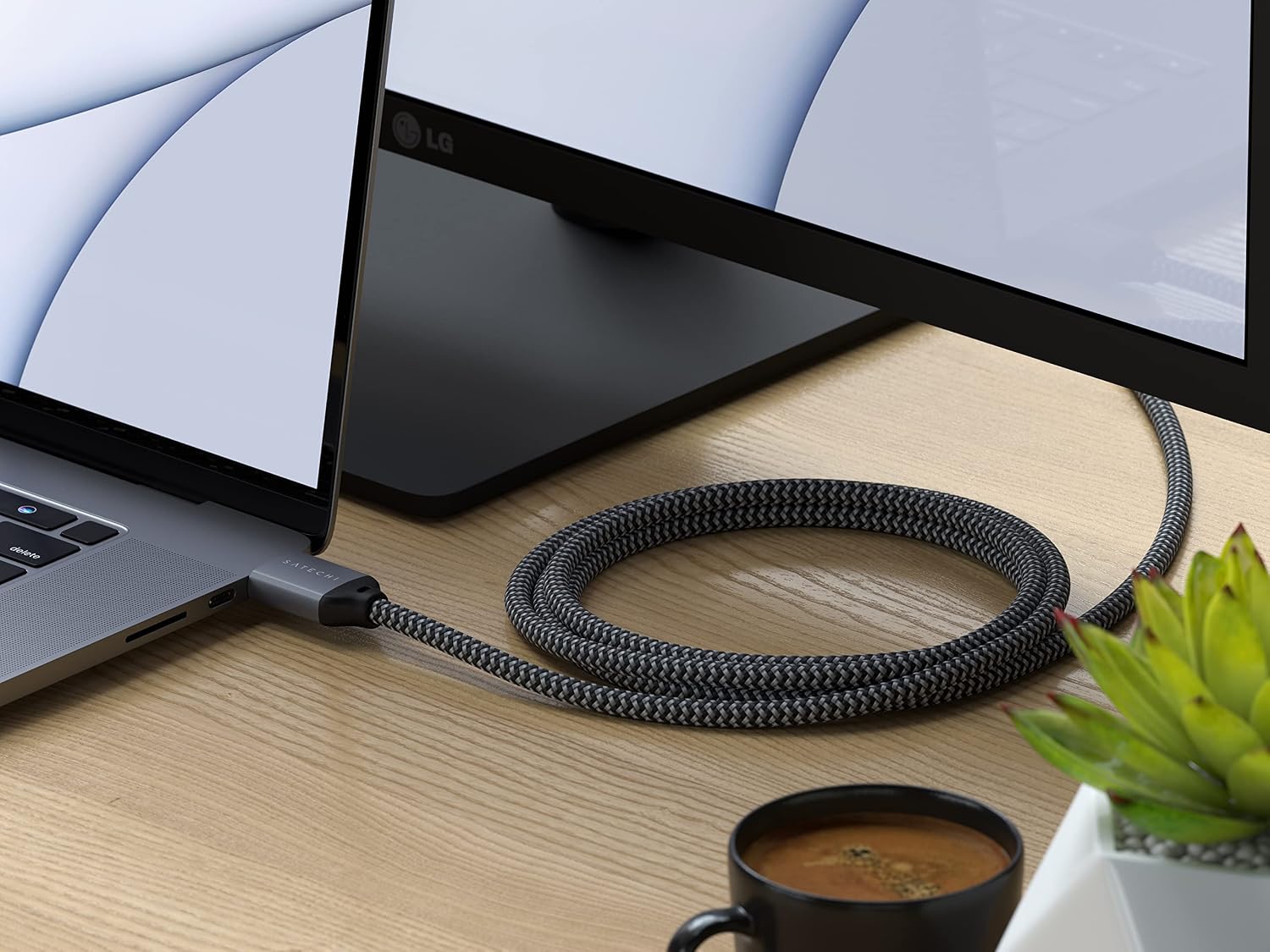
Before purchasing, there are a few things worth confirming so you don’t end up chasing a refresh rate your device won’t provide.
First, check what your specific device supports over HDMI—especially if you’re using an Intel-based Mac or an M1–M3 MacBook, or a MacBook Air. The provided guidance is clear that this is a host-device limitation, not something the cable can override.
Second, confirm that your display supports the resolution and refresh rate you’re aiming for. The cable can only deliver what the screen can accept.
And finally, make sure you’re using the right HDMI connection chain—if there’s an adapter involved, that can affect the maximum refresh rate too (the MacBook Air note makes this point directly).
What you get, and warranty expectations
The bundle described is straightforward: you receive a user manual for installation, plus prompt customer service. There’s also a 2-year limited warranty against defects in materials and workmanship under normal use.
One small “don’t expect miracles” note: the cable can’t fix incompatibilities caused by your source device or display. If your setup caps out at 4K @ 60Hz on macOS, you’ll still get a clean connection, just not the higher refresh behaviour you might read in the headline specs.
Mini FAQ
Frequently asked questions
Does this cable guarantee 8K @ 60Hz on every device?
No. Even though the cable is specified for 8K @ 60Hz and 4K @ 120Hz, the description highlights that some Macs (and MacBook Air specifically) won’t support refresh rates above certain limits over HDMI.
Why might I only see 4K at 60Hz on macOS?
The provided information says this is due to limitations of the host device and macOS HDMI refresh support, not the cable, hub, or adapter.
Will it work for consoles and streaming boxes?
It’s described as compatible with a range of streaming devices and consoles (plus Blu-Ray players and TVs), so it’s aimed at this kind of home entertainment wiring.
Is the braided nylon design actually useful?
On a practical level, it’s intended to reduce breakage and tangles, and the included Velcro strap is there to help keep storage tidy.
Should you buy it?
It’s a sensible purchase if you want a single HDMI lead that supports modern targets (8K @ 60Hz and 4K @ 120Hz) and you’re wiring up a TV, games console, or a compatible laptop to a display where higher refresh rates could be supported.
It may not be the best match if your main source is a Mac model the description flags as limited over HDMI (for example, Intel-based Macs and certain M1–M3 MacBooks for higher refresh rates, or MacBook Air with only 60Hz). In that scenario, you might still get a working connection, but you’re unlikely to unlock the headline refresh-rate benefits.
Worth considering if you prioritise cable durability and tidy storage as much as you do the display spec—just make sure your device and screen can actually deliver the output you’re expecting.