

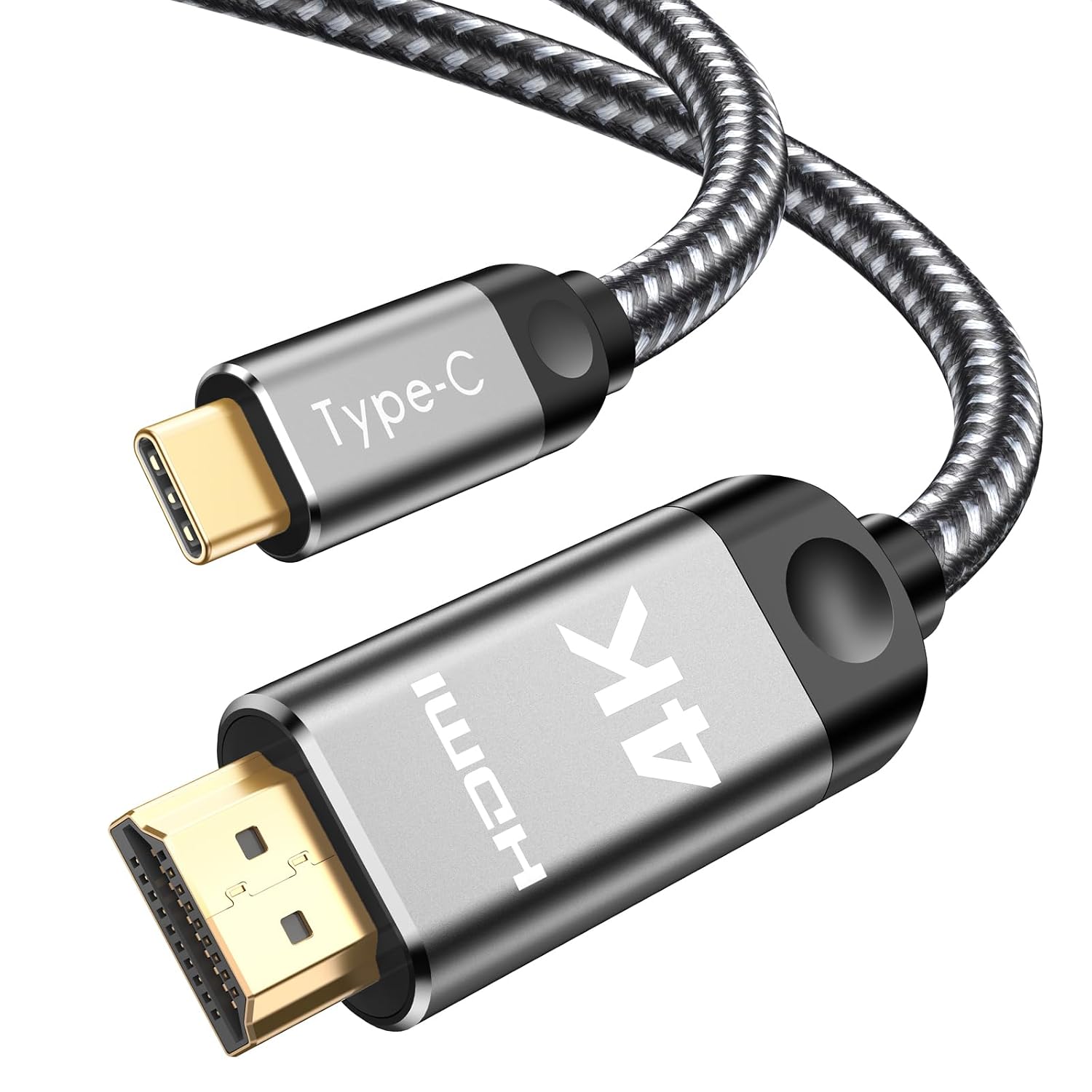
Southlight USB C to HDMI Cable 4K
Reviews
Price
Product description
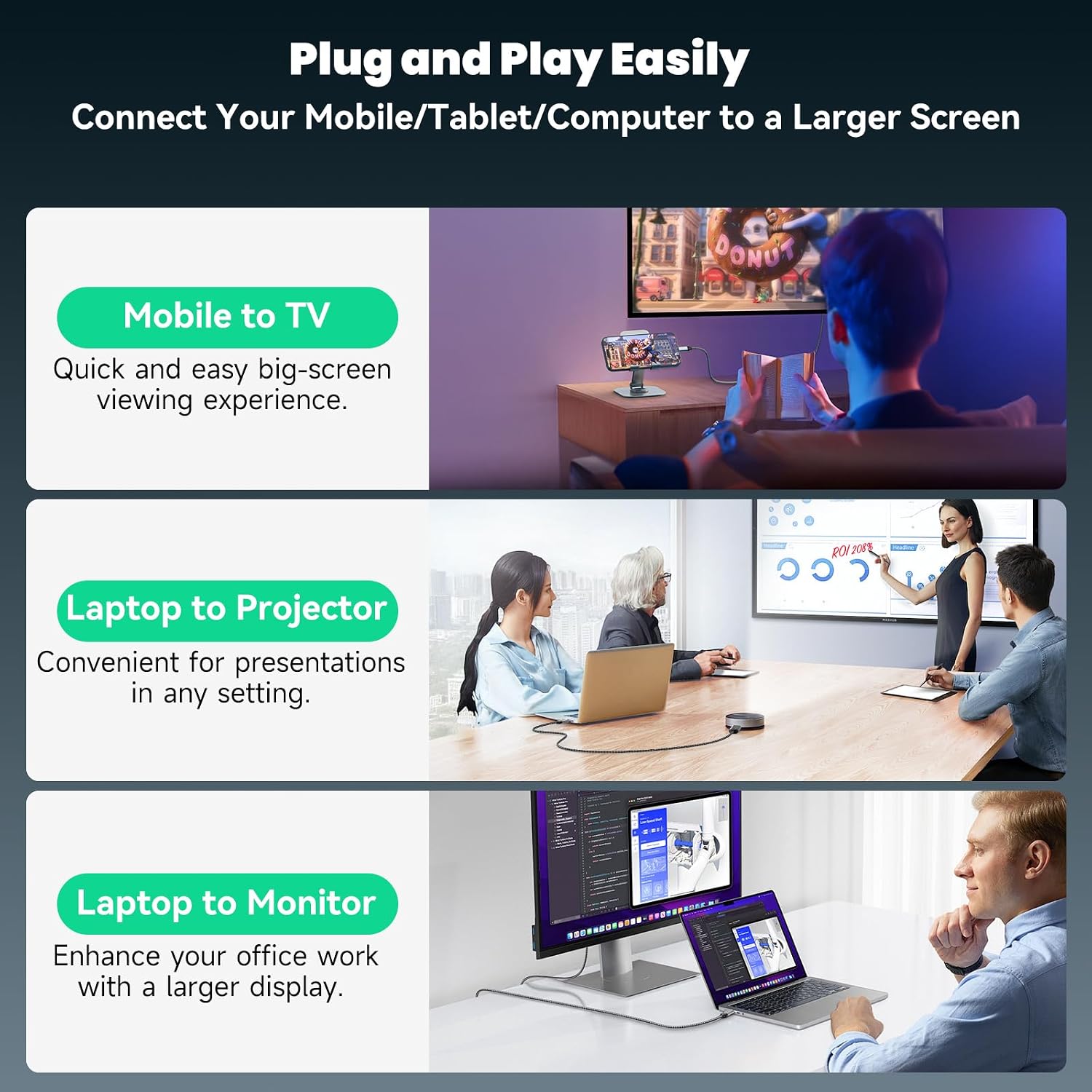
This USB-C to HDMI cable from Southlight connects laptops, tablets and compatible smartphones to larger displays while keeping a straightforward, plug-and-play approach. It supports crisp 4K@60Hz output for single-monitor setups, allowing you to mirror or extend your screen for presentations, streaming or extra desktop space with minimal fuss.
Key Points
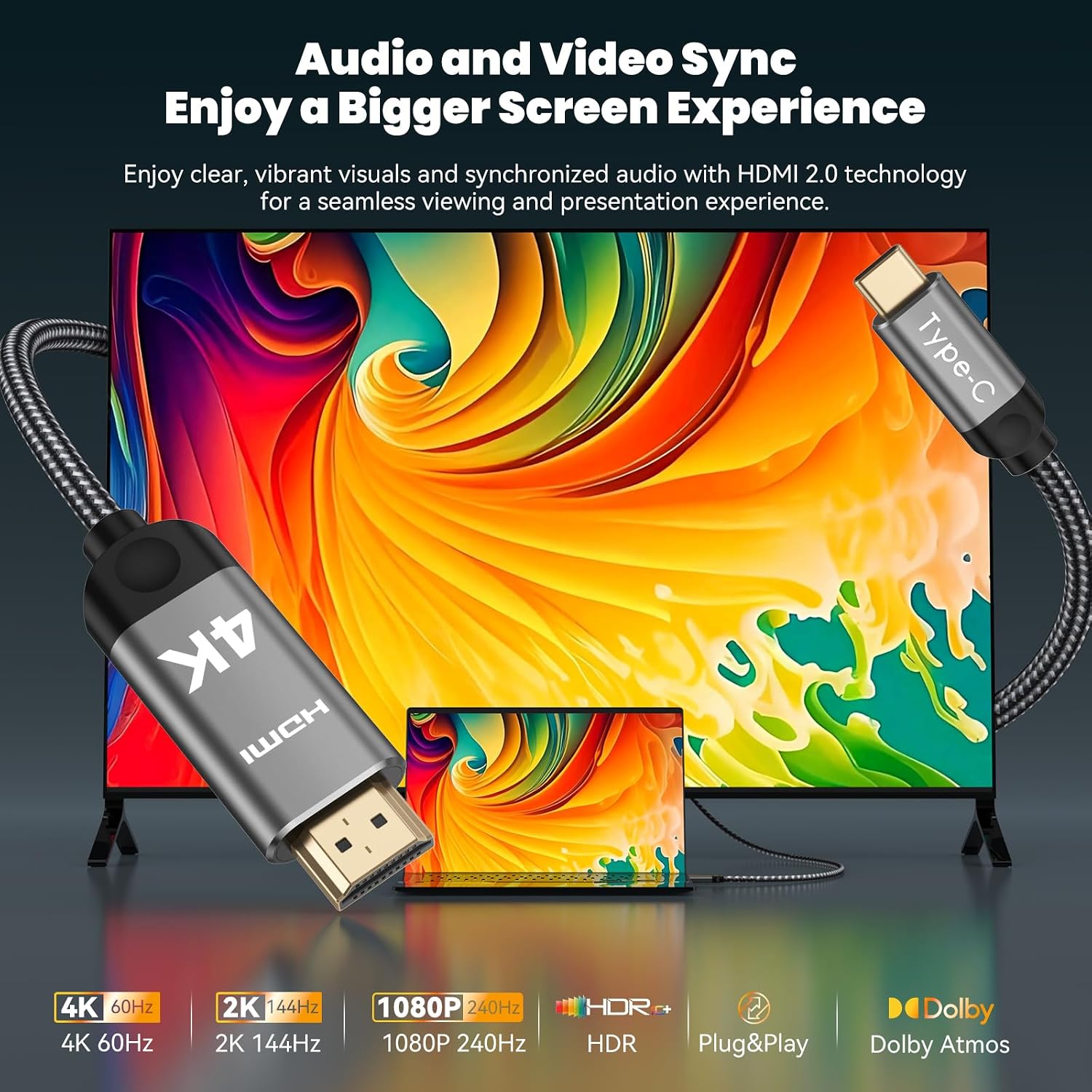
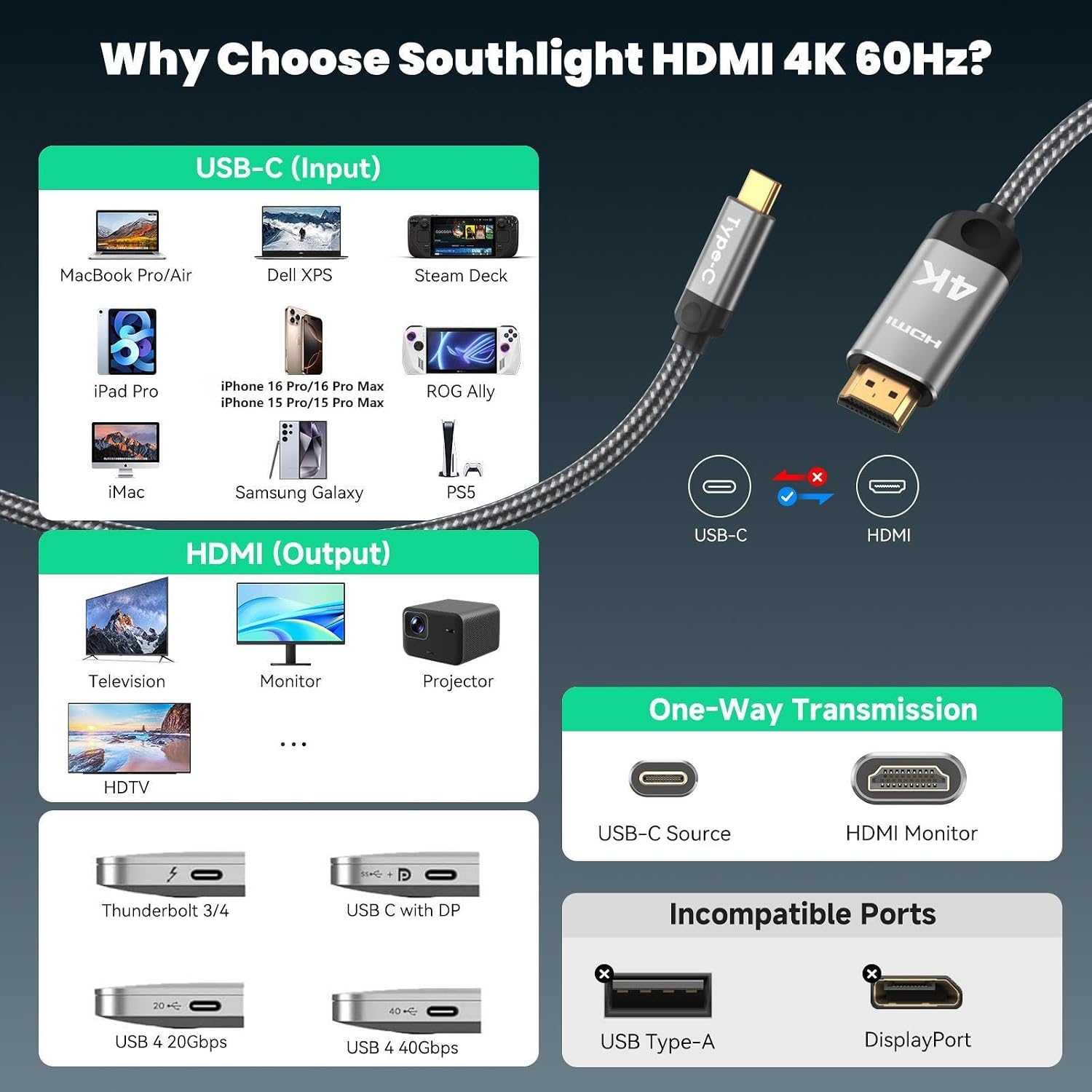
The cable delivers 4K@60Hz and is backward compatible with 1440p/2K@144Hz and 1080p@240Hz, according to the manufacturer. It is unidirectional and meant to carry video from a host device with a USB-C port that supports DisplayPort Alternate Mode to an HDMI display. It avoids driver installations and unstable wireless casting, which can be useful in meeting rooms and home offices. Note that dual-monitor output from a single USB-C port is not supported unless the host offers two compatible USB-C outputs or you use a multi‑video hub. 🔌
Technical Specifications
- Name: Southlight USB C to HDMI Cable
- Maximum resolution: 4K@60Hz
- Backward compatibility: 1440p/2K@144Hz, 1080p@240Hz
- Direction: Unidirectional, USB-C host to HDMI display
- Compatibility note: Requires DisplayPort Alt Mode on USB-C host
Usage Recommendations
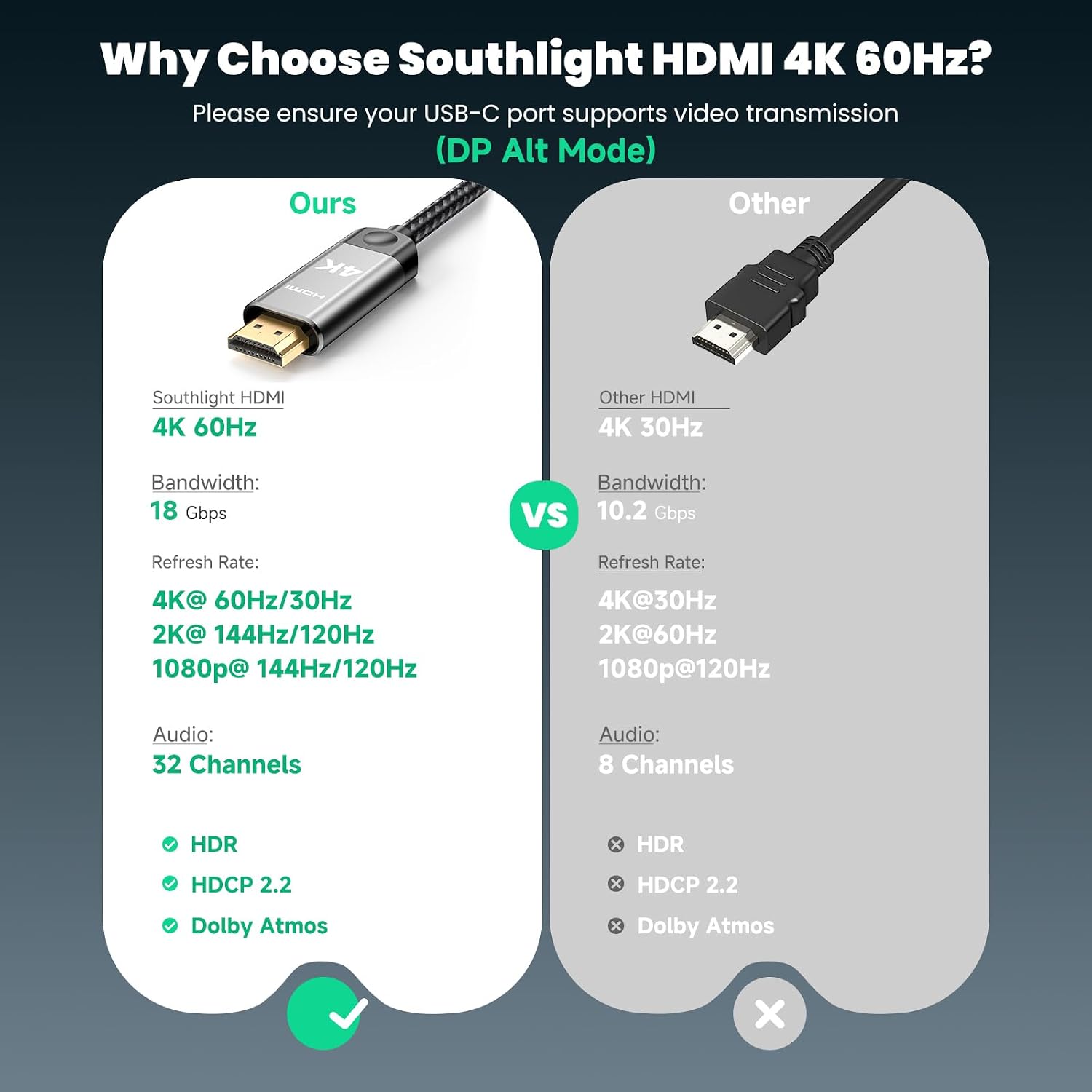

Use this cable when you need a reliable wired connection for video playback, presentations or extending your desktop to a monitor, TV or projector. It is suitable for devices that explicitly support DisplayPort Alt Mode over USB-C such as many recent MacBook Pro and Air models, iPad Pro (models with video output), certain Dell XPS machines and flagship Android phones that enable DP Alt Mode. For mobile recording or gaming capture at high frame rates, confirm the host device and target display support the chosen resolution and refresh rate. 🎯
Important Details
Some phones and tablets do not support video output over USB-C, so this cable will not enable HDMI on those devices. The manufacturer lists incompatibility with several models that lack DP Alt Mode, including many non‑Pro iPhone models and certain budget Android ranges. Consider that a Thunderbolt 3 or 4 port often supports this functionality, but not all USB-C ports do, according to the device specifications. ⚠️